3D Print Shader
 Jim Morren
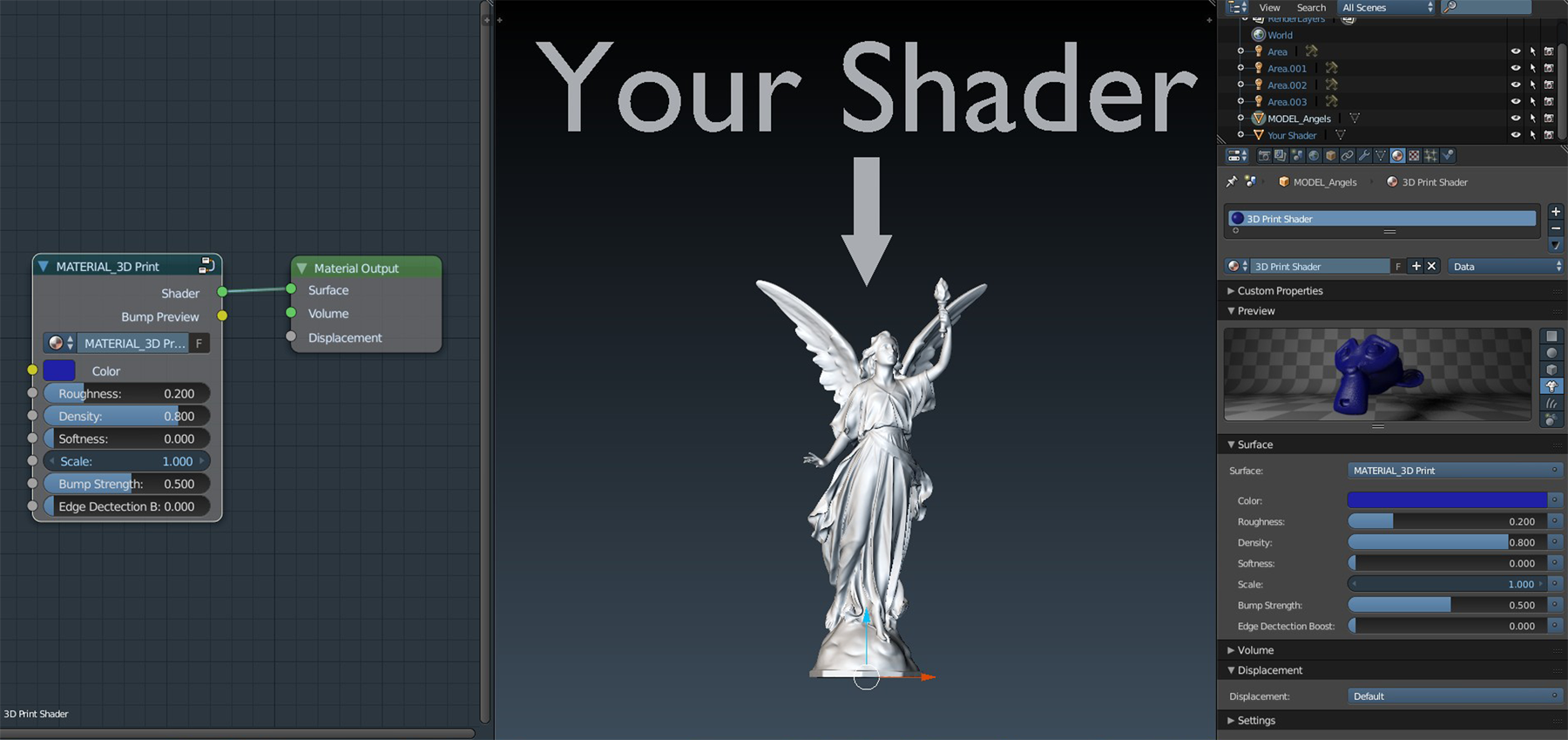
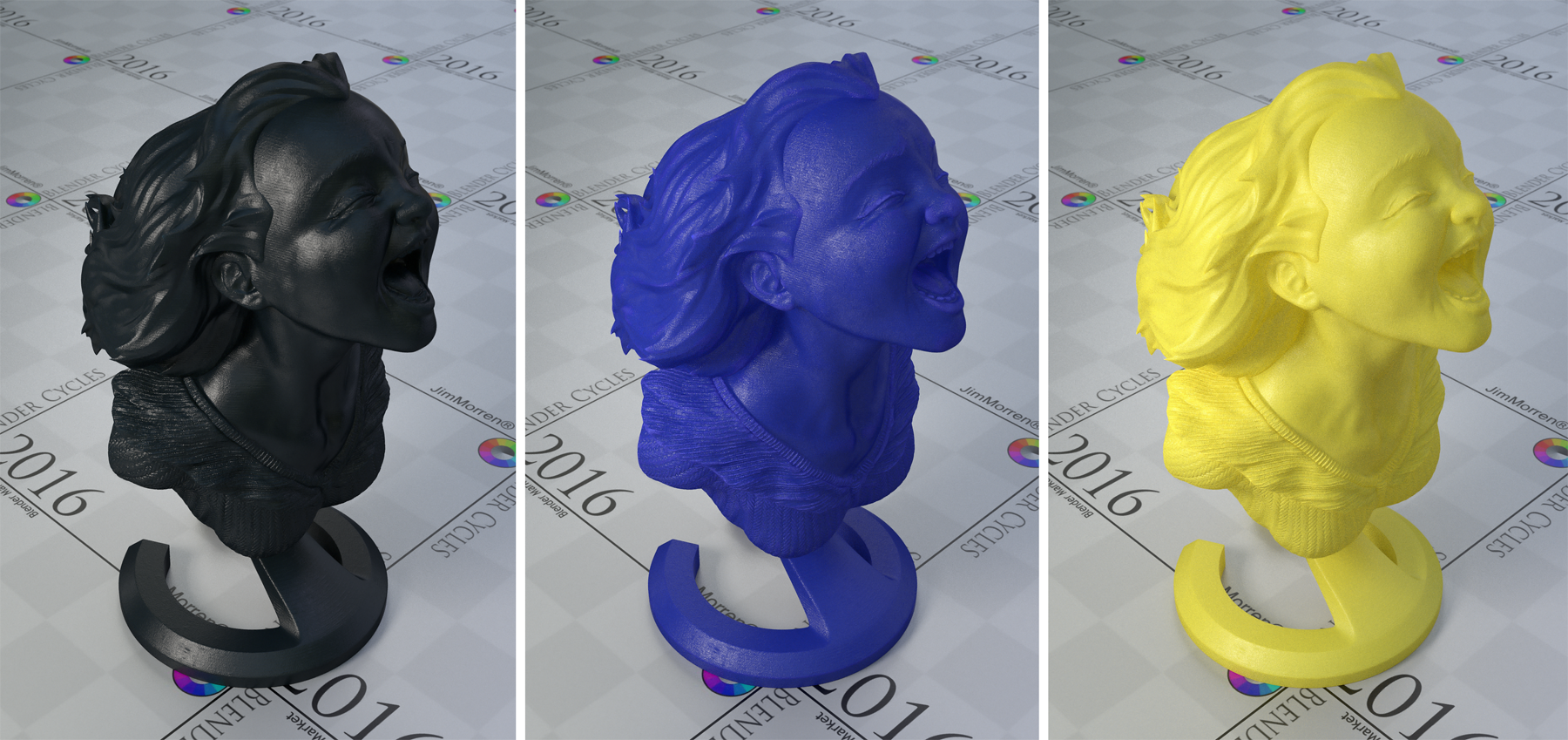
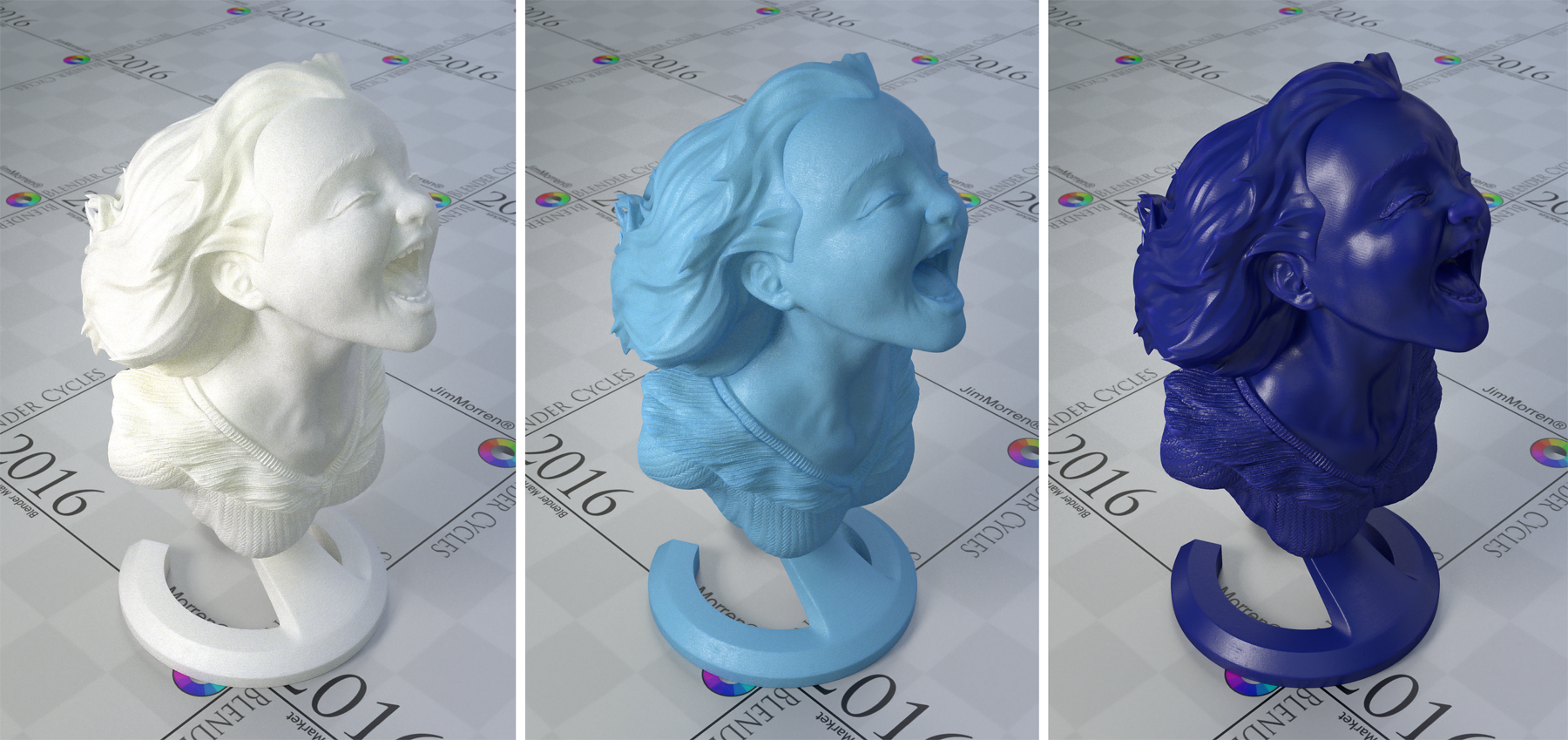
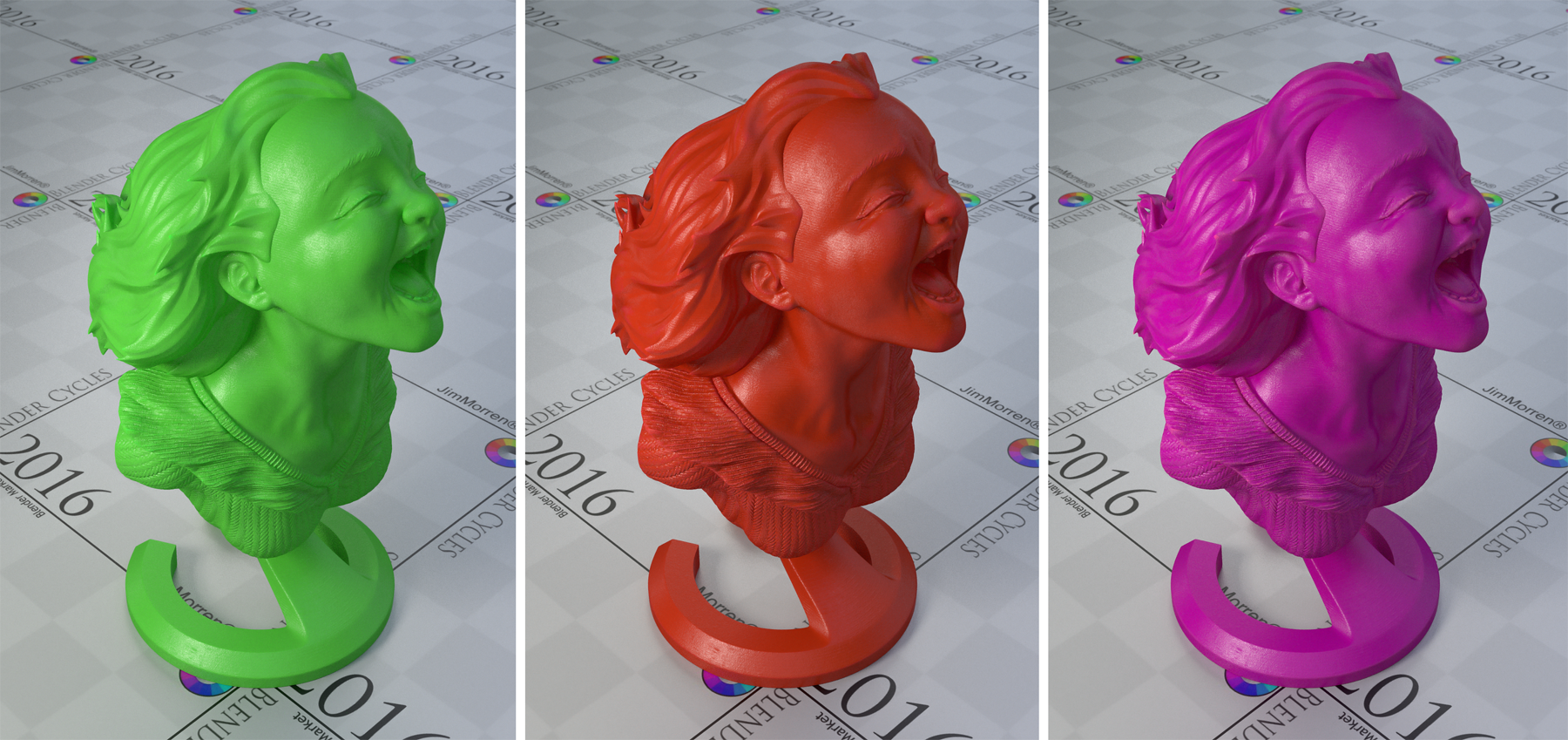
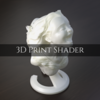
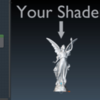
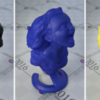
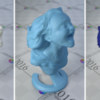
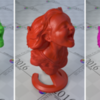
How To Use The Shader:

- Color: Controls the color
- Roughness: Controls the Roughness of the material
- Density: Controls the density/thickness of the material
- Softness: Controls the softness of the materials surface
- Scale: Controls the scale/size of the model/printing lines
- Bump Strength: Controls the bump strength
- Edge Detection Boost: Boosts the Detection of sharp edges (the higher you boost the more inaccurate)
How To Import The Shader Into You Scenes:
- Export the "3dprintshader.zip" to you desired location
- Open your own blender scene
- Append [Located in the 'FILE' tab on the Top Left]
- Go to your Extracted Folder
- Open the .blend file
- Go to 'Materials' and Select and Double Click '3D Print Shader'
- The Shader is now Imported to your Material Library
Happy Blending ;)
$1.95
Have questions about this product?
Login to message
| Sales | 60+ |
| Rating | 1 ratings |
| Dev Fund Contributor | |
| Published | over 10 years ago |
| Blender Version | 2.9, 2.83, 2.82, 2.81, 2.8, 2.7x, 2.79, 2.78, 2.77 |
| License | Royalty Free |
Discover more products like this
summer23 Shader summer24 jim morren summer27 bfcm25 spring22 bconf16 printing spring24 bfcm18 spring20 Cycles anniversary spring29 dev-fund spring26 summer20 BFCM summer22 bfcm17 summer21 bfcm23 cyber16 spring28 bfcm24 spring18 spring25 bfcm26 spring23 spring21 summer25 bfcm21 summer28 bfcm22 print bfcm27 summer29 spring27 summer26 bfcm28 bfcm29