3D Print Suite for Blender - Print-Prep Bundle
 Sonneblom Digitaal
3D Print Suite: install and use
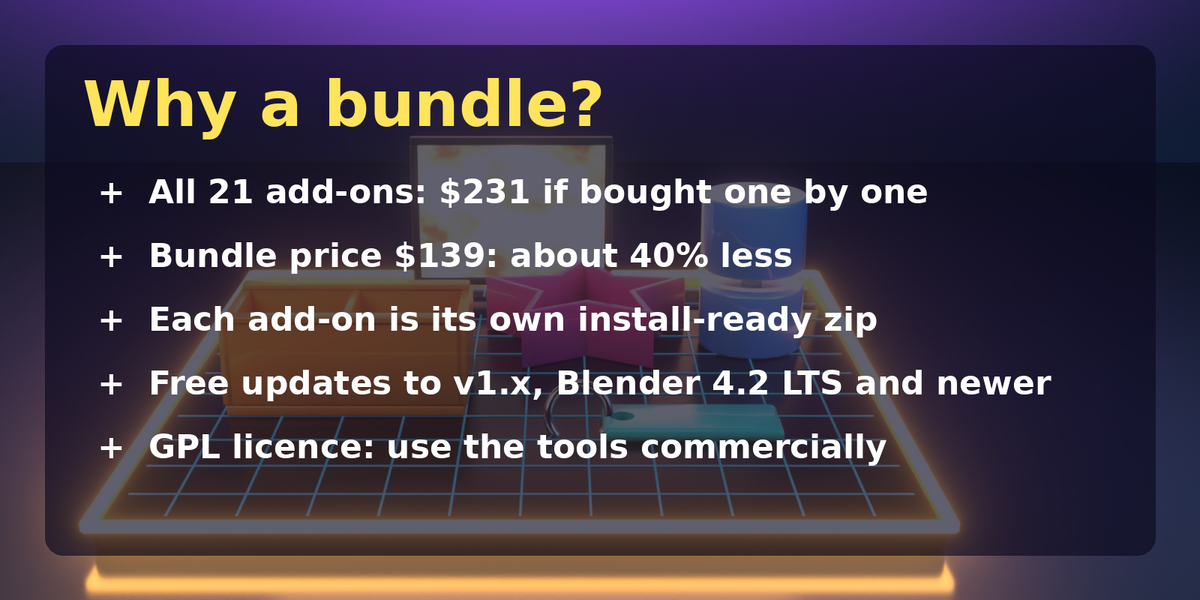
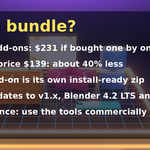
- Unzip the bundle download once. You get a folder with 21 add-on .zip files and INSTALL.html.
- Open Blender 4.2 LTS or newer: Edit, Preferences, Get Extensions.
- Click the small arrow menu (top right), Install from Disk.
- Pick one add-on .zip. Repeat for each tool you want. Do not unzip the add-on zips.
- Open the 3D viewport sidebar (N key) and find the tab of the add-on.
Included add-ons
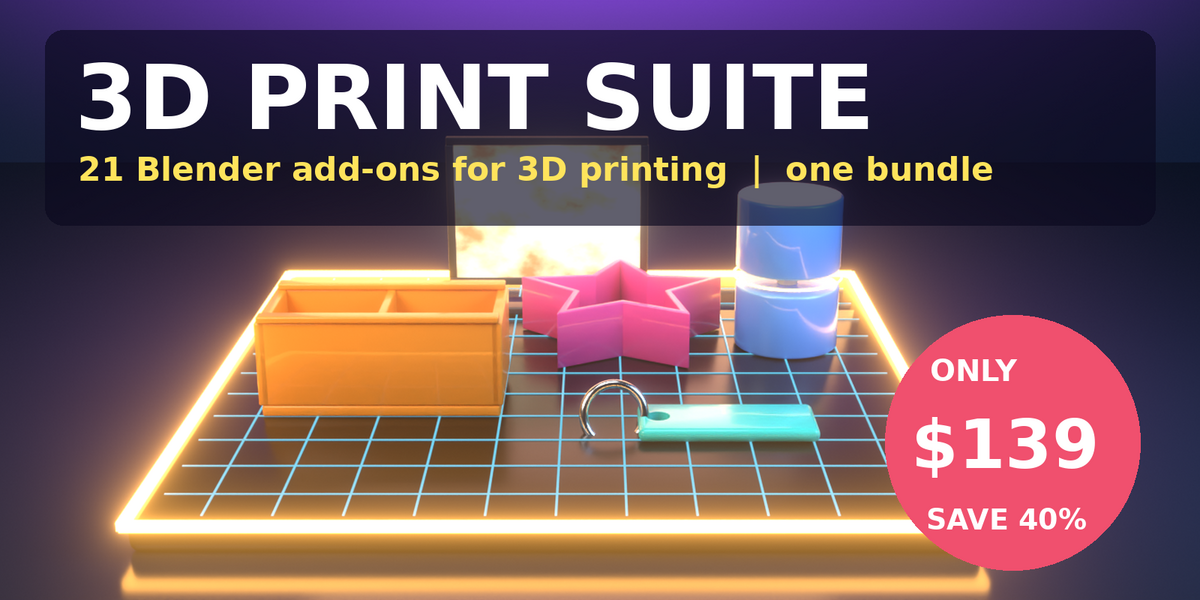
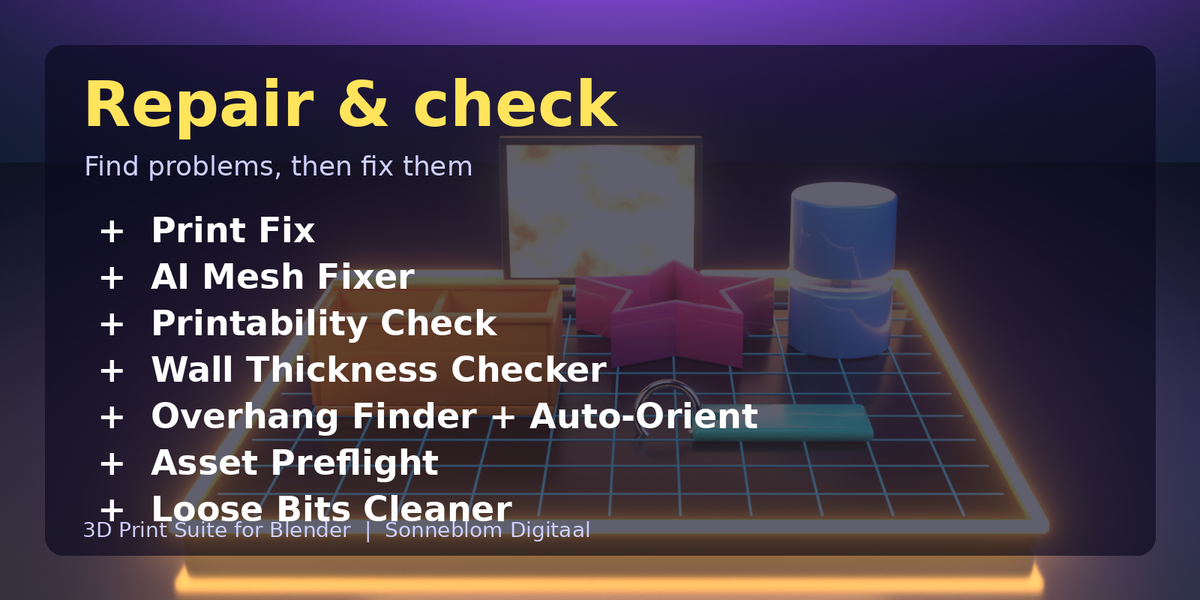
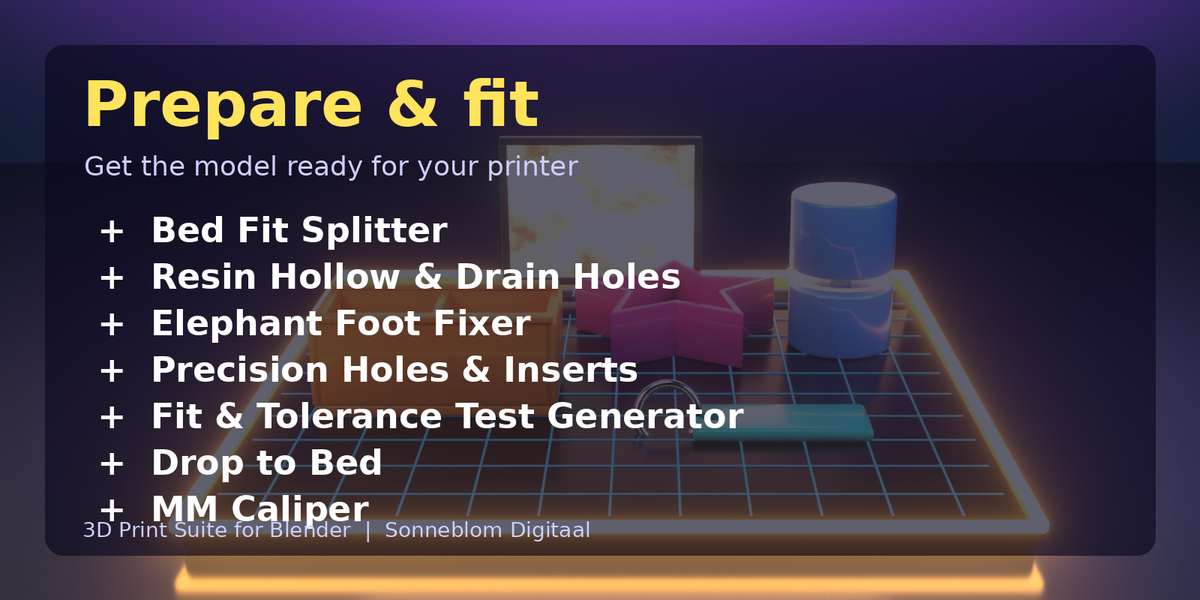
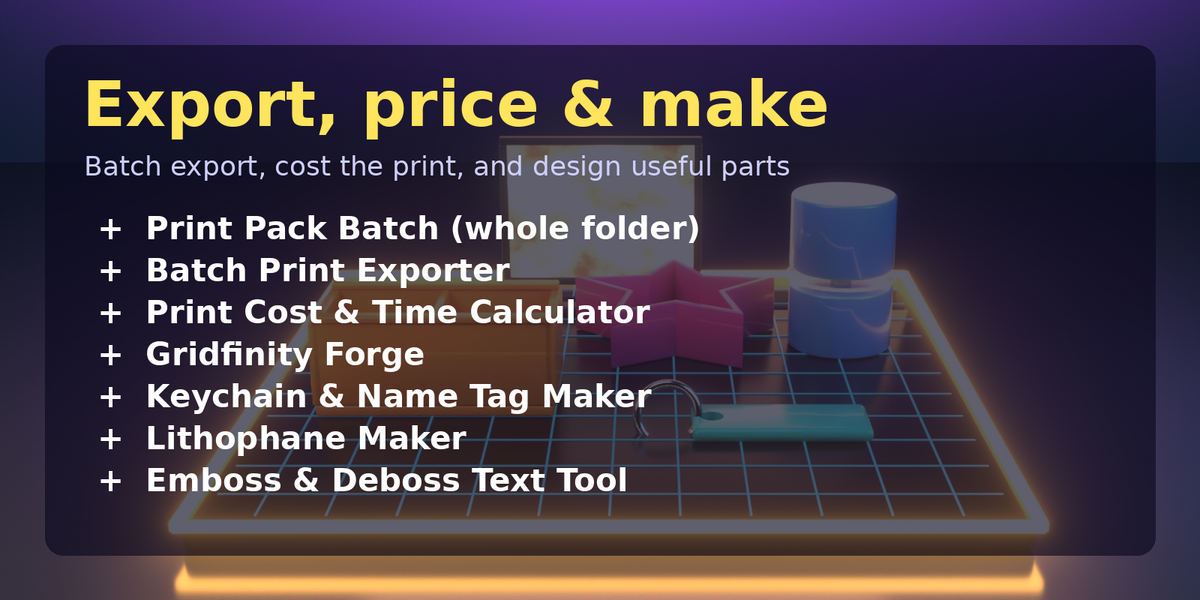
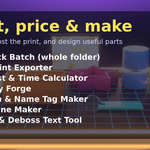
Print Fix, AI Mesh Fixer, Printability Check, Wall Thickness Checker, Overhang Finder + Auto-Orient, Asset Preflight, Loose Bits Cleaner, Bed Fit Splitter, Resin Hollow & Drain Holes, Elephant Foot Fixer, Precision Holes & Inserts, Fit & Tolerance Test Generator, Drop to Bed, MM Caliper, Print Pack Batch, Batch Print Exporter, Print Cost & Time Calculator, Gridfinity Forge, Keychain & Name Tag Maker, Lithophane Maker, Emboss & Deboss Text Tool.
Each add-on has its own full documentation on its own Superhive product page.
Limits and licence
The tools do not slice or print. Licence: GPL-3.0-or-later. Updates to v1.x are free.
Have questions about this product?
Login to message
| Published | about 8 hours ago |
| Blender Version | 4.2 - 5.2 |
| Extension Type | N/A |
| License | GPL |
Discover more products like this
STL export bundle gridfinity 3d printing print prep 3MF slicer mesh repair