3D Printer Slicing
 TechFab


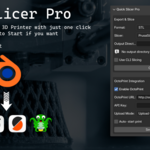
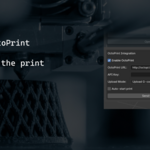
- go to blender preferences to install the addon, install from disk, select zip file.
- in the addon section you will need to specify installation directory for your slicers, and the octoprint url and api.
- after that you are ready to go.
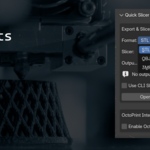
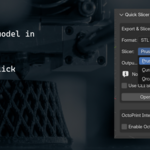
- in the N-Panel you find the addon under new tab called Quick Slicer Pro.
- select the file format you want and the output directory
- select your slicer and click Open in Slicer.
- that will export the file to the specified directory and automatically open the slicer.
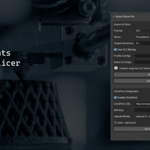
- if you want to export Gcode directly from blender Enable "Use CLI Slicing", that will use your default printer profile to slice the model. You don't have to set profile config or cli args.
- Please note that CLI are only supported in PrusaSlicer at the moment (OrcaSlicer Doesn't have console).
- if you have Octoprint you can also upload the model directly to it.
- if You enabled "Auto-Start" that will upload the model and start the print.
- Feel free to reach me on [email protected]
$14
Have questions about this product?
Login to message
| Blender Extension Compatible | Yes |
| Published | over 1 year ago |
| Blender Version | 4.4, 4.3 |
| Extension Type | Add-on |
| License | Creative Commons |

Discover more products like this
3D-printer 3d object slicing 3Dprinter blender slicing tool 3d print 3dprinting