 3D Tools by KIRI Engine
See it in action
From captured splats to a Blender scene.
Import, edit, render, rig and export without leaving the Blender workflow.

How it works
One add-on. Three connected workflows.
Core workflow
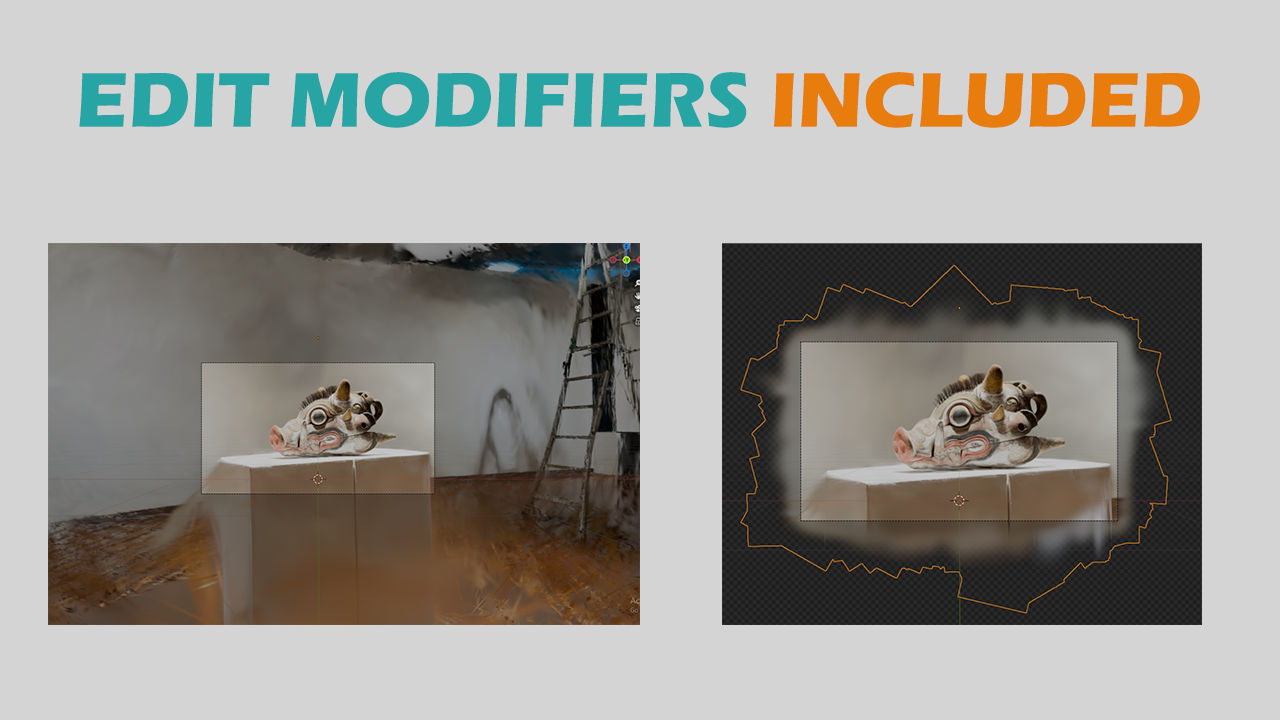
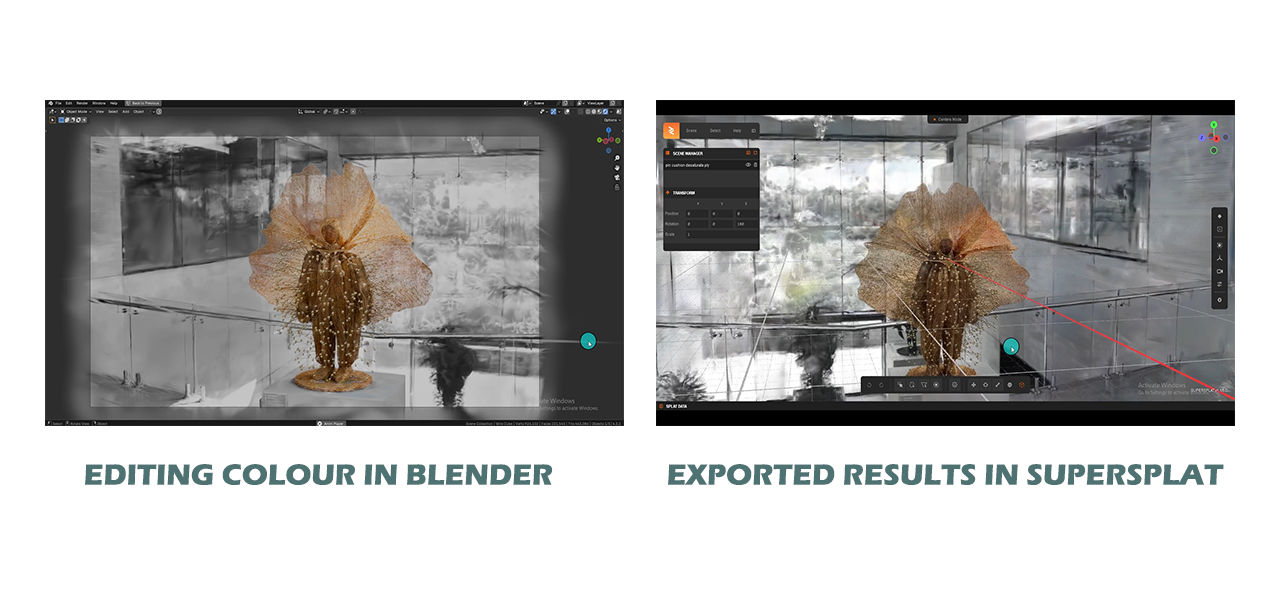
Edit splats with Blender tools.
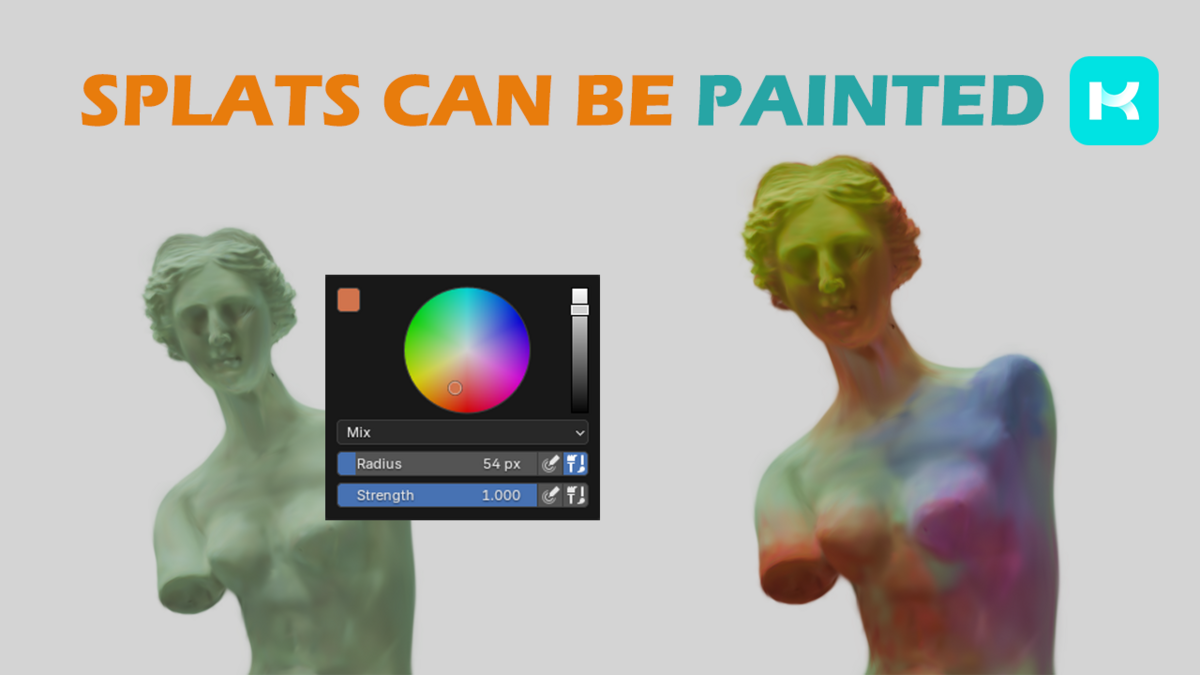
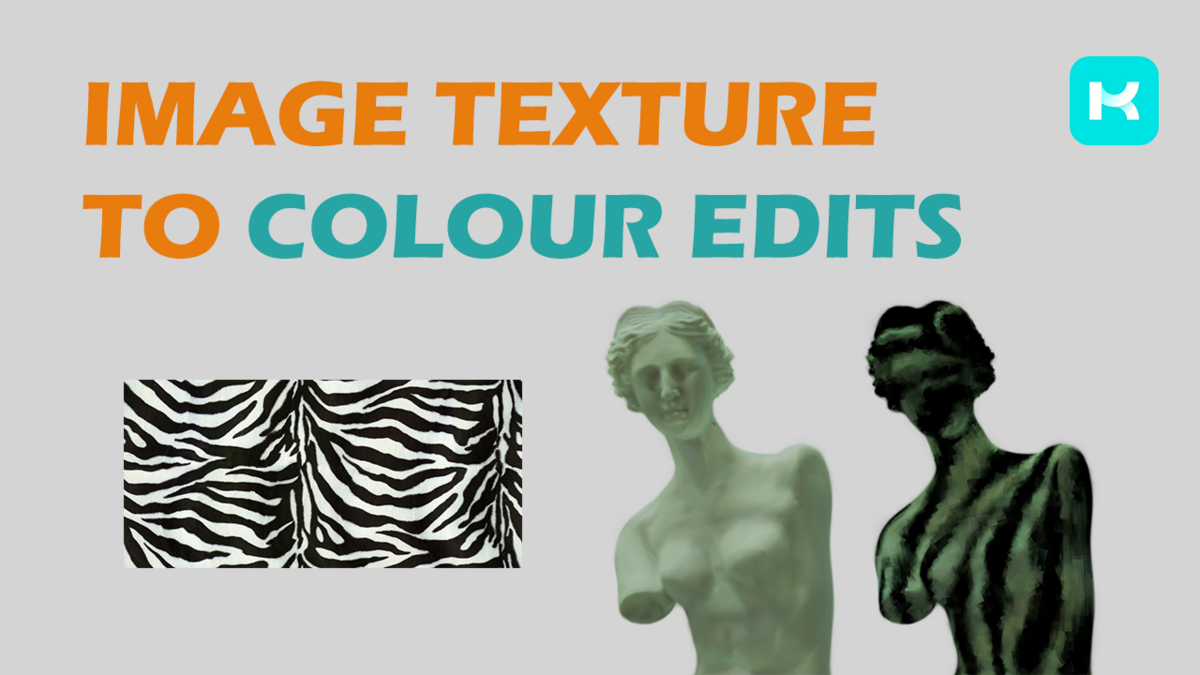
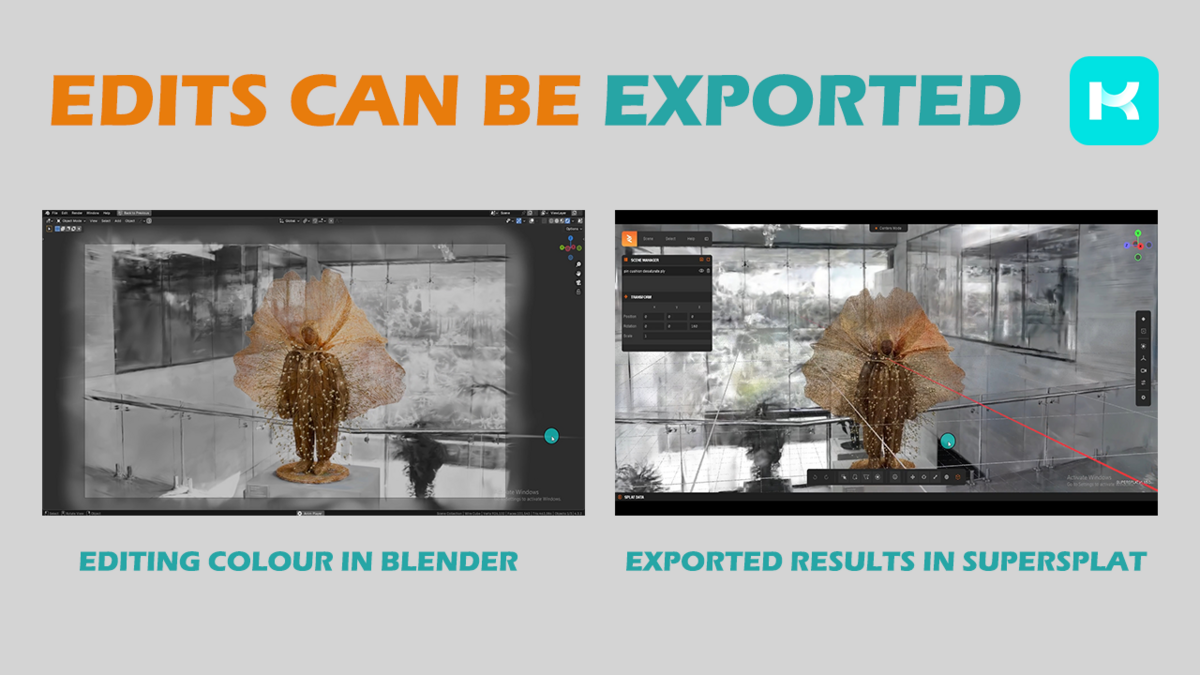
Treat your scan as part of the scene, not as a locked result. Remove unwanted splats, isolate regions, adjust colour, apply camera culling and build stylised effects with familiar selection and modifier workflows.
CropCleanRecolourCompose
Core workflow
Render splats alongside Blender scenes.
Move between an editable mesh-based view and a dedicated splat render workflow. Compose 3DGS content with native Blender meshes and use the result for stills, animation and VFX experiments.
Experimental
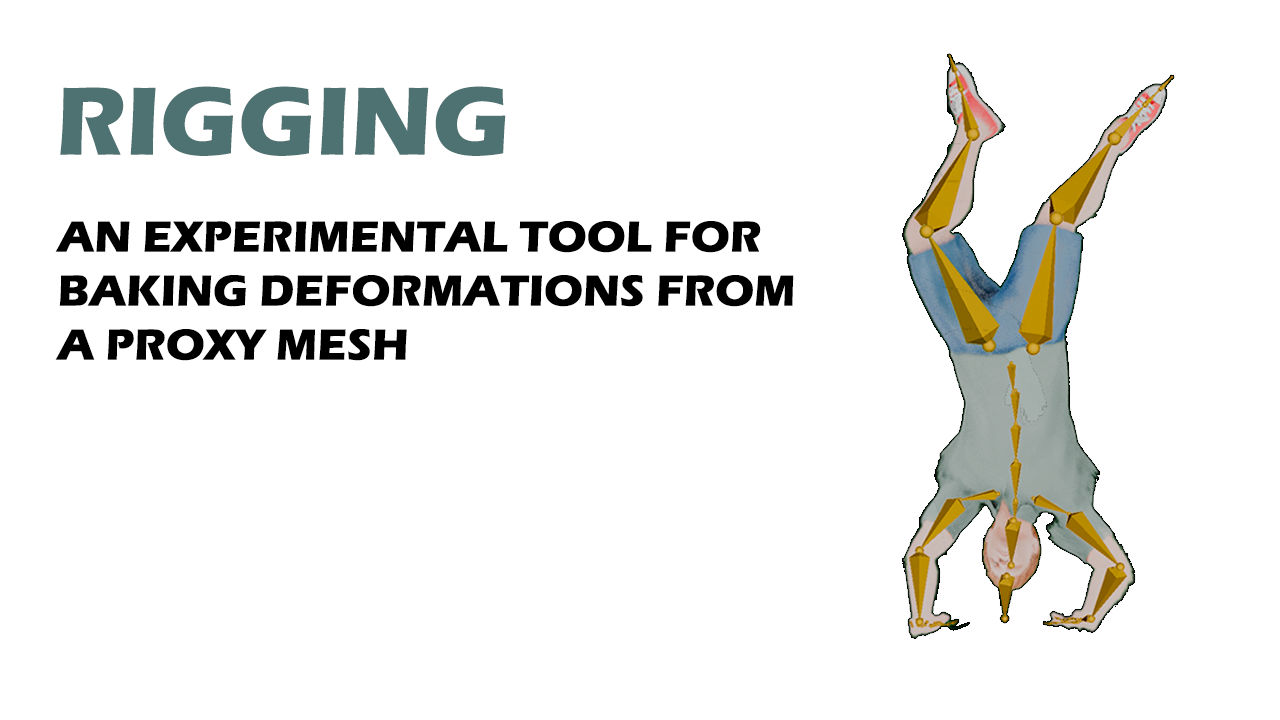
Proxy rigging
Animate splats through proxy geometry.
Bind a smaller object scan to proxy geometry, animate that proxy with an armature, lattice or another deformation workflow, then transfer the motion back to the splats. Bake the result for rendering or export it as a .ply sequence.
Help test the update
Try the improved rigging workflow and tell us how it performs.
The updated proxy-binding method is designed to improve deformation transfer and speed up baking. Results still depend on the scan, proxy mesh, settings and motion, so testing across a wider range of real projects will help the community improve it. Please share reproducible successes, comparisons and failures through GitHub Issues.
Experimental
Lighting workflows
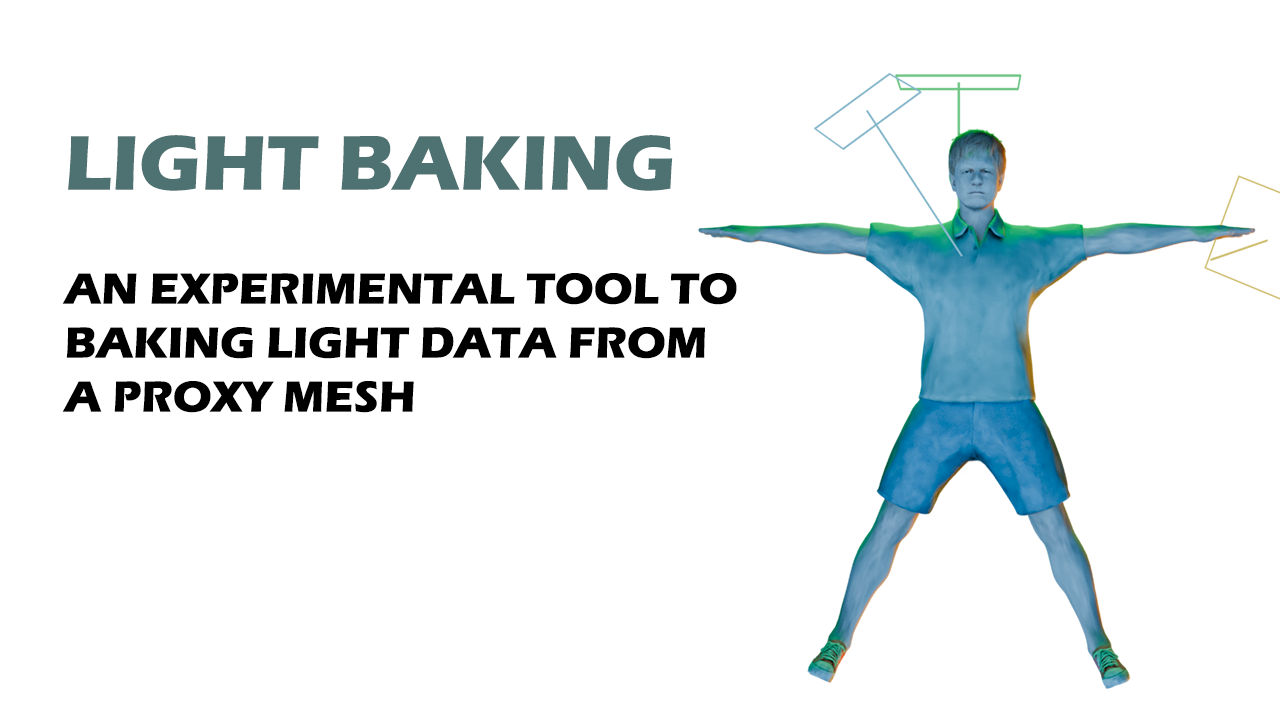
Explore relighting and light baking.
Experiment with integrating splats into new lighting. The add-on includes proxy light baking, while recent community work adds real-time relighting and mesh shadows to the real-time render workflow.
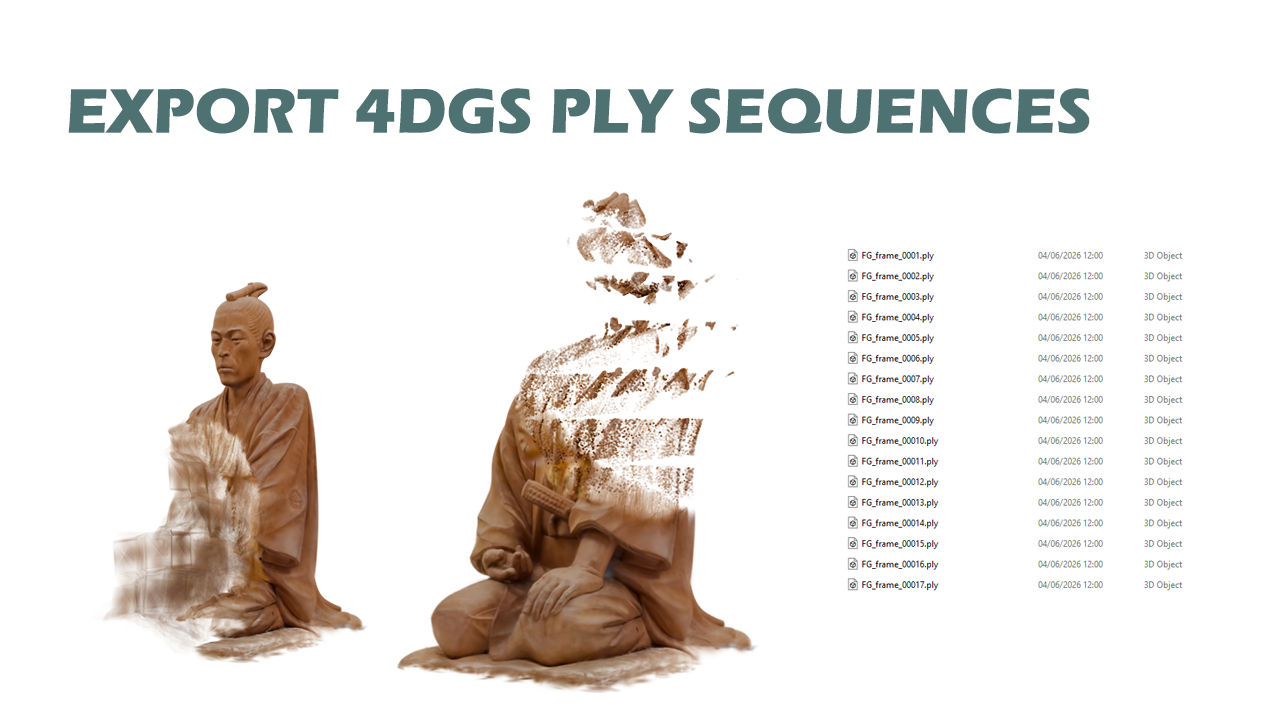
Animation export
Edit in Blender. Carry the motion onward.
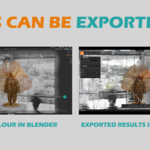
Export geometry changes and baked animation as numbered .ply sequences for 4DGS-style workflows and compatible external tools.
Full feature list
More ways to work with splats.
- Import and export 3DGS .ply files
- Edit and Render workflows
- Crop, cull, decimate, colour and size tools
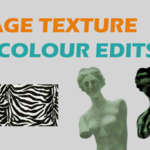
- Colour painting and attribute adjustments
- Native Blender scene compositing
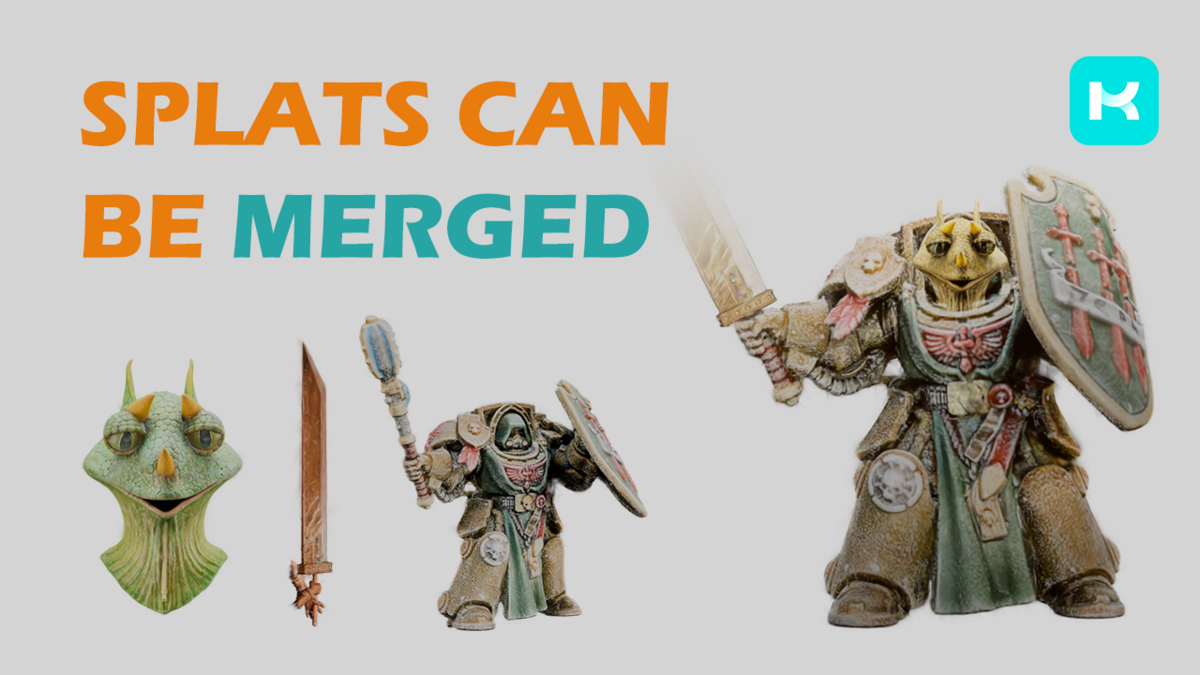
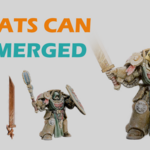
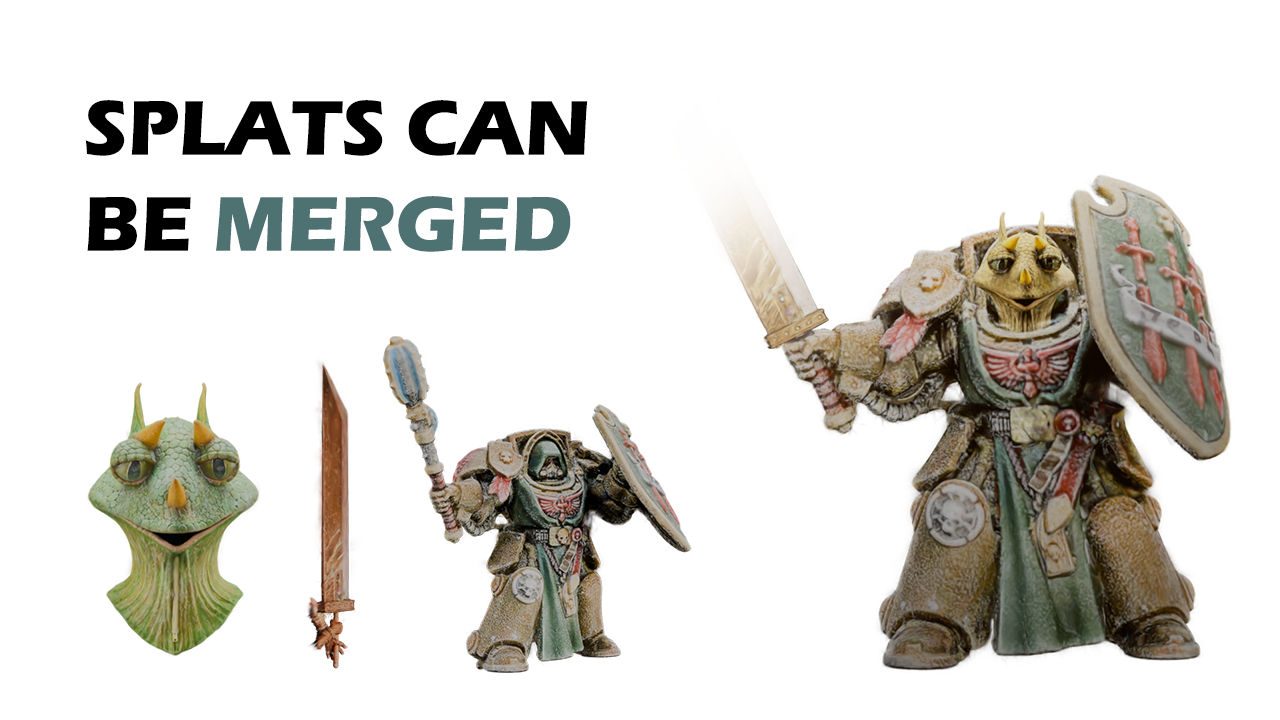
- Merge multiple splat objects
- Animated .ply sequence export
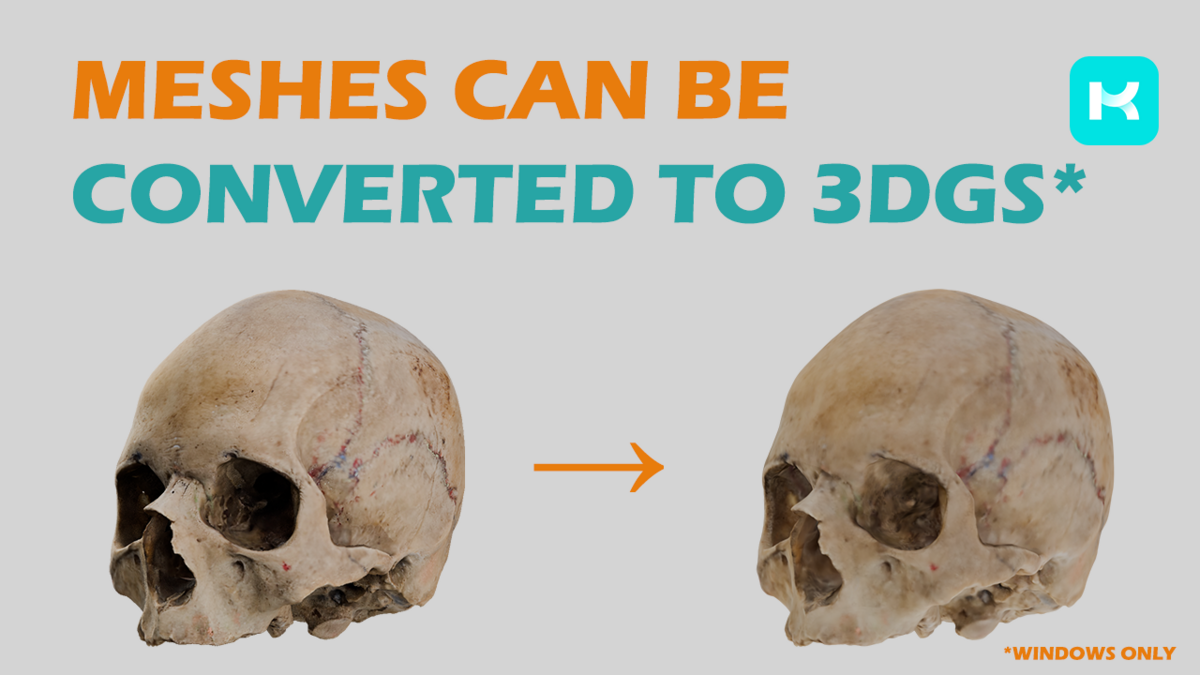
- Supported mesh-to-splat conversion
- Experimental proxy rigging
- Experimental light baking and relighting
Project update
Free, open source and moving into community maintenance.
KIRI Engine created and maintained 3DGS Render as a free community tool. KIRI Engine is now inviting trusted maintainers and contributors to help review changes, test compatibility and prepare future releases, while remaining the repository owner and project steward.
Found a bug or have useful test results? Open a GitHub issue. Want to contribute? Visit the repository.
Before you download
Check GitHub for the current release.
Community development may move faster than this listing, KIRI Engine's written guide or older YouTube tutorials. Before choosing a package, check the matching GitHub release notes for supported Blender versions, changes and known issues.
Most artists should use a packaged release. The repository's main branch may contain newer work that has not yet been packaged or fully tested. Direct support and response times are not guaranteed for this free, community-maintained project.
Community credits
Built further by people who stepped in.
Eric Arthur Blair
GitHub · @Hrsh-VenketX / Twitter · @Eric4rthurBlair
Refactored the approximately 30,000-line monolithic add-on into focused modules, added GPU bake-performance improvements and improved deformation for the rigging workflow as well as project maintenance.
punk-kaos
Added Blender 5.2 support, experimental real-time relighting and mesh shadows, helping splats react to scene lighting and blend more naturally with Blender geometry.
Download releasesSource codeWritten guideVideo tutorialsReport a bug
Created by KIRI Engine. Growing with the open-source community.