Planet Rings — 4 HDR Backgrounds / 8K
 Space Store
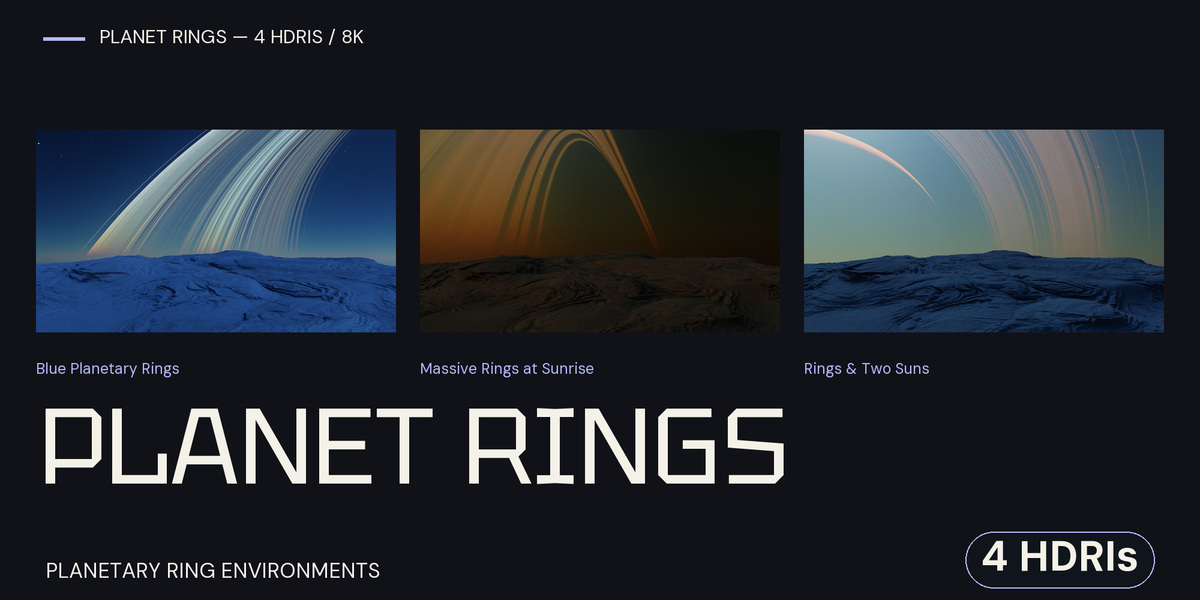
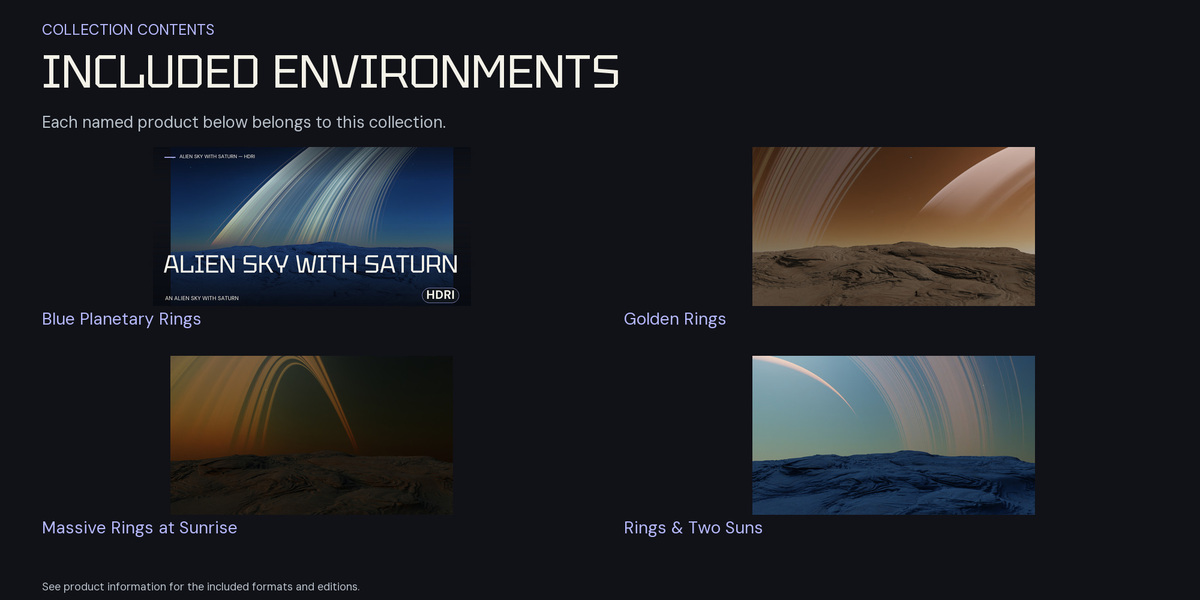
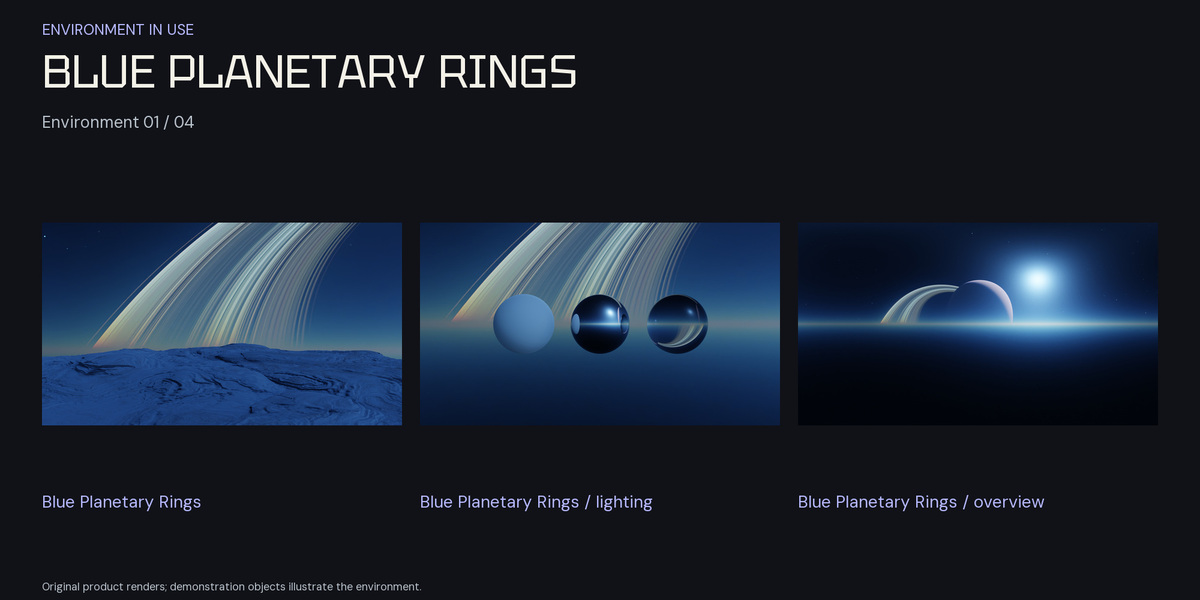
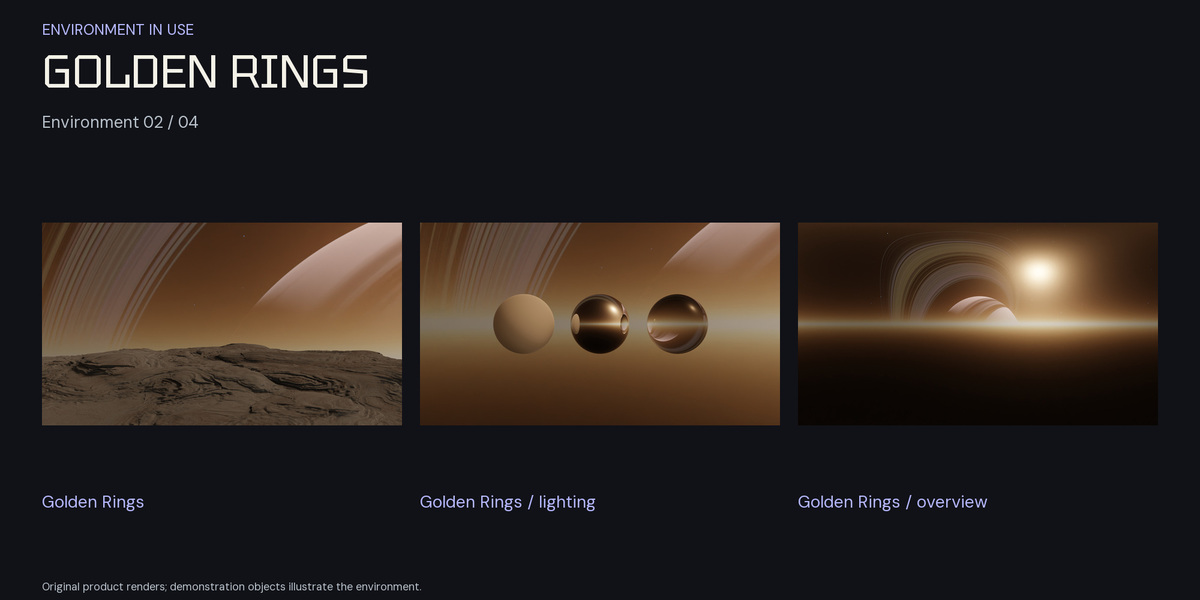
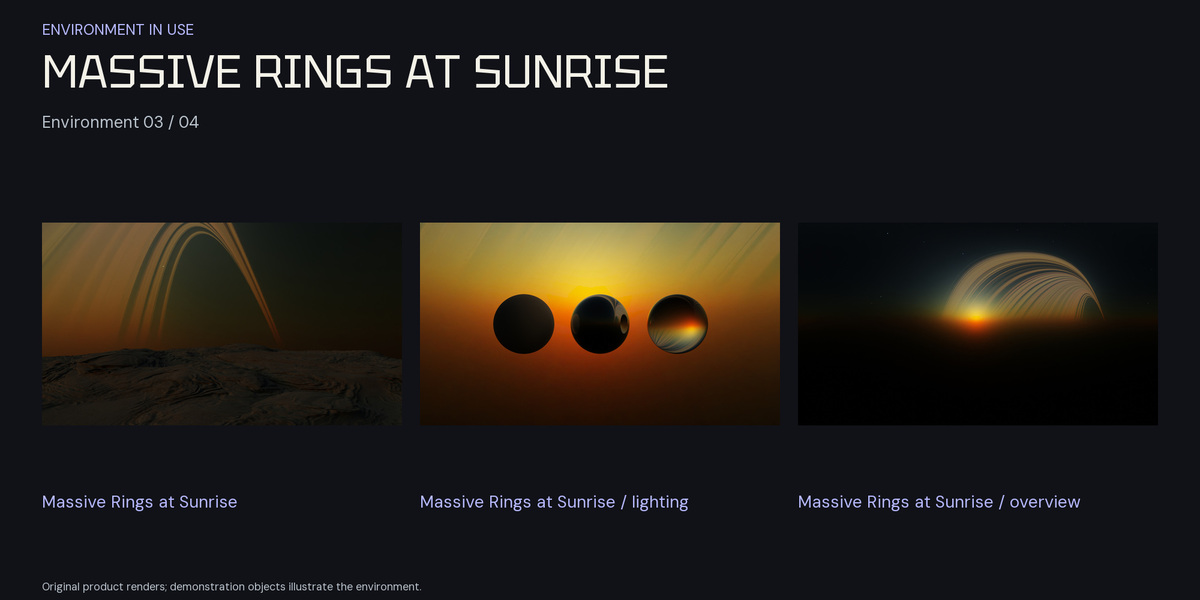
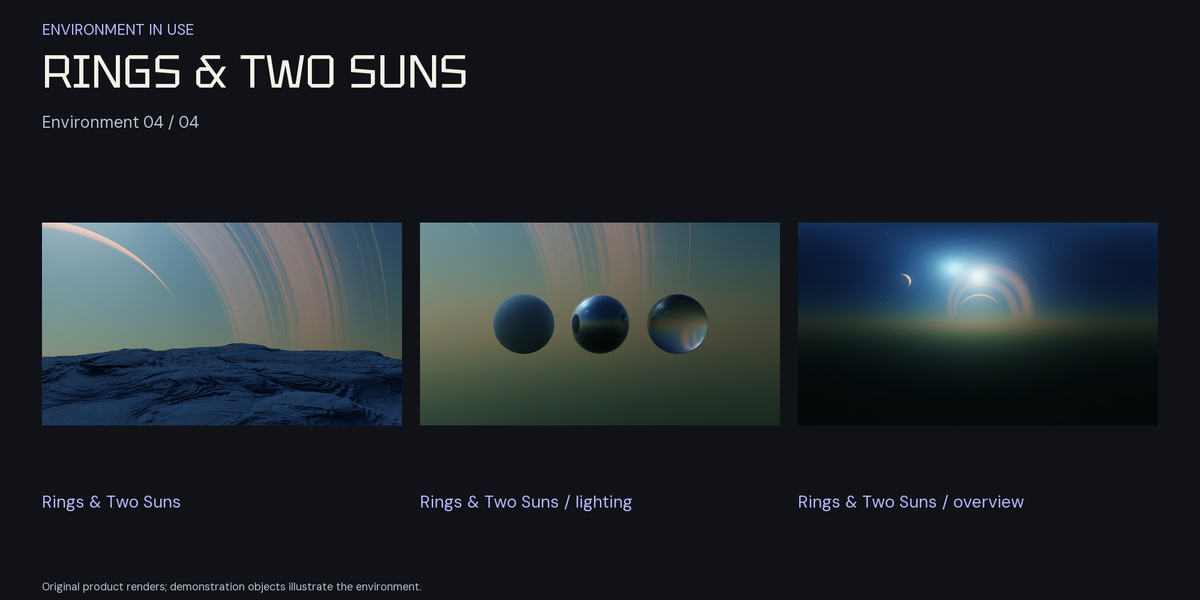
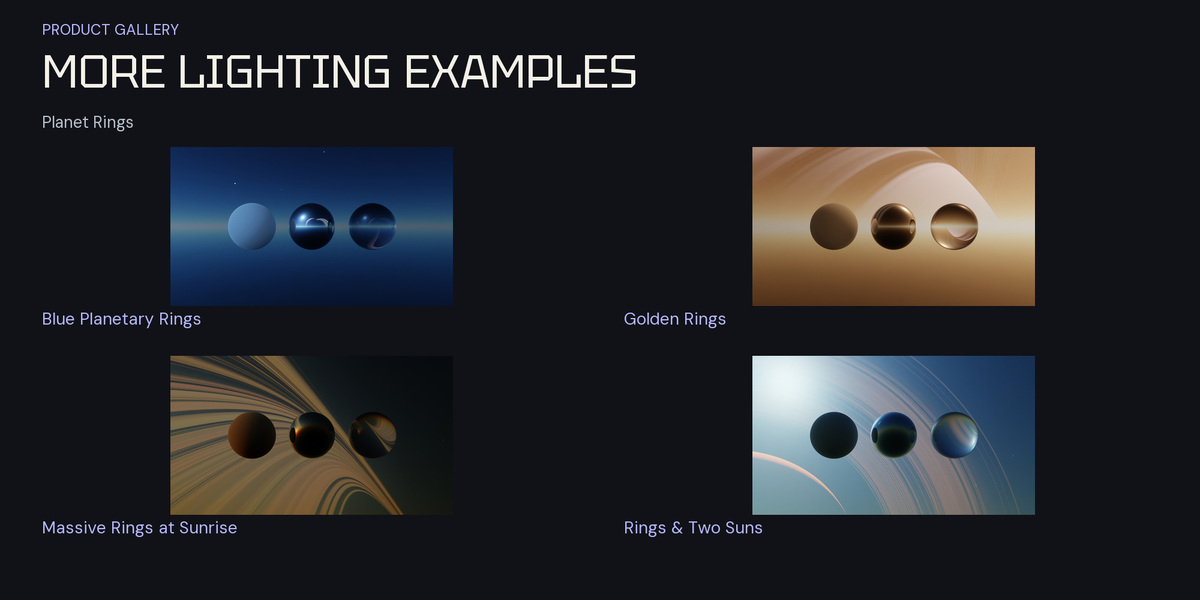
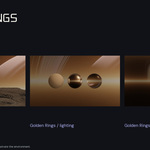
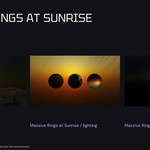
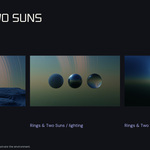
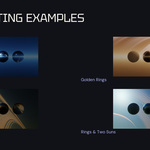
Download and choose
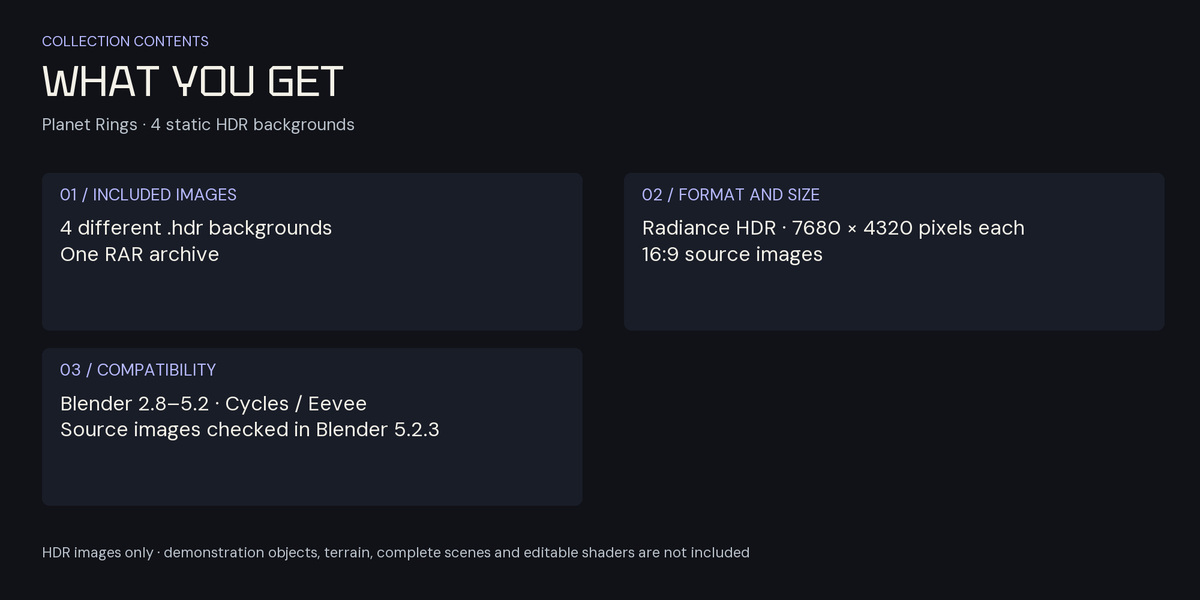
One RAR archive containing 4 static Radiance HDR images. Save the originals in a permanent project folder. Extract the archive with a RAR-compatible utility if supplied.
Download attachments
Alien rings pack.rar
Complete HDR image list
| HDR filename | Pixels |
|---|---|
Alien atmo rings and 2 suns 8k.hdr |
7680 × 4320 |
Alien atmo blue rings 8k.hdr |
7680 × 4320 |
Alien atmo gold rings 8k.hdr |
7680 × 4320 |
Alien atmo Massive rings sunrise 8k.hdr |
7680 × 4320 |
Set up a Blender World
- In the Shader Editor, switch to World and enable Use Nodes.
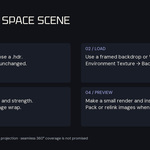
- Add an Environment Texture, open a supplied HDR and connect Color to Background Color, then Background to World Output.
- Use Texture Coordinate and Mapping nodes to control rotation. Inspect the camera view in Rendered shading.
- Adjust World strength and exposure; add scene lights as needed.
Projection and framing
The sources are 16:9 images. Check projection, framing and image wrap in your setup; seamless 360° coverage is not promised. A camera-facing image backdrop is an alternative for a particular source composition. These images do not provide geometry or motion parallax.
Before final rendering
Make a small preview and inspect stars, bright regions and framing at the intended output size. Pack or relink the image paths when moving the Blender project.
Compatibility and contents
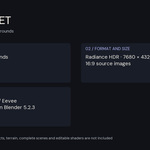
Use the HDR images with Blender 2.8–5.2 in Cycles or Eevee. Reference source images were checked in Blender 5.2.3 LTS. Make a small preview with your chosen camera, projection and lighting.
The download contains HDR images only. Demonstration objects, terrain, complete Blender scenes, editable procedural shaders and animation are not included.
License
New purchases use the Superhive Standard Royalty Free license. Previously granted licenses and applicable third-party terms remain valid.
Have questions about this product?
Login to message
| Sales | 10+ |
| Dev Fund Contributor | |
| Published | about 3 years ago |
| Blender Version | 2.8 - 5.2 |
| Render Engine Used | Cycles, Eevee |
| License | Royalty Free |
Discover more products like this
alien sky planet rings space atmosphere sci fi 8k Saturn background blender Lighting hdri environment