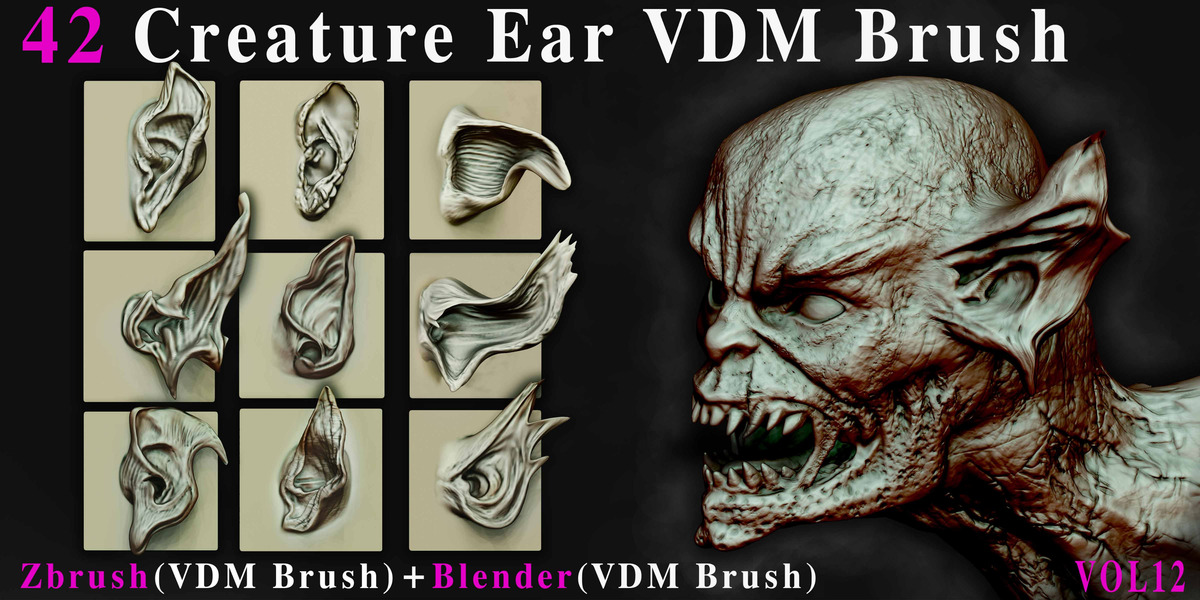
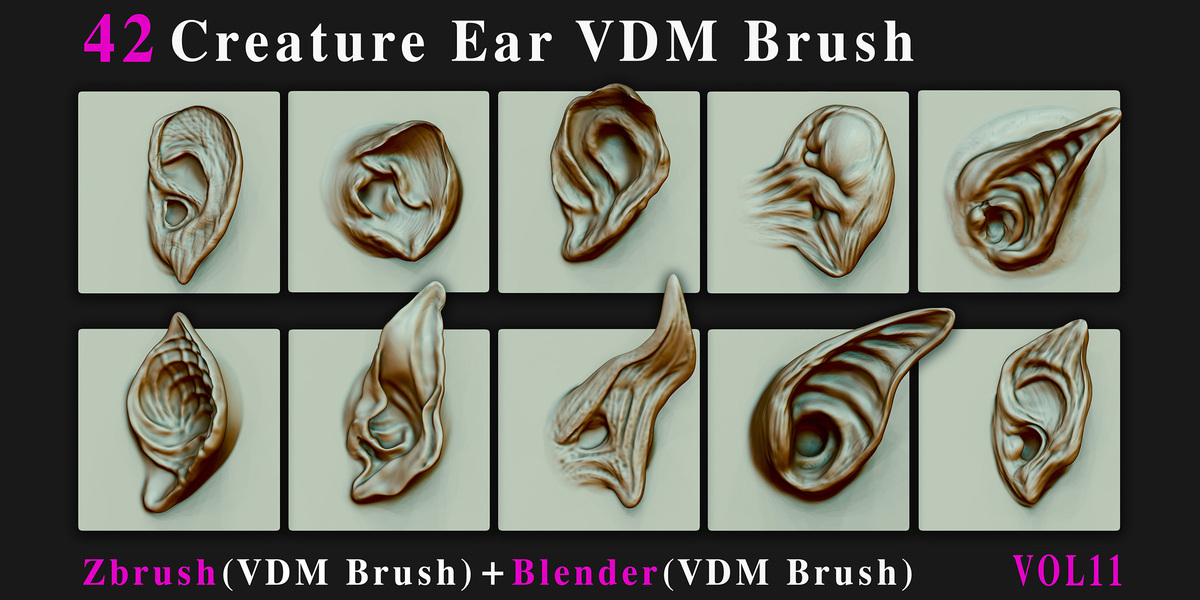
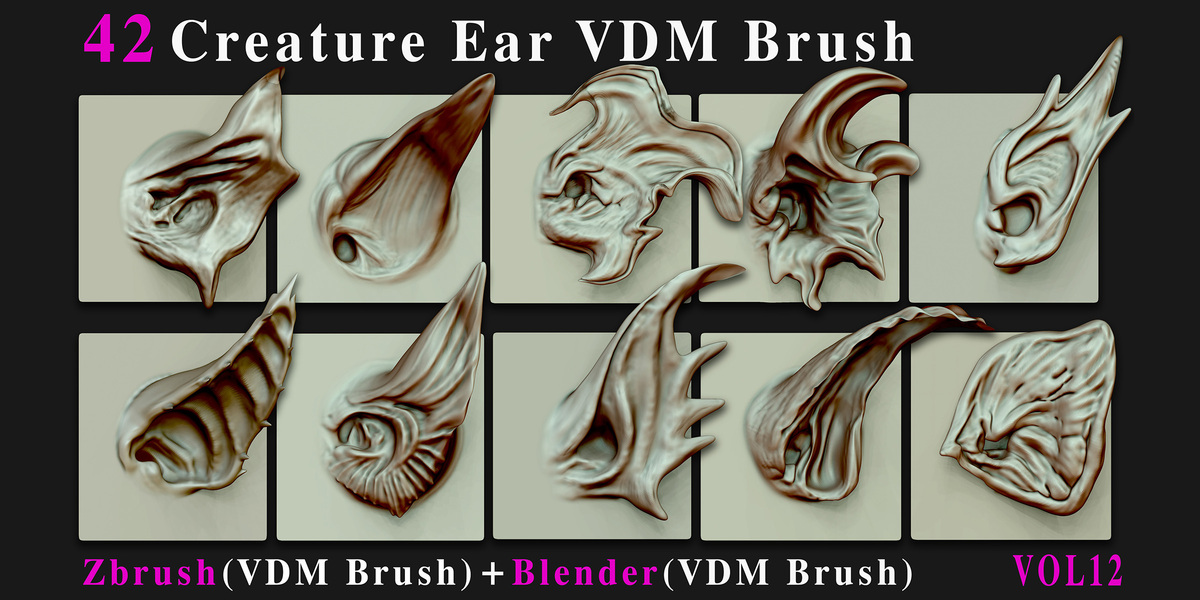
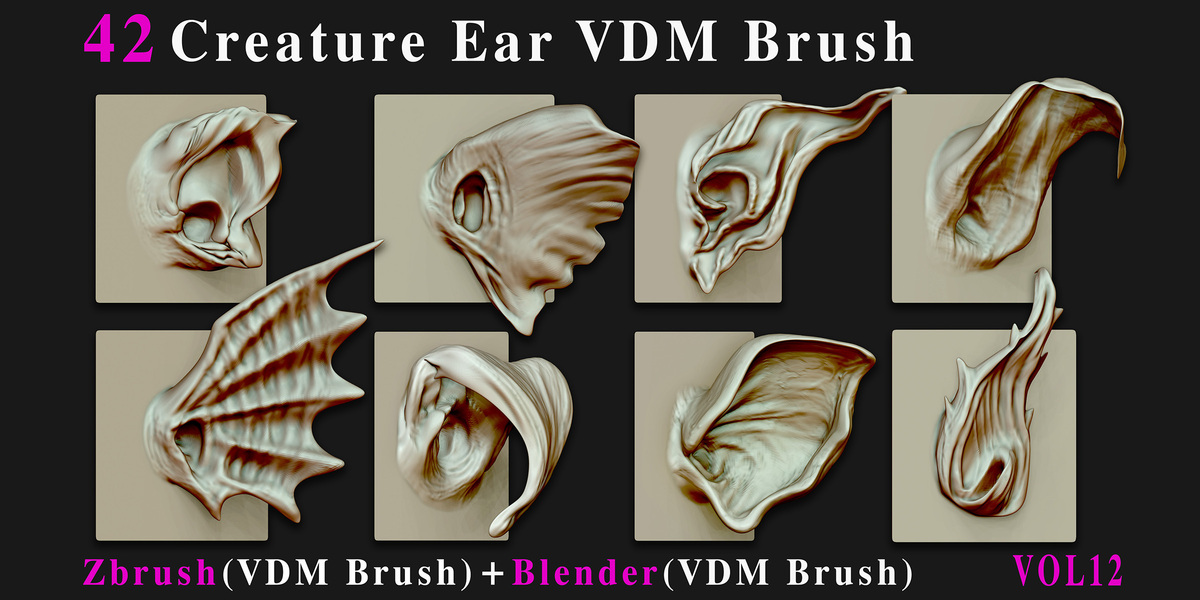
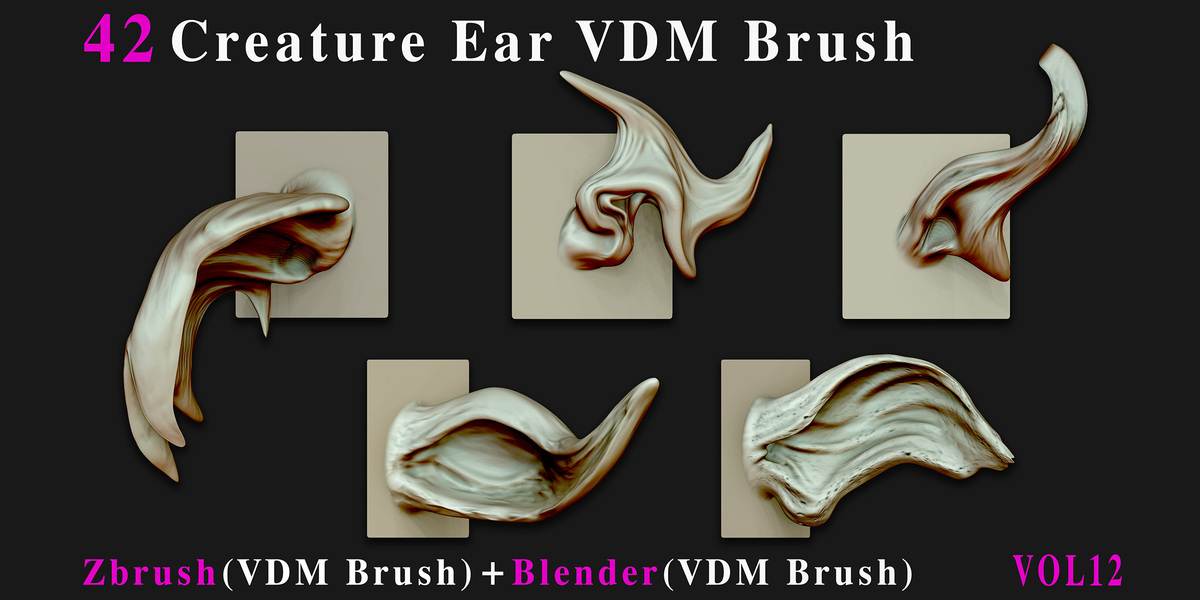
42 Creature Ear VDM Brush - For ZBrush & Blender - Vol12
 Mona-Ghafourian
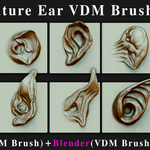
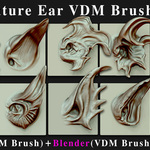
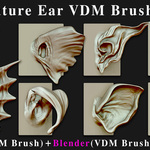
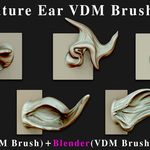
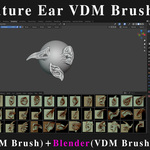
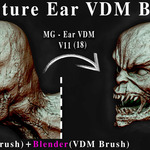
Documentation
What's Included
42 ZBrush VDM Brushes
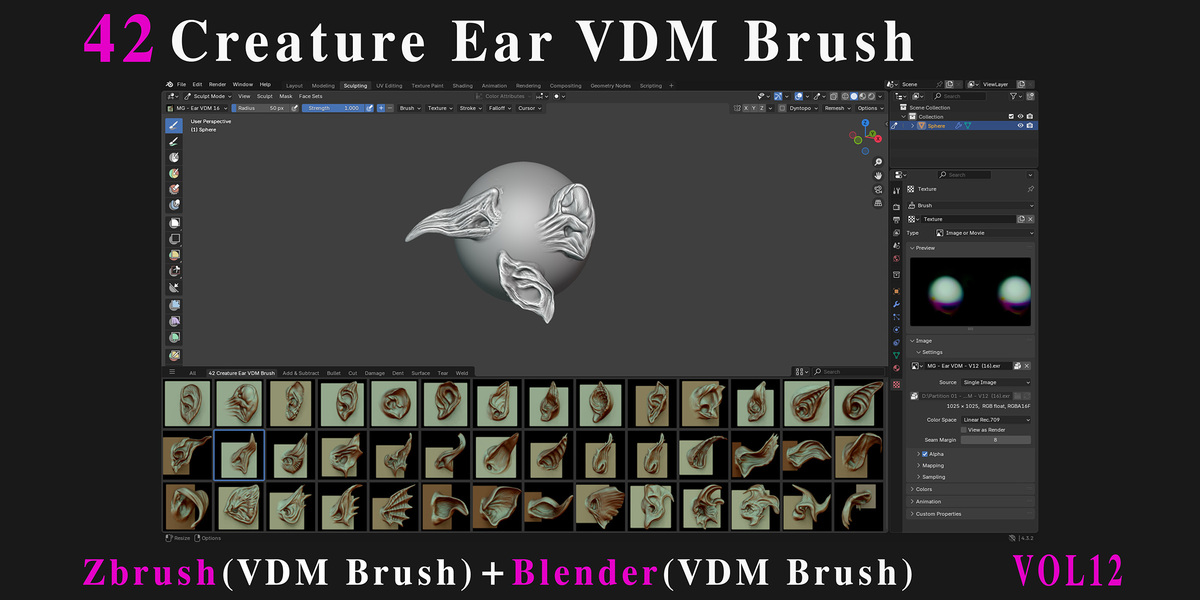
42 Blender VDM Assets
Short Blender Tutorial
ZBrush VDM Brushes
The included ZBrush VDM brushes are designed for creating detailed creature and character eye forms quickly and efficiently.
Load the included ZBrush VDM brushes.
Select the desired Creature Eye VDM brush.
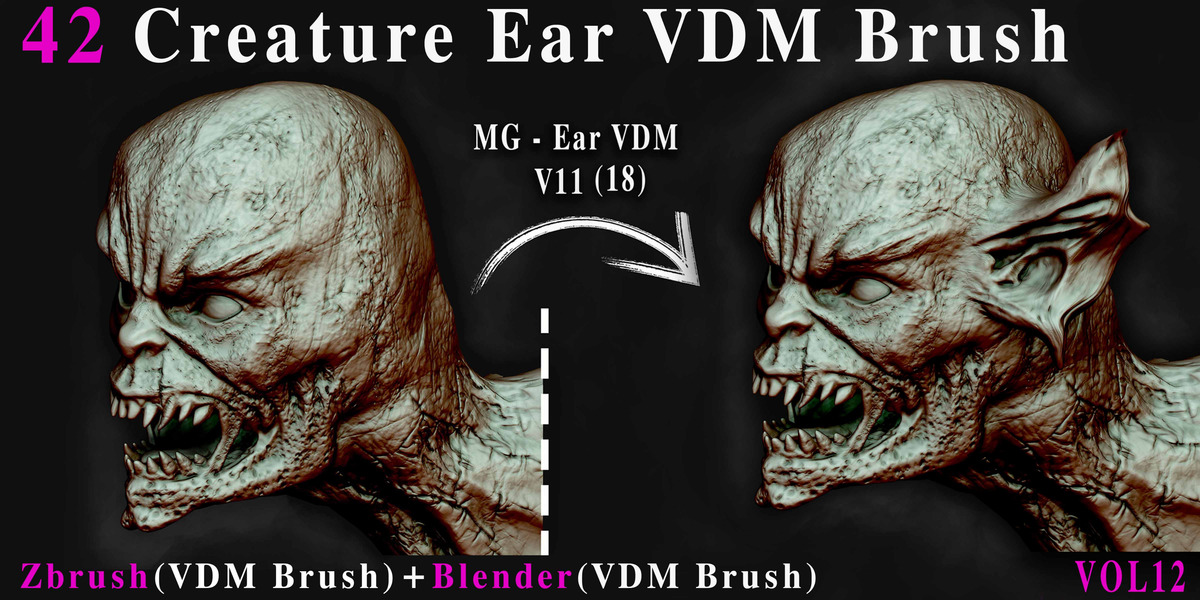
Apply the VDM directly to your sculpt.
Adjust and refine the result as needed.
ZBrush: 2022.0.5 or newer.
Blender VDM Assets
The Blender VDM brushes are provided as .blend files for convenient use in Blender.
To use the assets:
Add the included Asset Library folder through Edit → Preferences → File Paths → Asset Libraries.
Open the Asset Browser in Blender.
Find the desired Creature Eye VDM.
Drag and drop the asset directly into your workflow.
Adjust the result to fit your sculpt.
Blender: 4.5 or newer.
A short tutorial is included to demonstrate how to use the Blender files.
Usage
These VDM brushes are designed for creature and character eye details and can be used for:
Creature and monster sculpting
Fantasy and alien characters
Stylized or realistic creatures
Character design
Concept art
Game assets
Cinematic projects
The VDMs can be combined with your existing sculpting workflow to quickly create detailed and diverse eye forms.
Have questions about this product?
Login to message
Includes an Asset Library
42 drag-and-drop assets for Blender’s Asset Browser.
Browse included assets| Published | about 1 month ago |
| Blender Version | 4.5 - 5.2 |
| License | Royalty Free |
Discover more products like this
Monster Ear earsculpting creature creature-ear zbrush #DigitalSculpting Creature design fantasyear zbrushear earvdm eardetail vdmbrush