 Blender Easy



Want to create stunning landscapes in Blender without wasting hours on textures and masking? This product makes it fast, easy, and fun.
Meet Veridian Grove 4D Material a one-click tool for 3D artists that instantly generates realistic terrain.
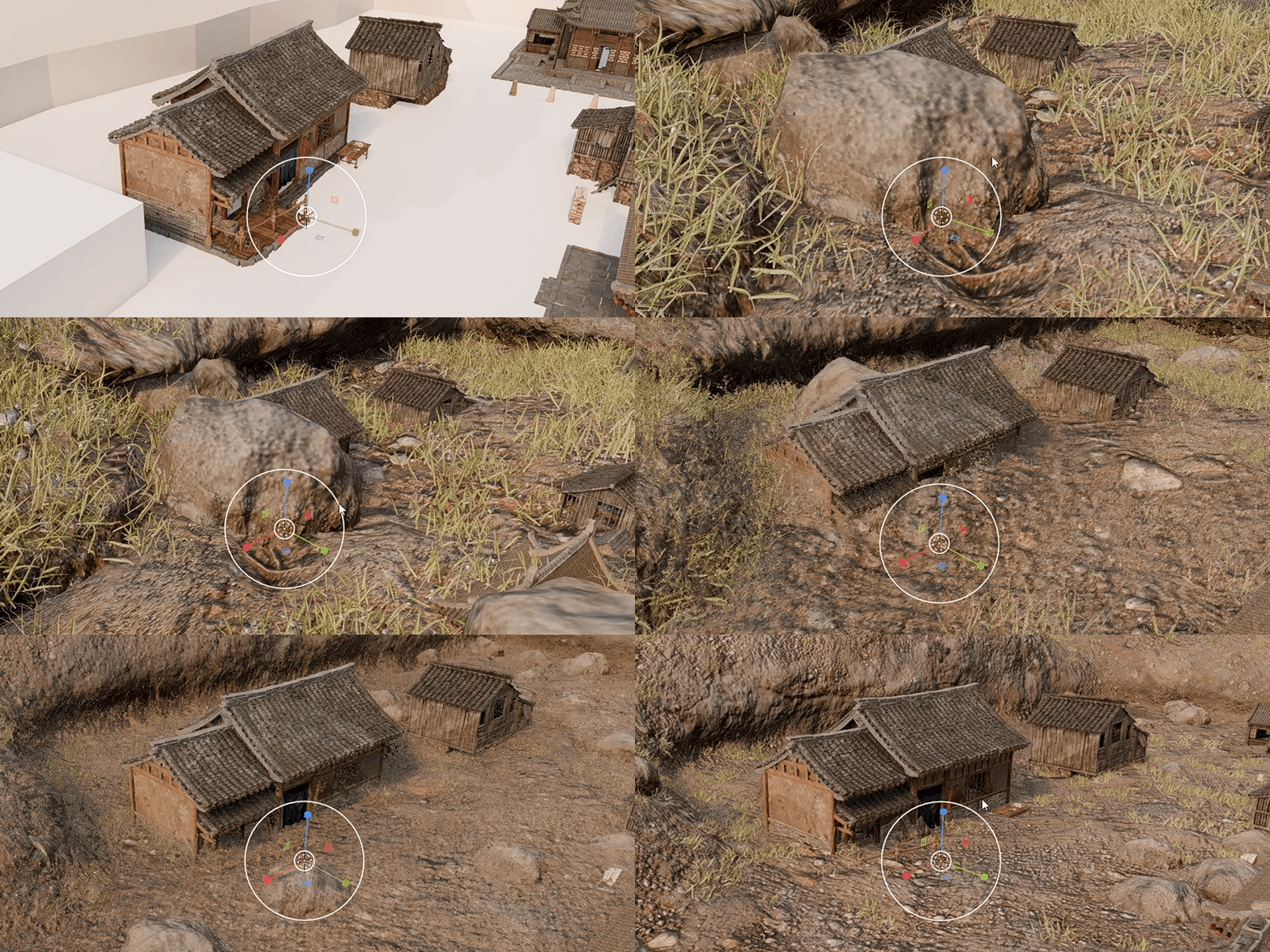
1. Create a Biome Instantly
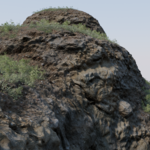
Veridian Grove 4D Material lets you turn any simple mesh into a floating island, a cave or mountain in seconds.
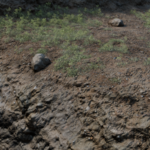
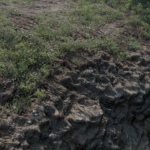
- Look: Realistic rock, soil, and grass that blend naturally.
- Vibe: Perfect for cinematic, fantasy, or tabletop scenes.
No painting, no masking. Just drag and drop, and your scene is ready.
2. How 4D Materials Work
4D Materials are smart shaders that automatically adapt to your mesh. They save you hours of work:
- ⚡ Auto Blending: Rock, soil, and grass blend based on shape—no masks needed.
- 🚫 No UVs: Works on any object without unwrapping.
- 🌱 Ready-to-Render: Grass and details are already included in the shader.
- Perfect tiling and infinite resolution every time.
💾 Quick Start: Asset Browser
- Setup: Go to Edit > Preferences > File Paths > Asset Libraries and link the folder containing Veridian Grove.blend.
- Use: Open the Asset Browser, select the "4D Materials" library, and drag & drop Veridian Grove onto any mesh.
