50 Coffee Tables – Blender Asset Library
 Salvador Esquivel 3D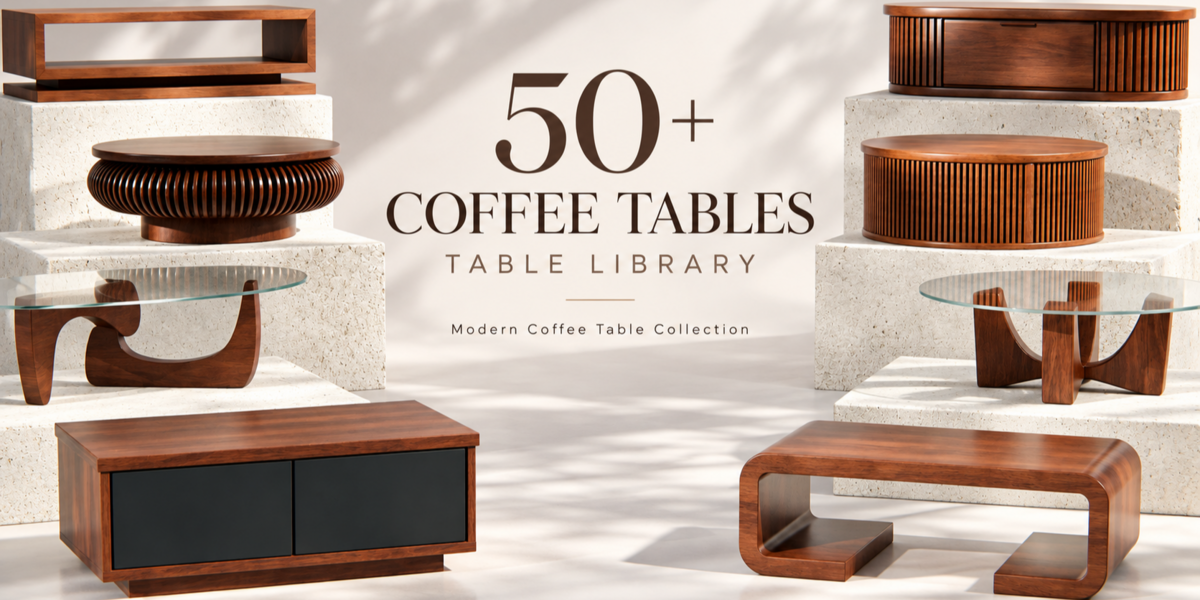
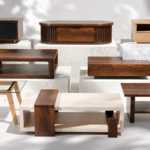
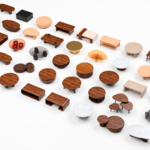
50 COFFEE TABLES
BLENDER ASSET LIBRARY — DOCUMENTATION
A complete collection of 50 unique coffee table assets prepared for a fast and organized Blender workflow.
Browse, drag, drop and customize the tables directly from the Blender Asset Browser.
WHAT'S INCLUDED
50 ready-to-use furniture assets
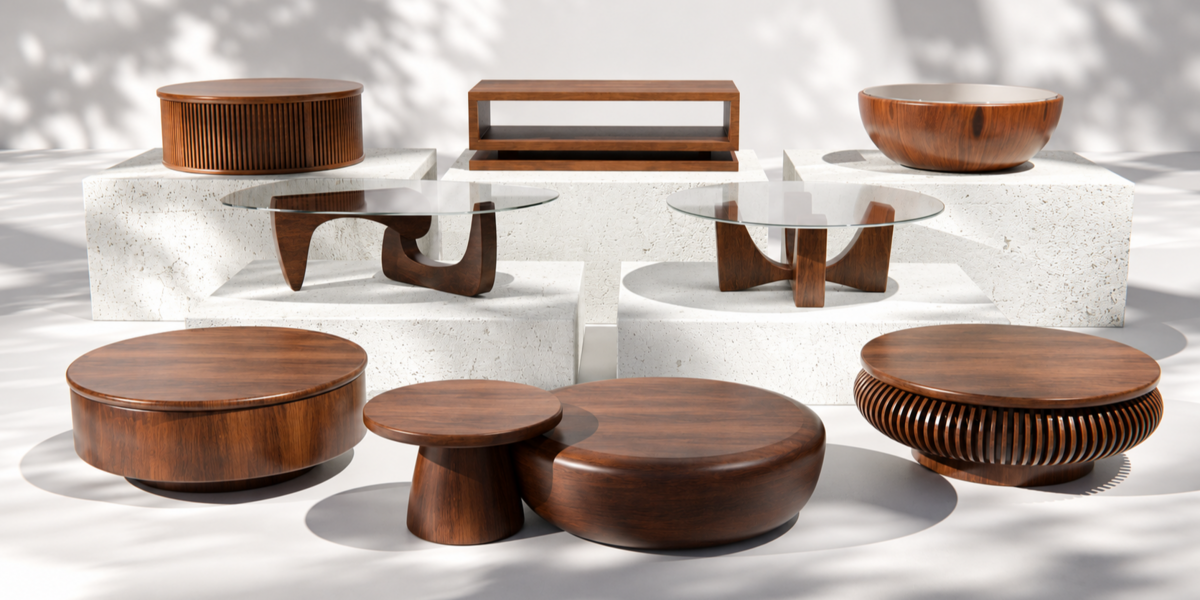
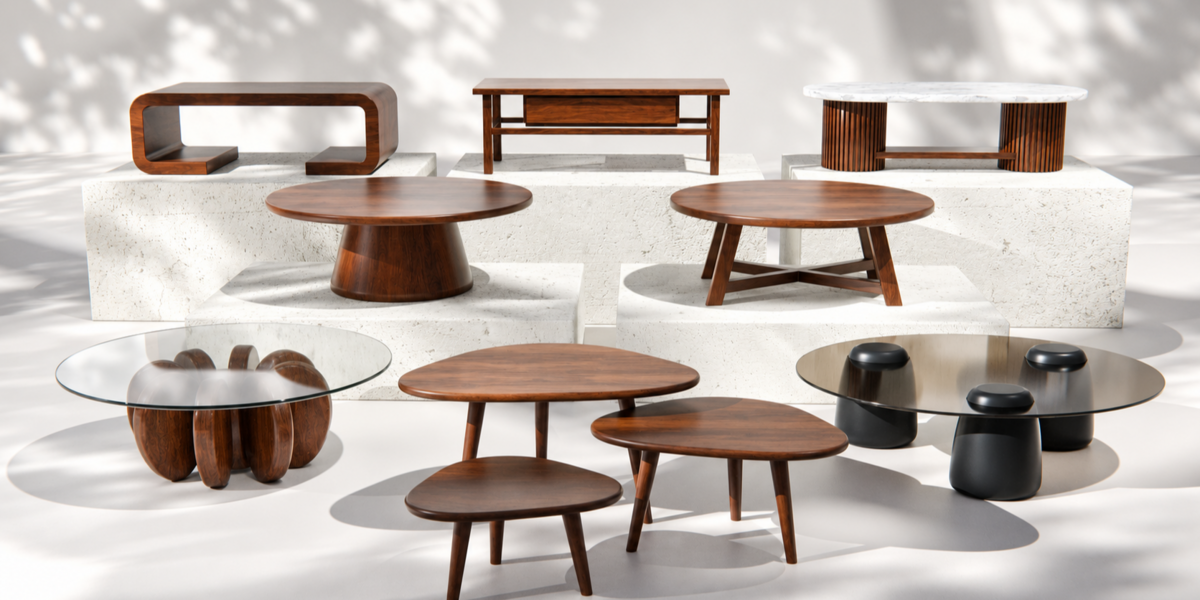
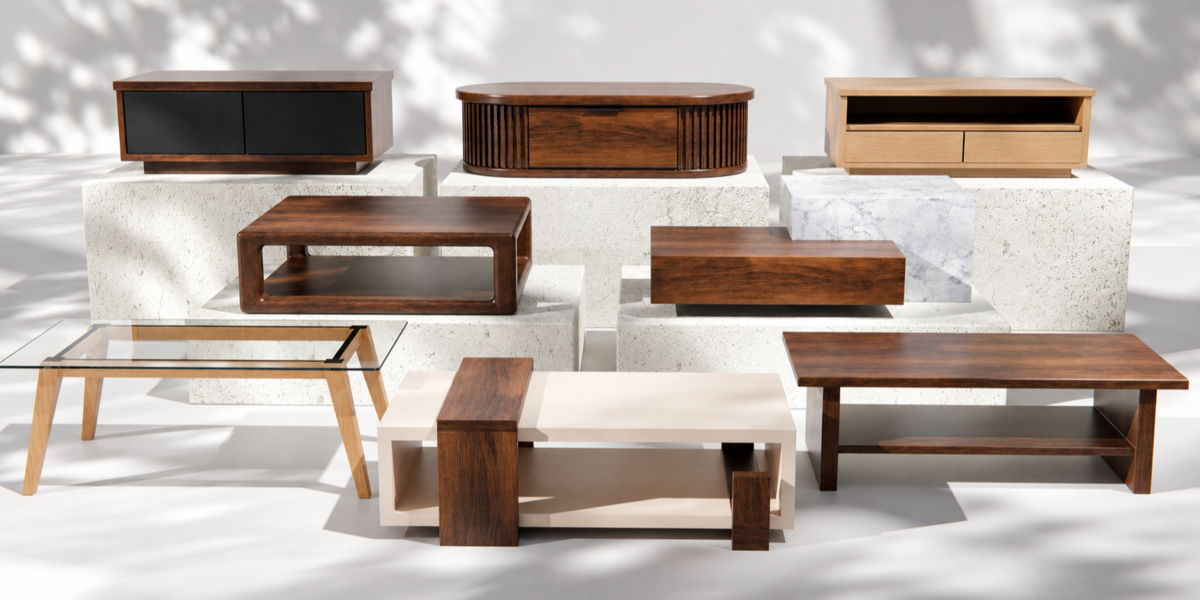
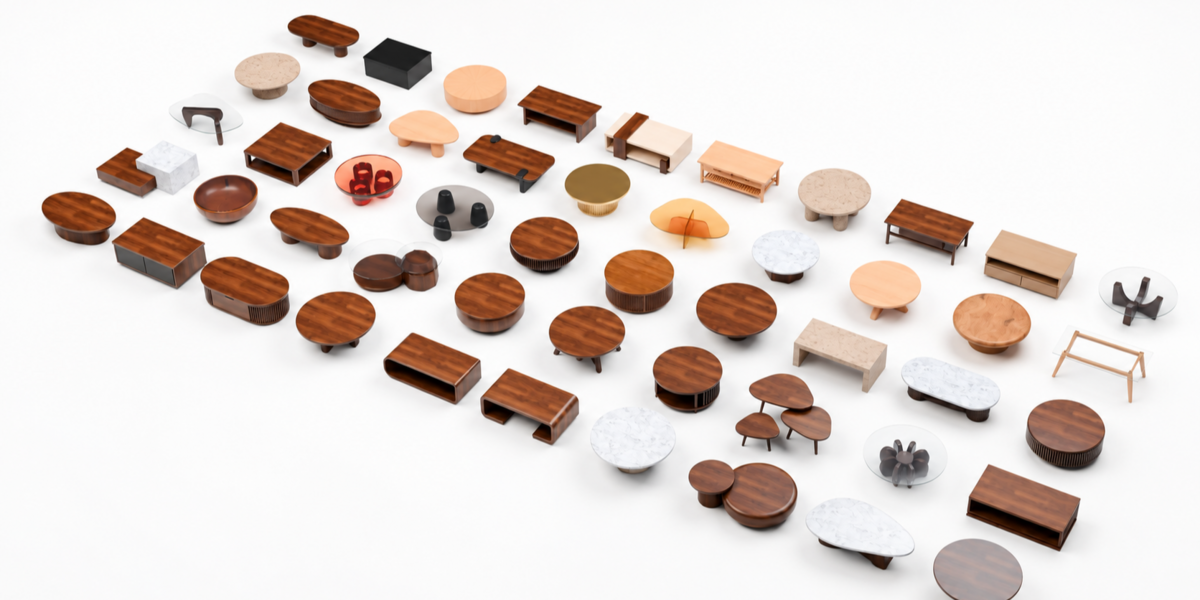
The library contains 50 individually prepared coffee tables, ranging from minimal and contemporary designs to sculptural, glass, marble, stone, ribbed, slatted and storage-based furniture.
Every numbered design is provided as its own Asset Browser entry for quick access inside Blender.
ASSET BROWSER READY
Designed for a faster workflow
The collection is organized as a native Blender Asset Library.
Once installed, the tables can be accessed directly through the Asset Browser and placed into your scene with drag and drop.
The library is divided into useful catalogs such as Glass, Marble & Stone, Organic Shapes, Slatted & Ribbed, Storage Tables and Timber & Metal, making it easier to find the right piece for each scene.
INSTALLATION
Add the library to Blender in a few steps
Extract the downloaded ZIP to a permanent folder on your computer.
Open Blender and go to:
Edit → Preferences → File Paths → Asset Libraries
Add the extracted Coffee Tables Library folder as a new Asset Library.
Open the Asset Browser, select the library from the library menu and start dragging the tables directly into your scenes.
MATERIALS & TEXTURES
Editable and ready for customization
The collection includes a variety of materials such as wood, glass, marble, stone, metal and other contemporary furniture finishes.
Materials can be edited directly inside Blender, allowing you to adjust colors, roughness, reflections and other properties for your own projects.
External textures included with the library should remain inside the supplied folder structure so Blender can locate them correctly.
ORGANIZED ASSETS
Clean structure. Easier editing.
Complex tables may contain multiple editable parts such as glass tops, wooden bases, legs, drawers, shelves or structural elements.
These components remain organized within their respective table asset so you can modify individual materials or parts without rebuilding the model.
Multi-piece designs, such as nesting tables, are kept together as a single Asset Browser entry.
MADE FOR INTERIOR SCENES
From quick staging to detailed visualization
The library is suitable for living rooms, architectural visualization, furniture layouts, interior renders, product presentation and environment design.
The variety of silhouettes and materials makes it easy to create different interiors without repeatedly using the same furniture.
HOW TO USE
Drag. Drop. Adjust.
Choose a table from the Asset Browser and drag it into your scene.
From there, you can reposition, rotate, scale and customize the materials just like any other Blender asset.
The original library remains available so you can reuse the assets across multiple projects.
50 TABLES. READY WHEN YOU NEED THEM.
Less searching. Faster interiors.
Have questions about this product?
Login to message
| Published | about 13 hours ago |
| Blender Version | 4.5 - 5.2 |
| Render Engine Used | Cycles, Eevee |
| Misc Data | Uvs-Unwrapped, Normal-Mapped, Textured |
| License | Creative Commons |
Discover more products like this
wood Interior table Glass 3Dmodel livingroom coffeetable furniture architecture Marble blender modern