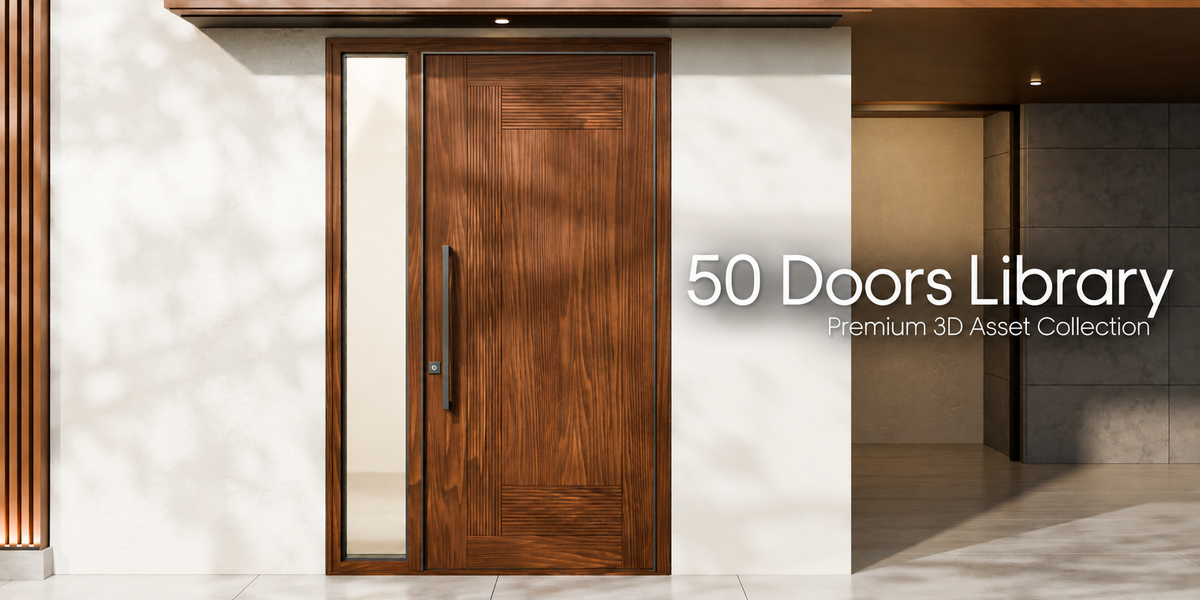
50 Premium Door Designs – Blender Asset Library
 VORMESH
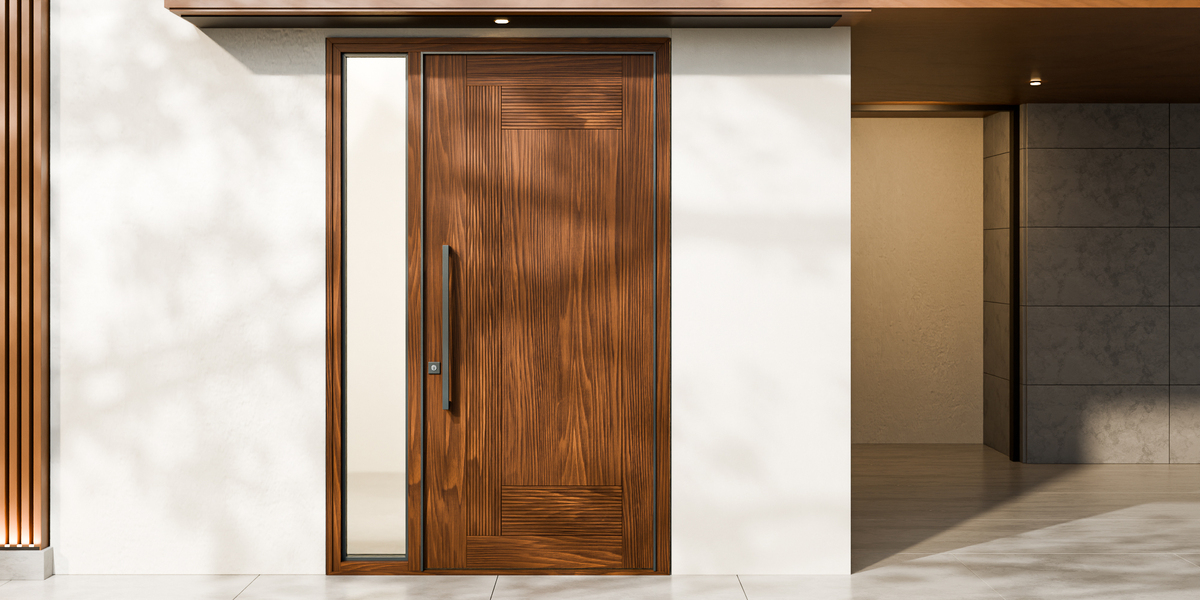
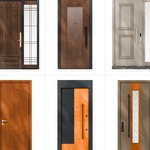
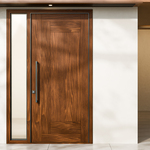
COMPLETE ARCHITECTURAL DOOR COLLECTION
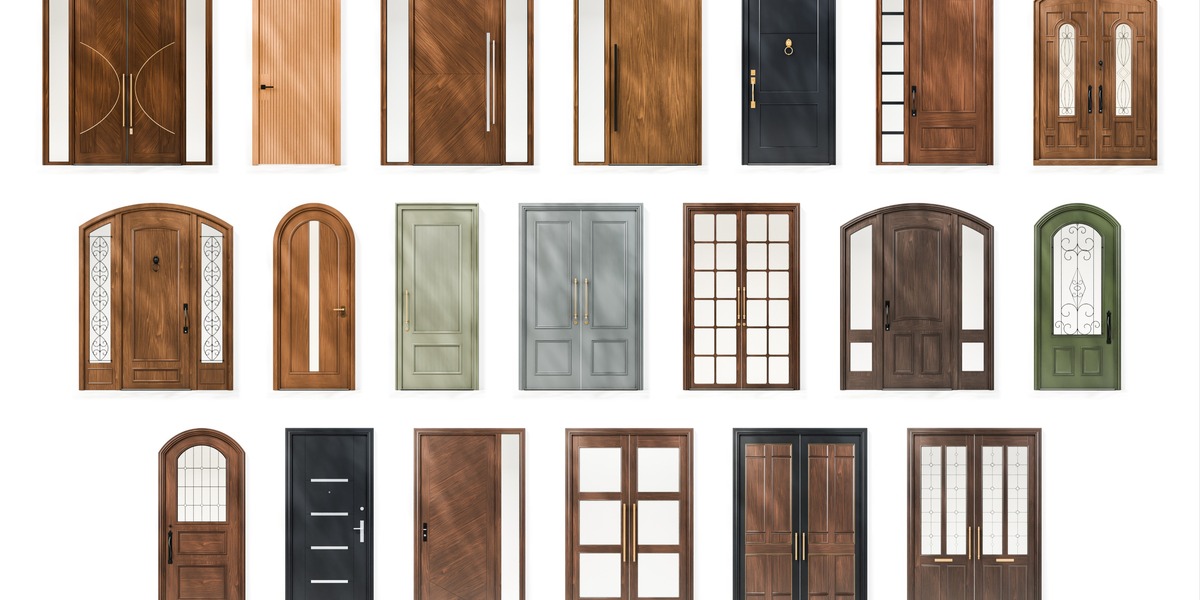
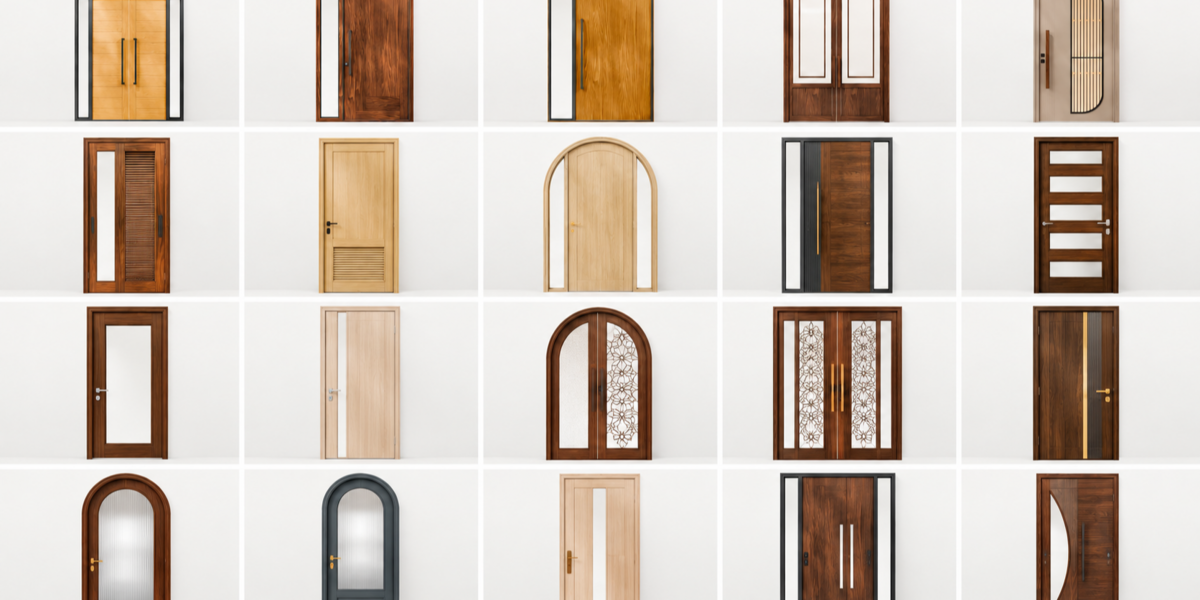
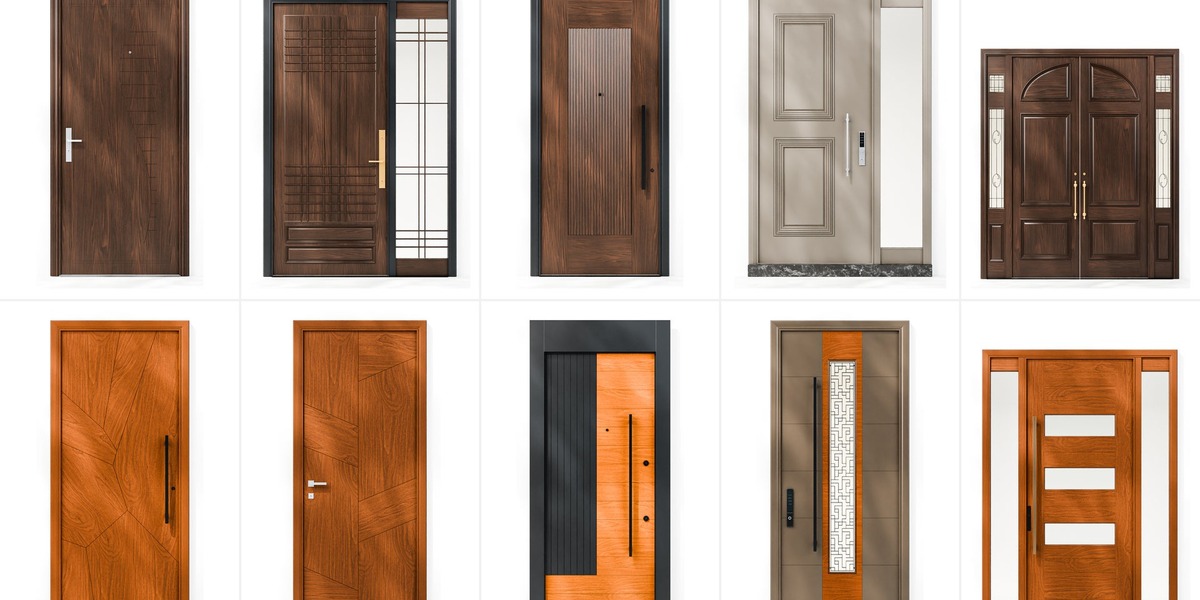
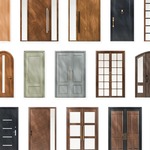
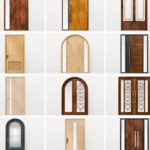
50 individual door designs. Five organized catalogs.
The collection includes 50 premium architectural door 3D models organized for Blender's Asset Browser, designed for interior visualization, architectural rendering and realistic 3D environments.
| 50 DOOR ASSETS | 5 DESIGN CATALOGS |
| INTERIOR & ENTRY DOORS | BLENDER ASSET LIBRARY |
INCLUDED CATALOGS
Arched Doors (10) · Doors with Sidelights (11) · Double Doors (10) · Interior Doors (9) · Single Entry Doors (10)
HOW TO INSTALL
01. Download the library files and extract them if compressed.
02. Open Blender and navigate to Preferences → File Paths → Asset Libraries.
03. Add the library folder, open the Asset Browser and drag your preferred door into the scene.
OPEN & CLOSED CONFIGURATIONS
The product previews show examples of doors positioned open and closed. Use the available components and Blender transforms to adapt your door placement to the scene.
NATIVE BLENDER WORKFLOW
BLEND / BLENDER ASSET LIBRARY
Keep the library files together to preserve the organization and any referenced material textures.
An organized architectural collection created to make finding and placing door designs faster and easier in Blender.
Have questions about this product?
Login to message
| Published | 9 days ago |
| Blender Version | 4.2 - 5.0 |
| Render Engine Used | Cycles |
| Misc Data | Uvs-Unwrapped, Normal-Mapped, Textured |
| License | Creative Commons |
Discover more products like this
wooden door ArchViz asset library doors blender glass door exterior door interior door door double-door architecture Arched Door