Space & Sky — 6 HDR Backgrounds / 8K & 16K Editions
 Space Store
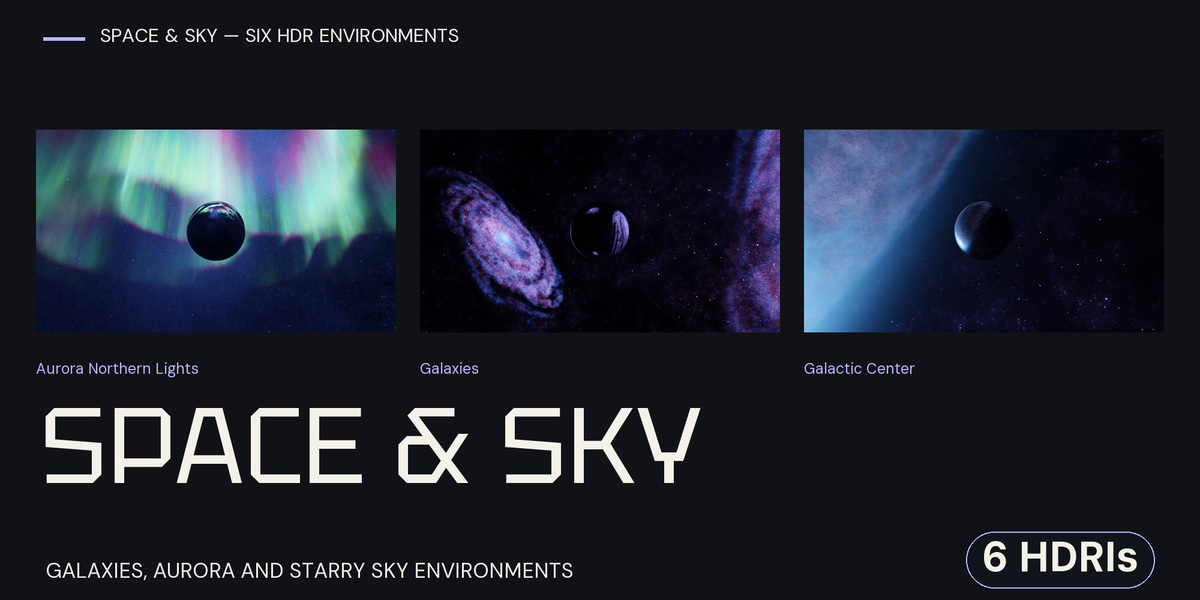
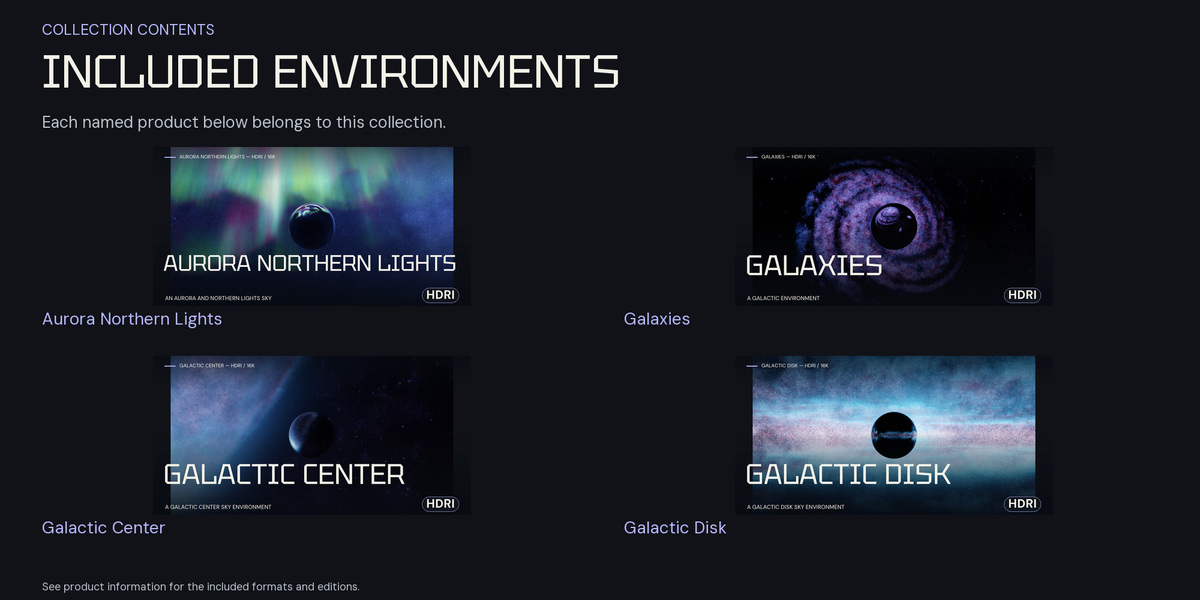
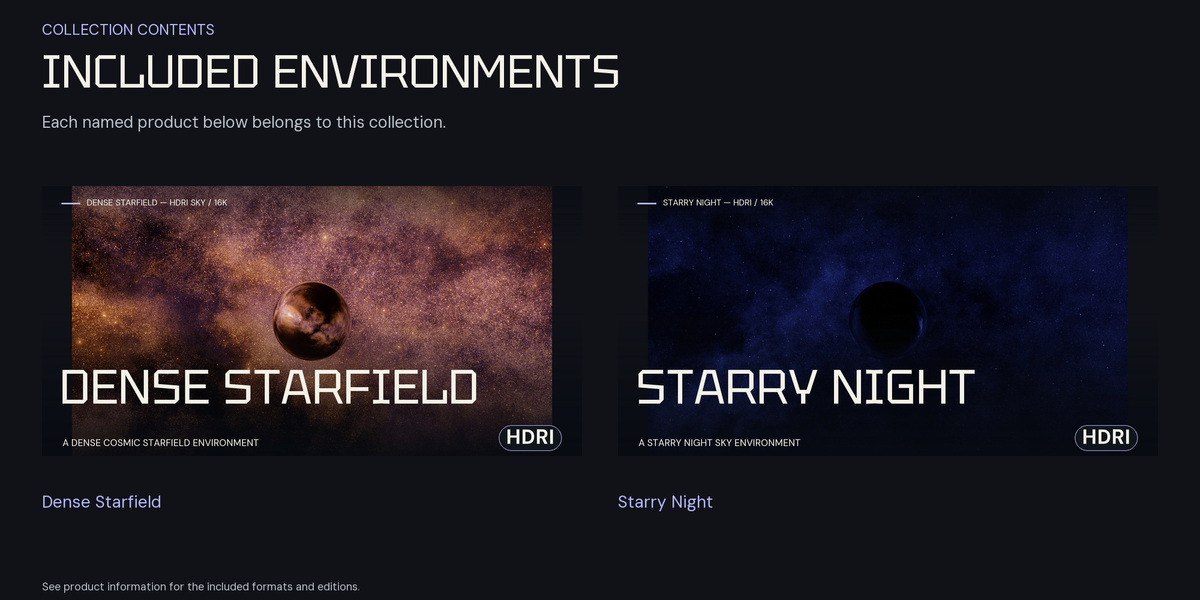
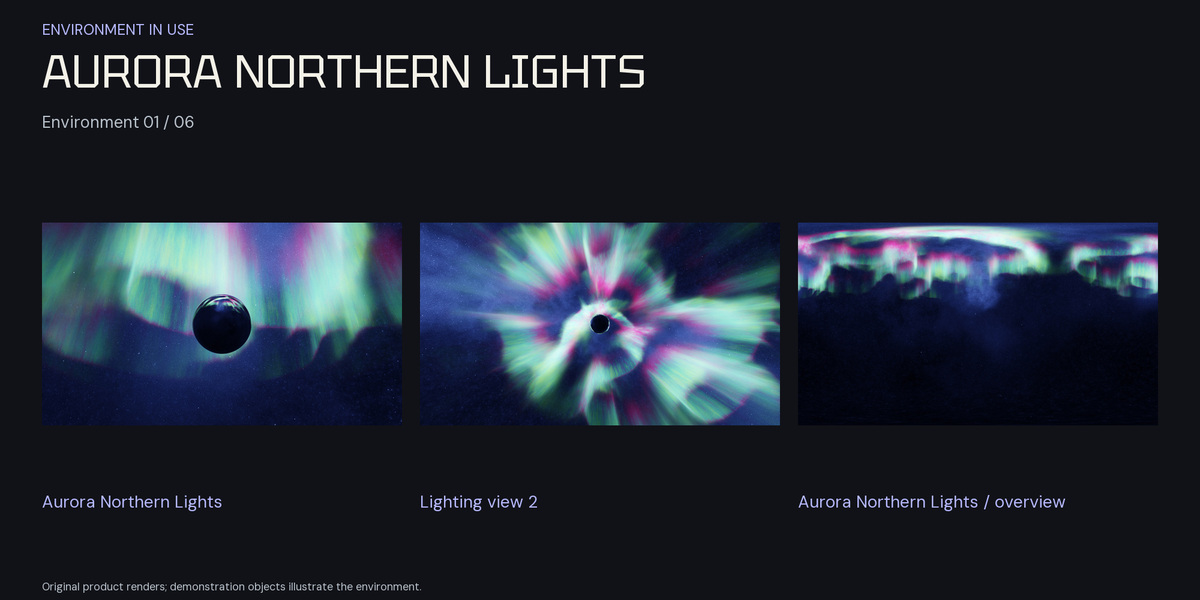
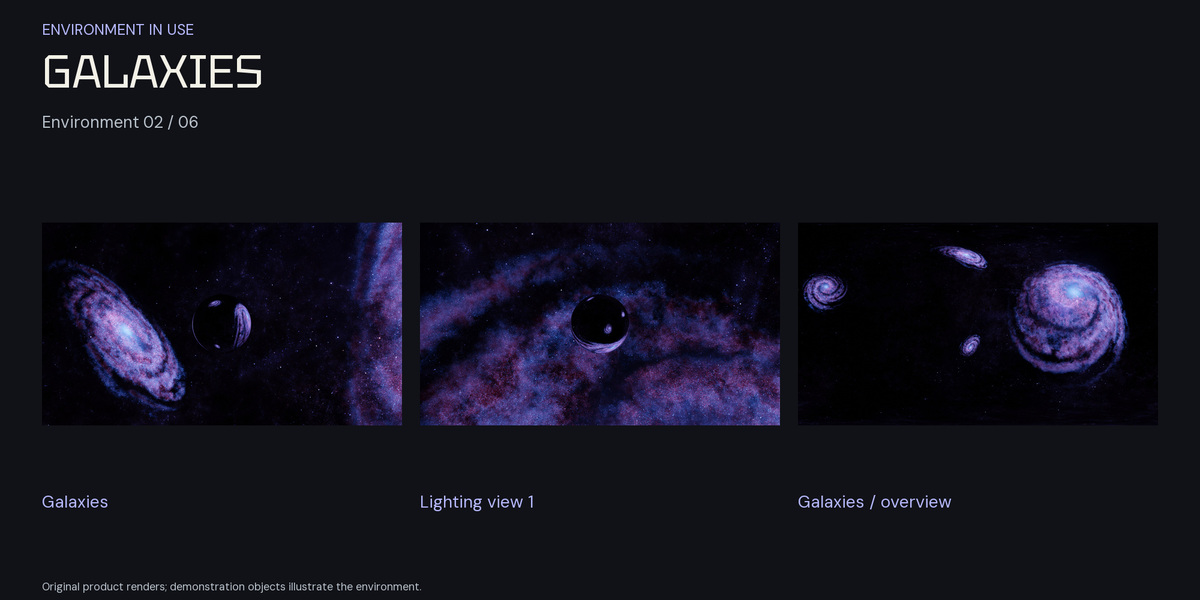
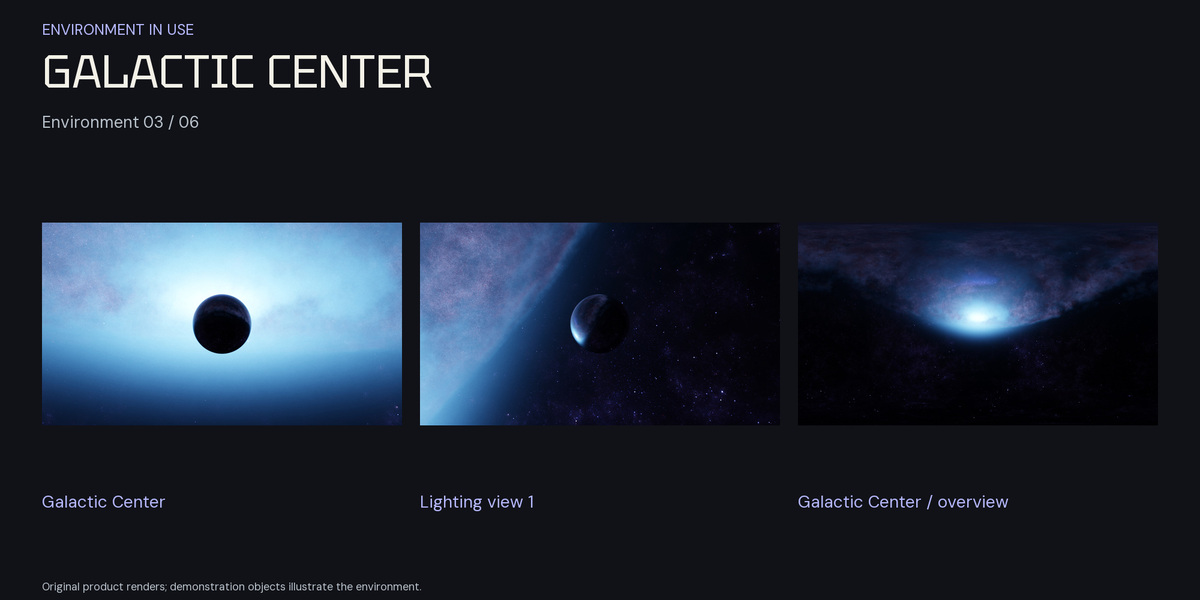
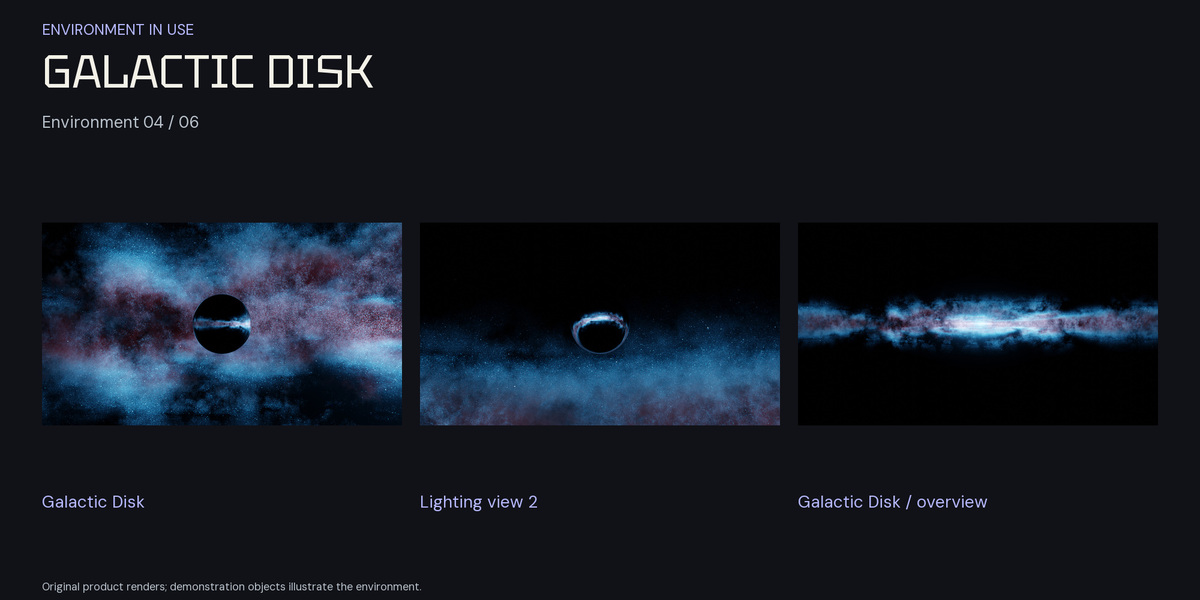
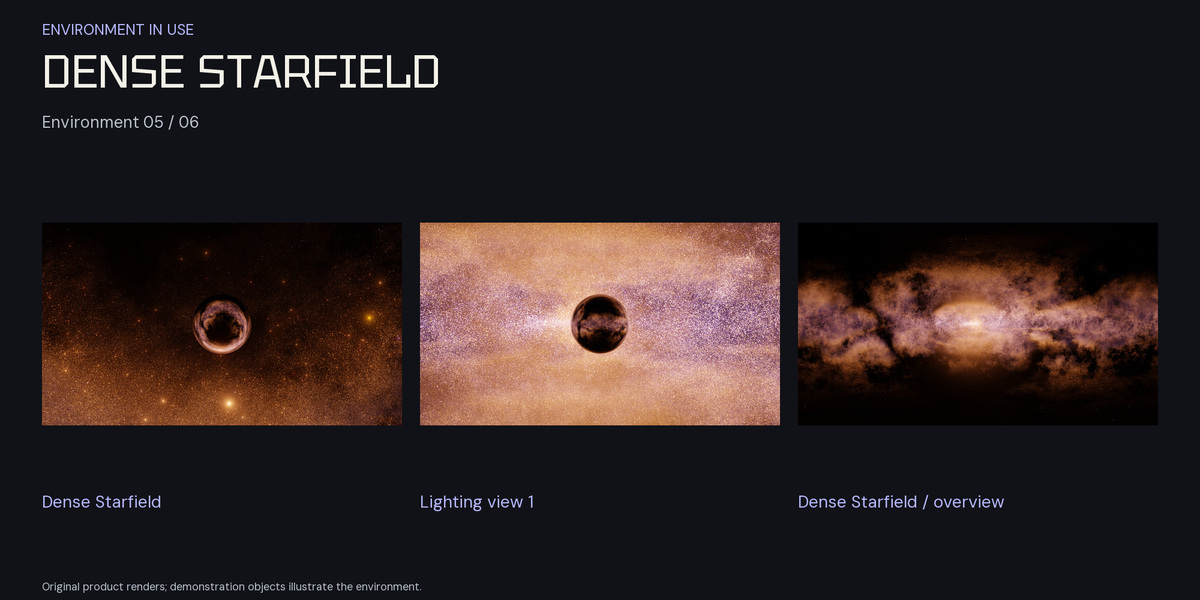
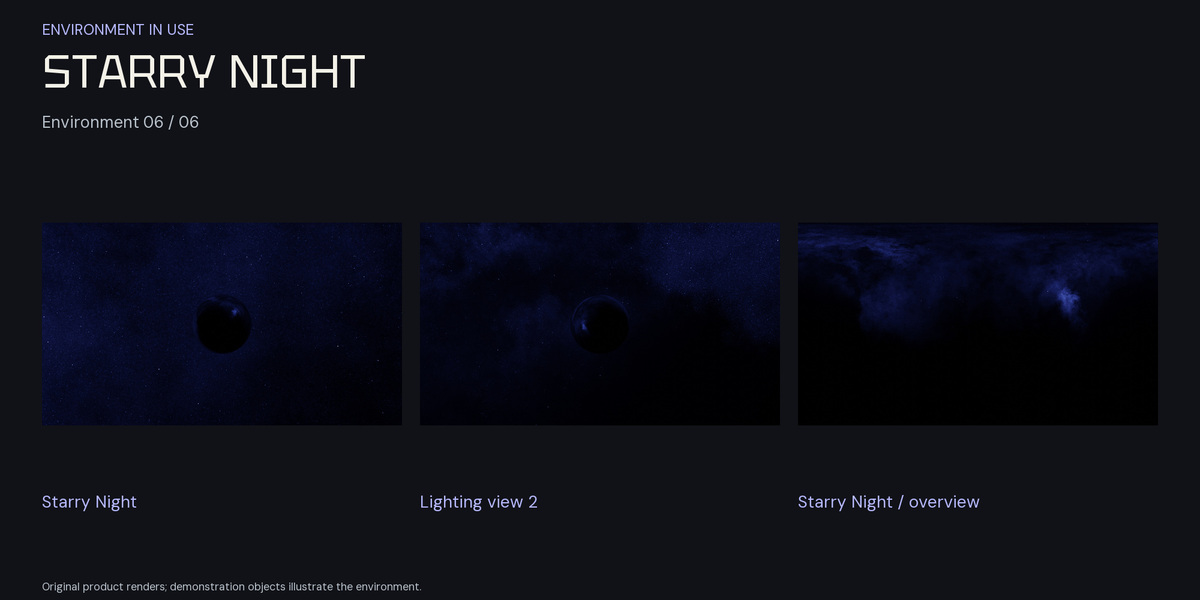
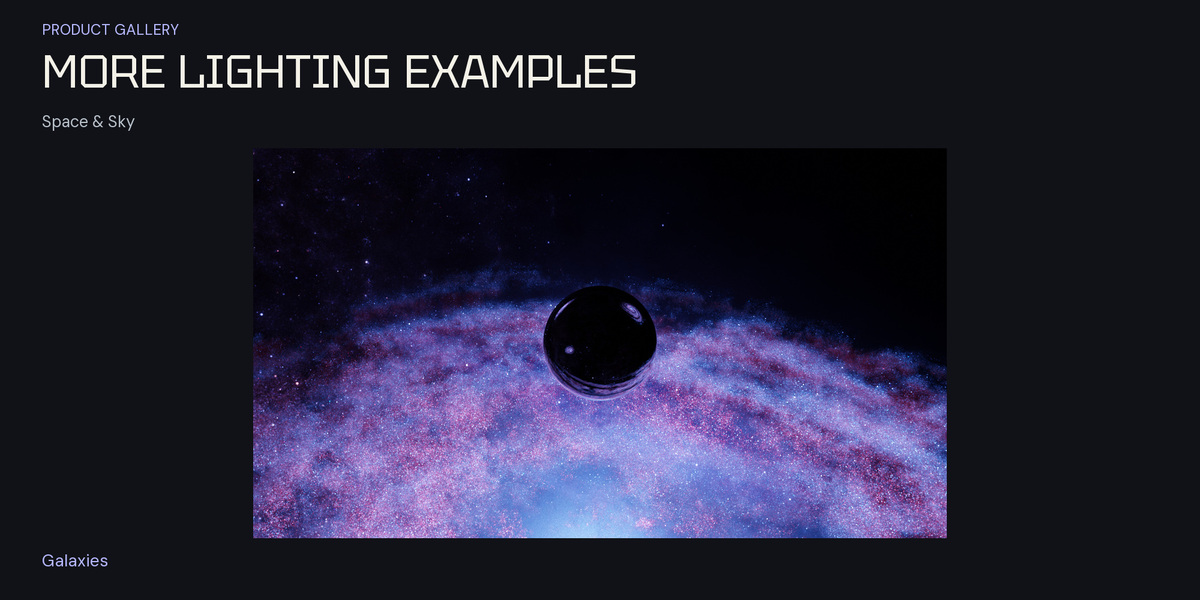
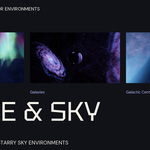
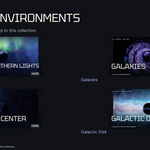
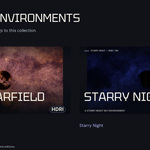
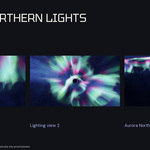
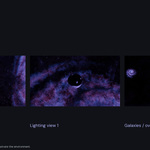
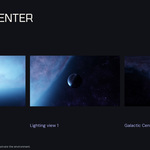
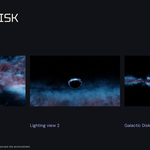
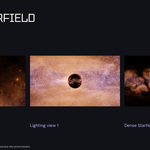
Choose and download
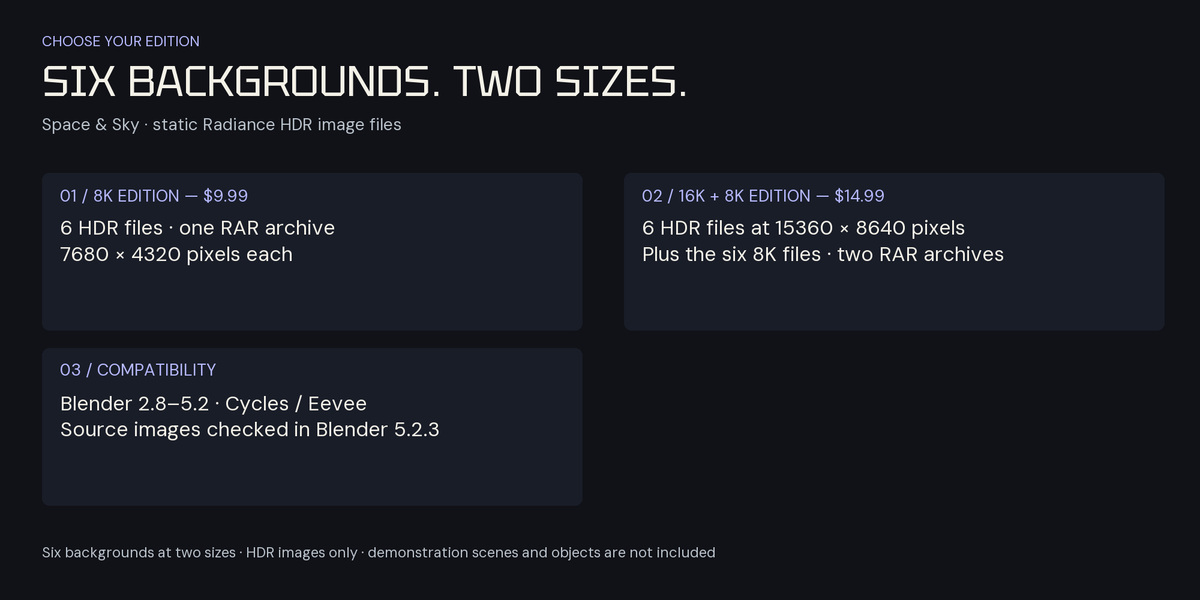
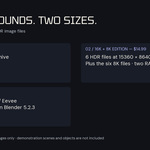
8K edition ($9.99): six HDR images at 7680 × 4320 pixels. 16K + 8K edition ($14.99): six HDR images at 15360 × 8640 pixels plus the six 8K files. These are six backgrounds offered at two sizes, not twelve different environments.
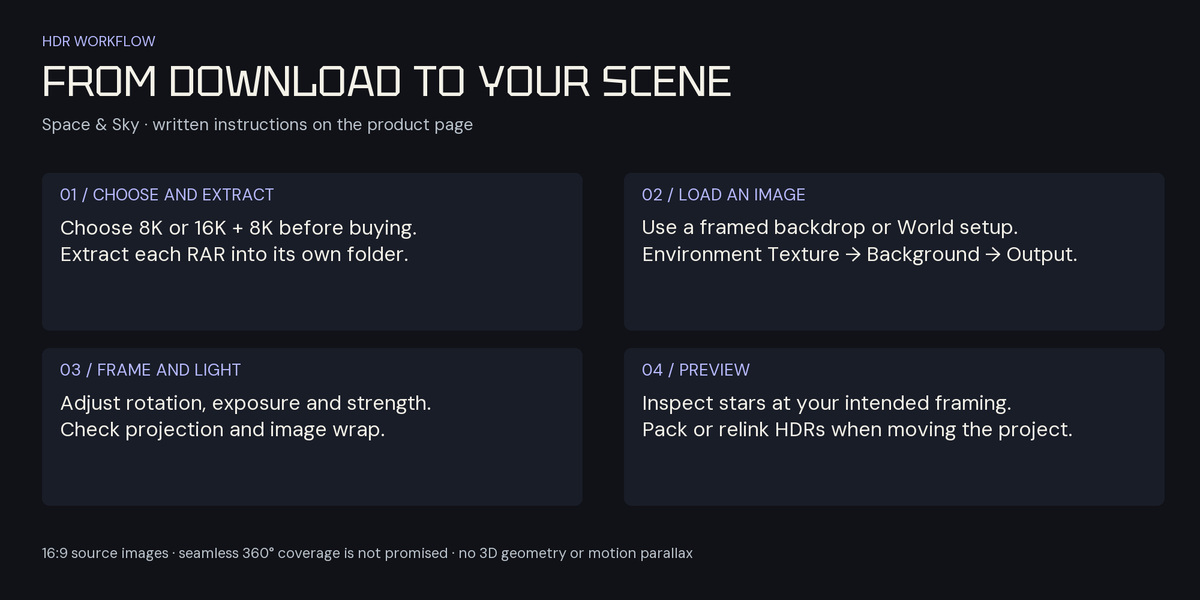
Select the edition before purchasing. Extract each supplied RAR into its own folder and preserve the original filenames. Do not flatten files with repeated names into one directory.
8K archive — included in both editions
Space and Sky HDRIS pack 8k.rar
| HDR filename | Pixels |
|---|---|
Starry night 8k.hdr |
7680 × 4320 |
Aurora 8k.hdr |
7680 × 4320 |
Galaxies 8k.hdr |
7680 × 4320 |
Galaxy center 8k.hdr |
7680 × 4320 |
Galaxy disk 8k.hdr |
7680 × 4320 |
Orange stars 8k.hdr |
7680 × 4320 |
16K archive — included in the 16K + 8K edition
Space and Sky HDRIS pack 16k.rar
| HDR filename | Pixels |
|---|---|
Starry night 16k.hdr |
15360 × 8640 |
Aurora 16k.hdr |
15360 × 8640 |
Galaxies 16k.hdr |
15360 × 8640 |
Galaxy center 16k.hdr |
15360 × 8640 |
Galaxy disk 16k.hdr |
15360 × 8640 |
Orange stars 16k.hdr |
15360 × 8640 |
Set up a Blender World
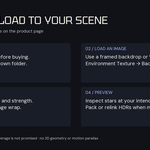
- In the Shader Editor, switch to World and enable Use Nodes.
- Add an Environment Texture, open a supplied HDR and connect Color to Background Color, then Background to World Output.
- Use Texture Coordinate and Mapping nodes to control rotation. Inspect your camera view in Rendered shading.
- Adjust World strength and exposure. Add separate scene lights as needed.
Projection and framing
These are 16:9 source images. Check projection, framing and image wrap in your intended view; seamless 360° coverage is not promised. An image background does not provide 3D geometry or motion parallax. A camera-facing image backdrop is an alternative when you want a specific part of the source composition.
Preview and final output
Start with an 8K file for lighter setup. If you purchased the 16K + 8K edition, switch to its 16K counterpart when the intended background framing requires more pixels. Make a small render and inspect stars, bright regions and image wrap before your final render. Pack or relink the HDR when moving a Blender project.
Compatibility and contents
Use the HDR images with Blender 2.8–5.2 in Cycles or Eevee. Reference source images were checked in Blender 5.2.3 LTS. Older releases were not individually tested.
The selected edition supplies the listed HDR image files in RAR archives. Demonstration objects, terrain, complete Blender scenes, editable shaders and animation are not included.
License
New purchases use the Superhive Standard Royalty Free license. Previously granted licenses and applicable third-party terms remain valid.
Have questions about this product?
Login to message
| Sales | 30+ |
| Dev Fund Contributor | |
| Published | over 3 years ago |
| Blender Version | 2.8 - 5.2 |
| Render Engine Used | Cycles, Eevee |
| License | Royalty Free |