Desert Landscapes — 7 Blender Terrains & 8K Textures
 Space Store
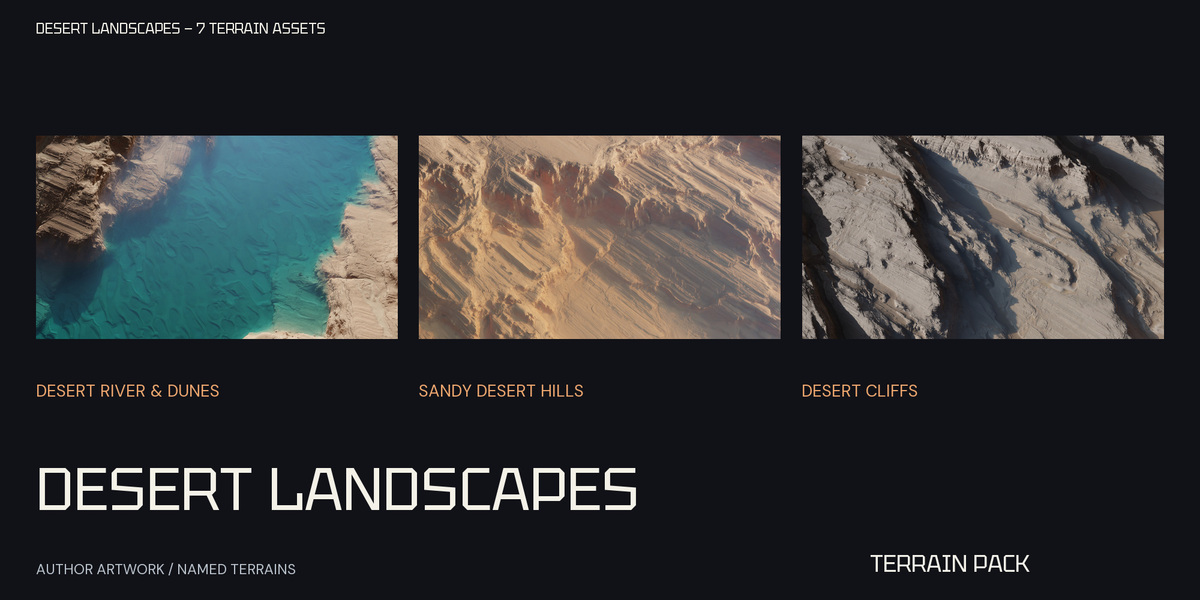
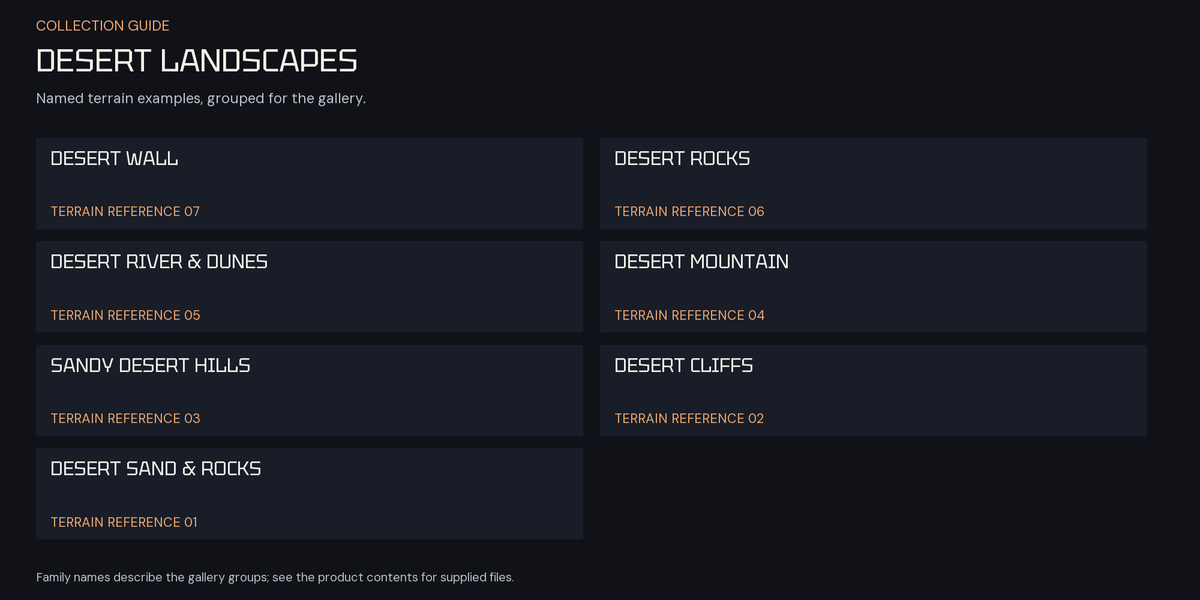
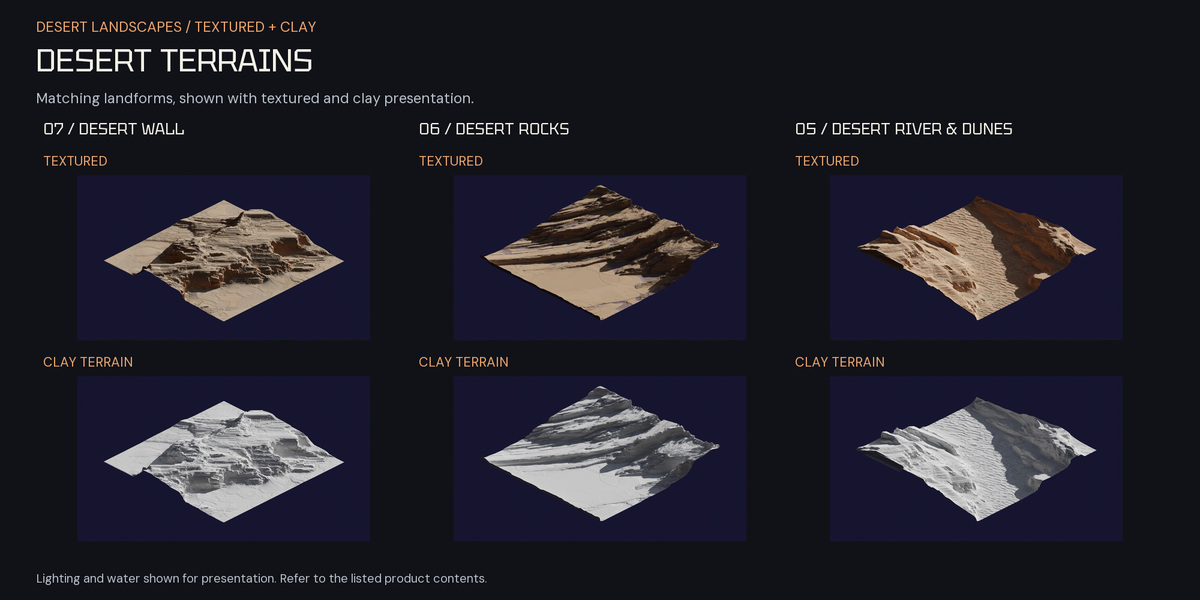
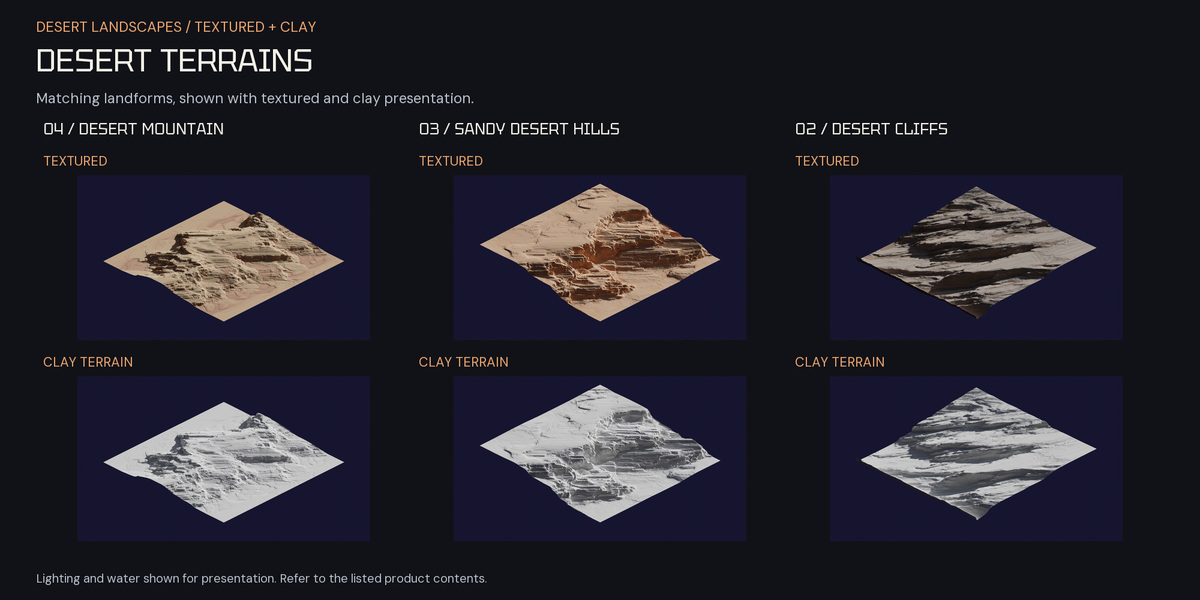
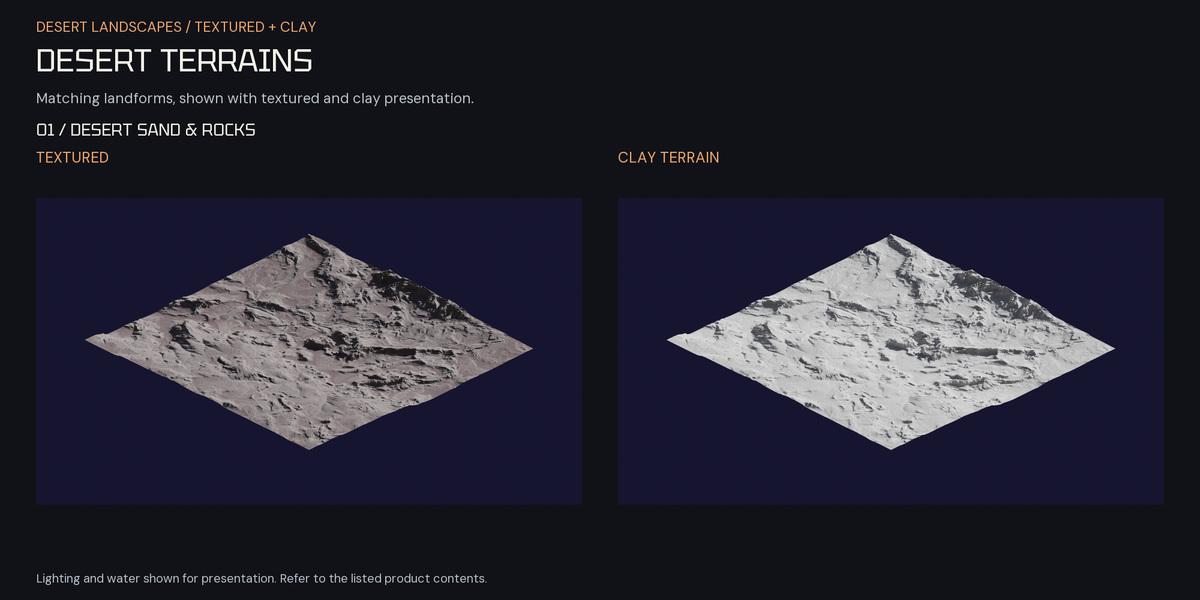
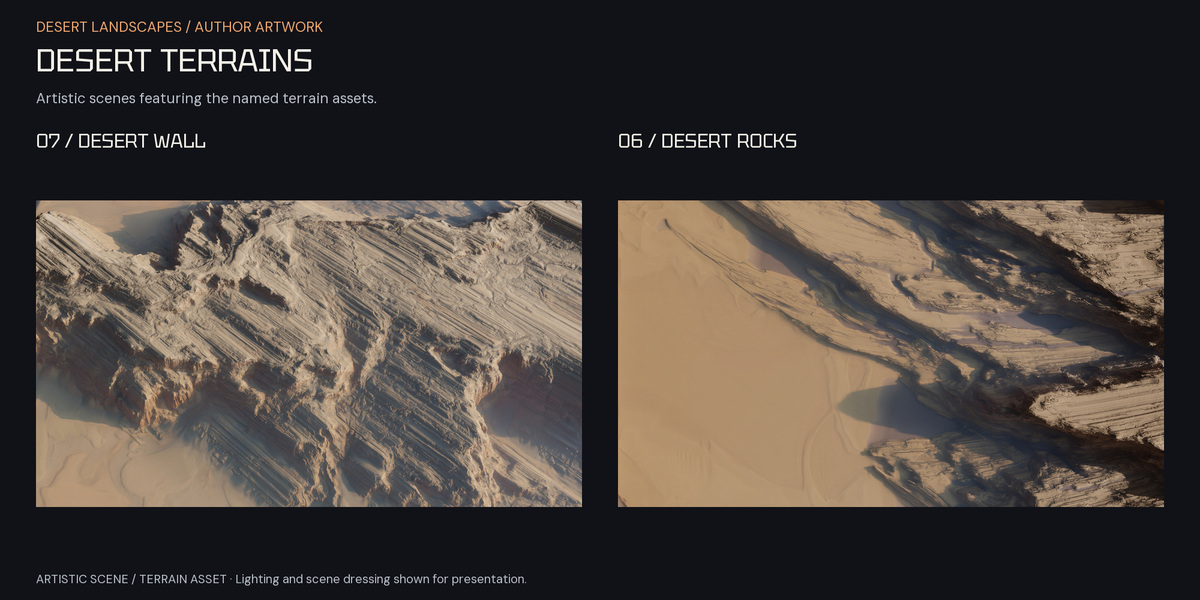
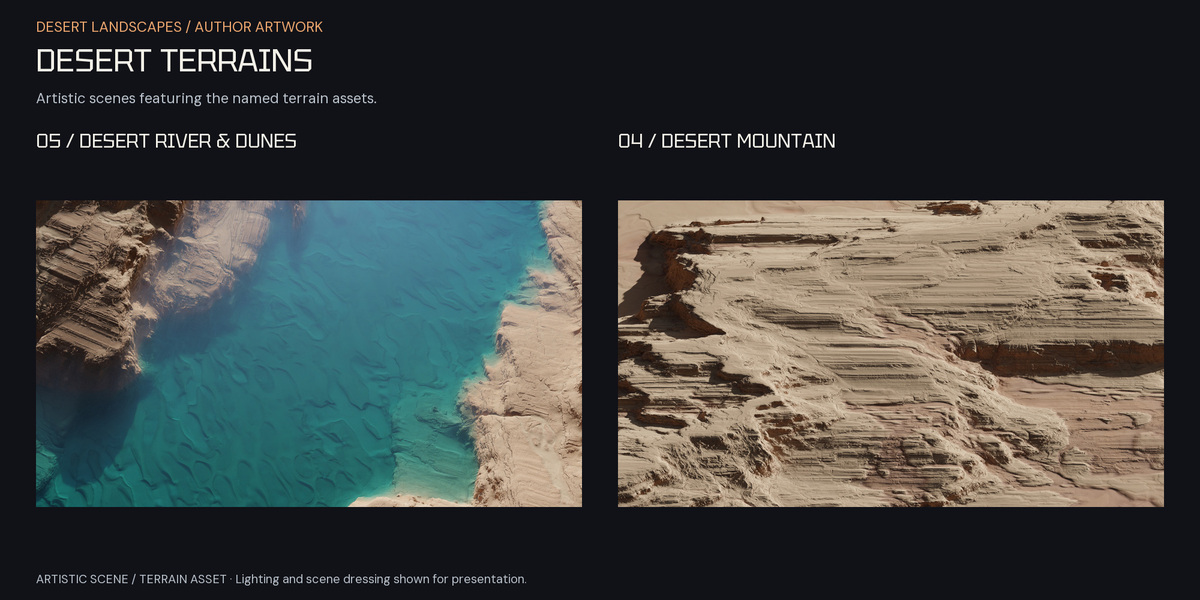
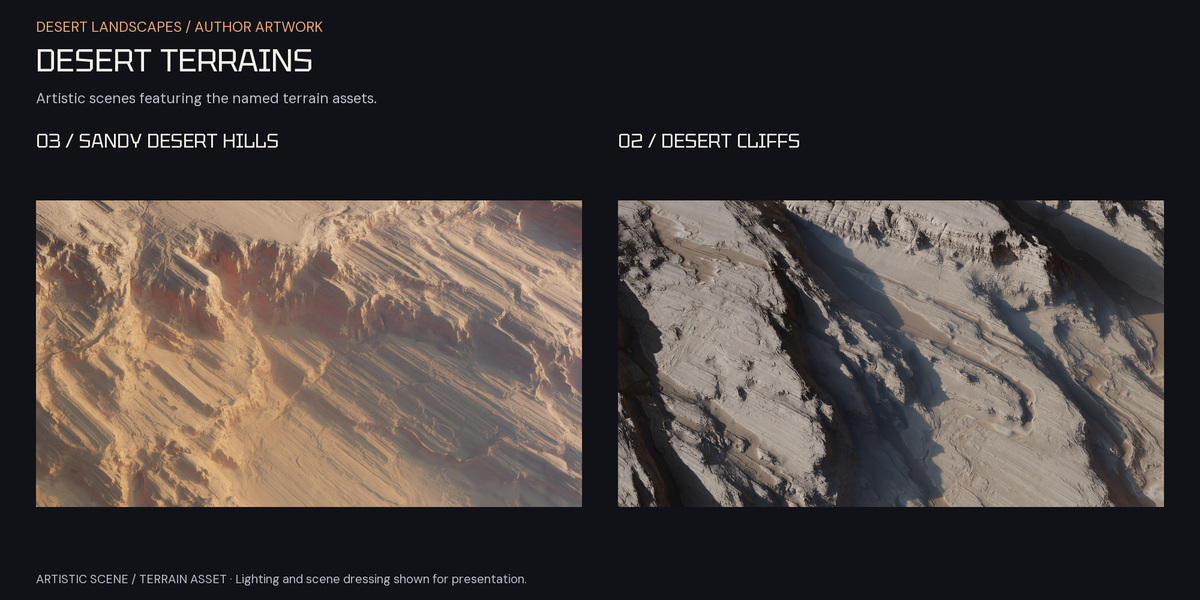
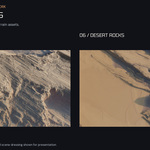
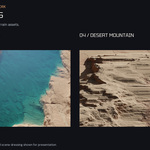
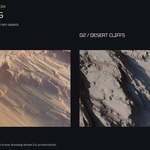
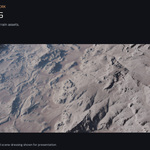
Start in Blender
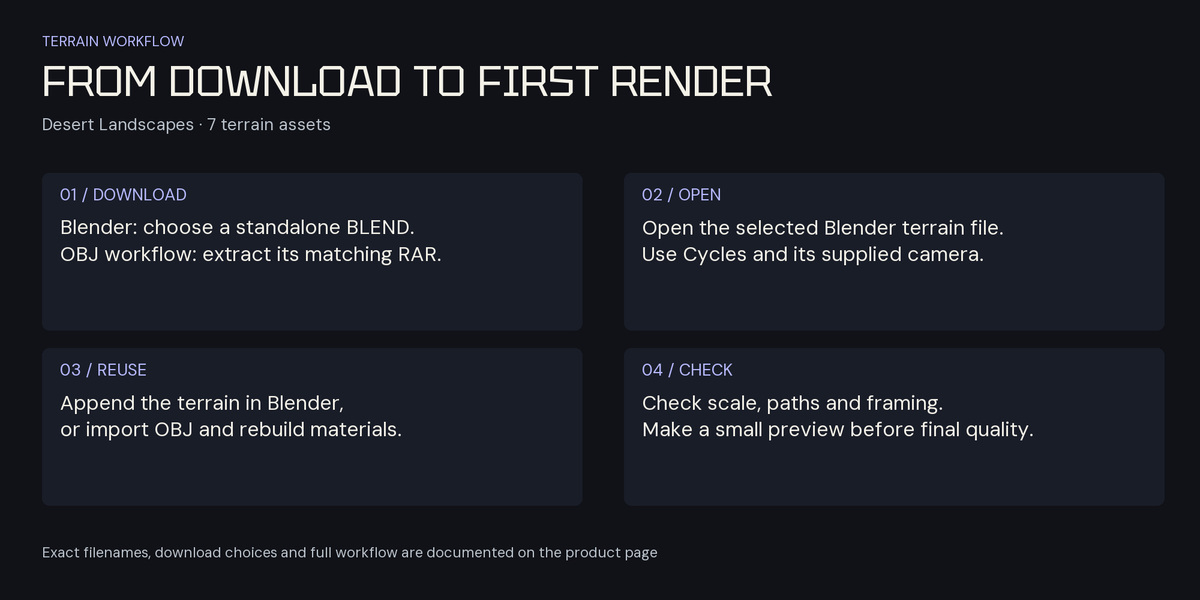
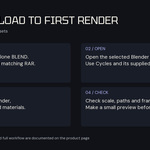
- Choose the terrain with the exact filename guide below and download its standalone BLEND.
- Open the BLEND with Cycles. Its supplied terrain materials, camera and packed image dependencies are present. Save your edits to a new file and make a small preview.
- To move the terrain into another project, use File → Append and choose its Object or Collection. Check scale, placement and materials. Appending only the terrain does not automatically bring separate scene objects, camera, World or render settings.
Exact filename and archive-member guide
| Terrain / gallery name | Blender file | OBJ/maps archive | OBJ member | Five map members |
|---|---|---|---|---|
| Desert Wall | Desert Wall.blend |
Desert Wall.rar |
Desert Wall.obj |
Specular.pngAlbedo.pngHeightmap.exrNormal Map.pngRoughness.png
|
| Desert Rocks | Desert Rocks.blend |
Desert Rocks.rar |
Desert Rocks.obj |
Specular.pngAlbedo.pngHeightmap.exrNormal Map.pngRoughness.png
|
| Desert River, Water & Dunes | Desert river.blend |
Desert River.rar |
Desert river.obj |
Specular.pngAlbedo.pngHeightmap.exrNormal Map.pngRoughness.png
|
| Desert Mountain | Desert Mountain.blend |
Desert Mountain.rar |
Desert Mountain.obj |
Specular.pngAlbedo.pngHeightmap.exrNormal Map.pngRoughness.png
|
| Sandy Desert Hills | Desert Hill.blend |
Desert Hill.rar |
Desert Hill.obj |
Specular.pngAlbedo.pngHeightmap.exrNormal Map.pngRoughness.png
|
| Desert Cliffs | Desert Cliffs.blend |
Desert Cliffs.rar |
Desert Cliffs.obj |
Specular.pngAlbedo.pngHeightmap.exrNormal Map.pngRoughness.png
|
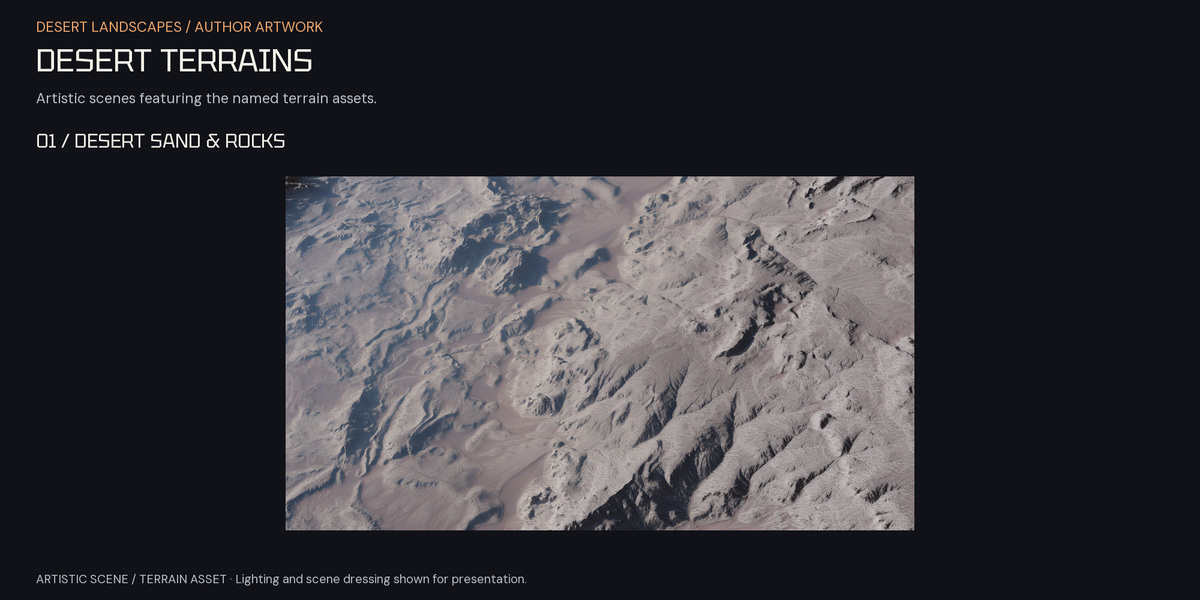
| Desert Sand & Rocks | Desert.blend |
Desert.rar |
Desert.obj |
Specular.pngAlbedo.pngHeightmap.exrNormal Map.pngRoughness.png
|
OBJ and maps
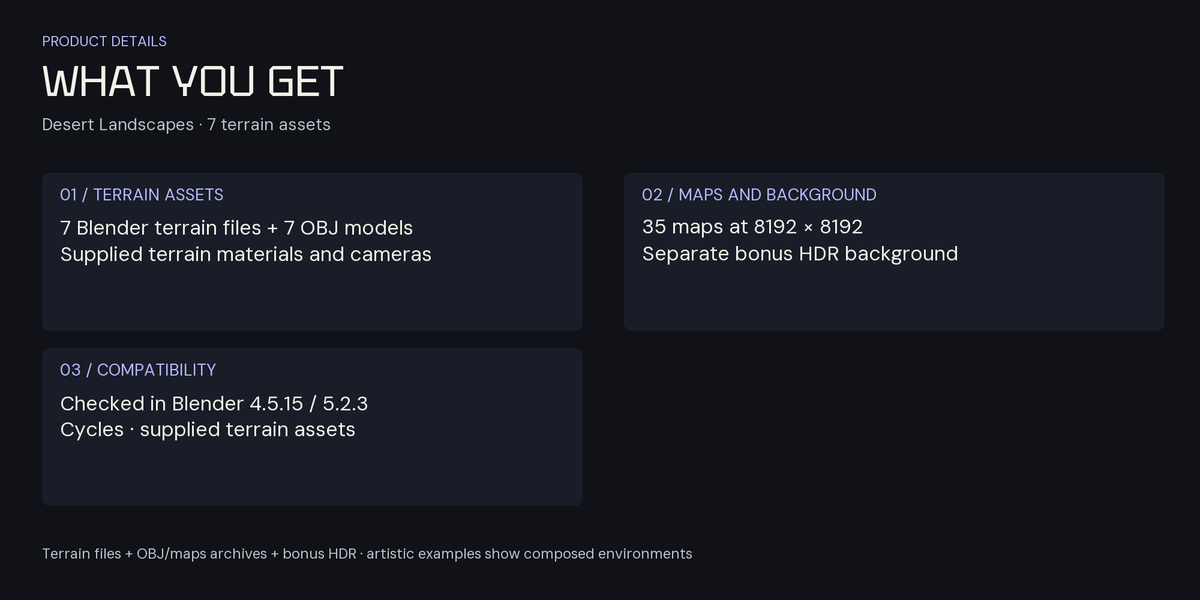
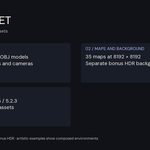
Extract the RAR matching your selected BLEND and keep its archive folder structure. Each archive supplies one OBJ and five maps; the table preserves the exact spelling and case. All 35 maps have 8192 × 8192 pixel headers. No MTL files are included.
Import the OBJ with a compatible Wavefront OBJ importer and rebuild materials for your renderer. Use Albedo as color data. Treat Specular, Roughness, Normal and Height as data maps with appropriate non-color handling. In Blender, connect a normal image through a Normal Map node. Check scale, orientation and normals after import; preview displacement before increasing subdivision.
Optional bonus HDR
Alien atmo galaxy sunrise 8k.hdr is a separate static Radiance HDR background at 7680 × 4320 pixels. Load it into your World or background setup and check projection, framing and exposure. Seamless 360° coverage is not promised.
Compatibility and further use
The exact supplied Blender terrain files were checked in Blender 4.5.15 LTS and 5.2.3 LTS with Cycles. Intermediate releases and Eevee were not separately verified.
These are Blender terrain files with supplied terrain materials and cameras, plus matching OBJ/maps archives. Artistic examples show composed environments; extra demonstration scene assets and a separate editable shader product are not included. For game projects, prepare your own mesh reduction, LODs, collisions and engine materials.
License
New purchases use the Superhive Standard Royalty Free license. Previously granted licenses and applicable third-party terms remain valid.
Have questions about this product?
Login to message
| Sales | 20+ |
| Rating | 1 ratings |
| Dev Fund Contributor | |
| Published | about 3 years ago |
| Blender Version | 4.5 - 5.2 |
| Render Engine Used | Cycles |
| Misc Data | Uvs-Unwrapped, Textured |
| License | Royalty Free |