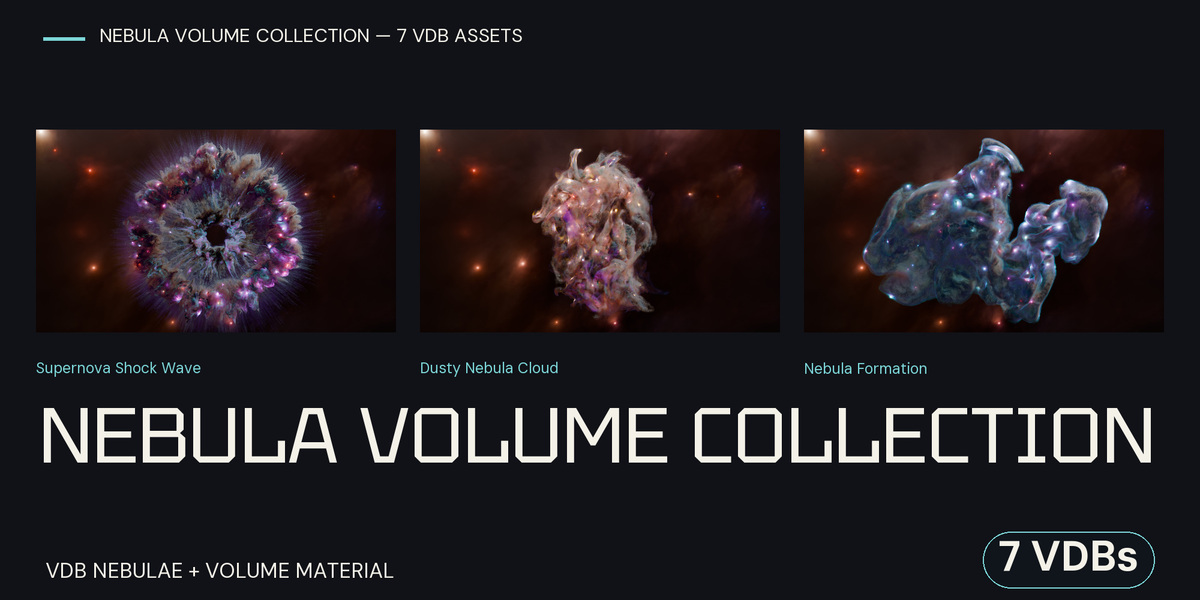
7 Nebula Volumes — VDB Collection With Blender Materials
 Space Store
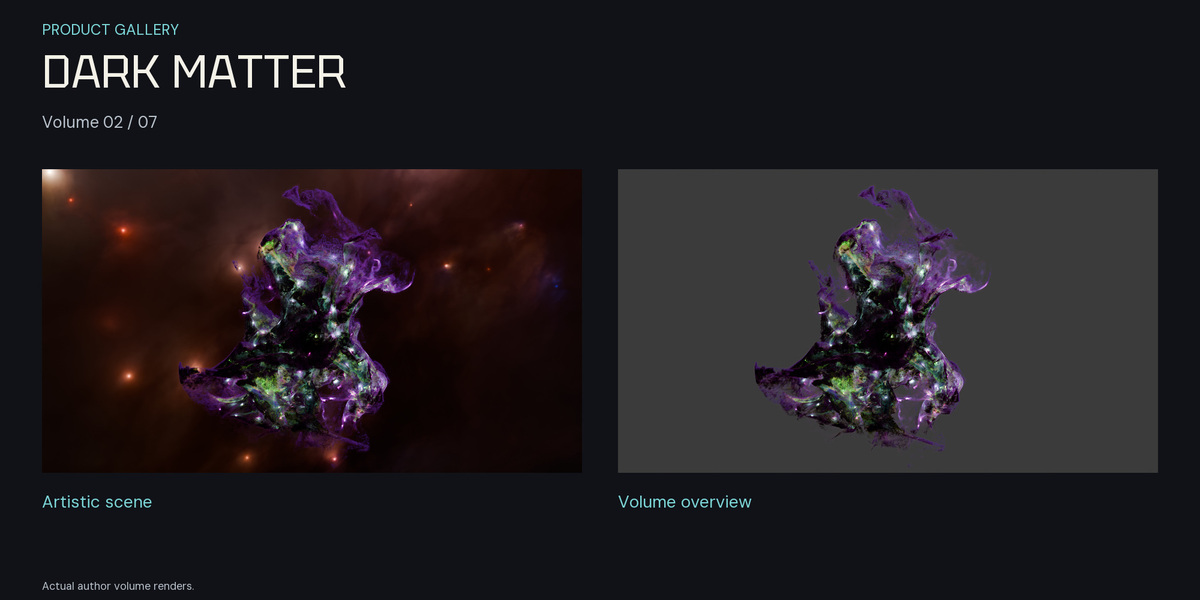
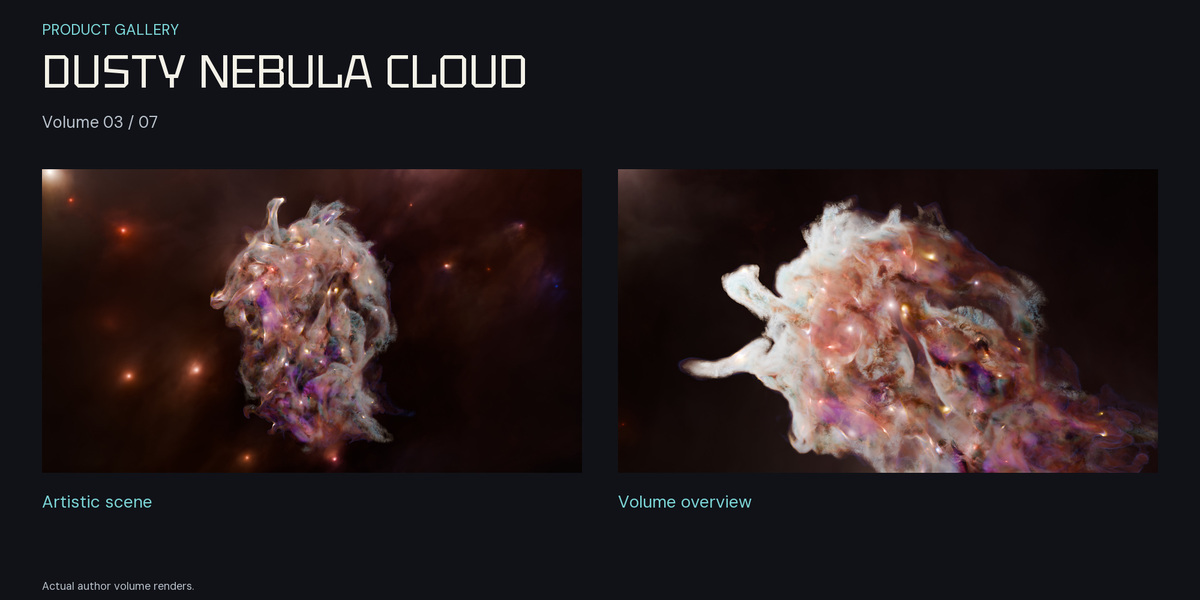
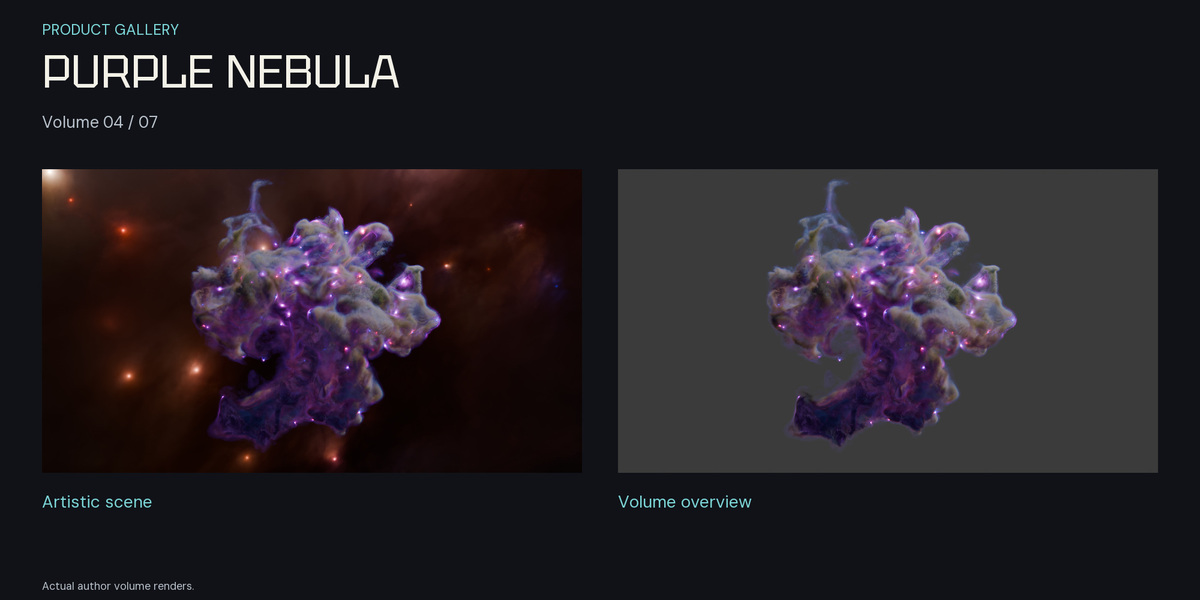
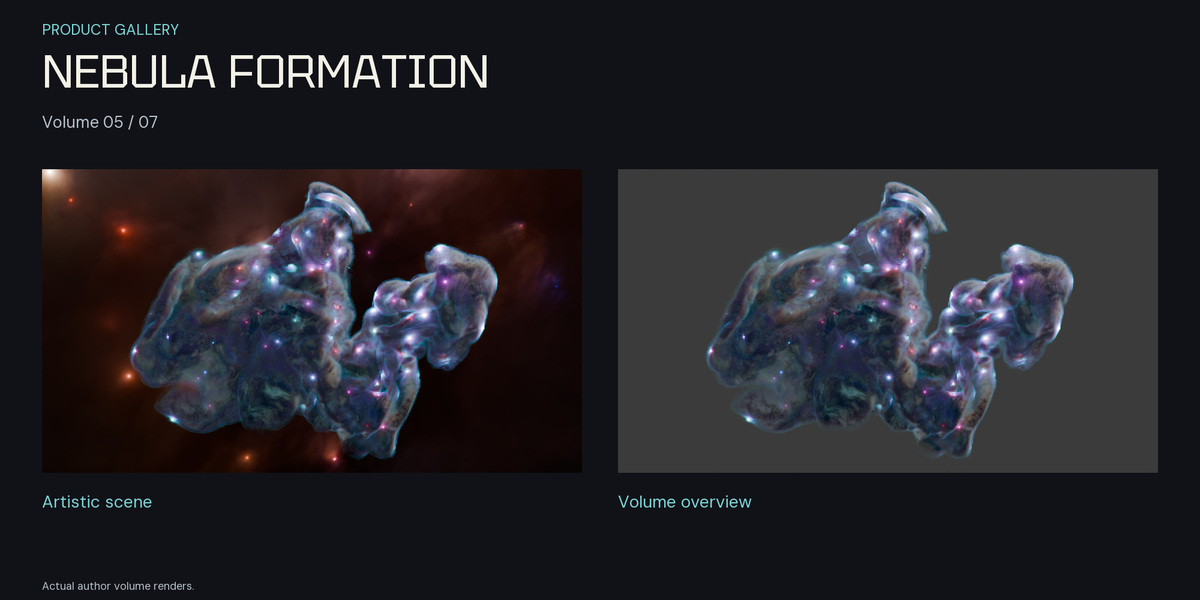
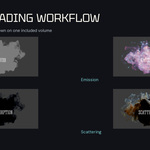
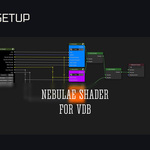
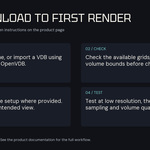
Quick start — Blender 5.2.3 LTS
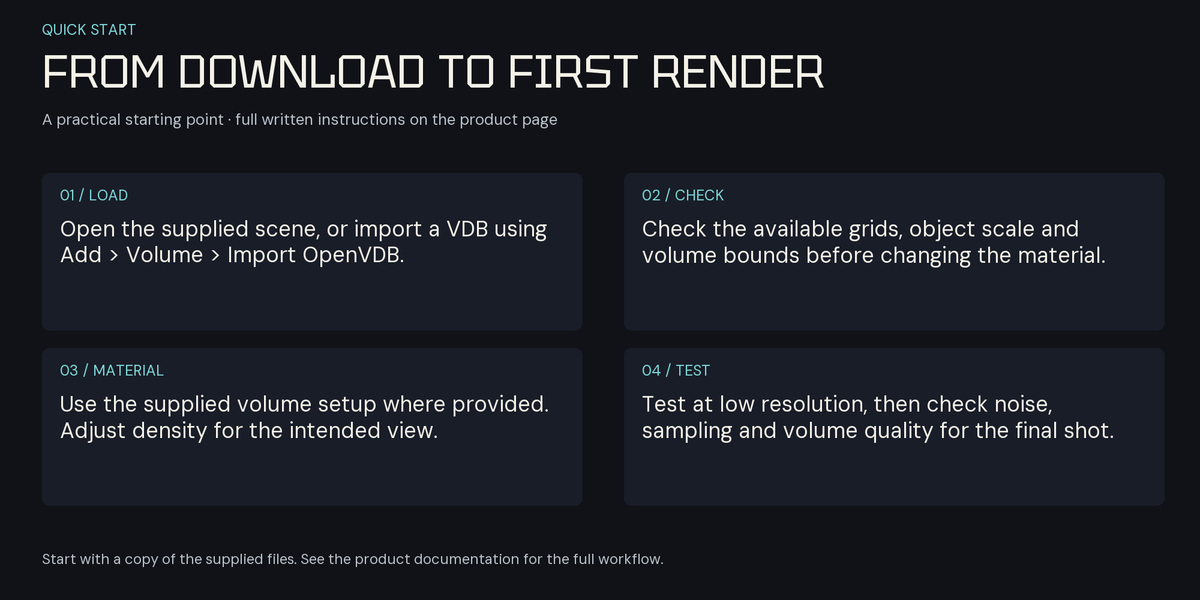
- Download the Blender 5.2.3 compatibility release and extract the entire ZIP into one folder.
- Keep each BLEND beside its matching VDB: one of the seven supplied volumes. Do not rename or separate the pairs.
- Open the desired BLEND in Blender 5.2.3 LTS and use Cycles. The scene loads its volume through a relative companion-file path.
- If you append a volume into another project, keep its VDB available and update the Volume file path if the project folder changes.
- Make a small preview render before the final render. Volume rendering time depends on scene scale, sampling, lighting and hardware.
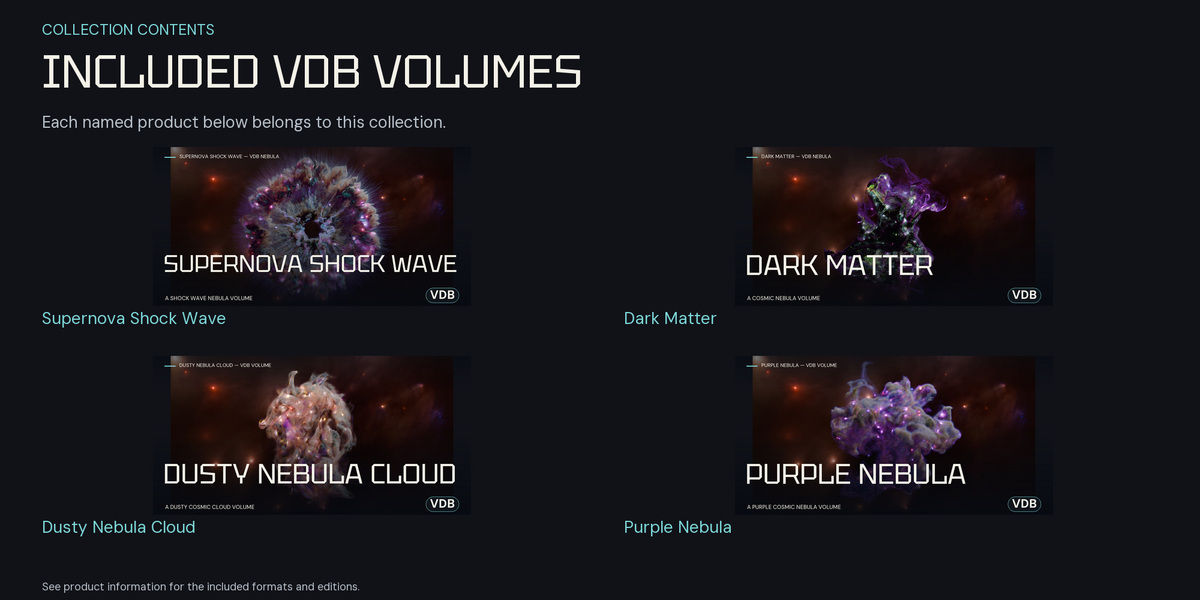
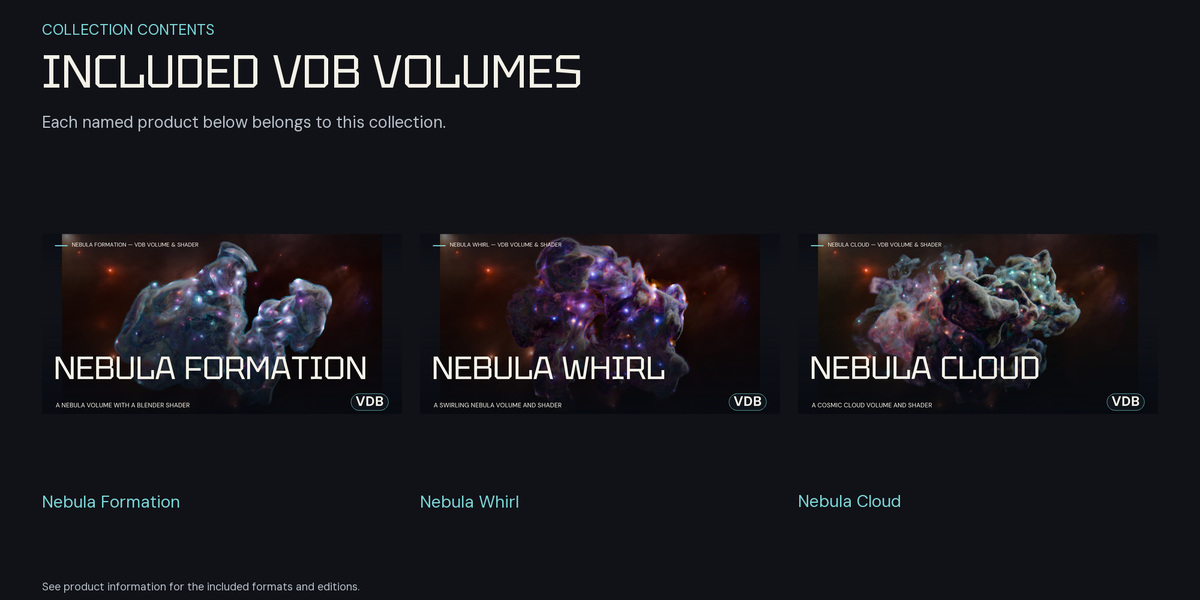
Included volumes
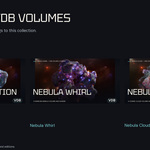
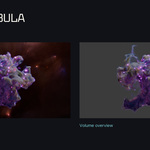
- Dark Matter Nebulae
- Dusty Nebulae
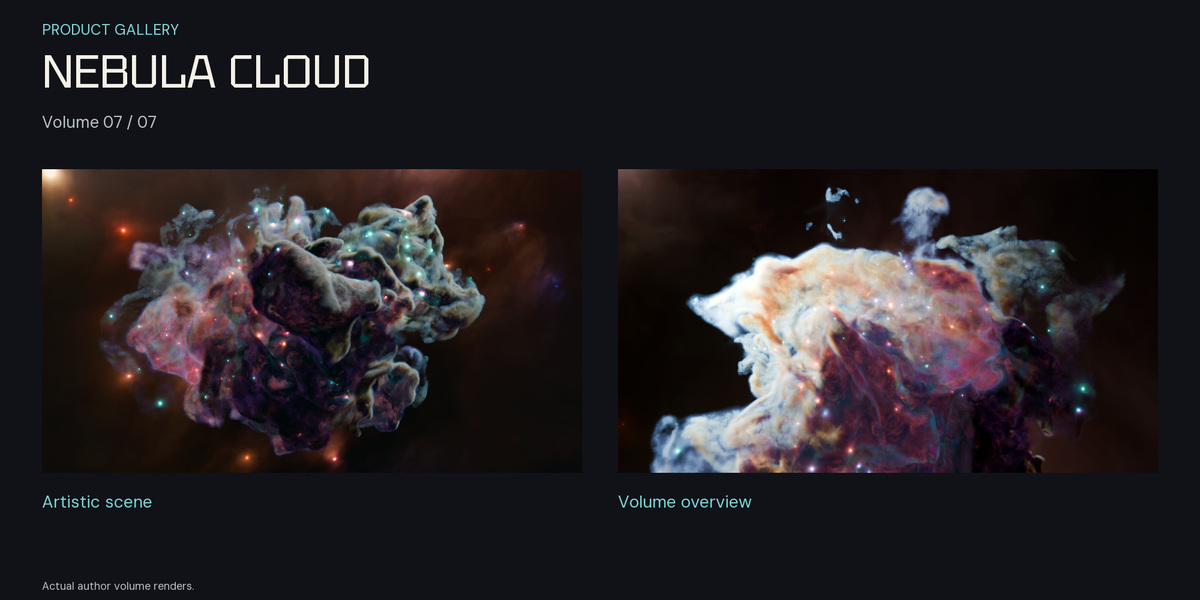
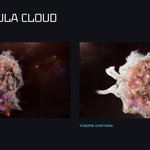
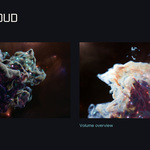
- Nebulae Cloud
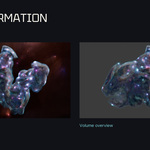
- Nebulae Formation
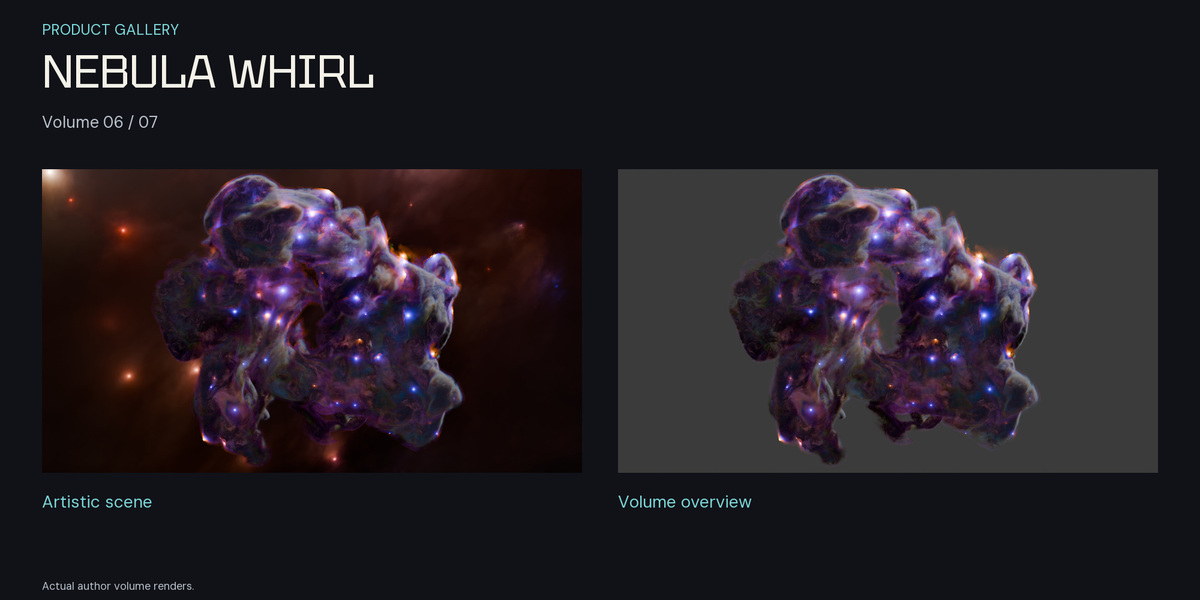
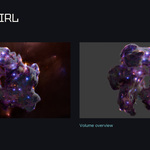
- Nebulae Whirl
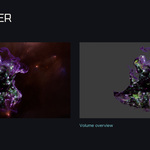
- Purple Nebulae
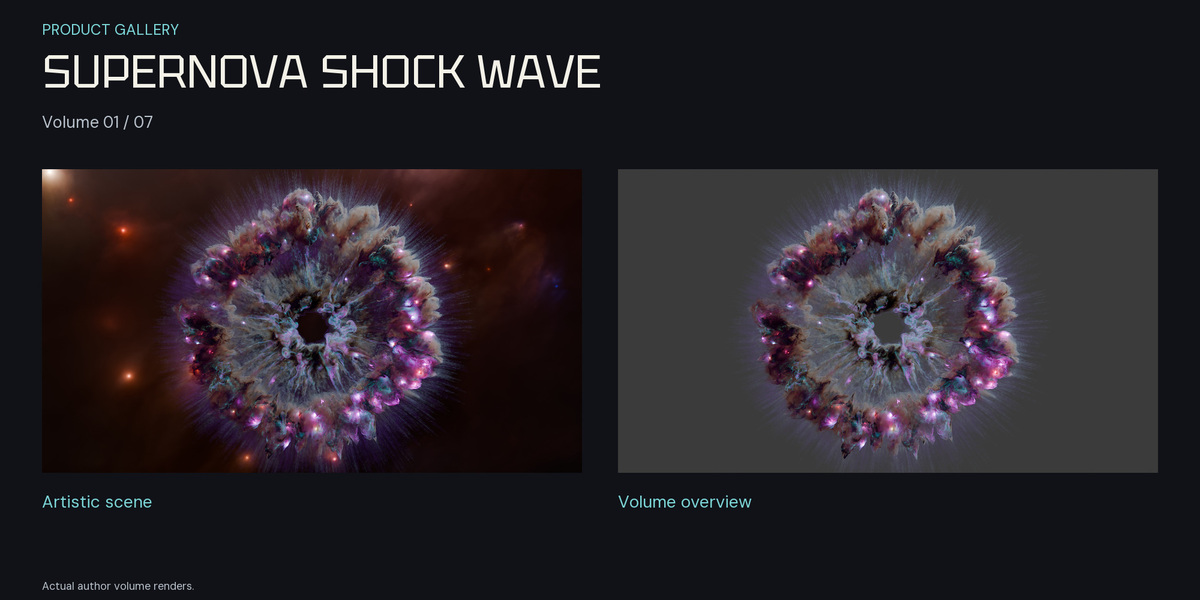
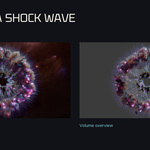
- Supernova Shock Wave Nebulae
Included files
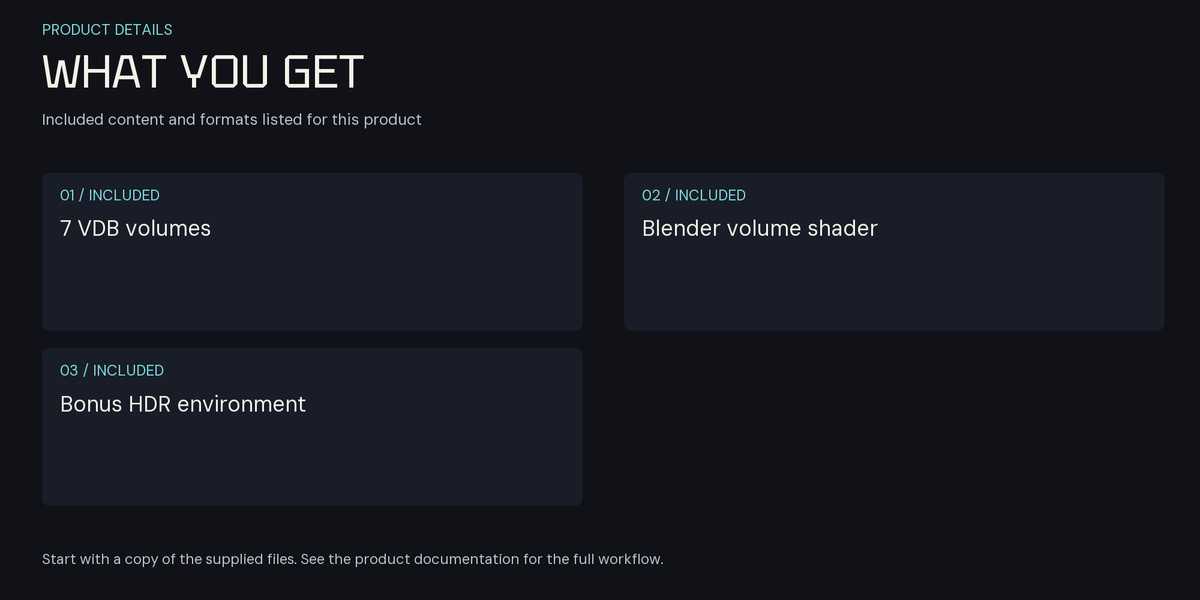
Seven static VDB volumes and seven corresponding Blender scenes, plus the original bonus RealisticDustyNebula8k.hdr environment, an English README and a license notice. The HDR image is 7680 × 4320 pixels. The volumes are not animated VDB sequences.
Compatibility and earlier files
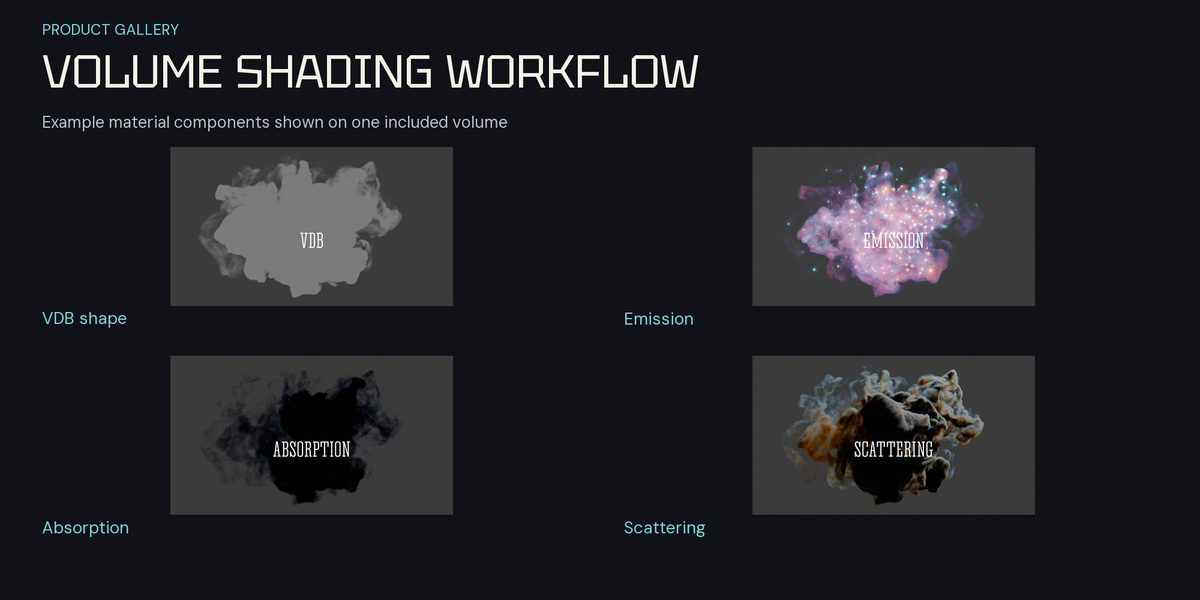
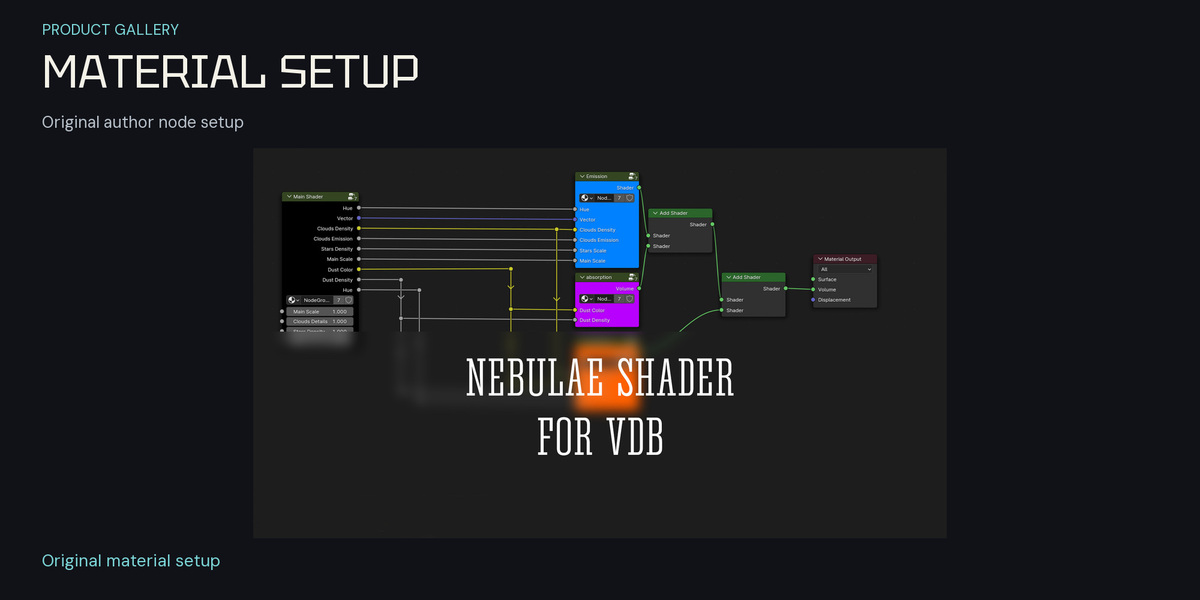
The corrected BLEND copies were saved and tested in Blender 5.2.3 LTS. Keep the separate Legacy release for earlier file versions; newer BLEND files are not promised to open in older Blender releases. Earlier scenes may require manually assigning the matching supplied VDB. A VDB imported into another application needs an appropriate material for that application; Blender shader nodes do not transfer with the VDB data.
License
This product is offered under the Superhive Standard Royalty Free License. Personal, educational and commercial use is permitted under its terms. Reselling, redistributing or repackaging source assets requires the author's explicit permission. Earlier copies and third-party components retain their applicable licenses.
Have questions about this product?
Login to message
| Sales | 10 |
| Dev Fund Contributor | |
| Published | almost 3 years ago |
| Blender Version | 5.2 |
| Render Engine Used | Cycles |
| License | Royalty Free |