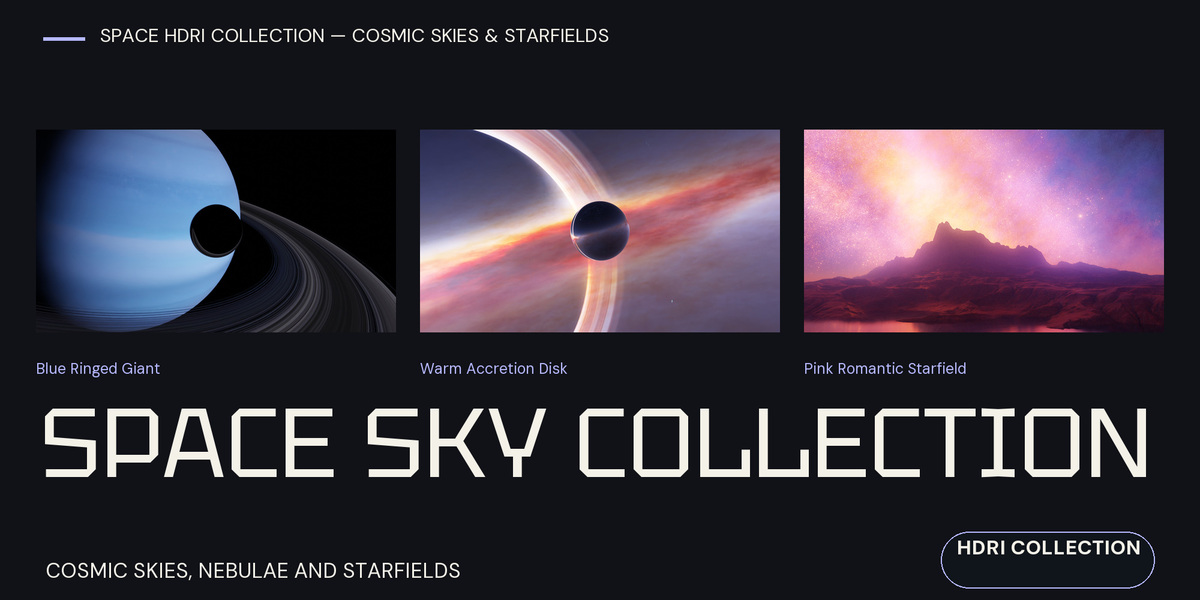
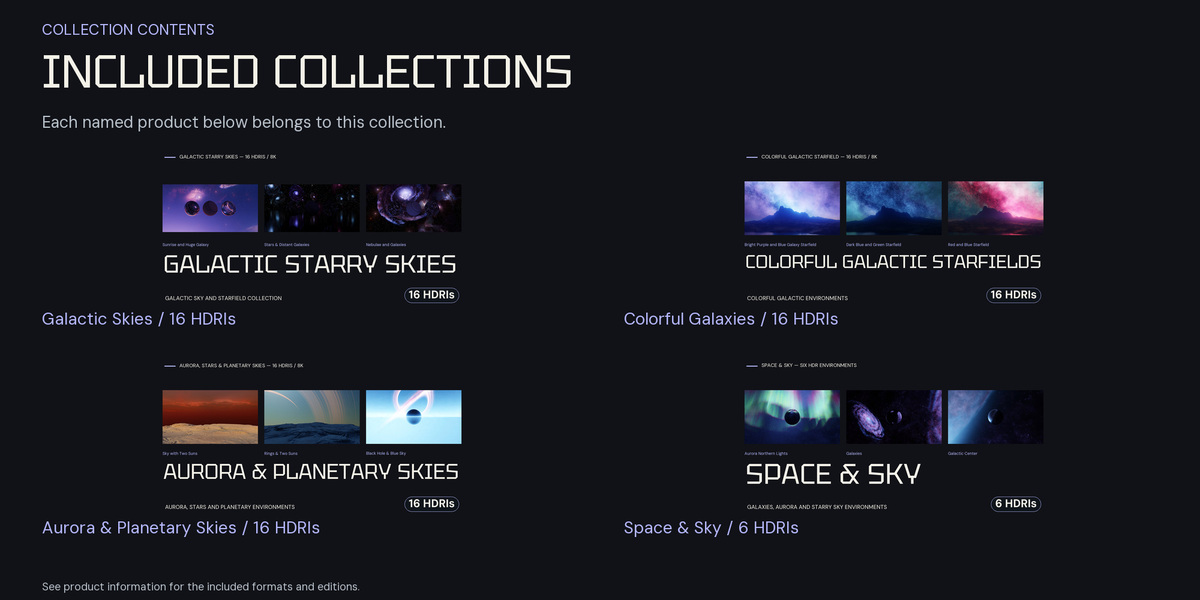
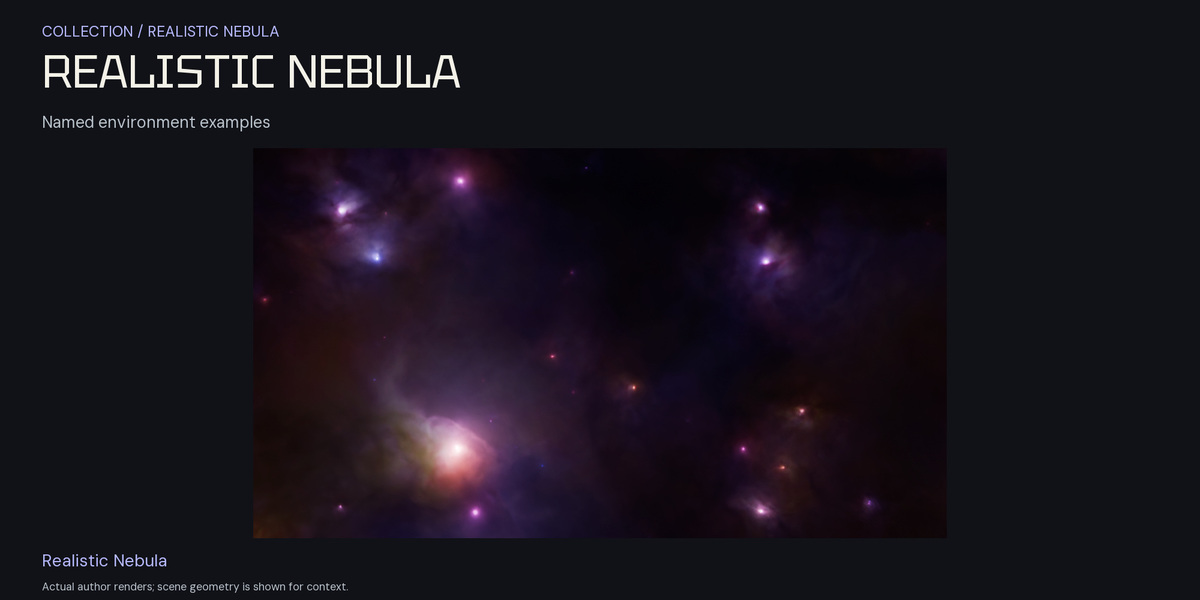
Space HDRI Collection — Cosmic Skies & Starfields
 Space Store
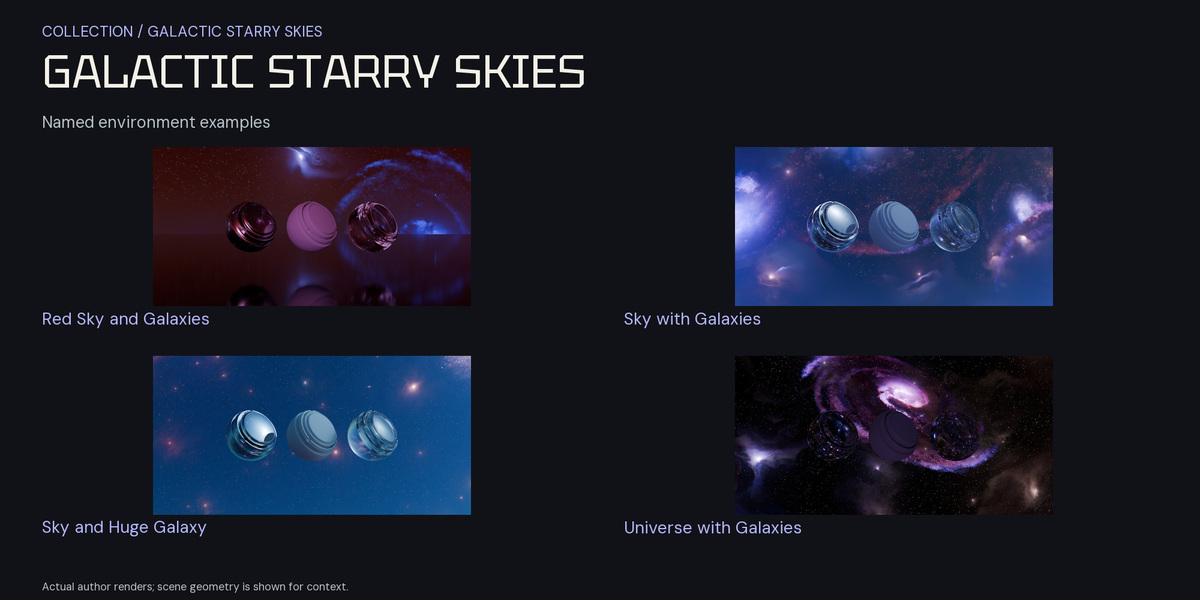
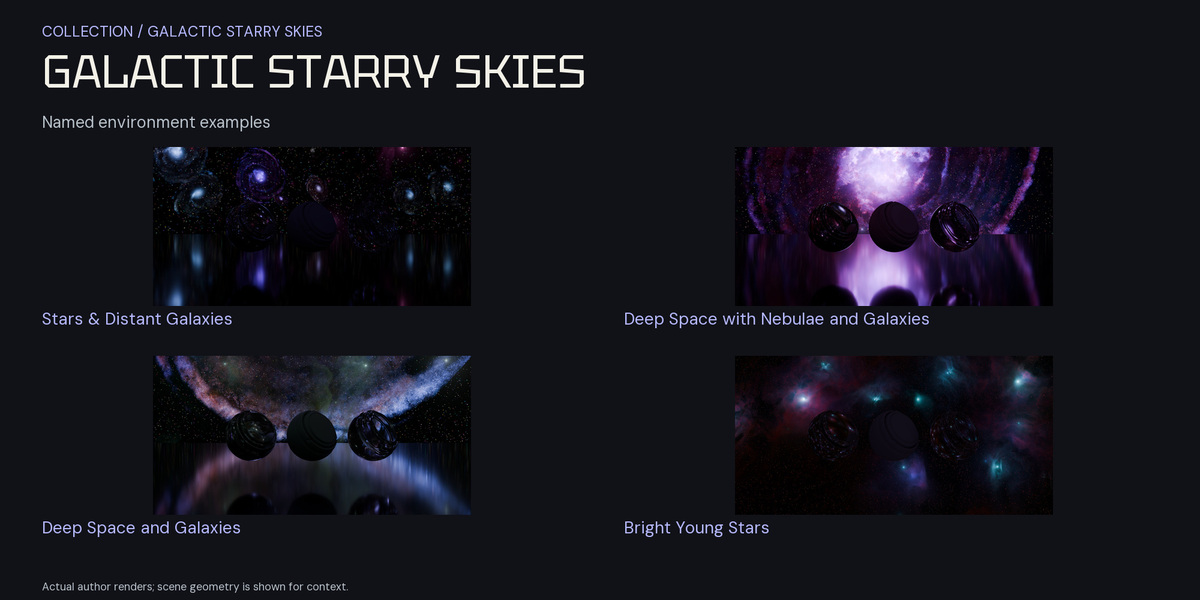
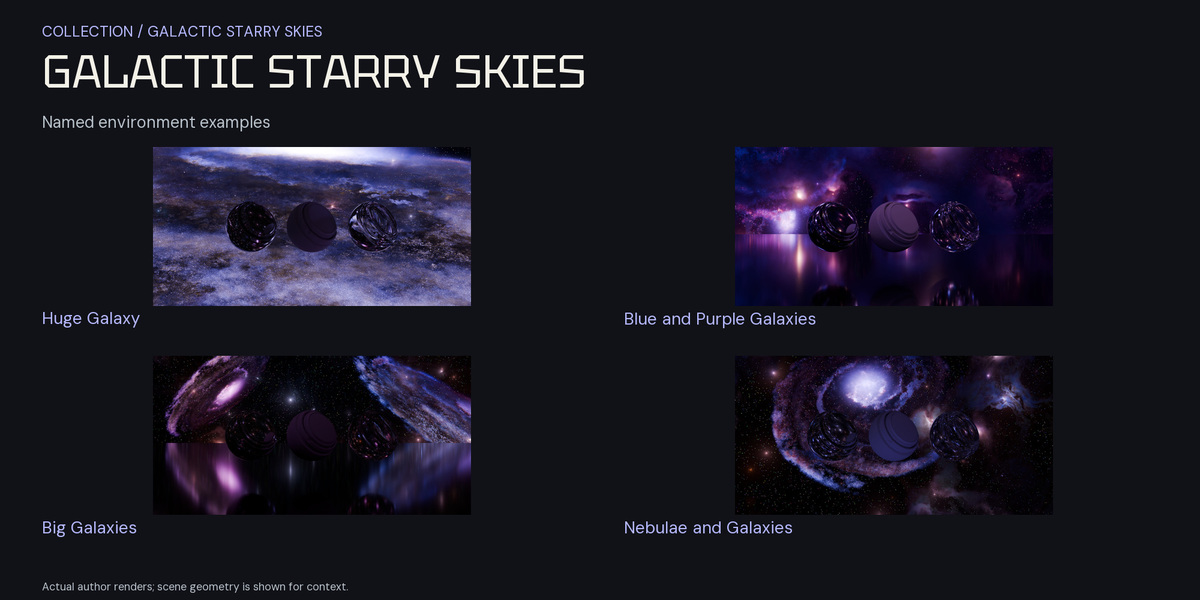
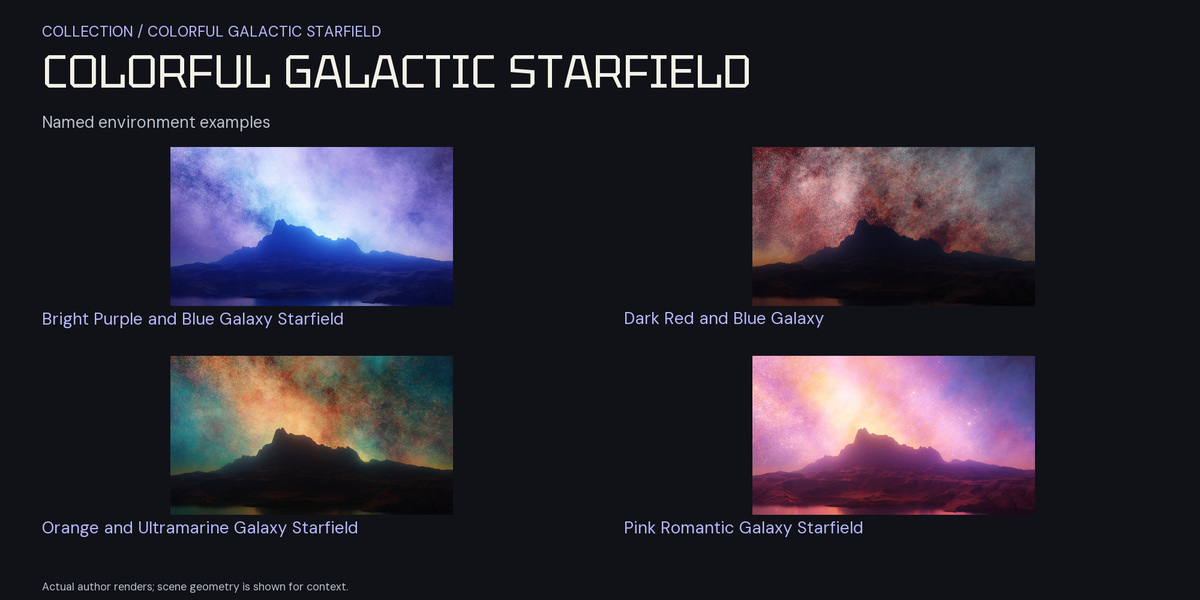
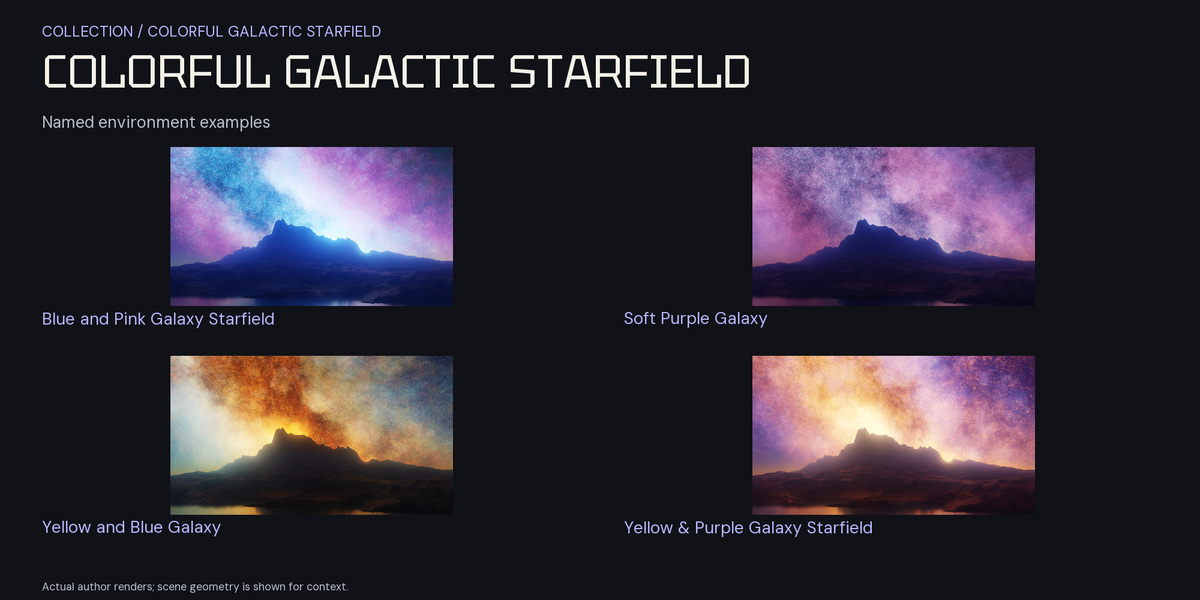
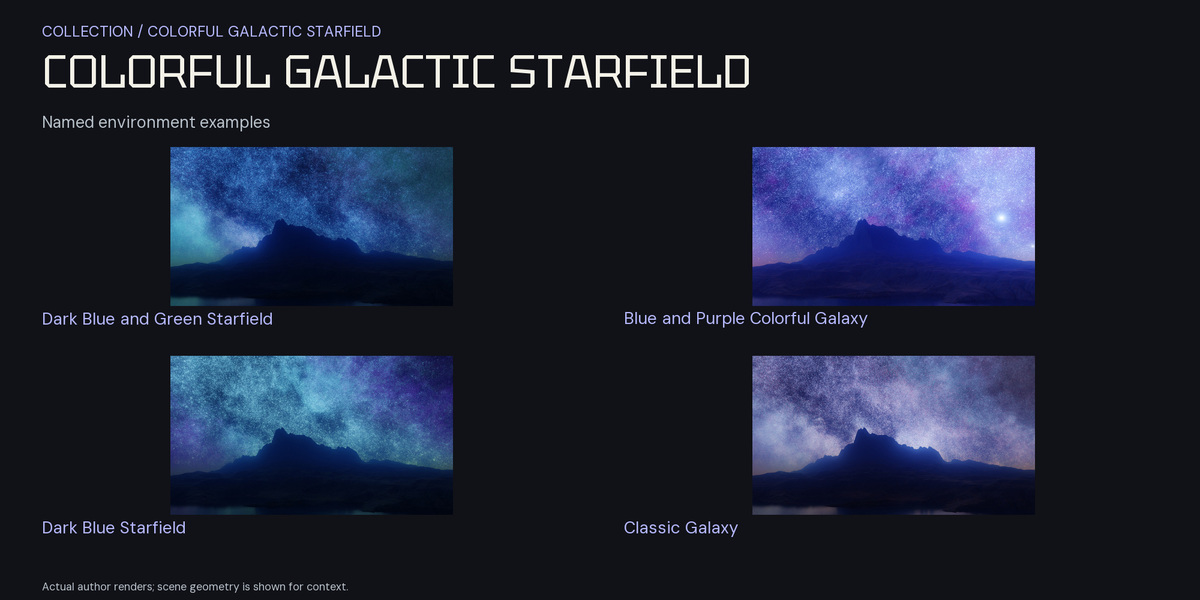
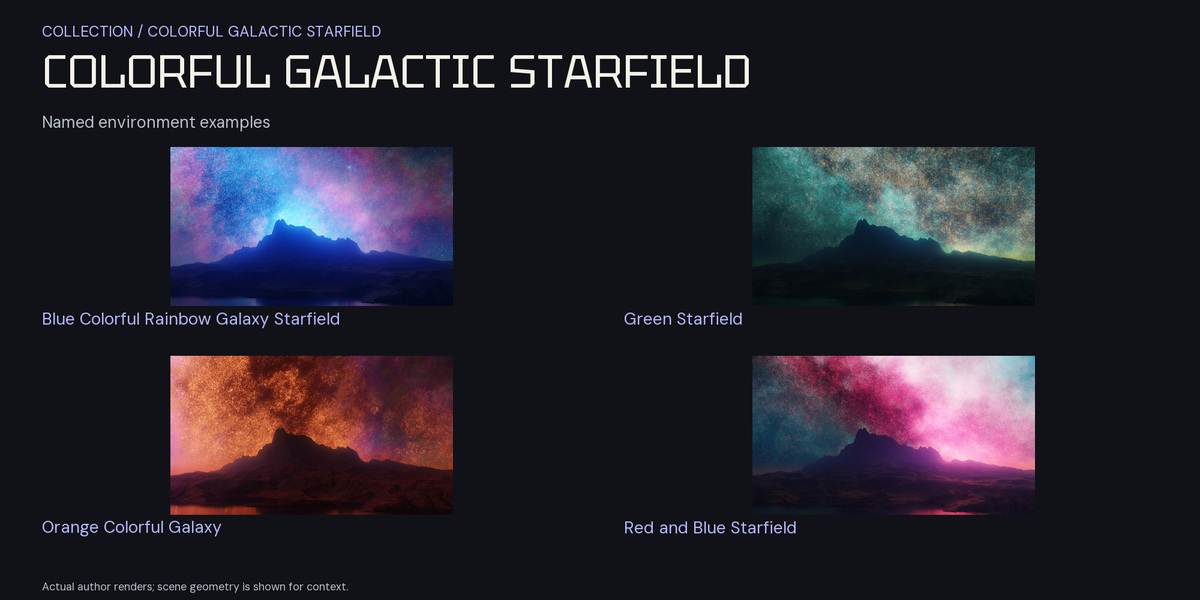
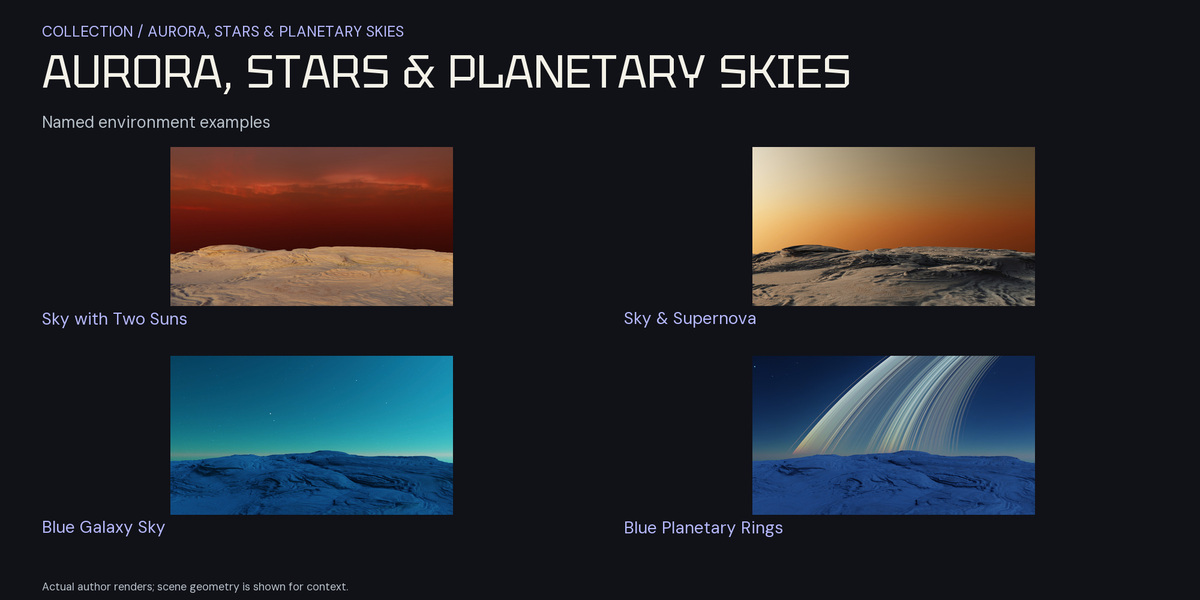
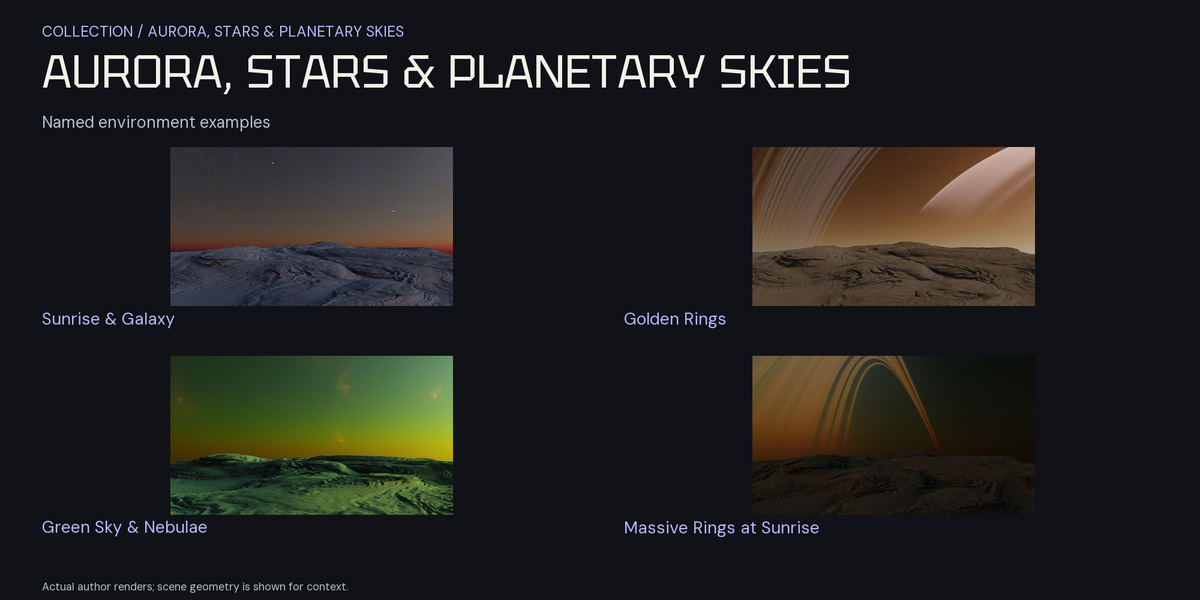
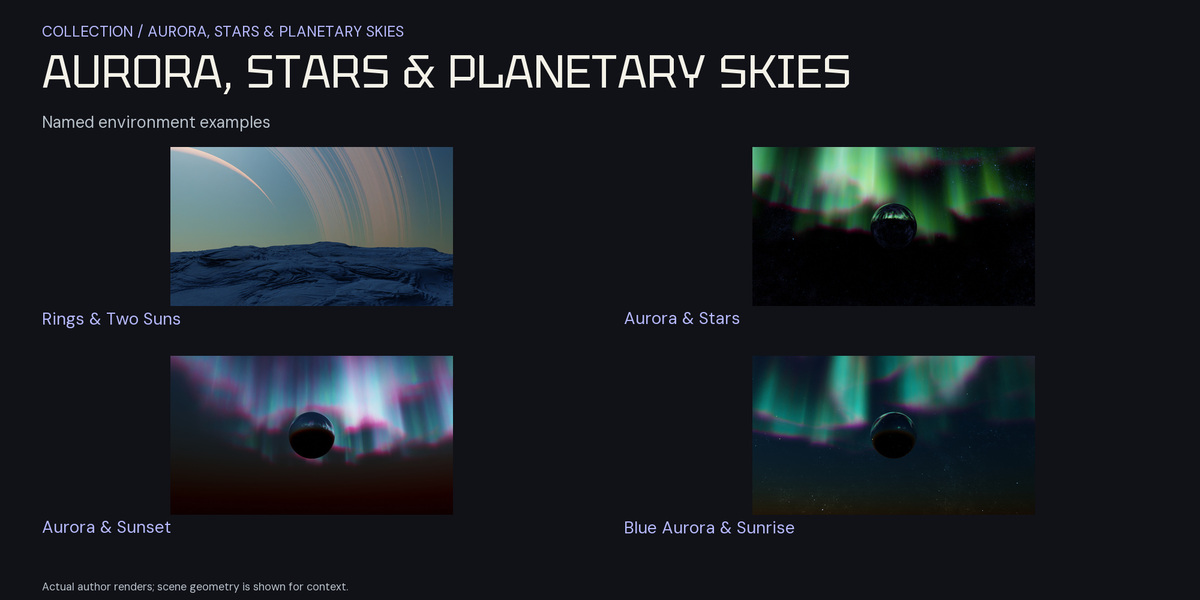
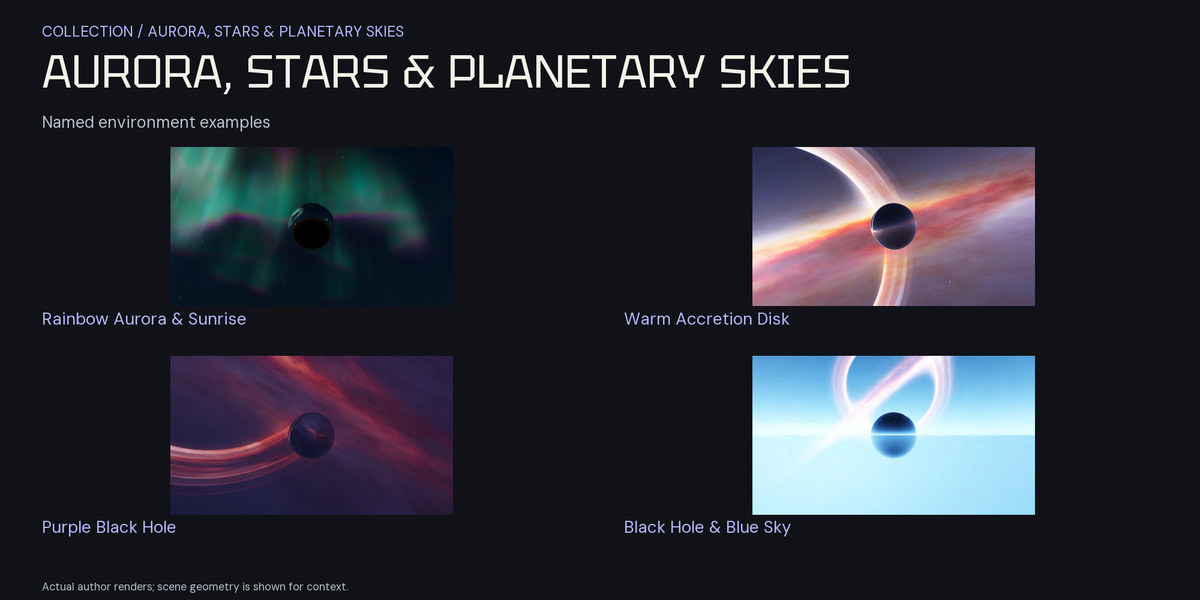
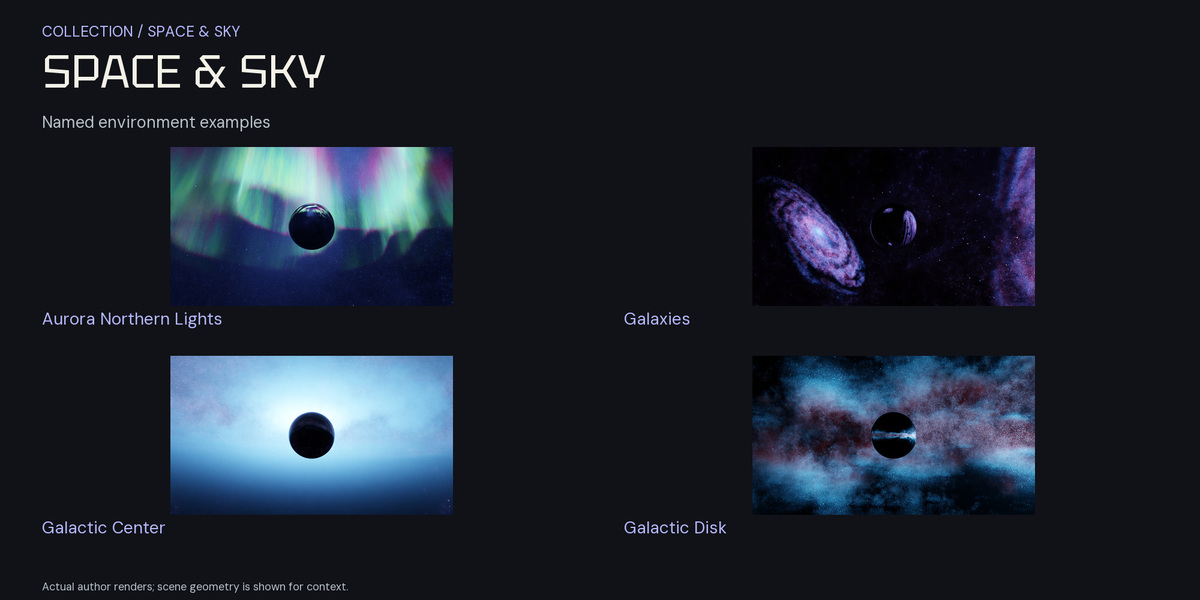
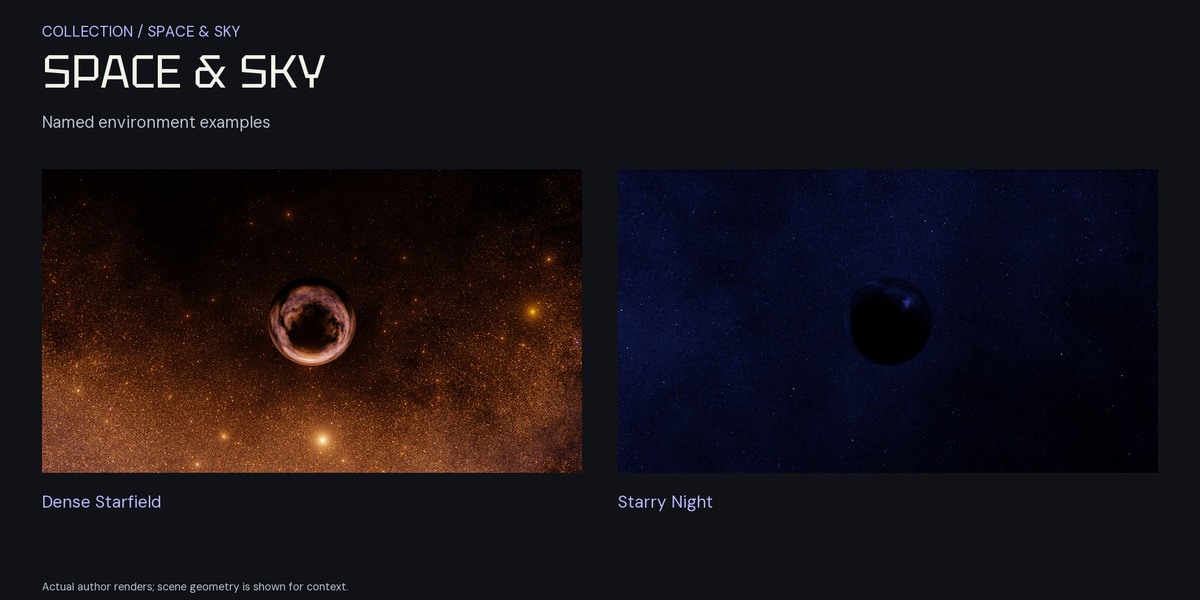
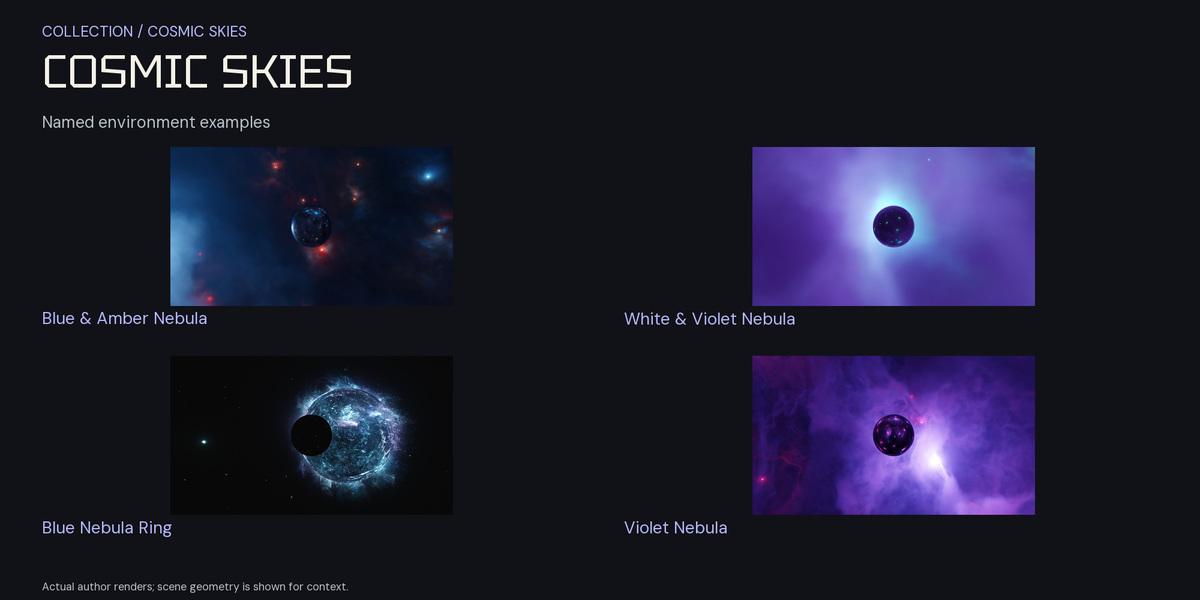
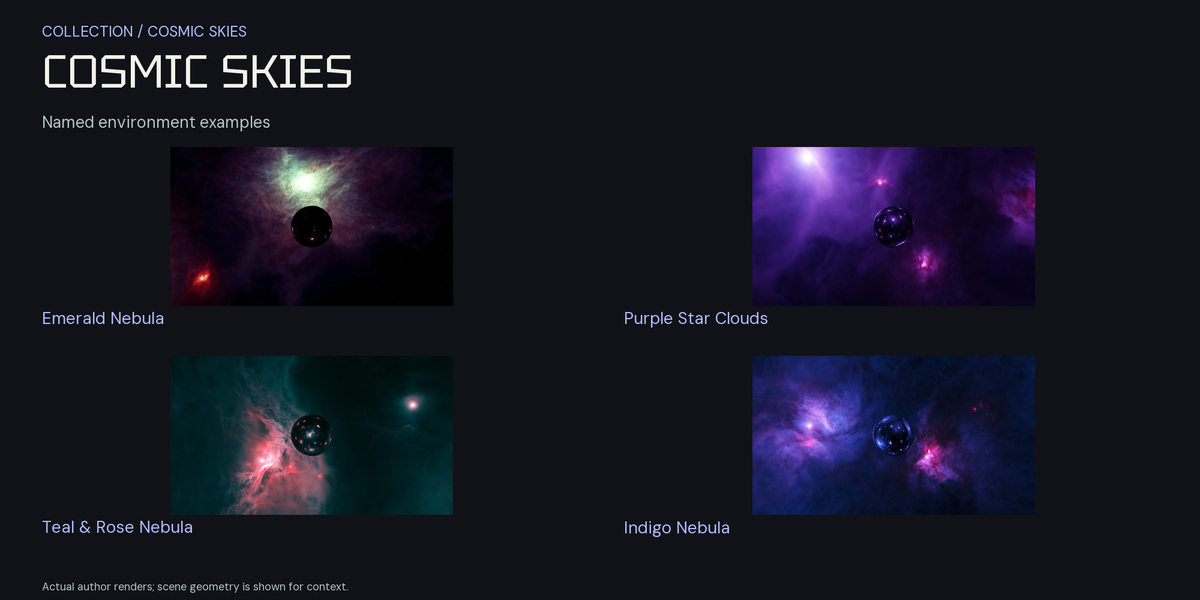
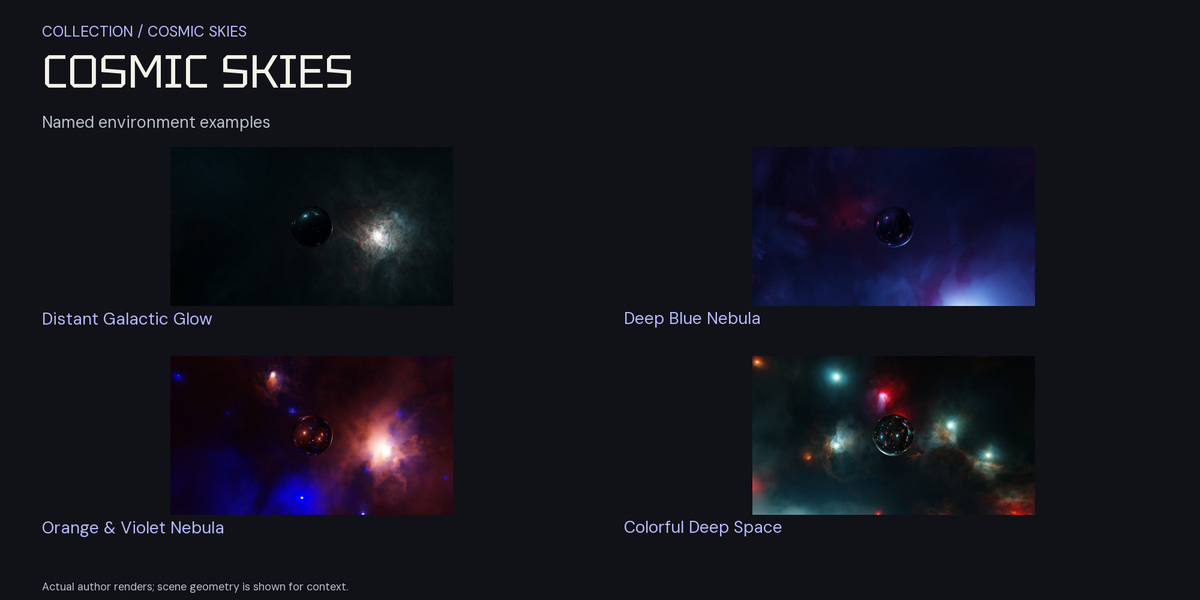
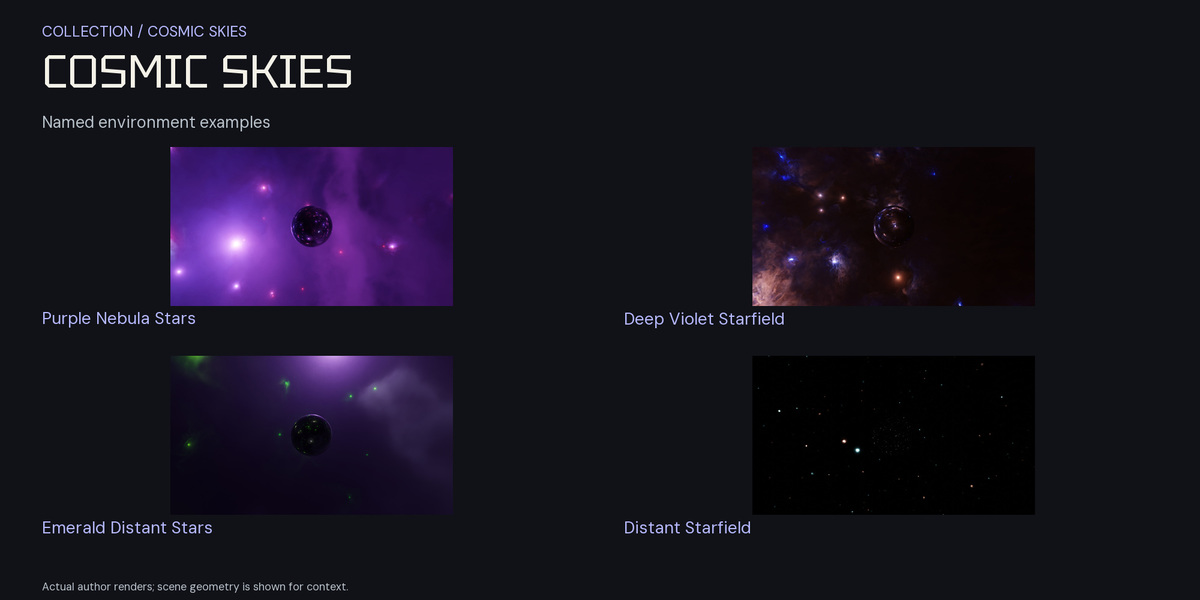
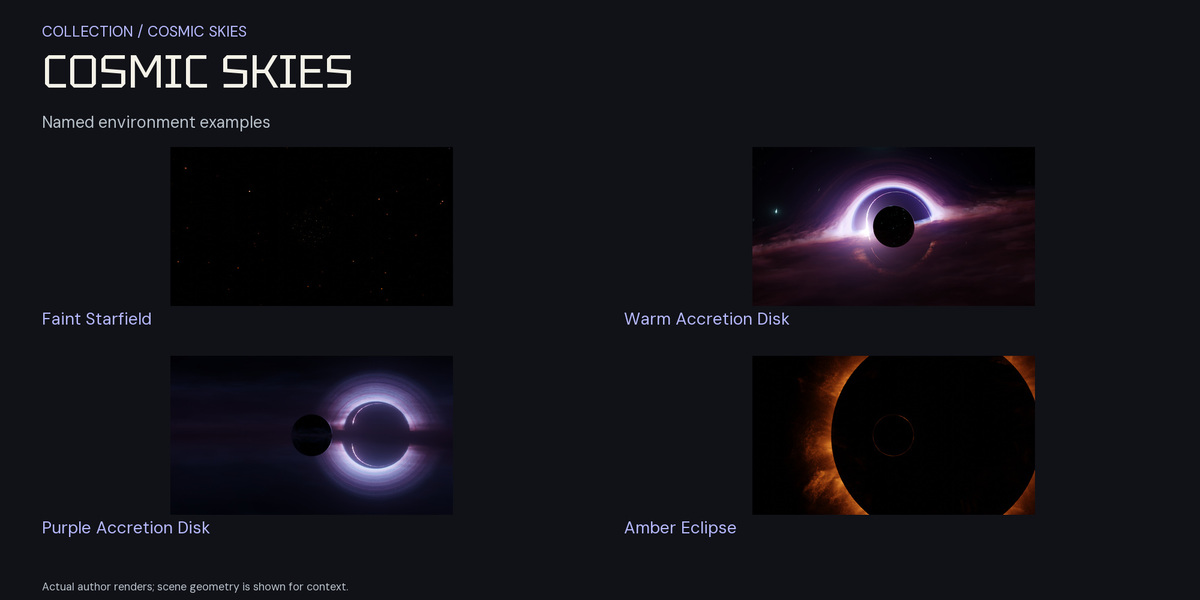
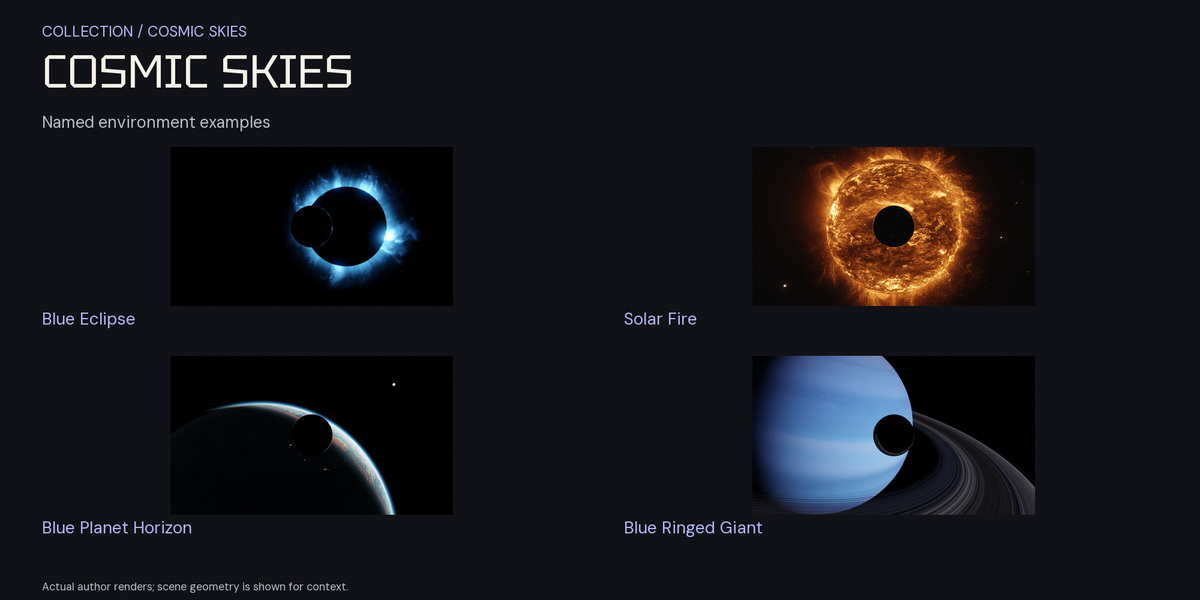
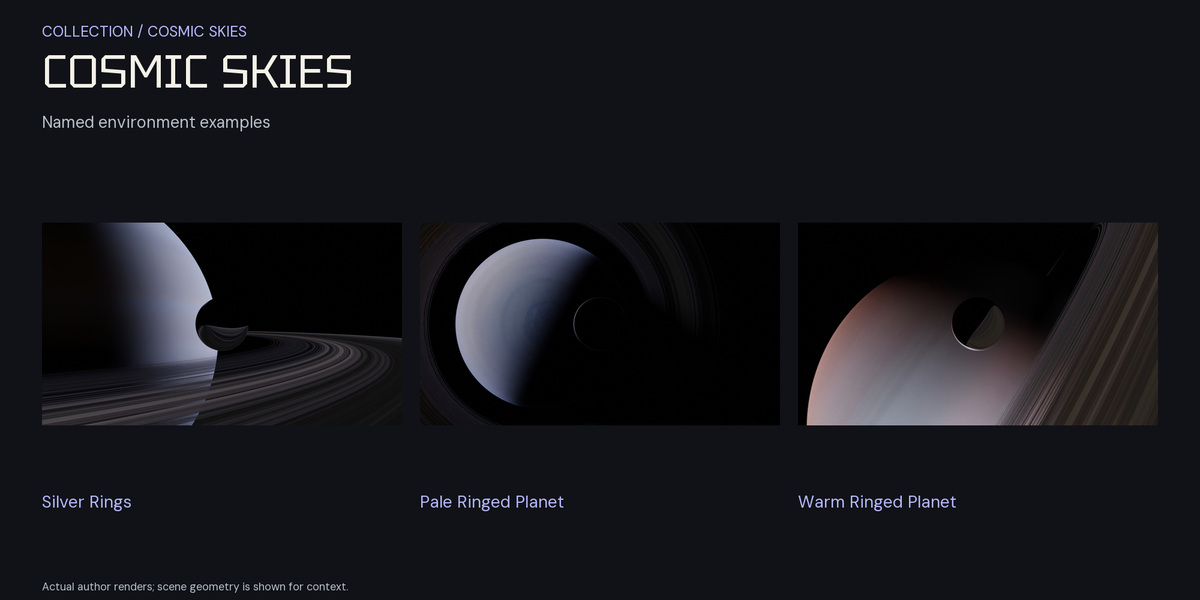

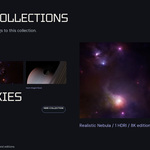




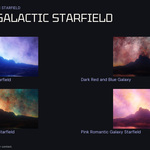
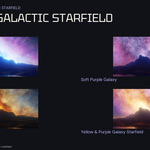
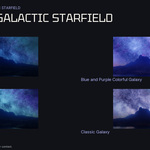
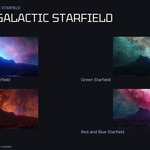




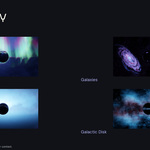
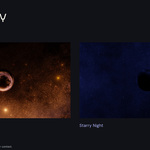
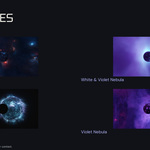
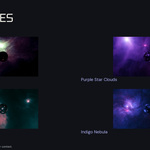
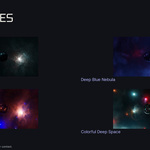
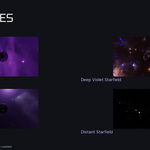
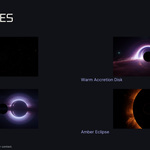


Quick start
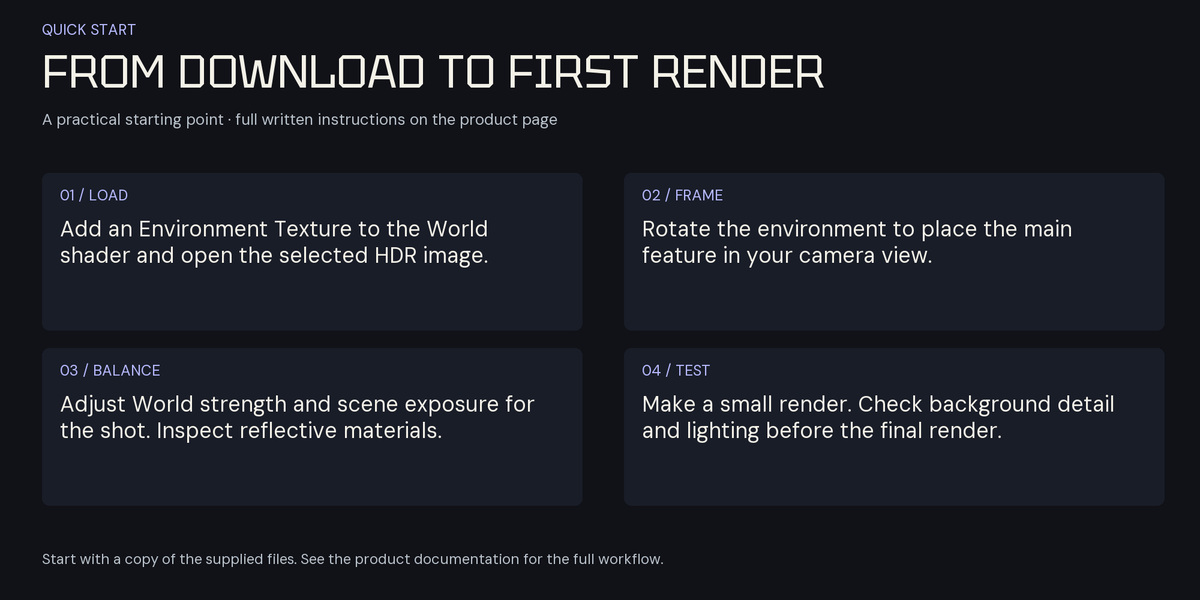
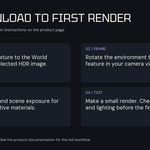
- Download the six archive groups from the current release and extract the RAR and ZIP files to a permanent folder.
- In Blender, open the Shader Editor, switch to World and enable Use Nodes.
- Add an Environment Texture node and open a supplied .hdr image. Connect its Color output to Background Color, and connect Background to World Output Surface.
- Start with Background Strength 1. Choose a camera view and adjust the environment rotation with Mapping nodes to position the desired features.
- Adjust World strength, exposure and color management while checking a small rendered preview. Keep the original HDR files for environment use.
- Keep used image paths with your project. Before moving it to another computer, pack the required image resources or copy them and use relative paths.
- Check the final camera view and memory use before rendering at full resolution.
Downloads and older filenames
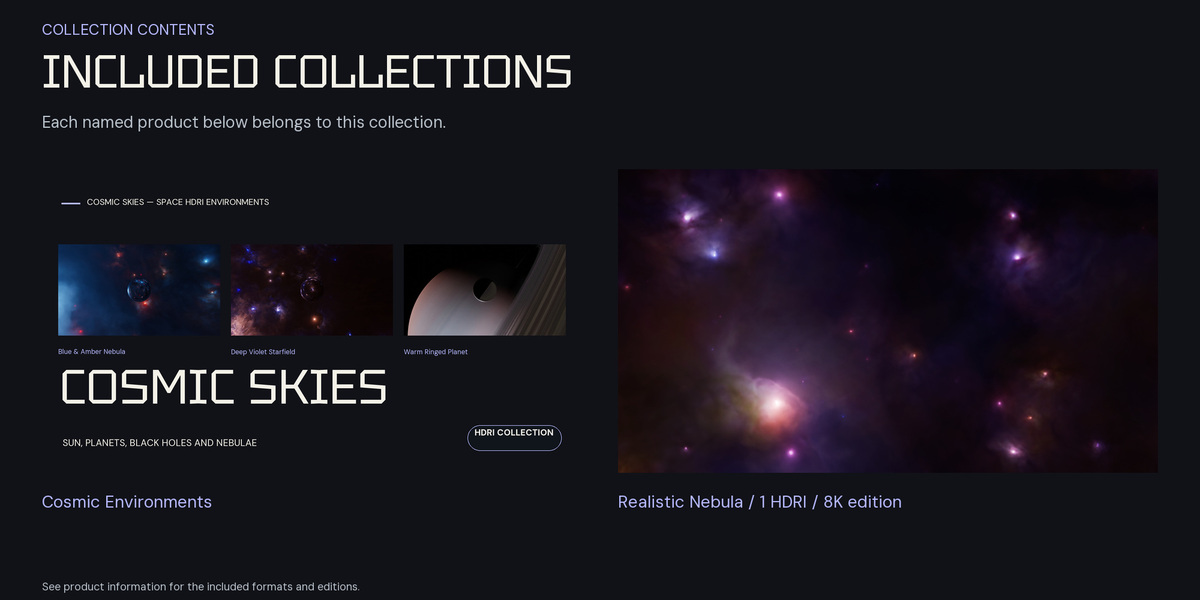
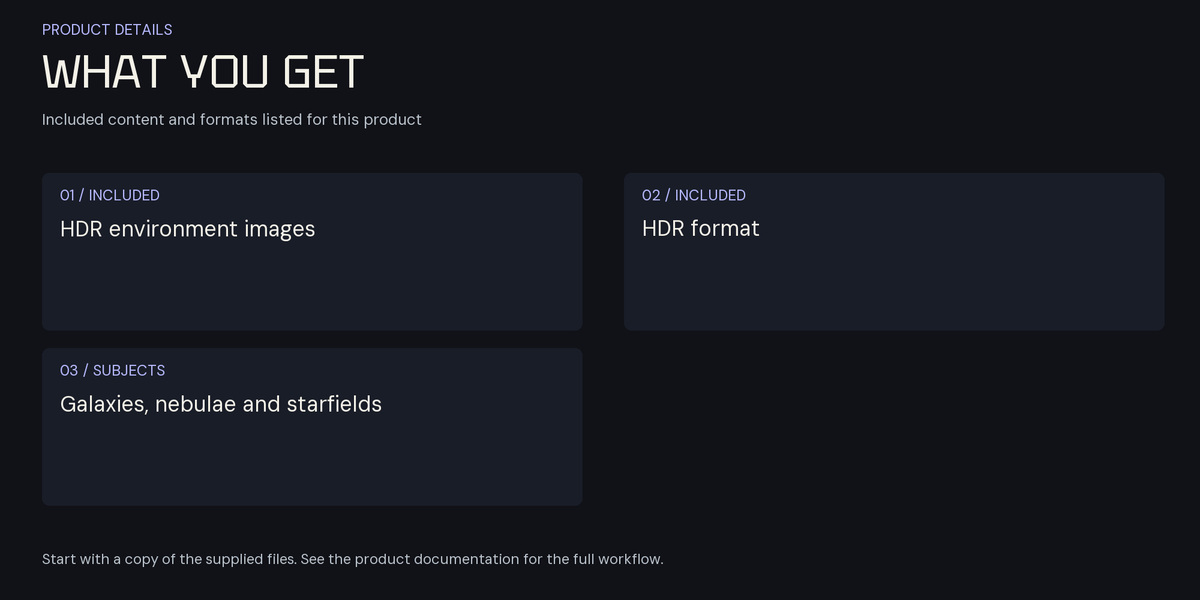
The Cosmic Skies ZIP contains 27 unique HDR images. Its LegacyFilenameMap.csv connects catalog filenames with the authored filenames used in the earlier seven-part release. Original archive groups remain available in Legacy for projects that need their earlier filenames.
Common questions
- If the background looks too bright or too dark, check World strength, scene exposure and the view transform.
- If the expected feature is not visible, rotate the environment and check the camera direction.
- These are static image environments. Camera movement cannot create parallax within the background.
Have questions about this product?
Login to message
| Sales | 20+ |
| Dev Fund Contributor | |
| Published | almost 3 years ago |
| Blender Version | 2.8 - 5.2 |
| Render Engine Used | Cycles, Eevee |
| License | Royalty Free |