 ZEG
Installation
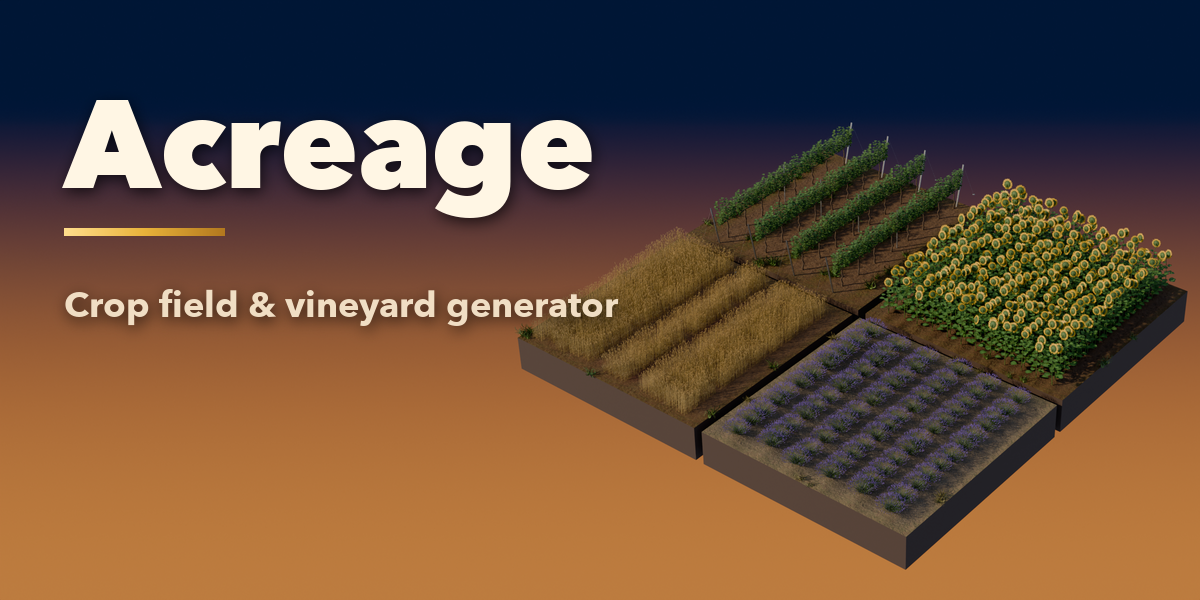
In Blender open Edit, Preferences, Get Extensions, then use Install from Disk and pick the crop_field_vineyard_generator zip. The add-on is listed as Acreage.
Usage
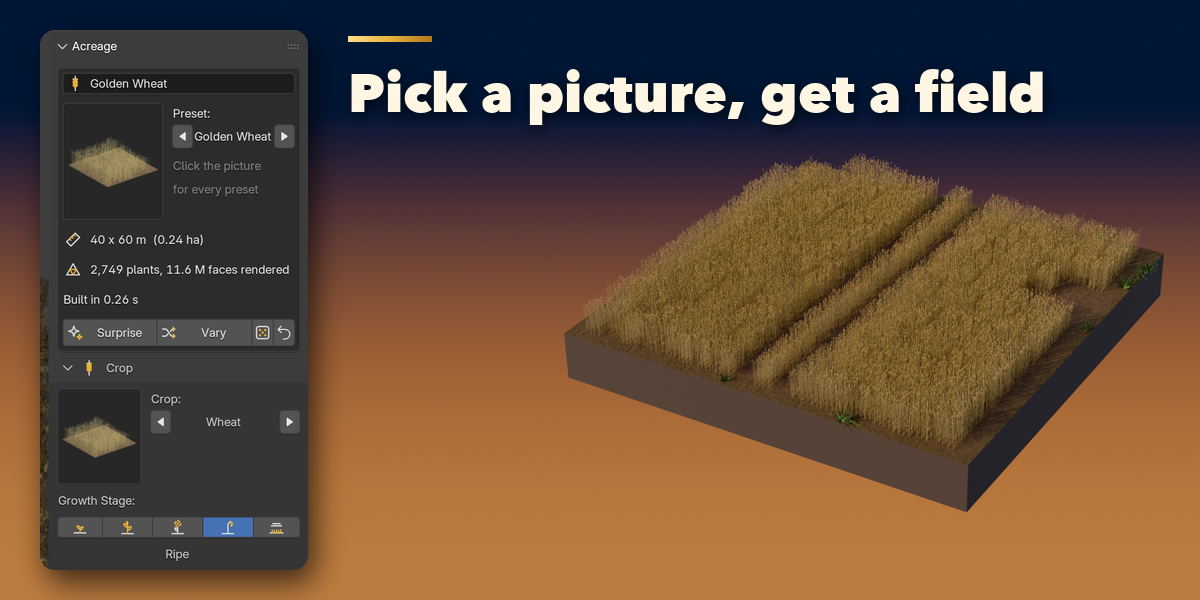
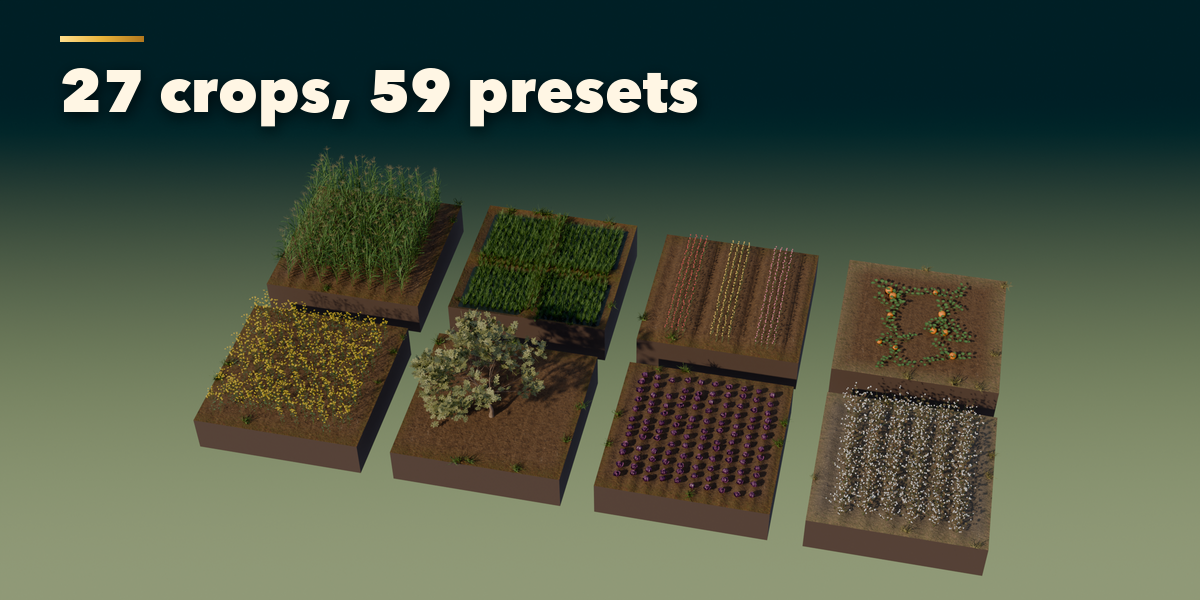
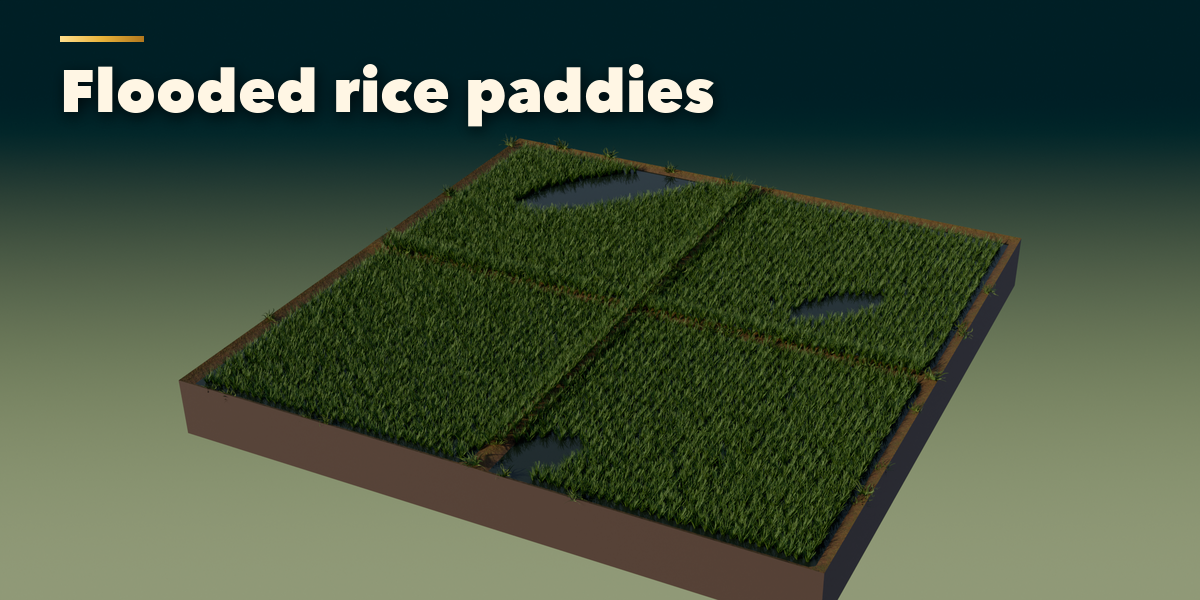
- In Object Mode press Shift+A and choose Mesh, Crop Field & Vineyard, then pick a preset. You can also open the Acreage tab in the 3D viewport sidebar (N), pick a category and click a preset picture.
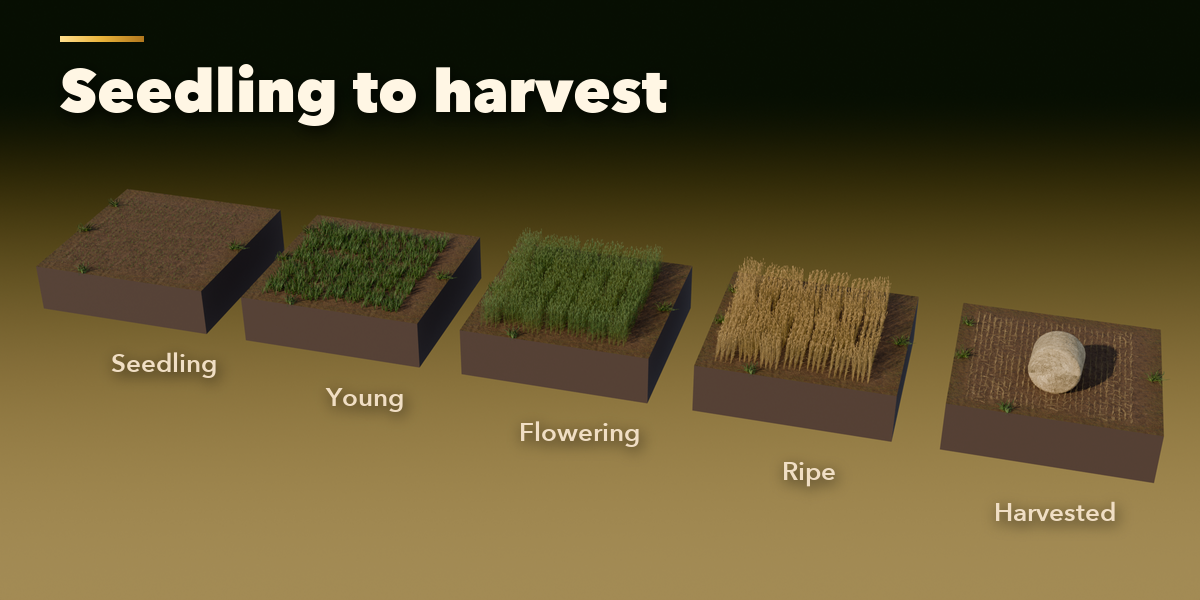
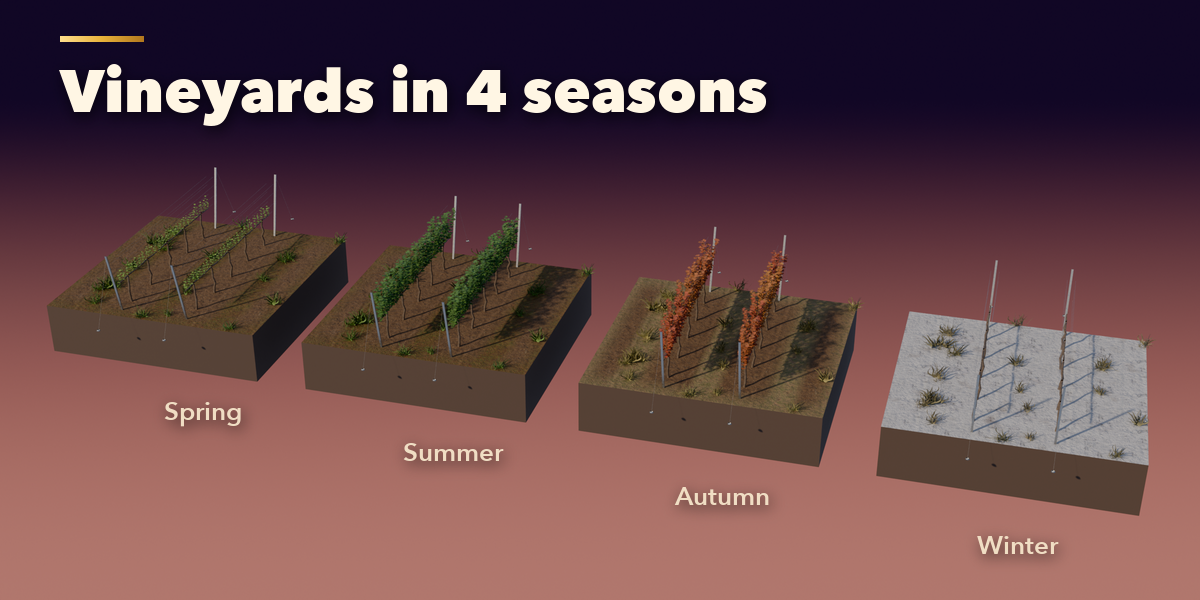
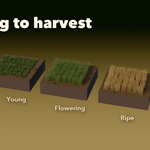
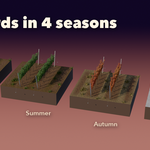
- With the field selected, click the crop picture to choose another crop, and the stage and season buttons to grow it, ripen it, harvest it or take it into winter.
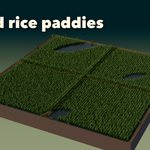
- Field sets the size, row and plant spacing, uneven growth, gaps and wildflowers. Ground sets the soil shape (furrows, ridges, beds, plough slices or paddies) and the soil look.
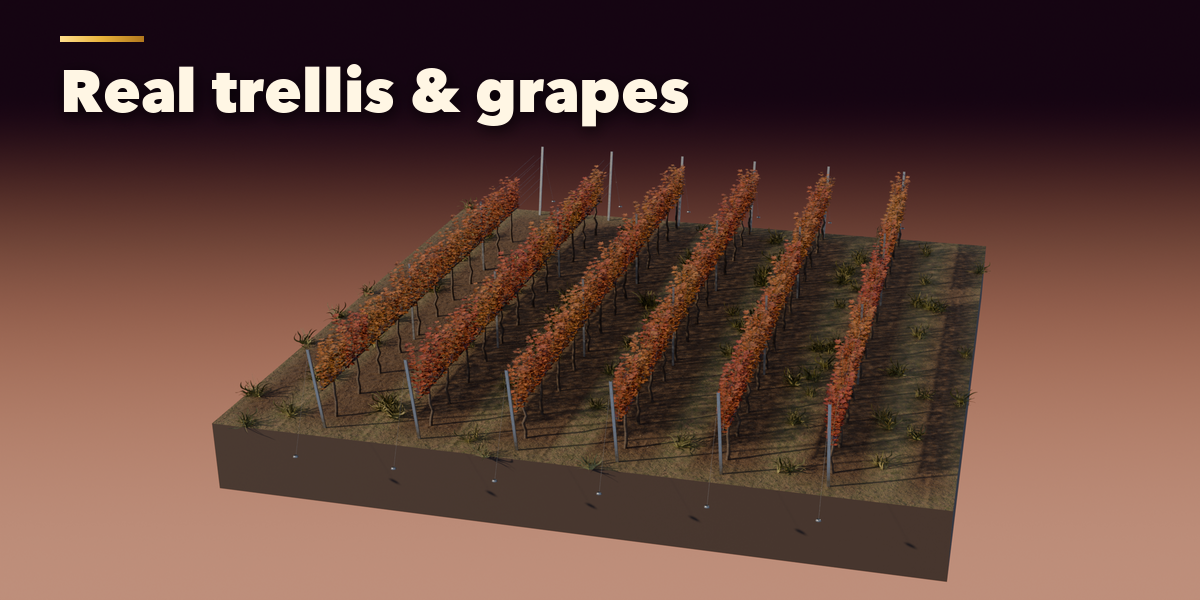
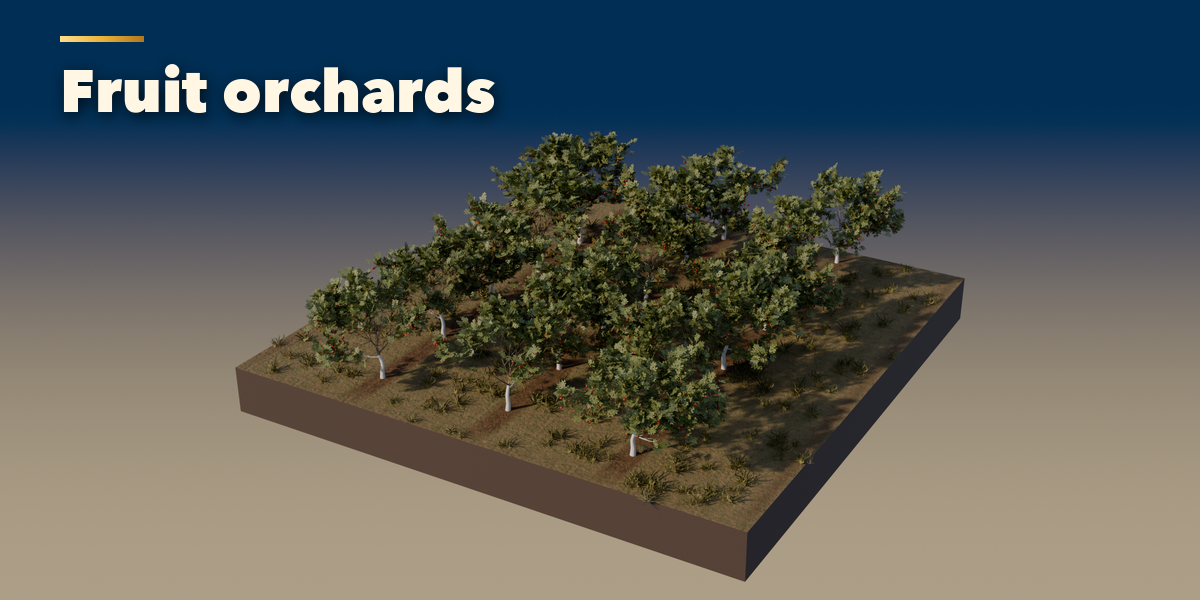
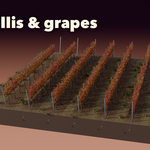
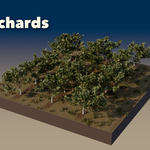
- Vineyard and Orchard appear for vines and fruit trees: trellis system, post material and spacing, tree size, whitewash, stakes and fruit amount.
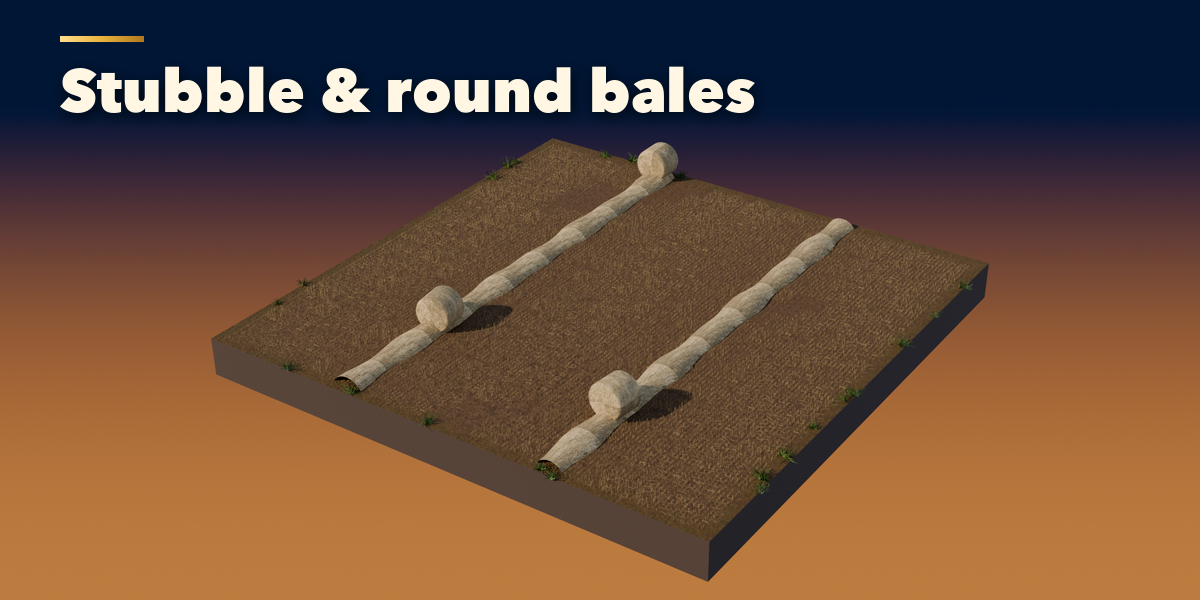
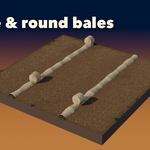
- Harvest & Bales adds round, square or wrapped bales and straw windrows.
- Terrain & Rows adds slopes, hills, curved rows, headlands and tramlines.
- Display & Export sets how many plants the viewport shows and the plant detail. Make Plants Real turns the instances into linked objects for export to FBX, glTF or a game engine.
Switch the viewport to Material Preview or Rendered to see the photo textures. Surprise Me makes a random field; Variation keeps the crop and changes the layout.
Have questions about this product?
Login to message
| Blender Extension Compatible | Yes |
| Published | about 13 hours ago |
| Blender Version | 4.2 - 5.2 |
| Extension Type | Add-on |
| Render Engine Used | Cycles, Eevee |
| License | GPL |

Discover more products like this
hay bales vineyard wheat orchard environment field landscape procedural agriculture Generator crop farm