 DudeStudioz
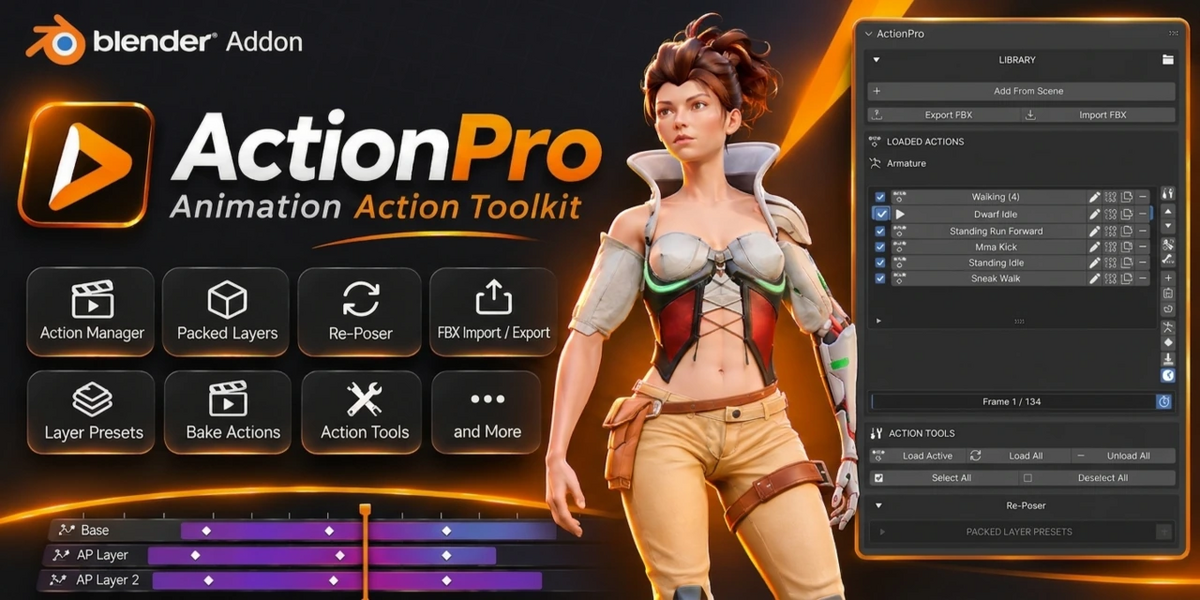
ActionPro — Animation Workflow Toolkit for Blender
Manage Actions. Build Animation Layers. Export with Confidence.
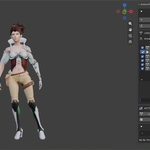
ActionPro is a Blender animation toolkit designed to streamline character animation workflows. It brings animation Action management, layered animation editing, batch FBX export, animation importing, and useful animation cleanup tools into one convenient interface.
Whether you're creating animations for games, preparing characters for Unreal Engine, or refining existing motion, ActionPro helps you organize your animation library and work more efficiently.
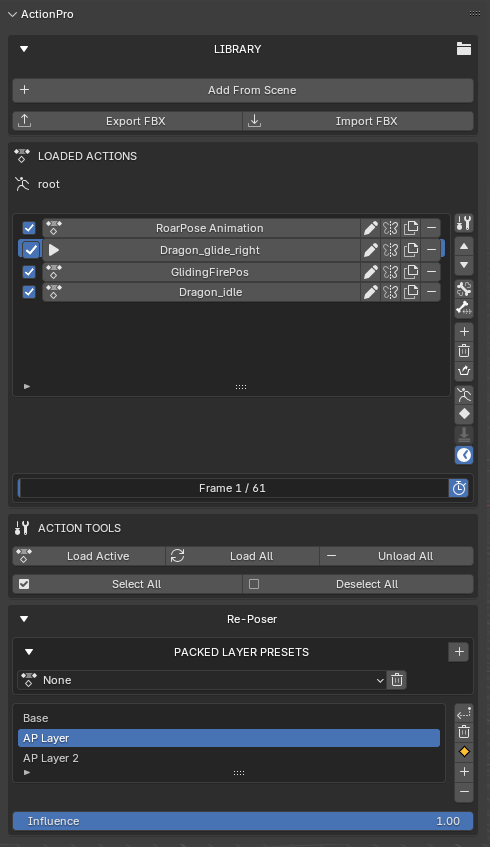
KEY FEATURES
Animation Action Manager
Take control of your animation library directly inside Blender.
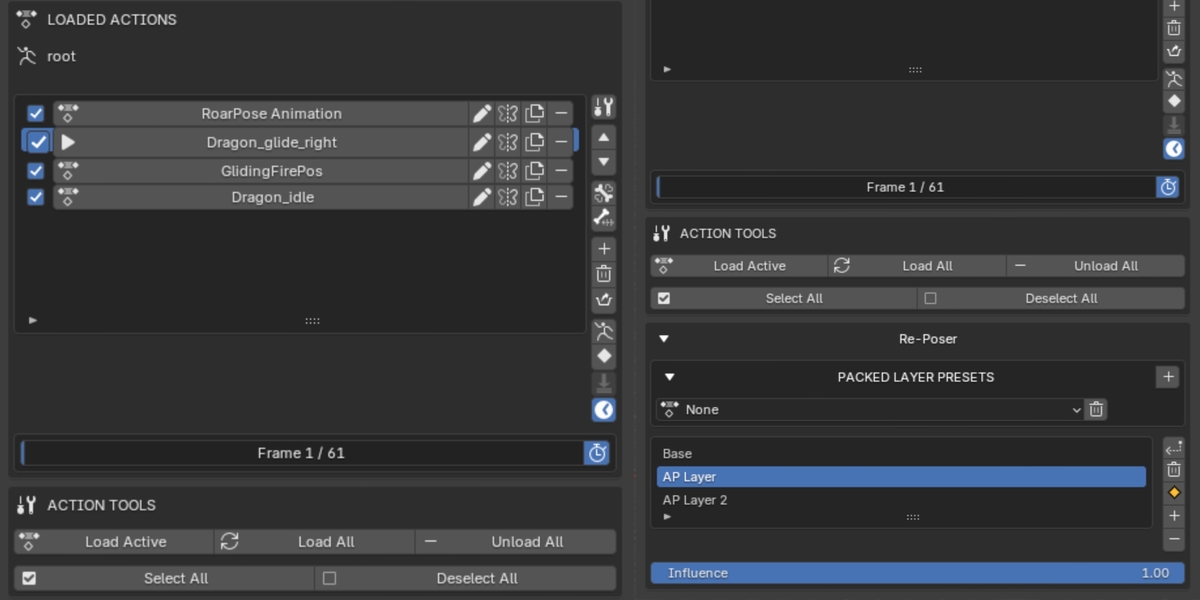
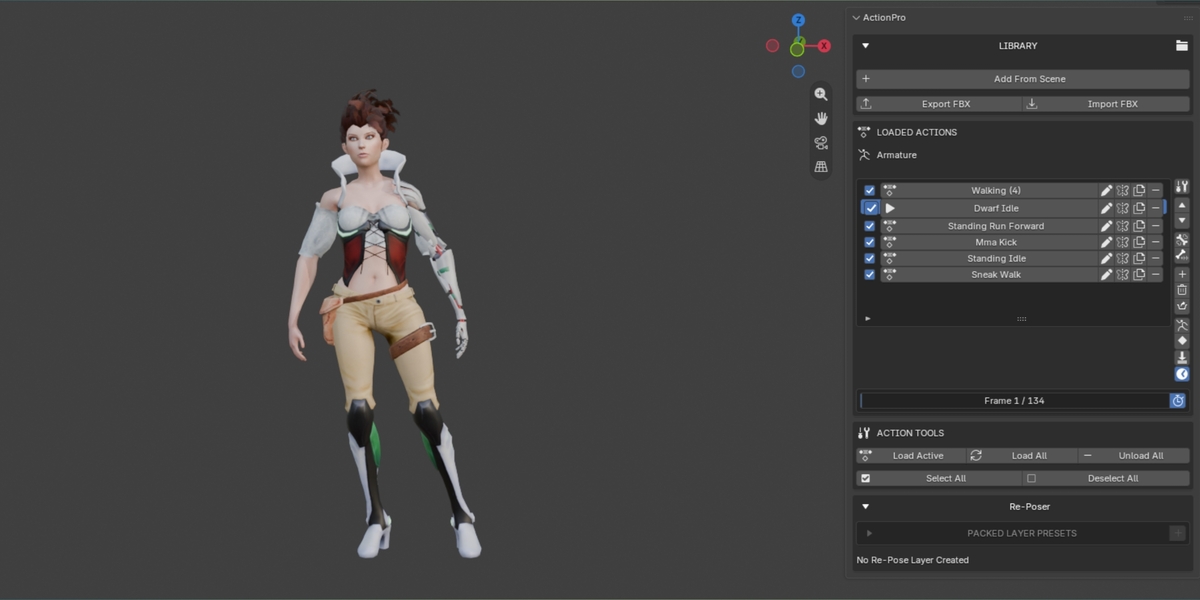
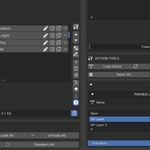
Centralized Action List — Load, organize, and manage Actions from your current Blender project.
Quick Action Switching — Switch between animations without manually searching through Blender's Action data.
Rename & Duplicate — Organize your animations and create variations of existing Actions.
Mirror Animations — Generate mirrored versions of Actions for supported bone naming conventions.
Action Reordering — Arrange your animation list to match your workflow.
Batch Management — Load, select, and manage multiple Actions.
-
Bake Actions — Bake animation over a configurable frame range with adjustable frame steps.
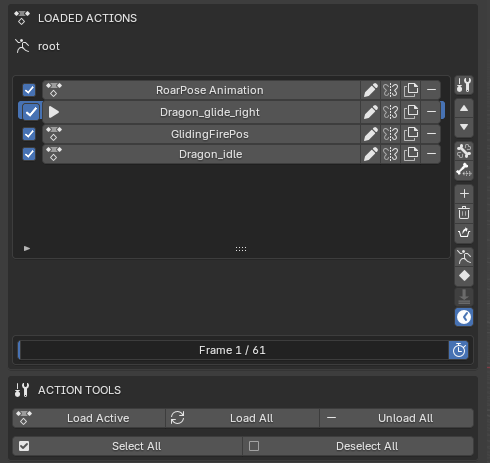
Re-Poser — Animation Layer System
Refine existing animations using ActionPro's dedicated animation-layer workflow.
Base Animation — Keep your original animation as the foundation.
Tweak Layers — Add separate layers to refine poses and adjust motion.
Layer Influence — Control the influence of animation layers.
Bone Reset Tools — Reset selected bones to their base animation state while working on adjustments.
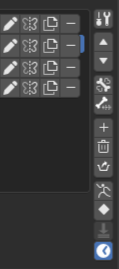
Layer Management — Add, remove, and manage tweak layers.
Bake Animation Layers — Combine the layered animation result into a single Action when your work is complete.
Use the layered workflow to make additional adjustments to an existing animation while keeping your base motion separate from your tweaks.
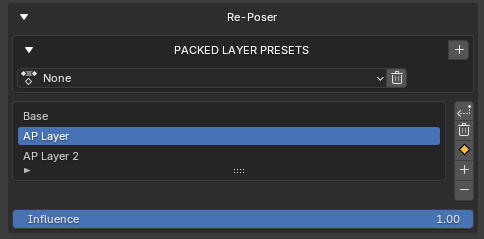
Packed Layer Presets
Save and reuse your animation-layer setups.
Save Layer Setups — Pack your current ActionPro layer configuration into a reusable preset.
Restore Presets — Restore a previously saved layer setup.
Preset Management — Select and remove saved presets.
Convert Presets to Actions — Bake a packed preset into a standalone Action and add it to your managed Action list.
Packed presets help you preserve useful animation setups and reuse them in your workflow.
FBX Animation Export
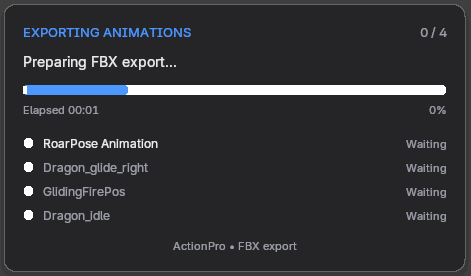
Export your animations with ActionPro's dedicated FBX export workflow.
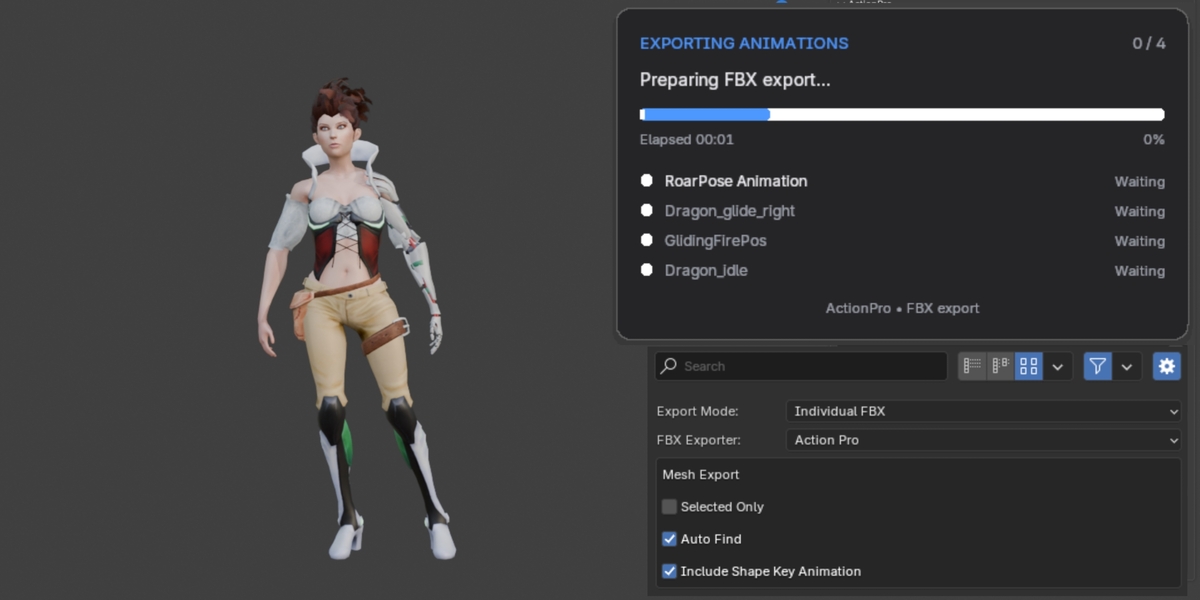
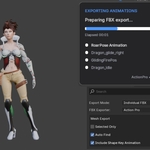
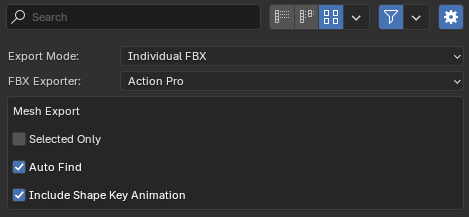
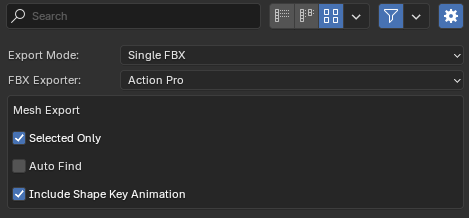
Single FBX Export — Export multiple animations into one FBX file.
Individual FBX Export — Export animations as separate FBX files.
Exporter Selection — Choose between ActionPro's dedicated exporter and Blender's built-in FBX exporter when supported by the selected settings.
Mesh Export Controls — Export selected meshes or use automatic mesh detection.
Shape Key Animation — Configure shape key animation export through the available export settings.
Designed for workflows involving Unreal Engine and other applications that support FBX animation.
Animation Importer
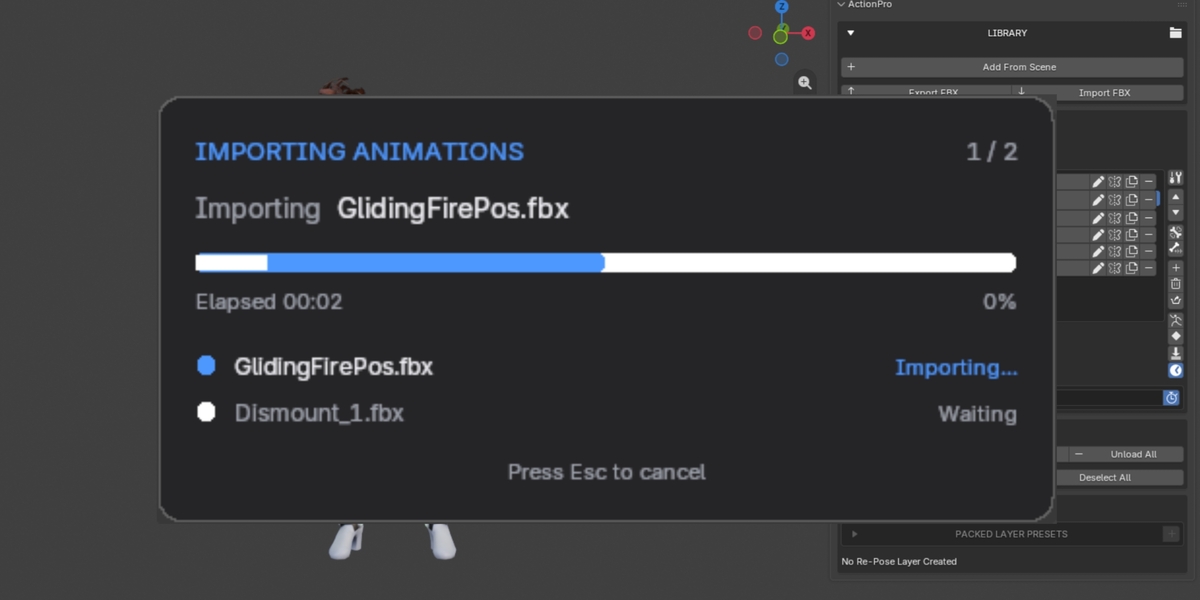
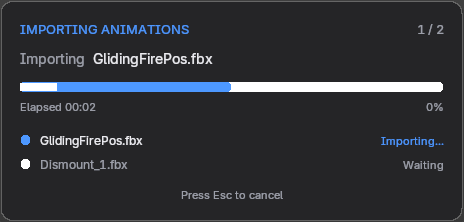
Import animations from external files and bring them into your ActionPro workflow.
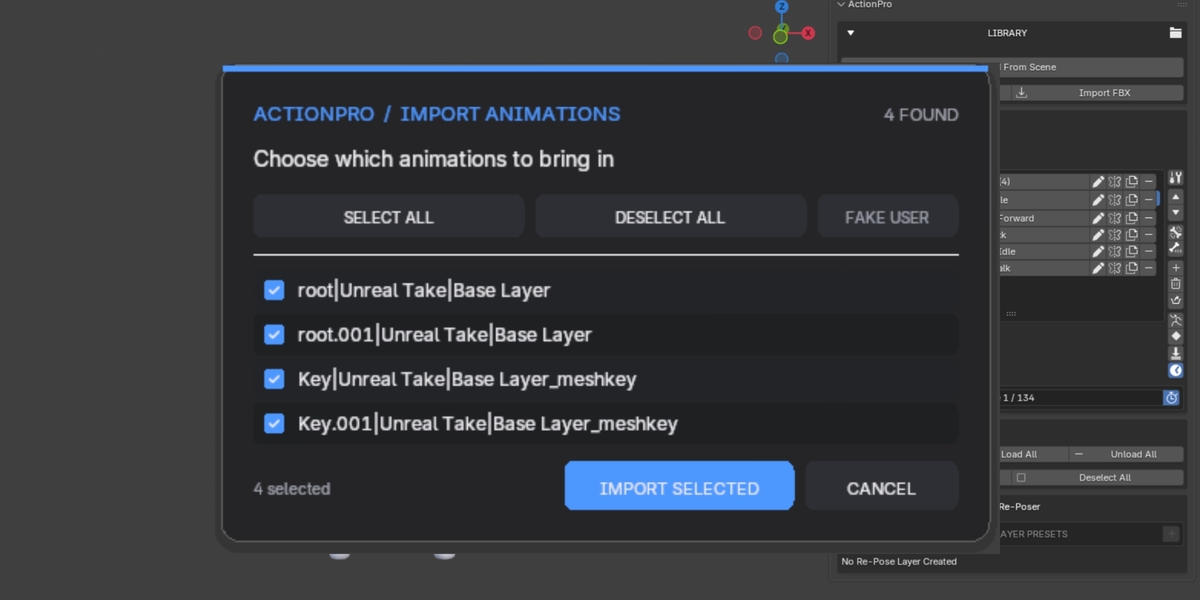
FBX and Blender File Support — Import Actions from supported FBX or Blender files.
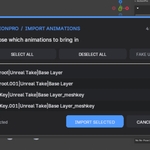
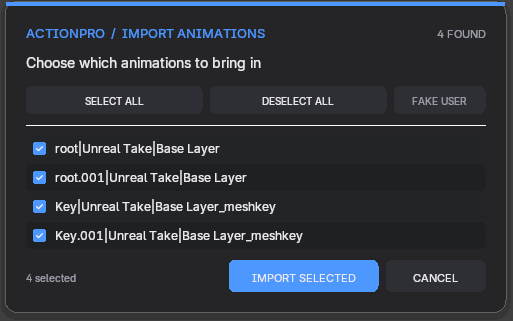
Animation Scanning — Review available animations before importing.
Automatic Bone Orientation — Use the available automatic bone-orientation option for FBX imports.
Action Naming Options — Rename imported Actions using the source filename when desired.
Fake User Support — Preserve imported Actions when they are not currently assigned or used.
-
Selective Import — Choose which animations to import.
Animation Cleanup & Helper Tools
ActionPro also includes tools for common animation tasks.
Select Keyframed Bones — Select bones that have keyframes in the active Action.
Select Bones Keyed on Current Frame — Quickly identify bones animated on the current frame.
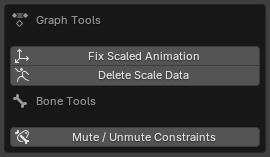
Fix Scaled Animation — Adjust bone location keyframes using the available scale controls.
Delete Scale Data — Remove scale animation data using the available target options.
Clear Pose — Reset the current pose without inserting keyframes.
-
Timeline Synchronization — Use ActionPro's timeline synchronization and live-preview controls.
WHO IS ACTIONPRO FOR?
ActionPro is designed for:
Character animators
Game developers
Technical artists
Blender animation artists
Artists preparing skeletal animations for Unreal Engine
-
Anyone managing large collections of character animations
A MORE ORGANIZED ANIMATION WORKFLOW
Spend less time managing Actions manually and more time refining your animation.
From organizing animation libraries and creating layered pose adjustments to importing motion and exporting FBX files, ActionPro brings essential animation tools together in one workflow.
ActionPro — Your animation workflow, under control.
Note: Feature availability and behavior may depend on the Blender version and selected settings. Please refer to the product's compatibility information for supported versions.