ActionScope
 Depth Pass

Install
- Download
actionscope-0.1.0.zipfrom the product files (don't unzip it; if you downloaded the full product zip, the add-on zip is inside it). - In Blender open Edit > Preferences > Get Extensions, click the drop-down arrow at the top right and choose Install from Disk..., then pick the zip.
- Make sure ActionScope is enabled. To update later, install the newer zip the same way.
Where to find it
- 3D Viewport > Sidebar (N) > ActionScope tab (easiest place to learn it)
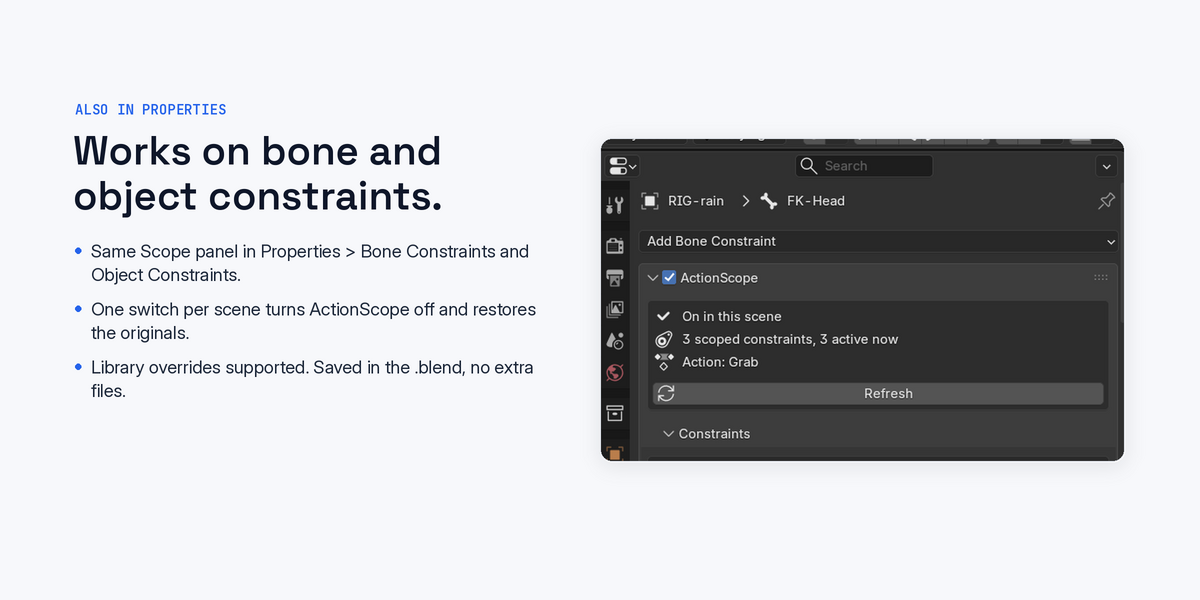
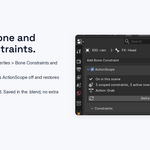
- Properties > Bone Constraints and Properties > Object Constraints (same layout)
Quick start
- Select the rig (or object) that has the constraint. Give it at least two actions.
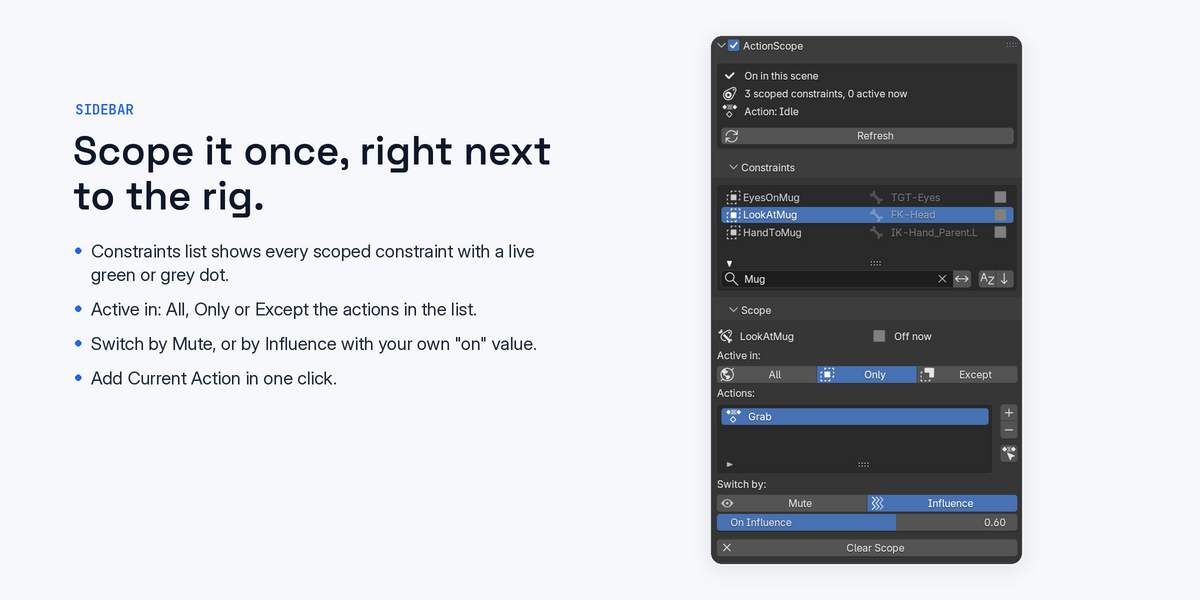
- In the Constraints list, click the constraint you want to scope. The list shows every constraint on the object and its pose bones; use the filter field to find it quickly.
- Under Scope, set Active in to Only (or Except).
- Add actions with +, or make the action you want active and click Add Current Action (this also switches All to Only).
- Choose Switch by: Mute for a hard on/off, or Influence with an On Influence value for a partial constraint.
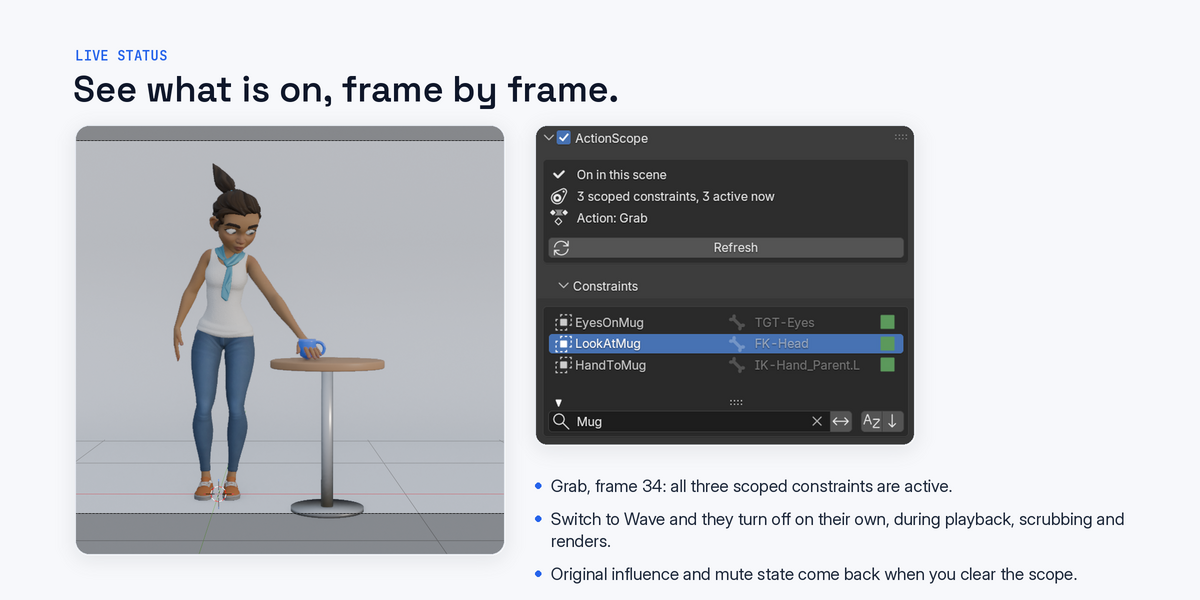
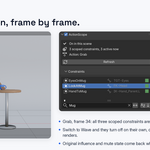
- Switch actions in the Action Editor, scrub or play. The status box shows how many scoped constraints are active and the current action.
Panel reference
- Header checkbox: ActionScope on/off for this scene. Off restores every scoped constraint to the state it had before it was scoped.
- Status box: on/off, scoped count, active-now count, current action, and Refresh (re-applies scopes and refreshes Problems).
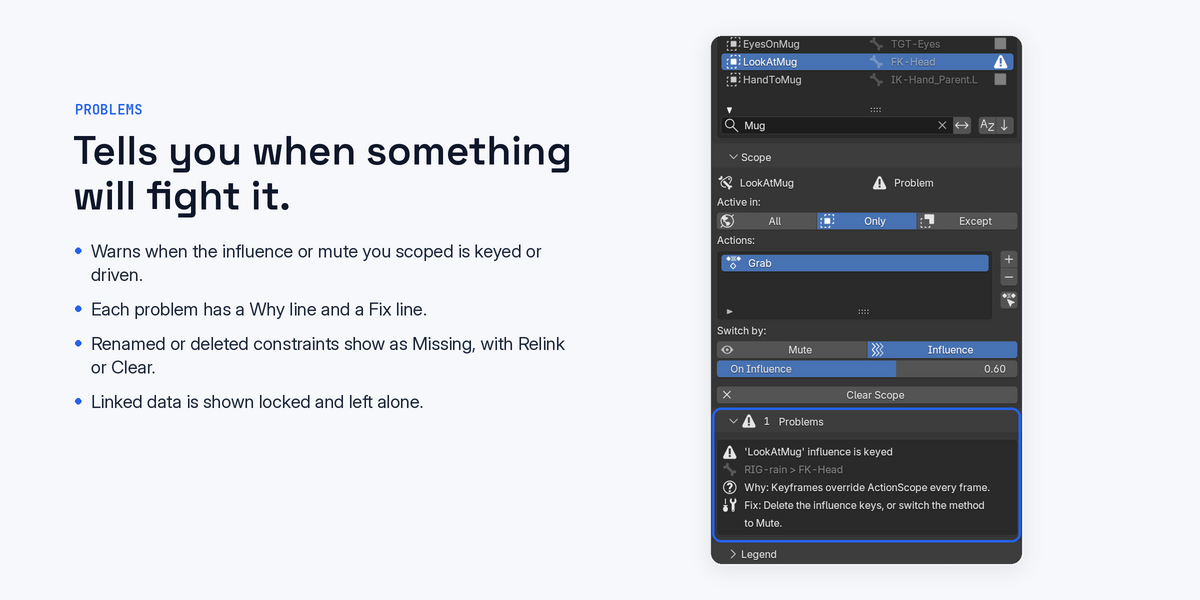
- Constraints: mode icon, constraint name, owner (object or bone) and a status dot (green = active now, grey = off now). A warning icon marks a problem, a lock marks linked data.
- Scope: Active in (All / Only / Except), the action list, Switch by (Mute / Influence), On Influence, and Clear Scope (stop scoping and restore the original values).
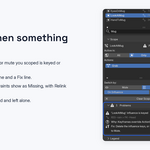
- Problems: one entry per problem with a Why and a Fix line, or "No problems found".
- Legend (sidebar, closed by default): what the icons mean.
Problems you may see
- Influence is keyed / enabled is driven: keyframes or drivers on the value ActionScope switches will override it. Delete the keys or driver, or switch method (Mute vs Influence).
- Constraint not found: it was renamed or deleted. Use Relink to point the scope at the new name, or Clear.
- Never active: Only mode with an empty action list. Add actions, or set All.
- Empty action slots: pick an action for the empty row, or remove it.
- Linked (read-only): make a library override of the rig to edit its scopes.
Linking, appending and export
- Appending a character brings its scopes along; they keep working.
- Linked characters are read-only and shown with a lock. Make a library override to edit scopes in the shot file.
- FBX export and NLA bake (visual keying) evaluate frames with the scoped state, so the baked motion is correct. The scope settings and the constraint itself are not written into an FBX.
- Files opened on a machine without ActionScope keep whatever constraint state was last saved.
Preferences
Edit > Preferences > Add-ons > ActionScope: optional Alt+Shift+A hotkey for Add Current Action in the 3D Viewport (off by default).
Demo file
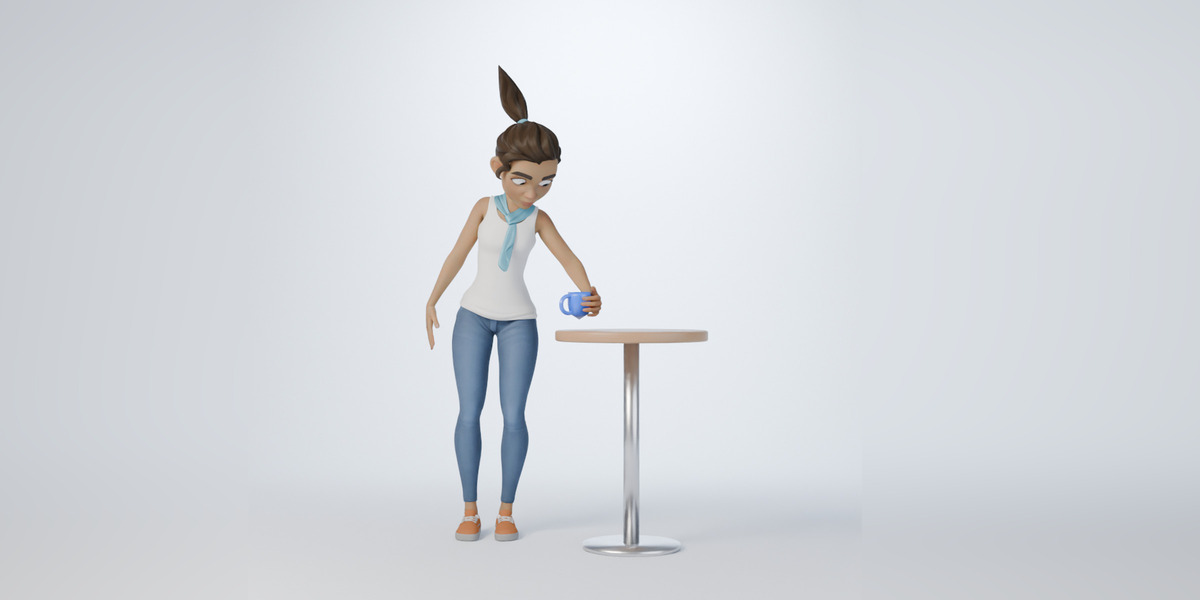
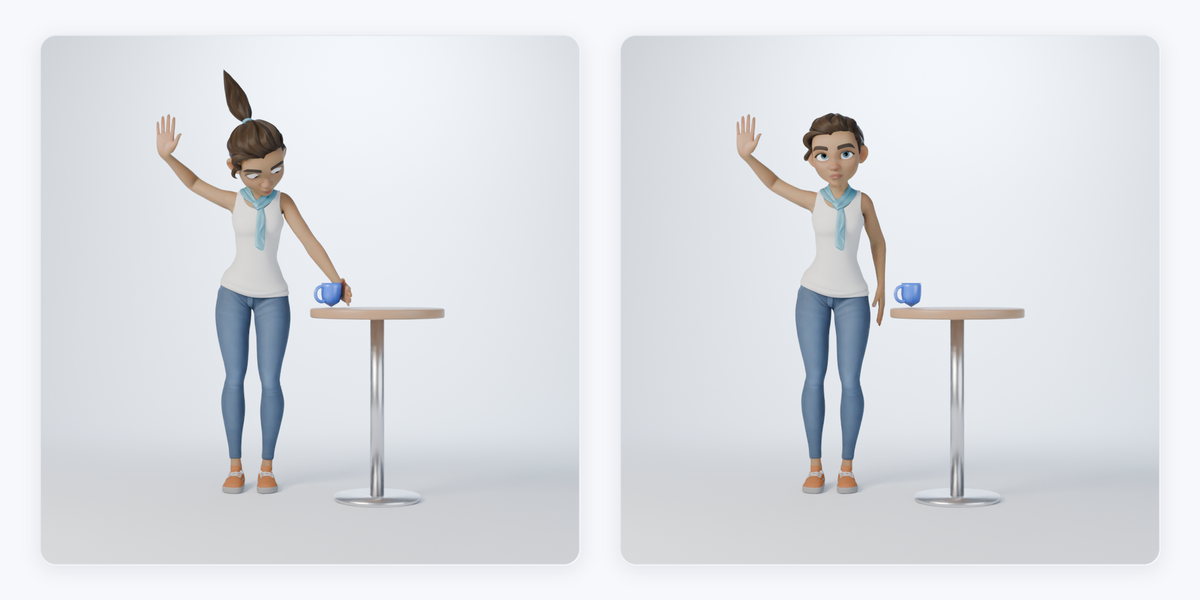
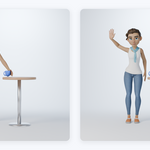
Open ActionScope_demo_Rain.blend with the add-on installed. Select RIG-rain, open the ActionScope sidebar tab and switch between Idle, Wave and Grab in the Action Editor. HandToMug, LookAtMug and EyesOnMug are scoped to Only in Grab. Instructions are also in the README_DEMO text block inside the file.
Troubleshooting
- Nothing switches: check the scene checkbox is on and the constraint is scoped (Only or Except, not All).
- Always on: mode is All, or the current action is in the Only list / not in the Except list.
- Flickering or fighting: check Problems for keyed or driven values.
- Wrong state right after a rename: press Refresh or change frame once.
 Included
Includes 12 months of
- Support from Depth Pass
- Product updates
Extend this product’s Support Period +12 months: 50% of product price
Have questions before purchasing?
Login to message
| Published | about 5 hours ago |
| Blender Version | 5.2 |
| Extension Type | N/A |
| Render Engine Used | Cycles |
| License | GPL |
Discover more products like this
Influence rigging Game animation constraints action-editor character animation Workflow pose bones animation tools animation actions