 Ada




Install
- Download Ada-Mesh-Budget-0.1.0.zip and keep it zipped.
- In Blender 4.5.x, open Preferences → Get Extensions. Open the menu and choose Install from Disk.
- Select the ZIP, install it and enable Ada Mesh Budget.
- Open the 3D Viewport sidebar with N and select the Ada tab.
Make a reduced batch
- Save a separate backup of your project. Version 0.1.0 is experimental.
- In Object Mode, select 1–12 supported static mesh objects.
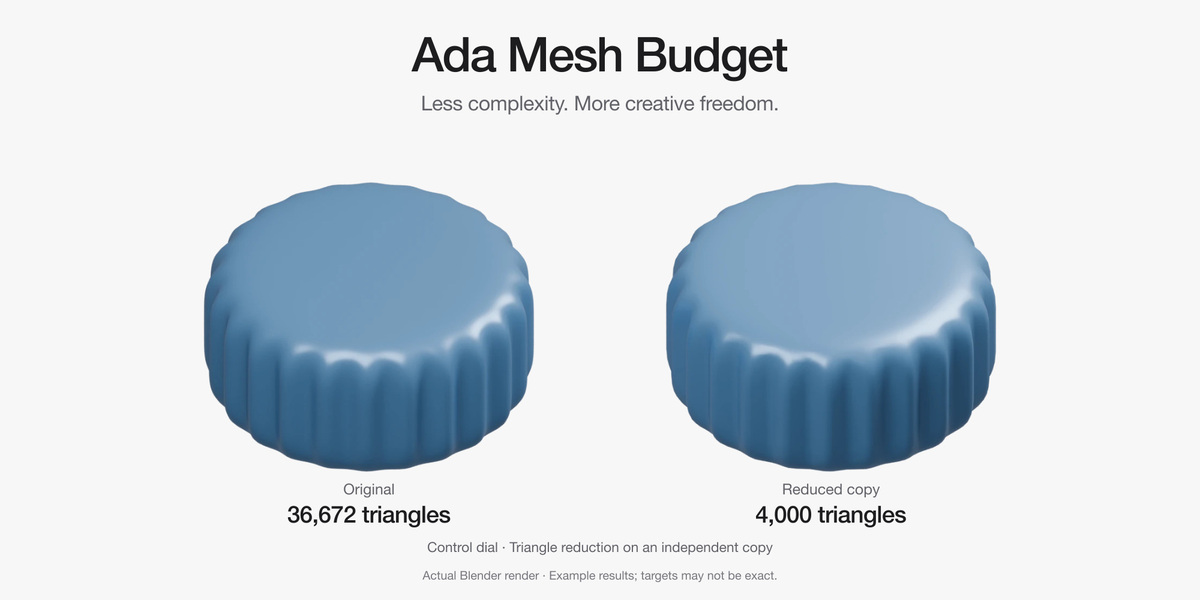
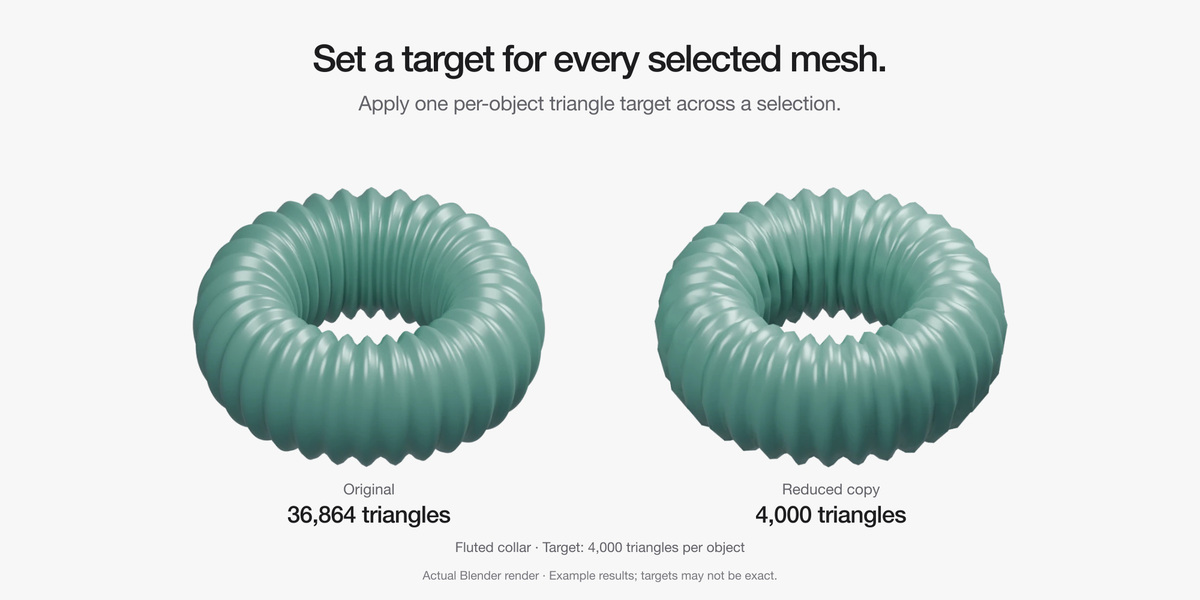
- Set Triangles per object, then choose Create optimized copies. The target applies separately to every selected object; it is not a total shared by the batch.
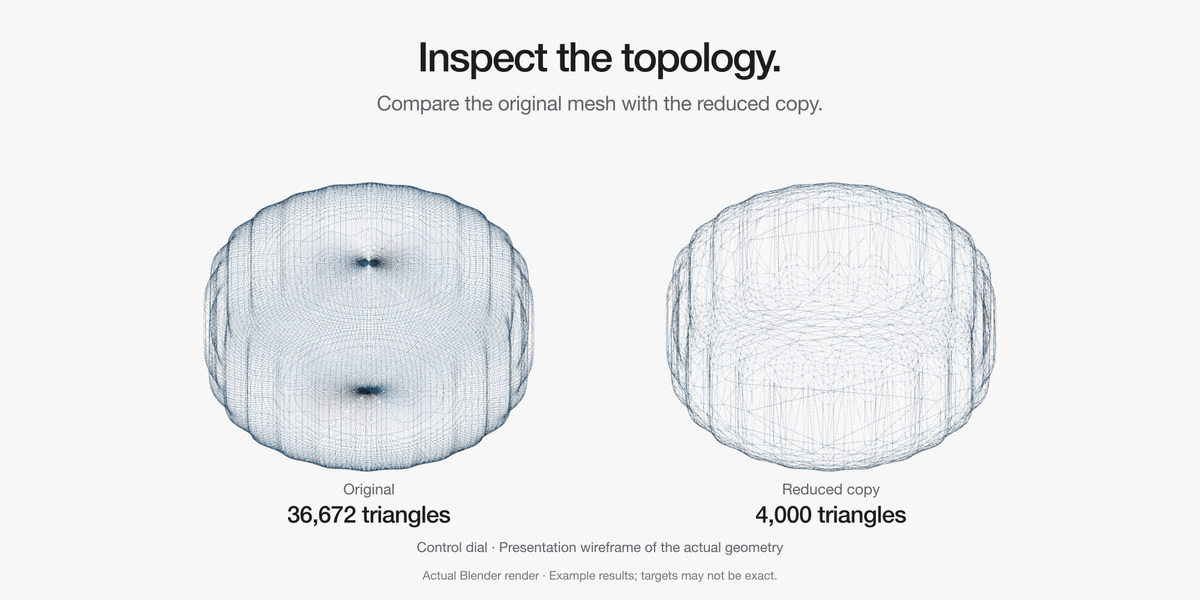
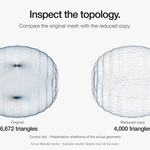
- Inspect the copies, reported counts, silhouettes, shading and texture appearance. Actual counts may exceed the requested target. Objects already below the target are copied without reduction.
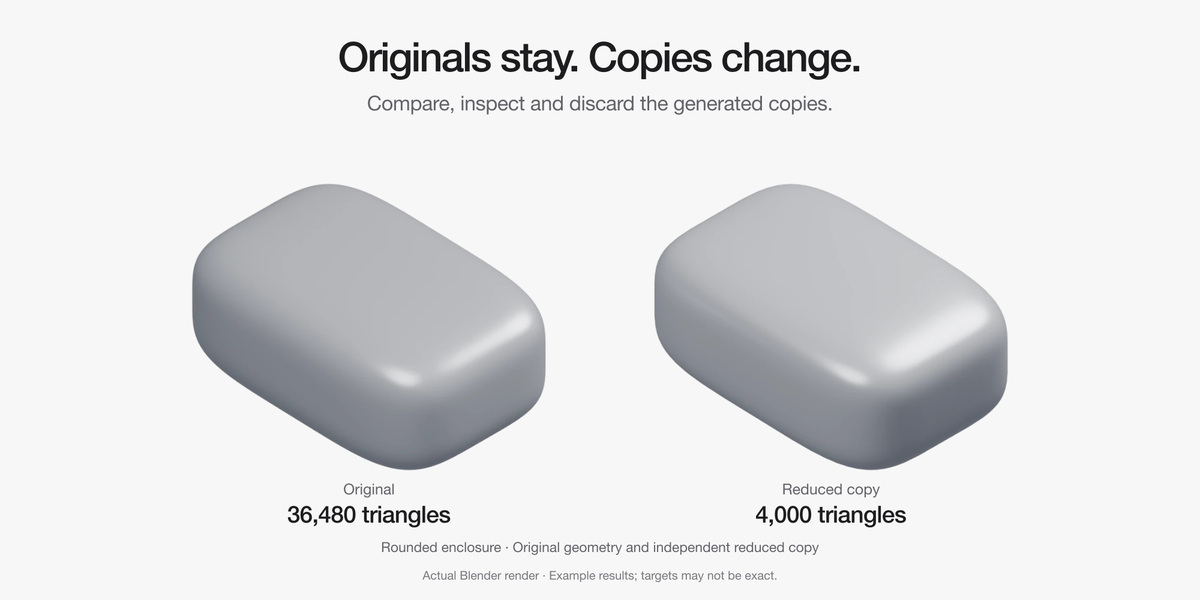
- To try another target, choose Discard generated copies and confirm, then create a new batch.
Place copies beside originals offsets the group along world X. If disabled, copies retain the source world transforms and the output collection starts hidden in viewport and render. Original geometry, placement and visibility remain unchanged.
Supported inputs
- Blender: 4.5.x only. Blender 5.x is unsupported.
- Selection: 1–12 visible, local static meshes. Do not include lights, cameras or other object types.
- Input size: at most 250,000 evaluated triangles per object and 1,000,000 per batch.
- Target: 100–250,000 triangles per object.
- Modifiers: Subdivision Surface, Bevel, Triangulate, Solidify, Weighted Normal, Weld and Edge Split. Viewport/render visibility must match; Subdivision Surface viewport/render levels must also match.
Shape keys, vertex groups, animation, drivers, NLA, constraints, rigged hierarchies, rigid-body simulation, linked or overridden data, unsupported modifiers and zero-scale transforms are refused. Geometry Nodes, Boolean and Armature modifiers are outside the supported set.
Results and limitations
- Mesh Budget uses Blender’s native Decimate algorithm. Targets are approximate; it is not a quad remesher, texture baker, rigging tool, engine exporter or LOD manager.
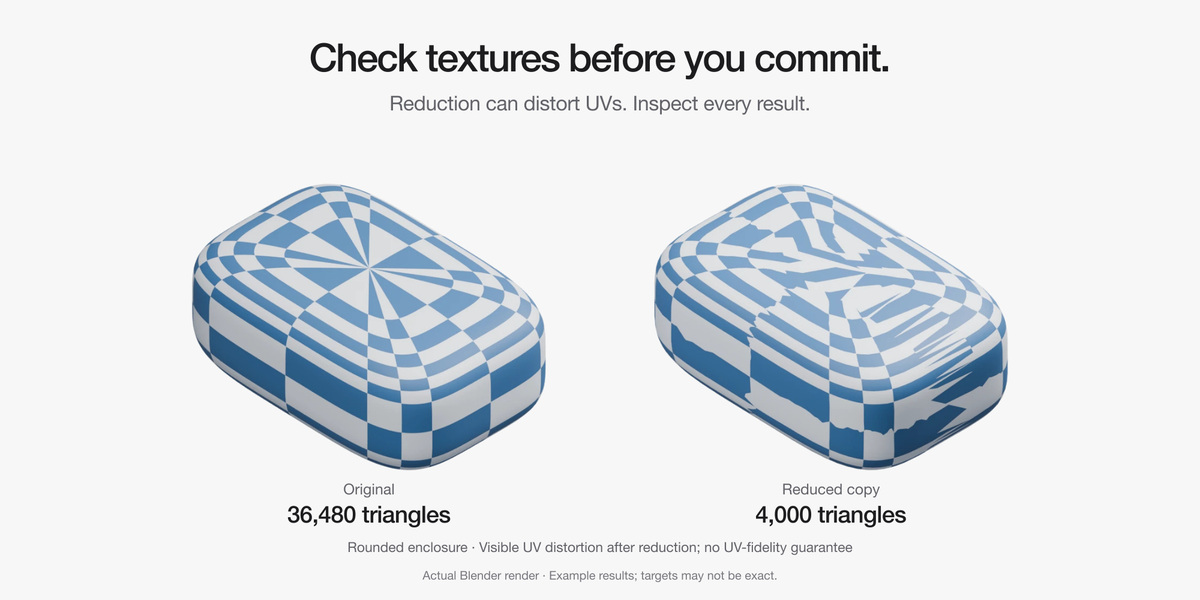
- UV data can remain present while texture appearance is visibly distorted. Check silhouettes, shading and UVs before using an output.
- Output meshes are separate, but material datablocks remain shared. Later material edits can affect originals and copies.
- Copies contain evaluated geometry, not the original modifier stack, parent relationships or custom object attributes.
- Counts are recorded at creation and do not update after manual edits.
- Processing is synchronous. A heavy job can temporarily block Blender; immediate cancellation is not guaranteed.
Discard and retry
Only one managed batch can exist per scene. Discard removes the generated batch, not the originals. Save useful results before discarding. If the output collection contains extra objects, or copies were moved or linked elsewhere, the guarded discard may refuse the operation. Inspect the collection and manage deliberately reorganized outputs manually.
Compatibility and support
Tested in Blender 4.5.3 LTS on macOS. Other platforms and Blender versions have not been verified. Automated core and native-window operator Undo/Redo checks passed. Physical mouse/keyboard use and the discard confirmation dialog were not independently tested. Always inspect your own results and keep backups.
For help, use the product’s Superhive support messaging. Include your Blender version, operating system, exact error text, selected object count and evaluated triangle count. A minimal example scene is useful only if you are comfortable sharing it.
License and privacy
GPL-3.0-or-later. The complete license is included in the ZIP. The add-on makes no network requests, requires no external service and does not itself read or write user files. Normal project save/load remains a Blender operation.
Have questions about this product?
Login to message
| Blender Extension Compatible | Yes |
| Published | 1 day ago |
| Blender Version | 4.5 |
| Extension Type | Add-on |
| Render Engine Used | Cycles |
| License | GPL |

Discover more products like this
static-mesh Polygon Reduction triangle budget batch optimization mesh-reduction mesh optimization polygon reducer decimate mesh simplification