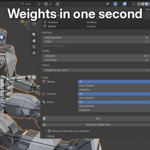
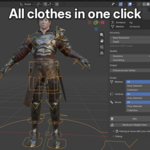
Clean weights on a full character usually cost hours of weight painting, or a fight with Automatic Weights. Adaptive Auto Skinning binds the rig, body plus clothing, in one click, with every vertex weighted. It is volumetric skinning reinvented for fingers and tight zones: the grid stays coarse through the body and refines exactly where two surfaces almost touch.
See it live
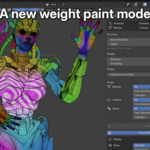

A real bind from Adaptive Auto Skinning, no manual paint. Each color is one bone.
The bind
The whole body in one pass
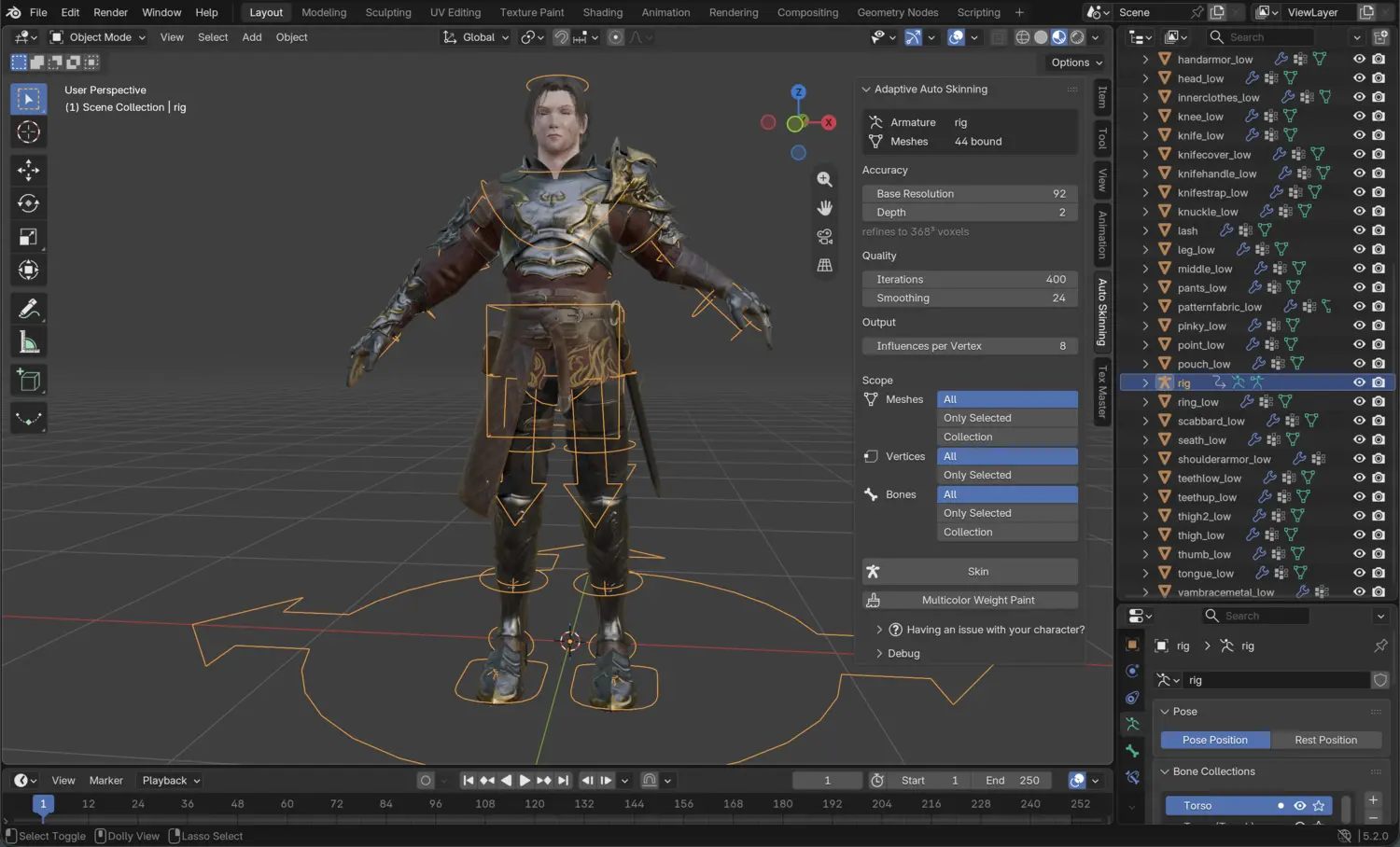
Point it at the armature. It finds every mesh the rig deforms, solves them together, and writes standard vertex groups back.
Sub-second binds on your GPU
The solver runs on your graphics card, on macOS, Windows, and Linux alike. Across the 202-character benchmark set, the average full-rig bind took 0.57 seconds, measured on a MacBook Air M4.
Scored against artist weights
On the 202-character benchmark, its weights pick the same dominant bone as the artist's hand-painted reference on 80.9% of vertices, ahead of every automatic method tested. The
full benchmark, every method on 202 characters with the per-character tables, is on the blog.
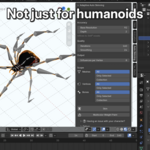
Any rig, any bone names
It reads the skeleton's geometry, not its names. A Mixamo rig, an Auto-Rig Pro skeleton, and a hand-built armature all bind the same way, with no naming convention to follow. Face rig still requires manual work, an automatic feature is in progress.
Adaptive volumetric weights
Every vertex gets a weight
The character's volume fills with voxels, each claimed by a bone before any weight reaches the surface. Inside and outside come from the shape itself, so non-watertight, doubled, or overlapping meshes still fill completely: no failure state, no grey limbs to repaint. Layered parts split where they should, a belt over the thighs or the gap between two fingers each taking its weight from the part it belongs to.
Fine only where surfaces almost touch
A uniform grid has one setting for the whole body, so finger-level detail multiplies the cell count everywhere. The adaptive grid stays coarse across the body, 92 voxels by default, and subdivides where two surfaces come close, down to 368-level detail and finer: about 13 times fewer cells for the same finger separation.
Each finger on its own bone
A counting animation bound in one pass, no manual paint. Drag to orbit.
A real bind from Adaptive Auto Skinning, no manual paint. Each color is one bone.
Review and control
Where it still needs a hand
Every bind is scored against the artists' hand-painted weights across 202 characters, and it lands closer to that reference than the other automatic methods tested. It is still an automatic bind: on some characters a few zones like face need a manual touch-up before they animate exactly right. The two tools below are built for that, so you find the spot and fix only it.
Multicolor weight overlay
Every deform bone's territory in a different color, live in Weight Paint mode. A bad boundary shows up in seconds, without clicking through the bones one at a time.
Built for
Character artists Riggers Game developers Animators
Compatibility
Blender 4.2 LTS through 5.2+ · Platforms macOS (Apple Silicon and Intel), Windows, Linux · GPU any card with Metal, Vulkan, or DirectX support · Dependencies none, the compute core ships inside the addon
Free updates within the version you bought. If it does not hold up on your characters, 30-day refund. Every bind writes only vertex groups and undoes in one step, so nothing sticks until you're happy.
Launch
A month of private beta with more than 25 riggers and game devs, on their own characters, shaped this first version. It ships at $17.50 instead of $35 the first week, and the price steps back up to full over the following weeks. If a character gives it a trouble, send it to me at [email protected] or Discord : I answer within 24 hours and I ship fixes fast.
Development
 Jessy Leite