Add-on Migration Checklist
 Synapse Nodes
1. Install
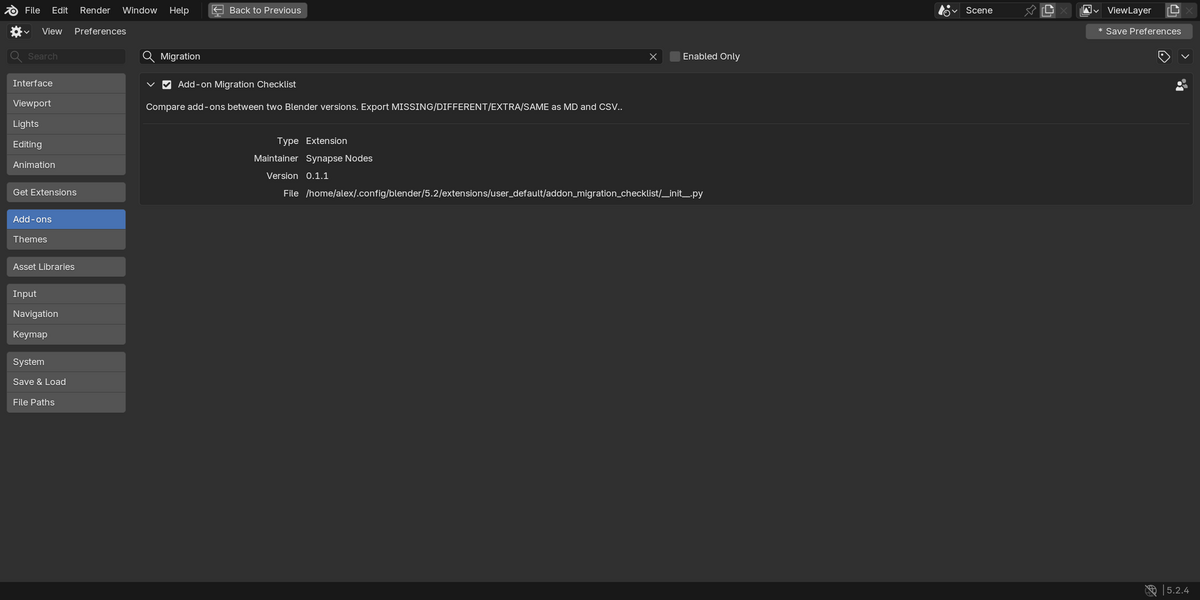
Blender 4.2 or newer (extension): download addon_migration_checklist-0.1.2.zip and do not unzip it. Drag it onto the Blender window and confirm, or use Edit › Preferences › Get Extensions › ⌄ › Install from Disk….
Blender 3.6 to 4.1 (legacy add-on): download addon_migration_checklist-0.1.2-legacy-blender-3.6-4.1.zip and do not unzip it. Go to Edit › Preferences › Add-ons › Install…, choose the zip and press Install Add-on. Enable the checkbox next to "Development: Add-on Migration Checklist".
2. Compare your add-ons
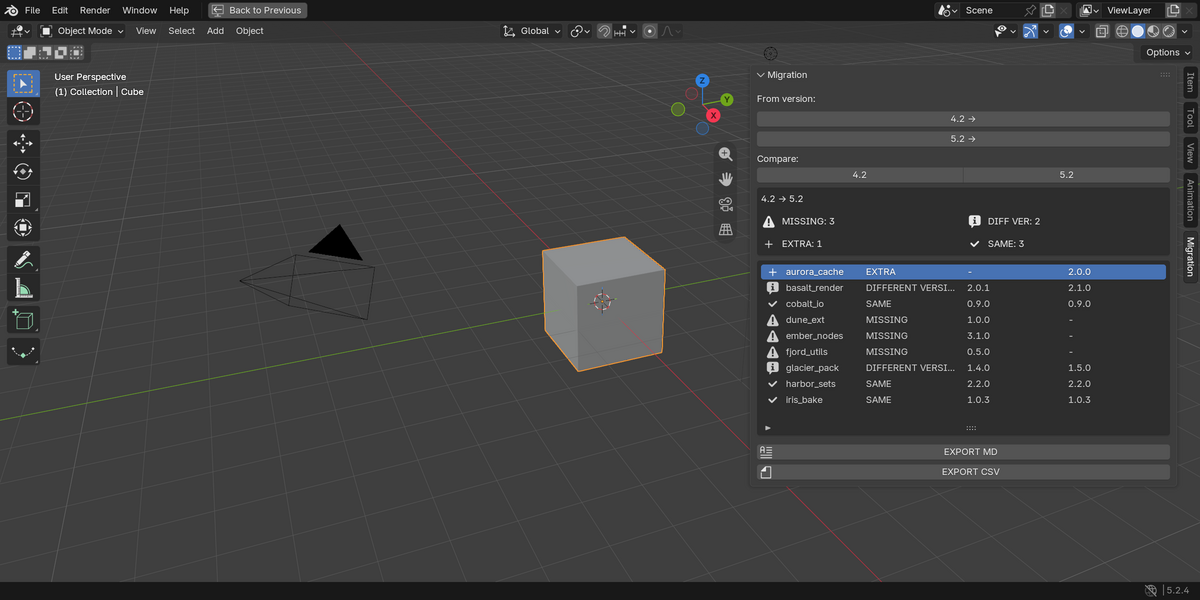
- Hover over the 3D Viewport, press N and open the Migration tab.
- Select the From and To versions from the detected Blender config folders.
- Press COMPARE.
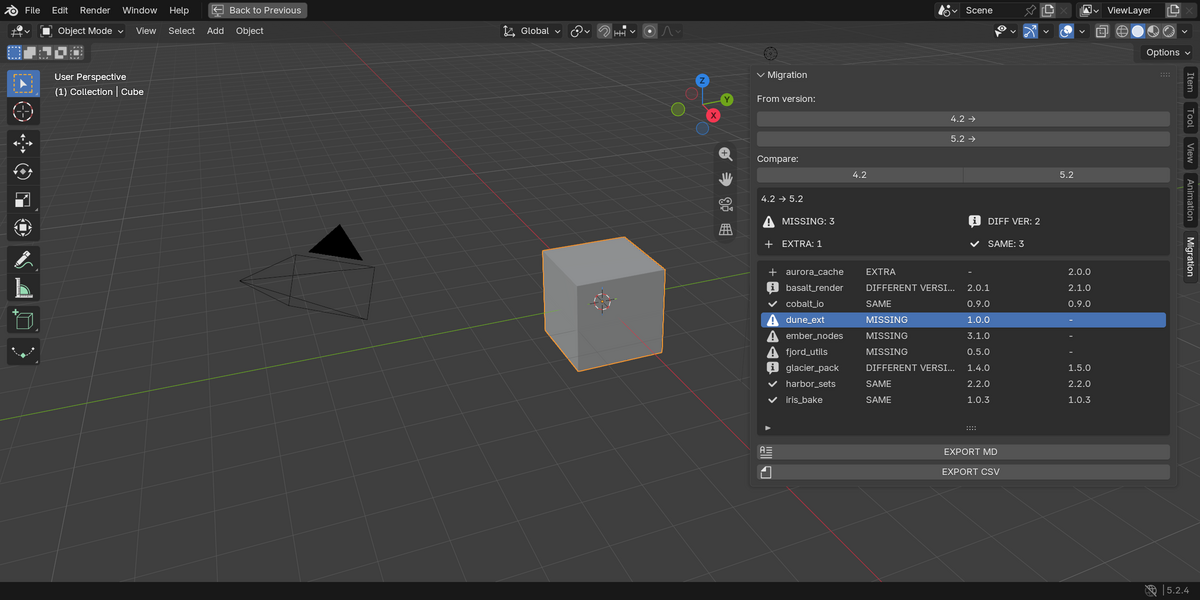
- The list shows each add-on with its status.
3. Export
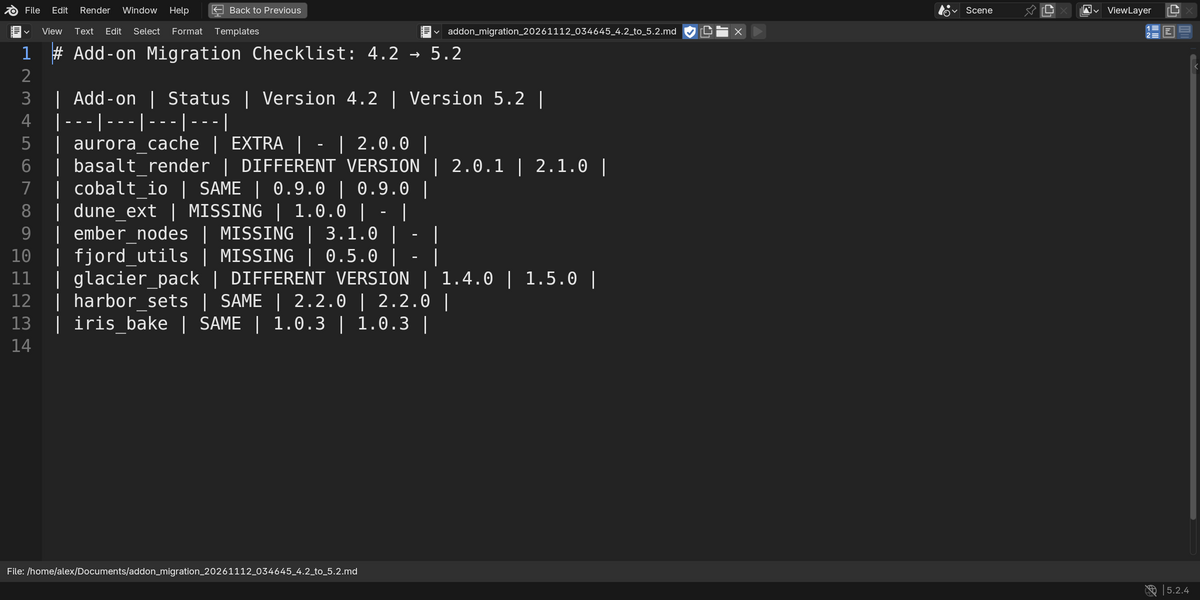
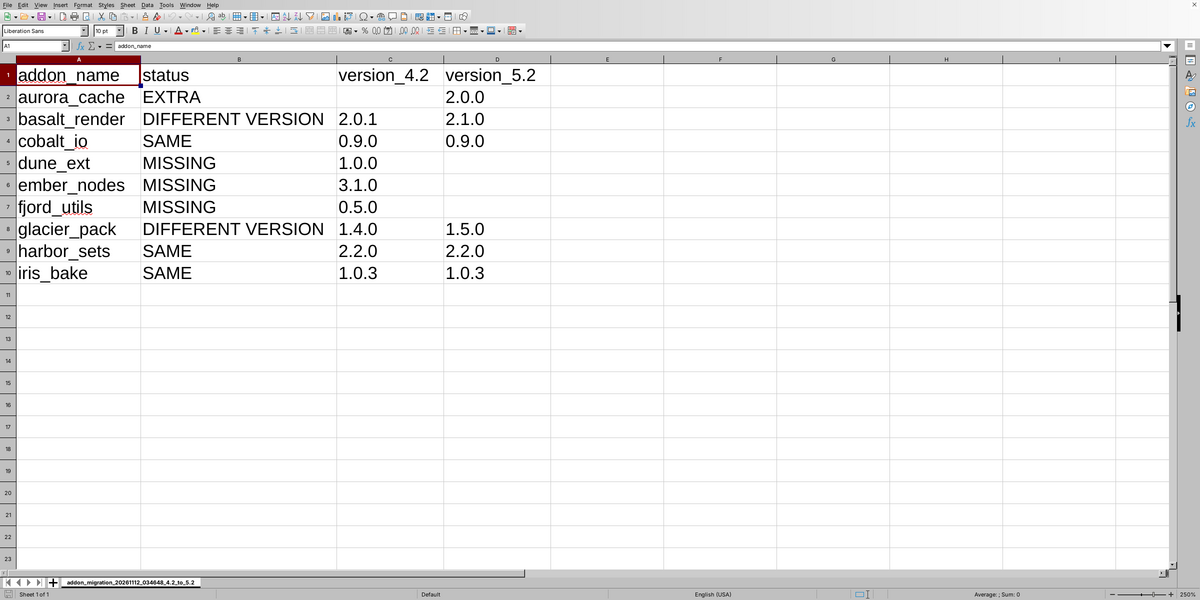
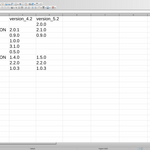
Press EXPORT MD for a Markdown table, or EXPORT CSV for a plain CSV. Both save to ~/Documents.
4. Requirements
Blender 3.6 or newer. The two Blender versions must be installed on the same machine. Pure Python, no extra libraries, no internet connection.
Have questions about this product?
Login to message
| Blender Extension Compatible | Yes |
| Dev Fund Contributor | |
| Published | about 11 hours ago |
| Blender Version | 3.6 - 5.3 |
| Extension Type | Add-on |
| Render Engine Used | Cycles, Eevee |
| License | GPL |

Discover more products like this
BlenderUpdates csv markdown add-ons-manager tools compatibility blender migration add-on manager blender update version compare Export addon checker