 ZibadMend



🚀 AddOn Manager Pro for Blender 🚀
Manage and control your Blender add-ons, simpler than ever!
Tired of manually managing add-ons in Blender? The AddOn Manager Pro add-on is a powerful tool that allows you to professionally manage, back up, restore, and install your Add-ons and Extensions. This tool provides a simple user interface that saves you hours of time.
✨ Features & Benefits ✨
- Advanced UI & Filtering (New!) 🔍: View and manage all your installed add-ons in a clean, scrollable list. Easily find what you need using the built-in Search Bar and System/User Filters.
- Smart ZIP Backup & Restore (New!) 💾: Back up all your user add-ons into timestamped ZIP files to save space and keep a history of your setups. Restore them safely with a single click.
- Profile Export & Import (New!) 📄: Save your active add-on configuration as a lightweight JSON file. Easily load your exact setup on another machine or a fresh Blender installation!
- Safe Batch Operations (New!) 🛡️: Instantly disable all user-installed add-ons with one click for easy troubleshooting. Built-in Blender add-ons are locked and protected from accidental deletion.
- Fast Enable/Disable ✅: Enable or disable add-ons and extensions directly from the management panel.
- Simple Installation: Easily install new add-ons from a file and have them enabled automatically.
- Instant Restart 🔄: A dedicated button to restart Blender, which is necessary to apply major changes.
- Complete Uninstallation 🗑️: Fully and safely uninstall add-ons you no longer use.
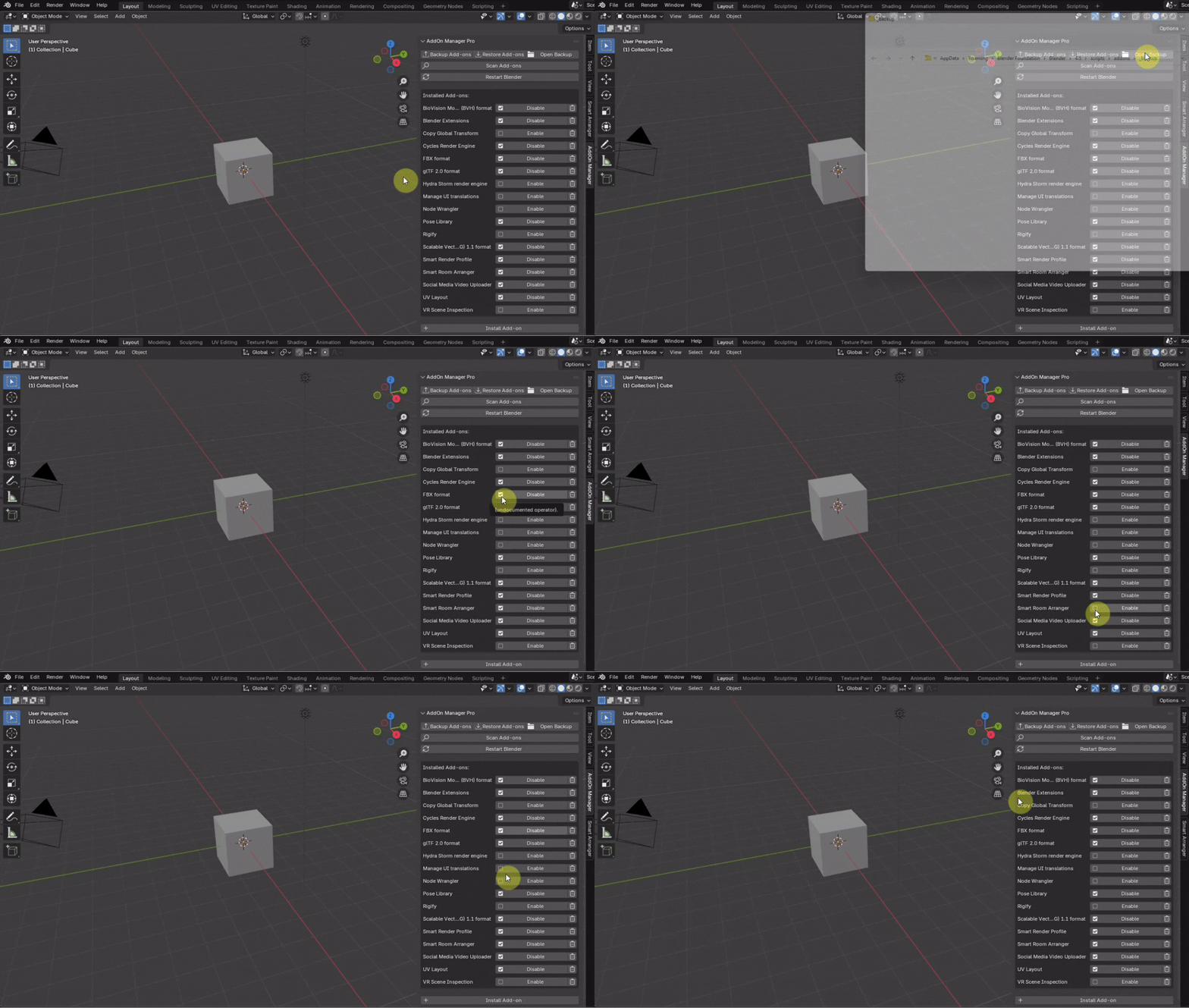
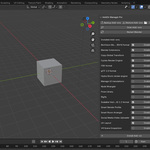
📸 Screenshots
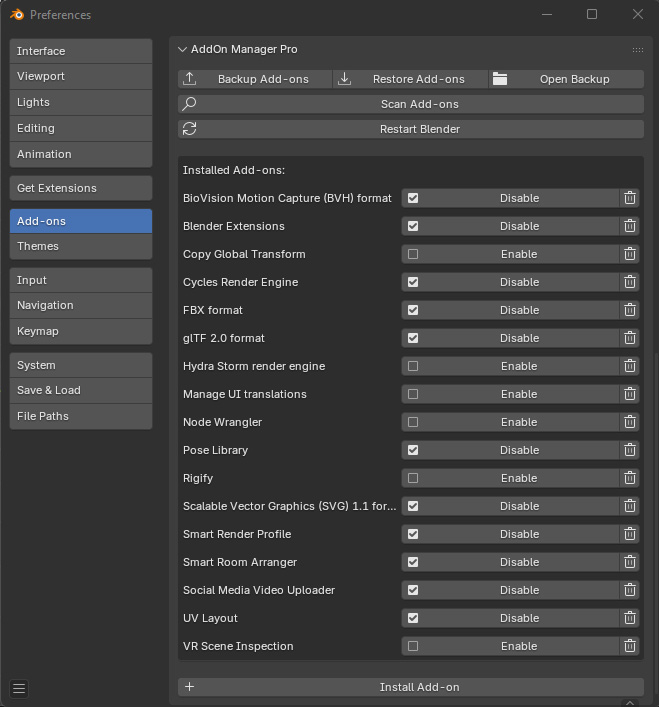
- Panel:
⚙️ Compatibility & Requirements ⚙️
- Blender Version: Compatible with Blender 4.1 and newer versions.
- Operating System: Windows, Linux, macOS.
🛠️ How to Use
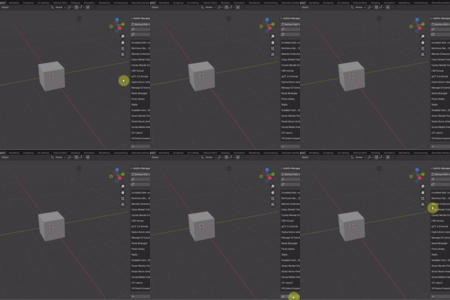
- In the 3D Viewport, open the sidebar by pressing the N key.
- Go to the AddOn Manager tab.
- In this panel, use the buttons to manage your Add-ons and Extensions.
- The add-on management panel is also accessible under
Edit > Preferences > Add-ons.
📝 License
This add-on is licensed under the GNU General Public License v3.0. To view the full text of the license, please refer to the LICENSE file included in the add-on's folder.
📧 Contact
- Author: ZibadMend
- Website: https://zimend.com
- Email: [email protected]
