
Jasur Y.
about 2 years ago
Thanks for the stellar review! I'm thrilled that you're impressed with the setup. If you need any help, I'm happy to assist. Enjoy the tool! π Live long and prosper!
This item has an average rating of 5 from 21 ratings by the community.
Purchase this item to leave a review!
This deserves 5 stars simply due to how impressive the node work is. I imagine the person who made this looks like one of those hyper-evolved aliens from the original Star Trek with huge craniums. Galaxy brained.
It's definitely an "advanced" array tool. I'm going to need to put in some work to learn all of the features, but it's amazing what this thing can do.
Jasur Y.
about 2 years ago
Thanks for the stellar review! I'm thrilled that you're impressed with the setup. If you need any help, I'm happy to assist. Enjoy the tool! π Live long and prosper!
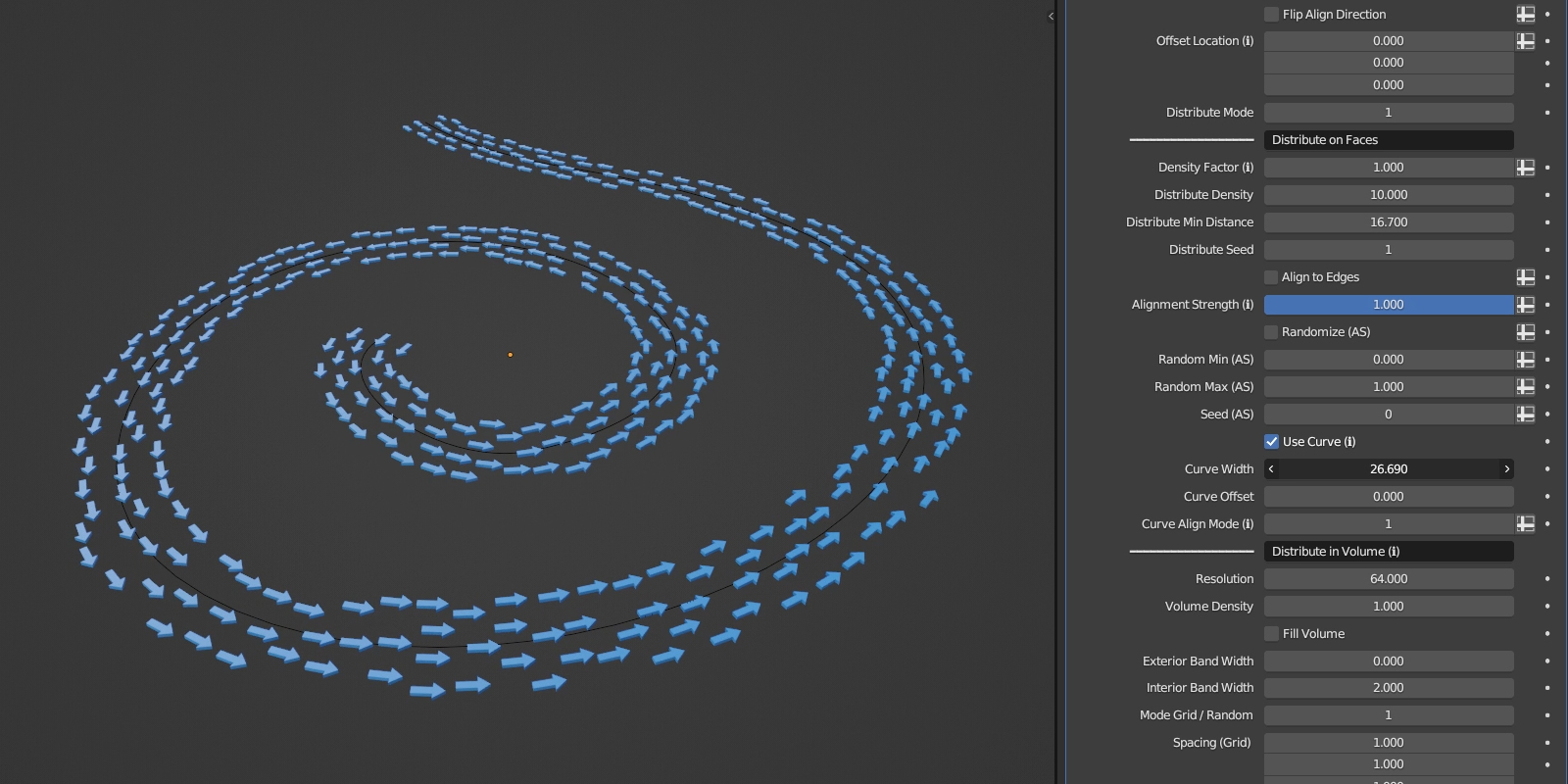
Best array setup I've ever seen short of doing it yourself in Houdini or something. Anything you need or can come up with is available with extreme convenience. I'm considering changing the way I distribute assets on scenes just because of versatile this tool is.
Btw it's worth nothing that I messaged the creator about 4.1 compatibility and he was kind enough to post a trimmed down version that would allow me to use the nodes in 4.1 temporarily before moving into 4.2, he's extremely helpful
Jasur Y.
about 2 years ago
Wow, thanks for the incredible feedback! I'm really glad to hear that Advanced Array Tool is making such a big impact on your workflow. Enjoy using the tool and feel free to reach out anytime!
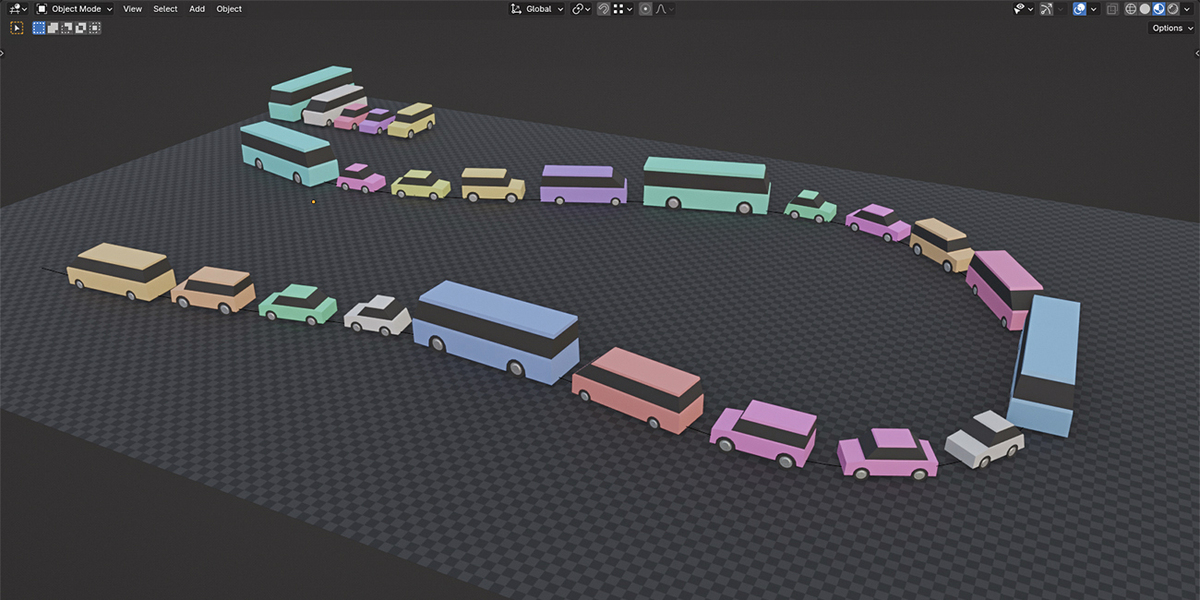
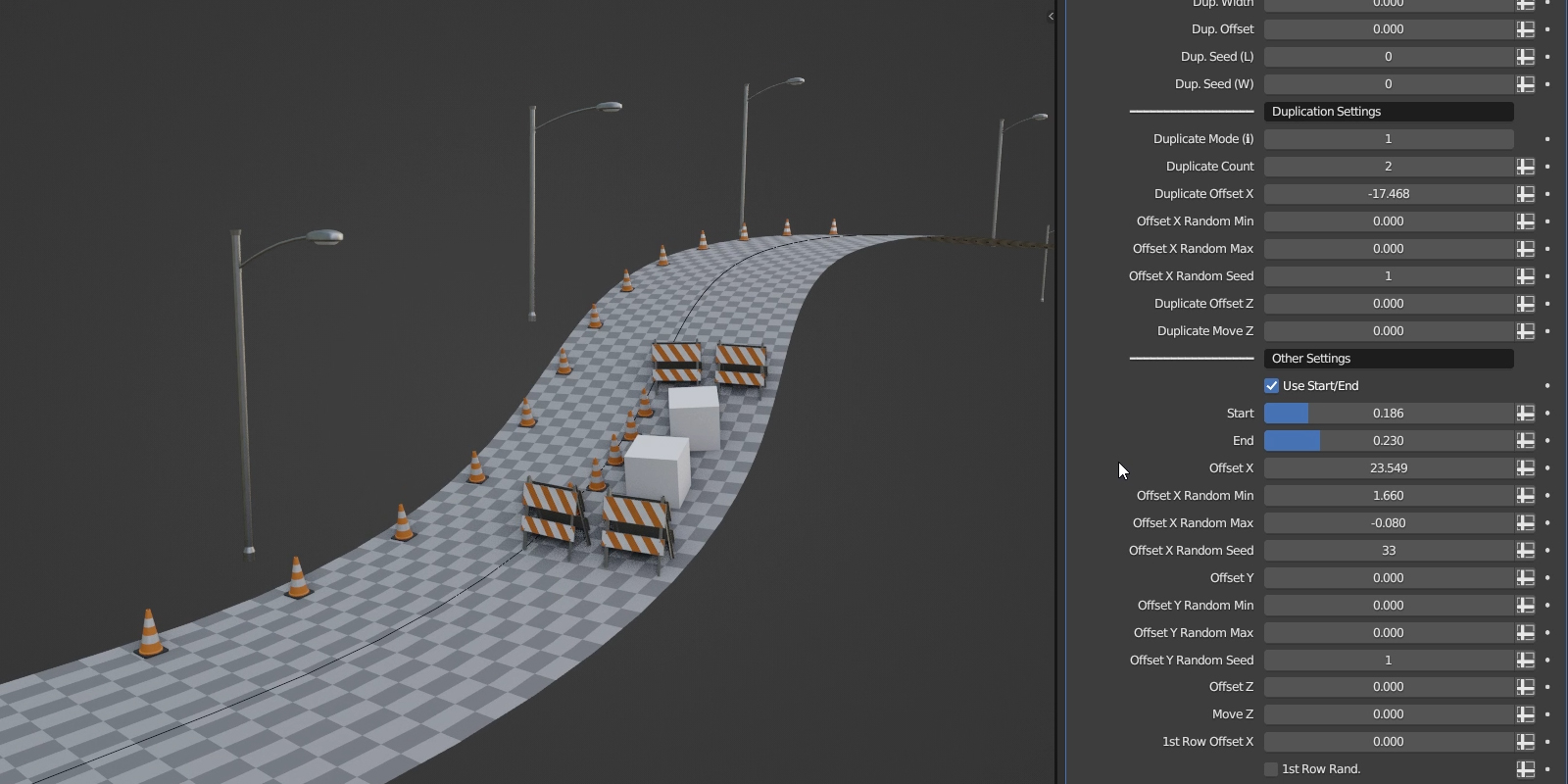
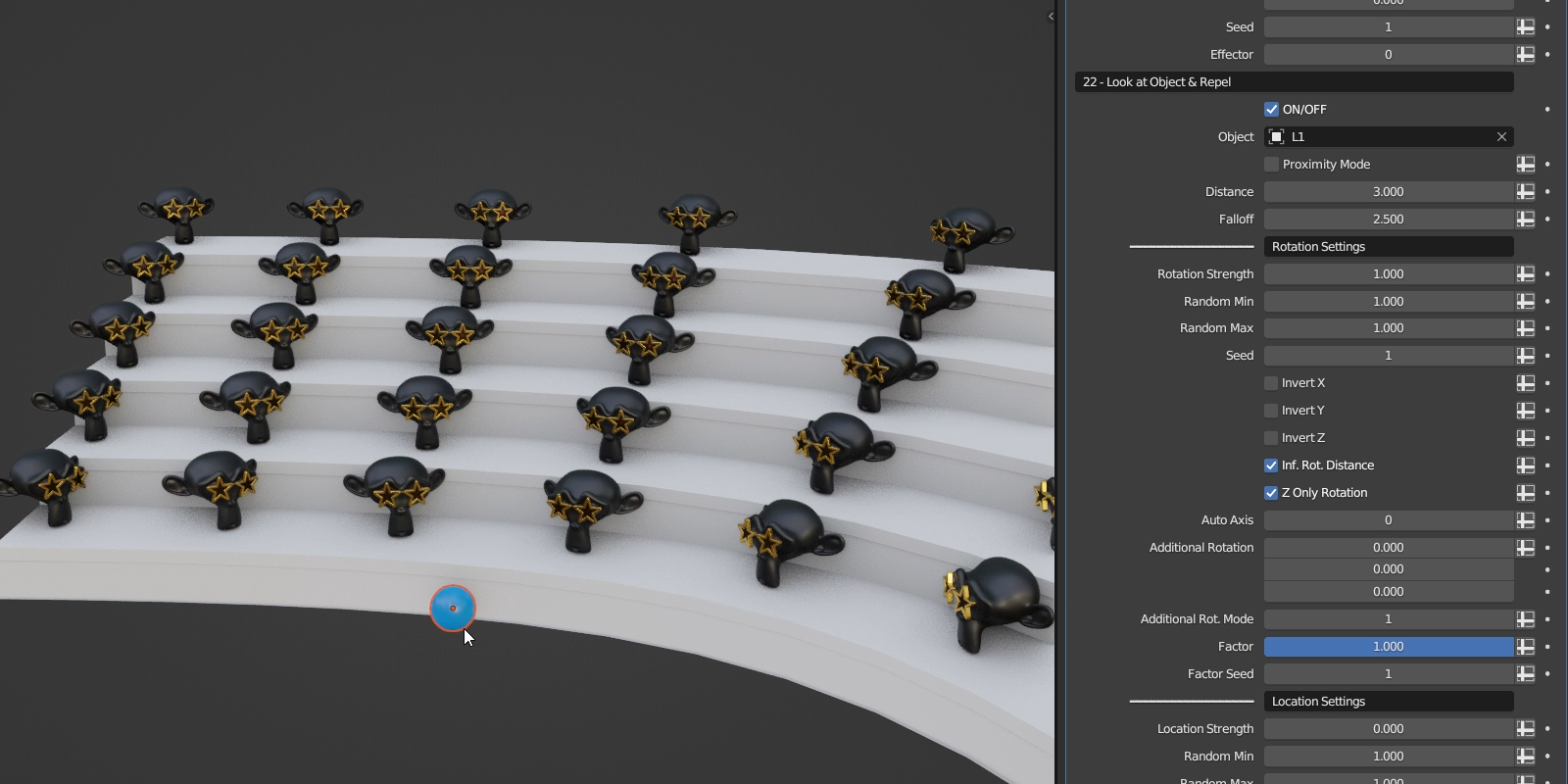
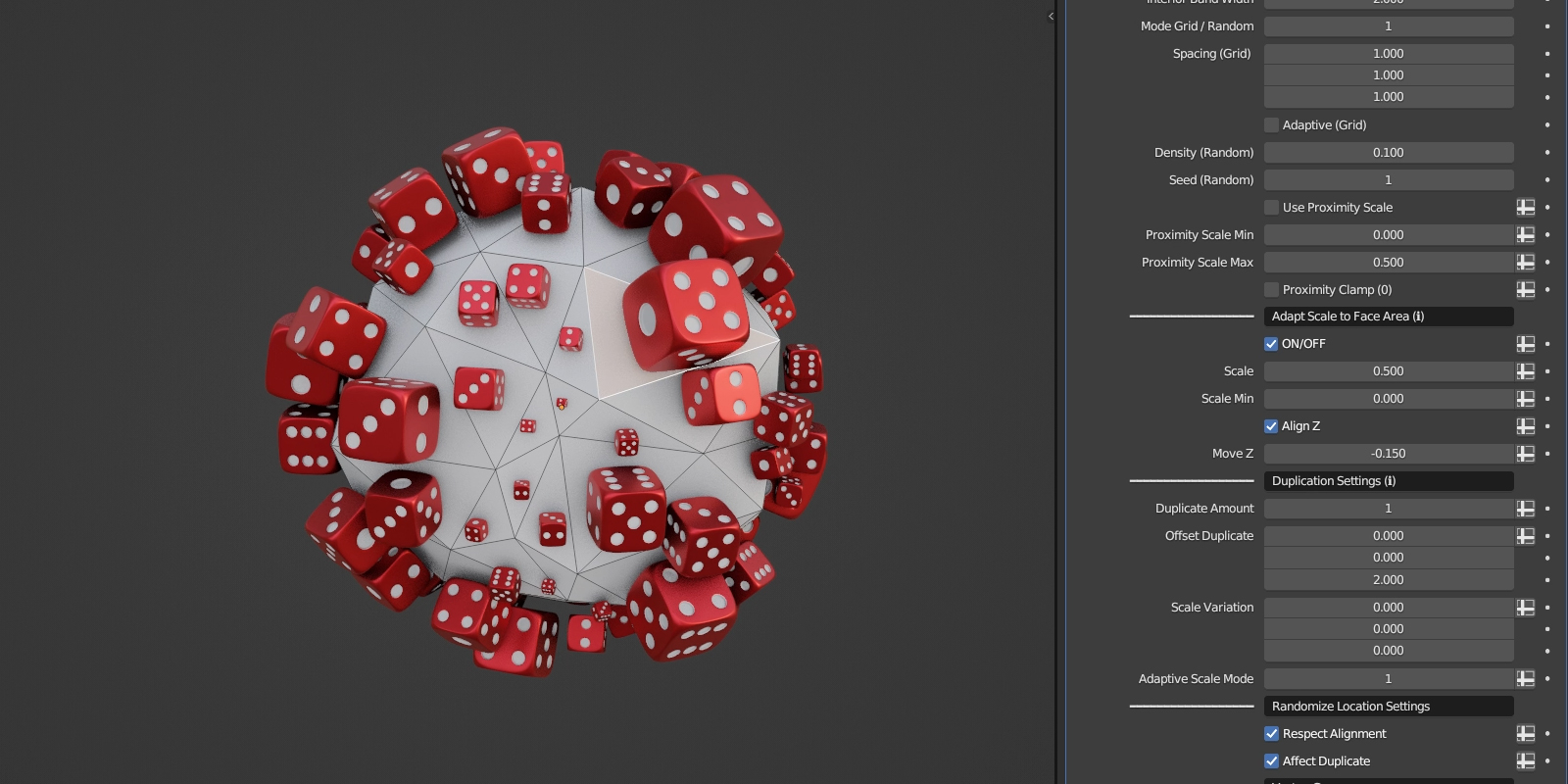
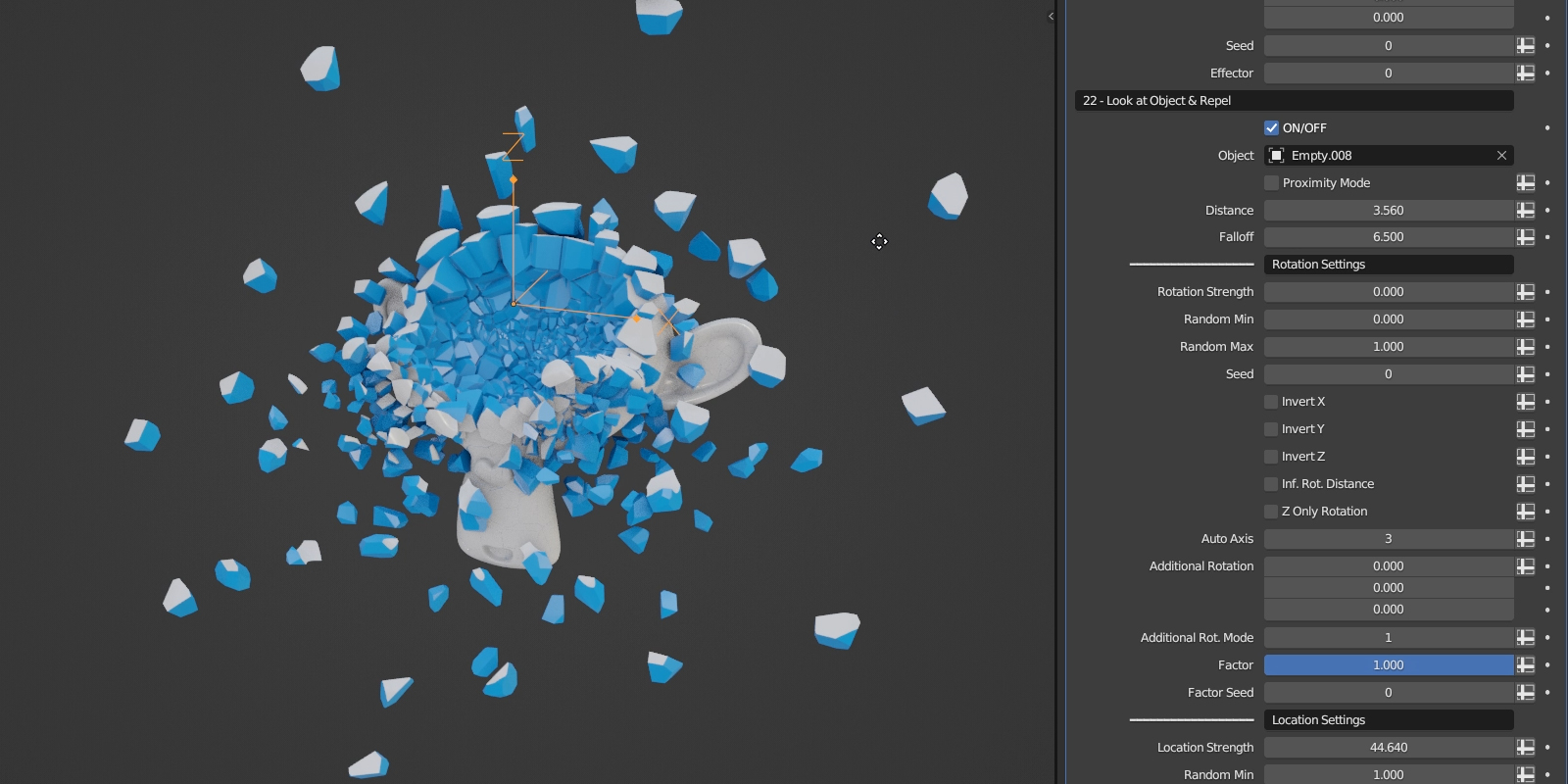
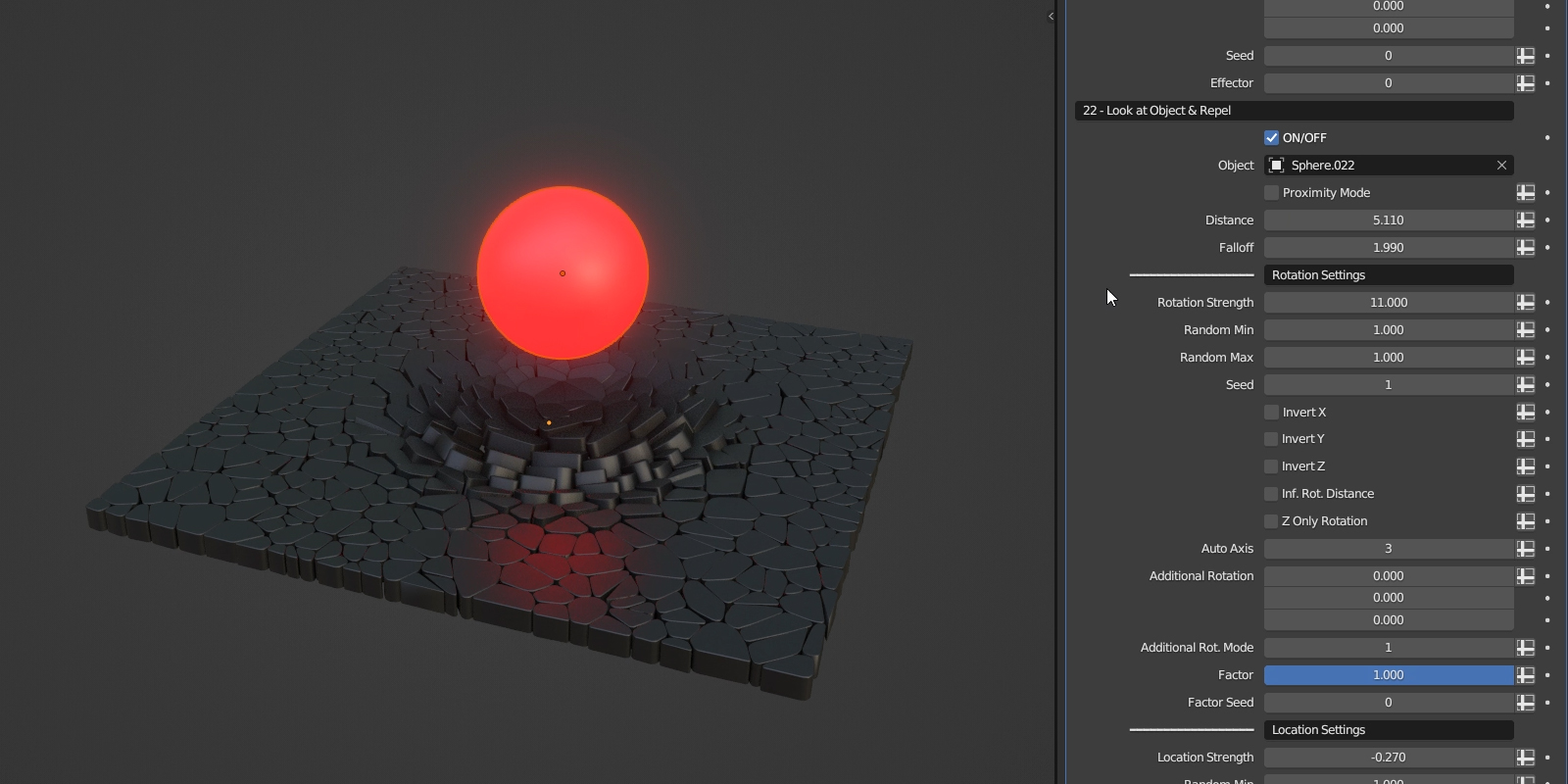
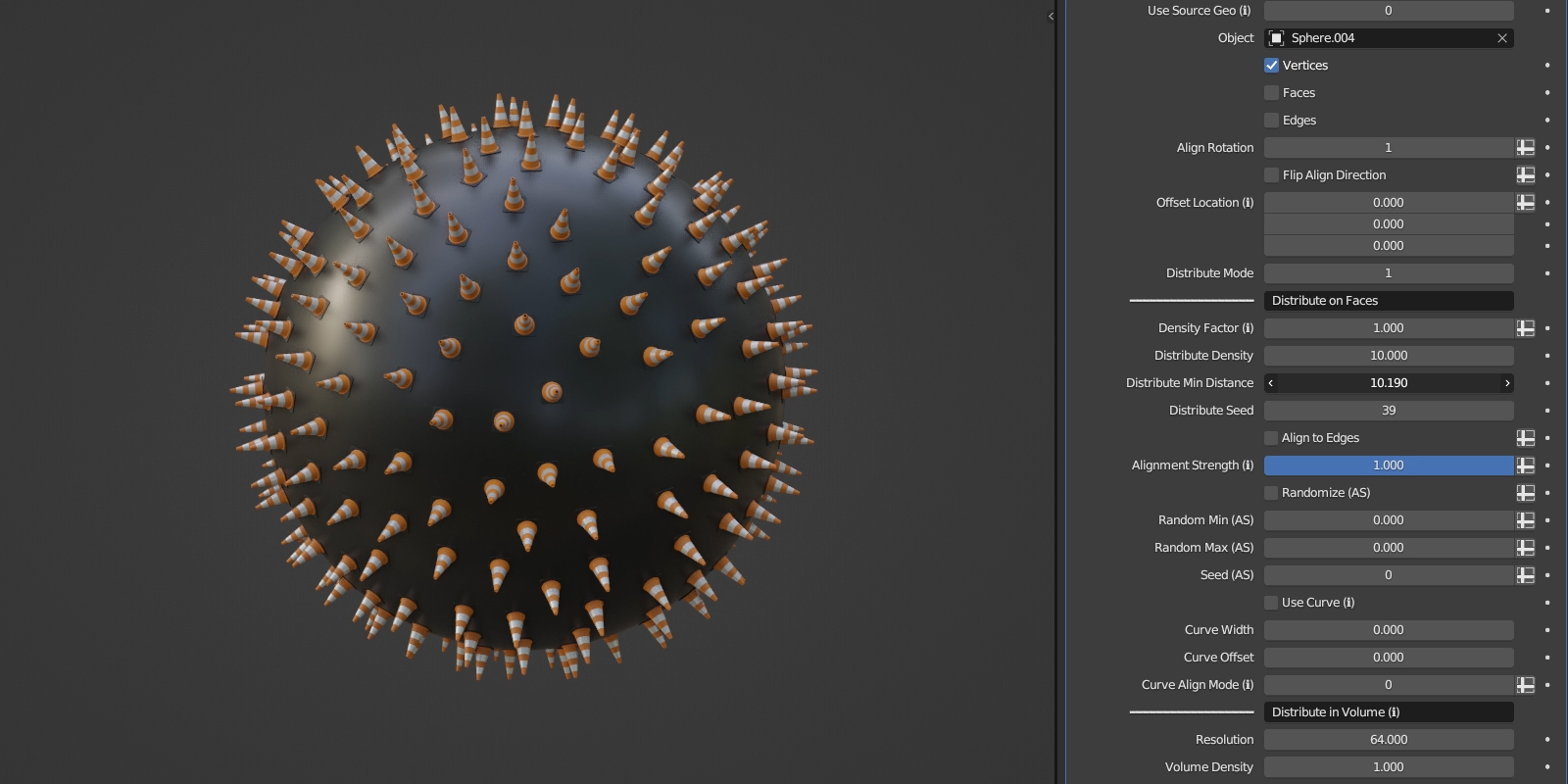
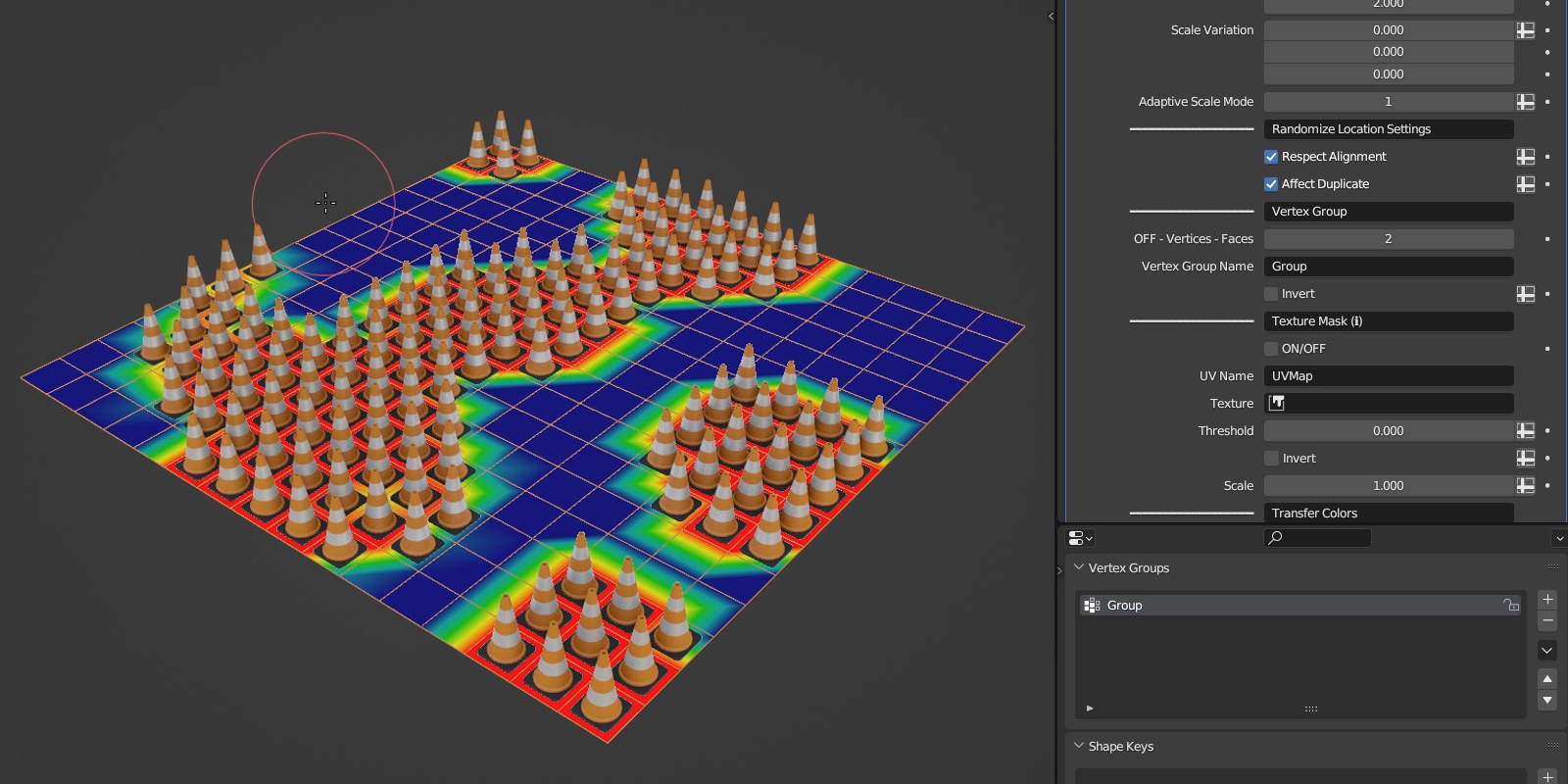
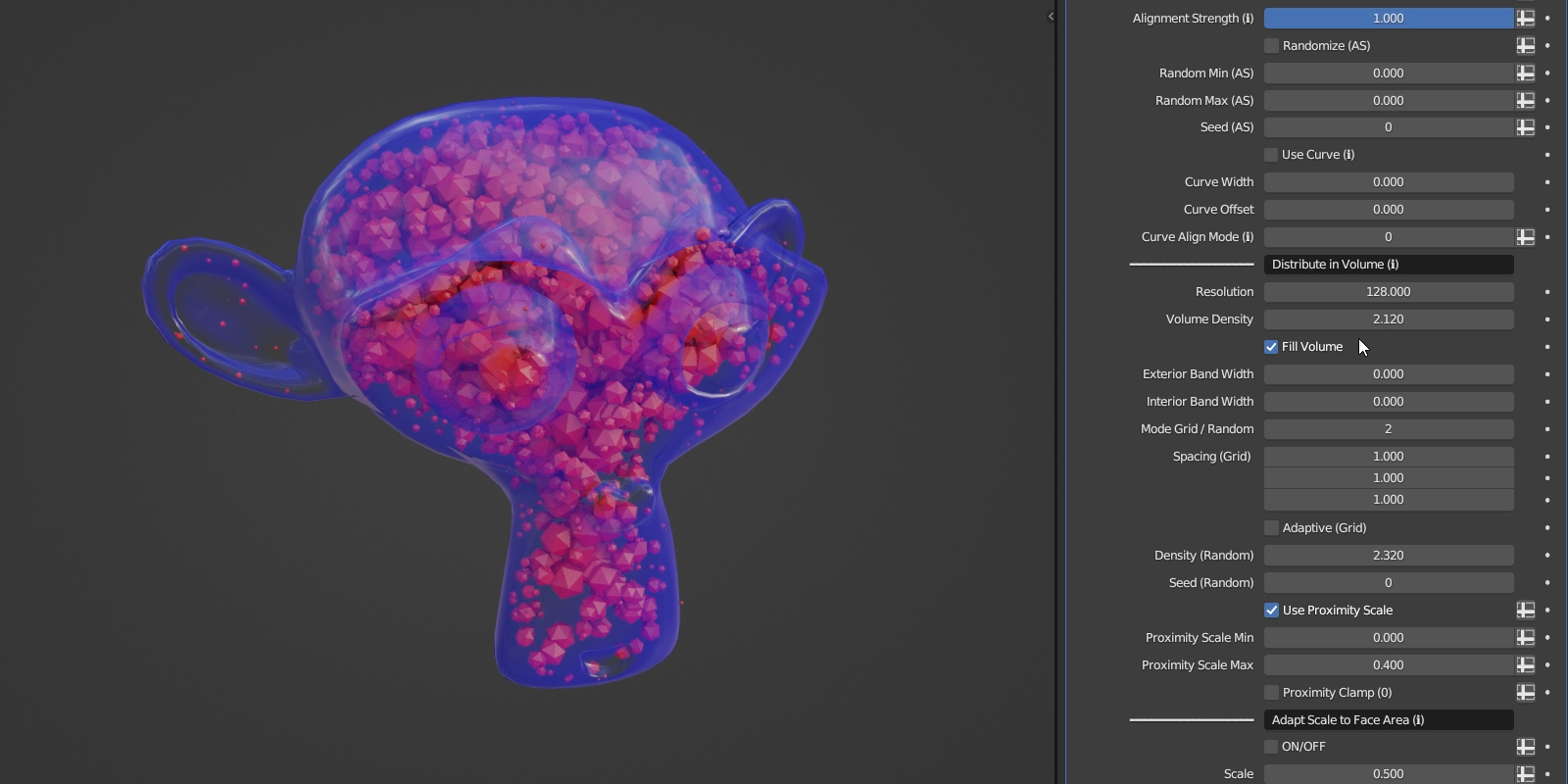
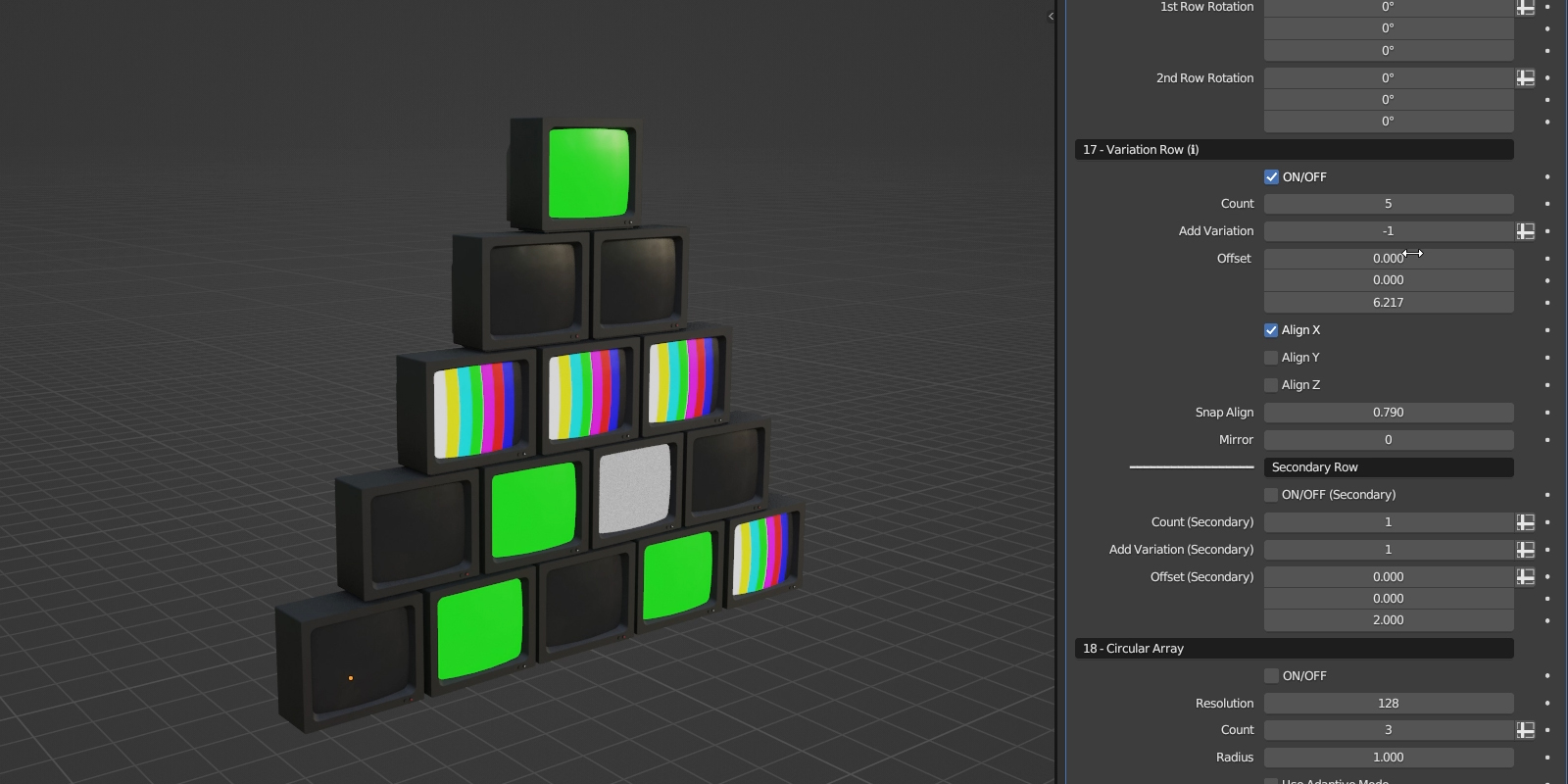
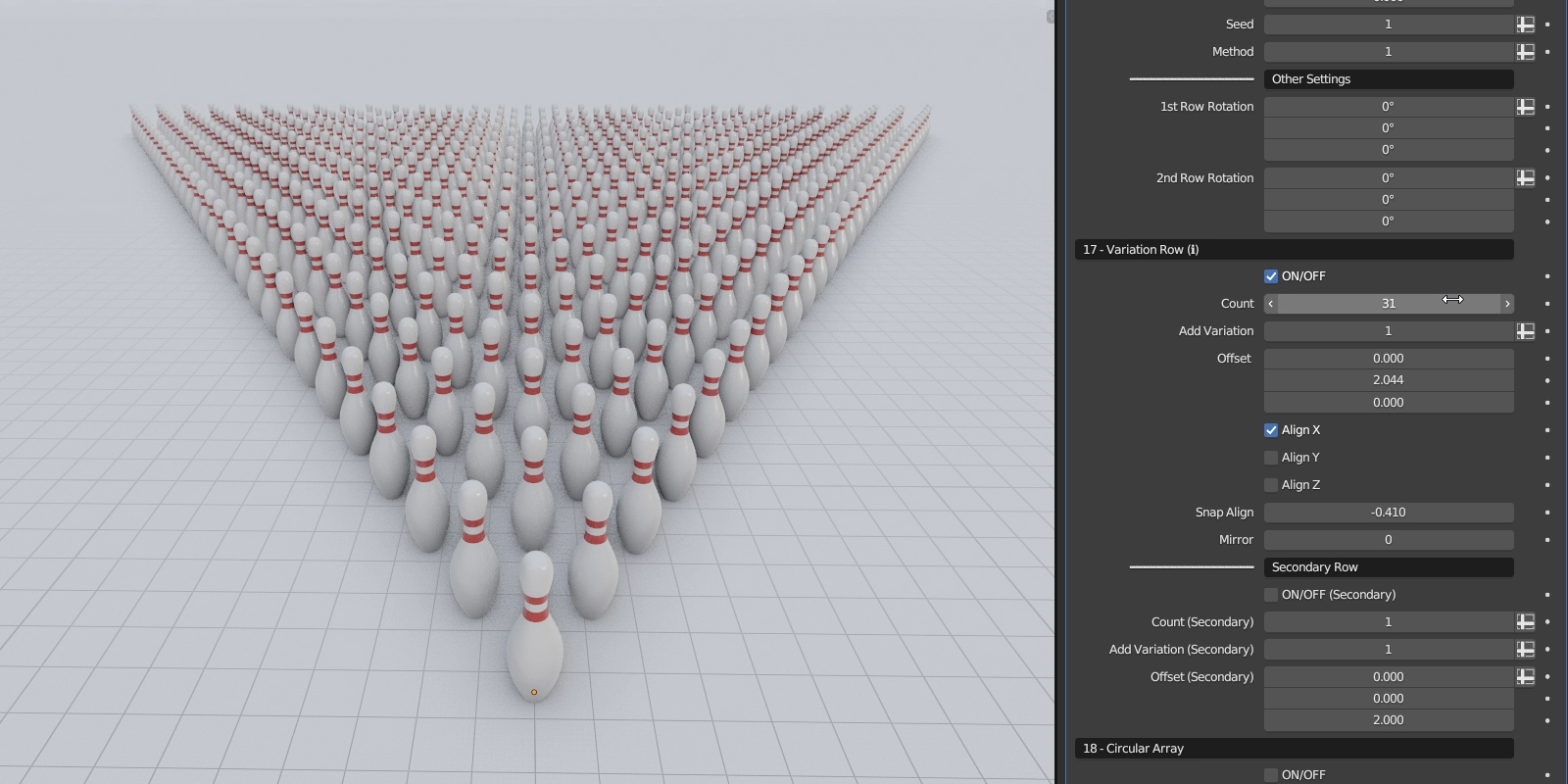
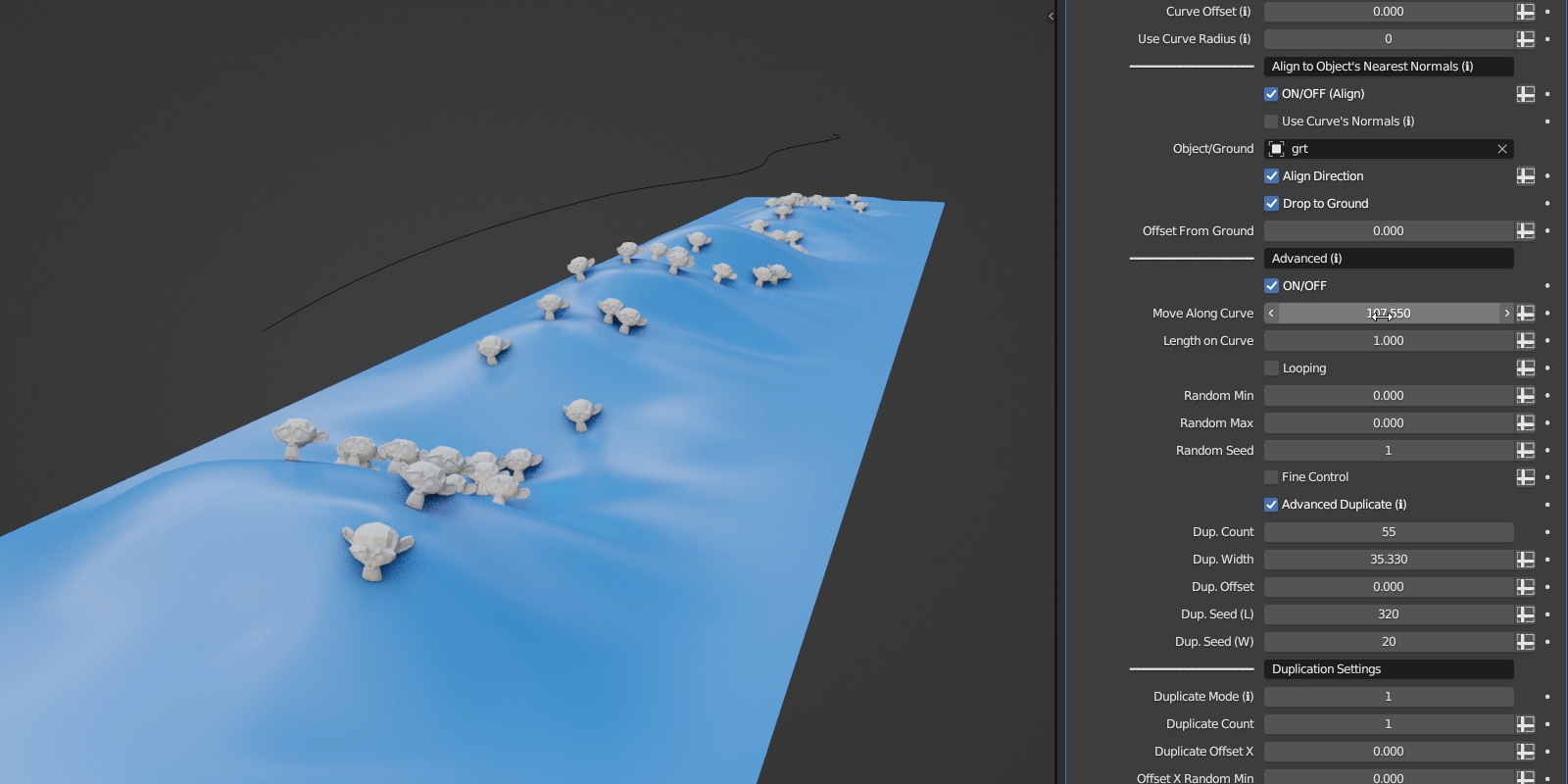
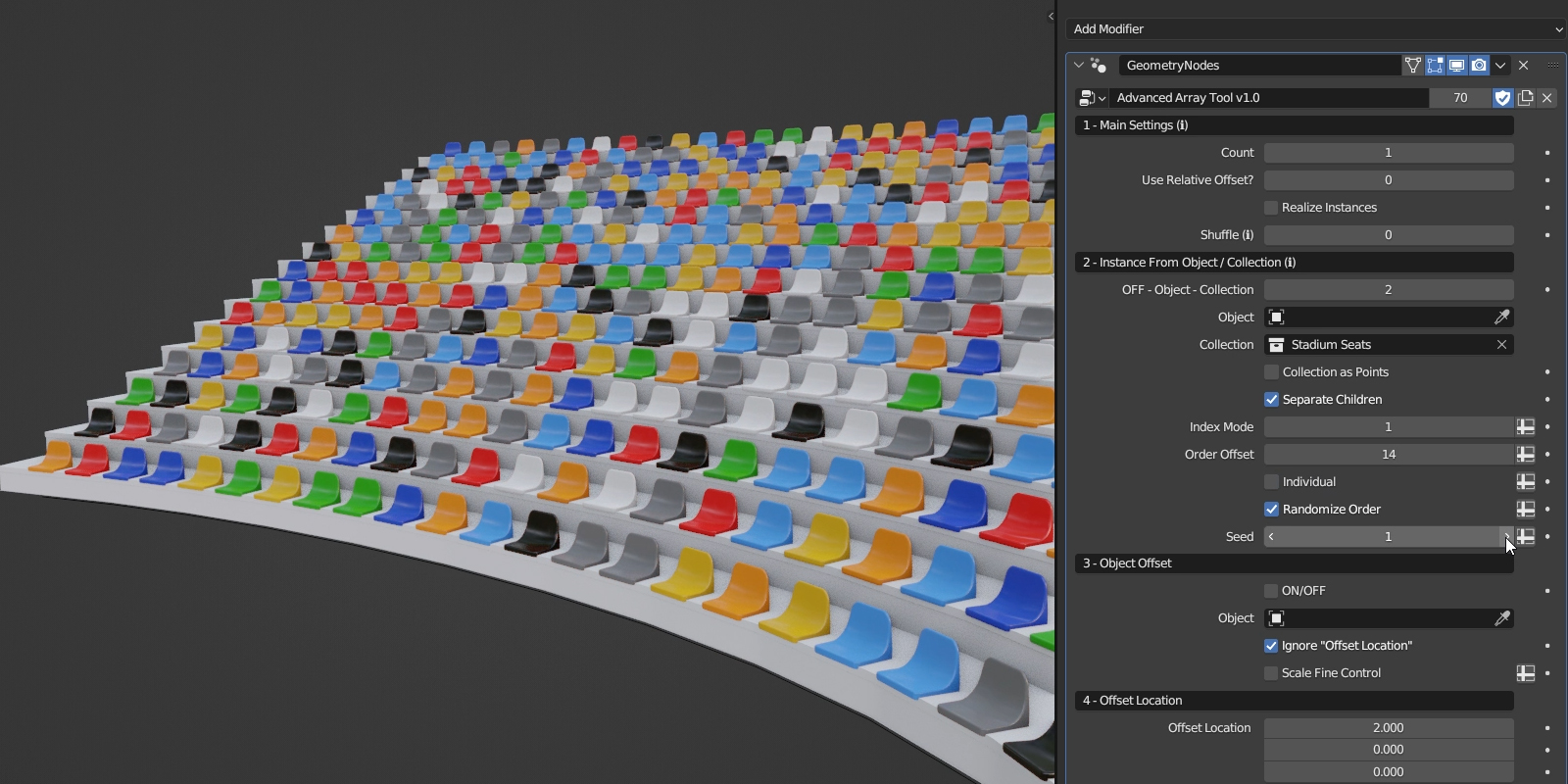
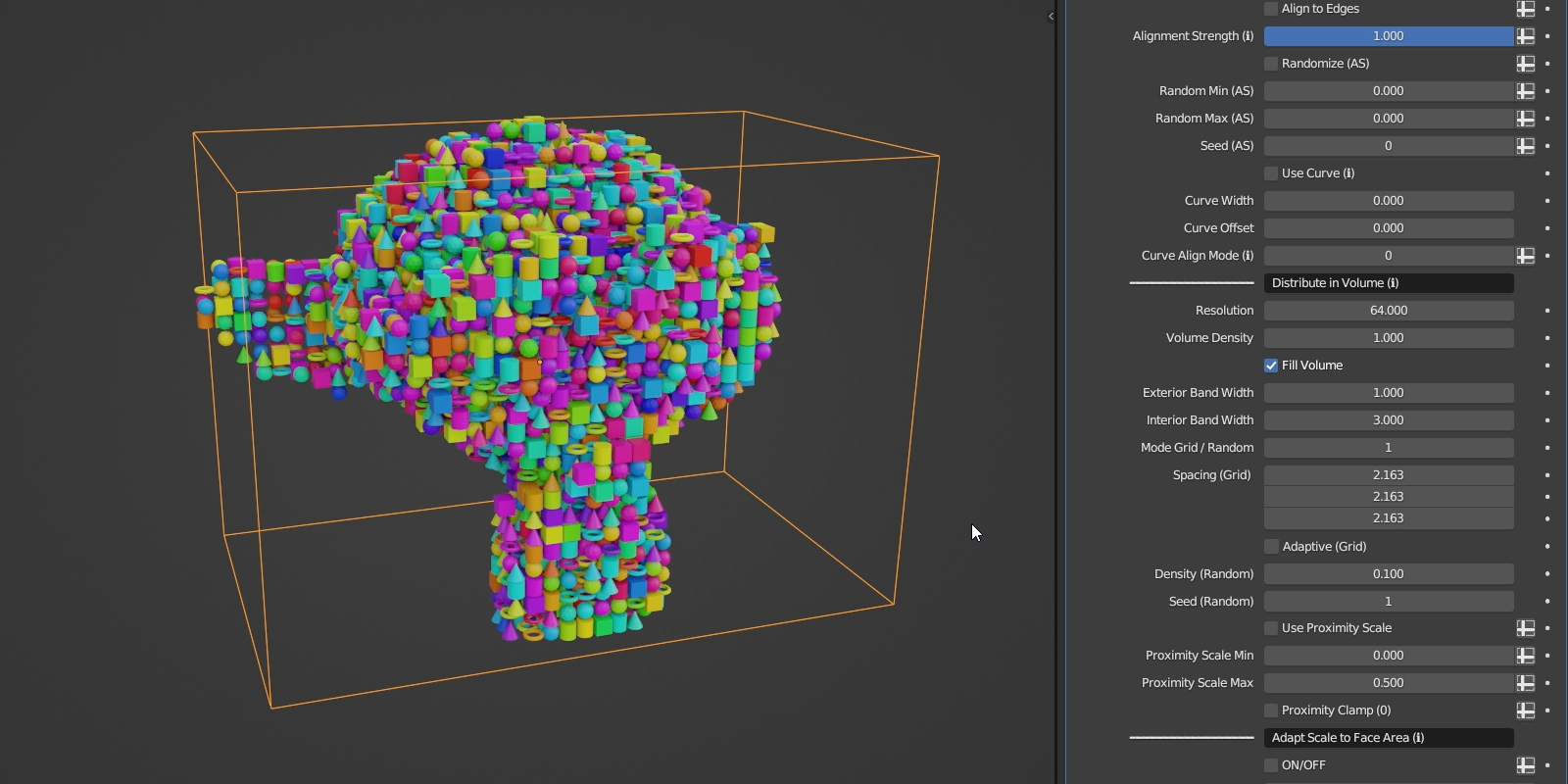
As advertised. Literally. I thought the example scene image looked like a theme park or something. When you open it, it kinda feels like it. Itβs gigantic and all of the examples are large, I suppose for continuity/ consistency. Sorta reminds me of a Minecraft amusement park maybe - ha. Make sure to bump up your clipping distance if itβs down to defaults or else most of the scene clips out of view. The modifier is also gigantic. Blenders UI has limitations I suppose because it would be nice to collapse areas. Iβve just started getting into it and will need to figure out a system for things because itβs in the largest modifier panel Iβve ever seen. Itβs all organized well. A QOL thing would be an N panel with all the on off boxes that expand when enabled.
Iβd rate it as 4 stars because of the long scrolling but itβs so frekin impressive. The example scene loads pretty quick on my system which is impressive considering everything thatβs going on.
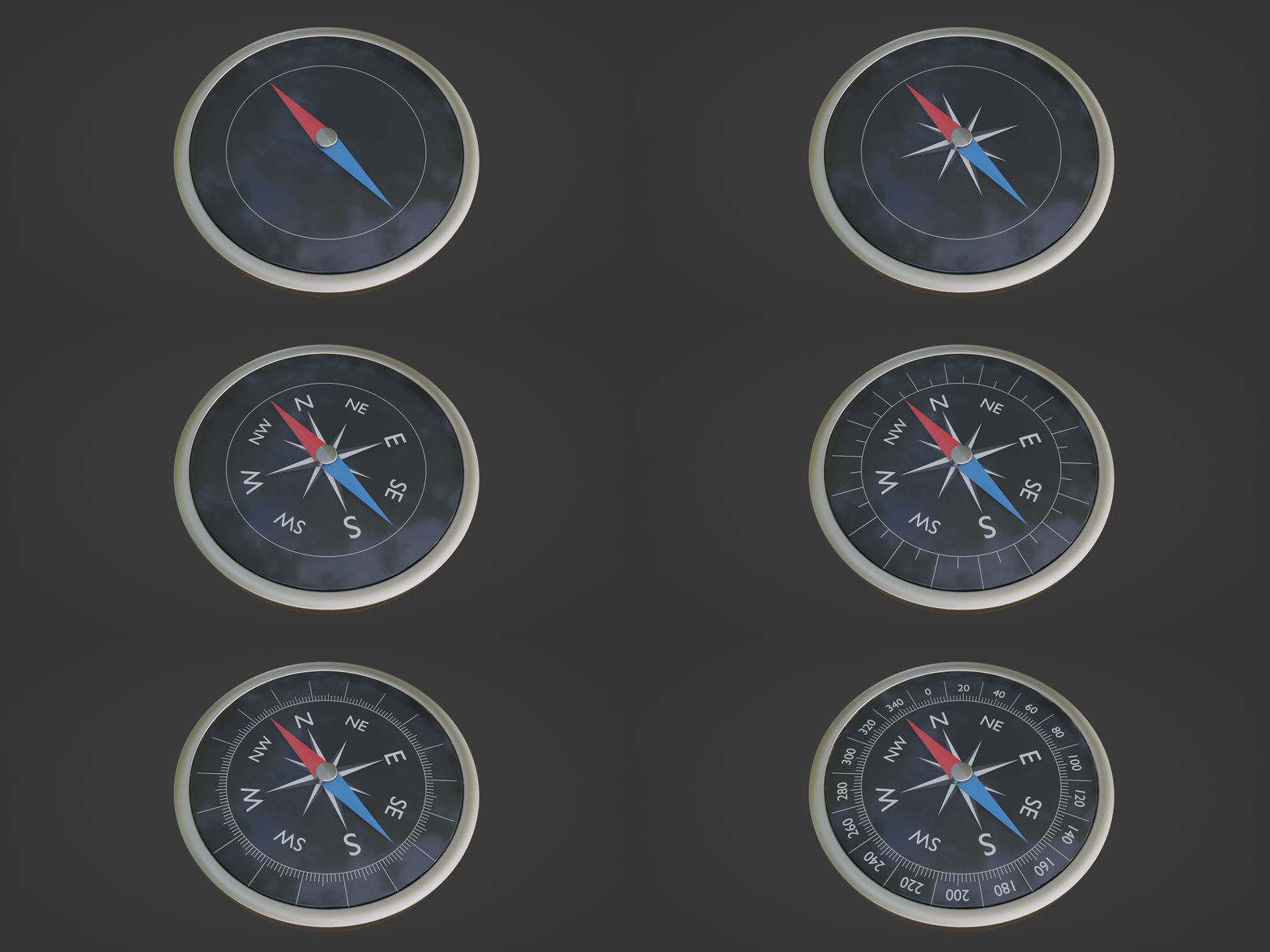
Side note: the first thing I did was built a working clock within the example scene file. I think I will continue to add little things I make as assets since Iβve got examples right there to reference.
Jumbo Box Of Magic Tricks
Jasur Y.
about 2 years ago
Thanks for the awesome feedback! Iβm glad the example scene gave you a theme park vibe; I love the Minecraft amusement park comparison! Thanks for the tip on the clipping distance and the UI suggestions. Since your review, Iβve added some UI improvements, including collapsible panels in version 1.8. If you have any more suggestions or need any help, feel free to reach out. Enjoy the tool!
An array of thumbs up! πππππππππππππππππππππππ
Jasur Y.
about 2 years ago
An array of gratitude! ππππππππππππππππ Thanks for the thumbs up! I'm glad youβre finding Advanced Array Tool useful!
I you're used to C4D and switched to Blender, you'd probably want this as your go-to Cloner.
Jasur Y.
about 2 years ago
Thanks for the feedback! Iβm glad that Advanced Array Tool can be your go-to Cloner. I truly appreciate your opinion. Happy blending!
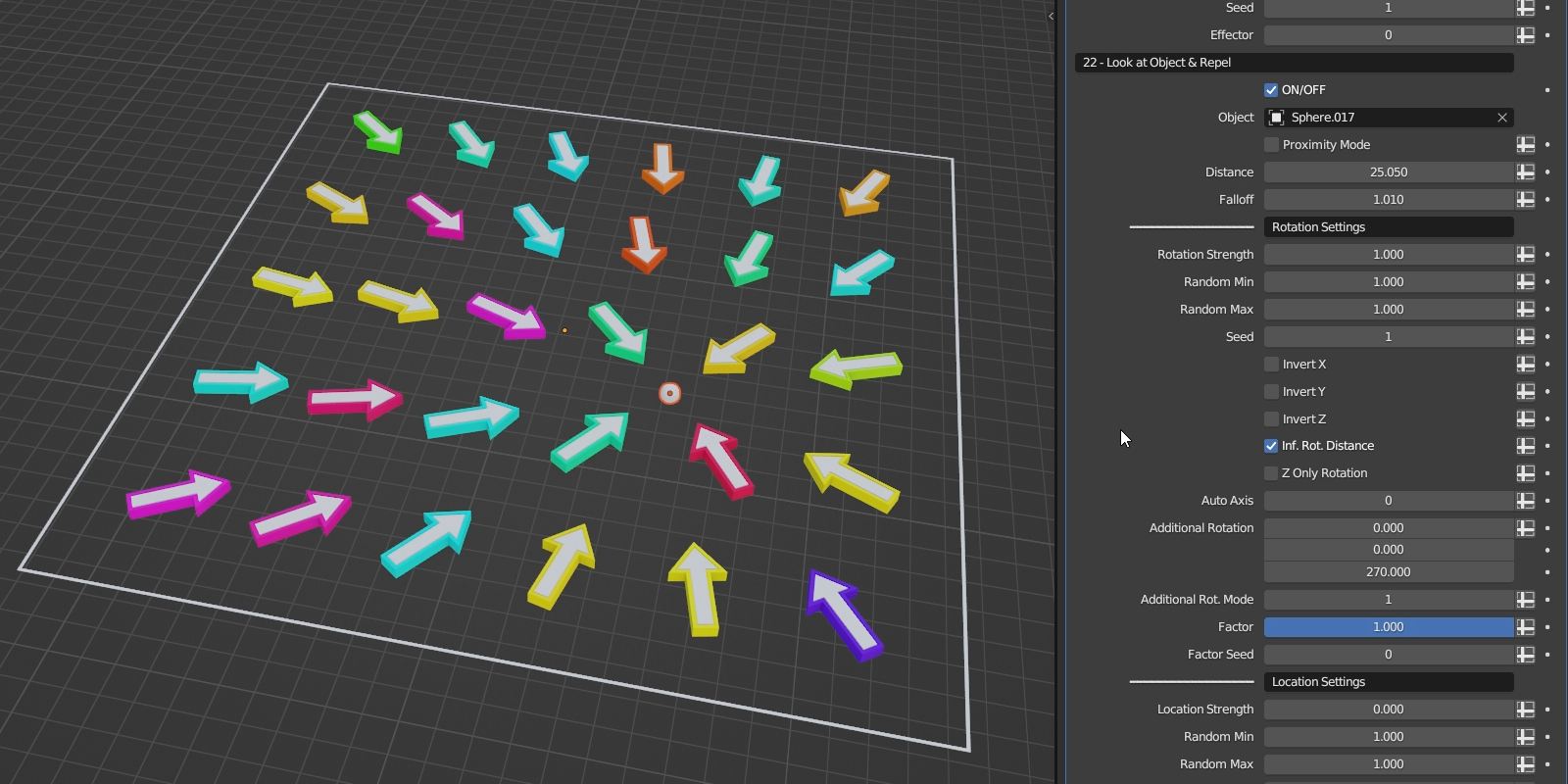
Okay--Imma admit "I have a problem." Namely I buy way too many addons and geometry node things and look at most of them and go "okay, that was nice." But holy crap is this good. I admit I found the giant "map of crazy" of the nodes to be a bit odd--but now, using this, I can see why he put it up there. This is GOOD. Oh, and the little video of how to 'install' and use it? Simple stuff that almost nobody freakin' puts in their product because, sure, you all know that stuff--but it was great to see it and I got it up and going instantly without having to wonder what the creator intended. Fantastic job.
Jasur Y.
about 2 years ago
Wow, Thanks so much for the fantastic feedback! Iβm really glad to hear youβre finding Advanced Array Tool so valuable. Since your review, things have only gotten crazier with even more features and improvements. Enjoy using the tool and have fun creating!
Fantastic set of nodes, especially if you're coming from C4D - and in a way, providing more versatility in a single setup. Had a couple of questions regarding few of the examples and all were speedily answered and explained.
Jasur Y.
about 2 years ago
Thanks a lot for the positive feedback! Your opinion is really important to me, and Iβm glad you're finding Advanced Array Tool useful. If you need more help, just let me know. Happy blending!
Just purchased and tried a few couple of things β¦ itβs awesome. Iβm so looking forward to using the many functions this most versatile addon is offering. Itβs not cheap, but definitely worth purchasing it. Clear recommendation!
Jasur Y.
about 2 years ago
Thank you for the wonderful feedback! I'm grateful to hear you're enjoying the tool. Since your review, which was the very first I received, Advanced Array Tool has evolved significantly with many new features and improvements. Your support has been truly invaluable. Have a great time using Advanced Array Tool!
please help 4.1 users to fix the crash bug~ always crash in 4.1 (addon is good!
Jasur Y.
over 2 years ago
This issue is specific to Blender itself and not related to Advanced Array Tool. Fortunately, the issue has already been addressed in Blender 4.2 Beta.
An updated version 1.8 of Advanced Array Tool, compatible with Blender 4.2 and later, will be available shortly after the release of Blender 4.2.
Thank you for your understanding and support!
I find the work very well done, with great expertise in the programming of geometry nodes. I believe that it contains, to date, all possible examples of an array system and more. However, it is not very manageable as a graphical user interface (GUI); a lot of time is wasted scrolling up and down looking for the correct nodes to set, and most of the "modules" are always off. My suggestion is to create more geometry node assets that can be assembled into columns in the modifiers tab, but I speak as a layman and do not know if this is possible. It is a pity, after the enormous work done, not to have an adequate UX and UI; the effort behind it deserves a separate dedicated interface.
Jasur Y.
over 2 years ago
Thank you for your feedback! The upcoming version 1.8 of Advanced Array Tool will introduce collapsible panels in the modifier window, greatly enhancing the overall user experience.
Have questions about this product?
Login to message
Includes an Asset Library
2 drag-and-drop assets for Blender’s Asset Browser.
Browse included assets| Sales | 500+ |
| Rating |
21 ratings
|
| Dev Fund Contributor | |
| Published | about 3 years ago |
| Blender Version | 4.2 - 5.2 |
| License | Royalty Free |
Game scattering circular mograph customizable animation array stacking stack geometry nodes scatter target packing nodes spline easy grid duplicate curve clone Node randomize transform Development instance stadium environment cinema 4d align ArchViz effector motion graphics Object circle c4d cloner array along curve distribute placement 3d model level procedural architectural modifier radial Advanced pack advanced array tool rendering crowd