Everything Particle
 blueish
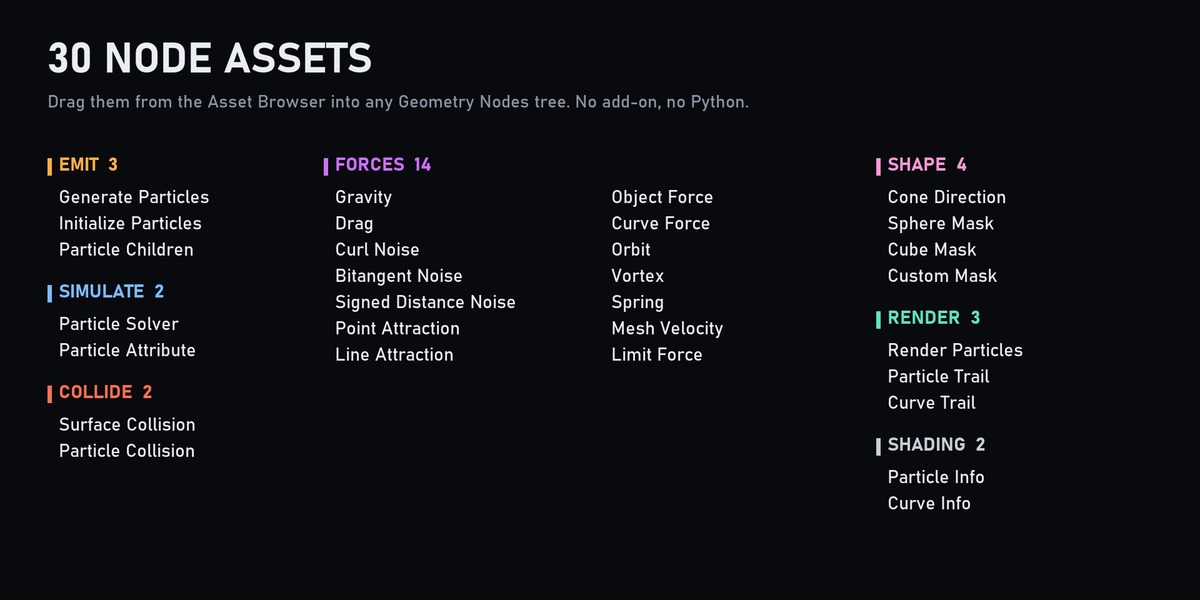
What is the difference between the two versions?
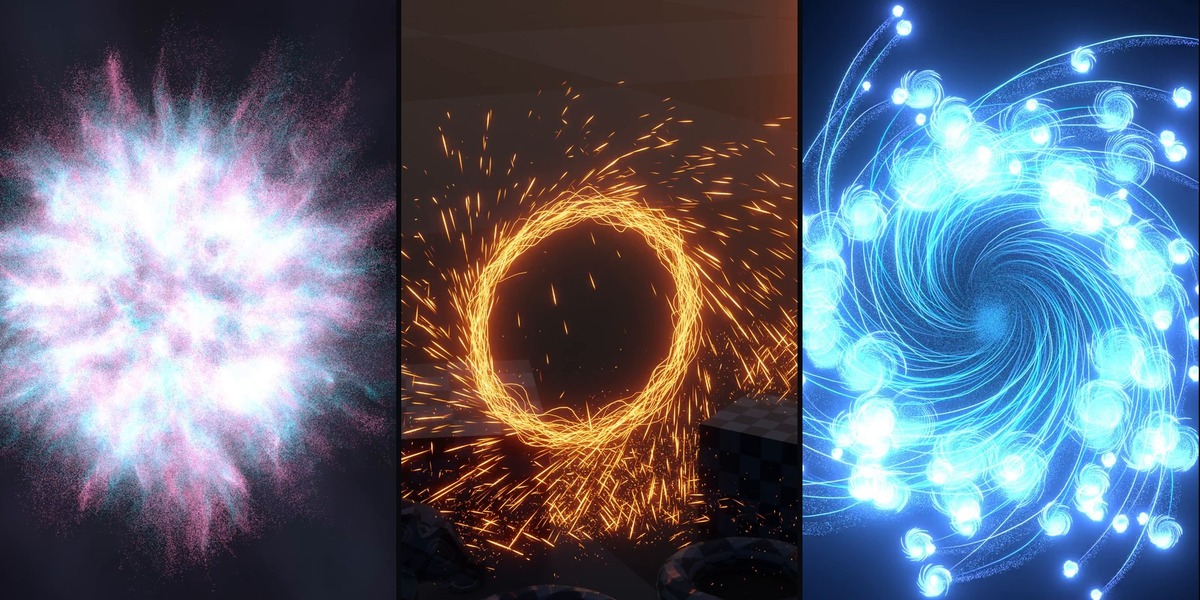
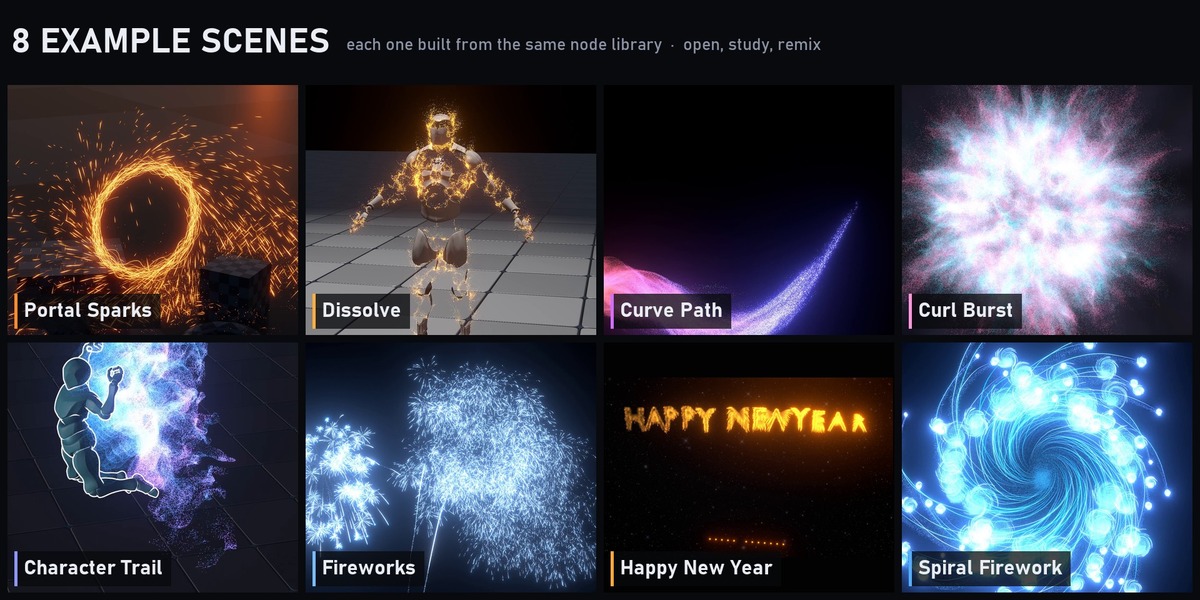
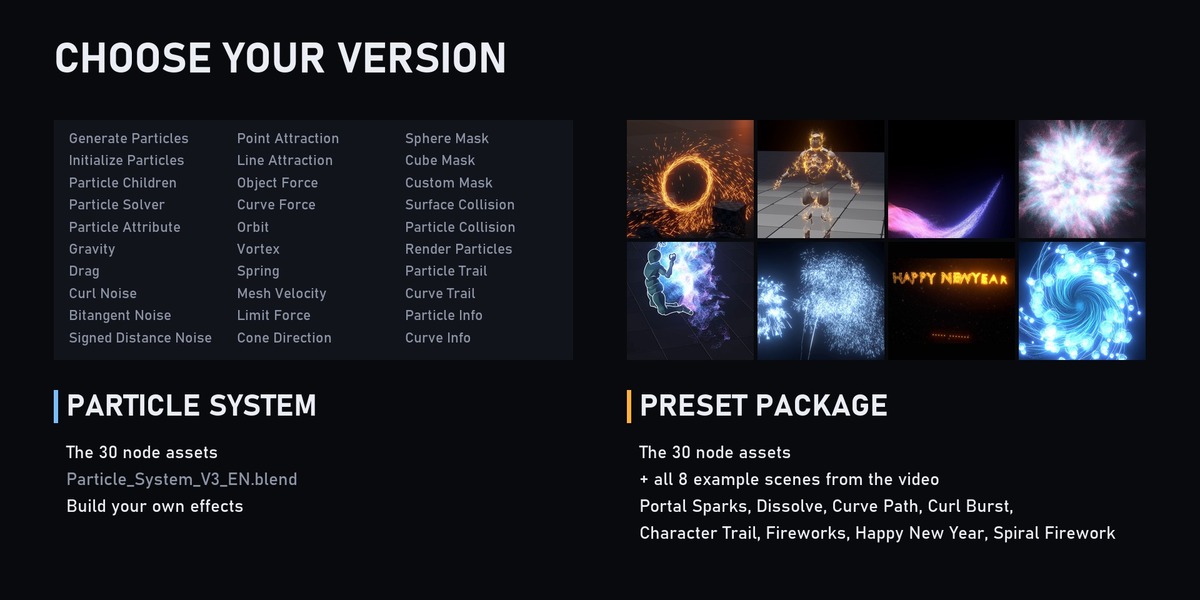
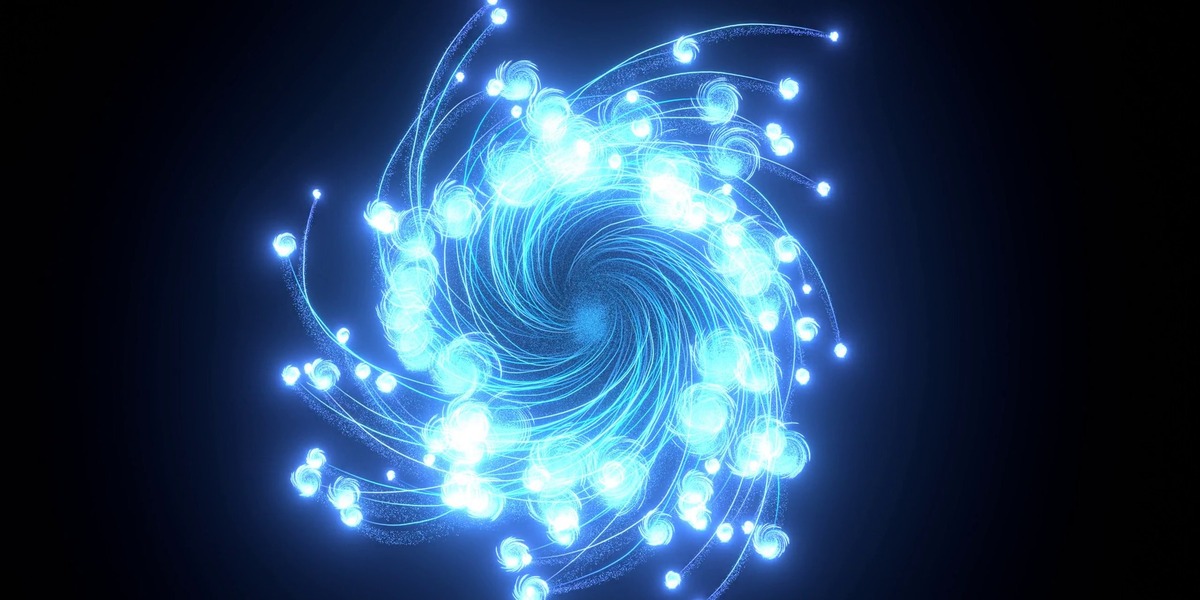
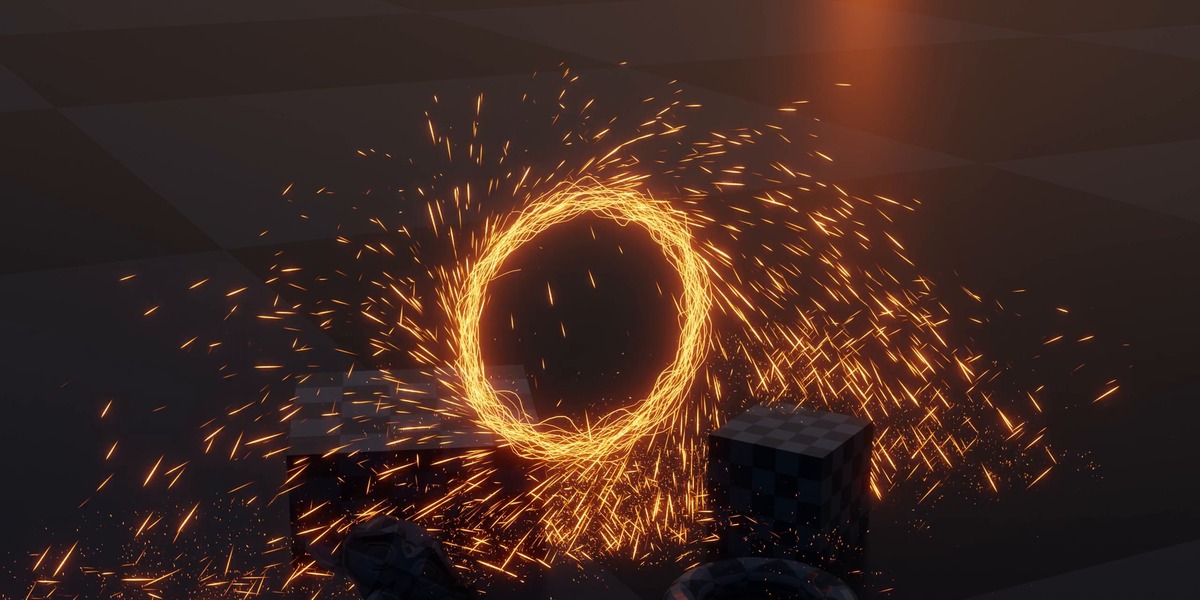
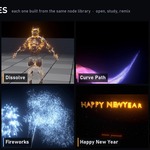
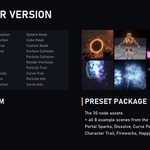
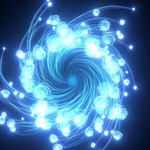
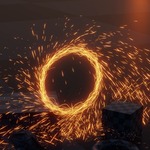
Only Particle System is the node library. Preset Package adds the 8 example scenes shown on this page: Portal Sparks, Dissolve, Curve Path, Curl Burst, Character Trail, Fireworks, Happy New Year and Spiral Firework.
Why is my render empty or different from the viewport?
Bake the simulation before a final render: Physics properties > Simulation Nodes > Bake All. For a viewport preview, just play from frame 1.
Which Blender version do I need?
Blender 5.2 or newer. The nodes use closures and bundles, which older versions do not have.
Do I need an add-on?
No. Everything is Geometry Nodes node groups marked as assets. Open the .blend, or add its folder as an asset library and drag the nodes in from the Asset Browser.
How flexible is the system?
Everything Particles was designed with flexibility as the primary goal.
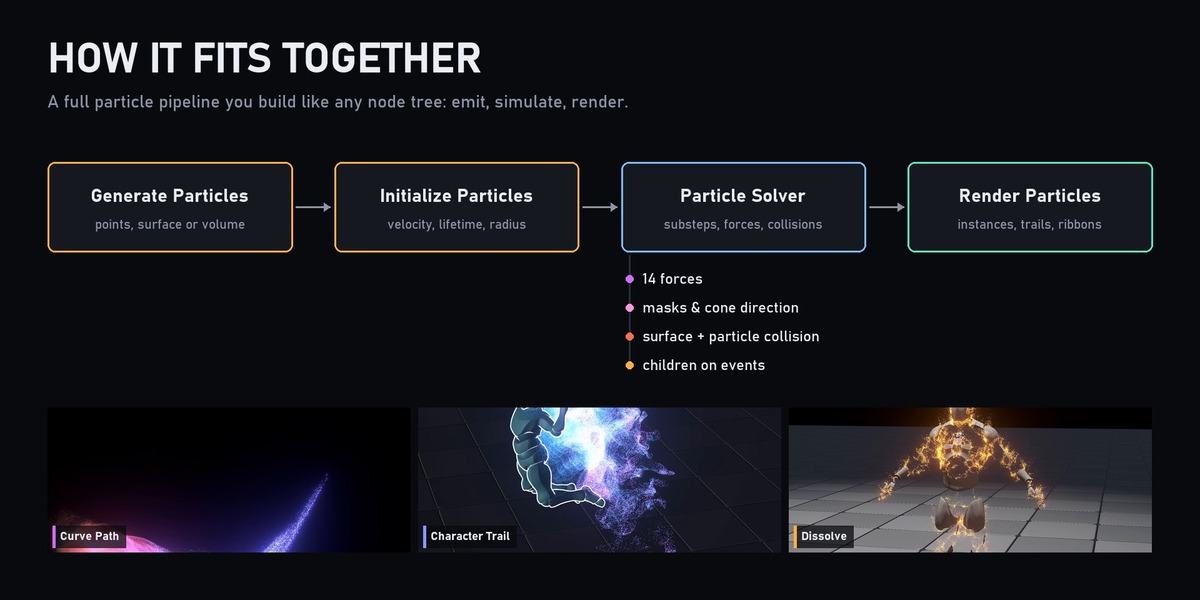
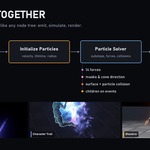
Rather than providing a fixed collection of particle presets, the framework exposes the underlying simulation logic through modular Geometry Nodes setups.
You can:
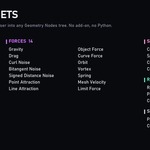
- Combine multiple forces together
- Create custom force behaviors
- Modify collision responses
- Build your own emission logic
- Add custom particle attributes
- Create secondary particle systems
- Design custom trail generators
- Extend the simulation with your own node groups
Whether you need simple motion graphics effects or highly specialized particle behaviors, the framework is designed to adapt to your workflow rather than forcing you into predefined solutions.
Have questions about this product?
Login to message
| Published | 5 months ago |
| Blender Version | 5.2 |
| Render Engine Used | Cycles, Eevee |
| License | Royalty Free |
Discover more products like this
collision simulation particle trails fireworks VFX geometry nodes particle system geometrynode motion graphics effect curl noise