AeroPod Vehicle Concept-Full Tutorial
 CGArc
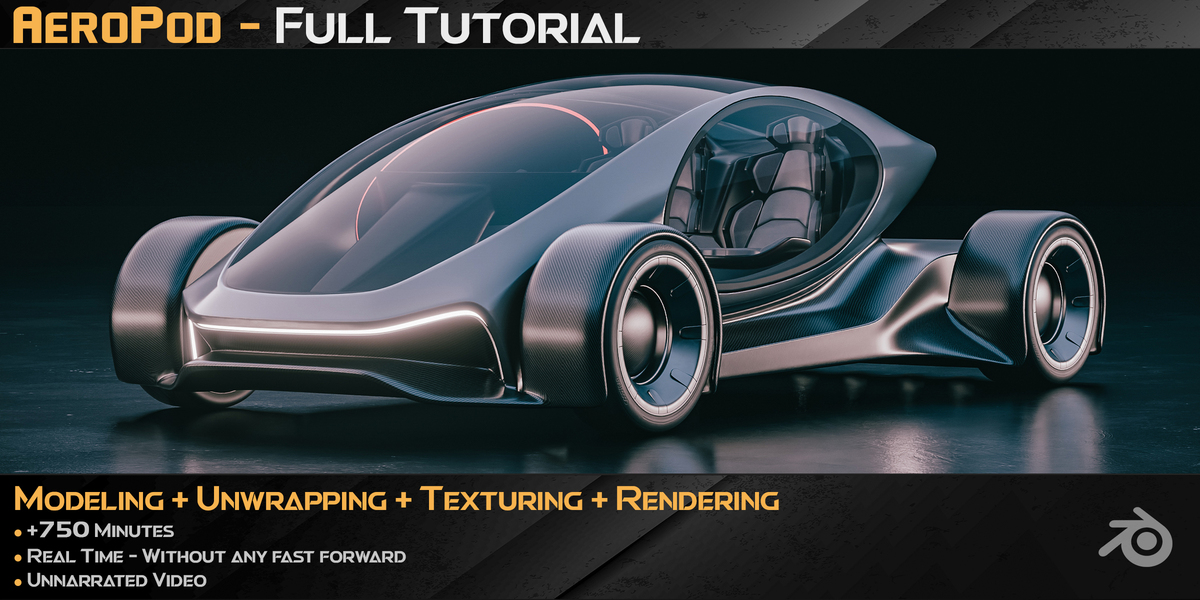
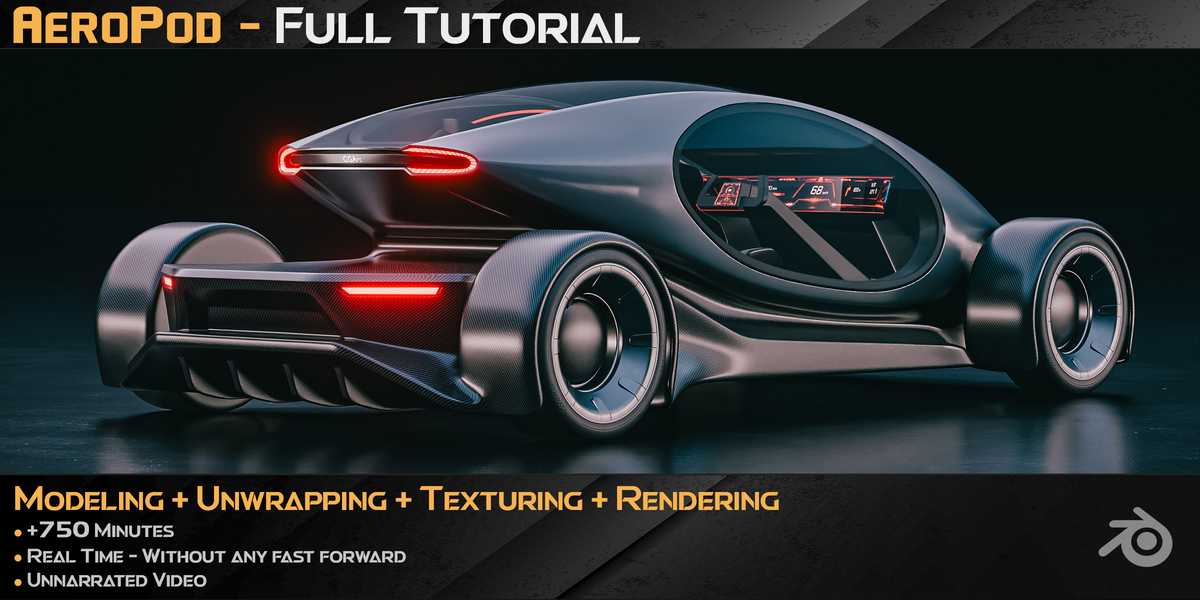
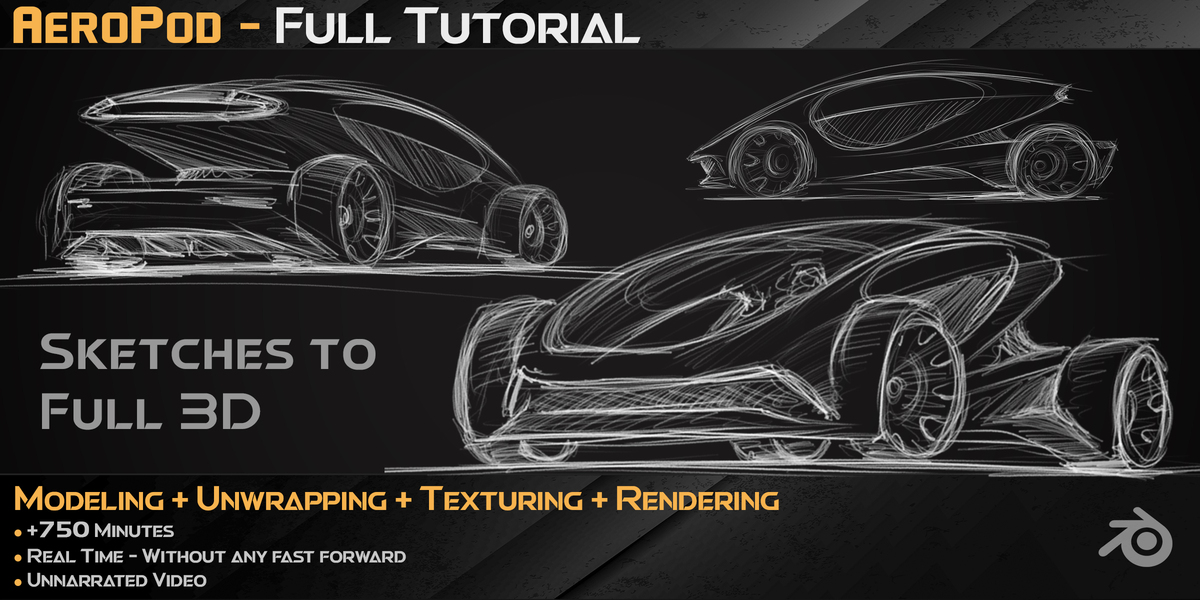
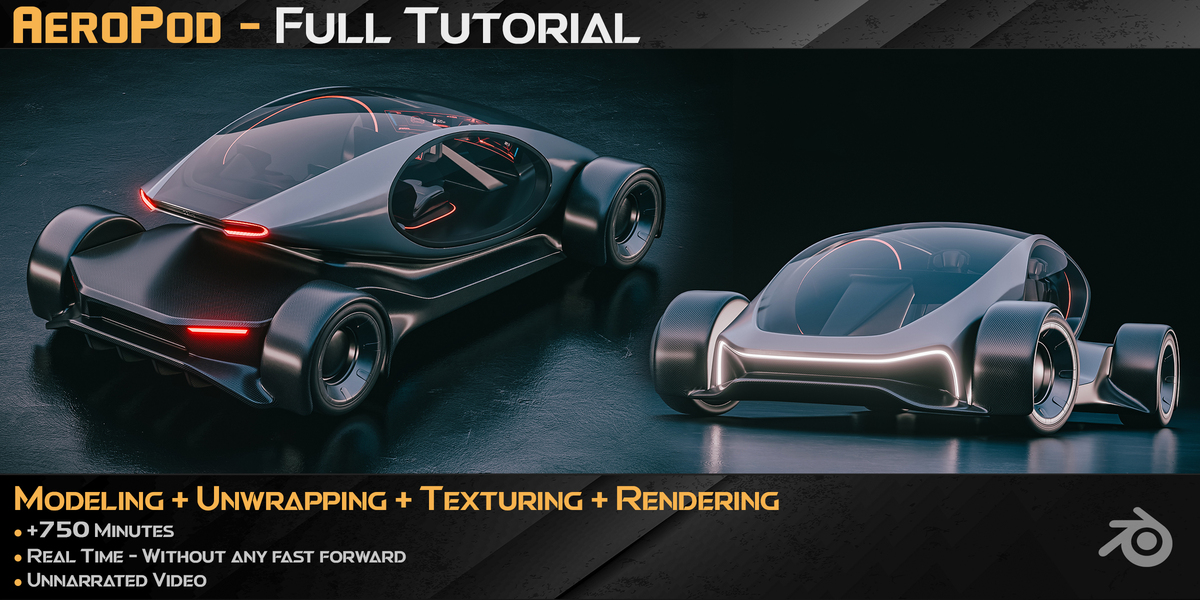
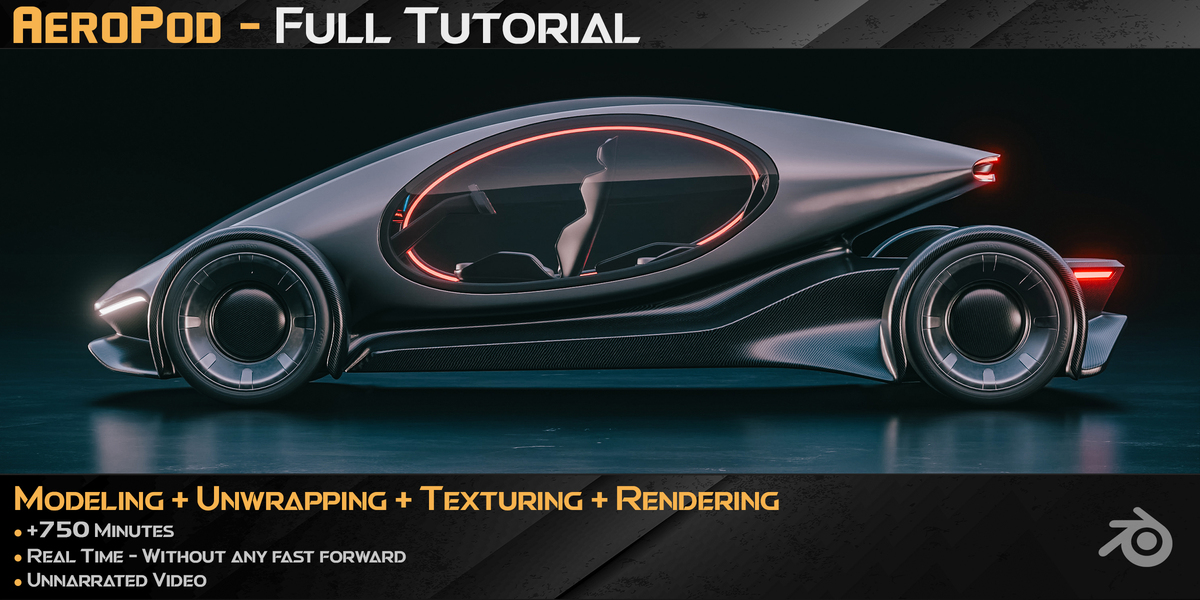
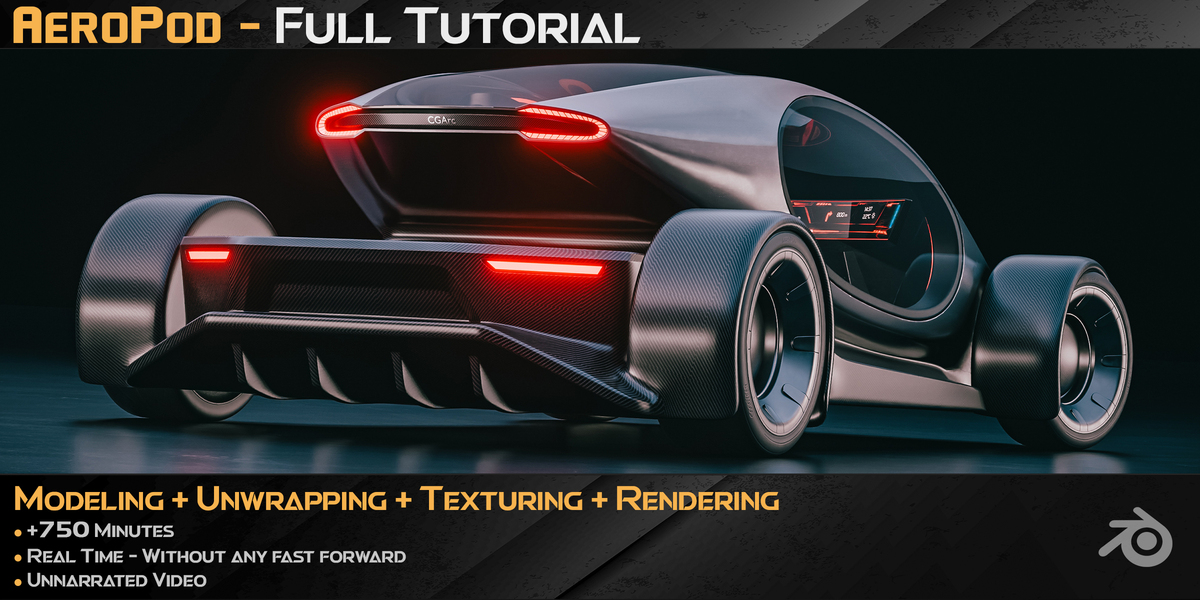
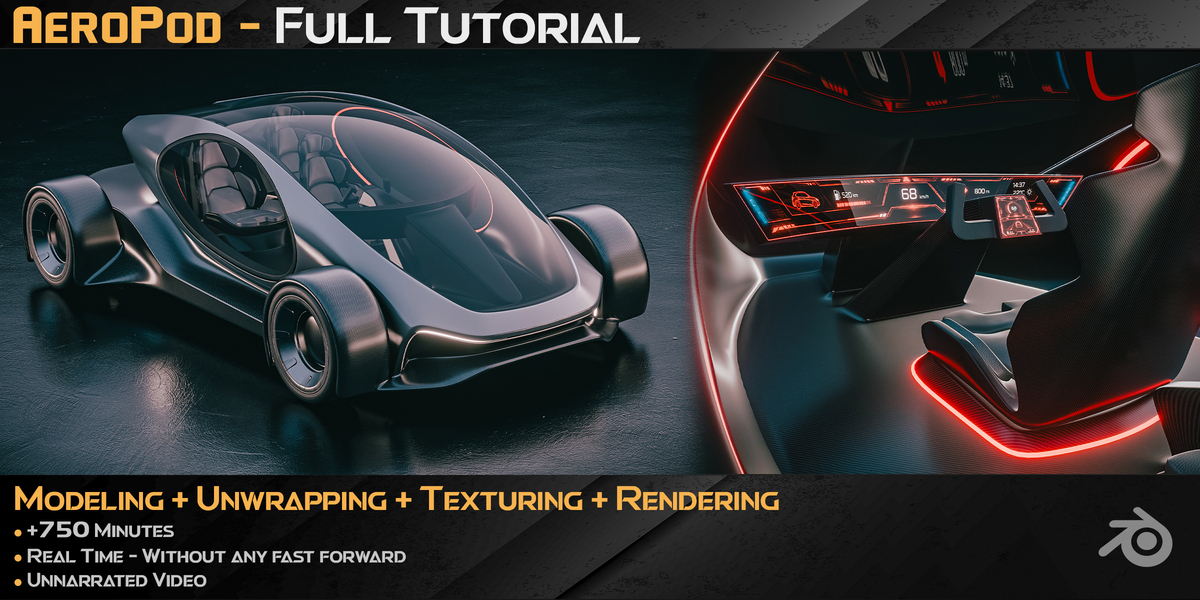
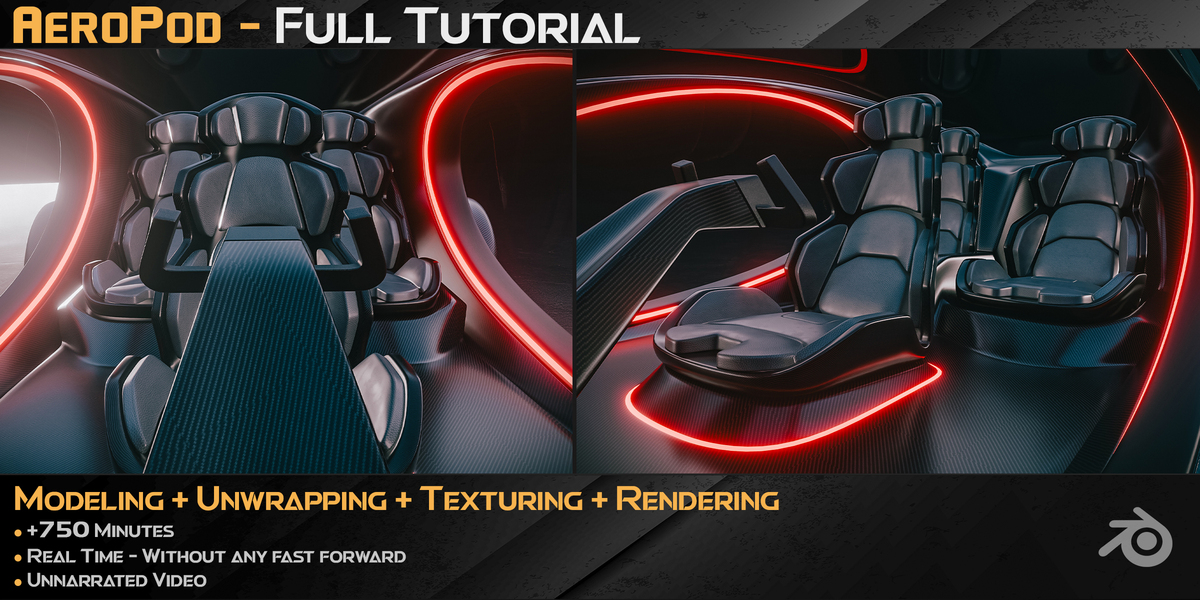
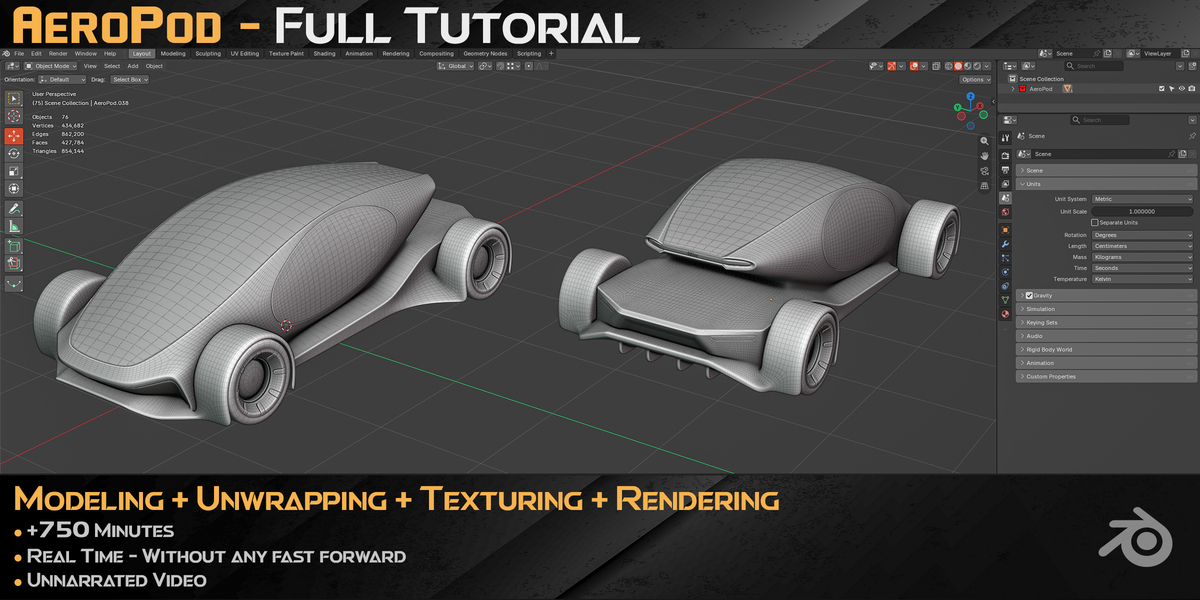
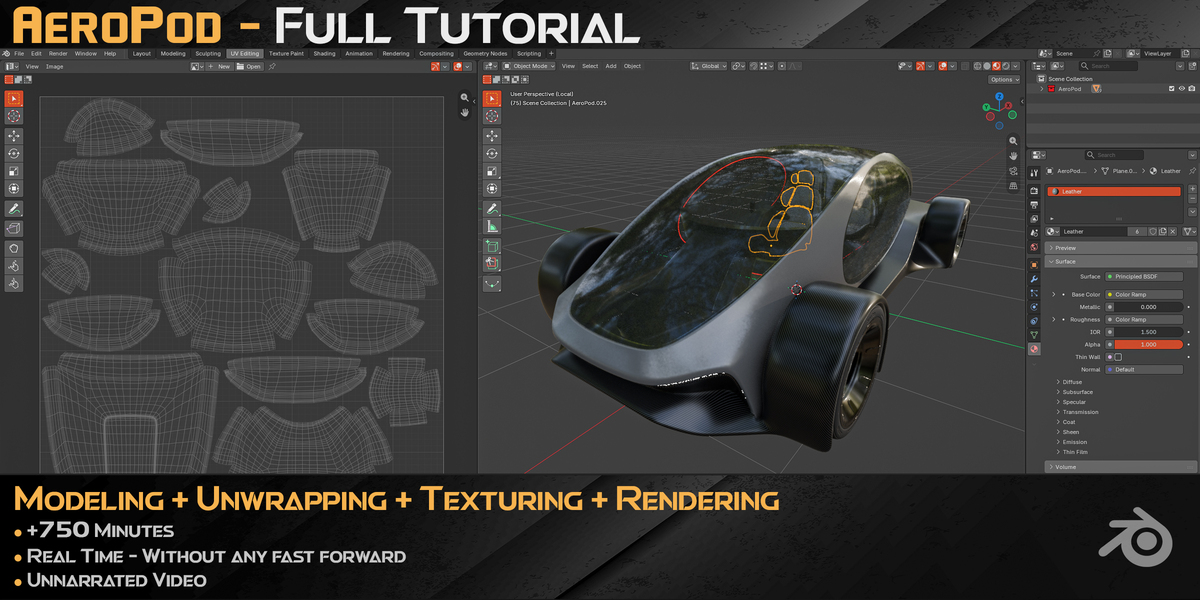
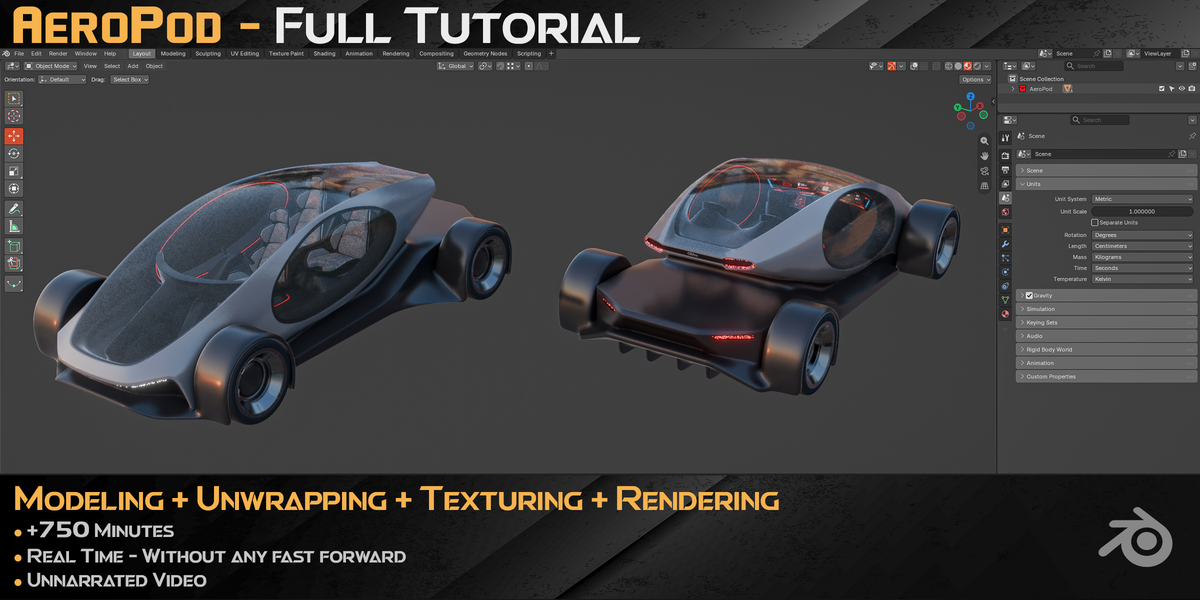
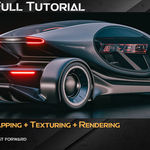
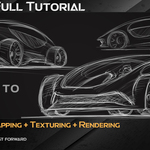
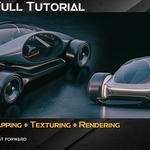
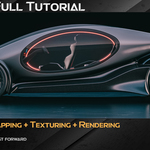
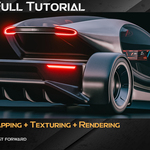
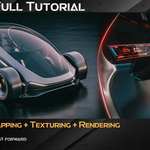
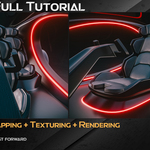
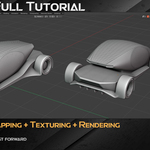
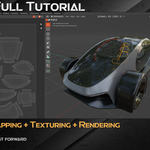
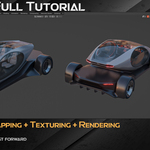
AeroPod Vehicle Concept
Hard-Surface Modeling / Unwrapping / Texturing / Rendering (Pure Blender)
Ready to level up your 3D automotive and hard-surface skills? This 12.75-hour, step-by-step tutorial guides you through building the AeroPod concept vehicle from scratch using Blender only—with zero external third-party software and zero paid or extra add-ons. Whether you want to refine your hard-surface workflow or see how an entire end-to-end vehicle pipeline is handled natively inside Blender, this course gives you a clear, practical blueprint.
⚠️ Please Note Before Purchasing
This is a purely visual, real-time walkthrough. There is no voice narration or subtitles. You get full screen recordings in real time (no speed-ups) with an on-screen shortcut viewer showing every keypress.
🚀 Why Check Out This Course?
· 100% Pure Blender & Zero Extra Add-ons: The entire workflow—from modeling and UV unwrapping to shading/texturing and rendering—is done natively inside Blender without relying on external apps or third-party add-ons.
· 100% Real-Time & Transparent: Watch the entire process uninterrupted. You will see every click, edge split, loop flow, and topology adjustment as it happens.
· Sleek Automotive & Aerodynamic Forms: Learn how to construct flowing vehicle bodywork, aerodynamic intakes, cockpit glazing, wheels, and mechanical details with clean surface continuity.
· Complete End-to-End Pipeline: Follow a cohesive workflow inside a single software environment: Modeling → UV Unwrapping → Materials & Texturing → Rendering.
· Production-Ready Standards: Build clean, well-structured topology and organized UVs suited for portfolio showcases and further look-dev.
· Portfolio-Ready Output: By the end, you’ll have a detailed futuristic vehicle asset ready to feature in your portfolio.
📂 Course Breakdown
· Modeling (Blender) | 31 Lessons | ~10 Hours: Build the AeroPod step by step from foundational forms to refined exterior bodywork, interior/cockpit elements, wheels, and clean topology.
· UV Unwrapping (Blender) | 4 Lessons | ~1 Hour 20 Minutes: Unwrap and organize the vehicle parts cleanly inside Blender for consistent texturing and shading.
· Materials & Texturing (Blender) | 4 Lessons | ~1 Hour: Set up car paints, carbon-fiber/metallic surfaces, glass, lighting accents, and procedural/image materials natively in Blender.
· Rendering (Blender) | 1 Lesson | ~18 Minutes: Configure lighting, cameras, and render settings to present the vehicle cleanly.
🛠 Details & Specs
· Total Duration: 12 Hours, 47 Minutes (40 Videos)
· Format: Real-time video with on-screen keyboard shortcuts
· Audio: None (background music)
· Skill Level: Intermediate (Basic familiarity with Blender navigation and tools is recommended)
· Tools Used: Blender only (No external software, no third-party add-ons)/ photopea.com
📦 Asset Specs
- Topology: Clean, quad-focused mesh
- Textures: 4K/2K JPG (8-bit)
- UVs: Fully unwrapped & optimized
- Polycount:
- Vertices: 217,341
- Edges: 431,100
- Faces: 213,892
- Triangles: 427,072
Take your pure-Blender hard-surface workflow to the next level. Grab the course, follow along, and build a sleek automotive asset you’ll be proud to put in your portfolio!
Have questions about this product?
Login to message
| Dev Fund Contributor | |
| Published | about 6 hours ago |
| Blender Version | 4.5 - 5.2 |
| Render Engine Used | Cycles, Eevee |
| License | Editorial |
Discover more products like this
3d hard surface 3D hard surface model blender-hard-surface-tutorial blender cycles rendering hard surface tutorial 3d car model 3d realistic asset 3d modeling tutorial