Aetherlock Steampunk Pressure Pistol AAA Game Ready 3D Asset & Full Tutorial
 reyhane_3d
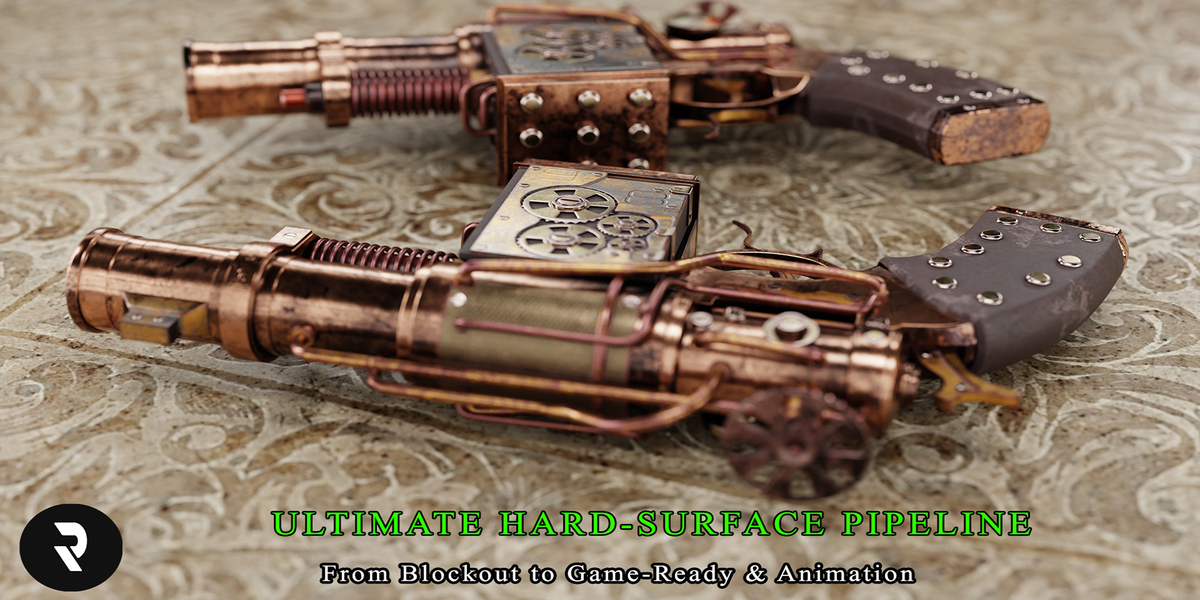
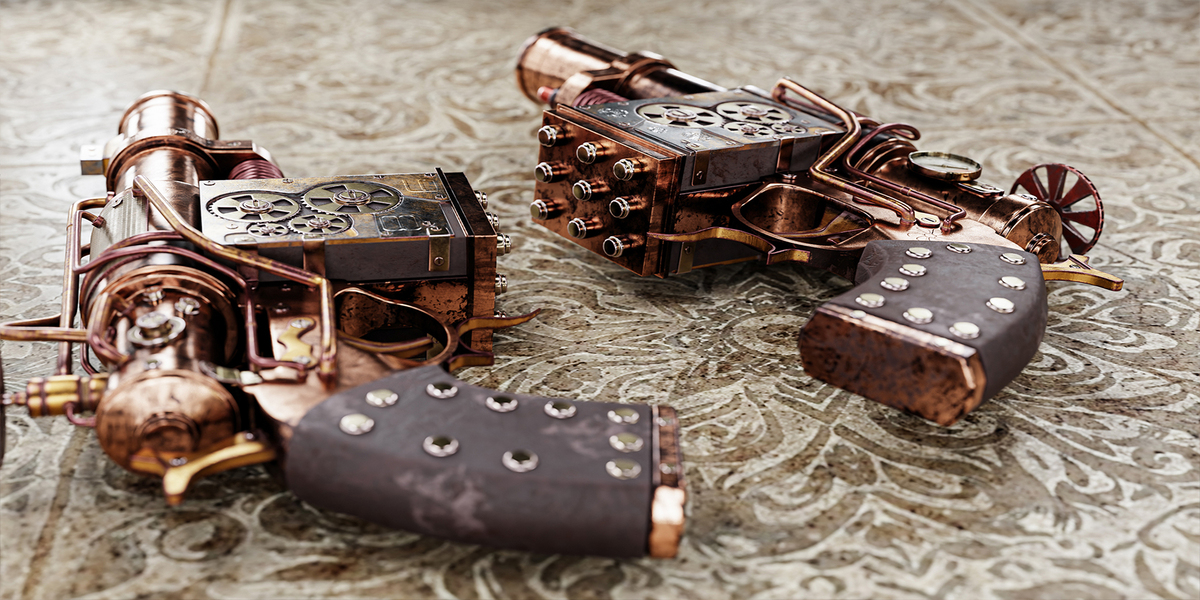

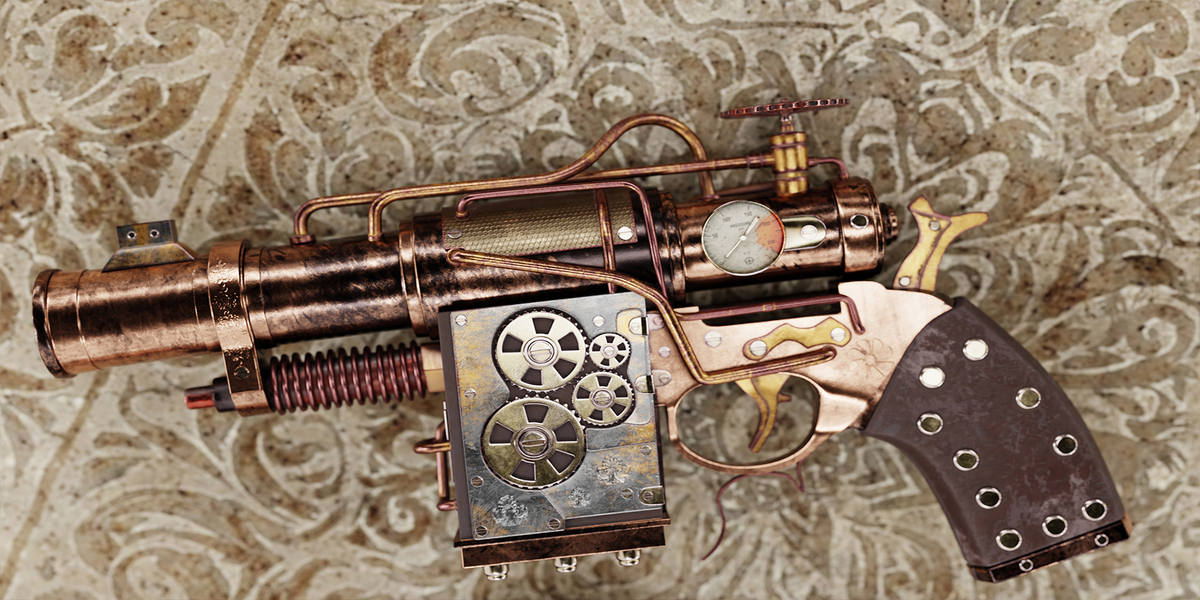
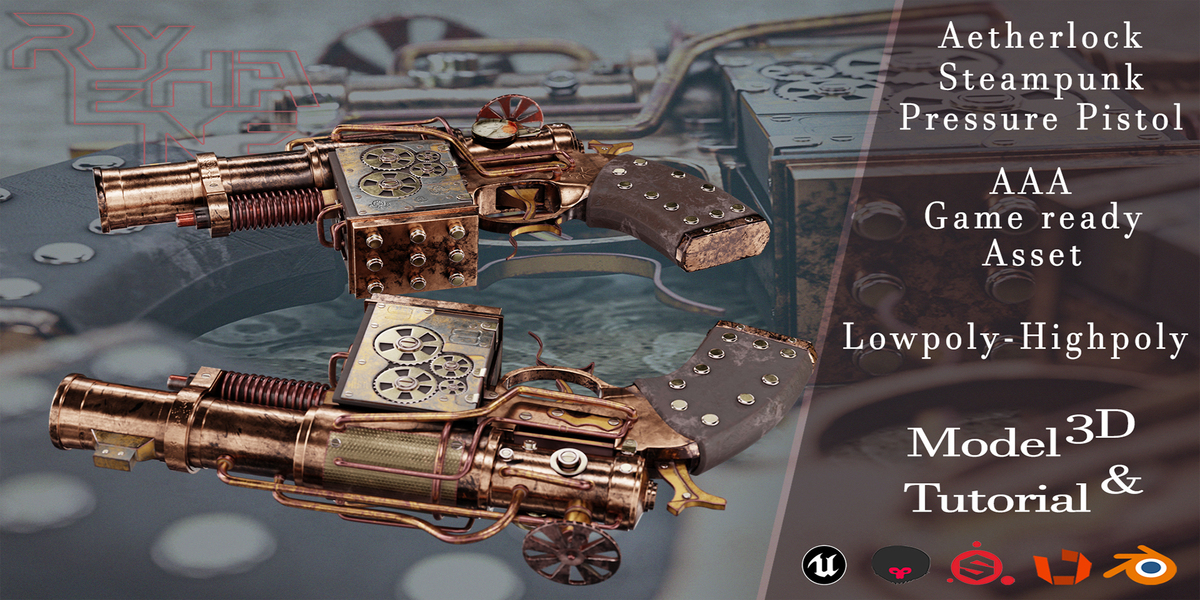
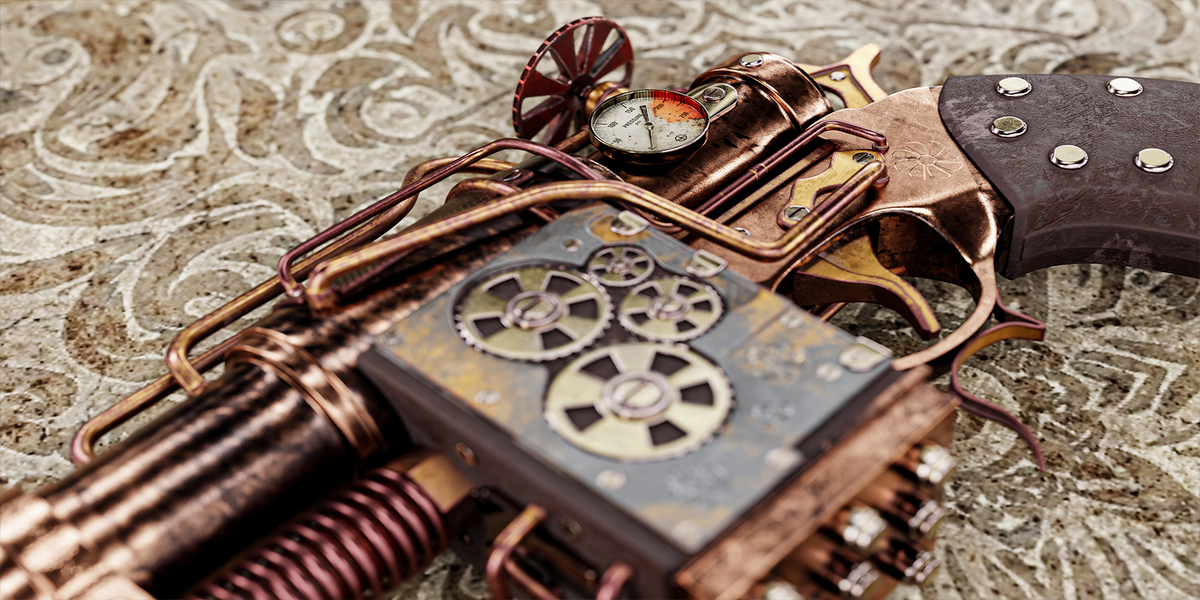
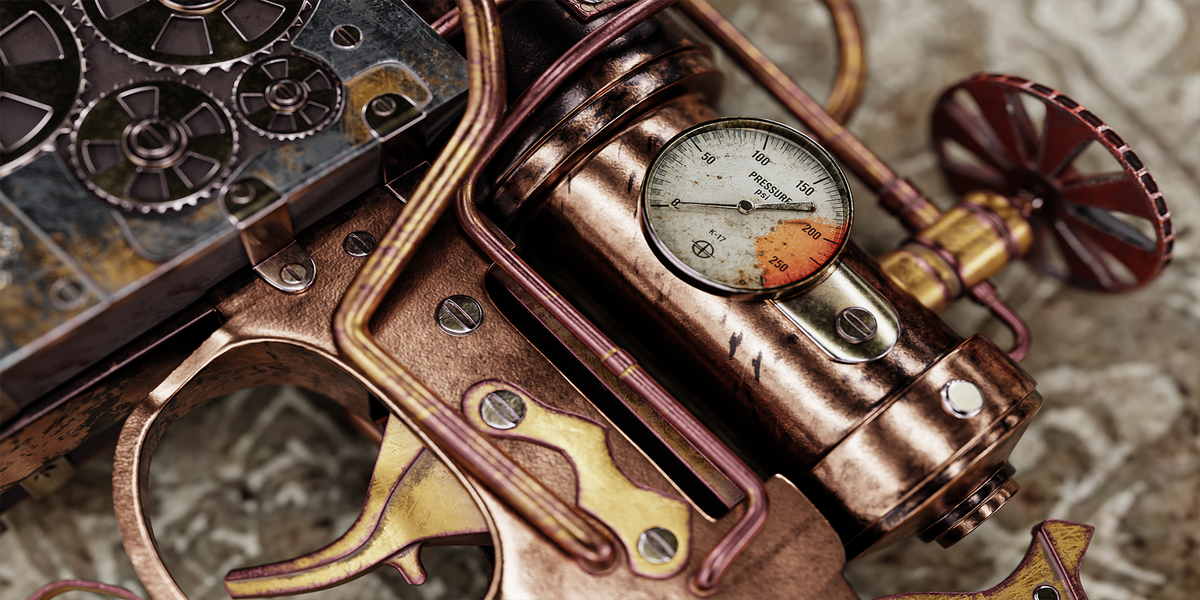
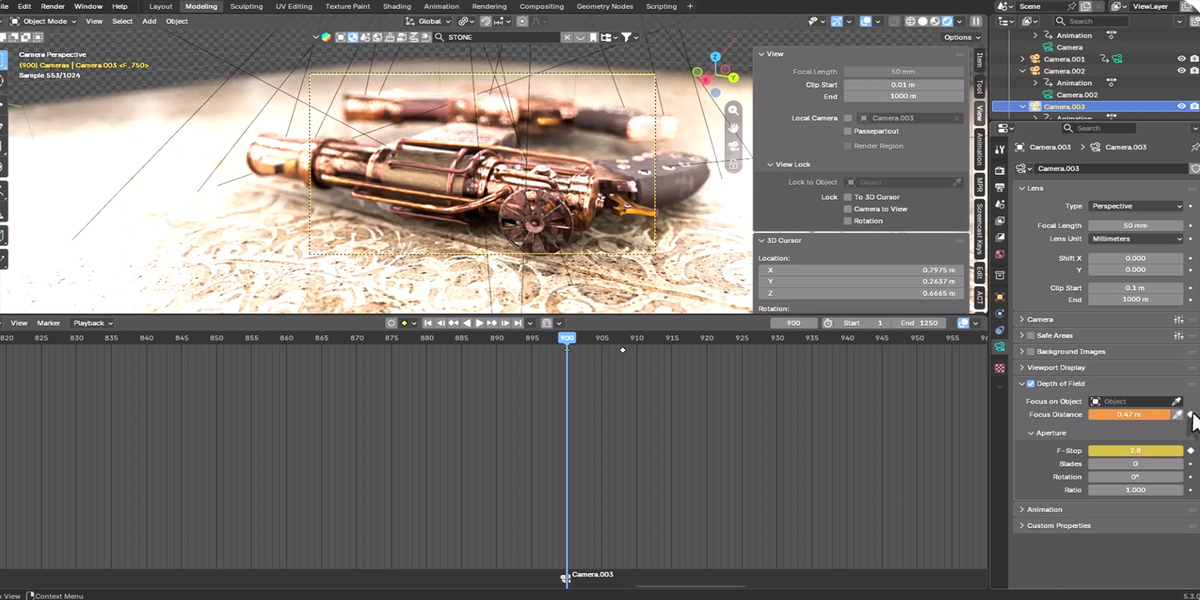
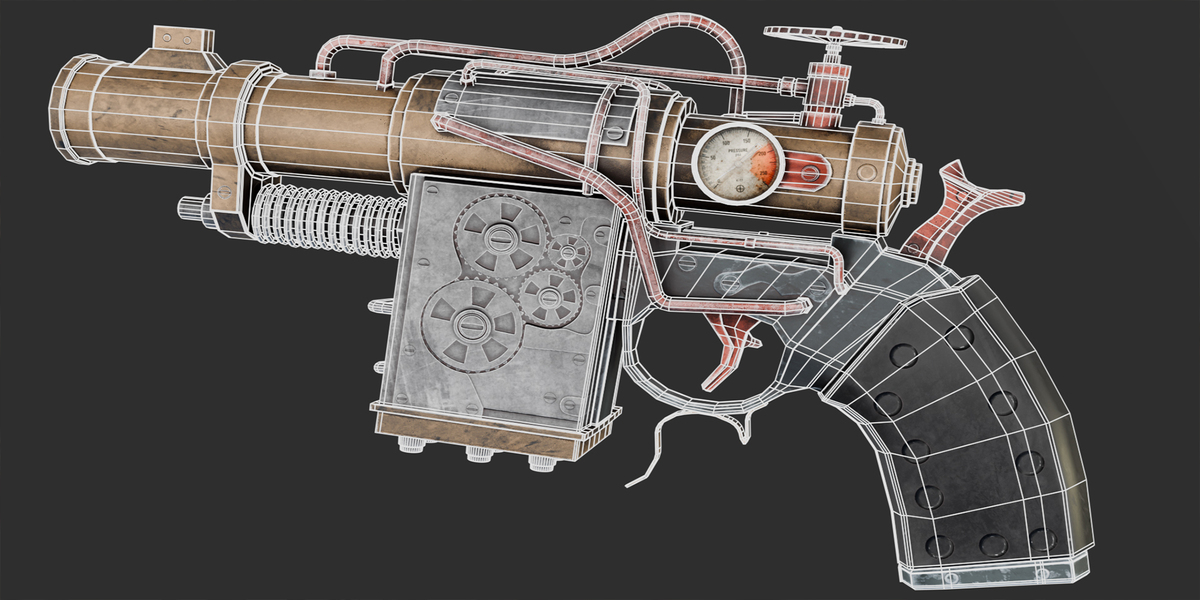
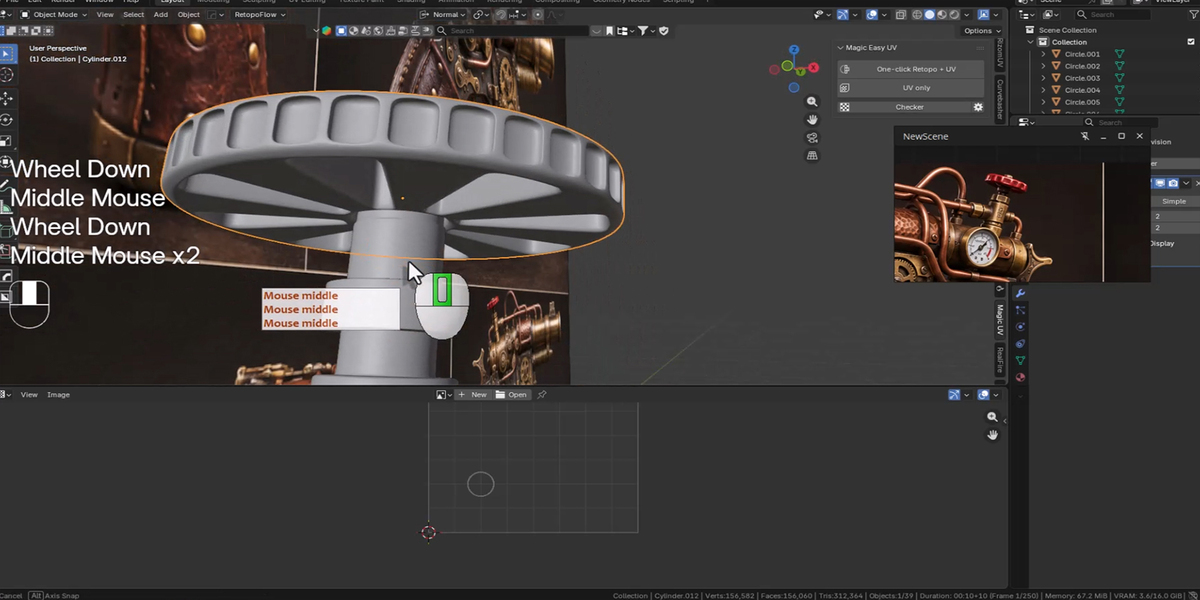
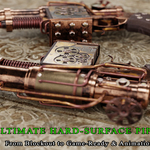
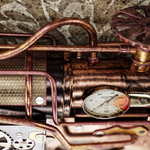
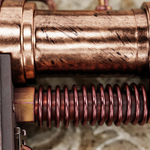
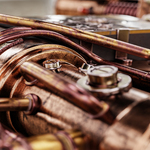
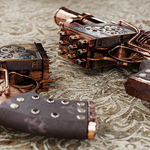

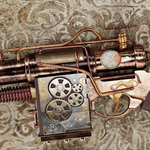
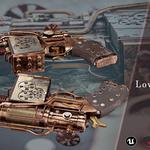

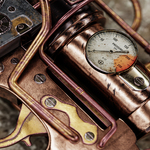
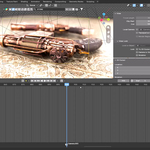
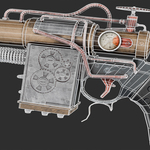
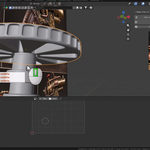
Aetherlock – Steampunk Pressure Pistol
Product Documentation & User Guide
AAA Game-Ready 3D Asset + Complete 7+ Hour Workflow Tutorial
Created by Reyhane3D
Thank you for purchasing Aetherlock – Steampunk Pressure Pistol, a detailed retro-futuristic weapon inspired by Victorian engineering and industrial pressure-powered machinery.
This package provides high-poly and optimized low-poly geometry, 4K PBR textures, editable Blender source files, and extensive production tutorials.
This guide explains the package contents, technical specifications, importing process, PBR material setup, and tutorial information.
1. Technical Specifications
| Specification | Details |
|---|---|
| Asset Name | Aetherlock – Steampunk Pressure Pistol |
| Asset Category | Steampunk Weapon / Game Prop |
| High-Poly Geometry | 2,230,124 Triangles |
| Low-Poly Geometry | 26,250 Triangles |
| Texture Resolution | 4096 × 4096 (4K) |
| Texturing Workflow | PBR Metallic / Roughness |
| Texture Maps | Base Color, Roughness, Metallic, Normal, AO |
| UV Mapping | UV Unwrapped |
| 3D File Formats | BLEND, FBX, OBJ |
| Tutorial Duration | 7+ Hours |
| Tutorial Format | Multi-Part Silent Screen Recordings |
| Tutorial Audio | None |
2. Included Files
High-Poly Source Model
Original detailed high-poly geometry
2,230,124 triangles
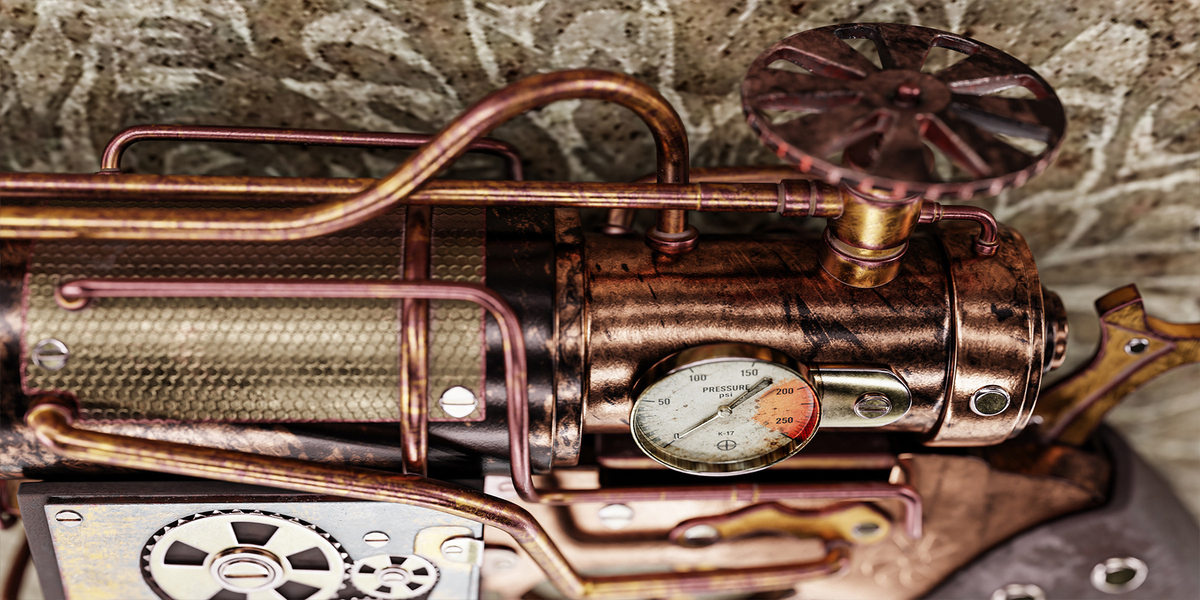
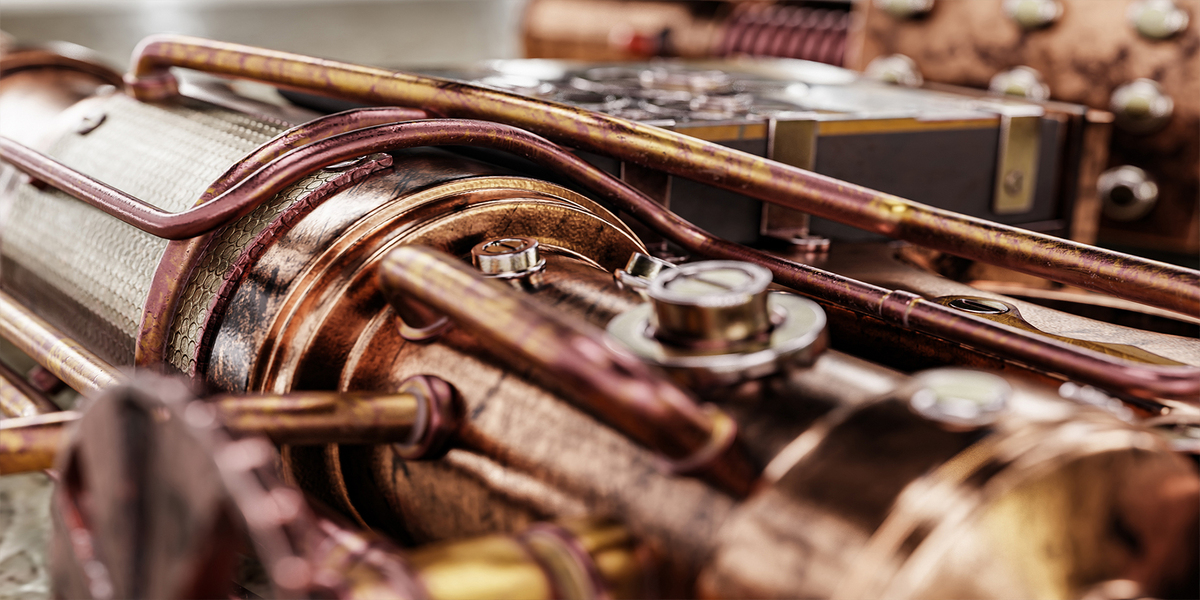
Mechanical components, copper piping, gears, valves, and pressure assemblies
Suitable for detailed rendering, editing, and additional baking workflows
Optimized Low-Poly Model
26,250 triangles
UV-mapped geometry
Game-ready asset preparation
FBX and OBJ exports
4K PBR Texture Maps
Base Color
Roughness
Metallic
Normal
Ambient Occlusion
Texture Resolution: 4096 × 4096 pixels
Editable Blender Project
Native
.blendprojectEditable geometry and material assignments
Rendering and presentation setup
Complete Workflow Tutorial
More than seven hours of production recordings
Multi-part tutorial videos
Visible cursor movements and mouse-click indicators
Keyboard input indicators
Completely silent recordings
No spoken narration, background music, or audio instruction
3. Getting Started in Blender
Download and extract the product archive.
Open the included
.blendproject in a compatible Blender version.Locate the high-poly or low-poly model.
Inspect the geometry and material assignments.
Relink texture files if any external paths are missing.
Verify the shader connections and material appearance.
Adjust your scene lighting and camera as needed.
Recommendation: Use the optimized low-poly version for real-time applications and the high-poly version for detailed renders or further editing.
4. Importing into Unreal Engine 5
Aetherlock's production workflow includes Unreal Engine 5 integration.
Recommended Import Process
Open your Unreal Engine 5 project.
Import the supplied low-poly FBX model.
Verify the mesh scale and orientation.
Import the included PBR texture maps.
Create a compatible Unreal Engine material.
Connect the Base Color, Metallic, Roughness, and Normal textures to their corresponding material inputs.
Apply the material to the mesh.
Inspect the model under different lighting conditions.
Adjust materials or texture settings if needed.
Important: The exported model is suitable for Unreal Engine workflows, but project-specific scale, texture packing, and material adjustments may be required. A complete Unreal Engine project is not included unless separately provided in the downloadable files.
5. PBR Material Setup
Aetherlock uses a standard Metallic / Roughness PBR workflow.
Base Color
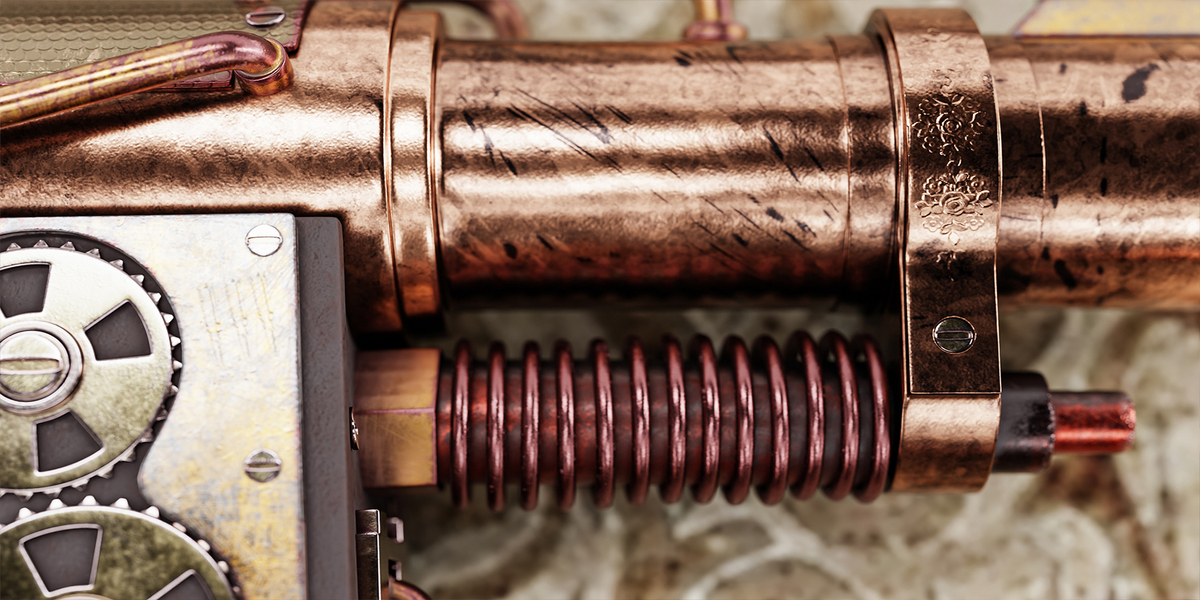
Defines the primary appearance of copper, brass, aged metal, and grip surfaces.
Recommended Color Space: sRGB
Roughness
Controls surface reflectivity, ranging from polished metal to aged and weathered materials.
Recommended Color Space: Non-Color
Metallic
Defines the metallic response of the copper, brass, and other metal components.
Recommended Color Space: Non-Color
Normal
Provides additional high-poly surface detail on the optimized low-poly geometry.
Connect the texture through a compatible Normal Map node.
Recommended Color Space: Non-Color
Ambient Occlusion
Provides additional cavity and contact-shadow information.
It can be combined with Base Color where appropriate for the chosen renderer.
Recommended Color Space: Non-Color
Note: Always check texture-channel conventions and normal-map orientation when transferring materials between different rendering engines.
6. Complete 7+ Hour Production Tutorial
The included tutorial documents Aetherlock's professional hard-surface production workflow.
Stage 01 — High-Poly Modeling in Blender
Building the main pistol geometry
Constructing mechanical components
Modeling exposed gears, copper pipes, and pressure assemblies
Refining industrial surface details
Stage 02 — UV Mapping in RizomUV
Preparing UV seams
Unwrapping model components
Organizing UV islands
Preparing texture layouts
Stage 03 — PBR Texturing in Substance 3D Painter
Developing copper and brass materials
Creating realistic metallic wear
Adding surface scratches and imperfections
Refining roughness variations
Stage 04 — Rendering in Marmoset Toolbag
Configuring materials
Preparing studio lighting
Creating professional asset renders
Stage 05 — Cinematic Rendering in Blender Cycles
Building cinematic lighting
Creating camera movements
Preparing animation and presentation shots
Rendering high-quality showcase footage
Stage 06 — Low-Poly Optimization
Preparing efficient game-ready geometry
Preserving essential silhouettes
Optimizing polygon distribution
Stage 07 — Final UV Mapping & Texture Preparation
Preparing the optimized model's UVs in RizomUV
Baking texture information
Finalizing PBR materials in Substance 3D Painter
Stage 08 — Wireframe Presentation
Inspecting optimized topology
Displaying polygon distribution
Rendering wireframe views in Blender
Stage 09 — Unreal Engine 5 Integration
Importing the asset
Setting up PBR materials
Testing appearance in a real-time environment
7. Tutorial Format & Requirements
Total Duration: 7+ Hours
Format: Multi-Part Screen-Recorded Videos
Narration: None
Audio: Completely Silent
Mouse Visualization: Visible Cursor Movements & Click Indicators
Keyboard Visualization: Input Indicators
The tutorials are visual production demonstrations. They do not include spoken explanations.
Software Demonstrated
Blender
RizomUV
Adobe Substance 3D Painter
Marmoset Toolbag
Unreal Engine 5
You do not need all these applications merely to use the exported FBX or OBJ models. The additional software is relevant when following the corresponding tutorial stages.
8. Important Notes
The package includes both high-poly and low-poly geometry.
The low-poly version contains 26,250 triangles.
Materials and lighting may appear different between rendering engines.
The asset is intended for use as a 3D game prop, cinematic asset, or visualization model.
Cinematic camera animation shown in the tutorials does not necessarily mean a gameplay-ready weapon rig or animation set is included.
Commercial usage and redistribution must comply with the selected marketplace license.
Project-specific optimization may be required for mobile, VR, or other performance-sensitive platforms.
9. Video Preview
Aetherlock – Steampunk Pressure Pistol | 3D Modeling Timelapse
10. Creator Information
Reyhane3D
Professional Hard-Surface 3D Assets for Games & Cinematics.
Thank you for supporting independent 3D asset creation.
Have questions about this product?
Login to message
| Published | about 6 hours ago |
| Blender Version | 3.6 - 5.3 |
| Render Engine Used | Cycles |
| Misc Data | Uvs-Unwrapped, Low-High-Resolution, Normal-Mapped, Textured |
| License | Royalty Free |
Discover more products like this
pbr-textures Mechanical Props game ready fantasy weapon Steampunk Pistol 3d modeling tutorial low poly hard surface sci-fi weapon unreal-engine-5 blender Steampunk Weapon