Quick workflow fit
Move Blender render output into After Effects without rebuilding every composition
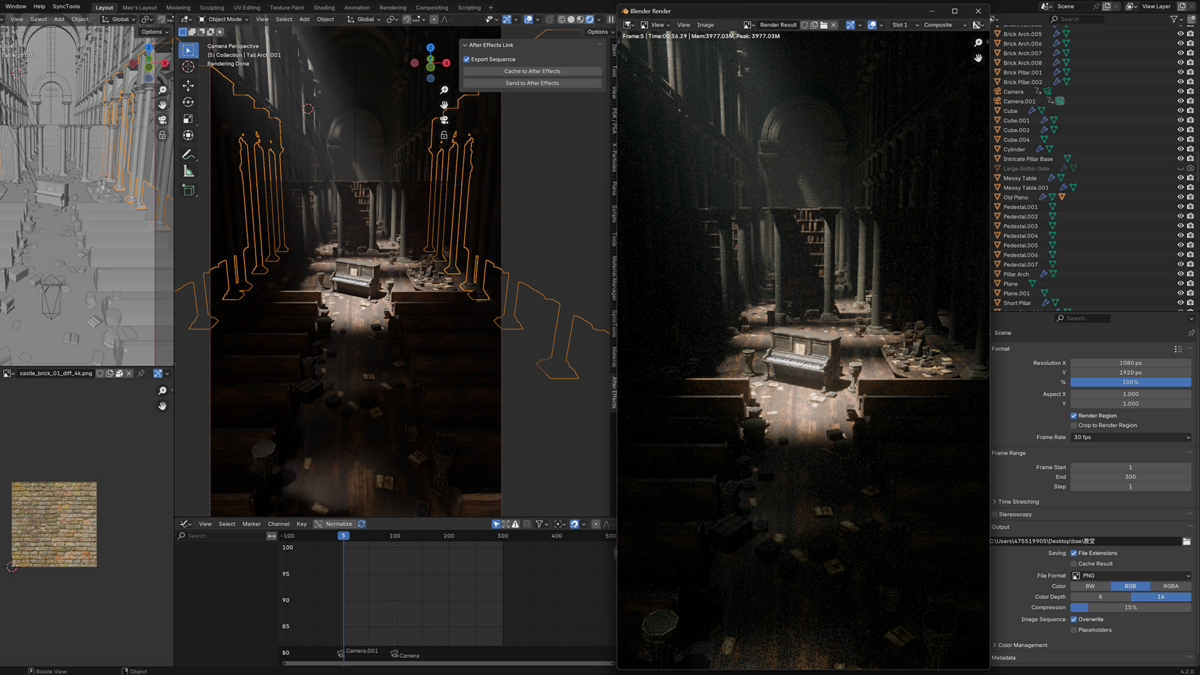
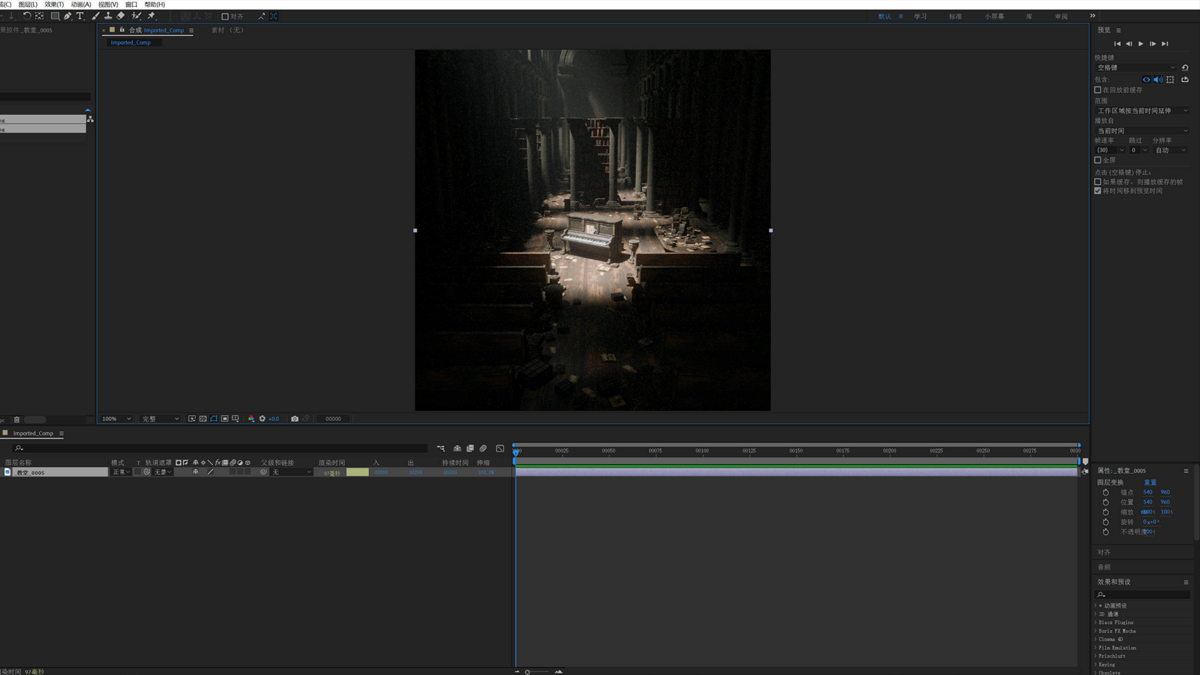
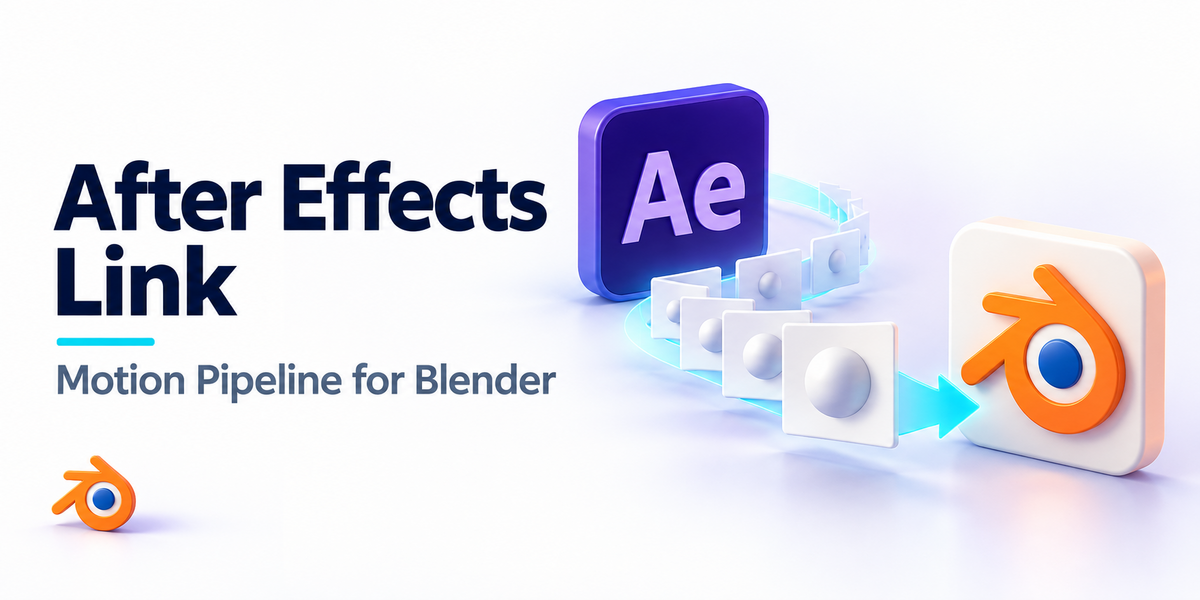
Detect rendered frames or sequences, send them to After Effects and create or update a composition using the matching resolution, frame rate and layer names.
Best for: Motion-design and VFX workflows that finish Blender renders in After Effects.
What transfers / what you get: Single frames, image sequences, supported render passes and composition setup metadata.
Before you buy: After Effects must be installed and configured. This transfers rendered output and supported passes; it does not convert a Blender 3D scene into an editable After Effects 3D scene.
After Effects Link for Blender
One-click transfer of Blender renders and sequences into After Effects compositions.
Push Blender renders directly into After Effects - no manual file management. Detects sequences, builds matching compositions, preserves render channels including Cryptomatte.
What you get
Sequence detection - auto frame range
|
Cache or final export - preview vs. quality
|
Composition setup - auto-creates or updates
|
Multi-format - image + video
|
Render channel support - Cryptomatte/Beauty/RGB
|
Auto layer naming - preserves names
|
|
|
Overview
Blender to After Effects, one button
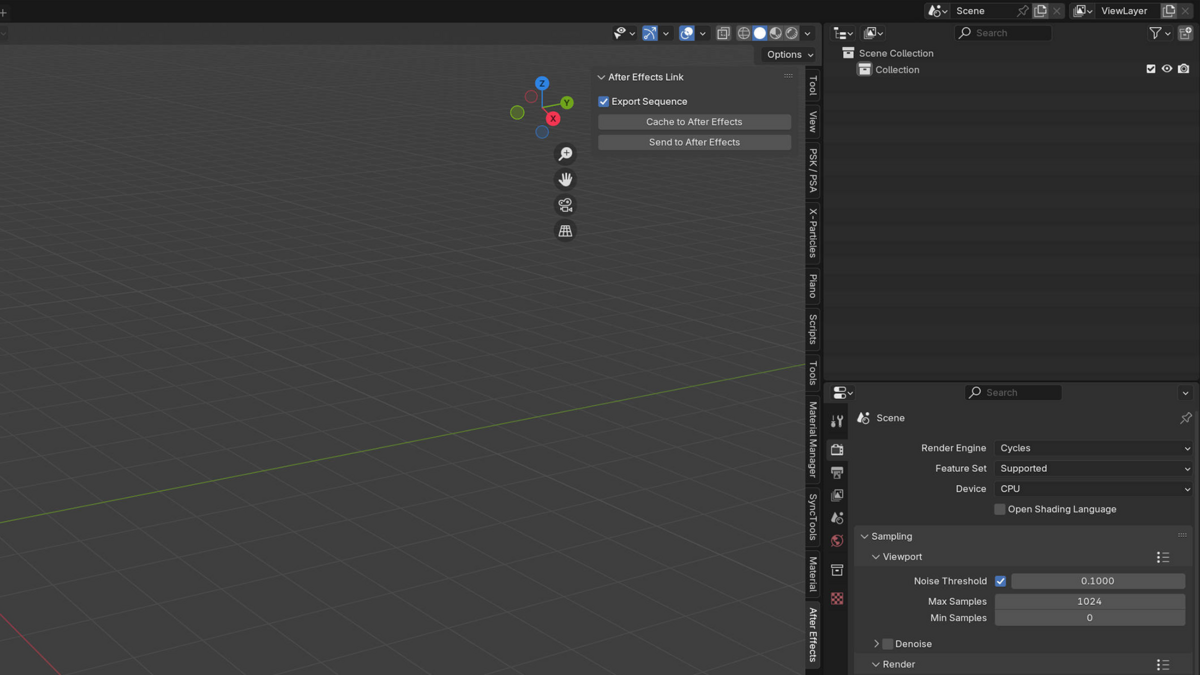
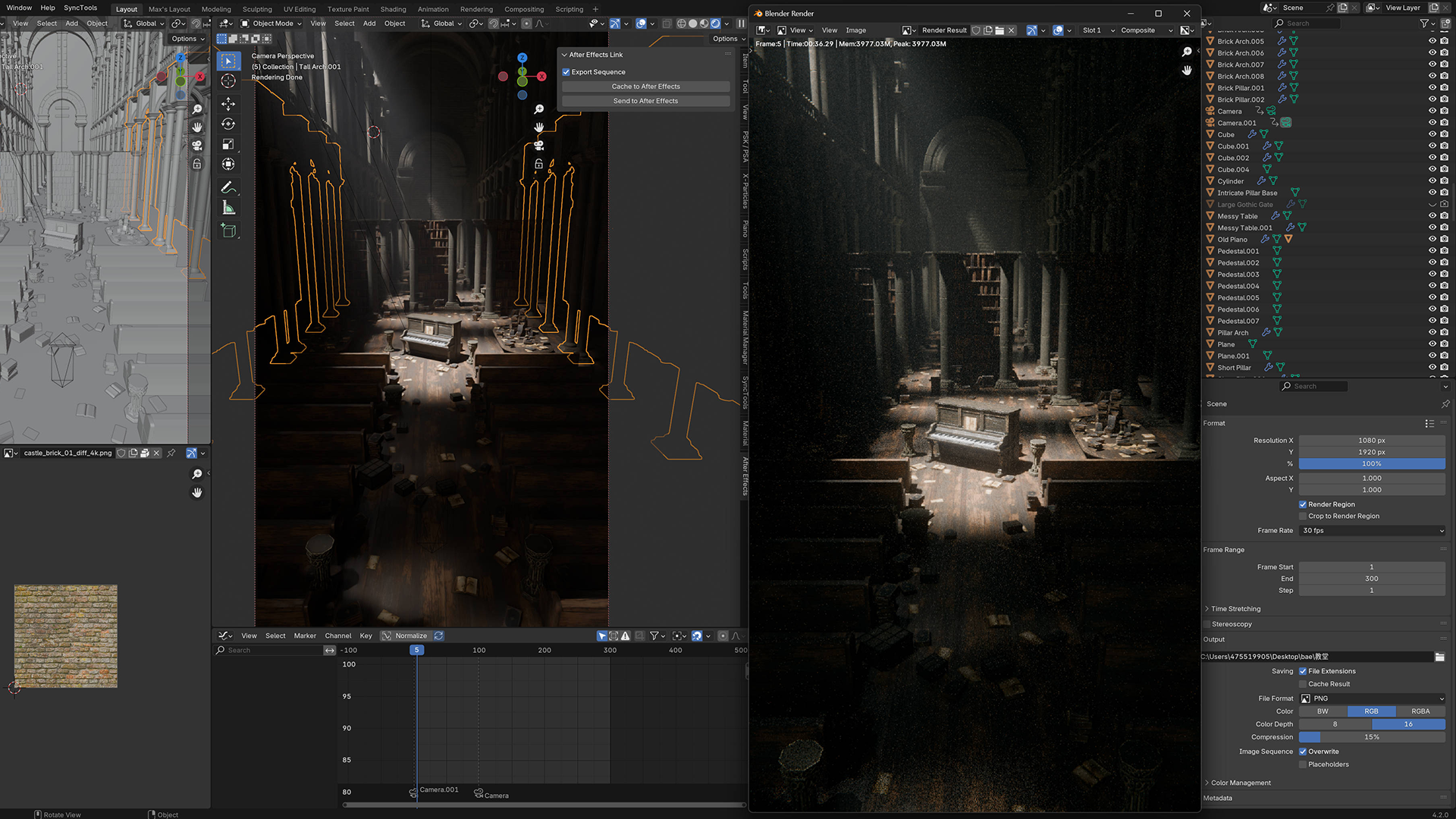
Click "Send to After Effects" in Blender - your render sequence lands in a new or updated AE composition with matching resolution, frame rate, and layer organization.
Designed for motion designers, VFX artists, and anyone who finishes Blender renders in After Effects.
|
|
Features
What you get
| Smart Sequence Handling |
Detects frame ranges and imports as proper sequences. |
| Single Frame or Sequence |
Choose between snapshot and full sequence. |
| Cache to AE |
Send straight from Blender's render cache for instant preview. |
| Final Quality Export |
Send saved files for final composite work. |
| Auto Composition Setup |
AE composition is created or updated to match Blender output. |
| Resolution + Aspect Match |
Composition matches your render settings. |
| Layer Organization |
Centers and scales layers; preserves names. |
| Render Channel Support |
Handles Cryptomatte, Beauty, RGB, and other passes. |
|
|
Benefits
Why this addon?
- No Manual File Wrangling - Skip the export-folder + manual-import dance.
- Faster Iteration - Cache mode gives you AE preview in seconds.
- Channel Names Preserved - Cryptomatte and other passes carry proper names.
- Lifetime Updates - Free updates within the current major version.
|
|
Compatibility
Compatibility
- Blender: 3.0+
- After Effects: CC 2020+
- OS: Windows 10/11, macOS 13+
|
|
Installation
Quick Start
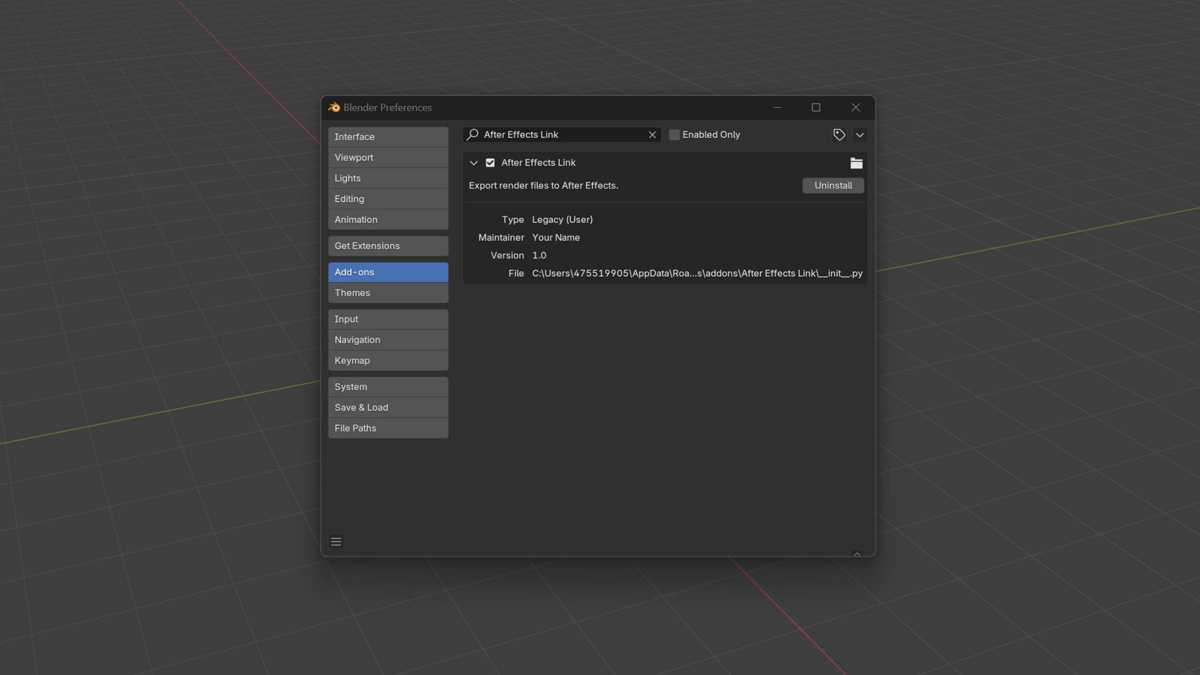
1. Install via Blender Add-ons - Edit > Preferences > Add-ons > Install the .zip.
2. Configure AE bridge - Set the After Effects executable path in the addon preferences.
3. Render in Blender - Render your animation or single frame.
4. Send to AE - Use the Cache to After Effects or Send to After Effects button.
|
|
Support
Support & Updates
- Email and ticket support via Superhive inbox (typically 48 h response)
- Community chat for real-time help
- Free lifetime updates within the current major version
|
|
Tags
after effects, blender, ae, motion graphics, vfx, render, cryptomatte, composition, addon
|
|
2026 After Effects Link for Blender
|
|
Community
Support Blender Foundation
We believe in giving back to the community that makes our work possible. Every month, we dedicate a portion of our plugin's revenue to support the Blender Foundation. Thank you for helping us contribute to the future of open-source creativity.
|
 blenderVfxMaster