Ag Camera
 AG Dynamics
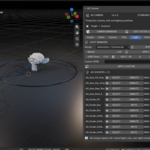
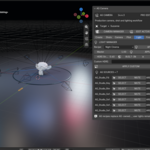
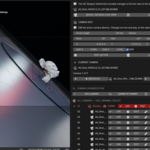
AG Camera Quick Start Guide
Installation:
1. Download the AG_Camera zip file.
2. Open Blender (4.0 or newer).
3. Go to Edit > Preferences > Add-ons.
4. Click "Install...", select the downloaded ZIP file, and enable the checkbox.
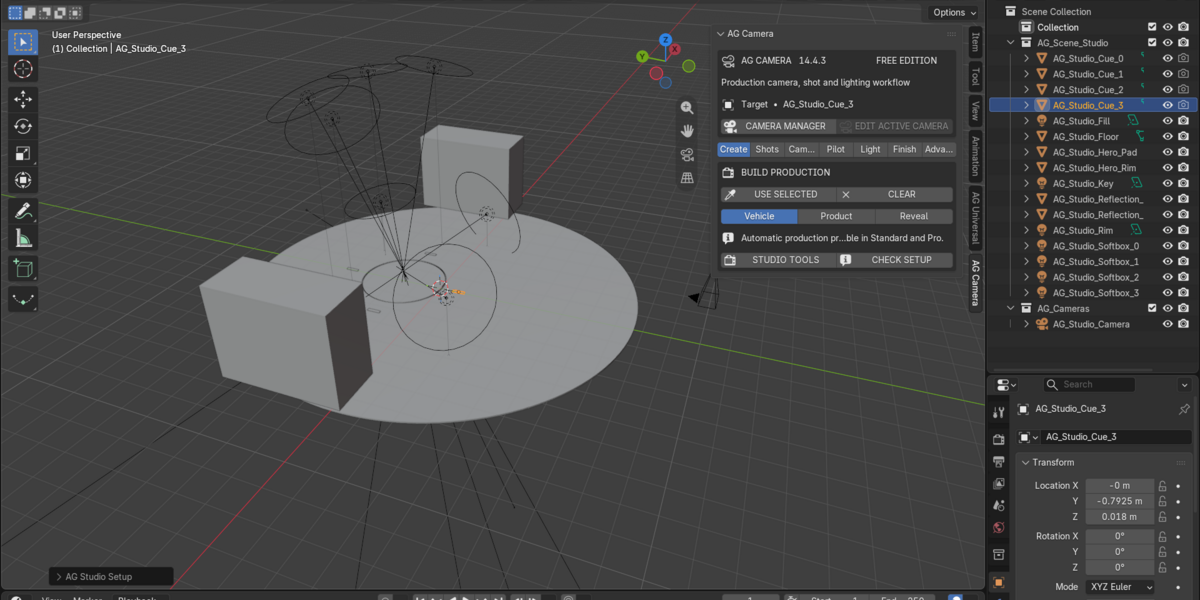
5. Press "N" in the 3D Viewport to open the sidebar and select the "AG Camera" tab.
Key Features:
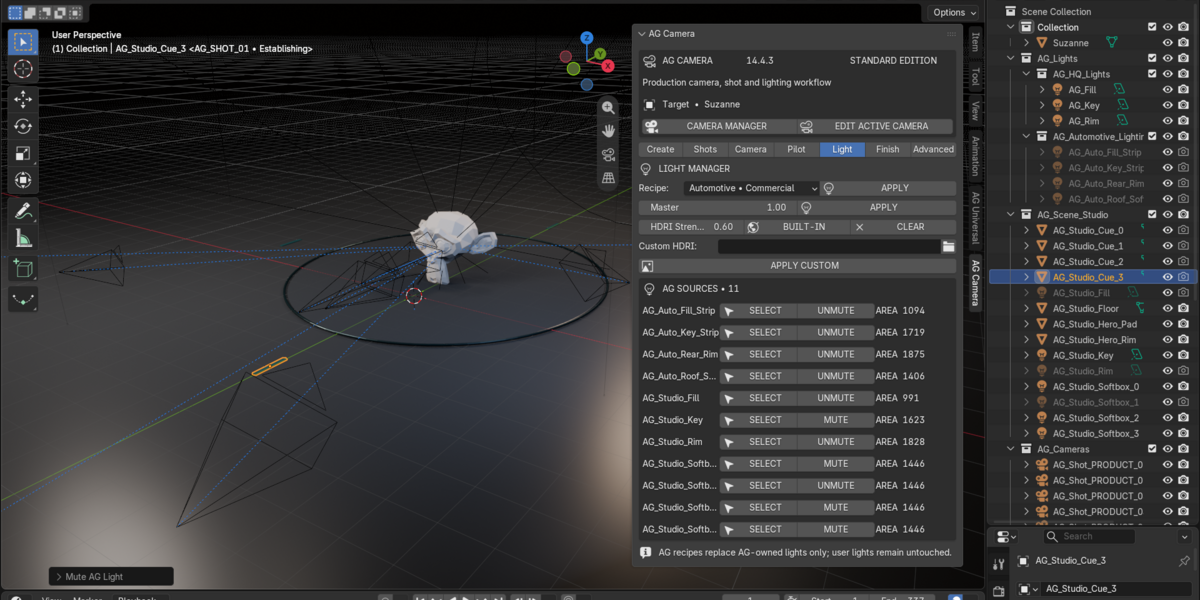
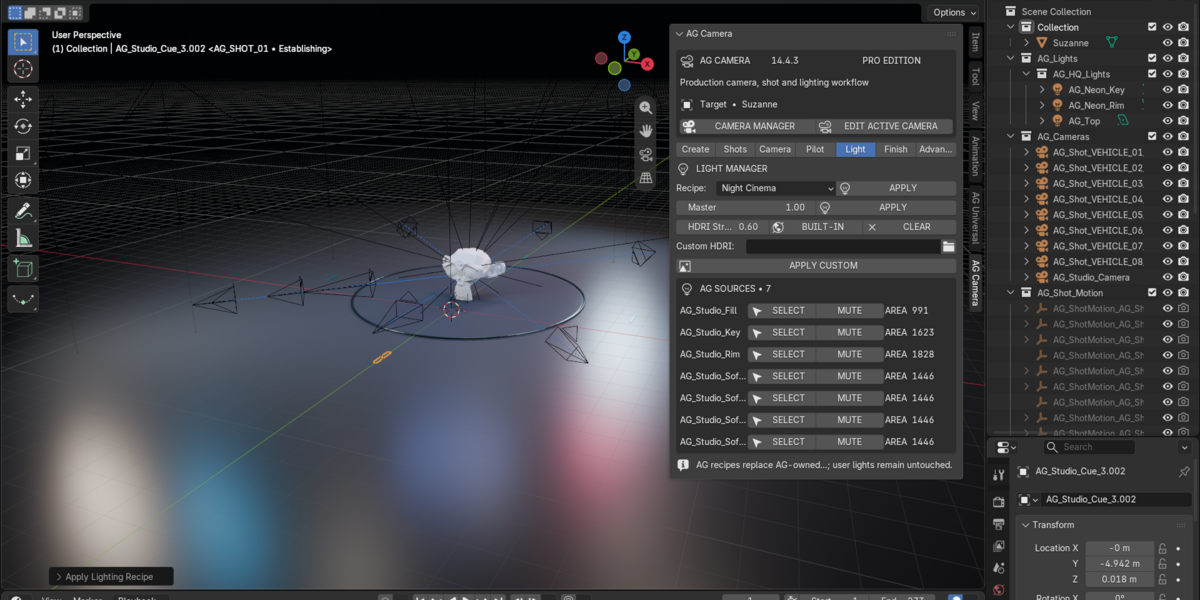
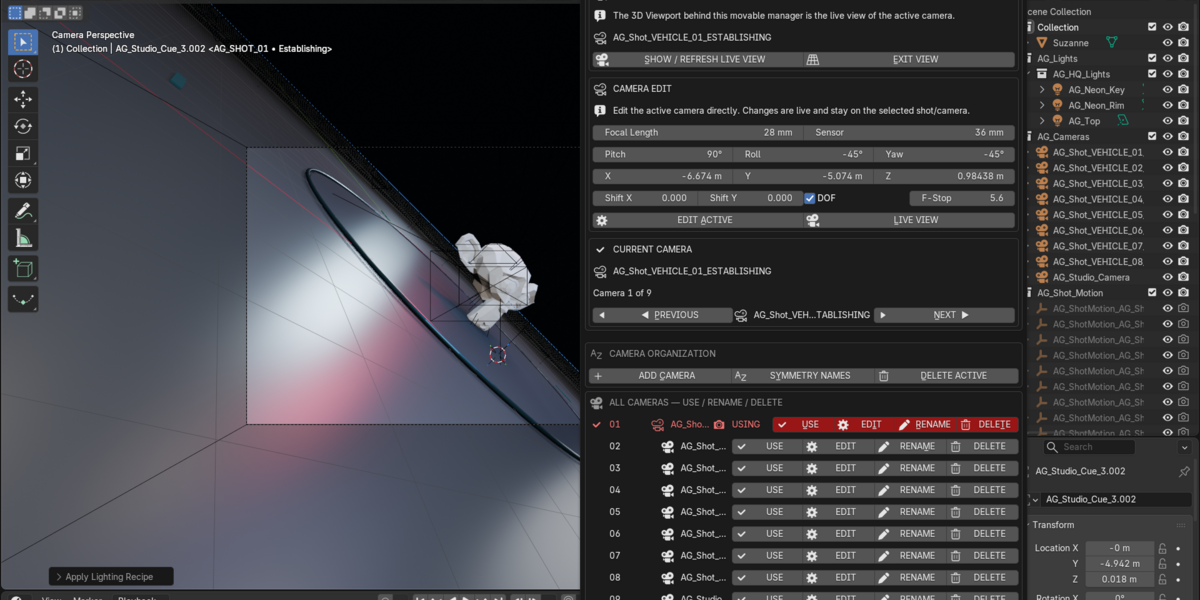
- Camera Management: Create, target, and switch between cinematic camera setups in seconds.
- Production Presets: Instant lighting and camera setups for vehicles, products, and reveals.
- Shot Manager: Organize timeline shots and camera angles efficiently for animation workflows.
-
$19
Core camera movement, framing, presets, and shot manager tools.
-
$39
Complete suite with advanced automation, multi-camera rigs, and full production presets.
Have questions about this product?
Login to message
| Blender Extension Compatible | Yes |
| Published | about 23 hours ago |
| Blender Version | 4.0 - 5.2 |
| Extension Type | Add-on |
| Render Engine Used | Cycles, Eevee |
| License | GPL |