 ZEG
Installation
In Blender open Edit, Preferences, Get Extensions, then use Install from Disk and pick the zip.
Usage
- Open the Agritech tab in the 3D viewport sidebar (N).
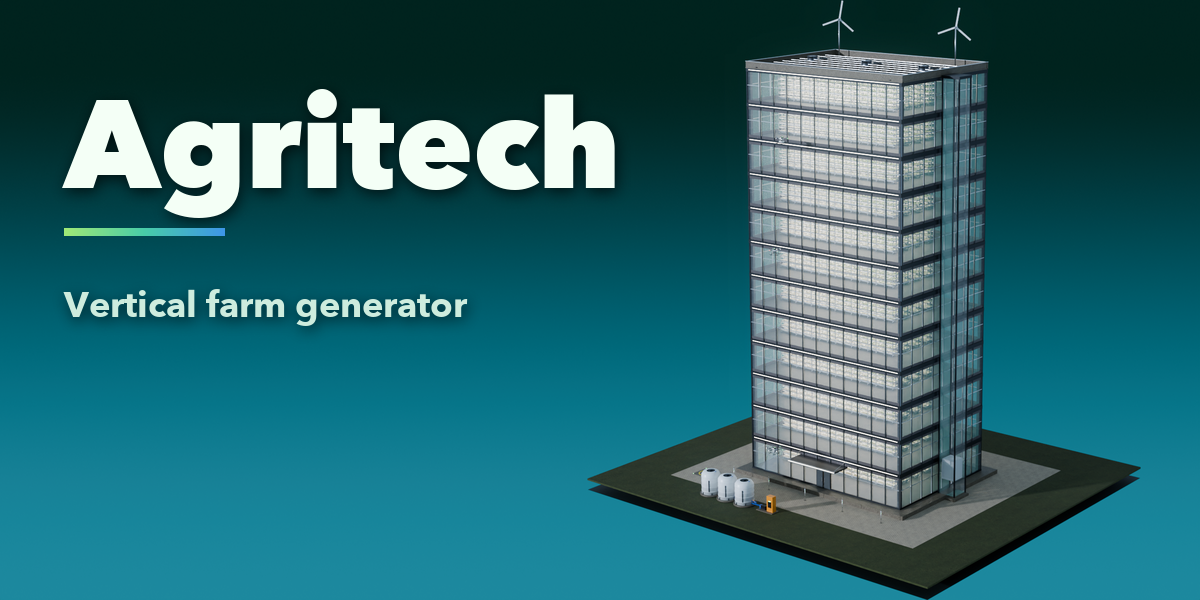
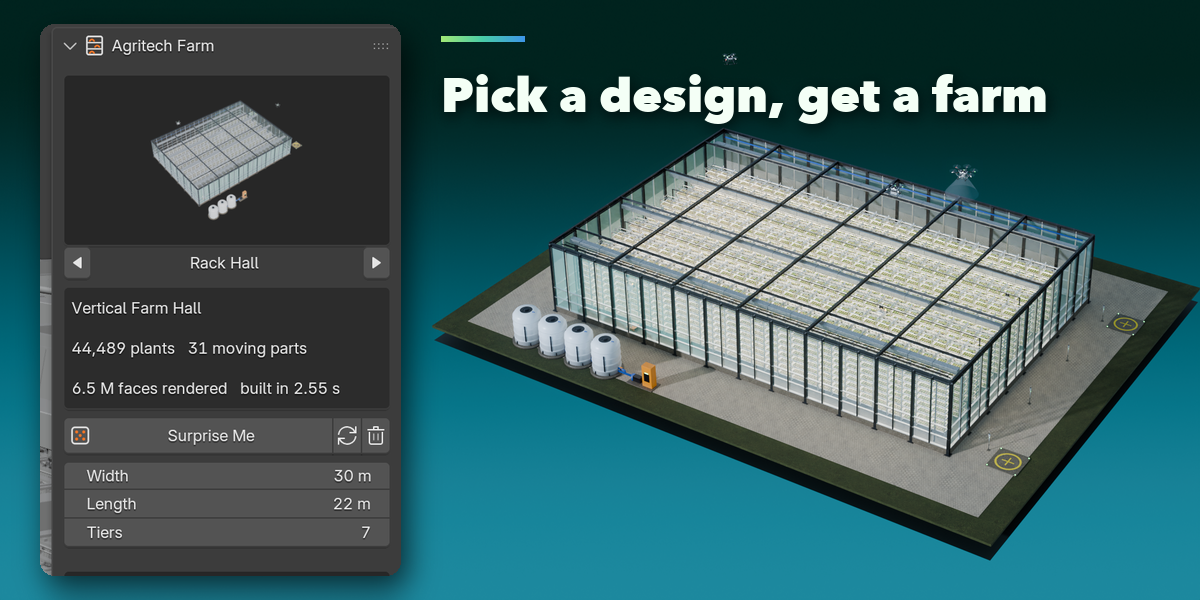
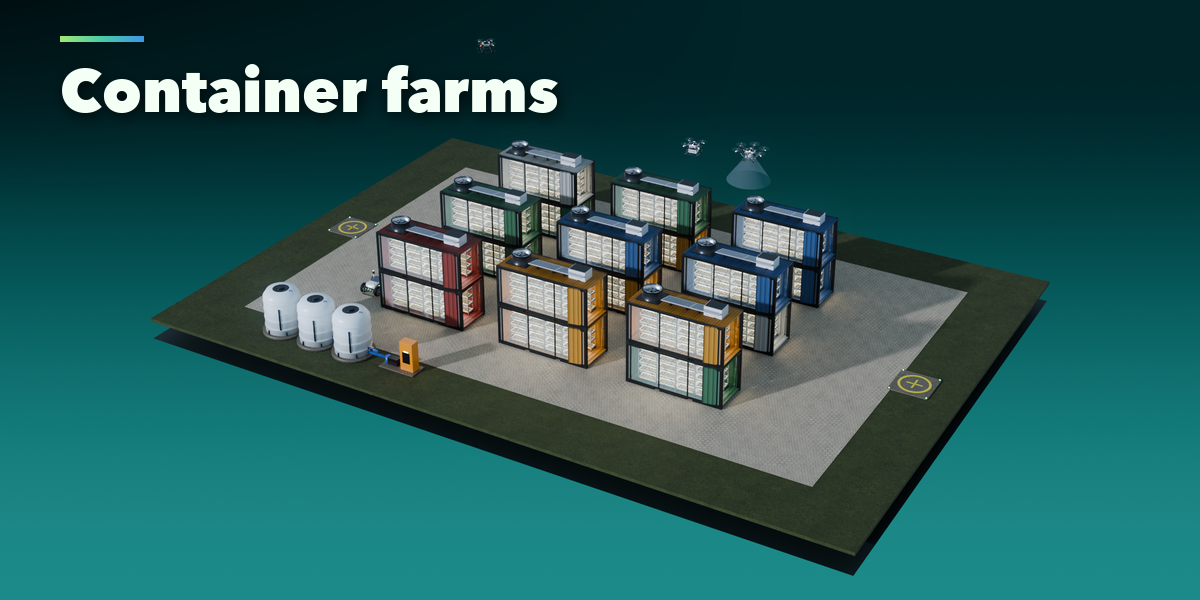
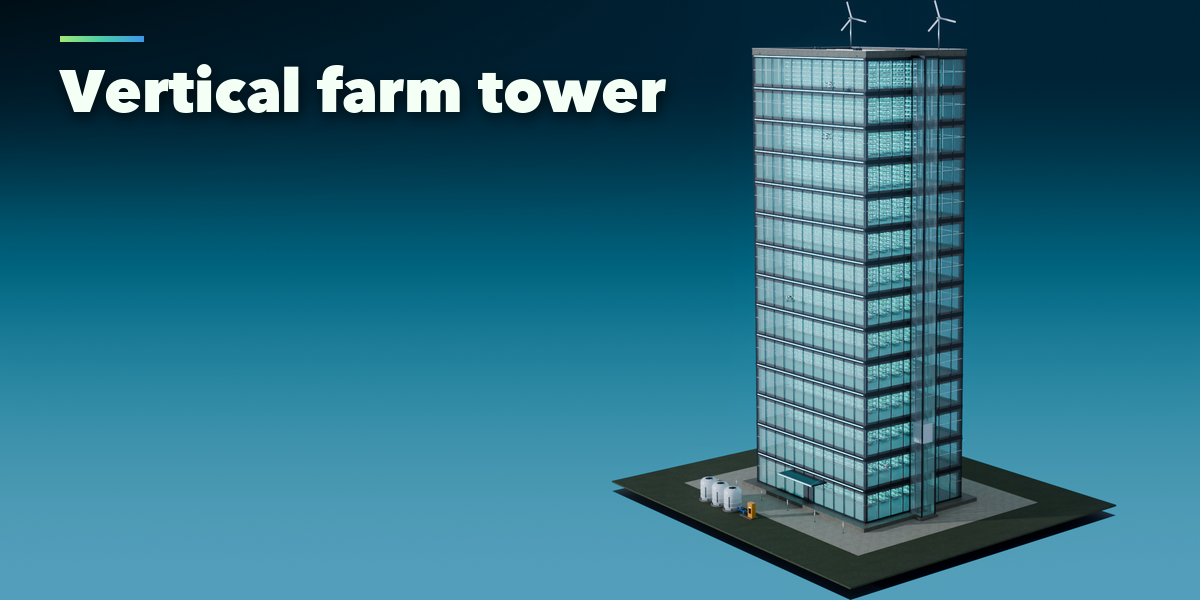
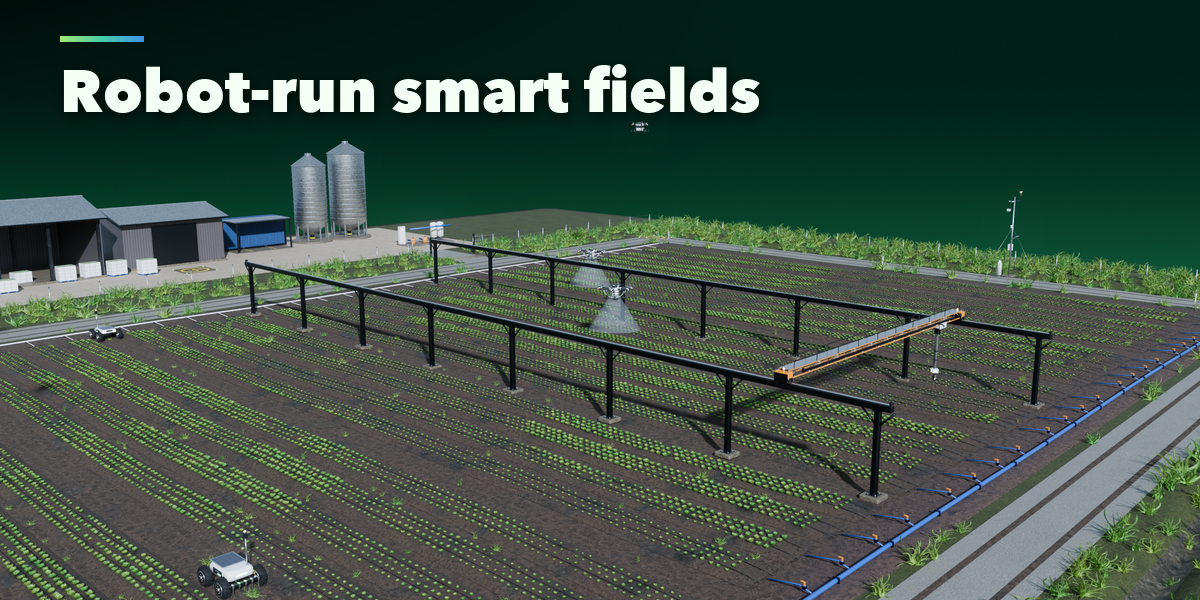
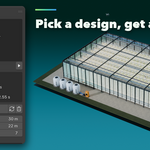
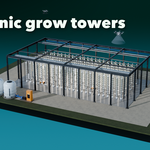
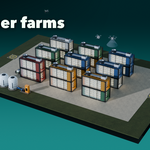
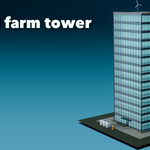
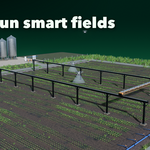
- Pick a design with the picture picker and press Add Farm, or choose a preset.
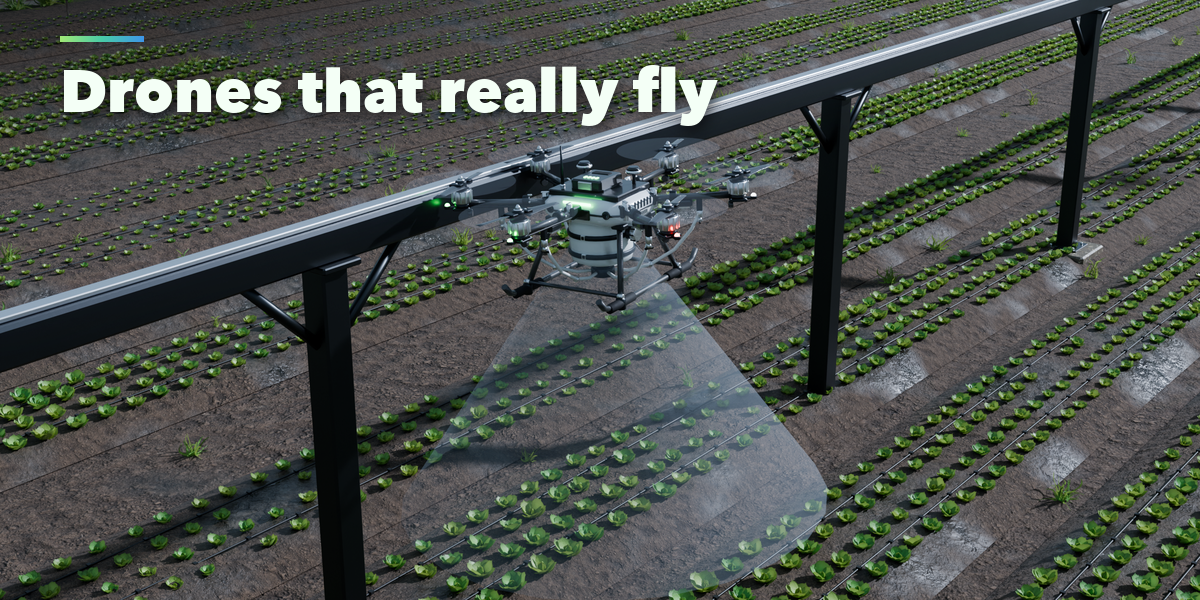
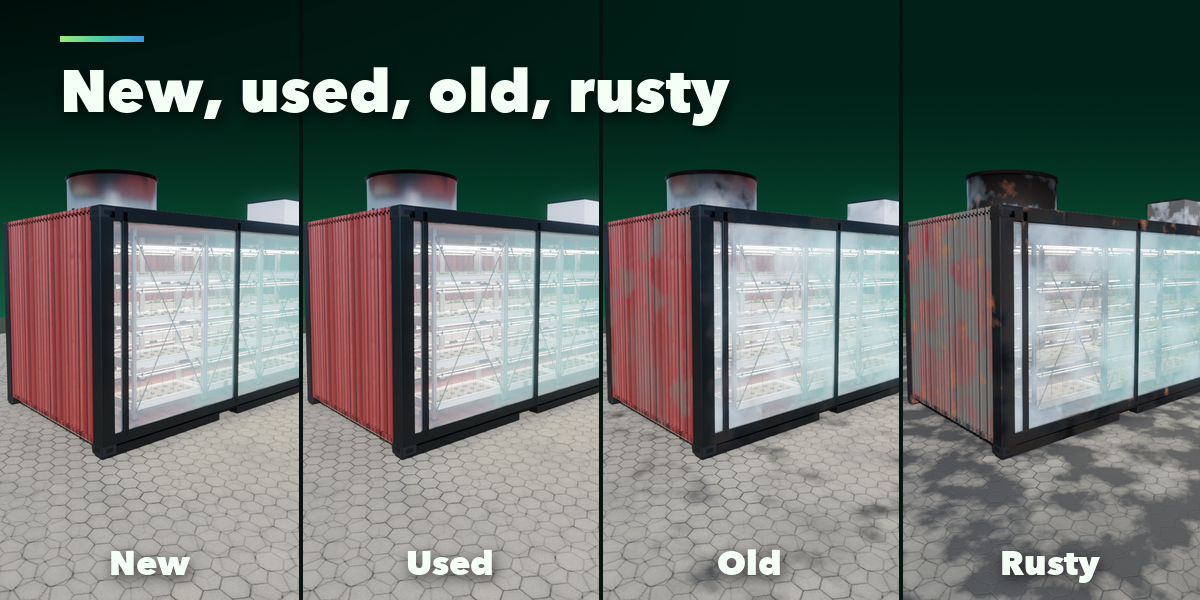
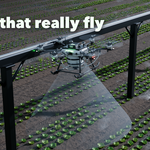
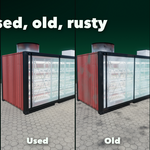
- Set size, crop and condition; open Automation to choose drones, robots and speed.
- Press play on the timeline to watch the machines work.
- To export to a game engine, open Export and Bake Motion to Keyframes.
Have questions about this product?
Login to message
| Blender Extension Compatible | Yes |
| Published | about 14 hours ago |
| Blender Version | 4.2 - 5.2 |
| Extension Type | Add-on |
| Render Engine Used | Cycles, Eevee |
| License | GPL |

Discover more products like this
drone farm-generator Robot procedural hydroponic vertical-farm greenhouse smart-farming agriculture animation aeroponic sci fi