AI Mesh Fixer - Clean Up AI-Generated 3D Models
 Sonneblom Digitaal

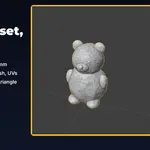
Version 1.0.1 · Blender 4.2 or newer · tested on 4.2 LTS and 5.1
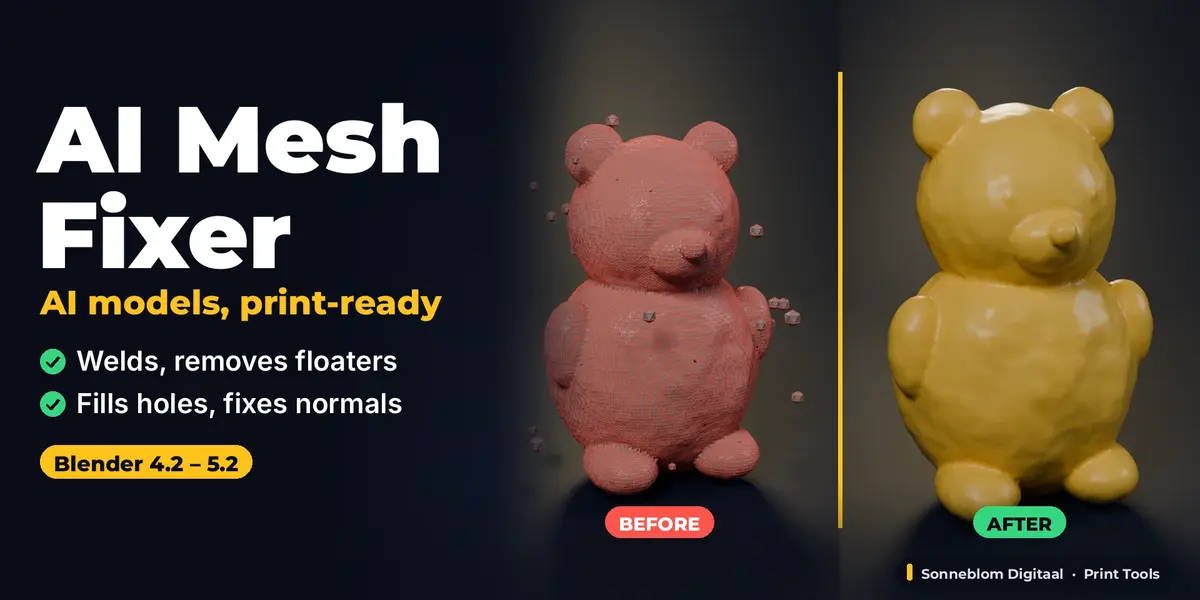
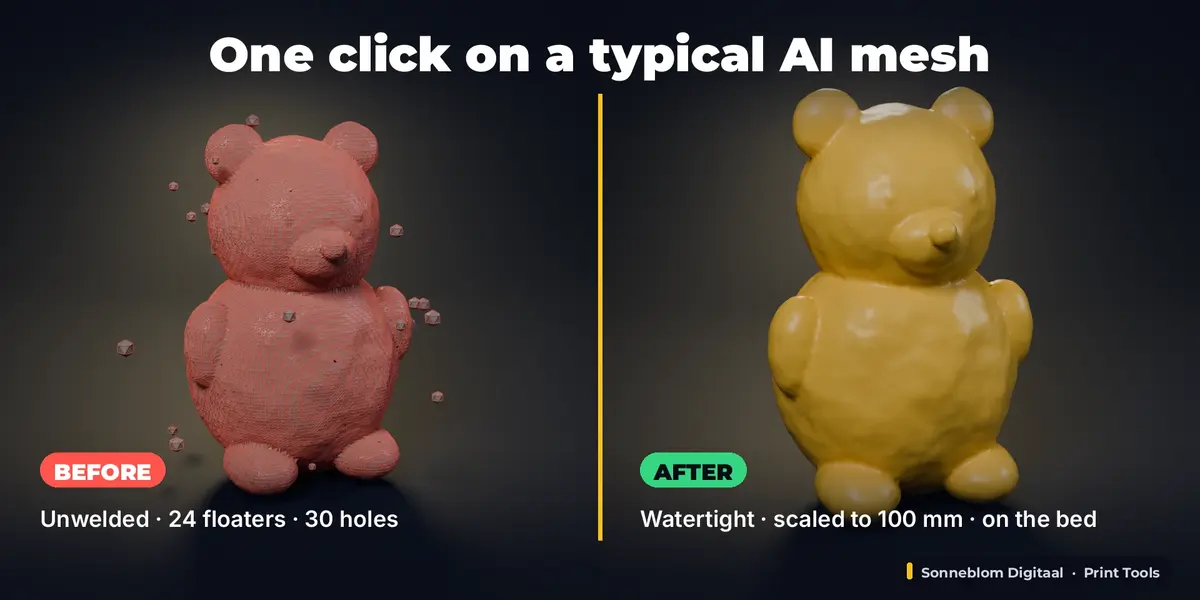
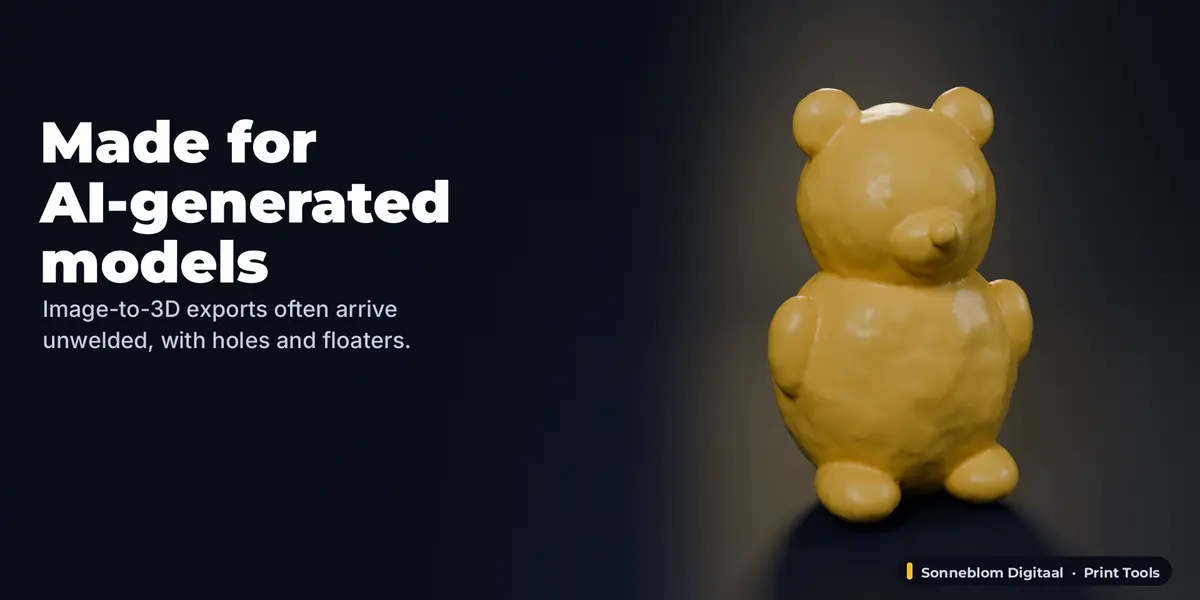
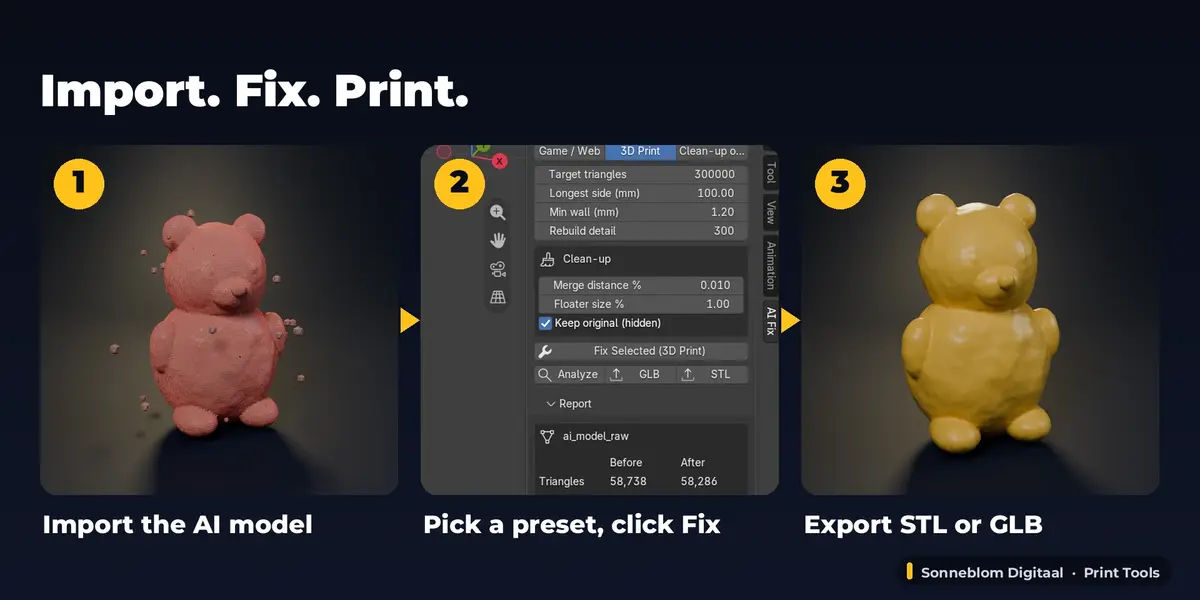
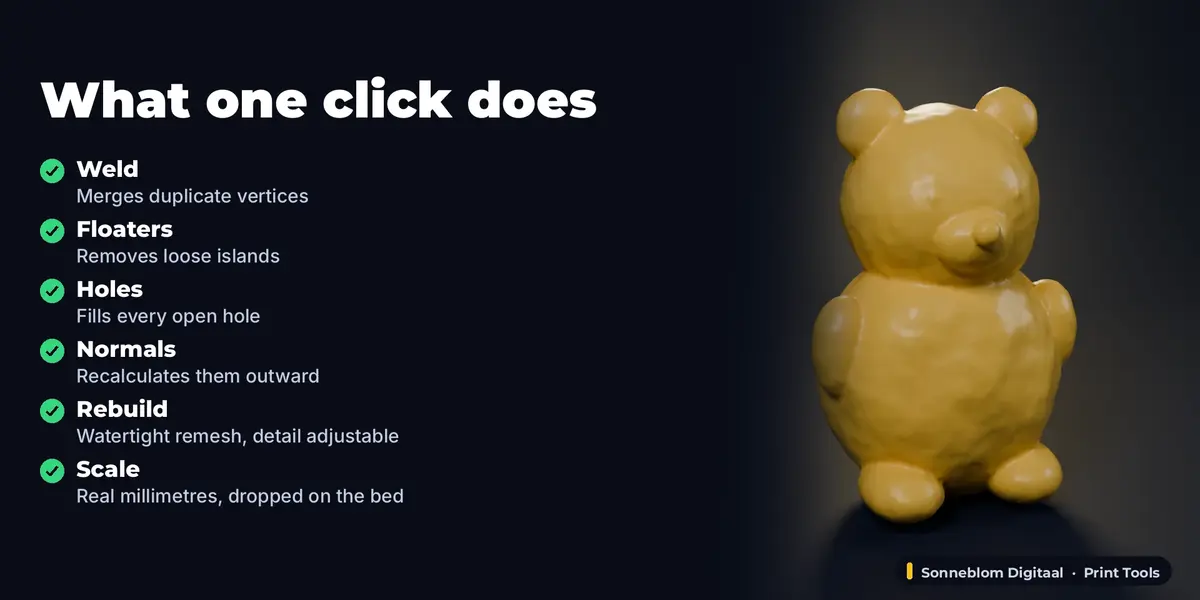
AI 3D generators (Meshy, Tripo, Rodin, Hunyuan3D, TRELLIS) are great at shapes and bad at meshes: what comes out is usually triangle soup with floating specks, holes and flipped faces. AI Mesh Fixer cleans it in one click and turns it into a game/web asset, a watertight 3D print, or simply a clean mesh, with a before/after report.
1. Install
The download contains two files. Use the one that matches how you install add-ons:
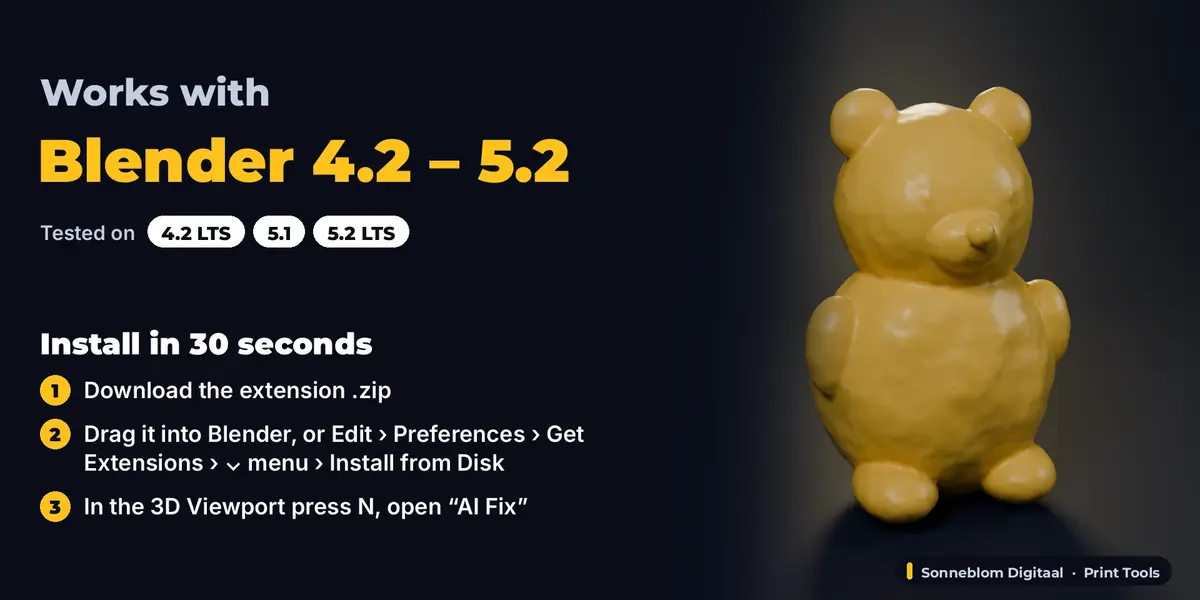
- ai_mesh_fixer-1.0.1.zip (Blender extension, recommended): drag it into Blender, or go to Edit > Preferences > Get Extensions, open the drop-down arrow at the top right, choose Install from Disk… and pick the zip. Do not unzip it.
- ai_mesh_fixer-1.0.1-legacy.zip (classic add-on folder): Edit > Preferences > Add-ons, drop-down arrow, Install from Disk…. Use this one if you manage add-ons as folders.
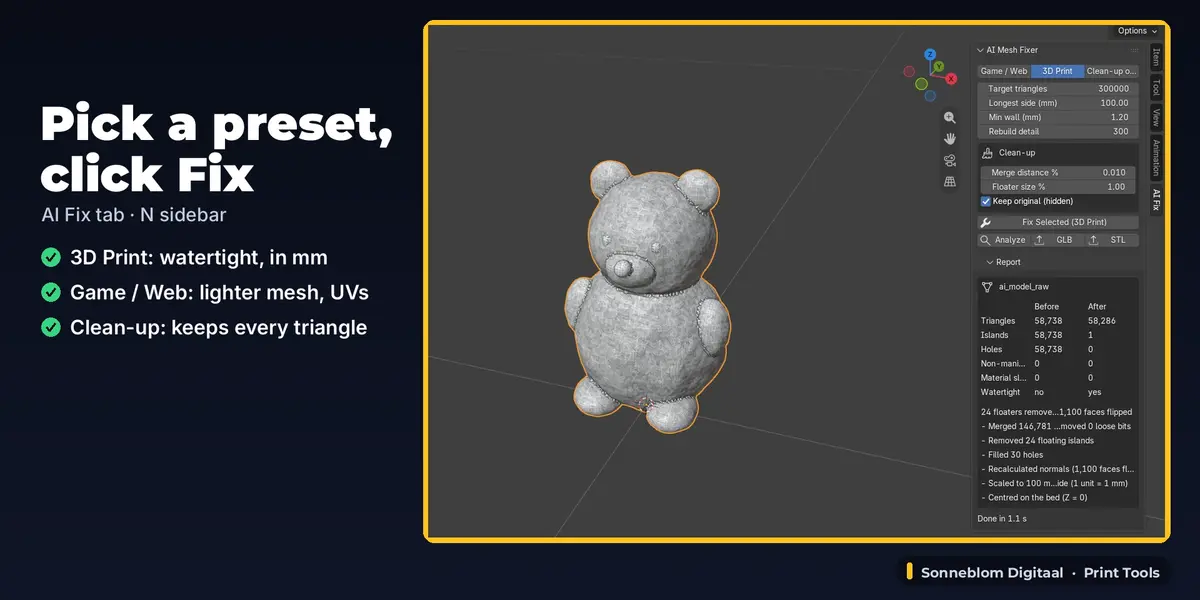
Make sure it is enabled, then in the 3D Viewport press N and open the AI Fix tab. It has no extra dependencies.
2. How to use it
- Select the model (one or several meshes).
- Press N in the 3D Viewport and open the AI Fix tab.
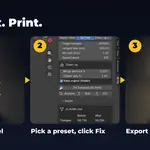
- Pick a preset: Game / Web, 3D Print or Clean-up only, and set the triangle budget or print size.
- Click Fix Selected and read the report.
- Export with the GLB or STL button.
3. Settings
| Setting | Default | What it does |
|---|---|---|
| Preset | Game / Web | Game / Web, 3D Print or Clean-up only. |
| Target triangles | 50,000 | Triangle budget. Switching preset sets 50,000 (Game) or 300,000 (Print). Not used by Clean-up only. |
| Smooth angle | 35° | Game / Web: edges sharper than this stay sharp. |
| UV unwrap if missing | On | Game / Web: Smart UV unwrap when the mesh has no UVs. |
| Bake colour to texture | Off | Game / Web: bakes the original textures or vertex colours onto one new texture (1024, 2048 or 4096 px) with one clean material. |
| Longest side (mm) | 100 | 3D Print: scales the model to this size; 0 = keep the numbers as they are (1 unit becomes 1 mm). |
| Min wall (mm) | 1.2 | 3D Print: wall given to open or paper-thin surfaces. |
| Rebuild detail (voxels) | 300 | 3D Print: detail of the watertight rebuild. |
| Merge distance % | 0.01 | Weld distance, as % of the model size. |
| Floater size % | 1.0 | Islands smaller than this share of the biggest island are removed. |
| Max hole edges | 64 | Game / Web and Clean-up: holes up to this many edges are filled (0 = all). 3D Print closes all holes. |
| Keep original (hidden) | On | Keeps an untouched copy in the "AI Mesh Fixer originals" collection. |
4. Limits
It cleans geometry: it does not re-topologise into quads, invent missing detail, or remove lighting baked into AI textures. A watertight rebuild or colour bake replaces the UVs and materials. Openings larger than 20% of the surface are not closed in Game / Web and Clean-up. Very small separate parts can be removed as floaters; lower Floater size % to keep them. 3D Print switches the scene to millimetres.
5. Support and licence
Questions or a model that doesn't work? Message us through Superhive (Contact the creator) with what happened, and the model if you can, and we'll help. Free updates for version 1.x.
AI Mesh Fixer is made by Sonneblom Digitaal and released under the GNU General Public License v3 or later (GPL-3.0-or-later), like other Blender add-ons. You may use it commercially.
Have questions about this product?
Login to message
| Blender Extension Compatible | Yes |
| Published | 12 days ago |
| Blender Version | 4.2 - 5.2 |
| Extension Type | Add-on |
| Render Engine Used | Cycles |
| License | GPL |
Discover more products like this
Image-to-3D triangle-soup 3d printing decimate watertight ai mesh cleanup ai 3d model mesh repair game ready