 Neatmesh
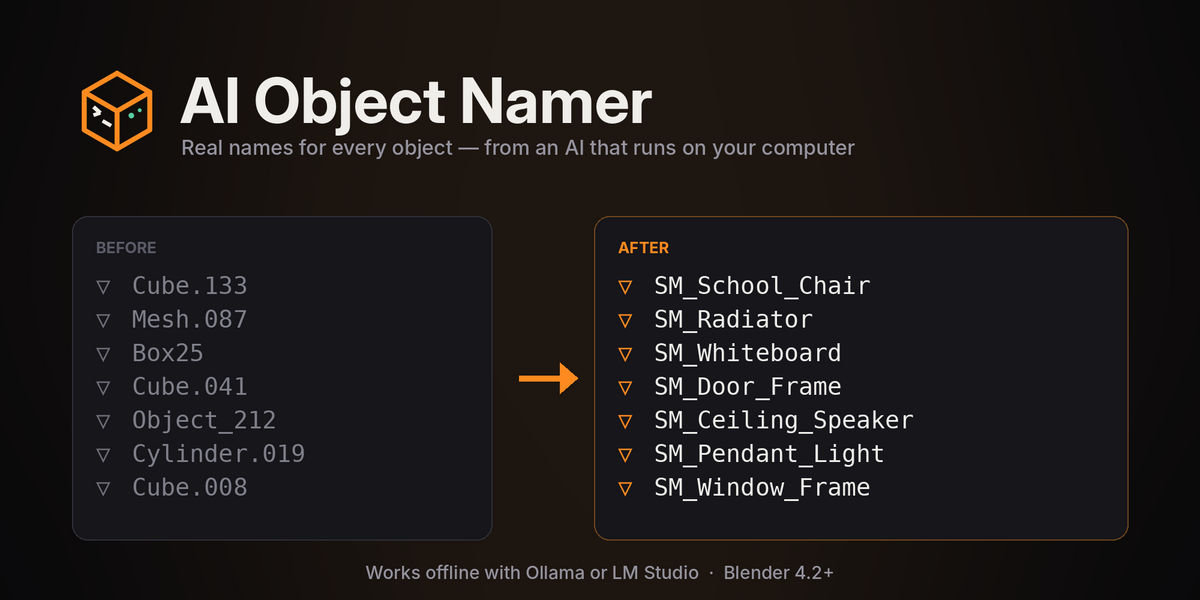
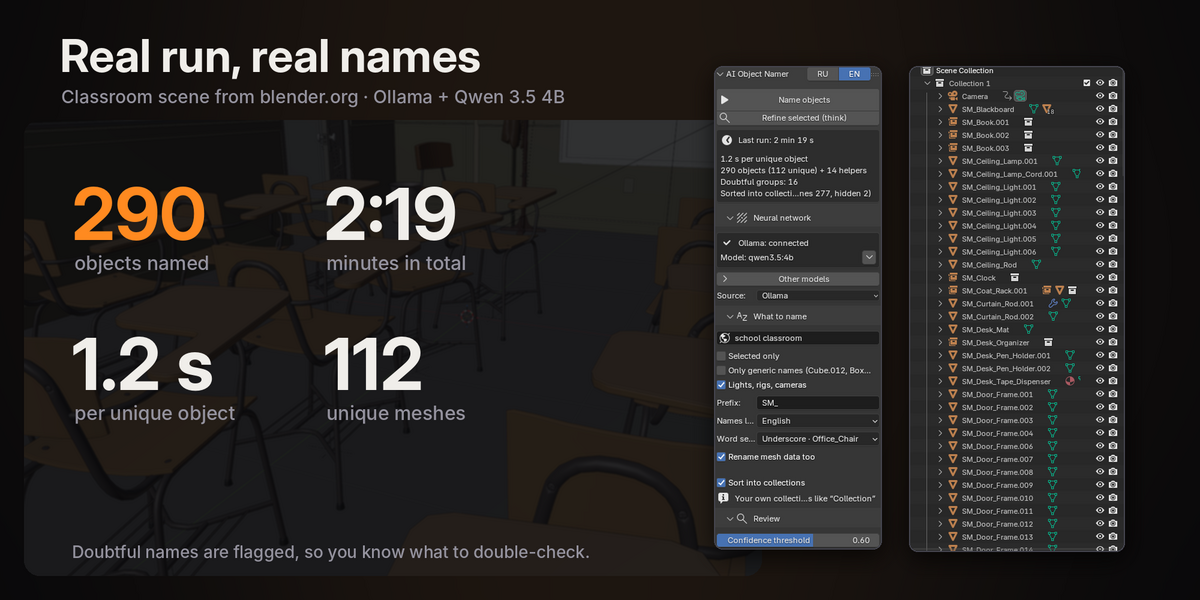
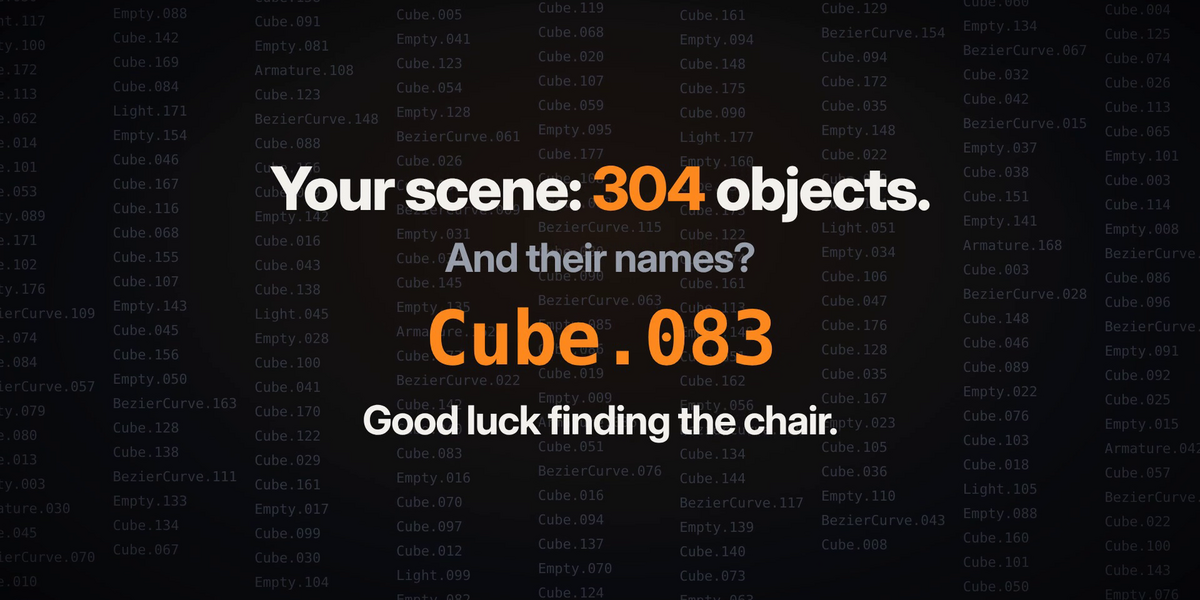
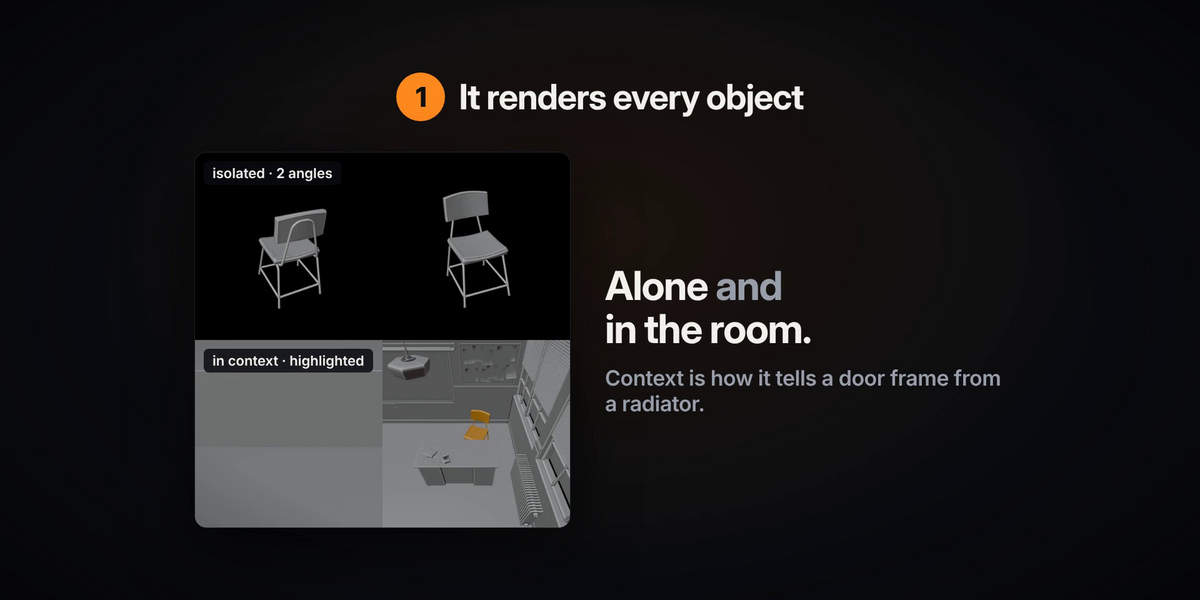
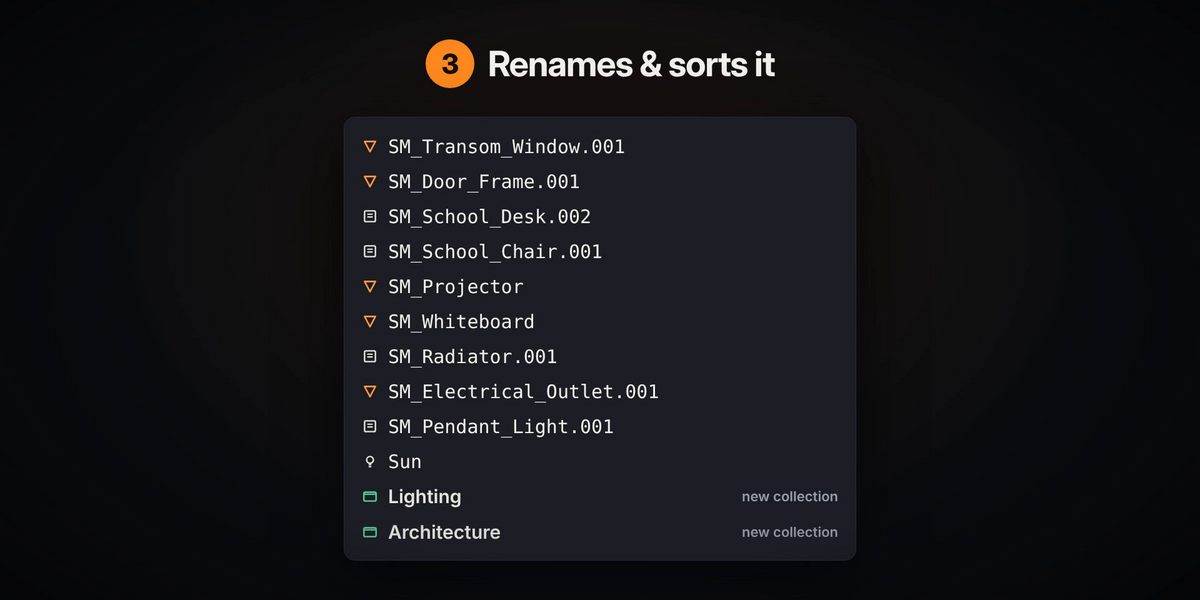
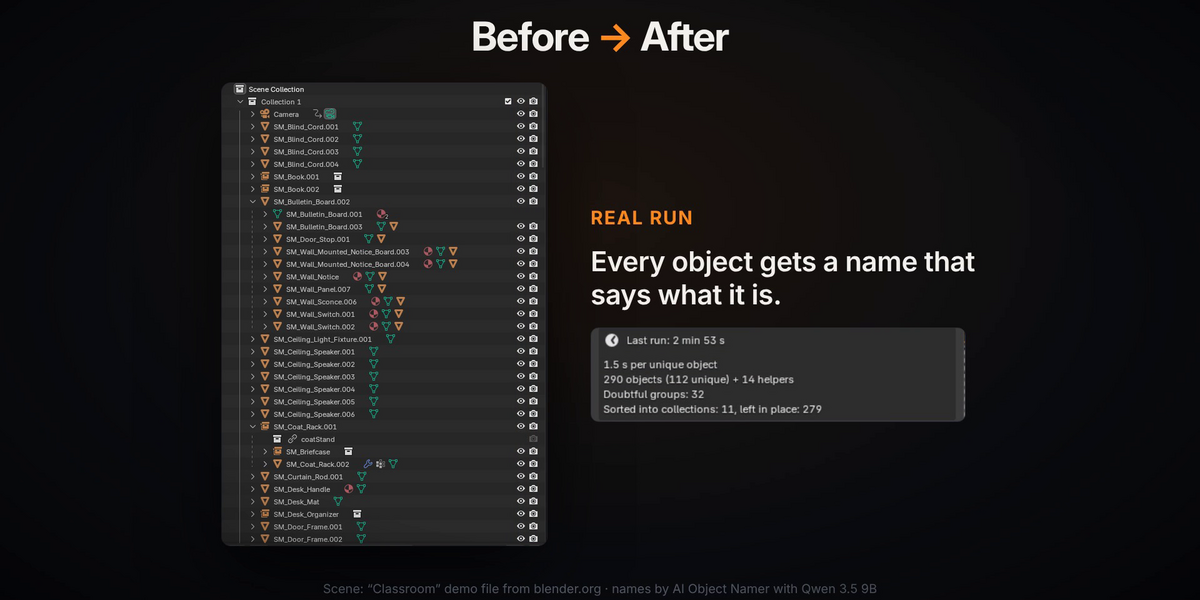
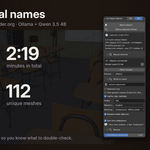
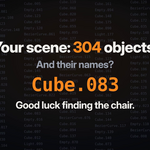
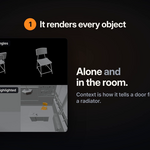
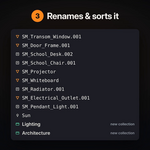
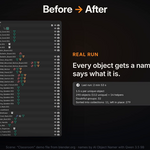
If you've ever imported a building from CAD, a SketchUp file or a big asset pack, you know the Outliner that comes with it: Cube.133, Mesh.087, Box25 and a few hundred more like them, and somewhere in there is the chair you need. I got tired of renaming that by hand, so I made Blender look at the objects and name them itself. The add-on renders each object twice, once on its own and once in place in the scene (that's how it can tell a door frame from a radiator), shows the pictures to a vision model running on your machine and writes back a name that says what the thing is, like Office_Chair, Window_Frame or Ceiling_Speaker. On the Classroom demo scene from blender.org it got through 290 objects in under three minutes on an RTX 3080 Ti.
It also does the boring cleanup around it if you want. It can put a prefix such as SM_ in front of mesh names for game engines (lights, cameras and rigs are left without it), sort everything into collections like Furniture or Lighting without touching the collections you made yourself, and keep mesh data names in sync. Fifty copies of the same chair count as one object, so the AI is only asked once. You can limit it to the selection or to objects that still have generic names, give it a hint about the scene ("school classroom") and get the names in English or Russian, written as Office_Chair, OfficeChair or Office Chair.
The AI isn't always sure, and it says so: every name has a confidence score, Select doubtful picks the shaky ones, and Refine selected looks at them again more carefully. If you don't like the result, Restore original names puts every name and collection back the way it was.
What you need before buying
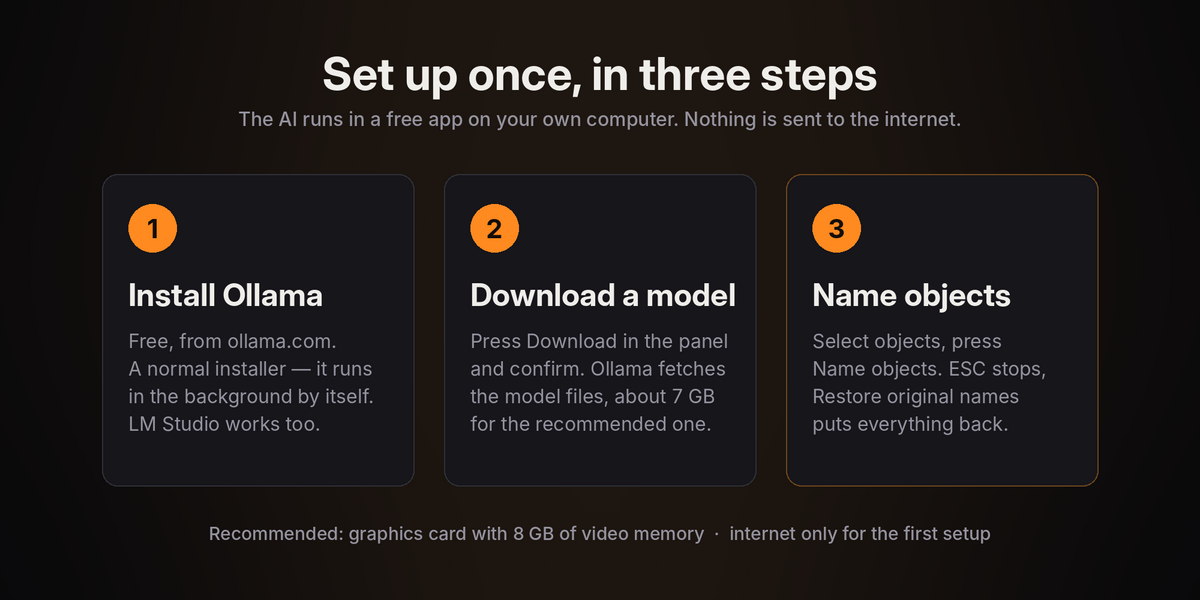
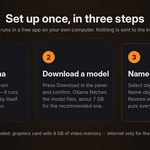
The add-on itself is a small Python package and doesn't contain the AI. The model runs in Ollama (recommended) or LM Studio, free apps you download from ollama.com or lmstudio.ai and install yourself, the add-on never installs software for you. You also need a vision model; the recommended Qwen 3.5 9B is about 7 GB, and with Ollama the add-on can download it for you after you confirm (in LM Studio you download it inside LM Studio). Add Blender 4.2 or newer and ideally a graphics card with 8 GB of video memory. Weaker cards work with the smaller models in the list, they're just slower and a bit less accurate.
You need the internet only for this first setup. After that it all works offline, and your scenes never leave your computer: the add-on talks to Ollama or LM Studio over localhost and nothing else. No accounts, no subscription, no cloud. I've tested it on Windows. Ollama and LM Studio also run on macOS and Linux and the add-on should work there too, but I haven't checked those myself yet.
About AI
AI Object Namer uses AI models to suggest names. The models run locally and come under their own open licenses (the recommended Qwen models are Apache 2.0). Parts of the add-on's code were written with the help of AI tools and then tested by me.