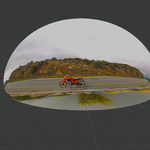
Ai Studio Blender Addon HDRI to Real World
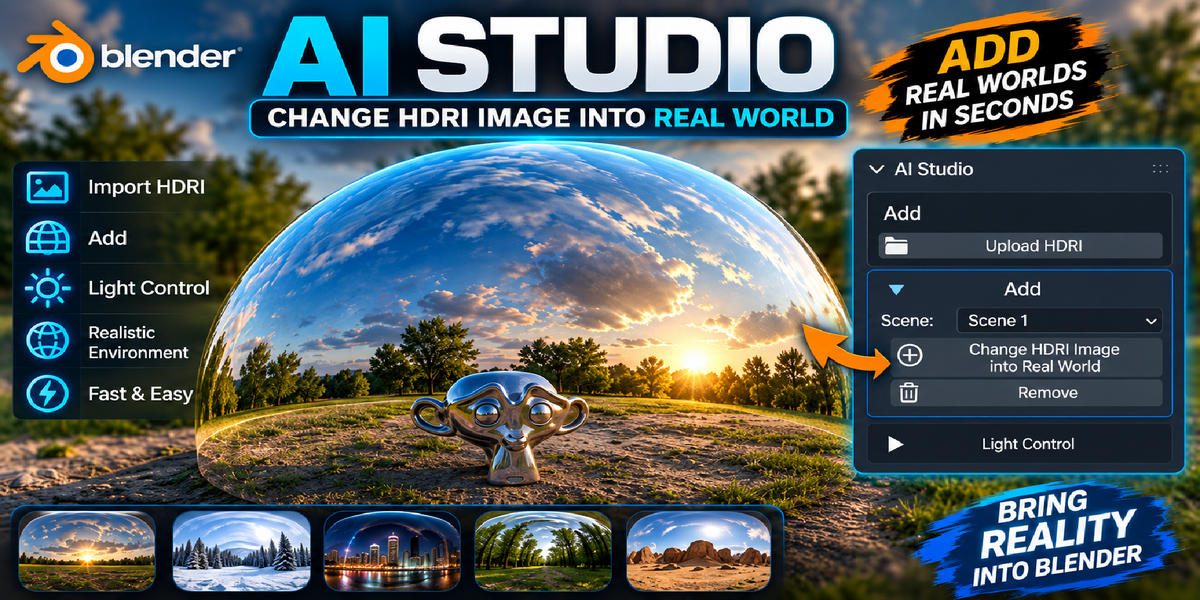
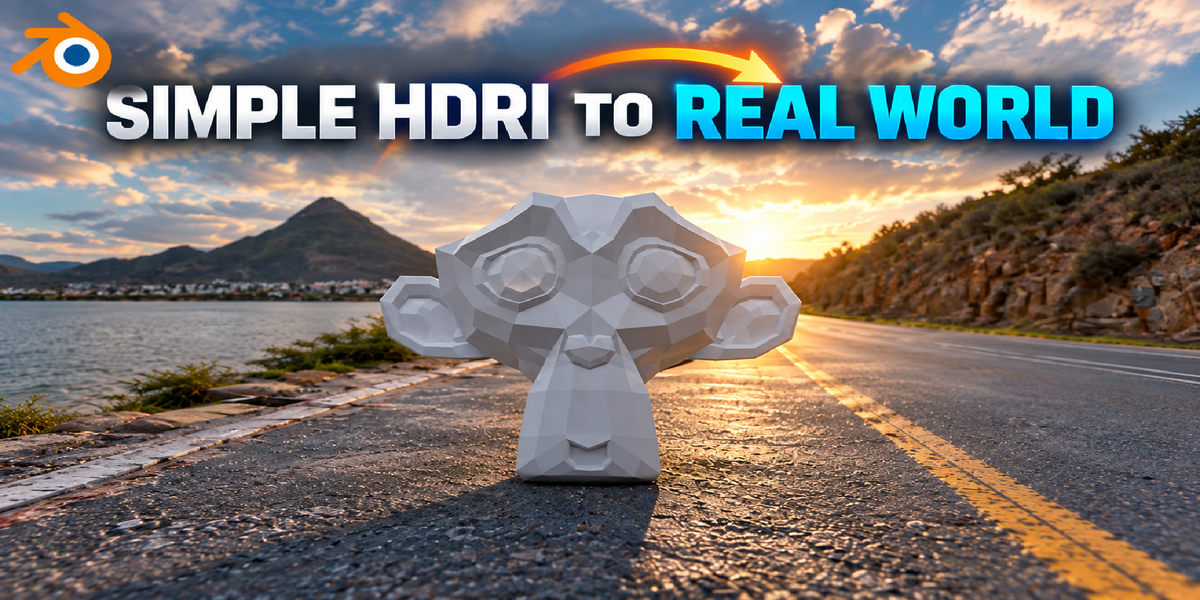
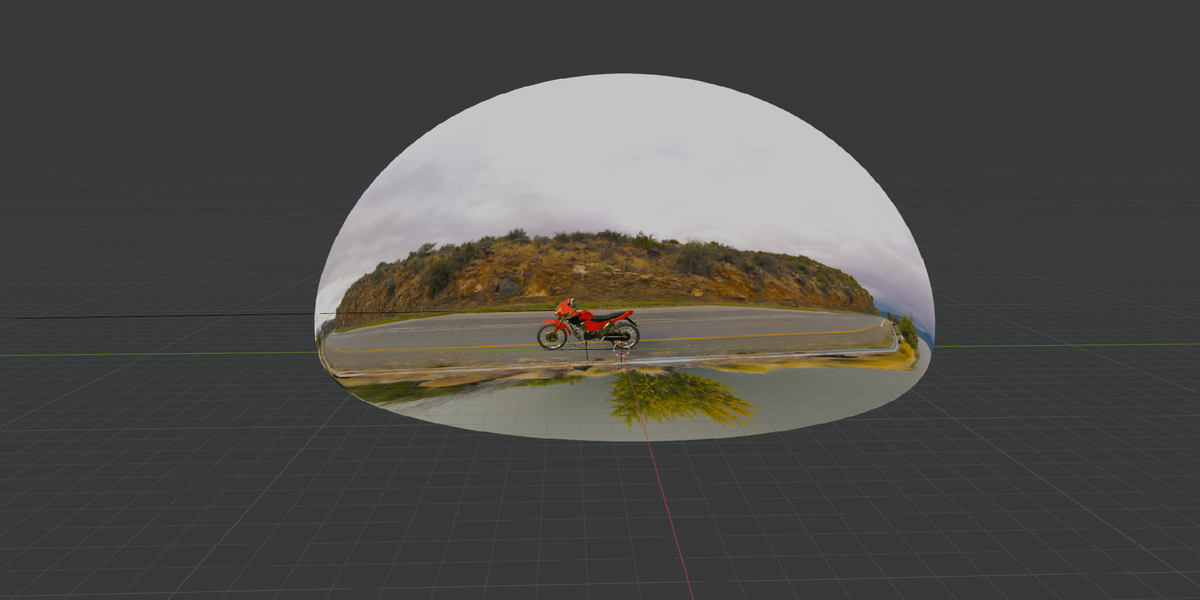
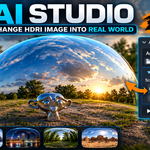
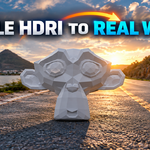
HDRI to Real World is a Blender addon that helps you quickly create a realistic 3D ground environment that matches your HDRI.
Instead of manually modeling and setting up a ground surface, this addon gives you a fast and simple workflow to make your HDRI scenes feel more natural and realistic.
Features
-
Create a realistic ground environment from your HDRI
-
Match the ground with your HDRI environment
-
Simple and easy-to-use workflow
-
Save time on manual scene setup
-
Perfect for VFX and compositing
-
Great for product visualization and cinematic scenes
-
Helps prevent 3D objects from looking like they are floating
-
Works directly inside Blender
How to Use
-
Open Blender and install the HDRI to Real World addon.
-
Open the addon panel.
-
Add or load your HDRI environment.
-
Use the addon controls to create the matching ground.
-
Adjust the available settings to achieve the look you want.
-
Place your 3D objects into the scene and render.
The addon is designed to keep the workflow simple, so you can spend more time creating and less time setting up your environment.
Perfect For
VFX • Product Visualization • Architectural Visualization • Cinematic Scenes • 3D Compositing • Realistic Renders
Why HDRI to Real World?
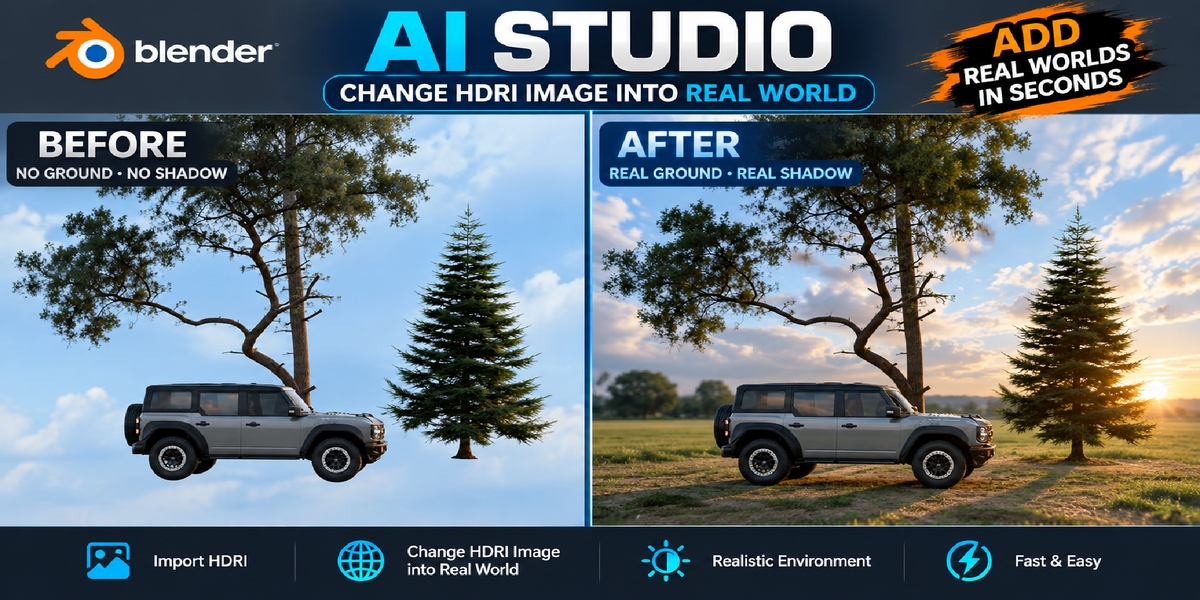
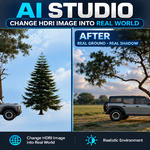
When using an HDRI, your 3D objects can sometimes appear to be floating because there is no matching physical ground in the scene.
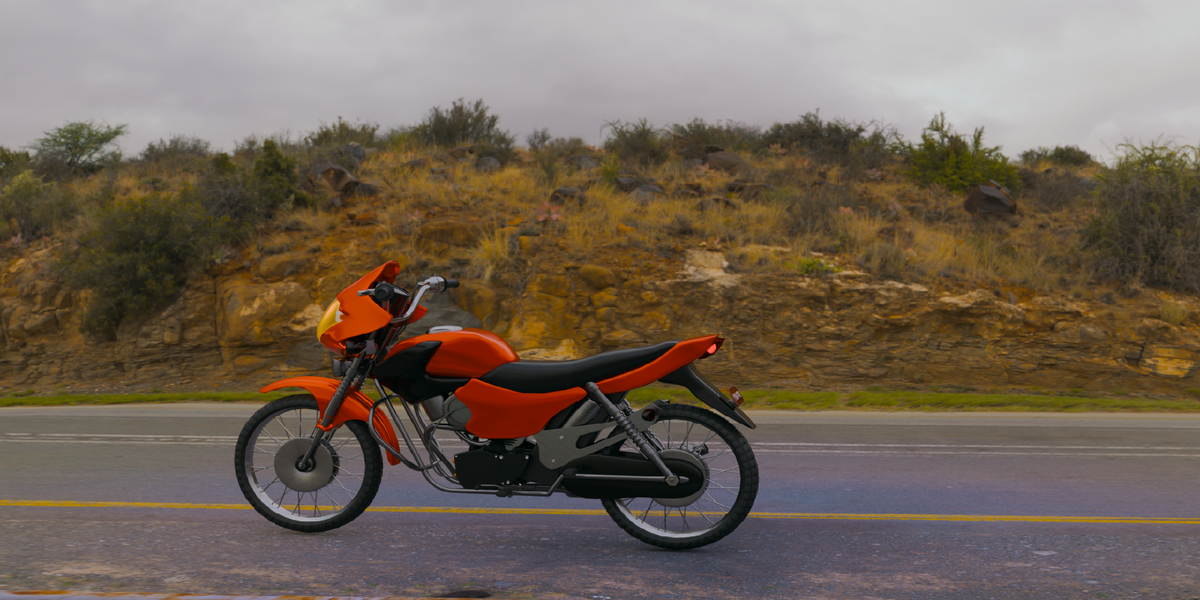
HDRI to Real World solves this problem by helping you create a realistic ground environment that works with your HDRI, giving your scene a more natural and believable result.
Make your 3D objects belong to the world.
HDRI to Real World — Simple. Fast. Realistic.
 Blender house