 ZEG
Installation
- In Blender open Edit, Preferences, Get Extensions, then use Install from Disk and pick the bundle zip (do not unzip it).
- In Edit, Preferences, Add-ons, expand the bundle's entry and click Install all addons. Every addon is installed and enabled.
To install only some addons, unzip the bundle and install the zips you want from its addons folder the same way.
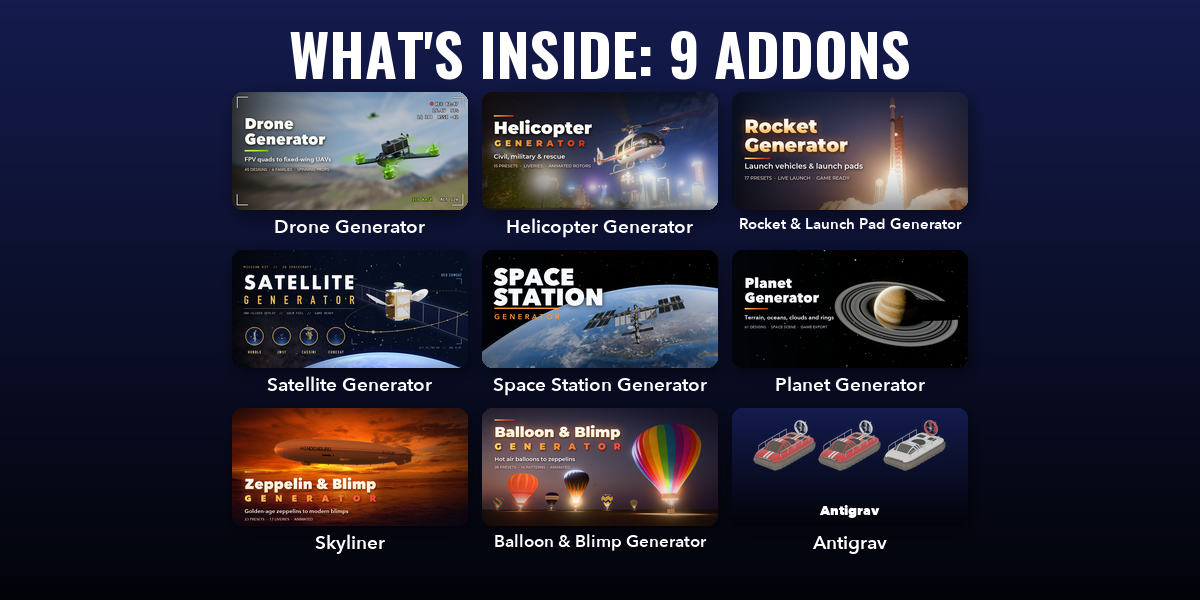
Included addons
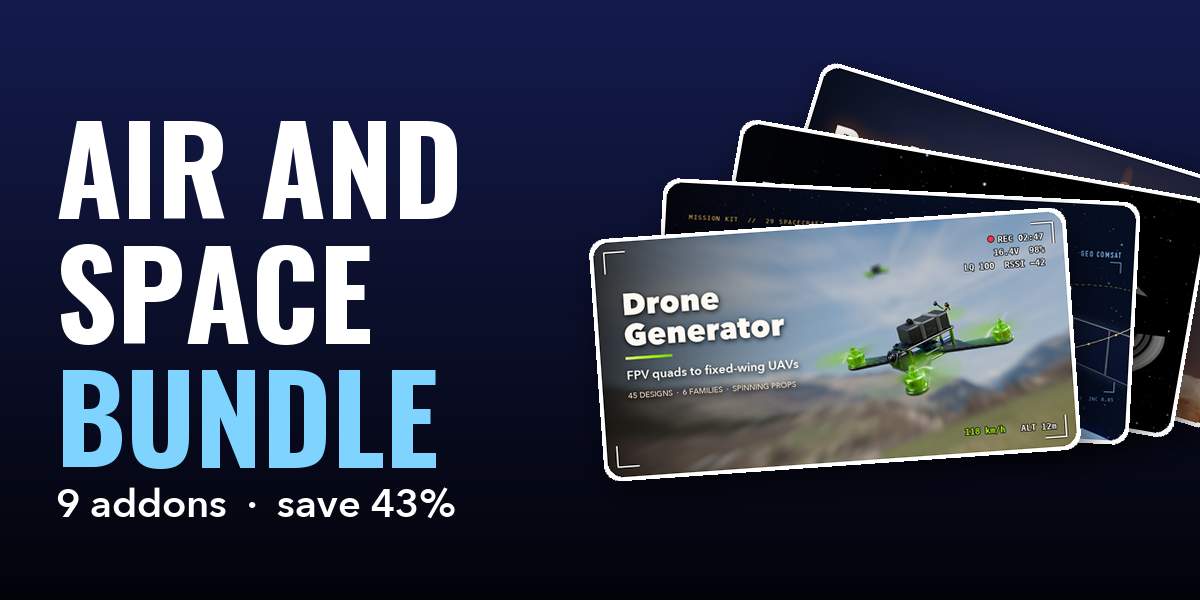
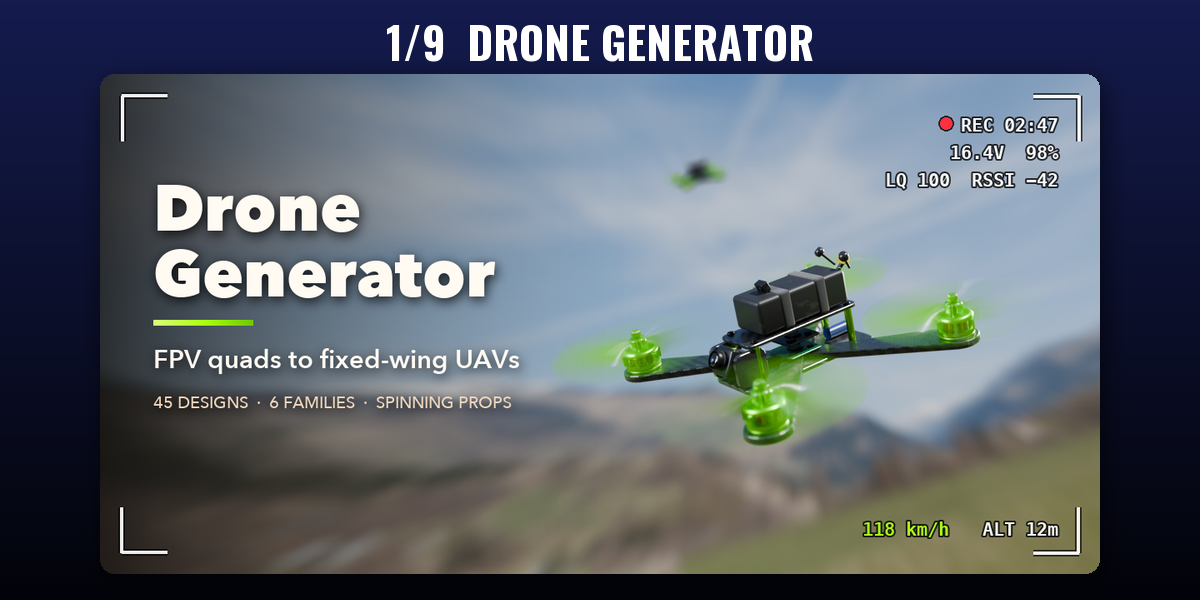
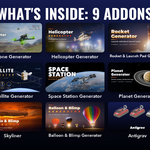
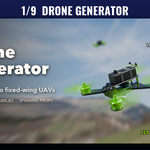
- Drone Generator: Procedural drones from FPV quads to fixed-wing UAVs
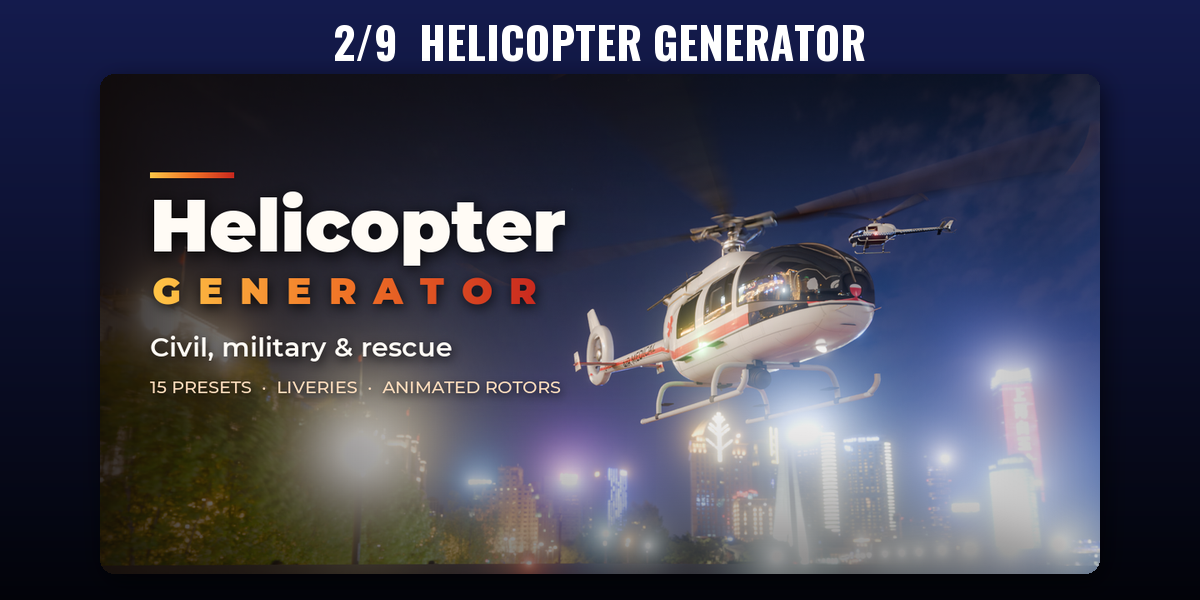
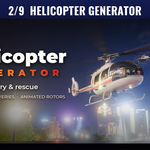
- Helicopter Generator: Civil, military and rescue helicopters with animated rotors
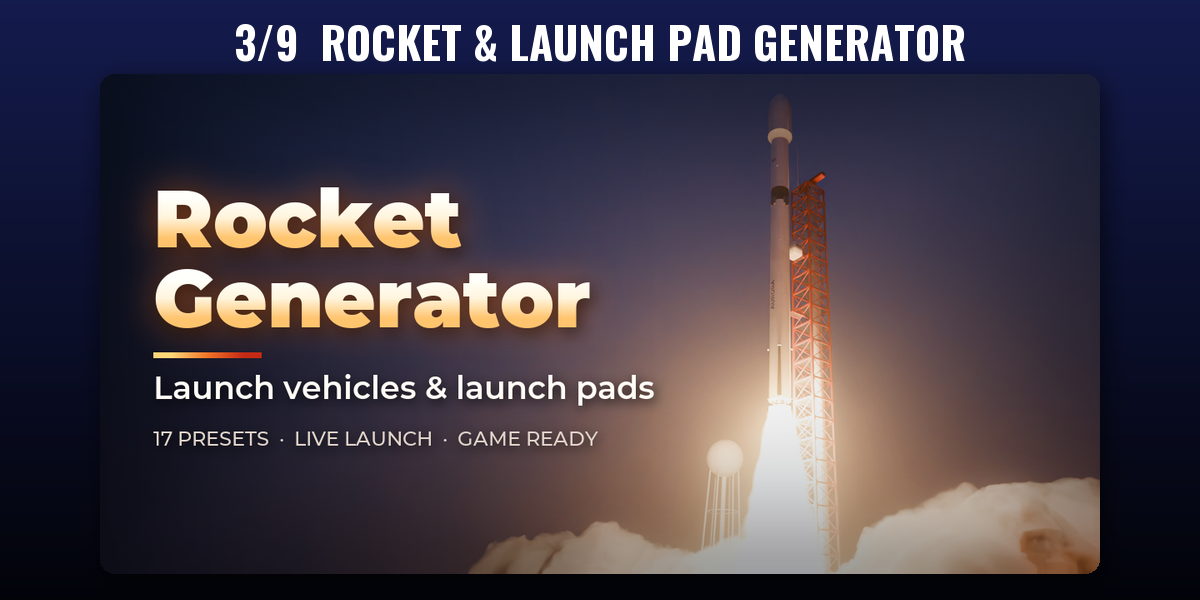
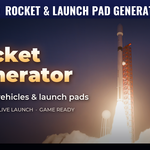
- Rocket & Launch Pad Generator: Launch vehicles, boosters, fairings and launch towers
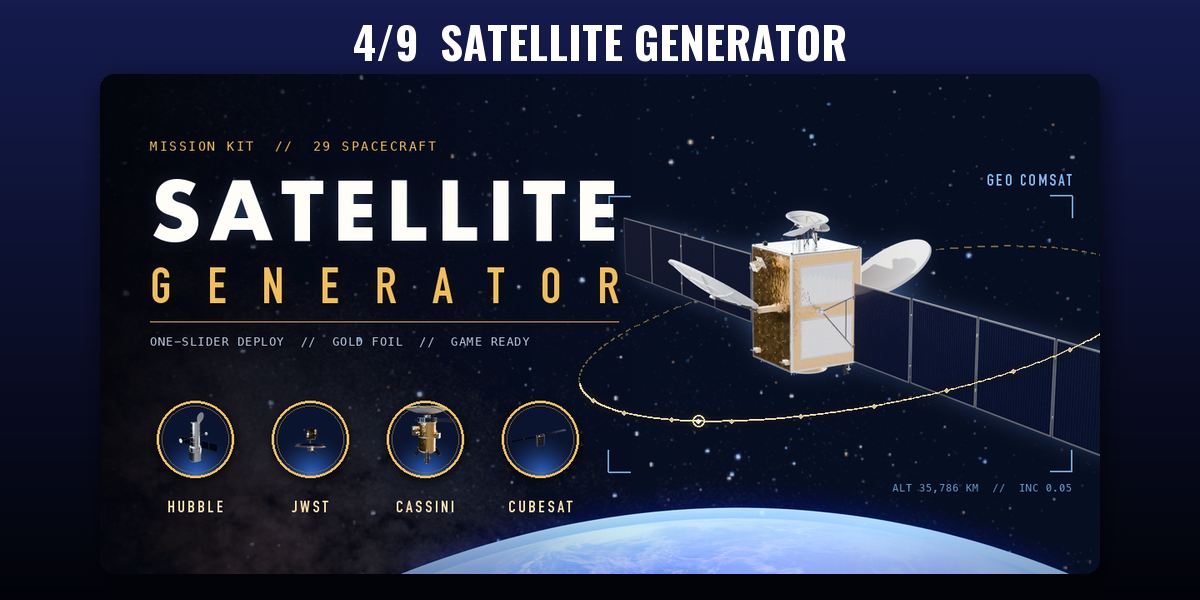
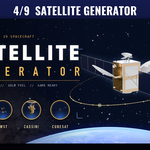
- Satellite Generator: Procedural satellites with solar arrays, dishes and gold foil
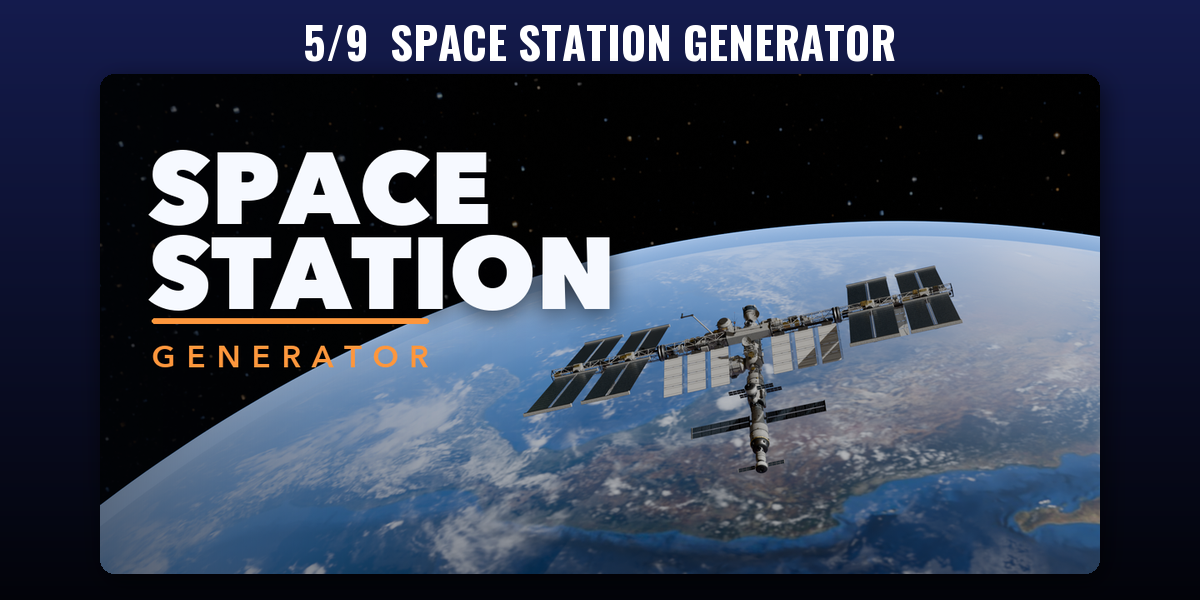
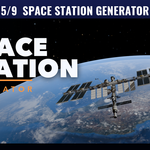
- Space Station Generator: Build ISS, torus and sci-fi stations from modular parts
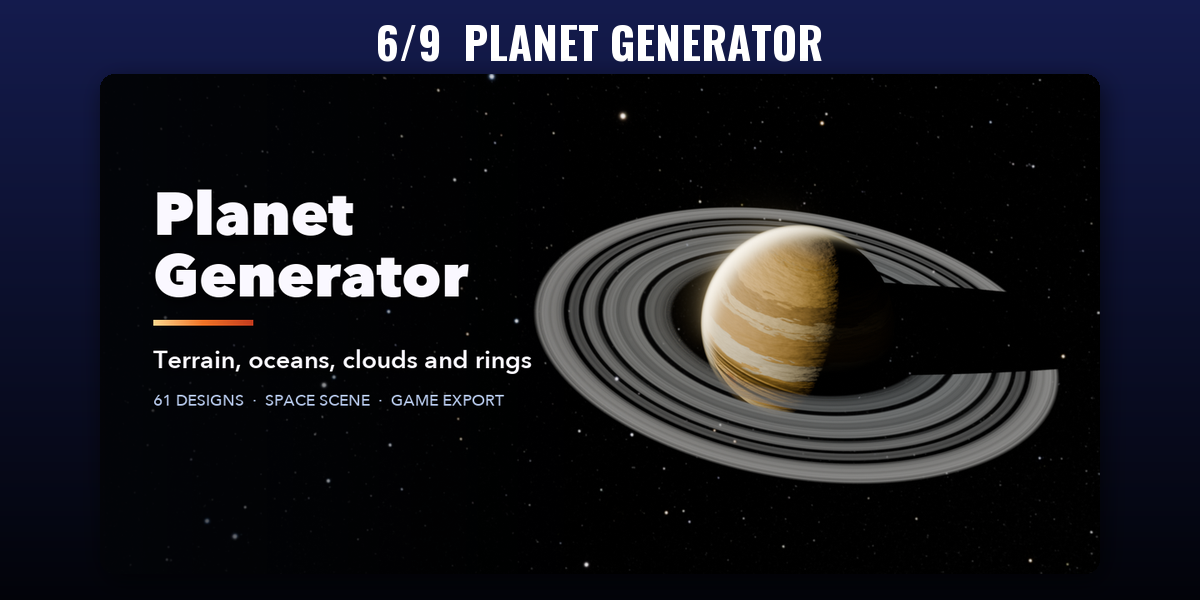
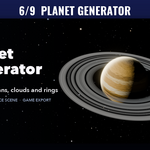
- Planet Generator: Procedural planets with terrain, oceans, clouds and rings
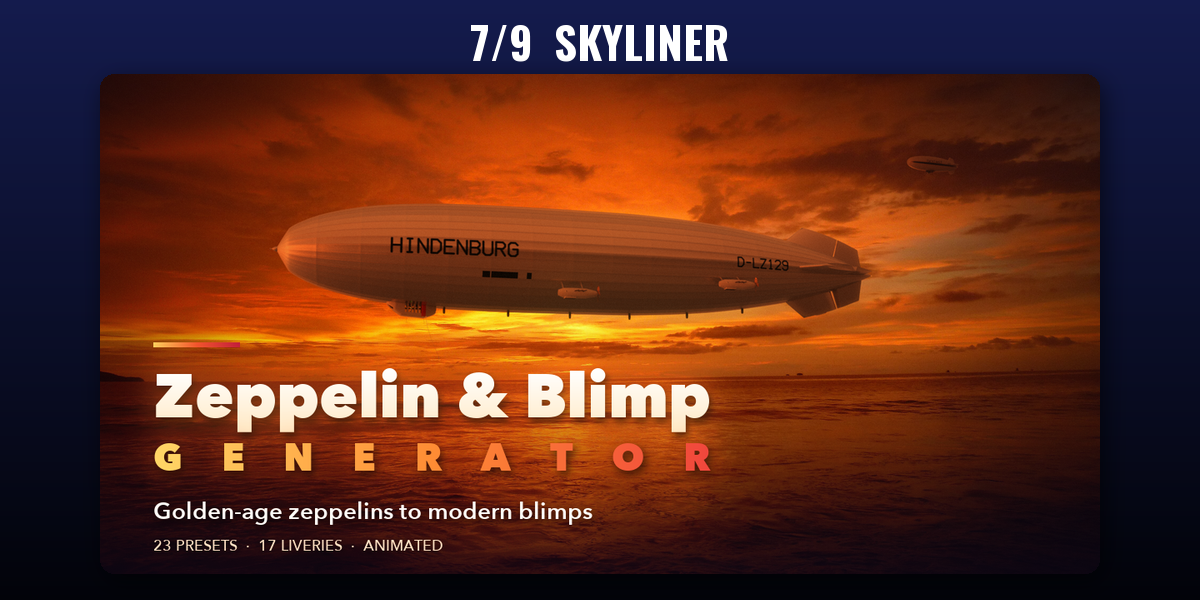
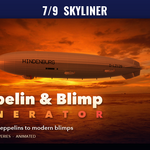
- Skyliner: Rigid zeppelins, blimps, hybrid airships and aerostats
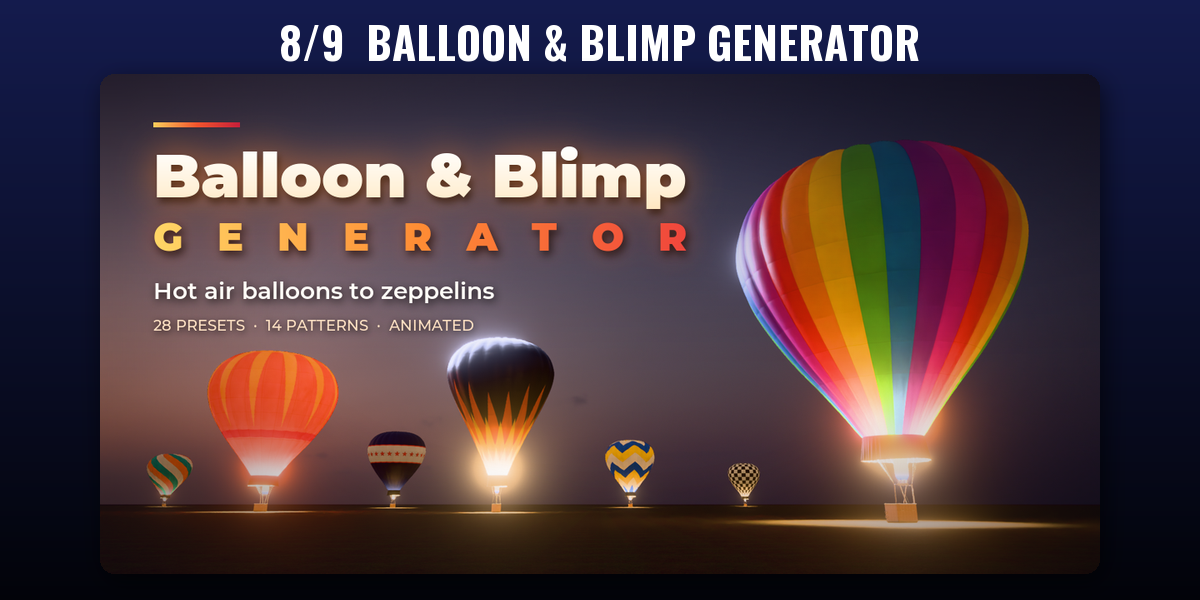
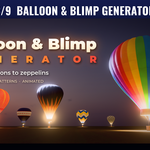
- Balloon & Blimp Generator: Hot air balloons, gas balloons, blimps and zeppelins
- Antigrav: Hover cars, speeder bikes, haulers and hover tanks in one click
Each addon has its own tab in the 3D viewport sidebar (N); see each addon's product page for its full guide.
Have questions about this product?
Login to message
| Blender Extension Compatible | Yes |
| Published | 1 day ago |
| Blender Version | 4.2 - 5.2 |
| Extension Type | Add-on |
| Render Engine Used | Cycles, Eevee |
| License | GPL |

Discover more products like this
Multirotor FPV drone quadcopter Generator aircraft uav VTOL helicopter military procedural vehicle