Aircraft Navigation Part
 Tun3d
Tun3d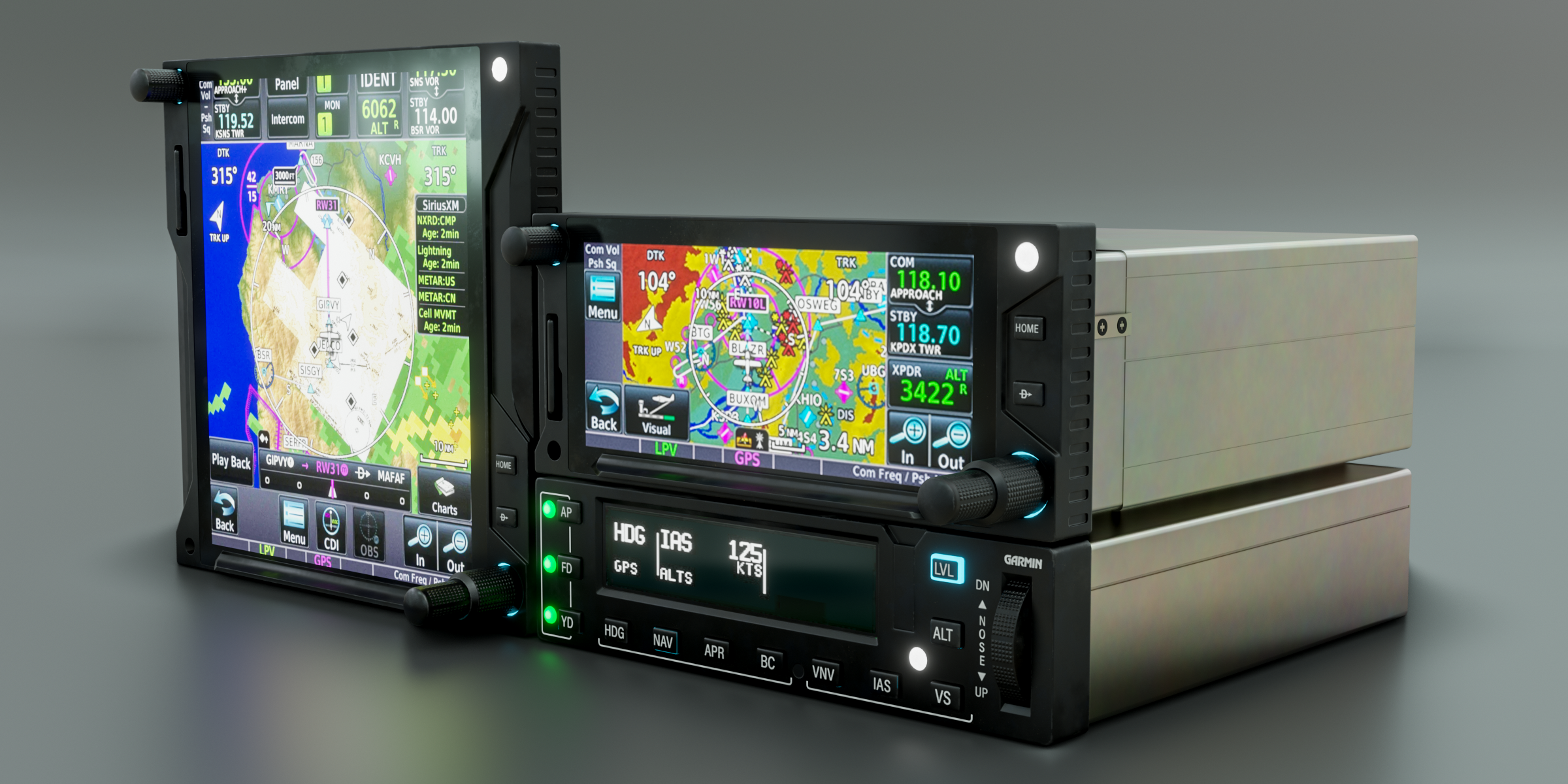
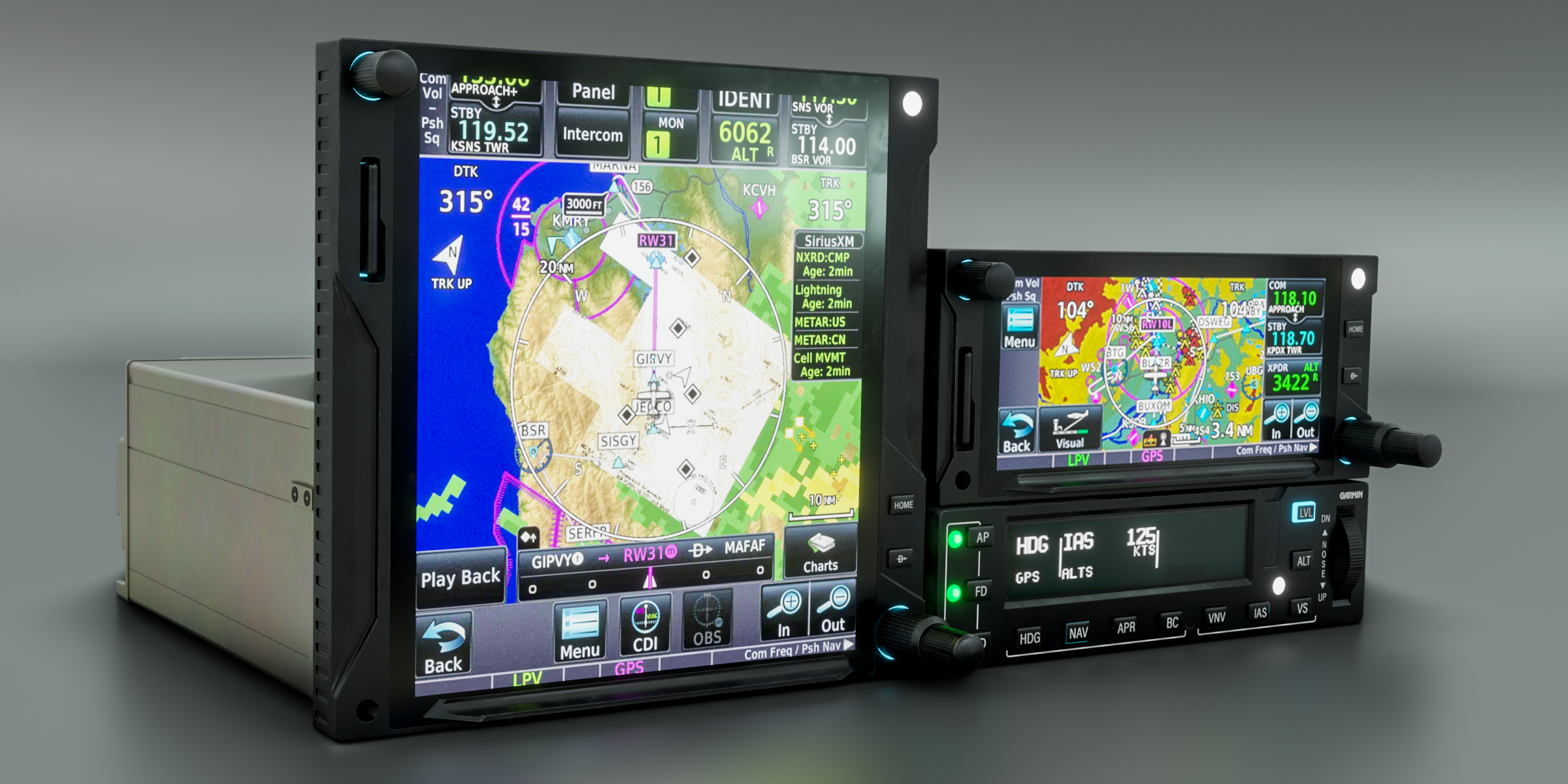
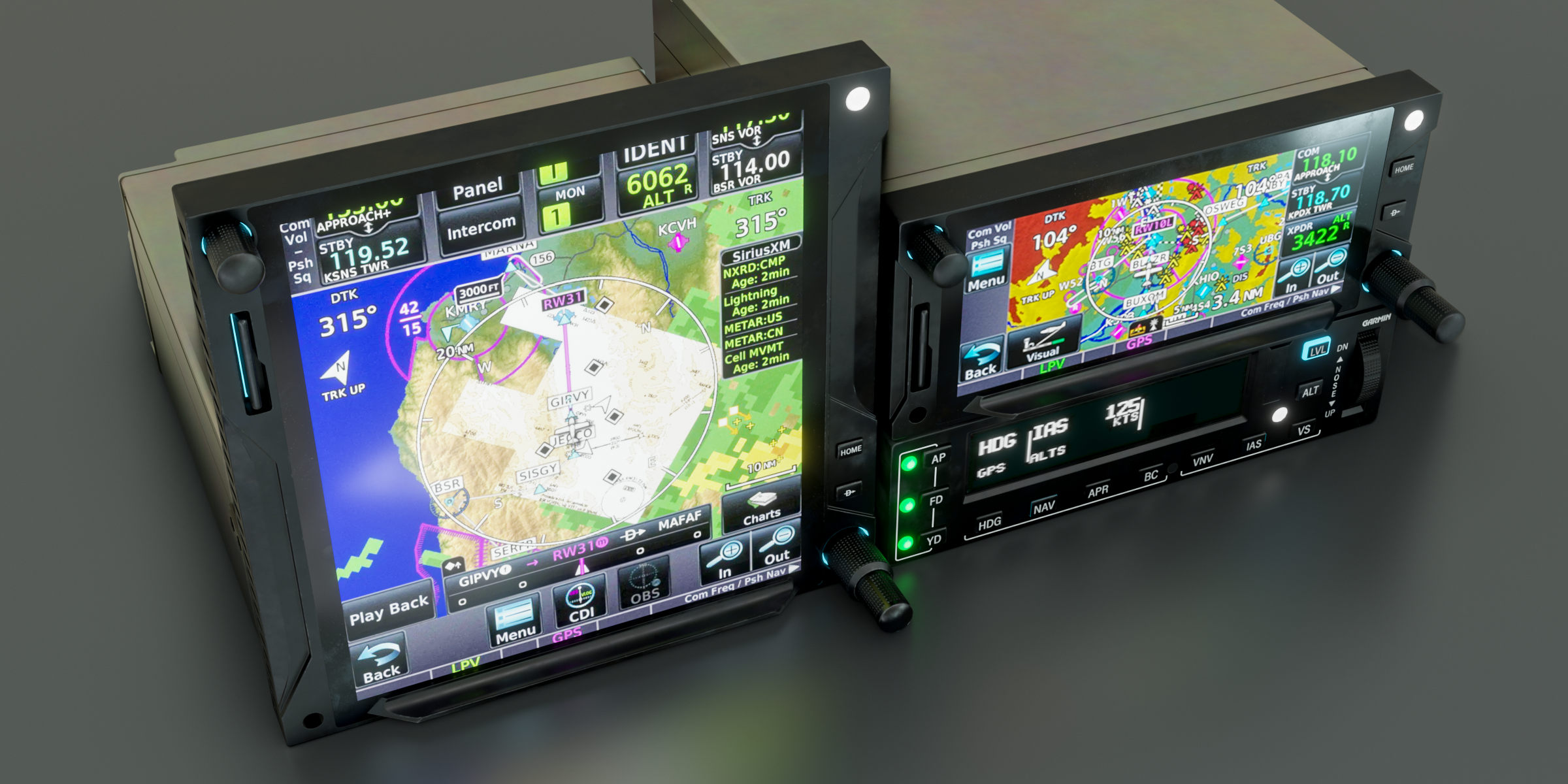
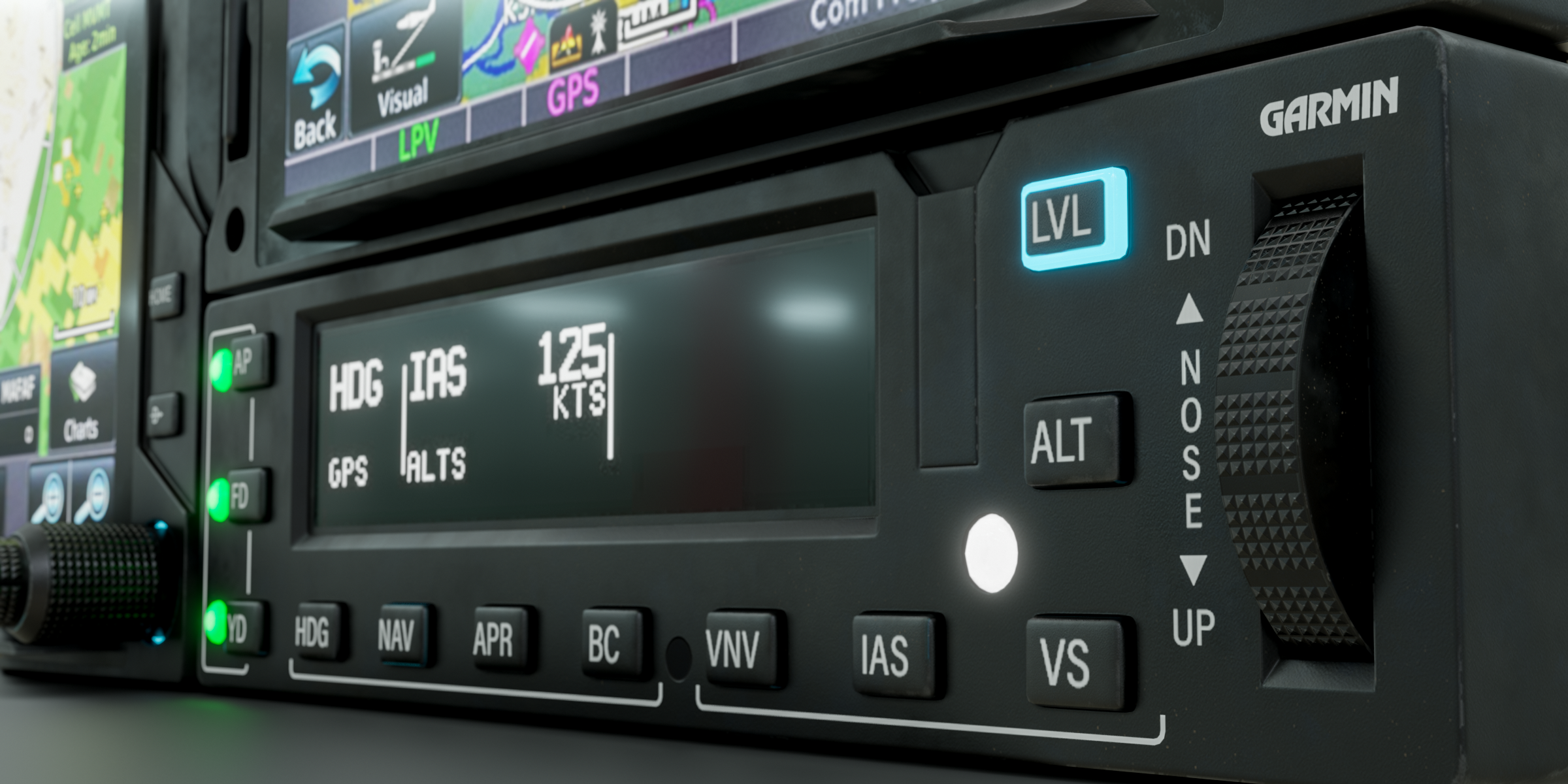
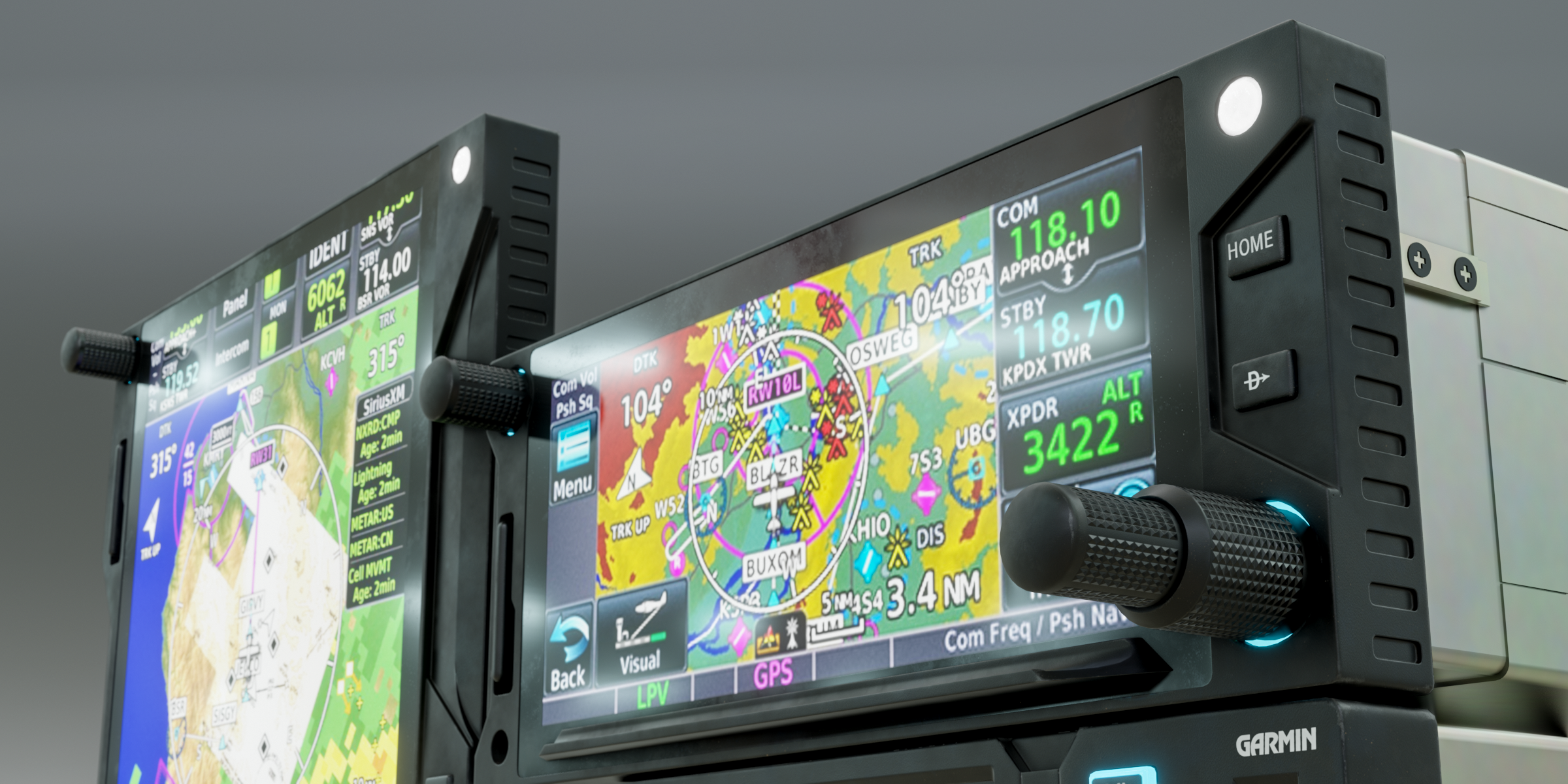
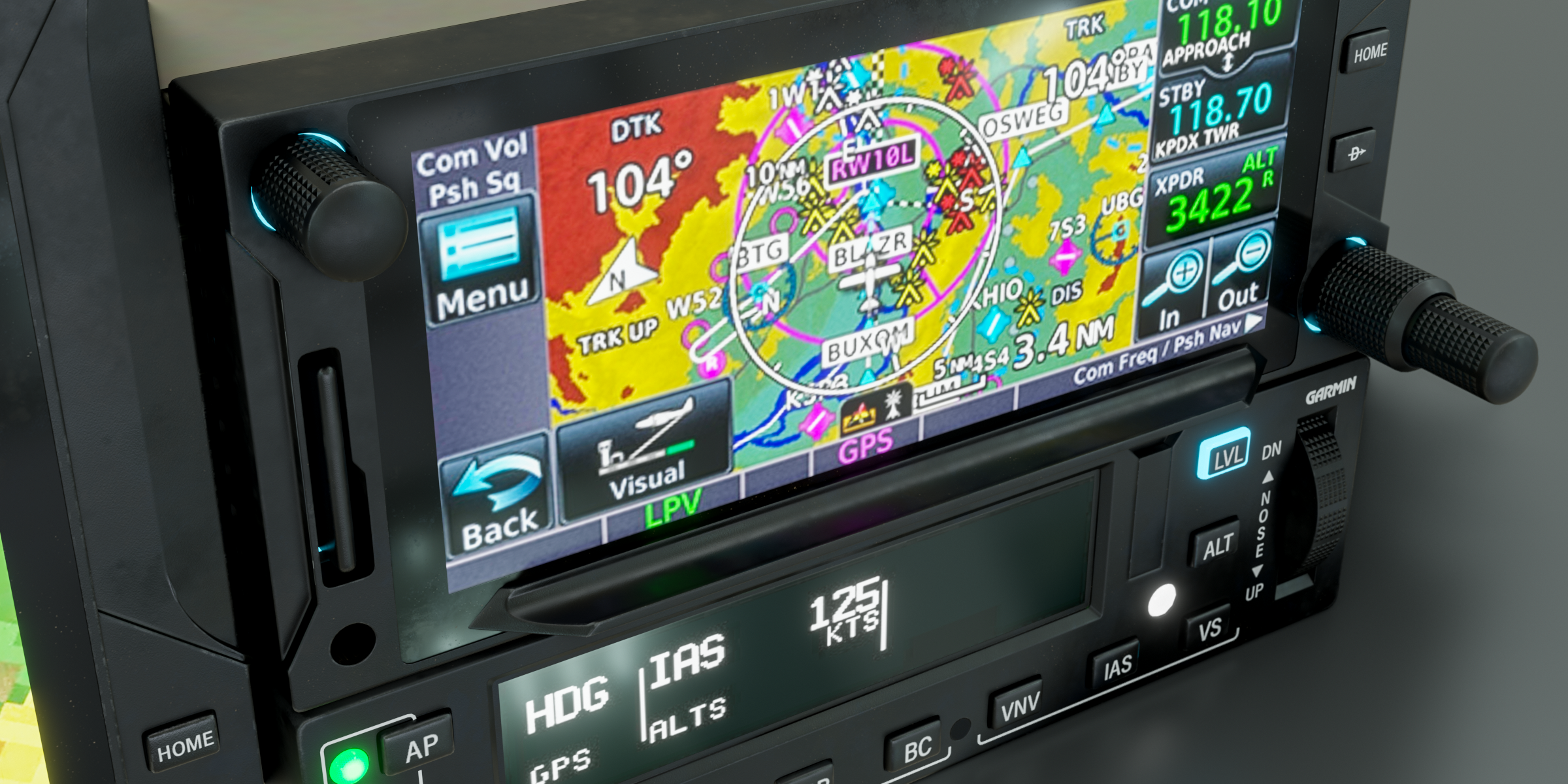
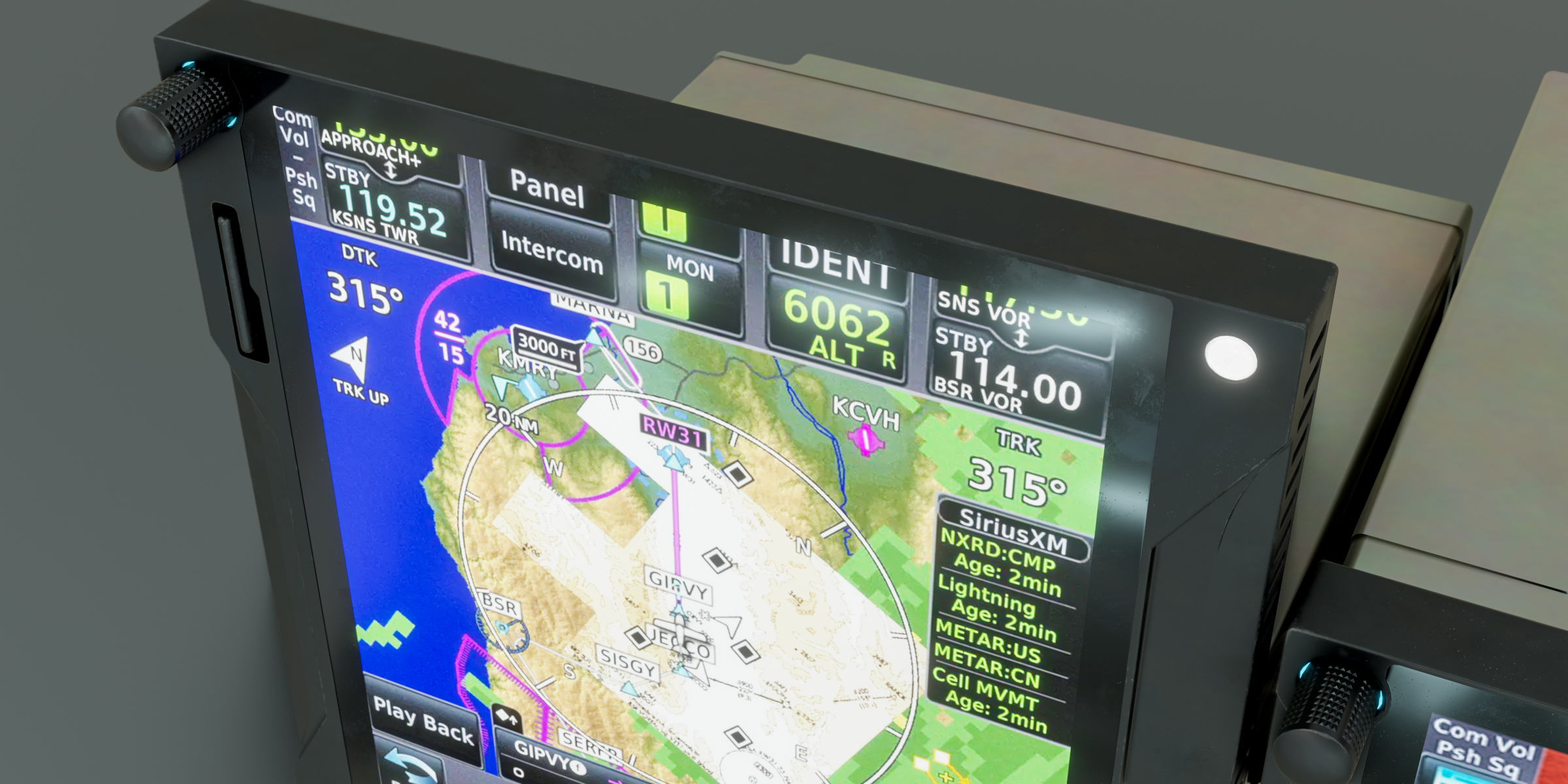
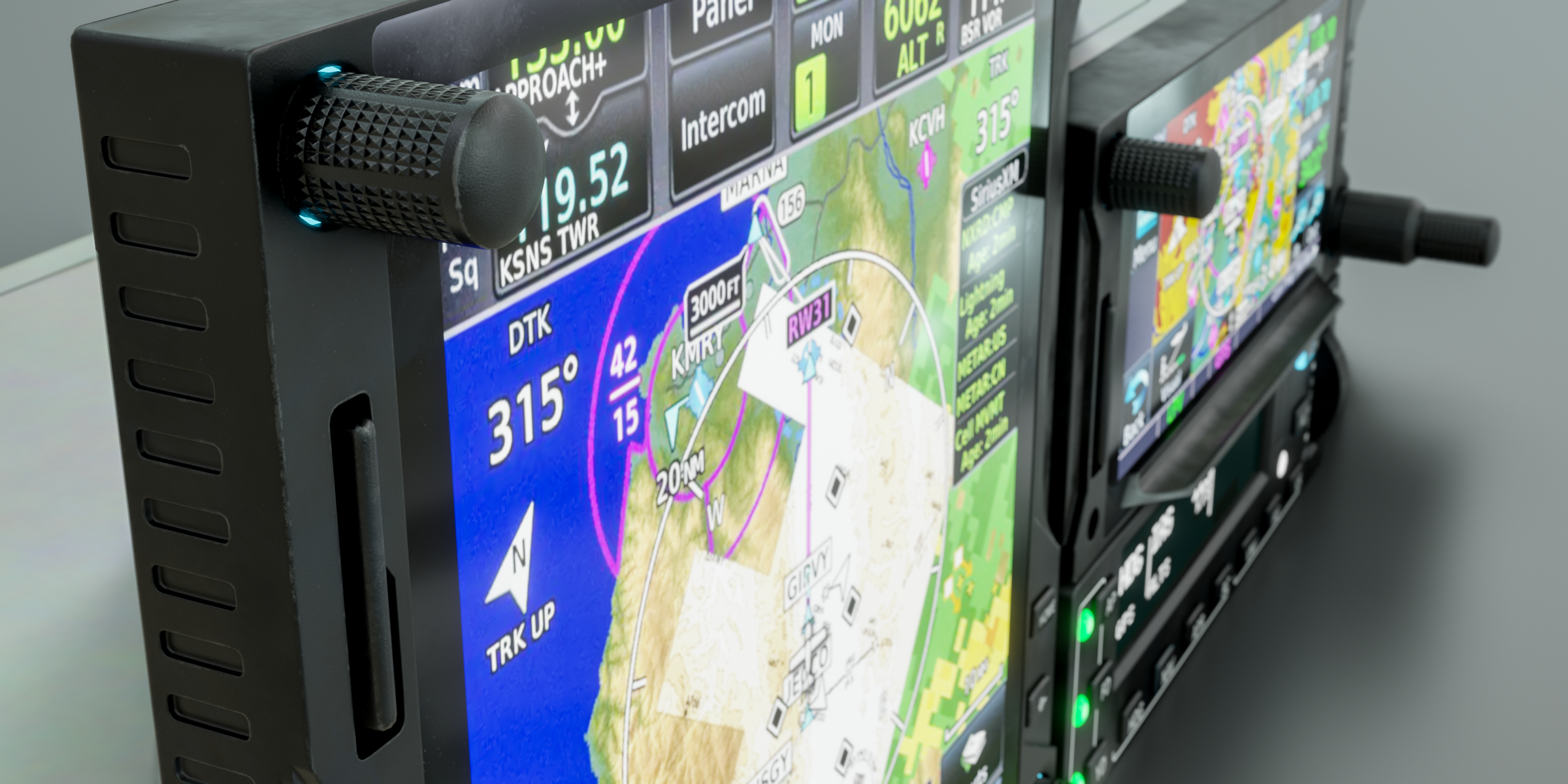
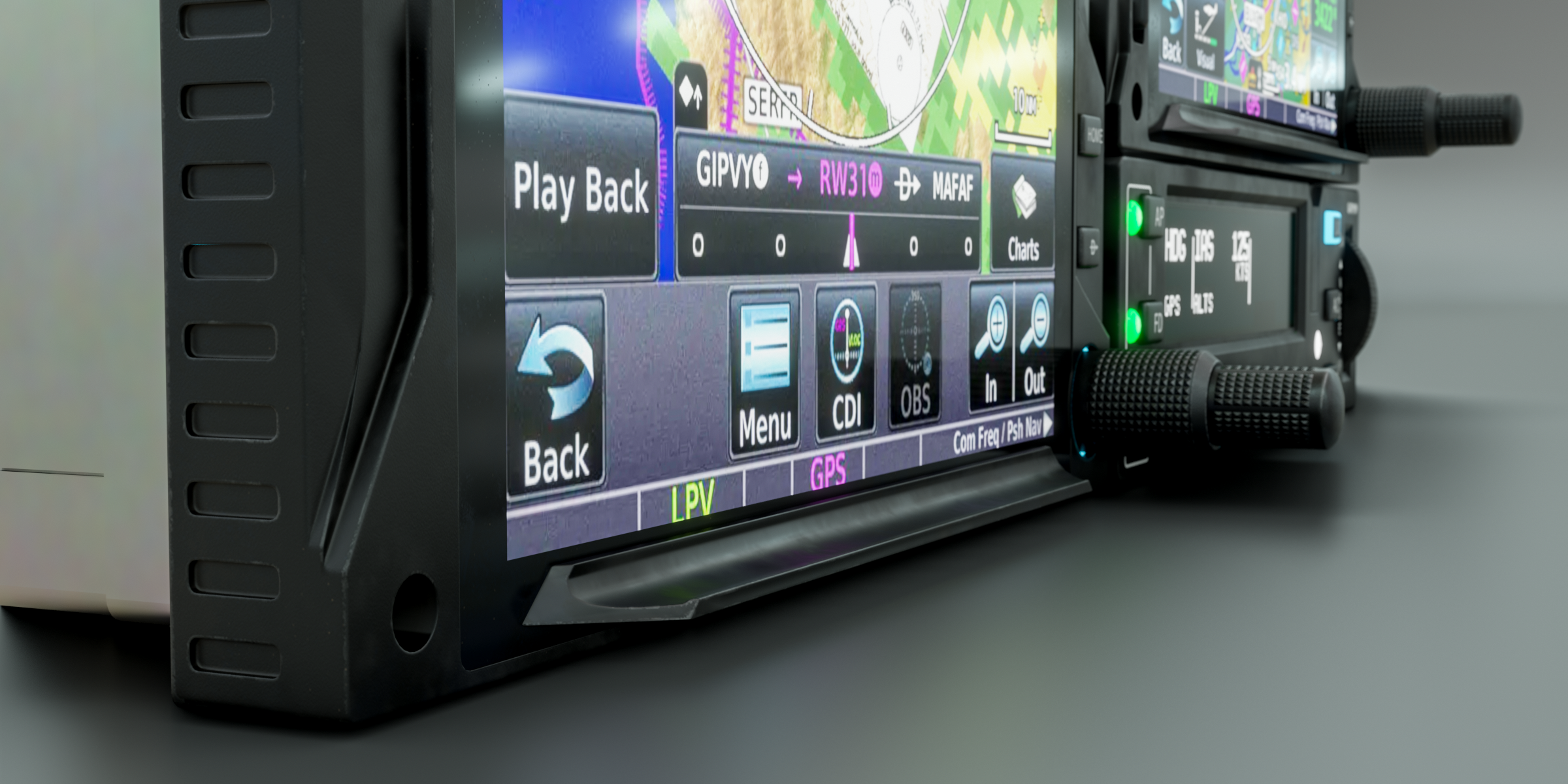
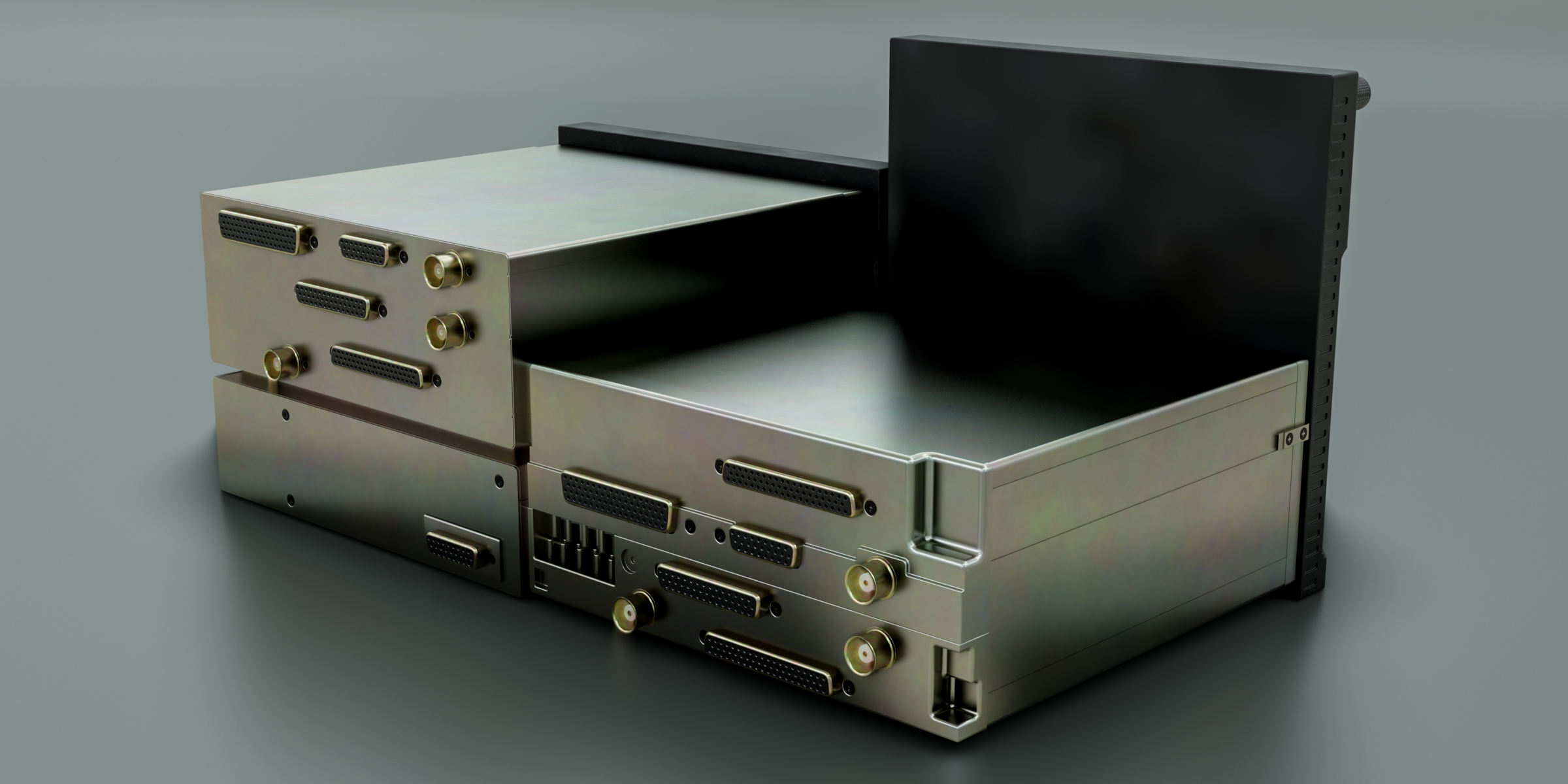
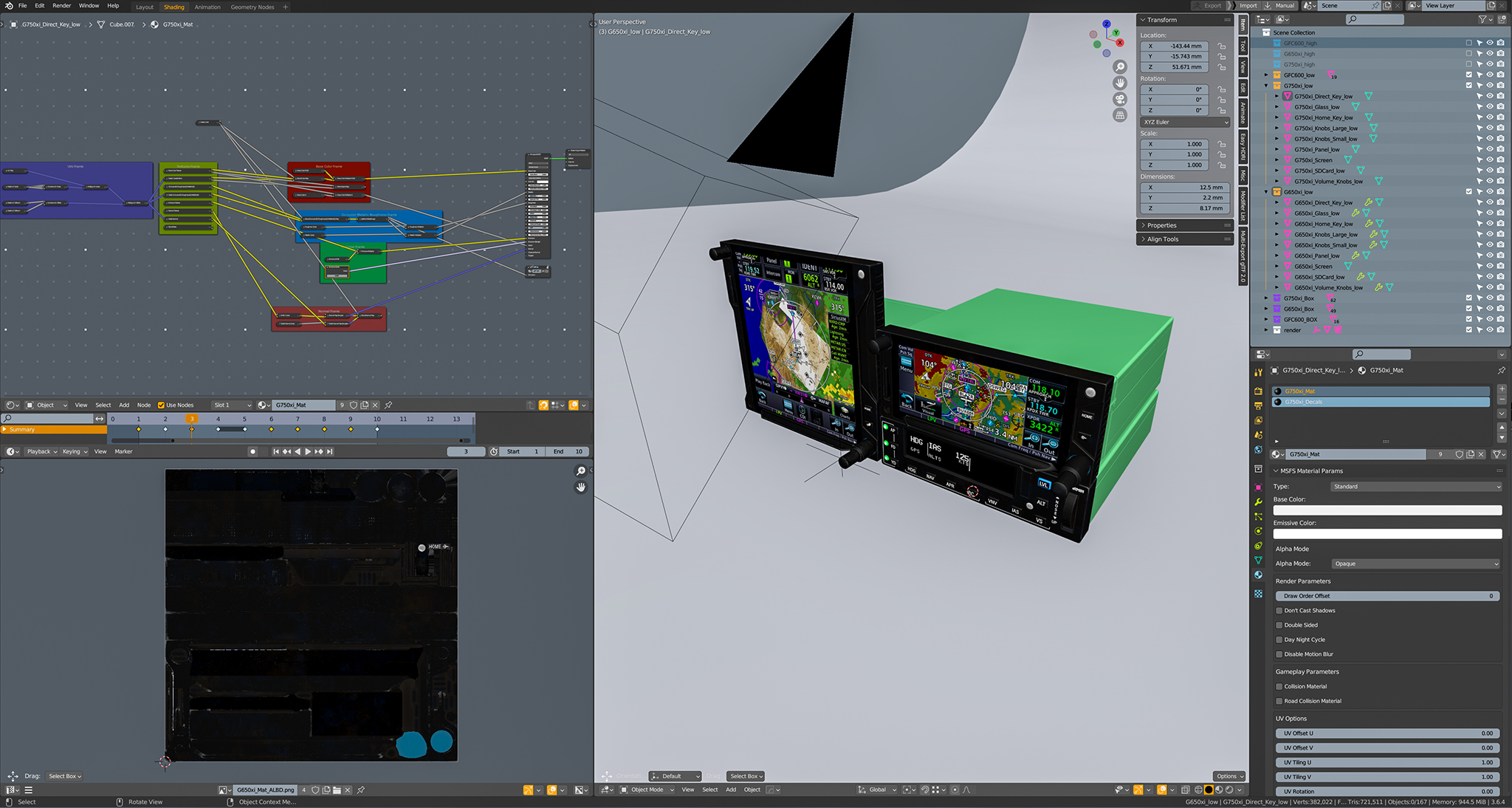
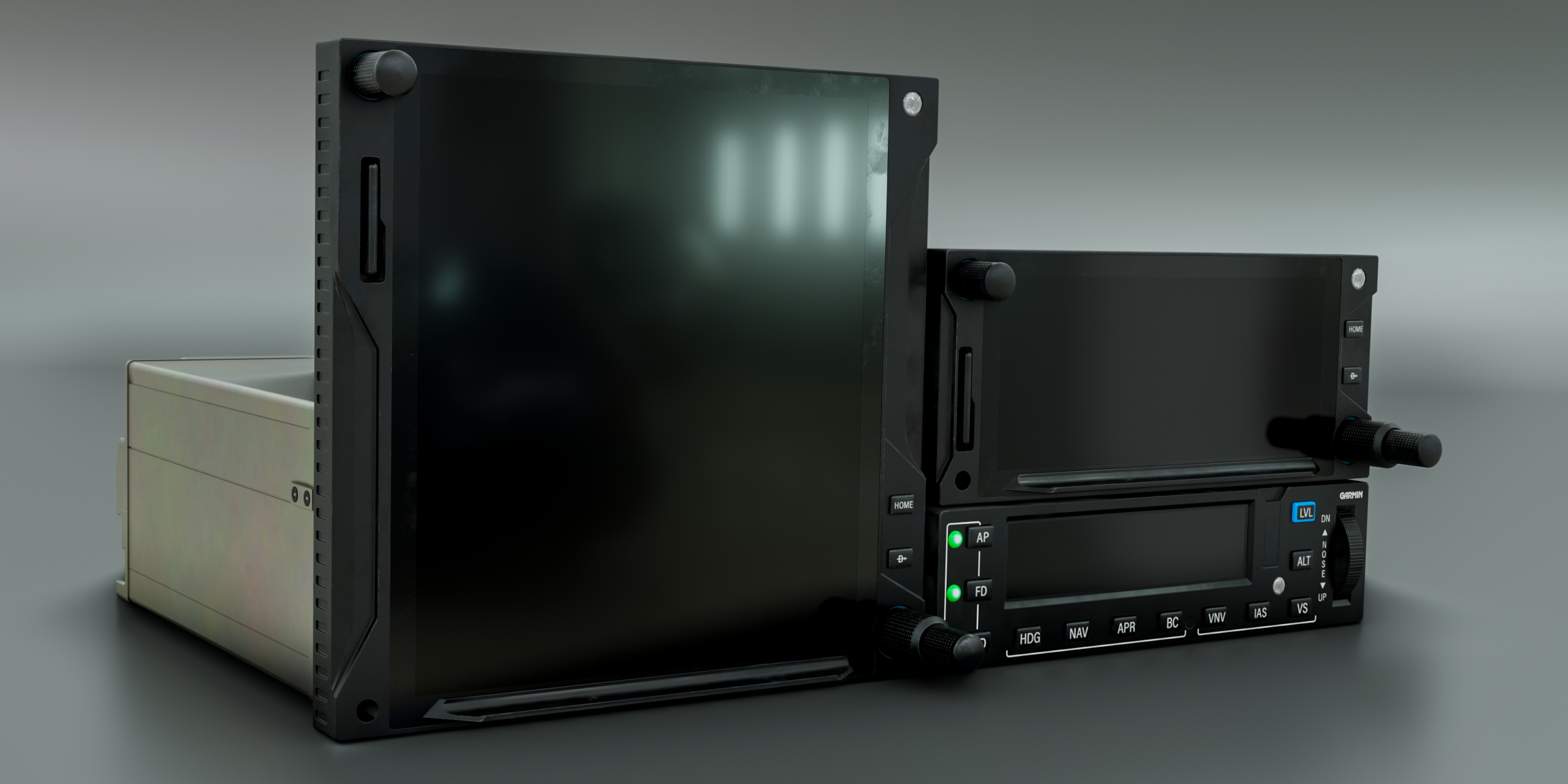
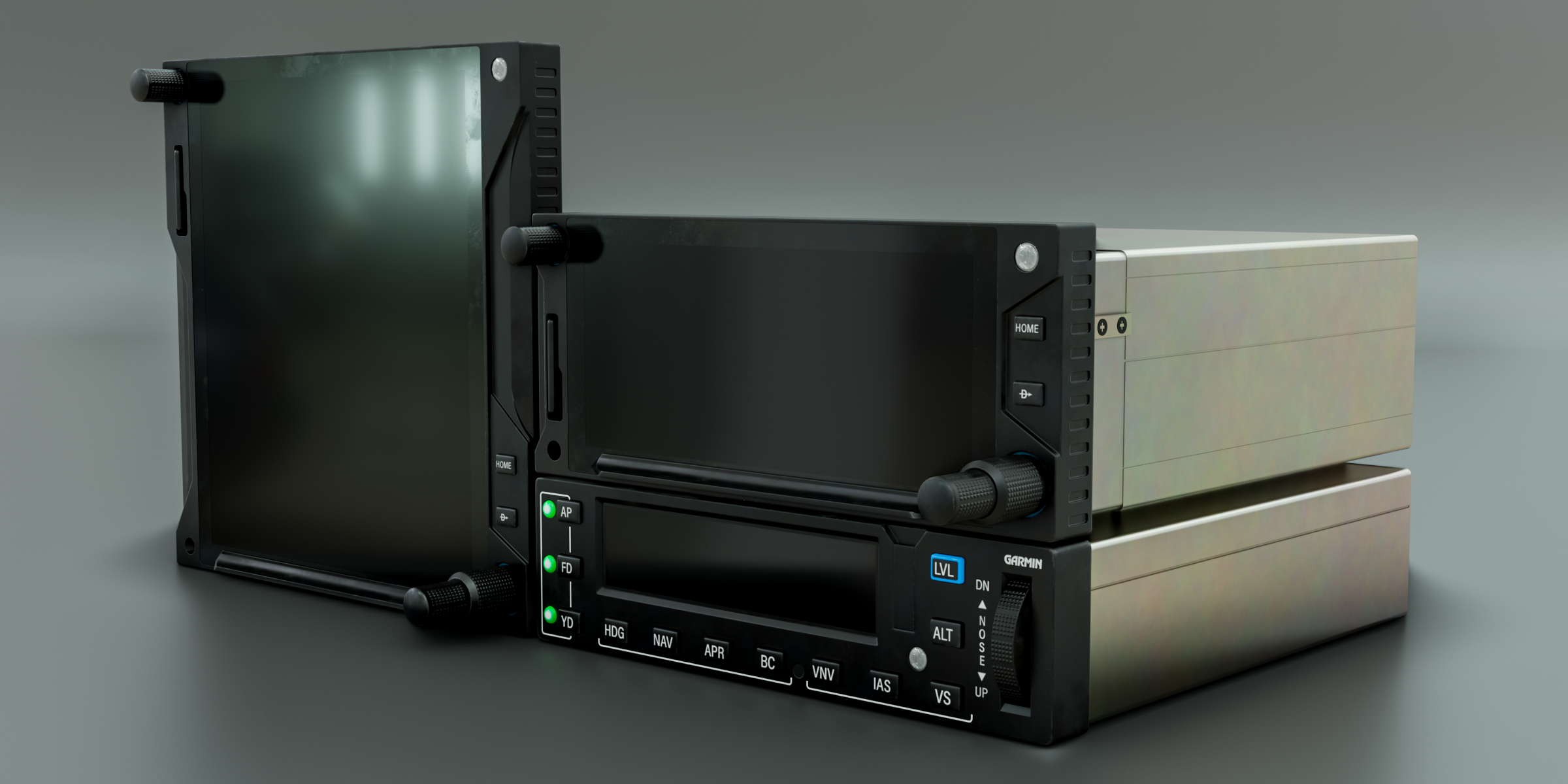
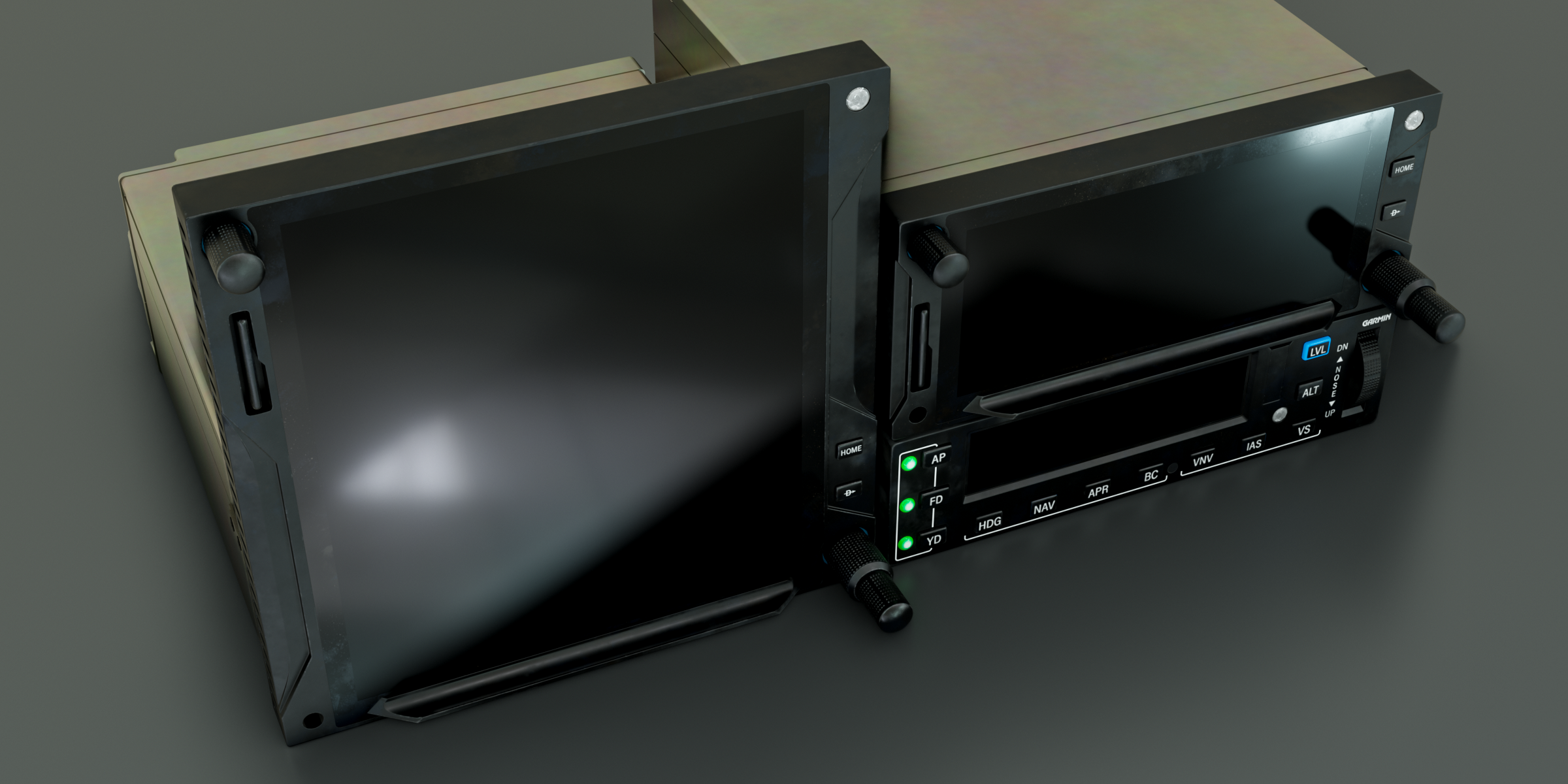
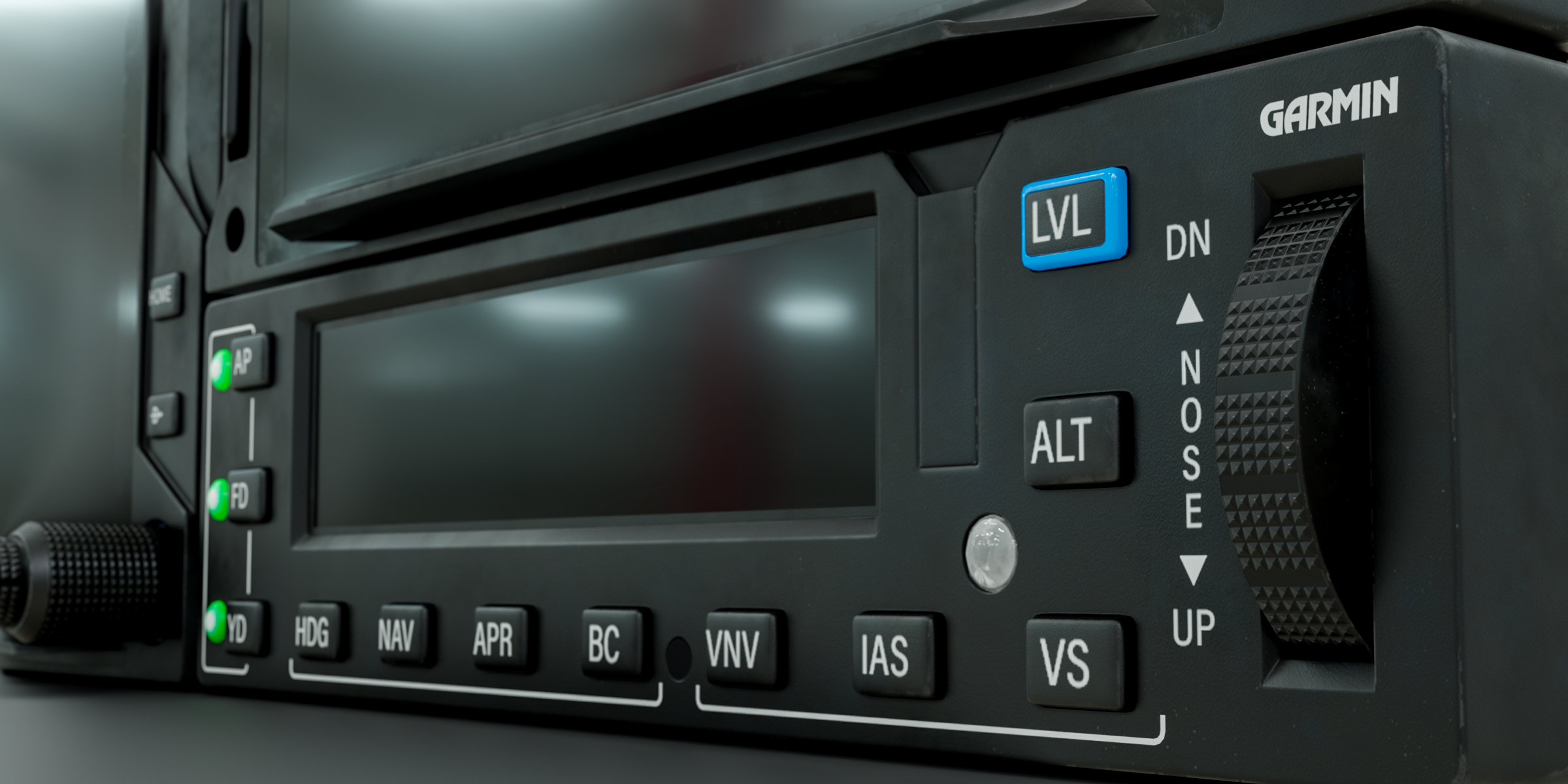
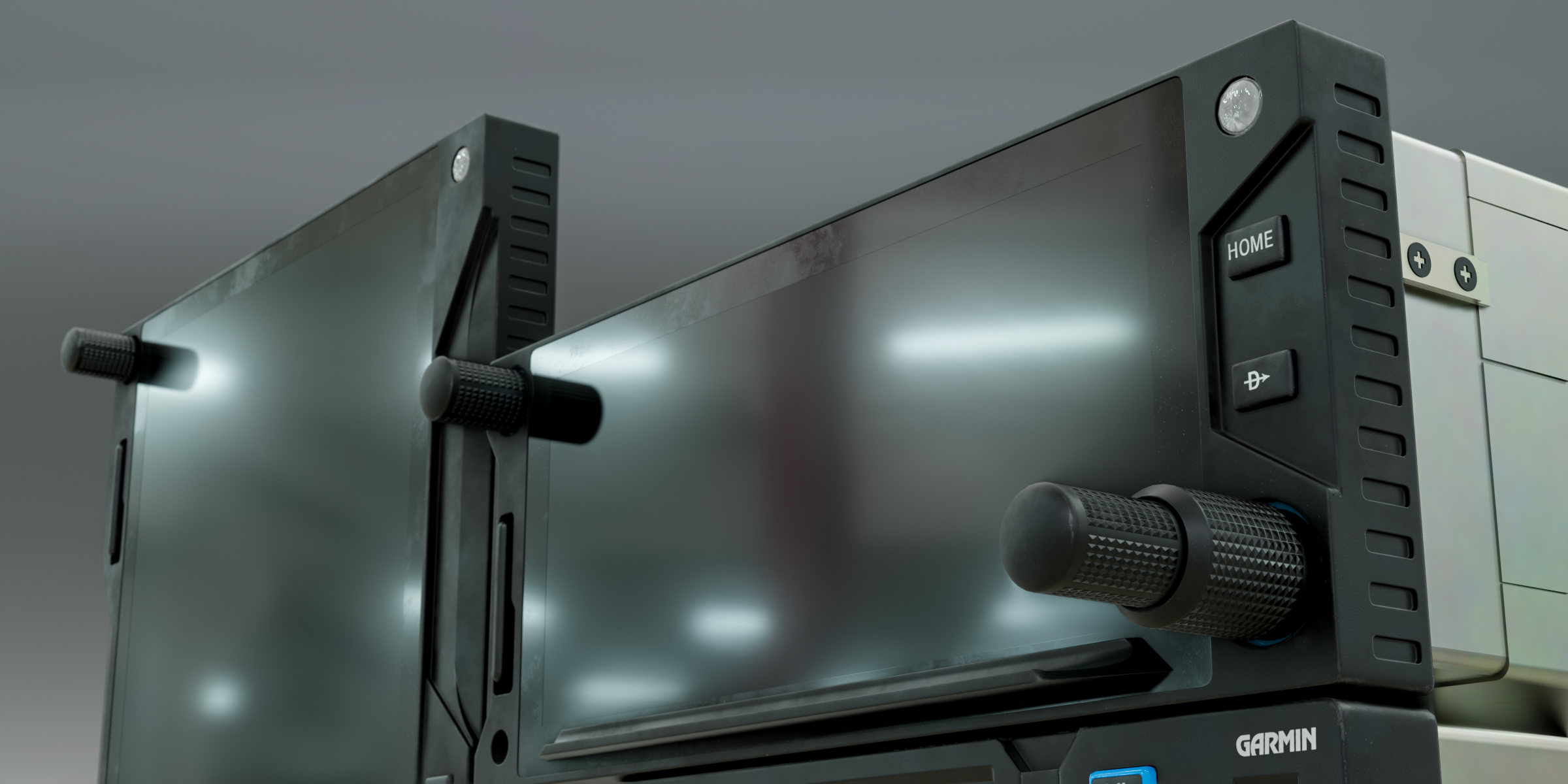
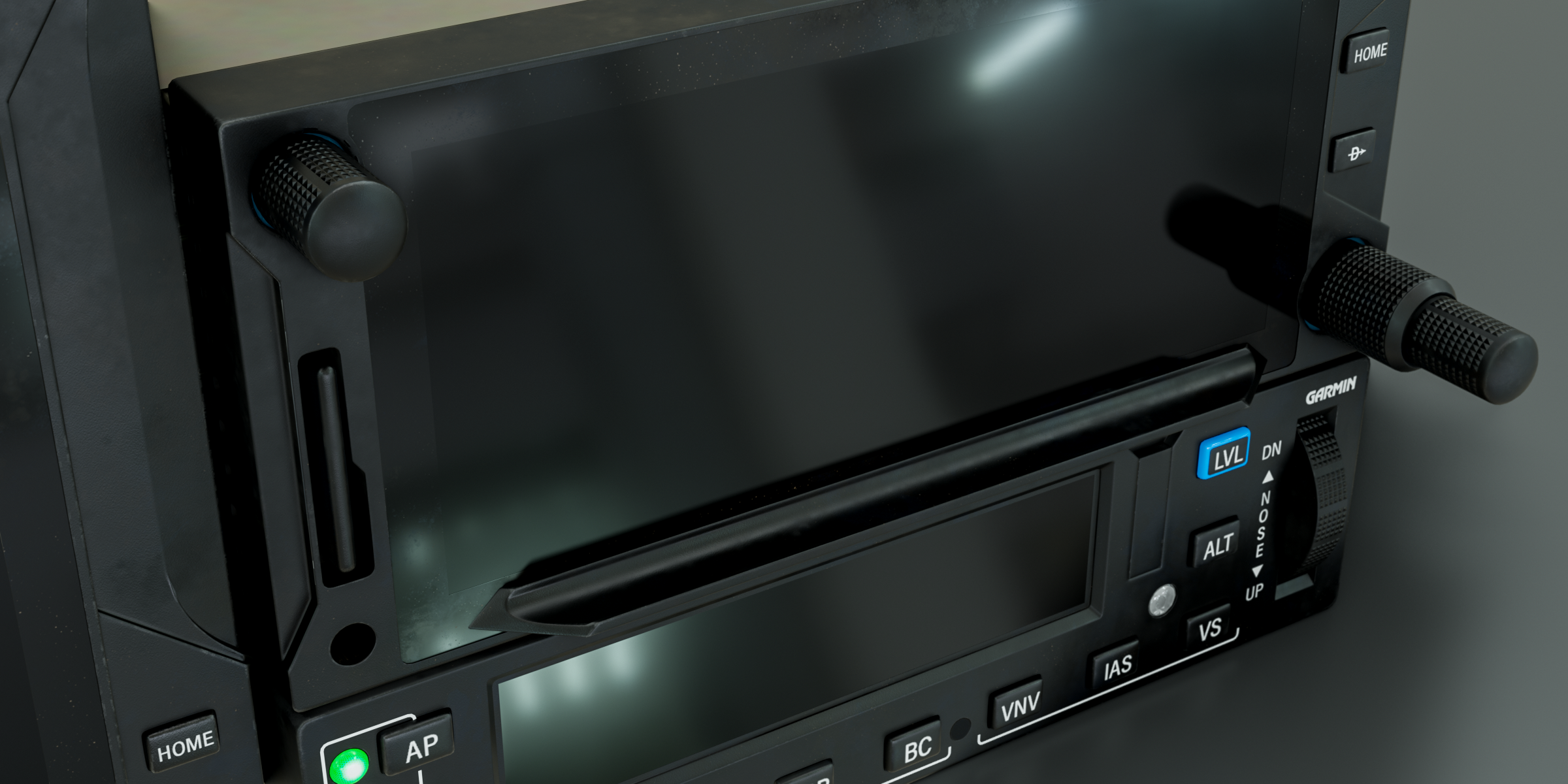
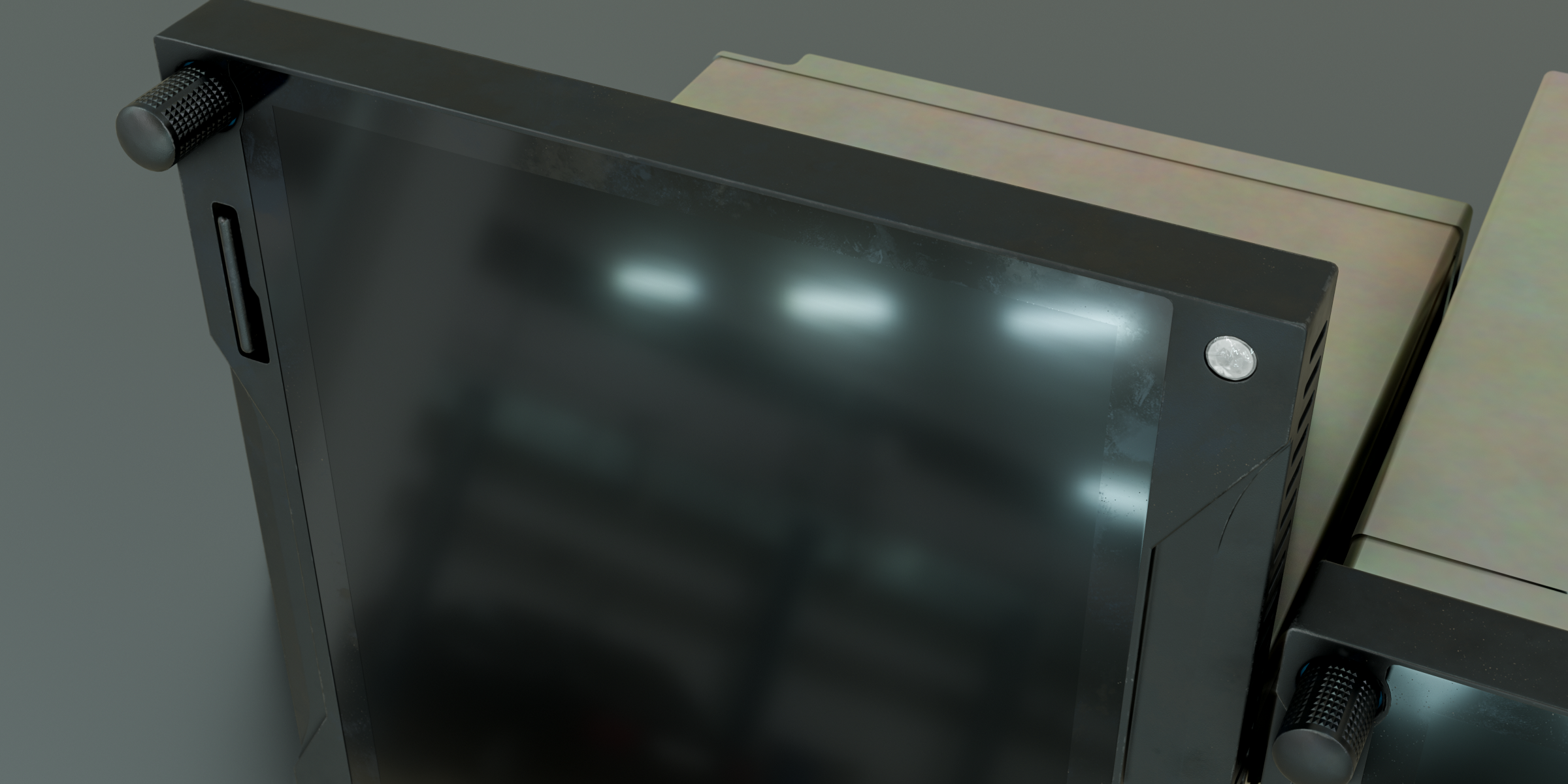
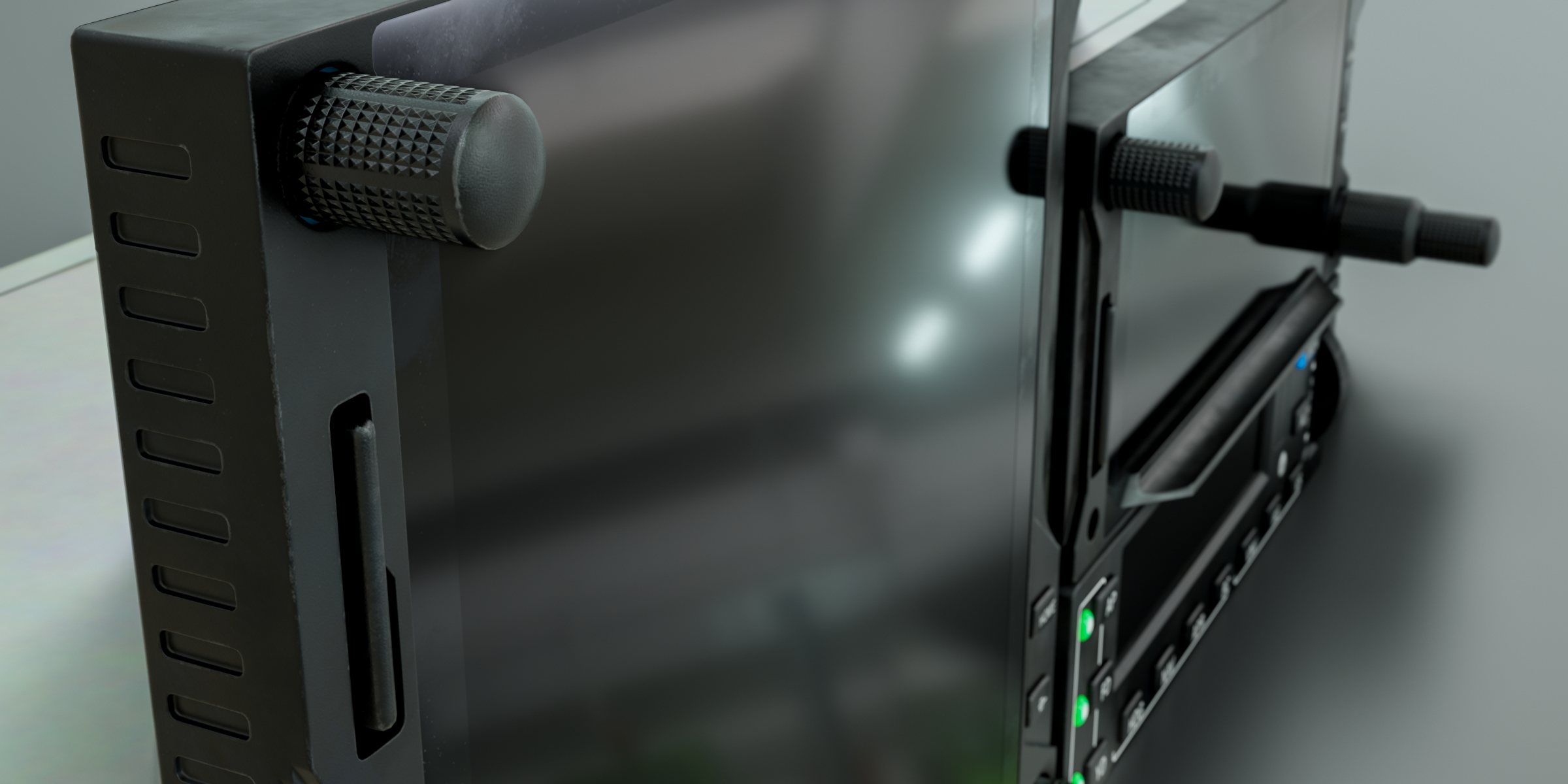
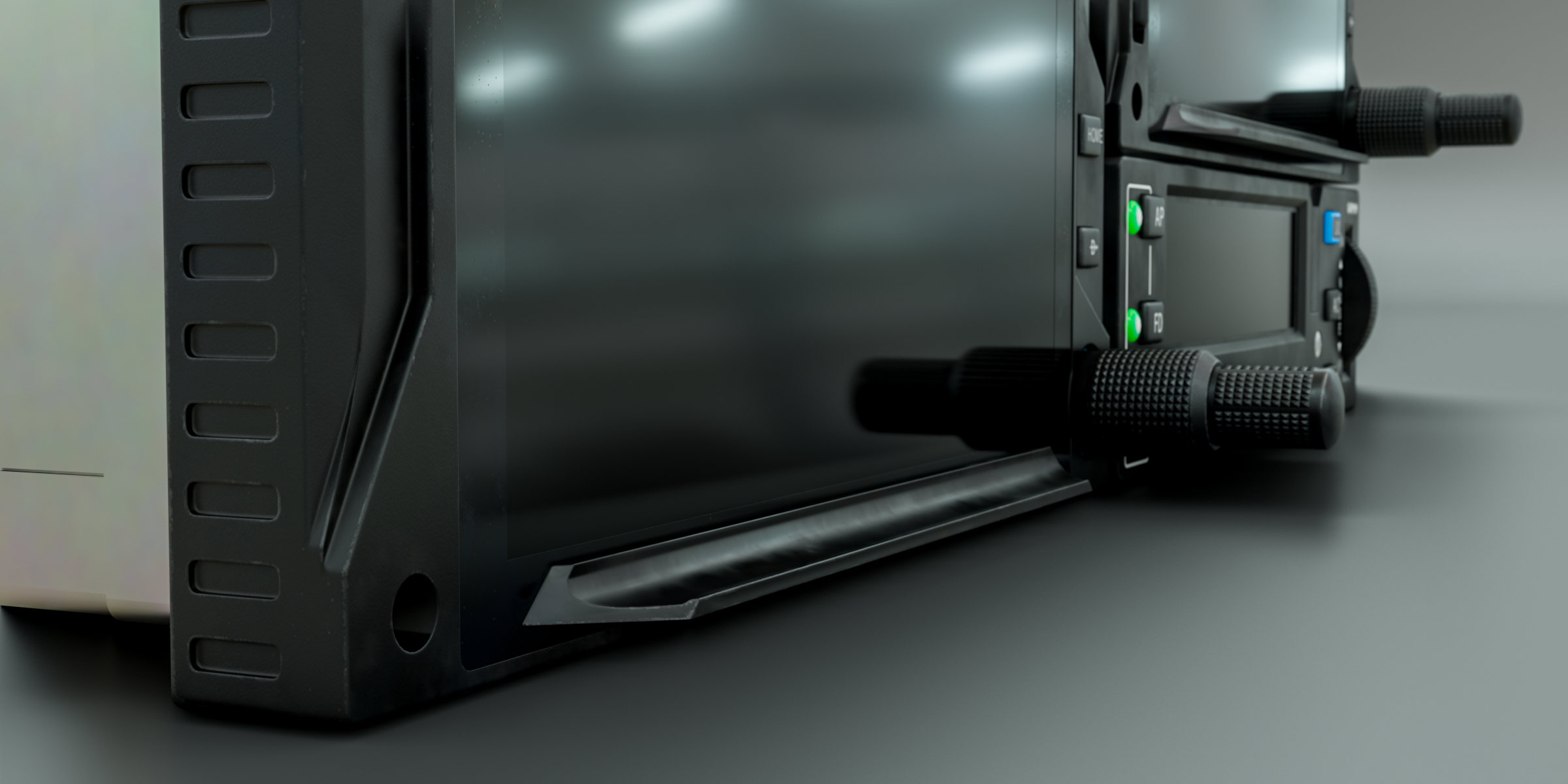
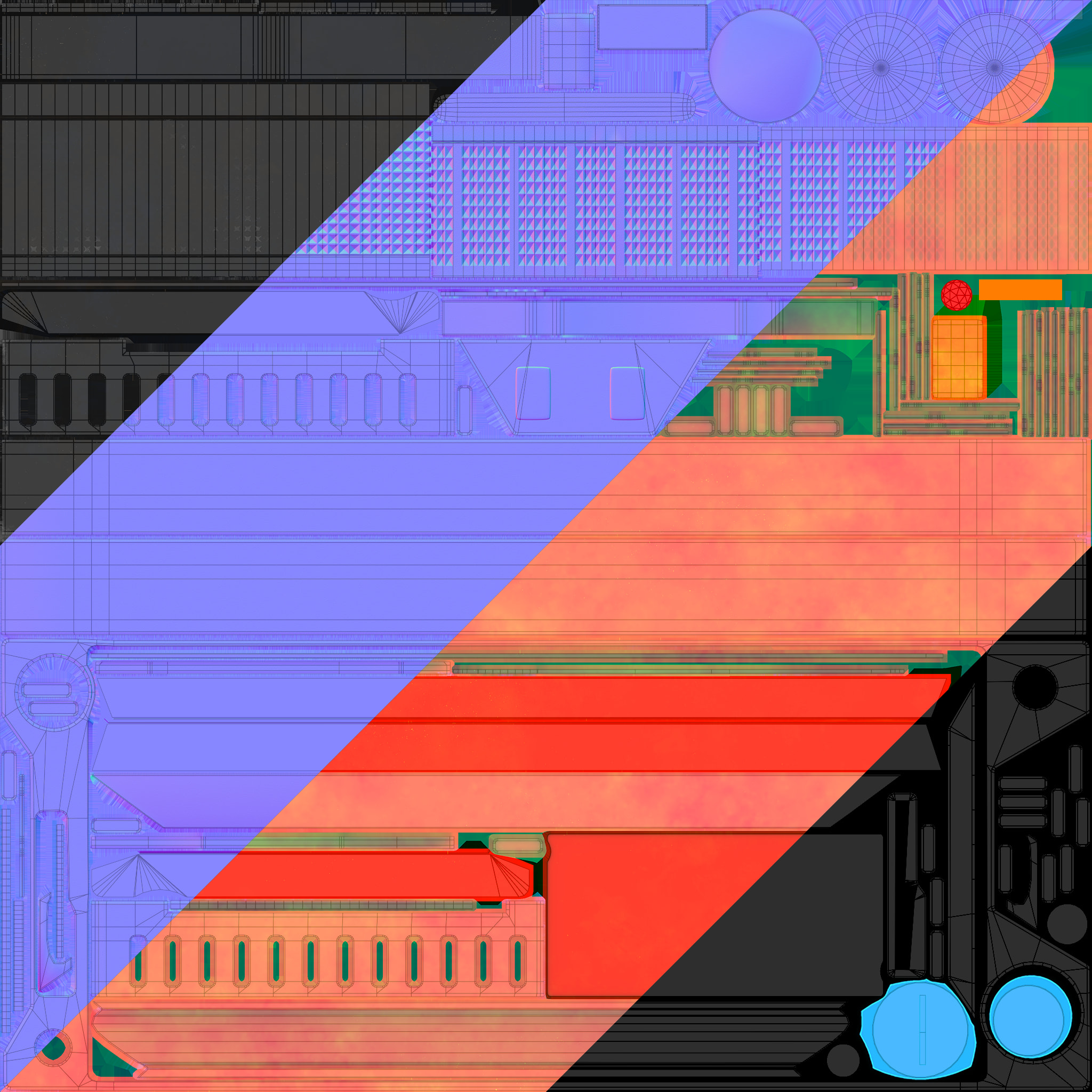
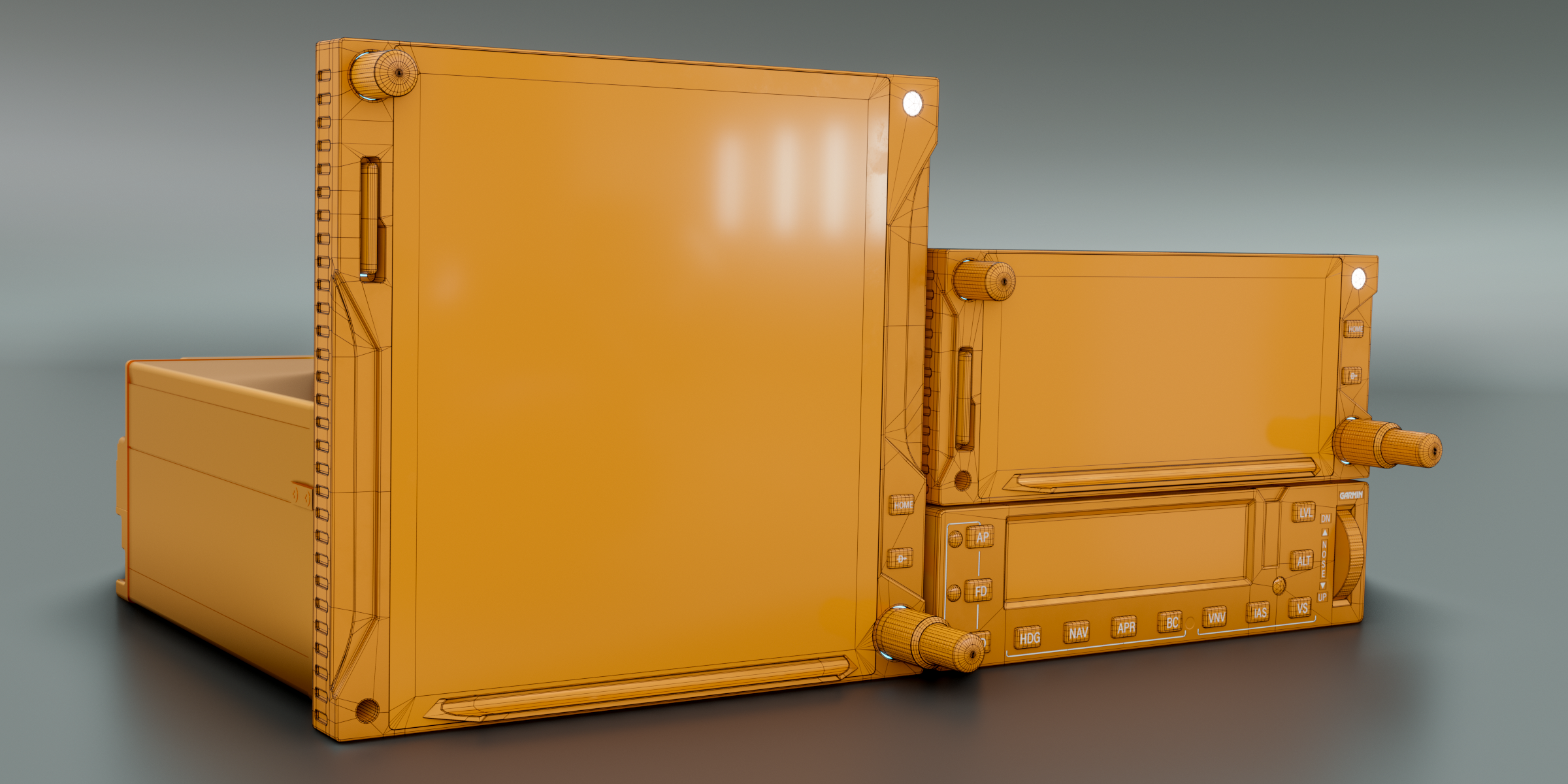
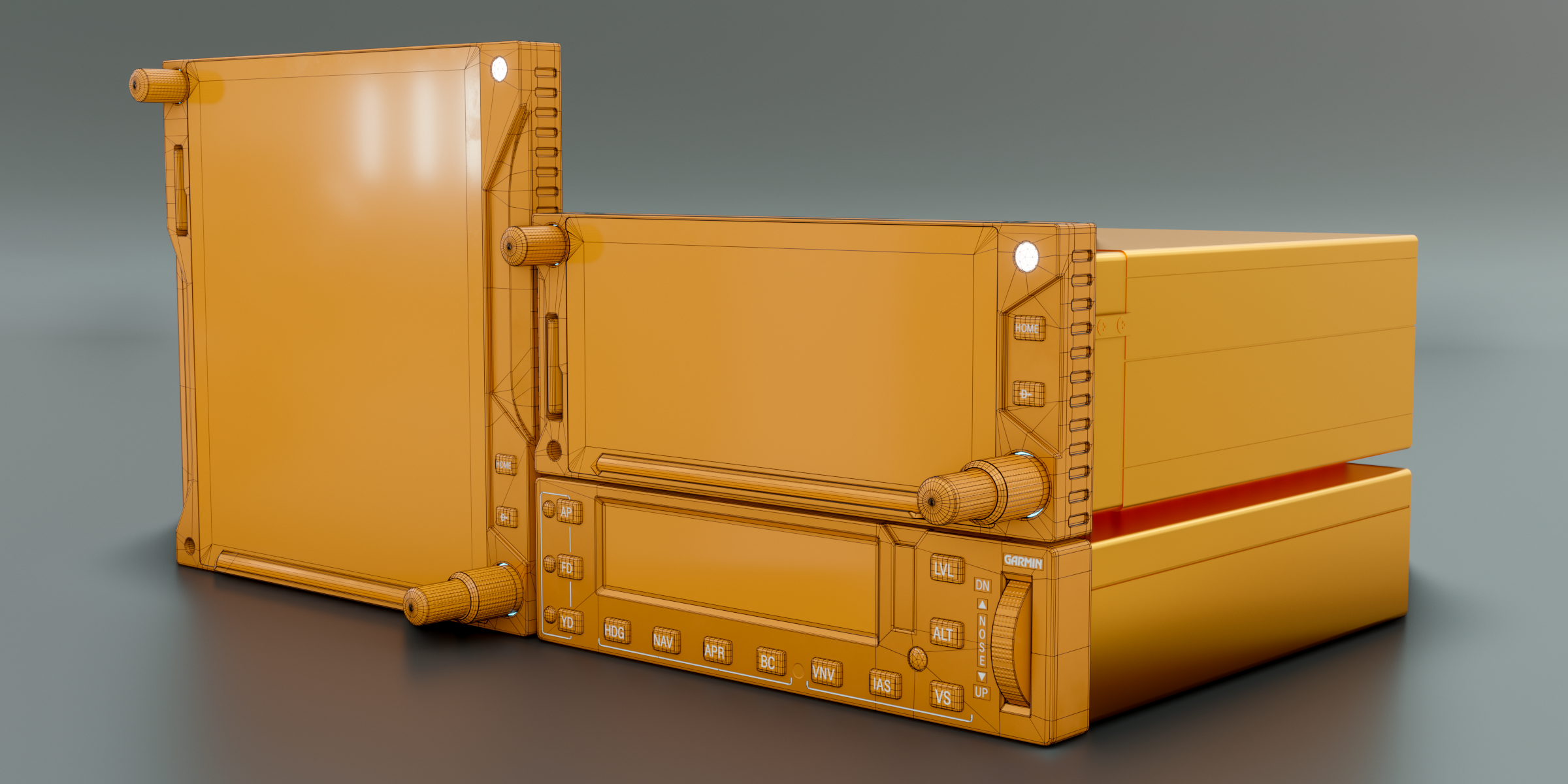
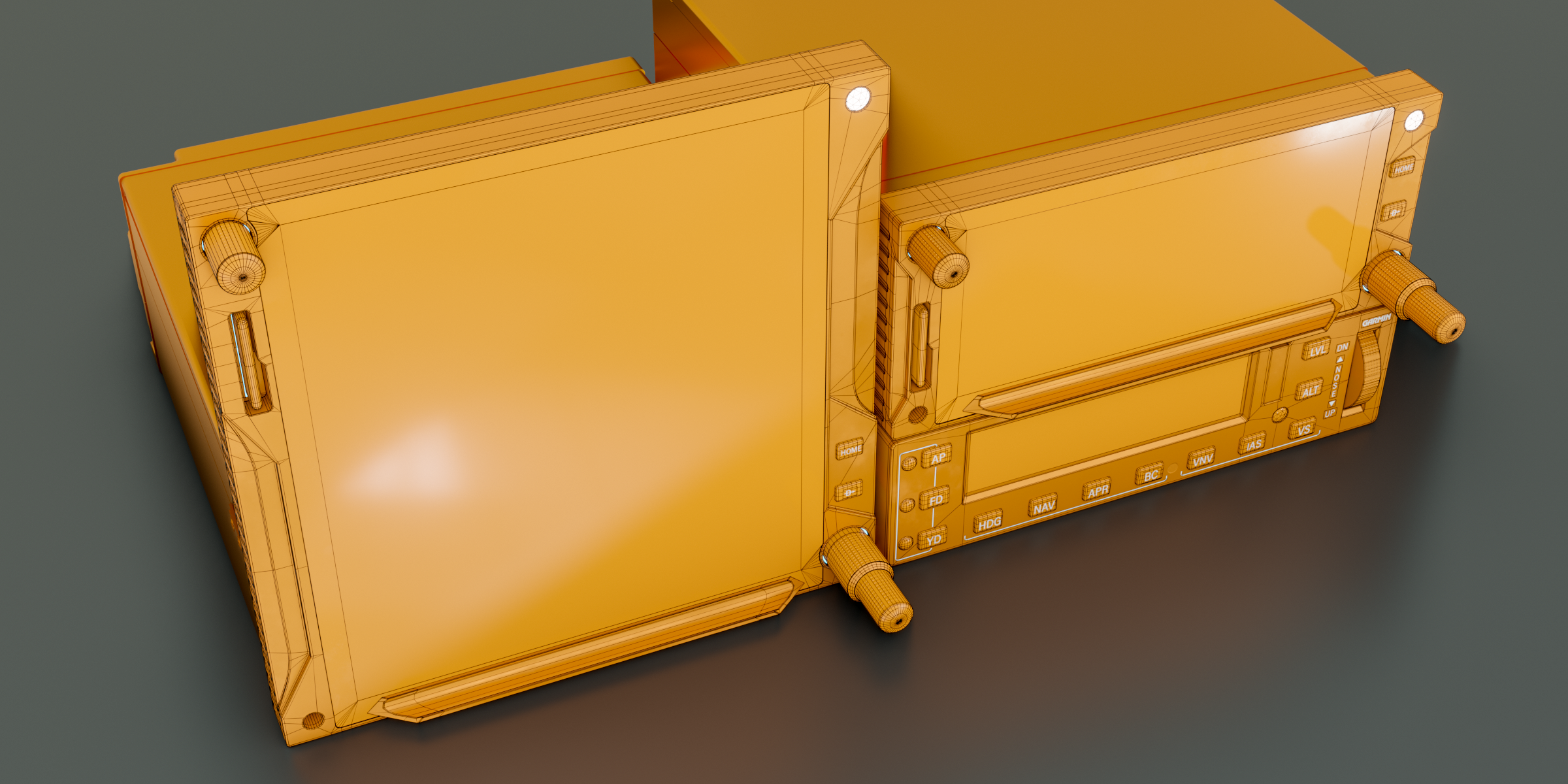
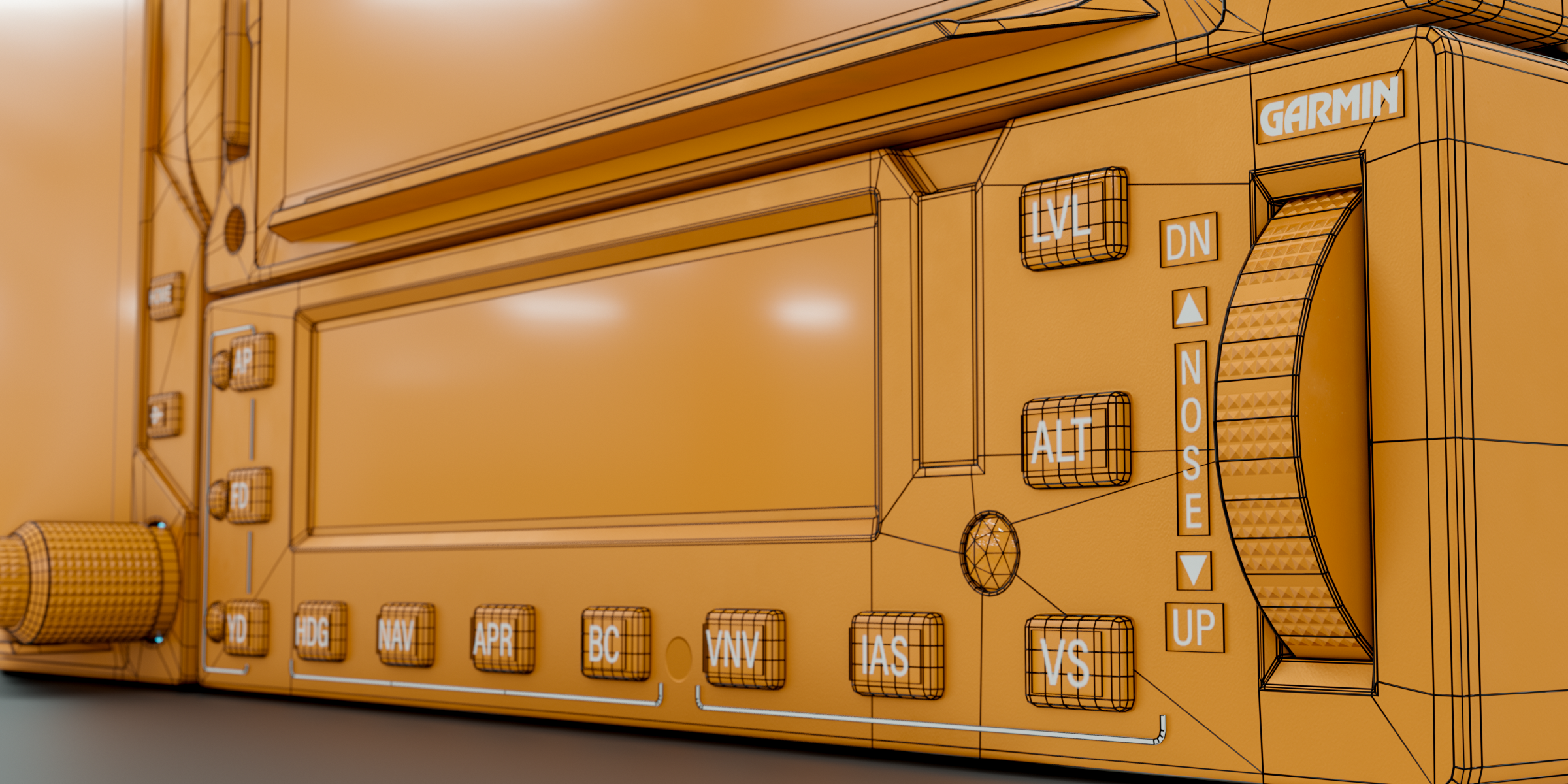
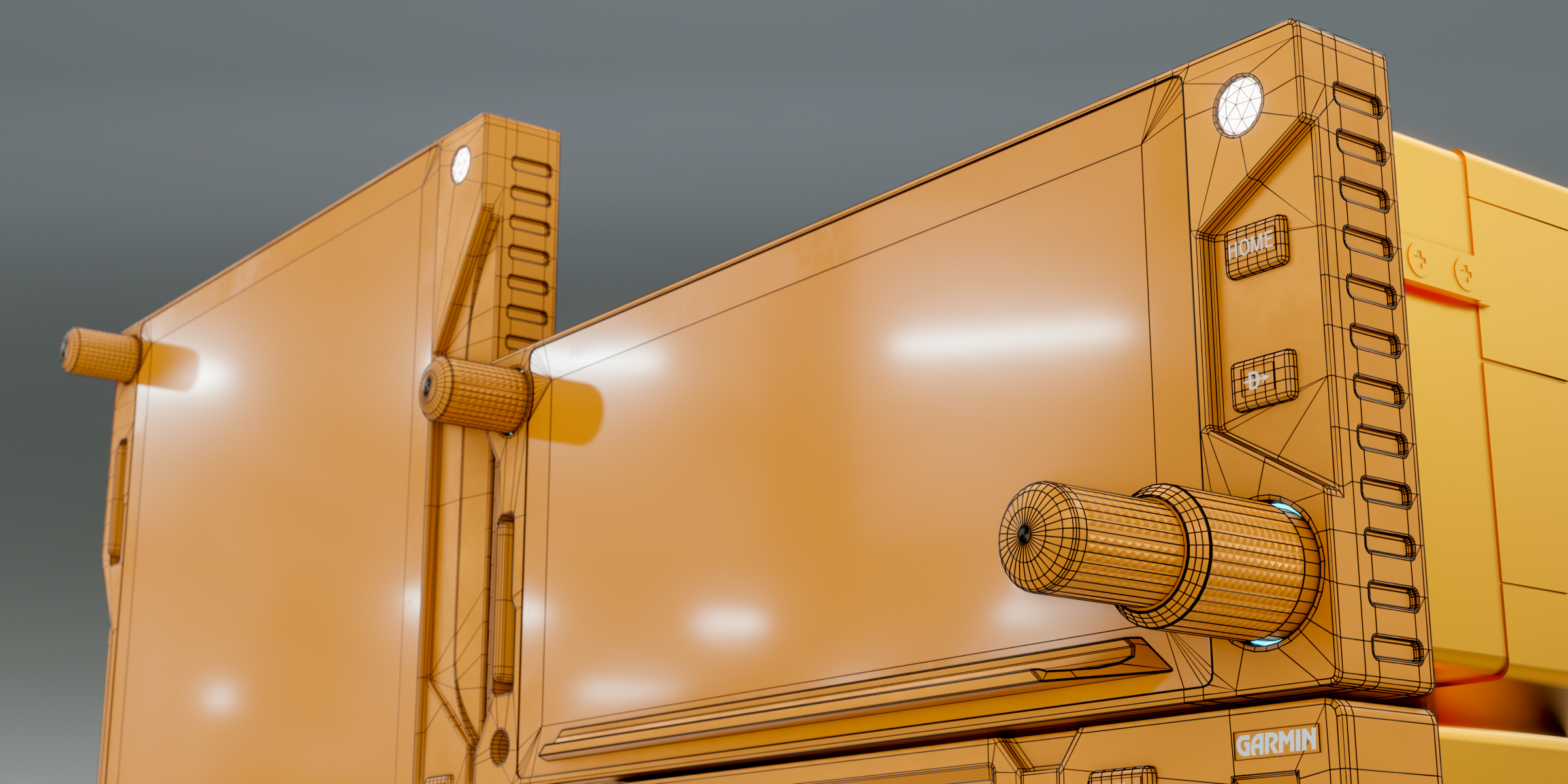
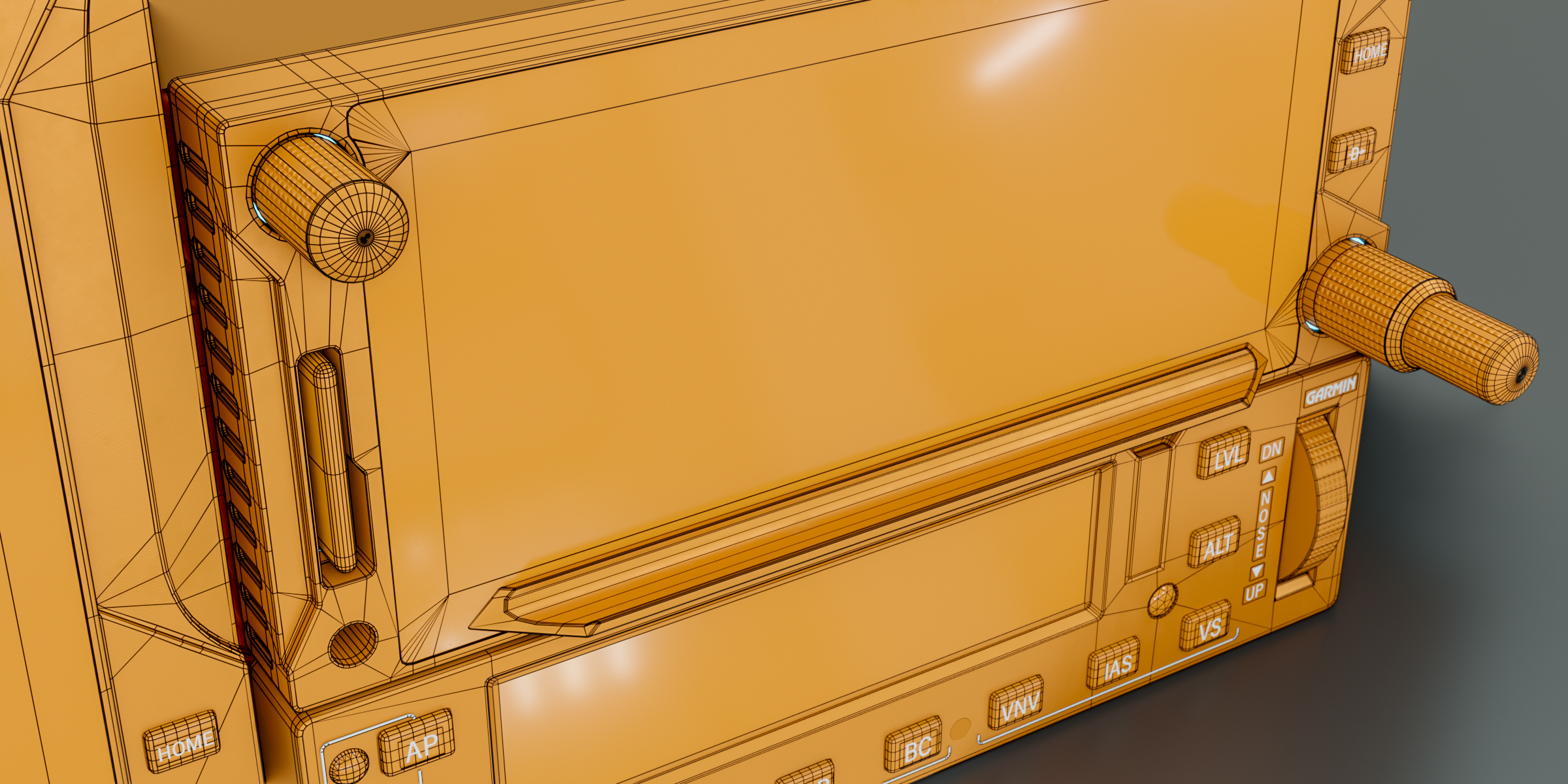
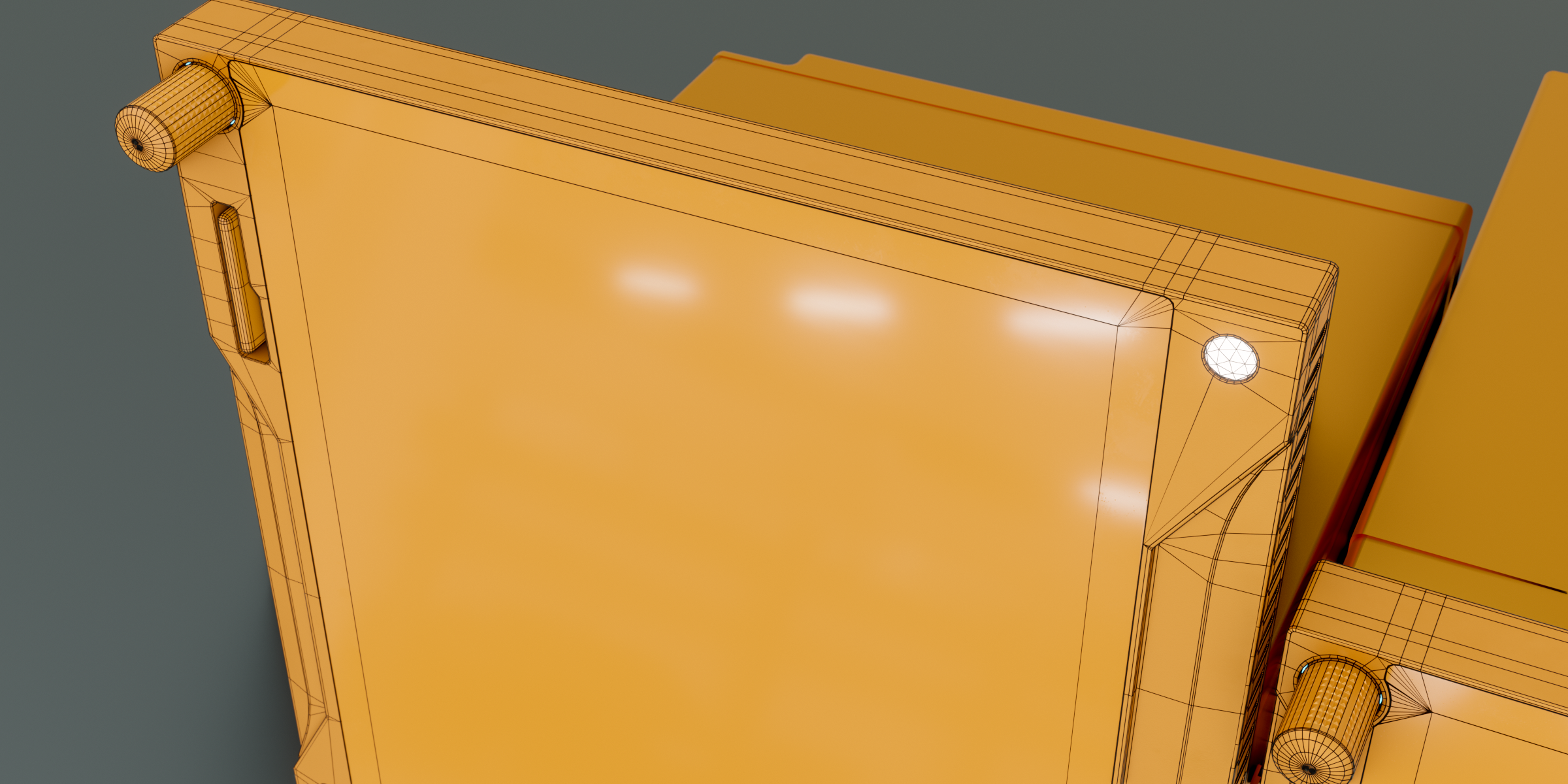
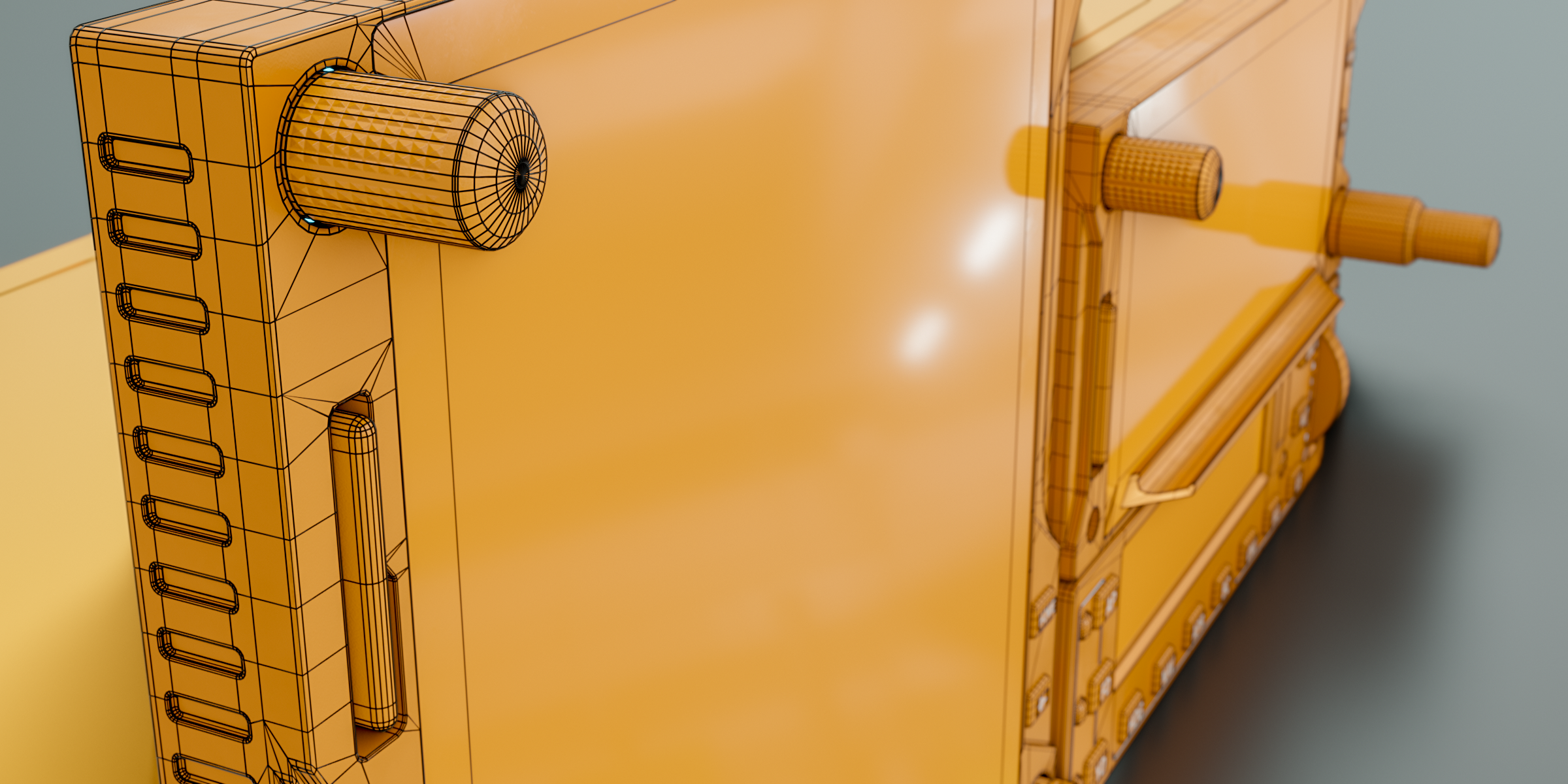
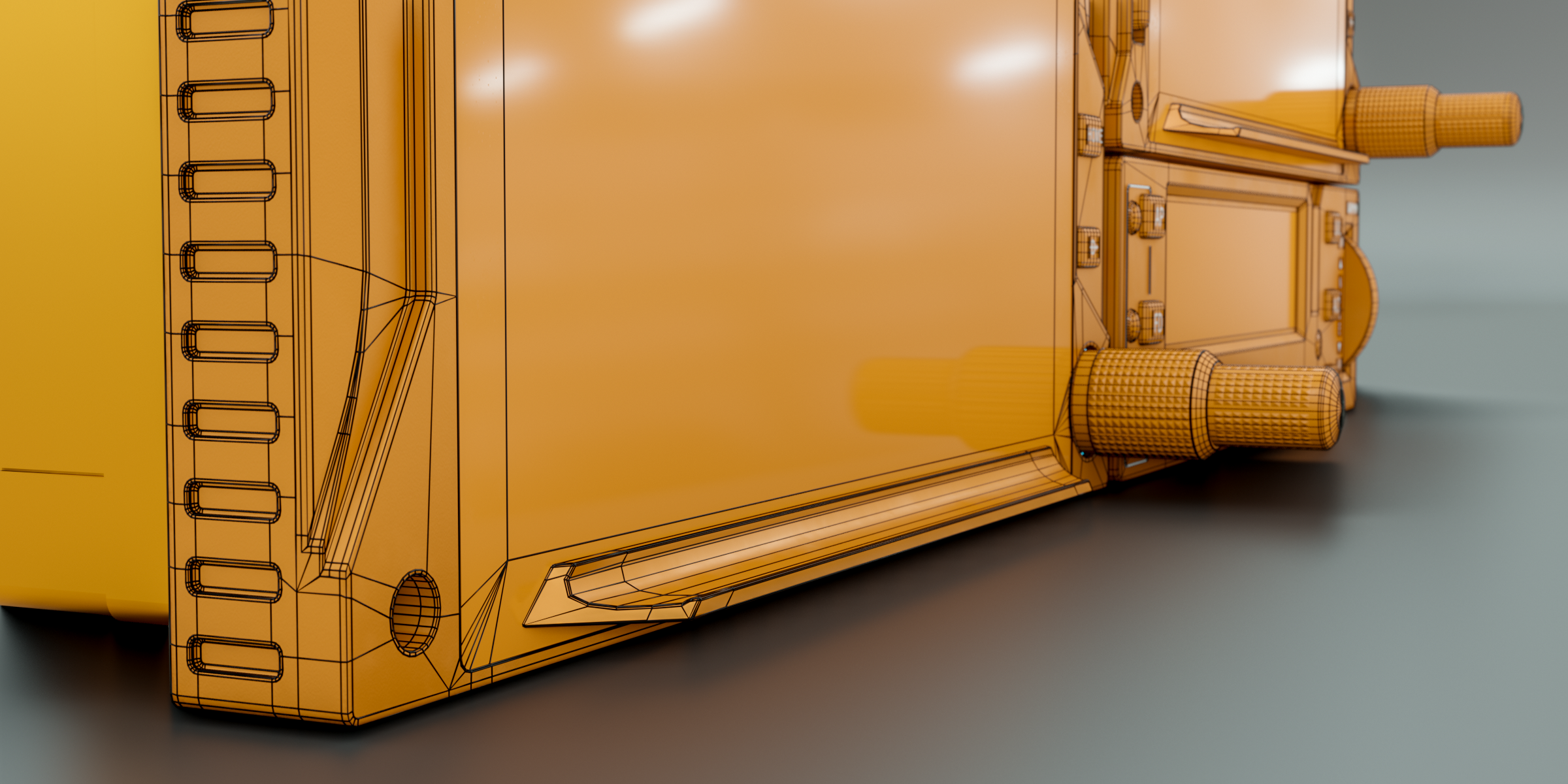
This 3d model was originally created in Blender 3.6.4
All textures are packed in .zip file.
If the object turns to pink when you open the blend file.
-go to File>External Data>Find Missing Files and navigate to the texture folder.
To import into your scene.
-easiest way is just select the object/s or collection/s press ctrl+c (copy) and paste it into your project scene.
or
-go to File > Append,
-navigate to .blend files folder,
-open the file,
-open Object folder,
-select the the object name and click append.
$25
Have questions about this product?
Login to message
| Dev Fund Contributor | |
| Published | over 2 years ago |
| Blender Version | 3.6 |
| Render Engine Used | Cycles |
| Misc Data | Uvs-Unwrapped, Low-High-Resolution, Normal-Mapped, Textured |
| License | Royalty Free |