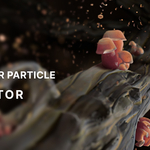
Airixel Vol.01 | Ambient Air Particle Generator
 Vertixel Studio


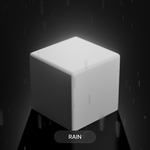

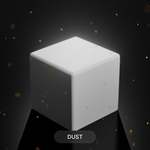
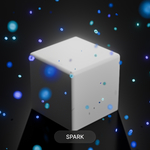
How to Use :
-
Append/Copy: Append the
AIRIXELobject or copy-paste it into your scene. - Apply Modifier: Add the AIRIXEL Geometry Nodes modifier to any mesh (usually a cube).
- Define Domain:
- In Object Mode, add a Cube.
- In Edit Mode, select the entire cube (A).
- Click the Paper Icon (next to the UV menu) to set the mesh as the spawn domain.
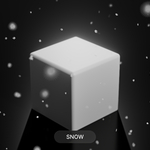
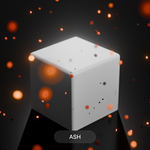
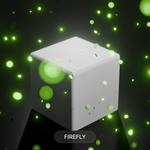
- 4. Select Preset: Choose your desired atmospheric effect from the drop-down menu.
Parameters Breakdown :
- Size: Adjusts the physical scale of individual particles.
- Density: Controls the volume of particles within the domain.
- Particle Type: Drop-down menu featuring 7 atmospheric presets.
- Instancer Type: Toggle between Sphere, Plane, or Mix shapes for the base particles.
- Wind (X, Y, Z): Apply directional force to simulate weather or drafts.
- Noise Factor: Adds randomness to movement. At 0, particles move in a uniform direction.
- Noise Time: Controls the frequency/speed of the turbulence.
- Age Speed: Adjusts how quickly materials evolve (e.g., the pulse of a firefly or the flicker of magic).
- Rain Drops (Specific): An extra XYZ parameter appears when ‘Rain’ is selected to define drop length and width.
Have questions about this product?
Login to message
| Published | 5 months ago |
| Blender Version | 5.0 - 5.1 |
| Render Engine Used | Cycles, Eevee |
| License | Creative Commons |
Discover more products like this
blender3d atmosphere geometrynodes particlegenerator procedural VFX ambientparticles environment gamedev blenderasset particles Vertixel