 ZEG
Installation
In Blender open Edit, Preferences, Get Extensions, then use Install from Disk and pick the zip. The addon appears in the 3D Viewport sidebar (N) under the Supermarket tab and in Shift+A, Mesh, Supermarket Shelf.
Usage
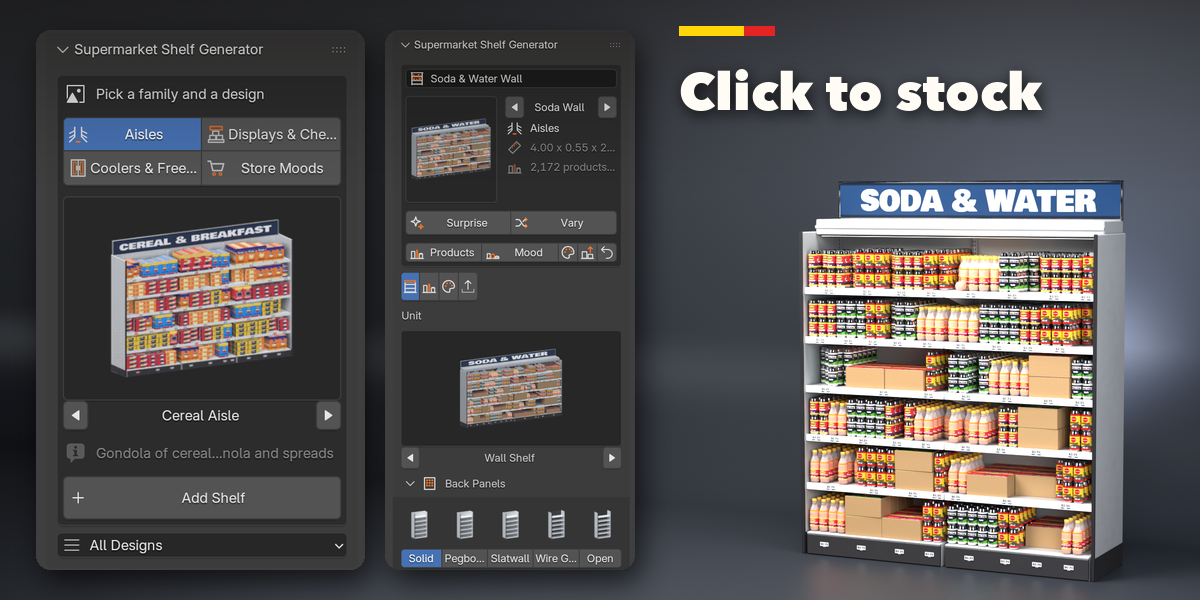
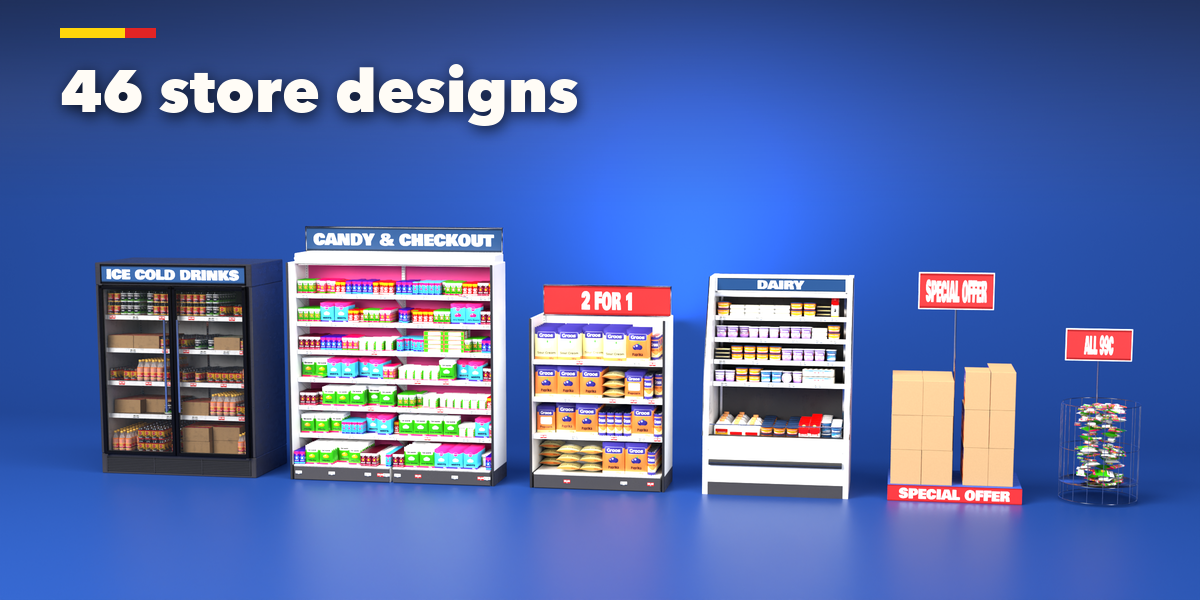
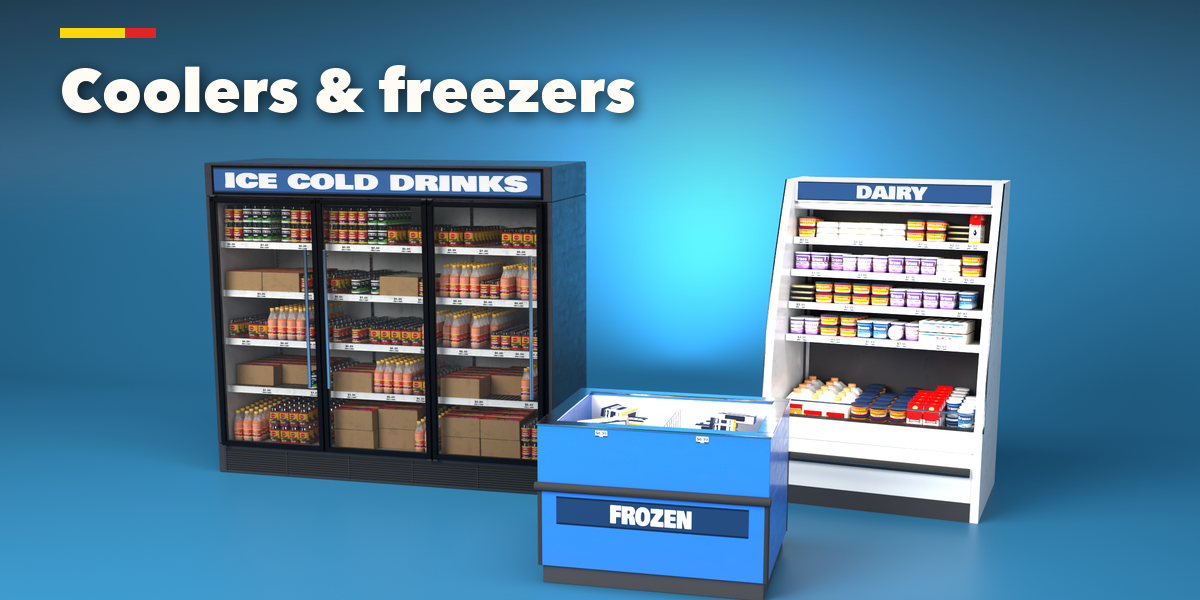
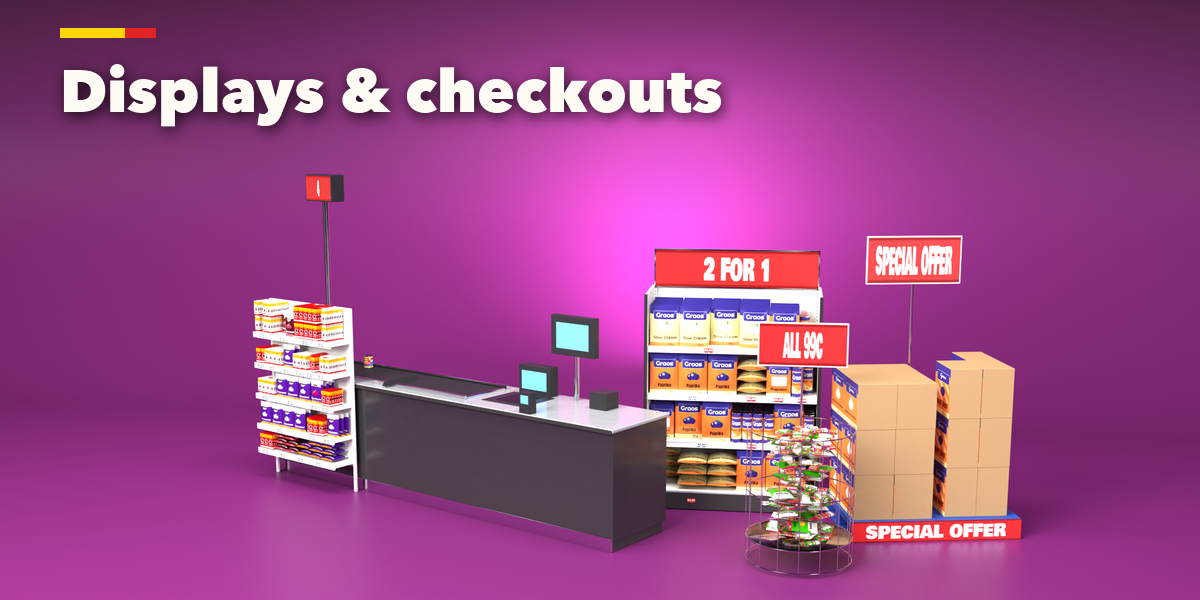
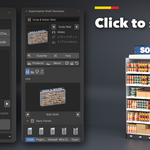
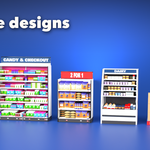
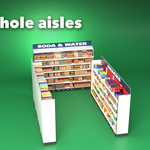
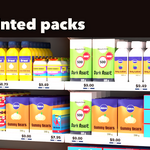
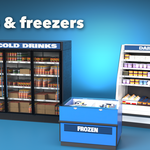
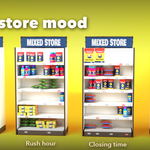
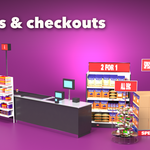
- With nothing selected, pick a family (Aisles, Coolers & Freezers, Displays & Checkout, Store Moods), click a design picture and press Add.
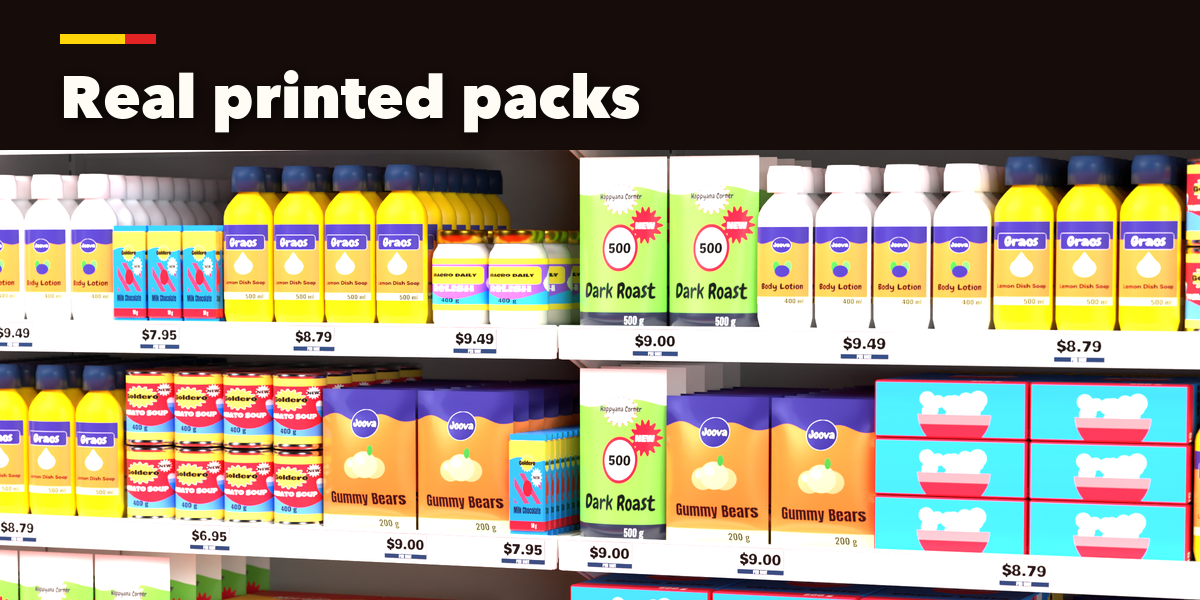
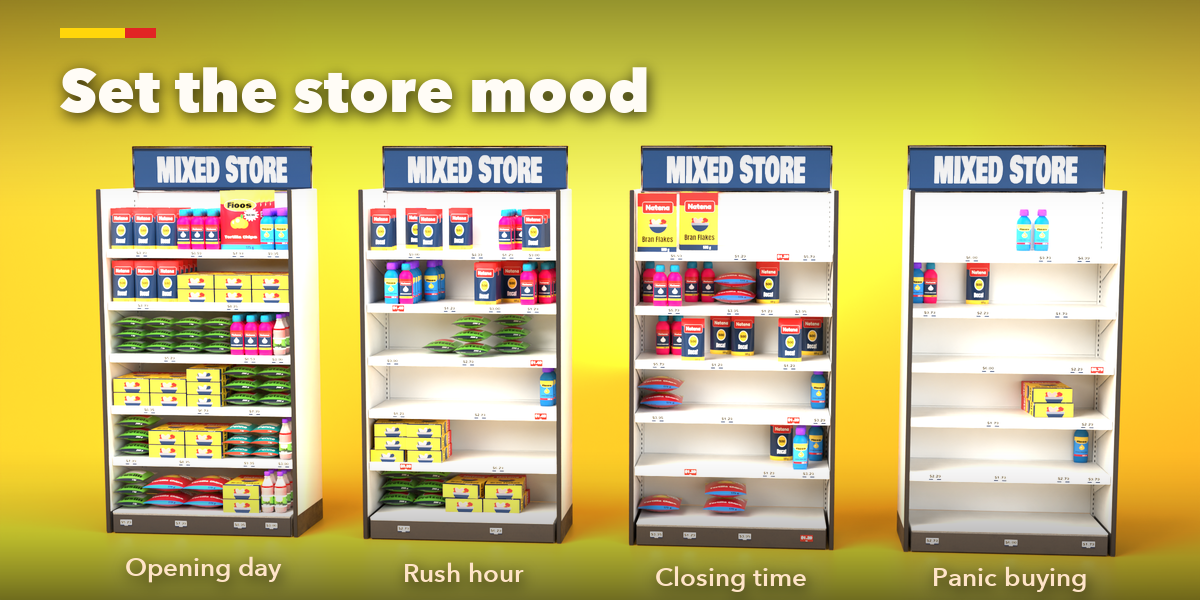
- Select the shelf to edit it. The Unit tab sets the fixture (kind, bays, height, shelves, back, signs), the Products tab the department and store mood (fill, facing, gaps, mess, price tags), the Finish tab the colors, lights and wear.
- Use the randomize buttons for a new design, a variation, another department, a new store mood, a new finish or a restock.
- For game engines set Output to Merged, or press Convert to Mesh for a plain mesh copy.
Tips
Products are Geometry Nodes instances of meshes kept in the hidden Supermarket Shelf Library collection; do not delete that collection. Editing a shelf never changes another shelf or an Alt+D copy.
Have questions about this product?
Login to message
| Blender Extension Compatible | Yes |
| Published | 3 days ago |
| Blender Version | 4.2 - 5.2 |
| Extension Type | Add-on |
| Render Engine Used | Cycles, Eevee |
| License | GPL |
