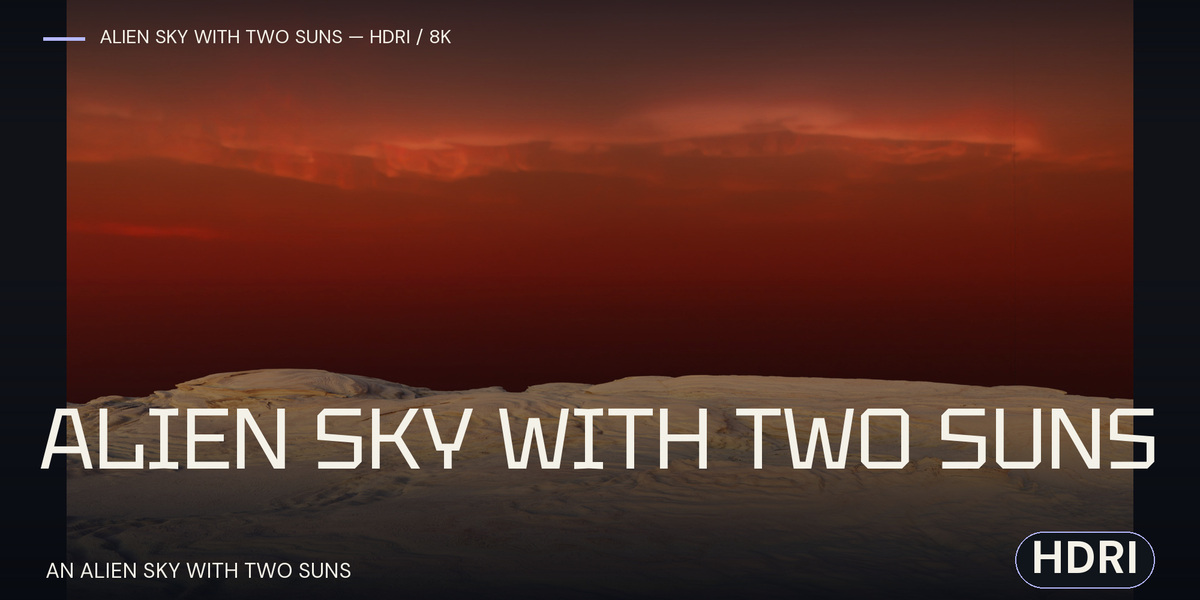
Alien Sky With Two Suns — HDR Background / 8K
 Space Store
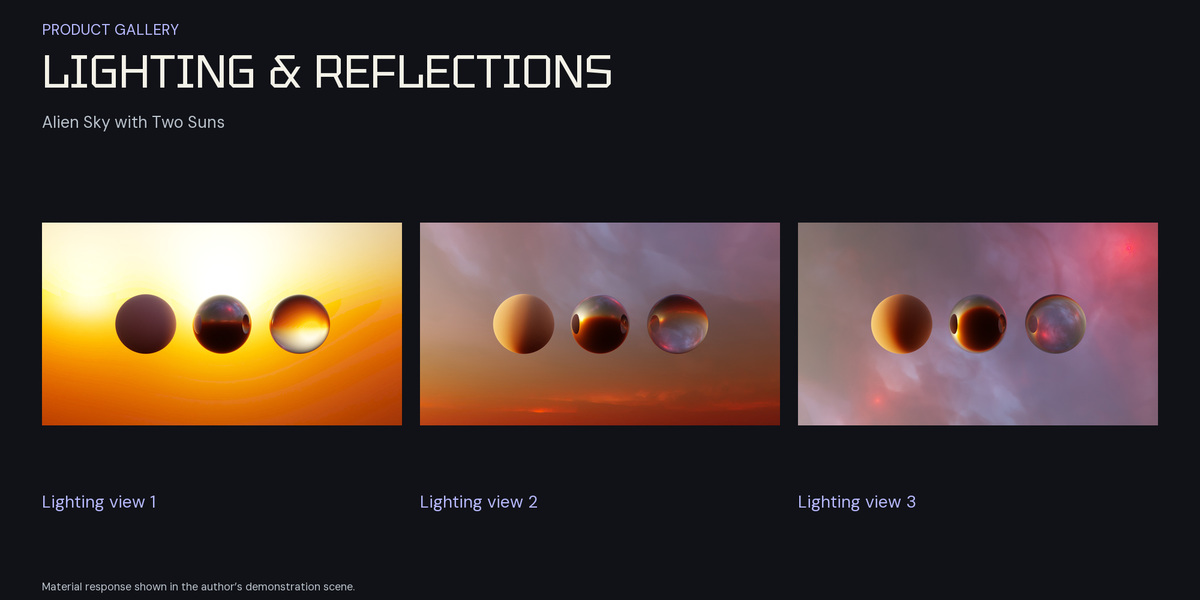
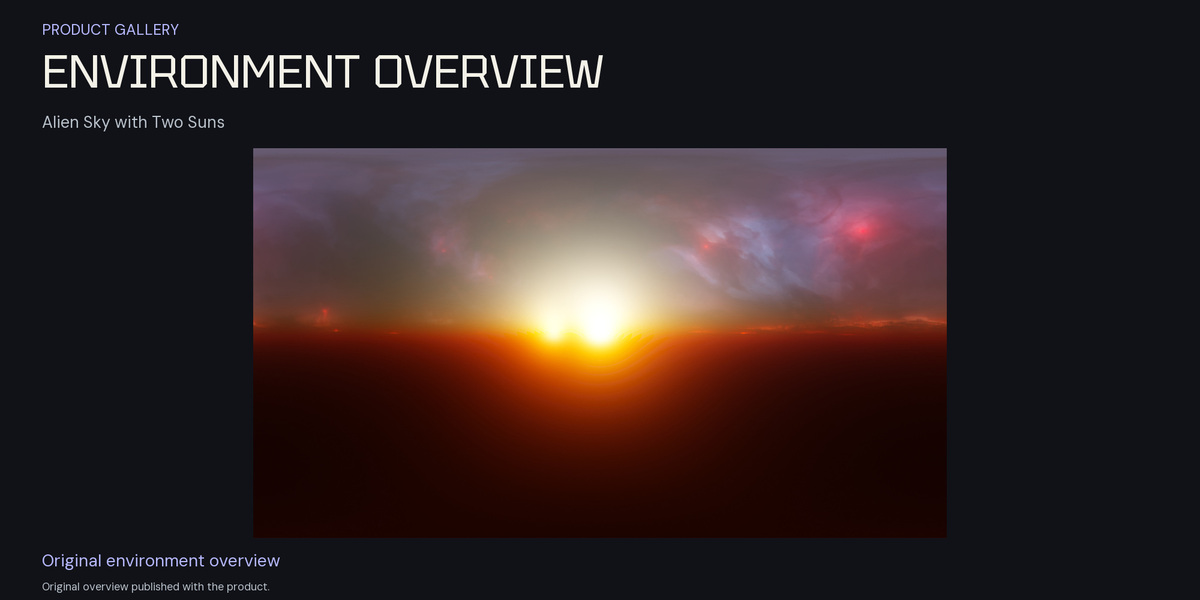
Download the image
Save Alien atmo 2 sun and nebula sky 8k.hdr to a permanent project folder. This is a direct HDR image download; no archive extraction or BLEND scene is required. Save a working copy of your scene before changing its background.
Set up a Blender World
- In the Shader Editor, switch from Object to World and enable Use Nodes.
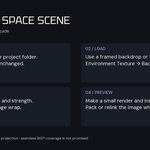
- Add an Environment Texture node and open the supplied HDR. Connect Color to Background Color, then connect Background to World Output.
- For rotation control, connect the Texture Coordinate Generated output through a Mapping node to the Environment Texture Vector input. Adjust Mapping rotation while checking the camera view.
- Use Rendered viewport shading. Adjust Background Strength and scene exposure; add lights for your subject as needed.
Frame the image
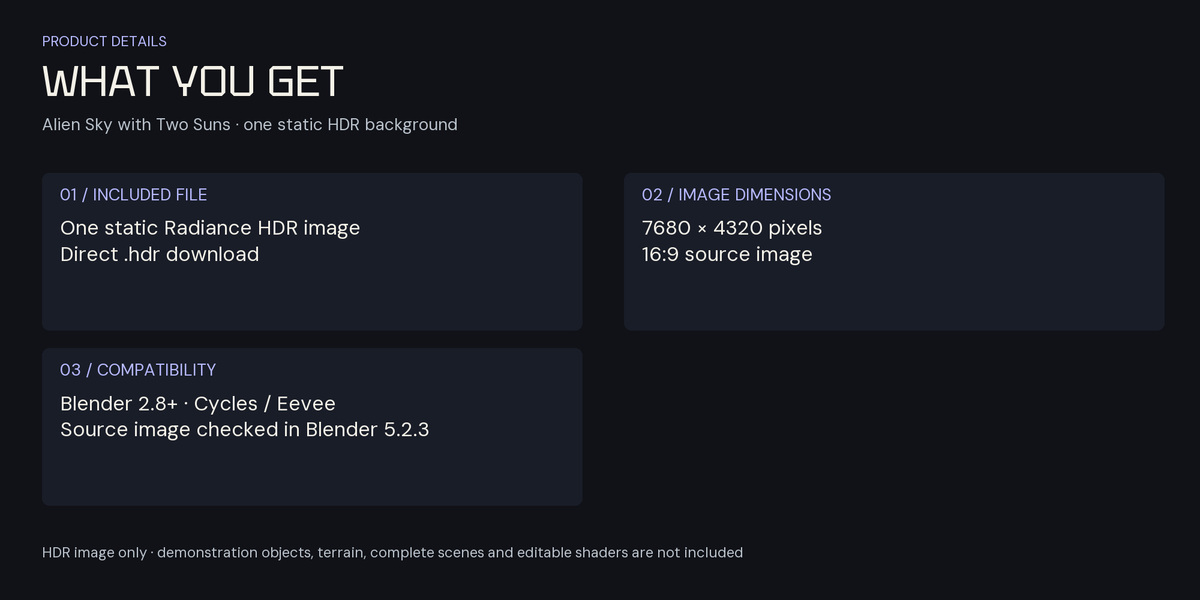
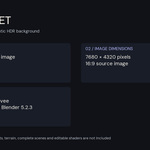
The supplied image is 7680 × 4320 pixels (16:9). The source image is 16:9. Check projection, framing and image wrap in your intended World view; seamless 360° coverage is not promised. A camera-facing image backdrop is an alternative when you want a specific part of the source composition. A static image does not provide motion parallax or separate 3D geometry.
Before the final render
Make a small preview and inspect stars, bright areas and framing. Keep the original HDR unchanged; adjust your shot with exposure and lighting controls. Pack or relink the image path when moving your Blender project.
Compatibility and license
HDR image workflows are available in Blender 2.8 and later with Cycles or Eevee. The reference source image was checked in Blender 5.2.3 LTS, and the current download was matched to that source image. Make a small preview with your chosen camera, projection and lighting.
New purchases use the Superhive Standard Royalty Free license. Previously granted licenses and applicable third-party terms remain valid.
Have questions about this product?
Login to message
| Sales | 10+ |
| Dev Fund Contributor | |
| Published | about 3 years ago |
| Blender Version | 2.8 - 5.2 |
| Render Engine Used | Cycles, Eevee |
| License | Royalty Free |
Discover more products like this
alien hdri environment image based lighting sci fi 8k space Stars suns blender sky background