Valentin
Align Master helps you quickly and efficiently align multiple objects along a chosen axis (X, Y, or Z). With adjustable offset spacing and an option to reverse the order, you can fine-tune the positioning of objects relative to the first selected one. Perfect for creating structured layouts and evenly spaced arrangements in your scene.
Features:
- Choose along which axis (X, Y, or Z) the selected objects should be aligned.

- Define a custom offset value to control the spacing between aligned objects. A positive offset spaces objects in one direction, while a negative offset moves them in the opposite direction.

- When enabled, the alignment order is flipped, starting from the last selected object instead of the first.

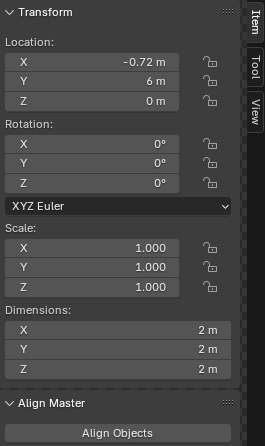
- The addon is accessible from the "Item" tab in the 3D Viewport's N-panel, providing a user-friendly interface with simple controls.