 3D CADence
AlignPro: Axis & Normal
Precision Alignment and Distribution Tools
"AlignPro: Axis & Normal" is a comprehensive addon for Blender, created to significantly expand object alignment capabilities. This tool goes far beyond standard functions, offering users precise control and flexibility in the process of positioning, orienting, and scaling objects. "AlignPro" is designed to optimize workflow and enhance accuracy when creating 3D scenes.
Key Features:
-
Axis Aligment Tools:
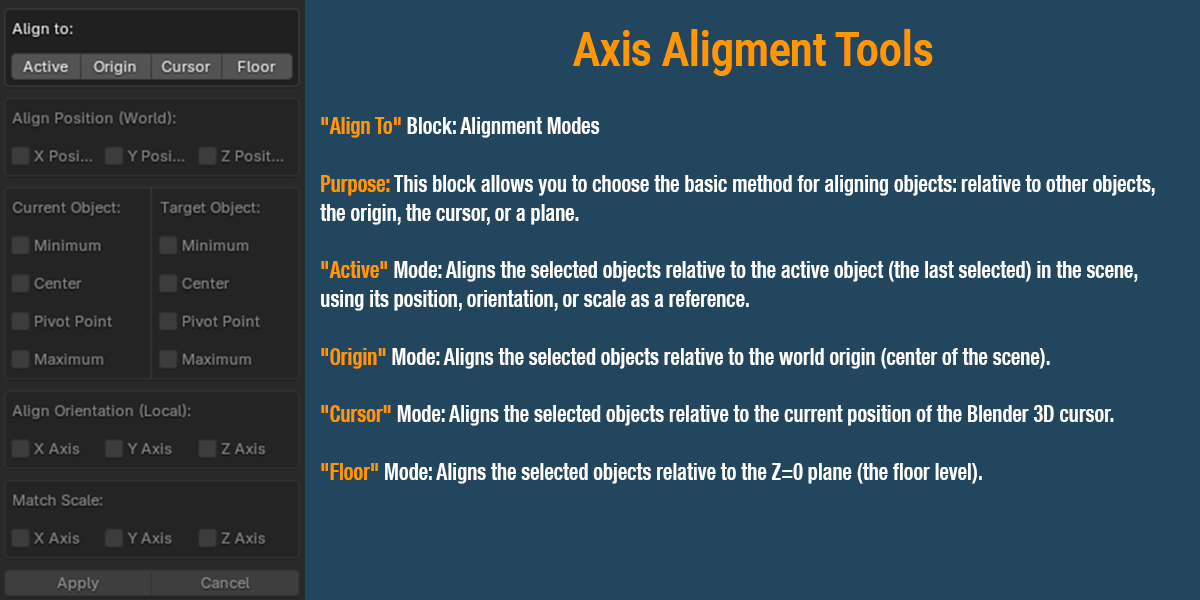
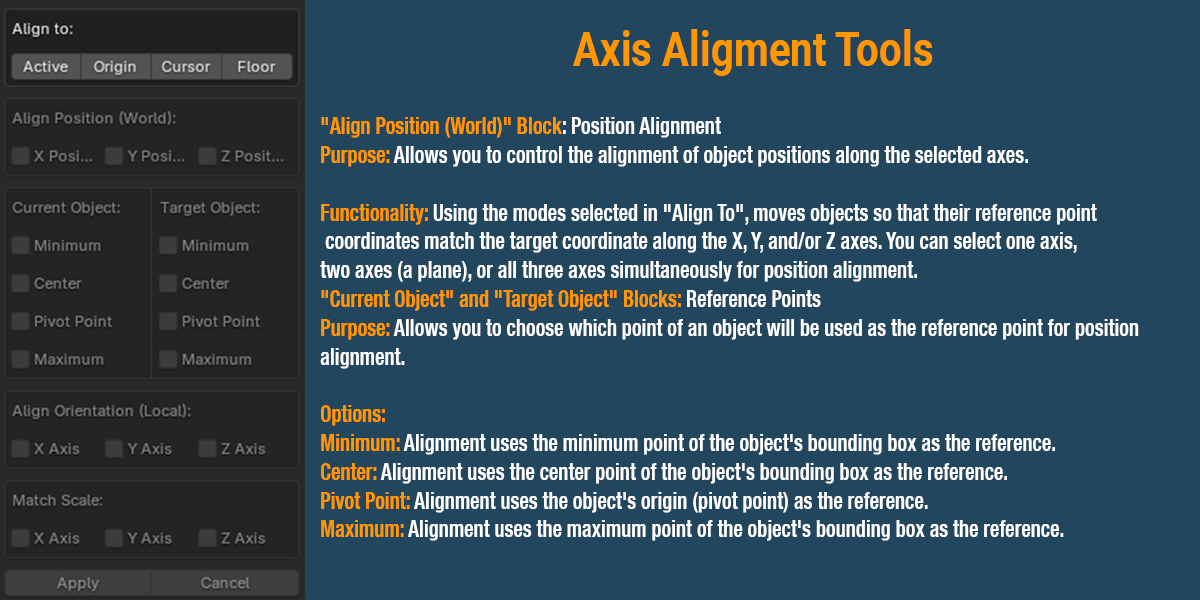
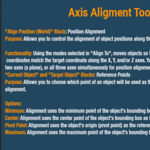
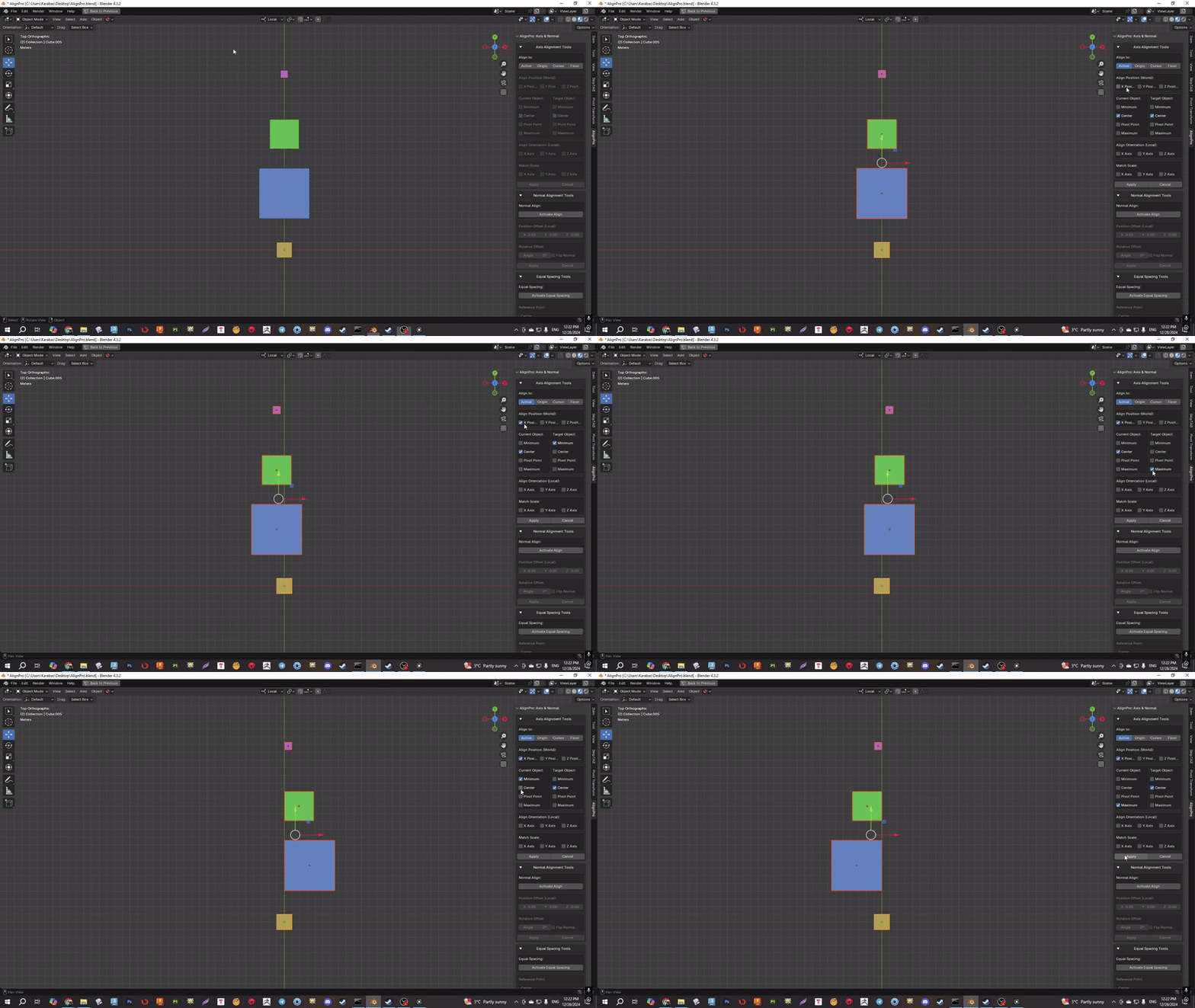
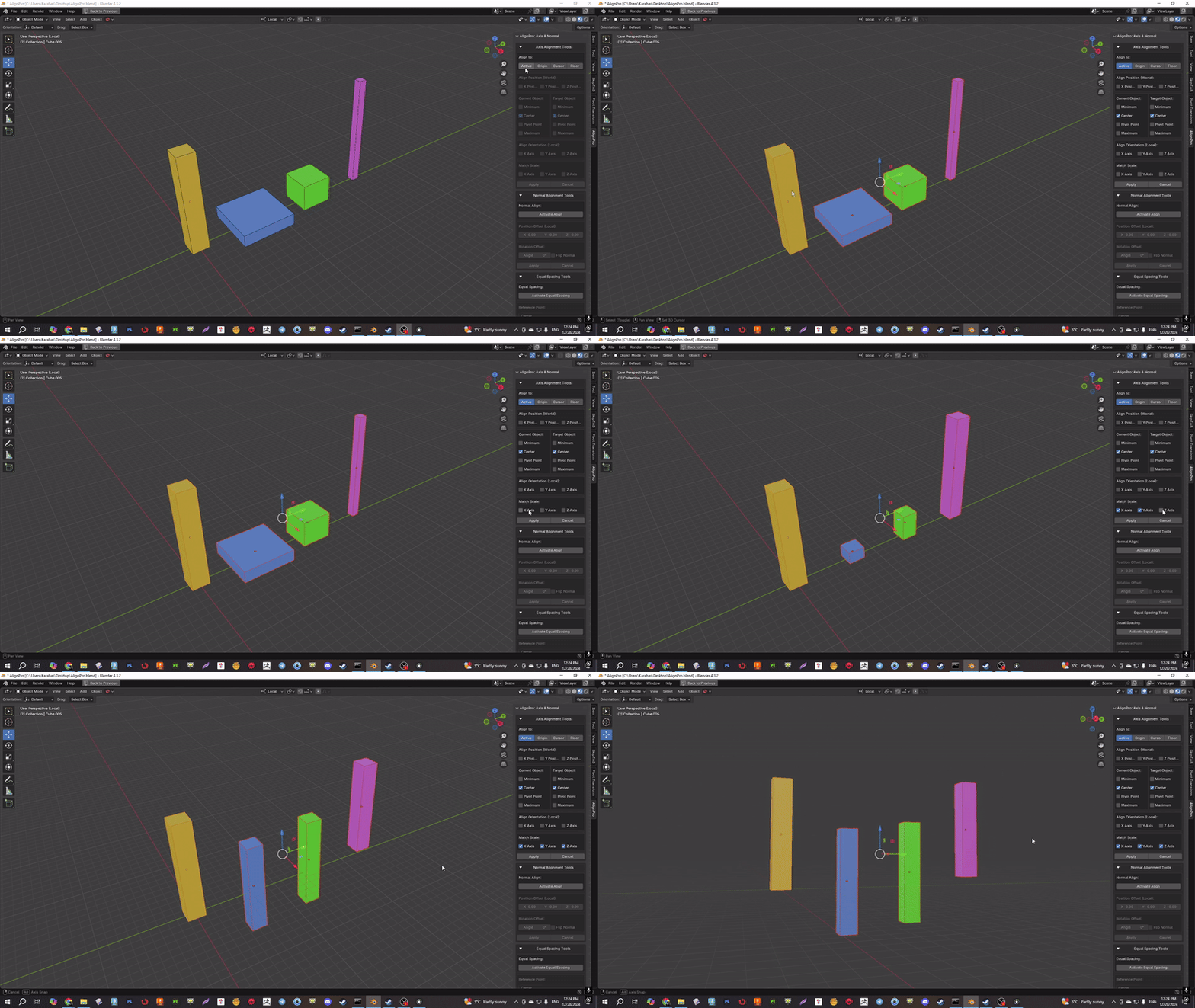
- This tool allows you to align objects relative to each other, the world origin, the 3D cursor position, or the floor plane. Users can choose different reference points for alignment on the current and target objects: minimum point, maximum point, the center of the Bounding Box, or the object's pivot point.
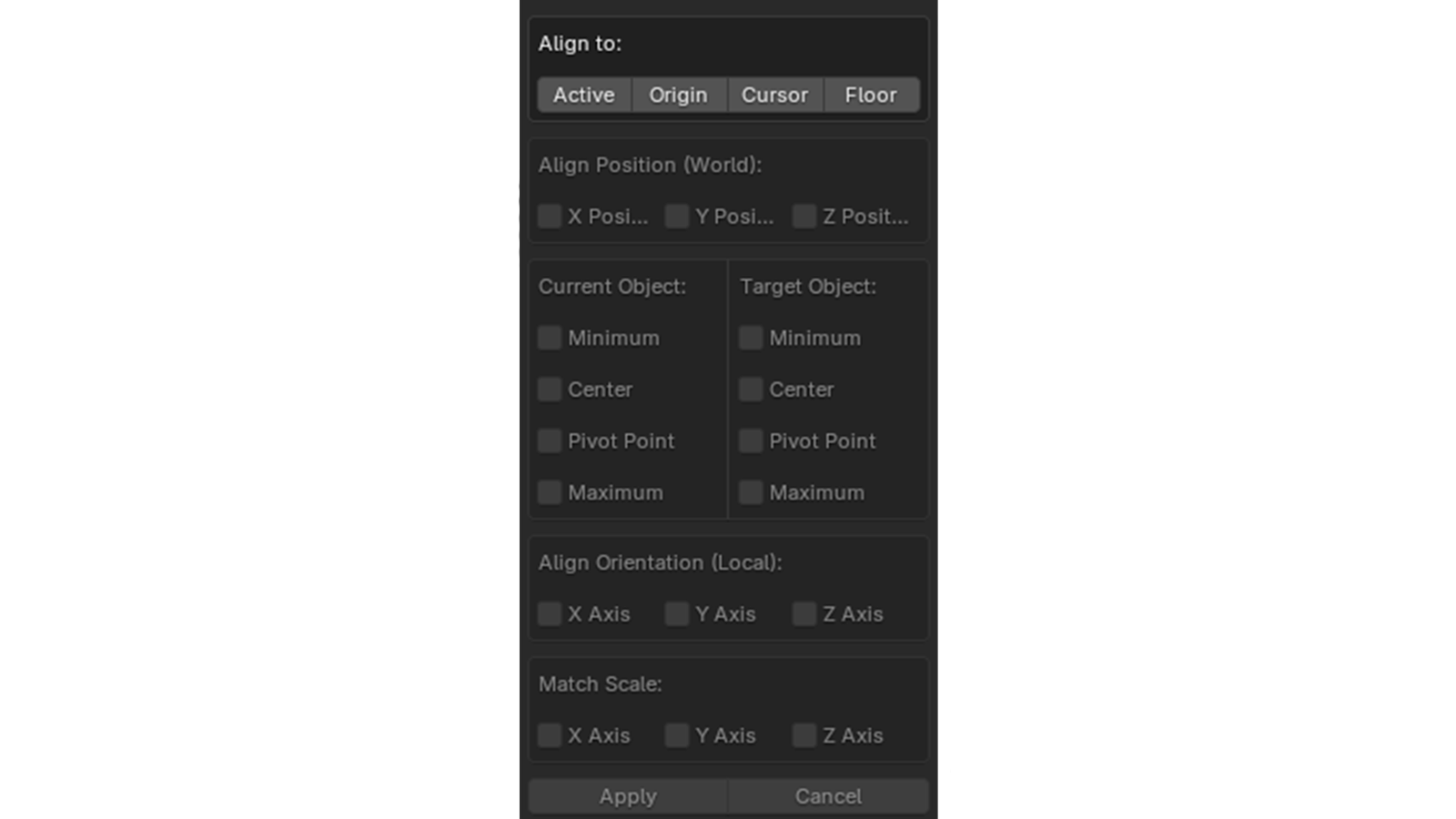
- "Active" mode: Designed for aligning one or more selected objects relative to the active object, which acts as the "target". This provides flexibility and interactivity, allowing precise positioning and orienting of objects.
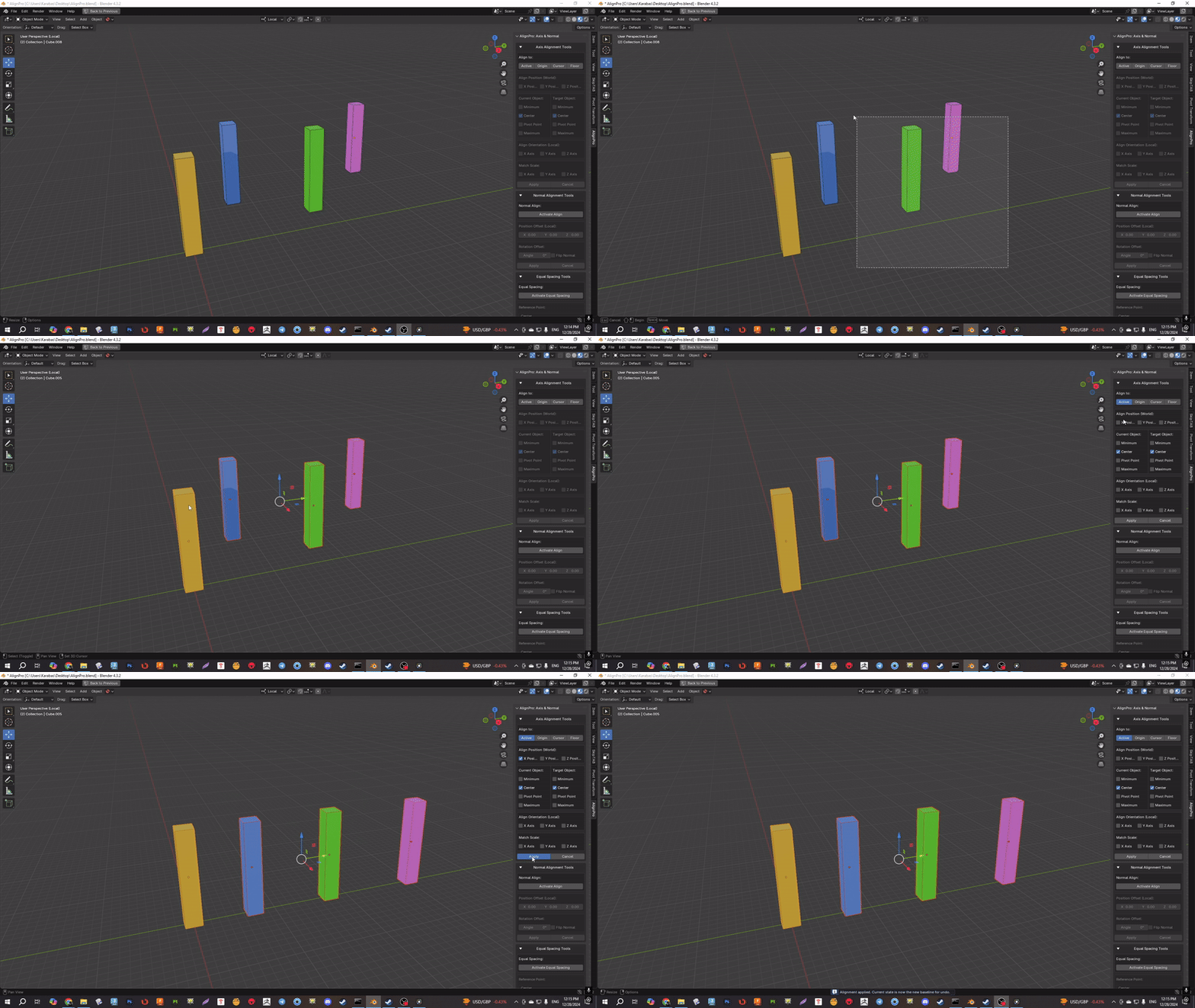
- "Current and Target" blocks: Adjust reference points using Minimum, Center (bounding box), Pivot Point, and Maximum for both the "current" and "target" objects.
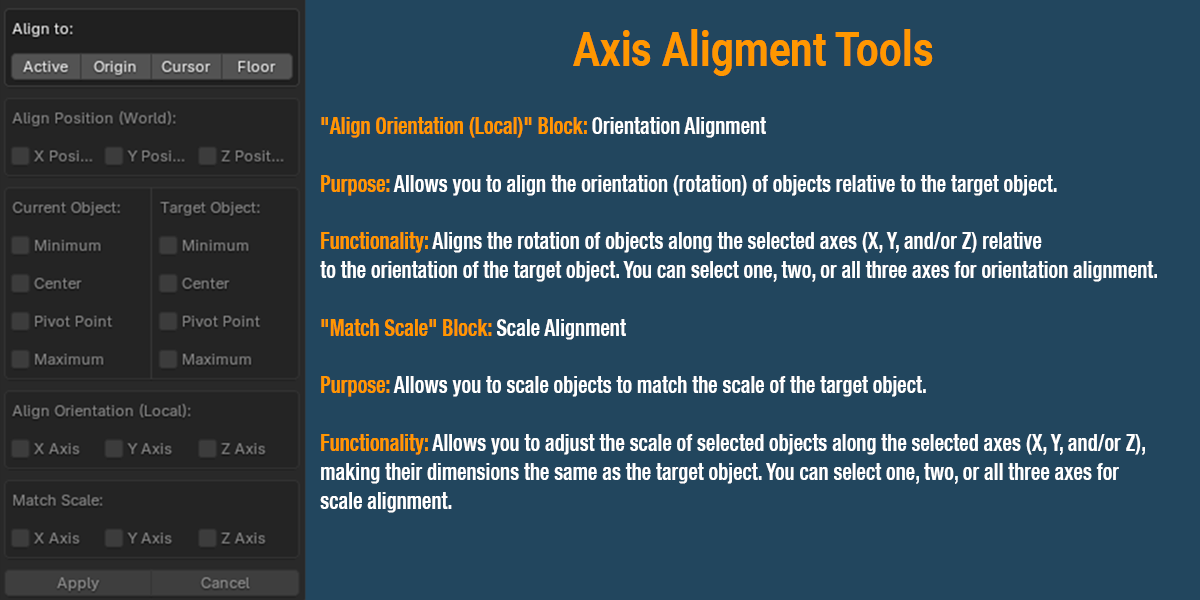
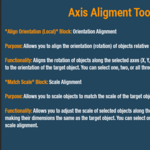
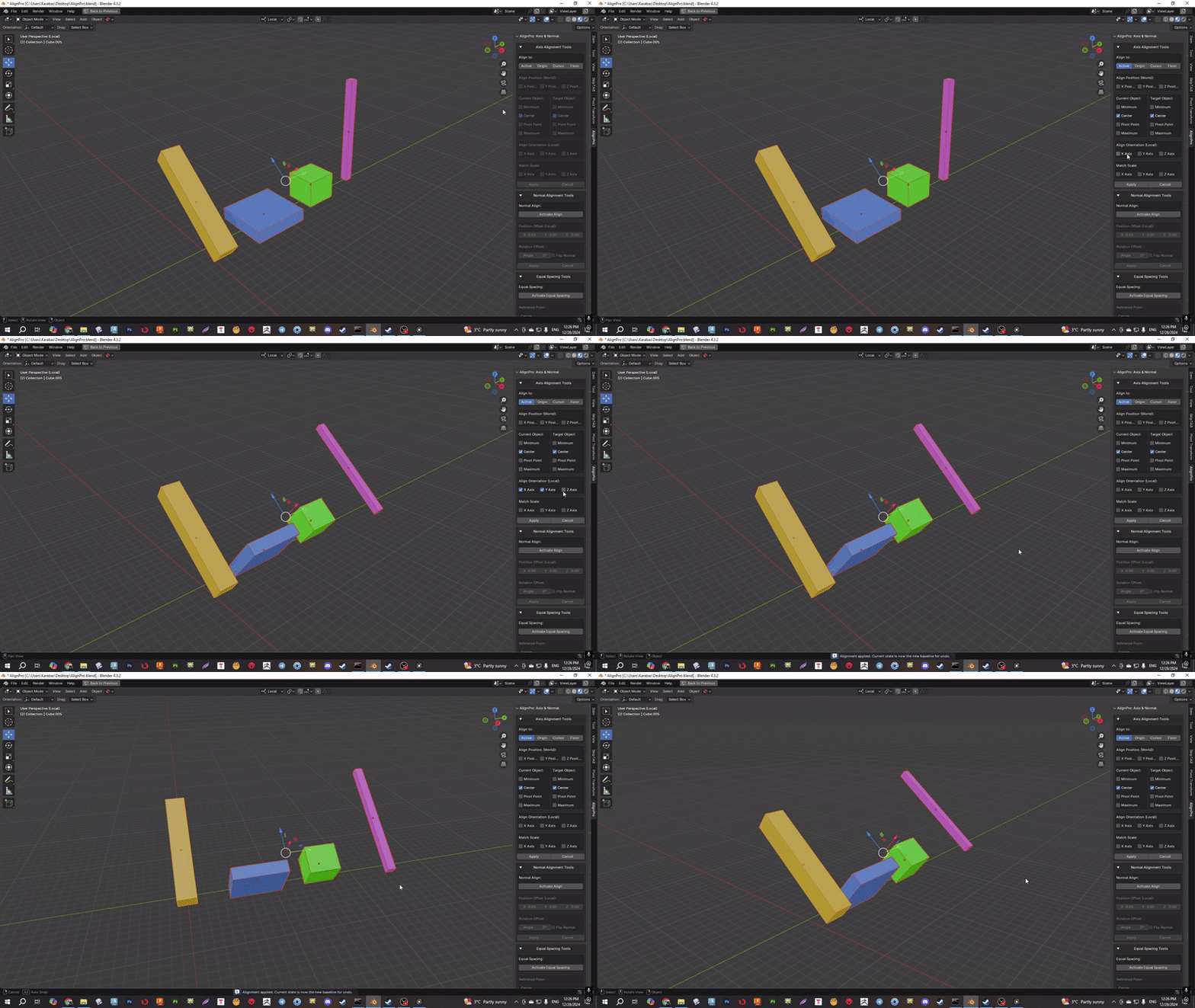
- Align Orientation & Match Scale: Align rotation along selected axes relative to the target's orientation and match the scale of objects to the target's dimensions.
-
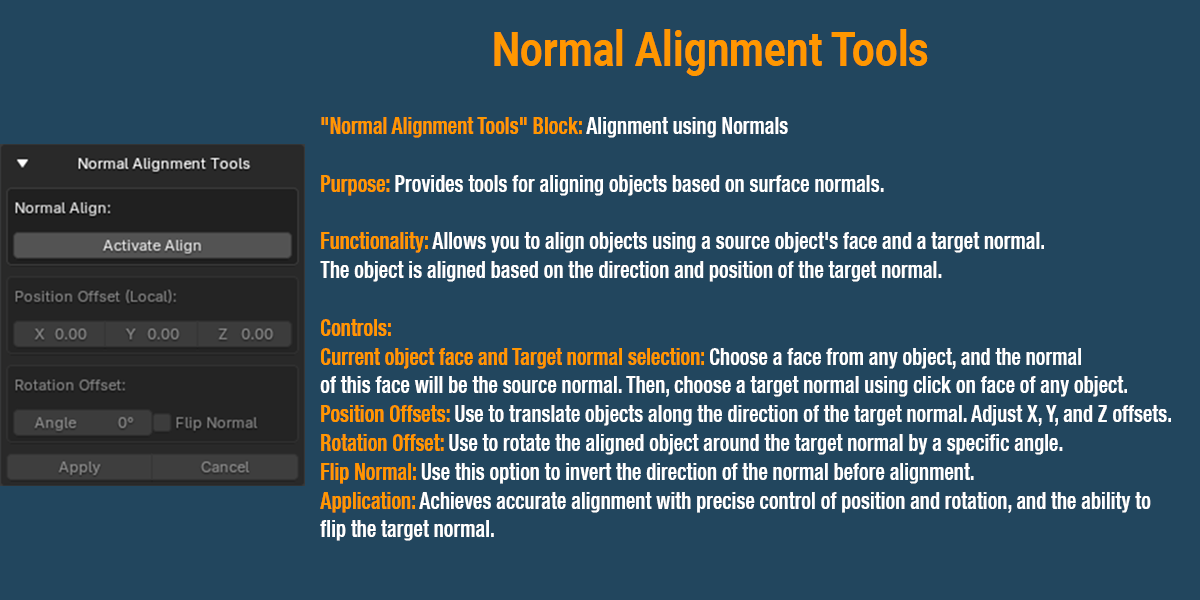
Normal Aligment Tools:
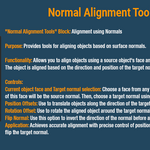
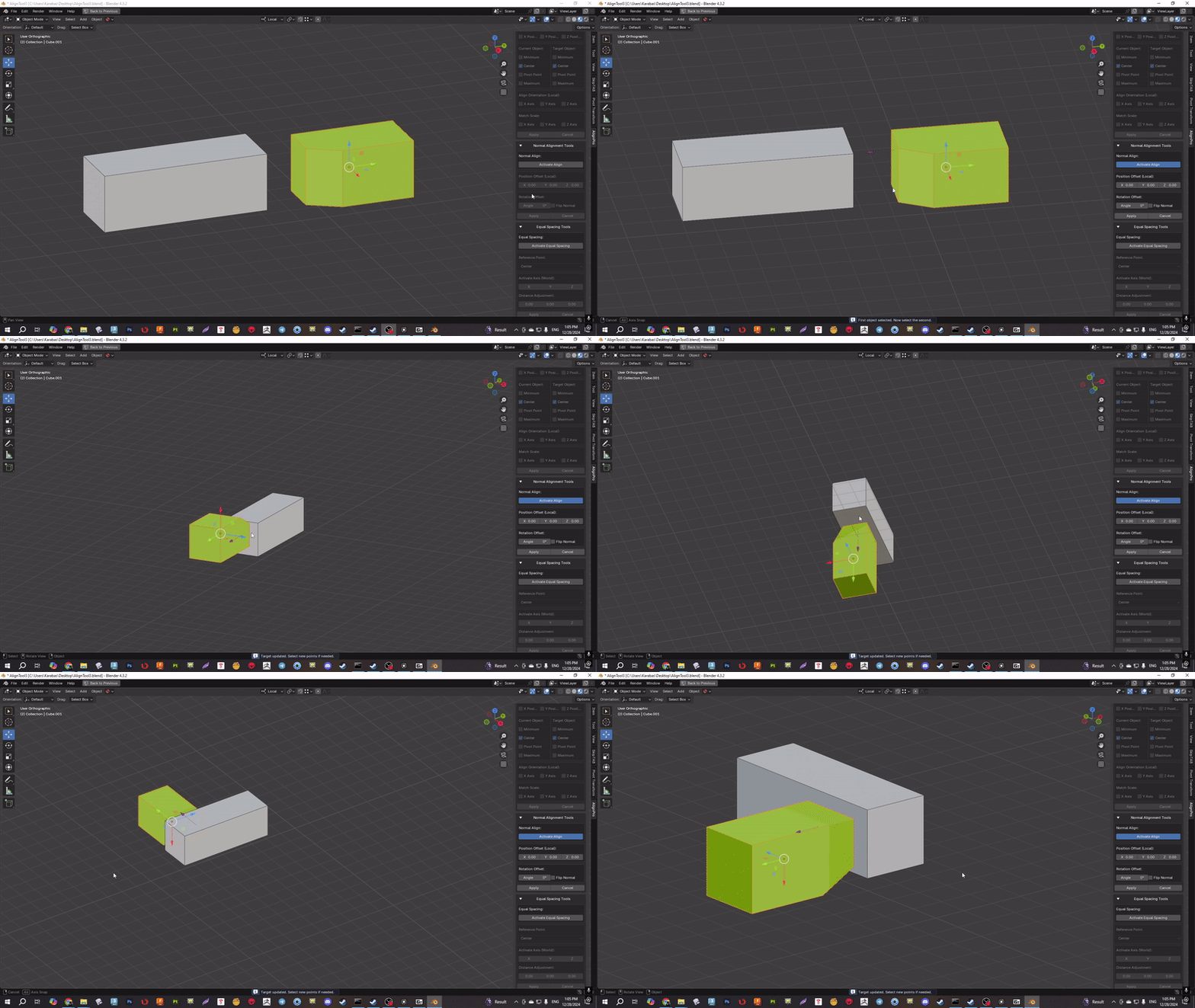
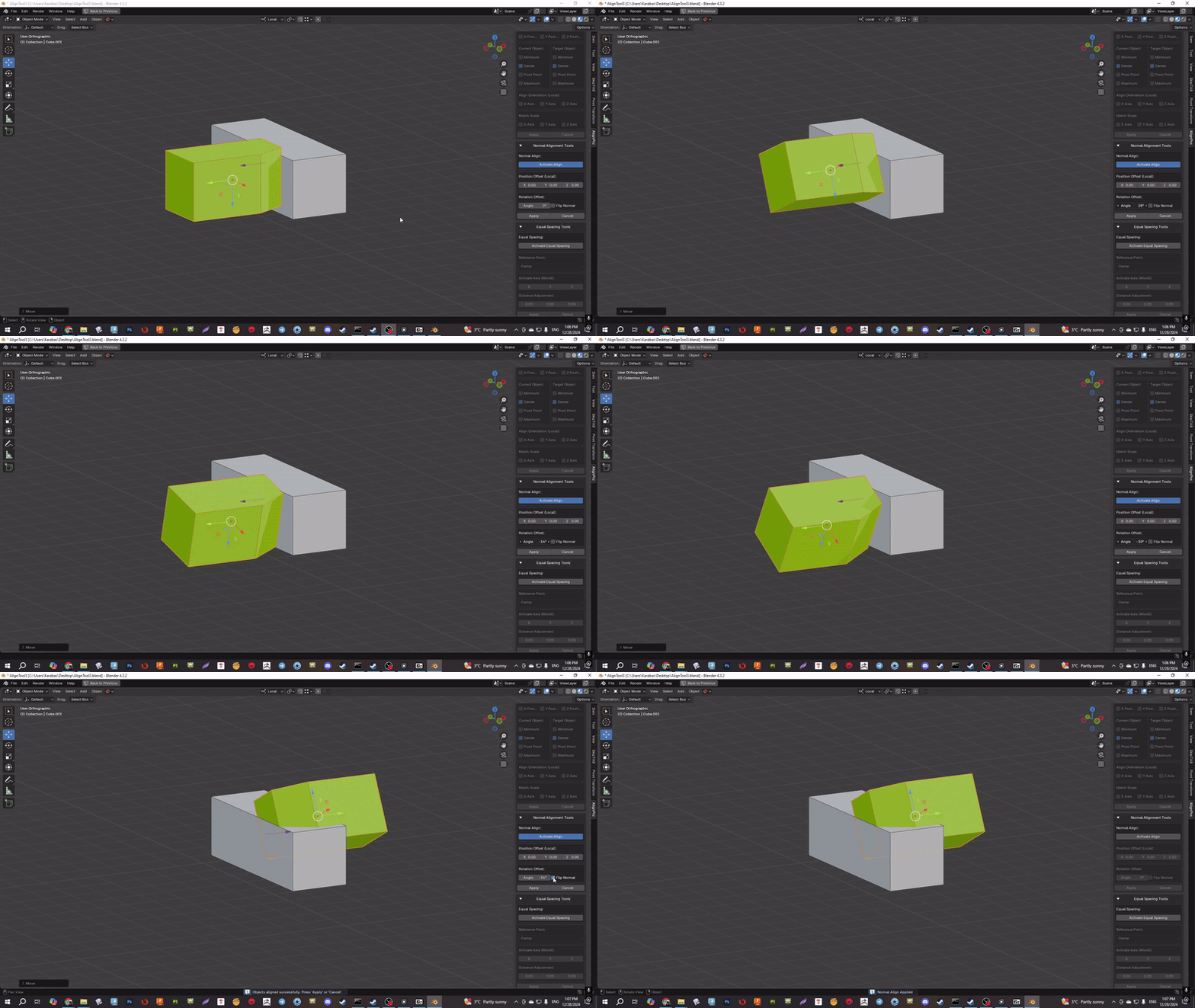
- An advanced system for aligning objects based on normal vectors. The user selects a point on the surface of one object, then a point on another, and the first object is moved and rotated to align the faces at those points.
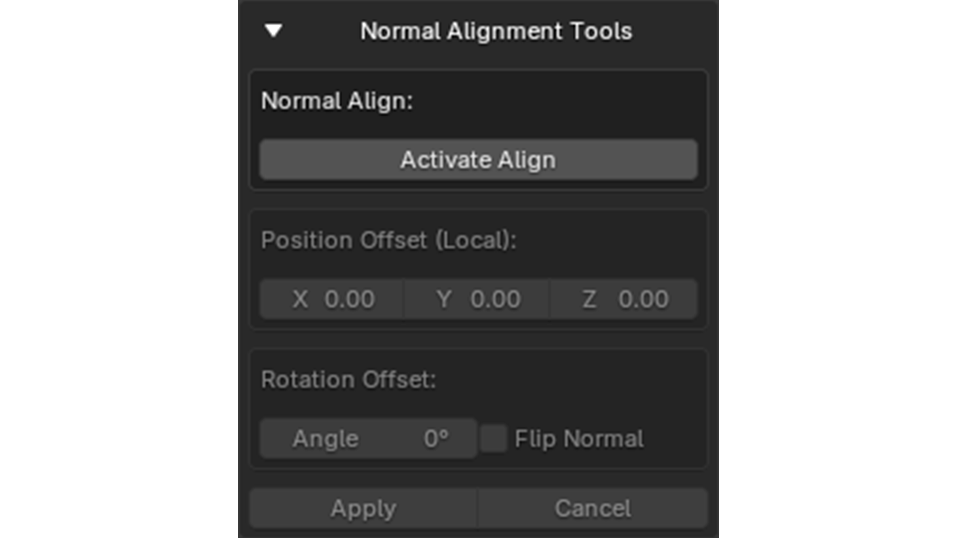
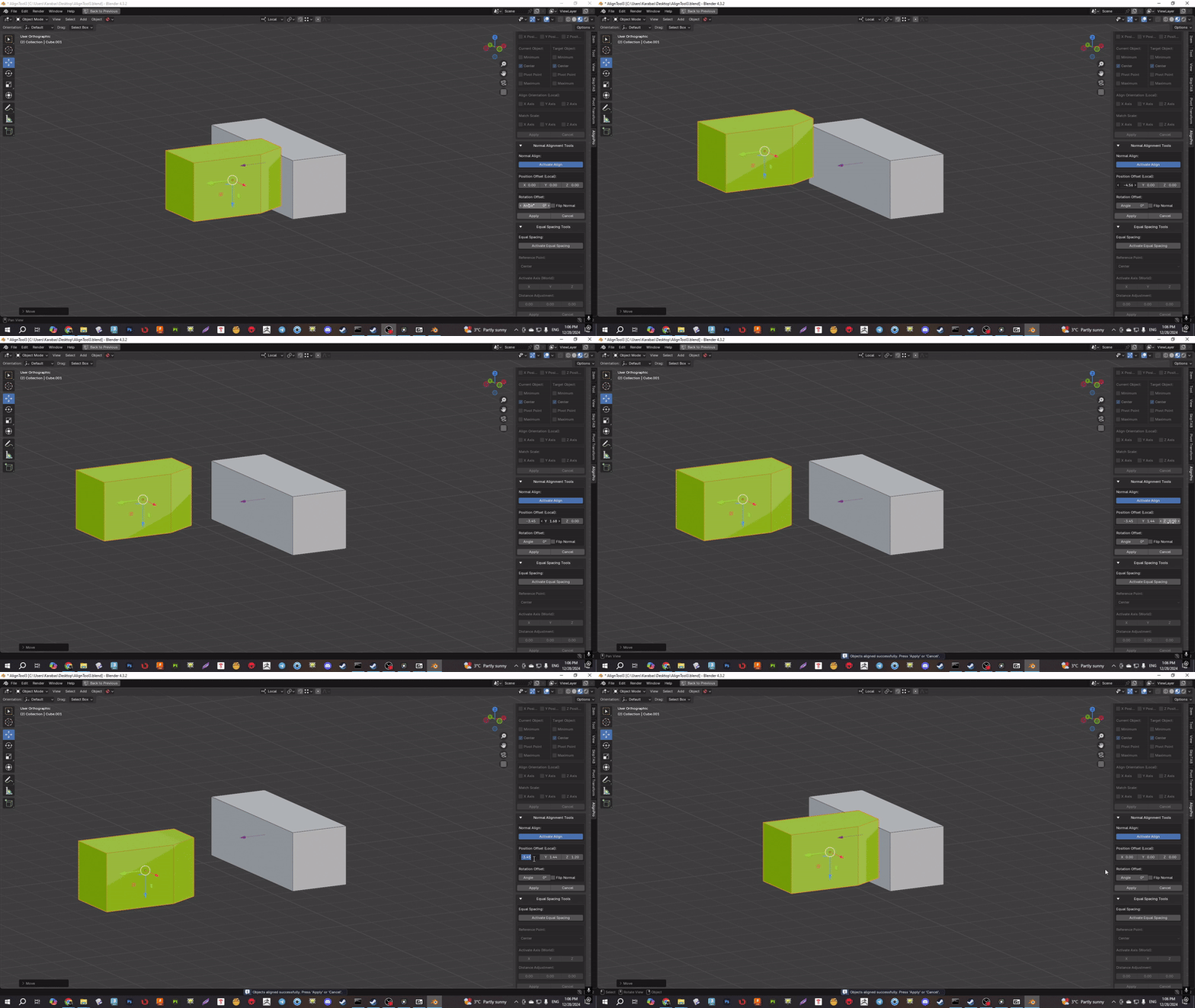
- This feature also includes the ability to "flip" the selected normal and adjust the position and rotation offset, making the alignment extremely accurate and flexible. The tool visualizes the selected normals with a gizmo directly in the 3D view.
-
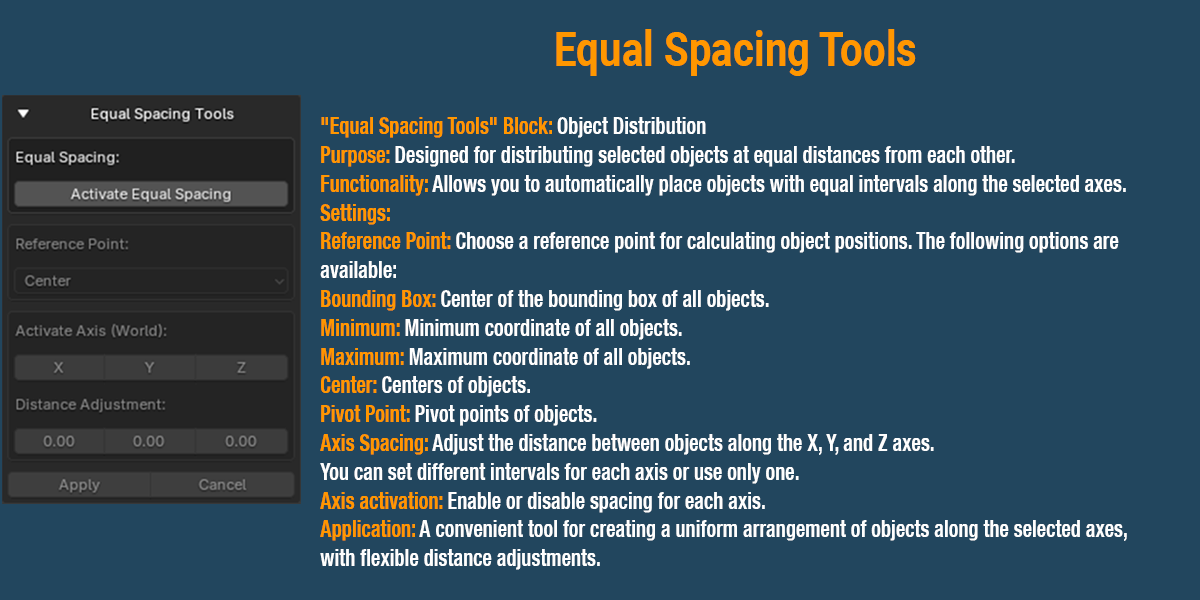
Equal Spacing Tools:
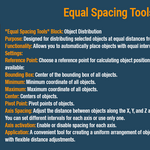
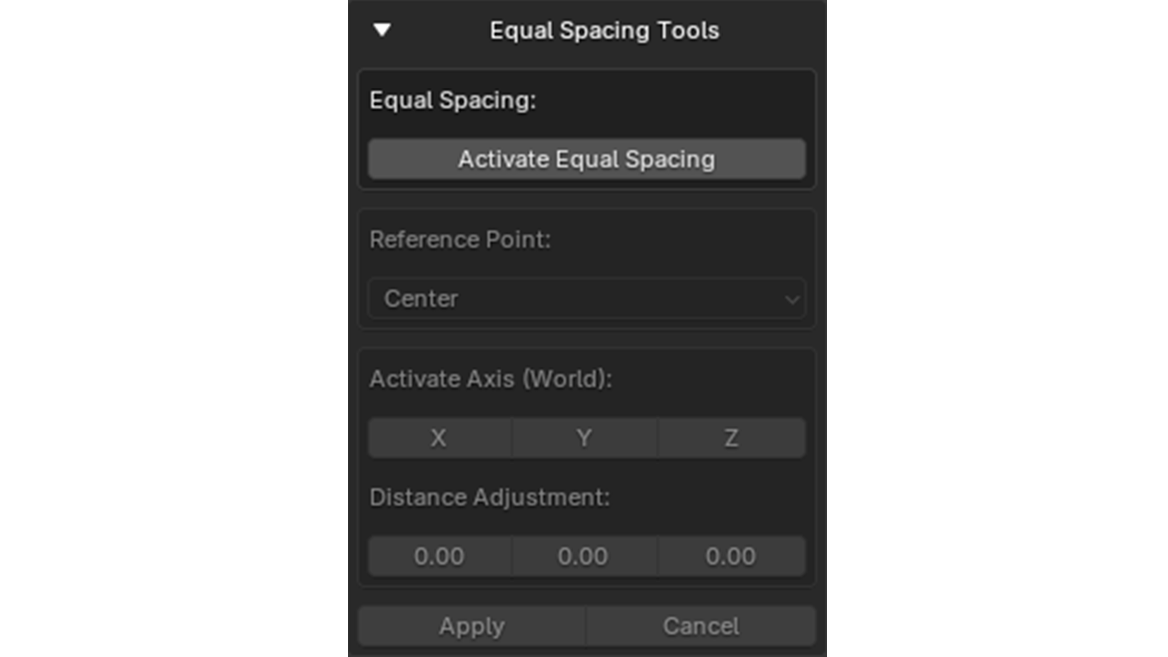
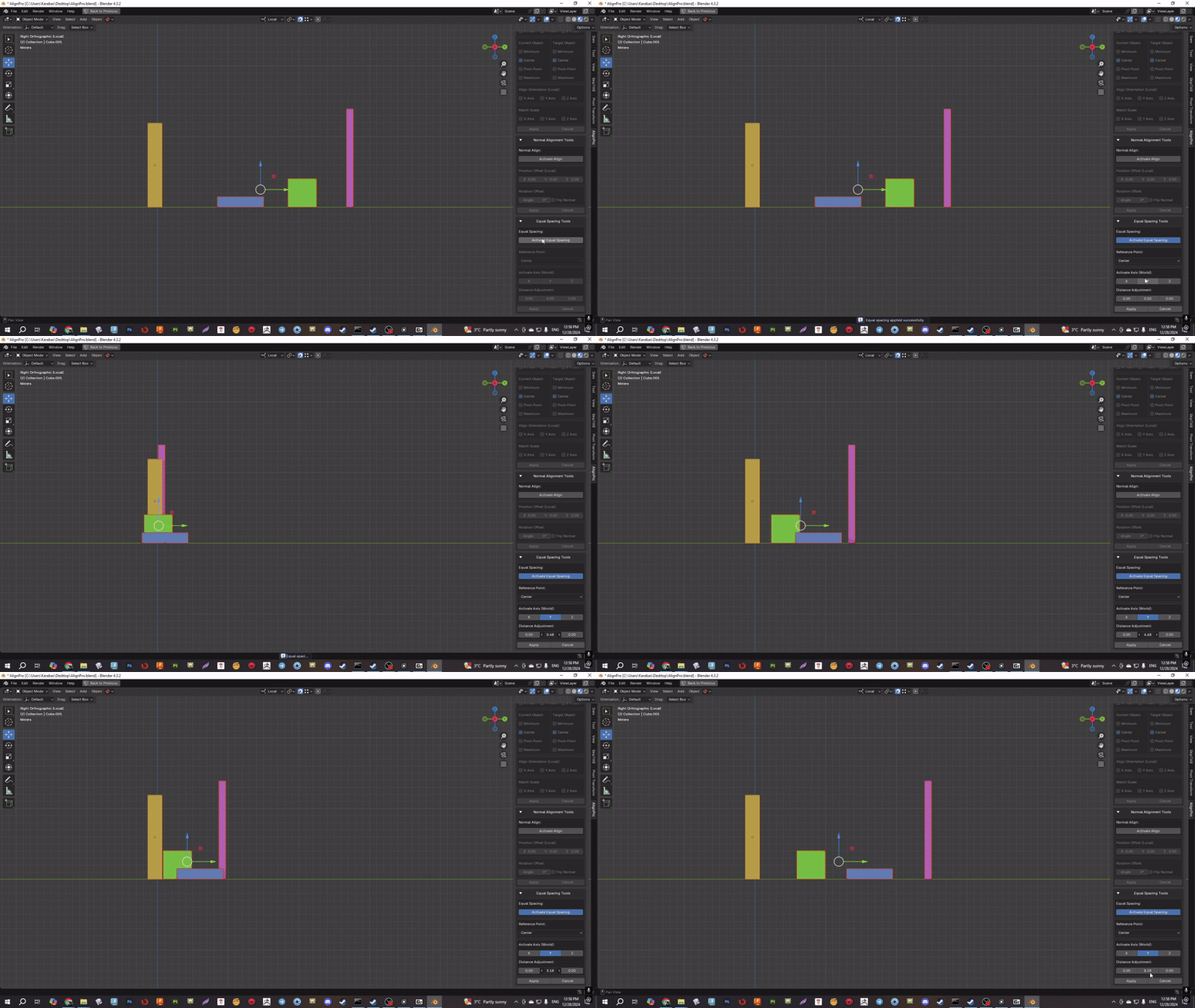
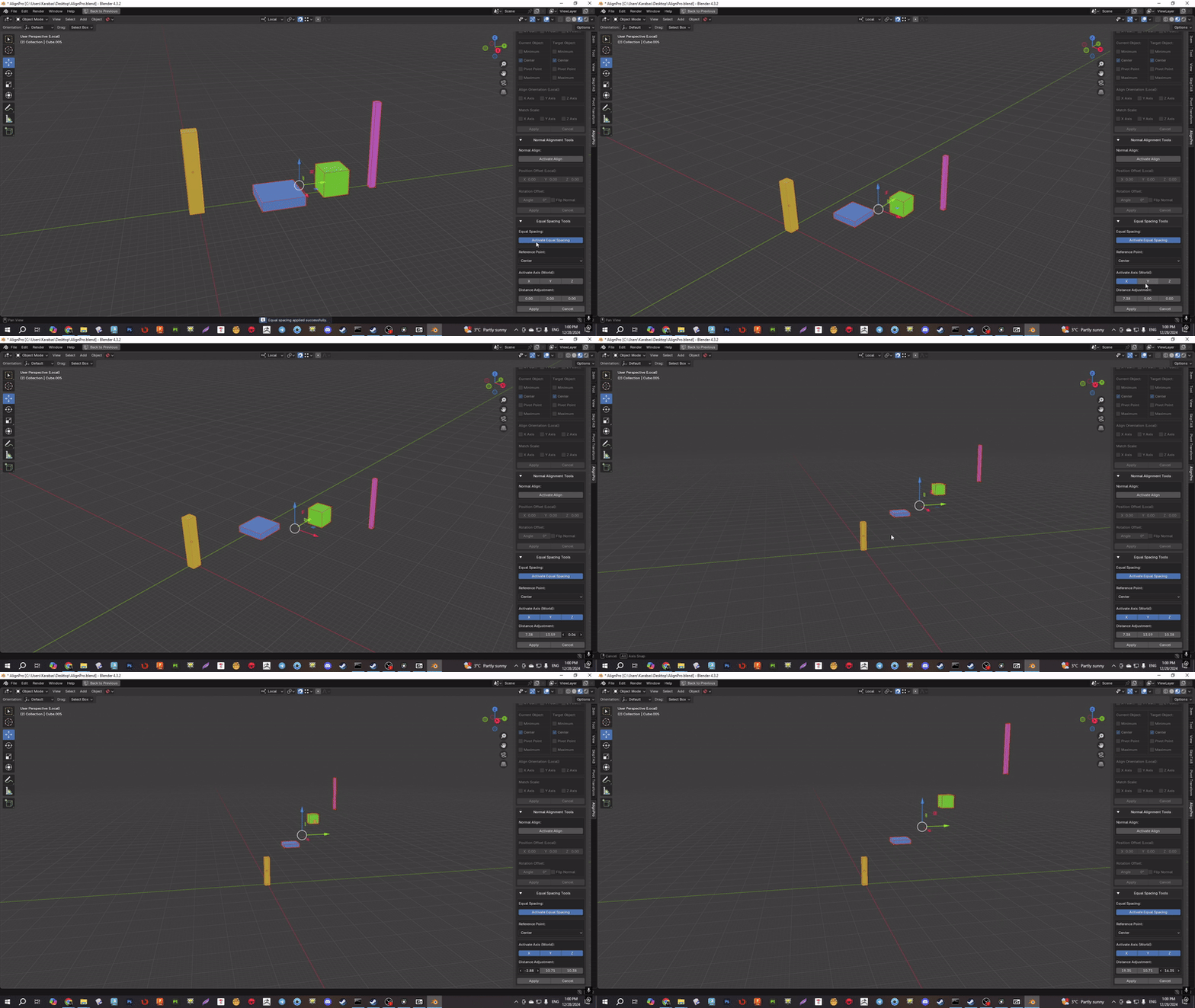
- Distribute selected objects along one or more axes (X, Y, Z) at equal distances from each other. Users can choose different reference points for distribution (min, max, center, pivot) and adjust the distance between objects to create uniform and symmetrical compositions.
Benefits for Professional Use:
- Interactive Real-Time Alignment: All key features of the addon work in real time, allowing users to see the results of their actions instantly. This greatly simplifies the setup process and provides a more intuitive workflow.
- Convenient and Intuitive Interface: The addon integrates into Blender through a user-friendly panel in the 3D view sidebar, providing easy access to all tools.
AlignPro: Axis and Normal - Update v0.1.1
This update adds support for Blender 4.4 and fixes the following issues:
- Fixed a problem with creating operator instances, which caused errors in Blender 4.4.
- Fixed a TypeError that occurred when uninstalling the addon.