 Jo_wski
Import an image with an alpha channel and non-destructively cut away the transparent part.
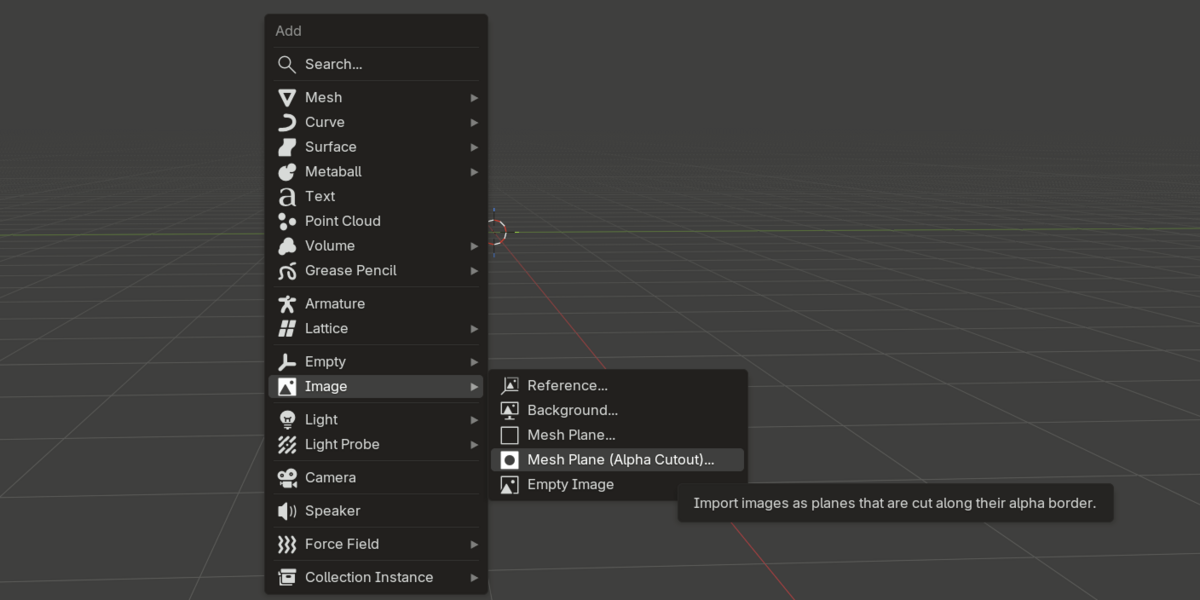
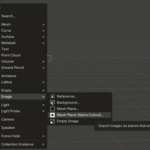
- Use the usual shift+a panel to import an image
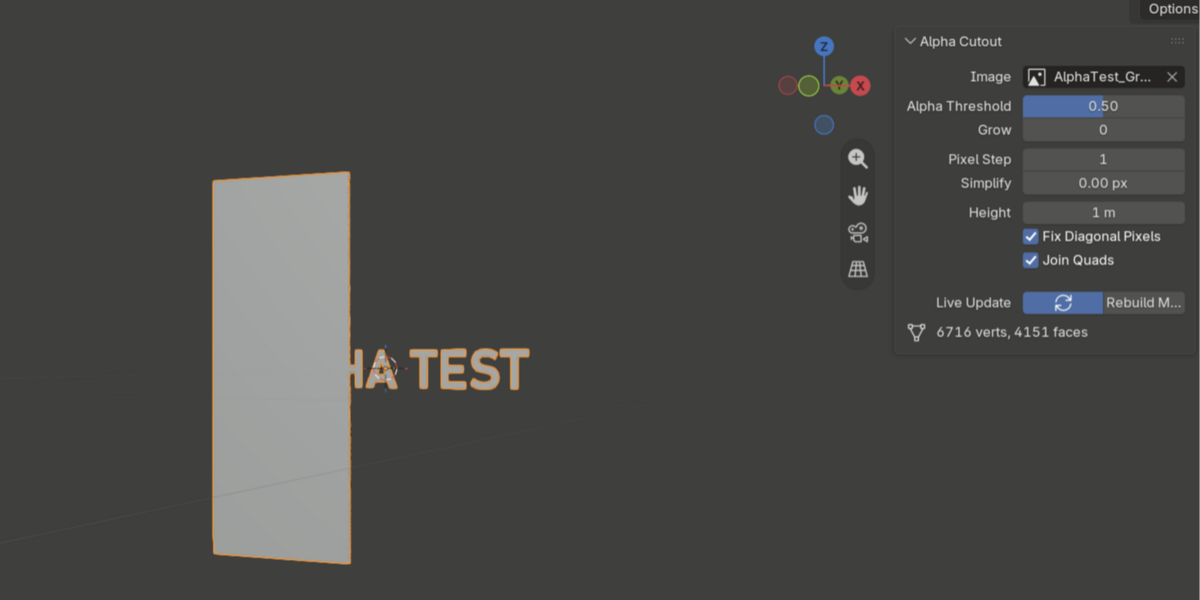
- make adjustements after importing in the n-panel menu
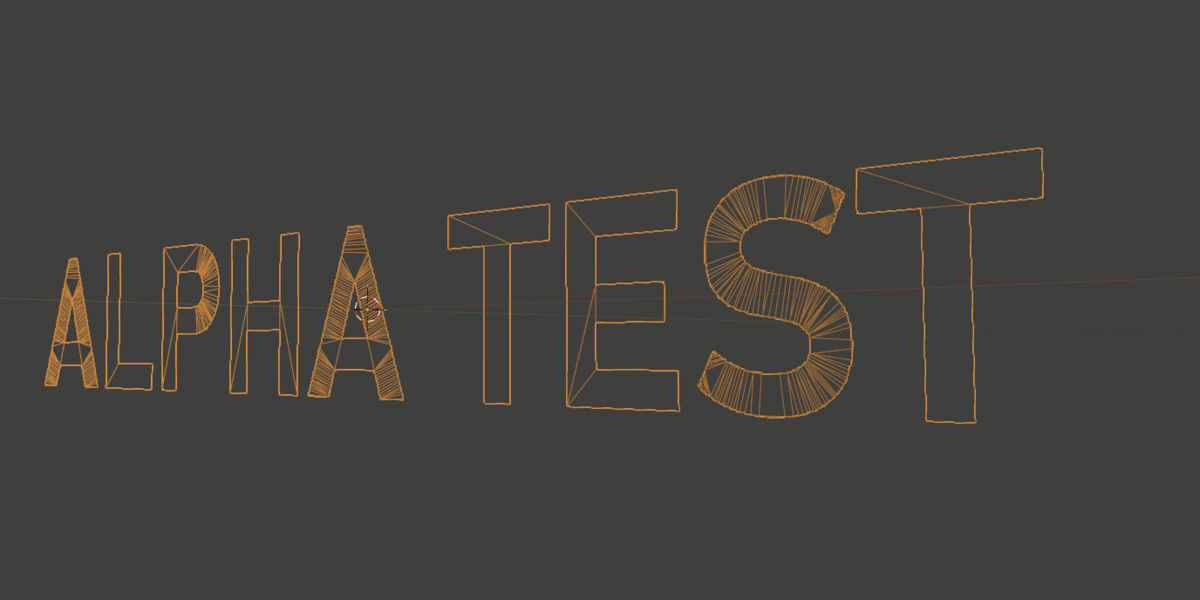
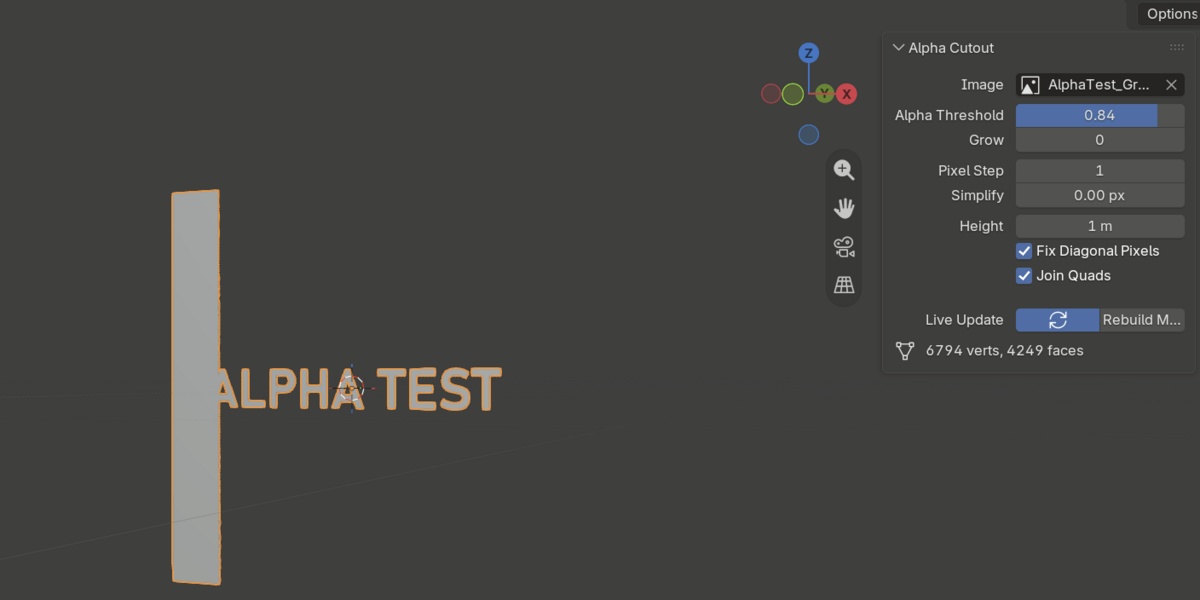
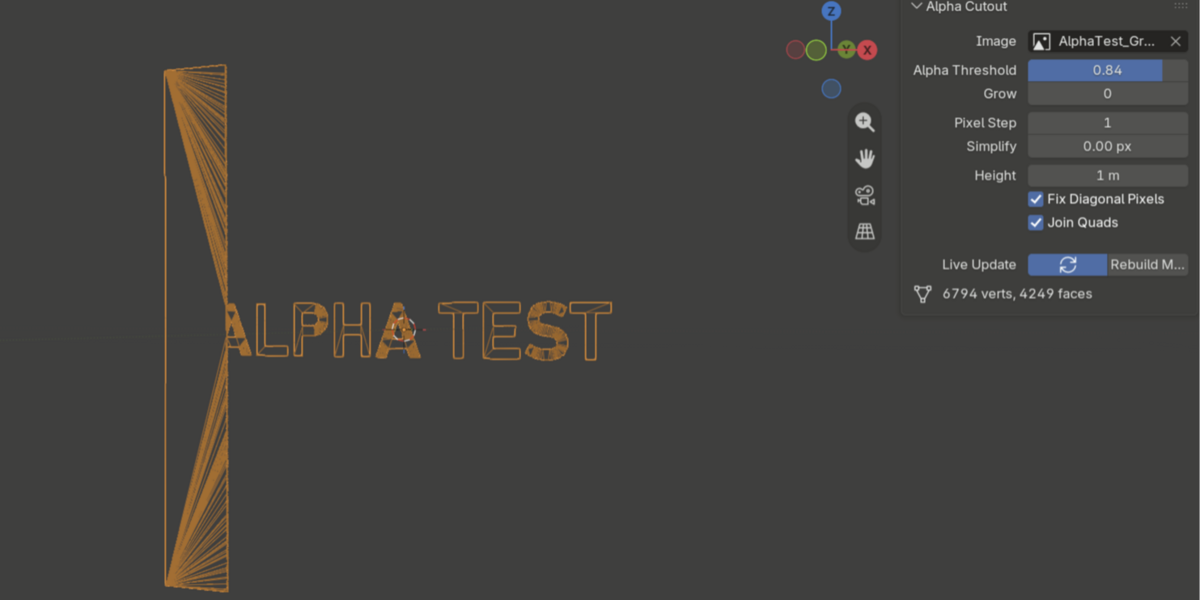
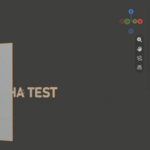
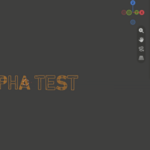
Import an image with an alpha channel and non-destructively cut away the transparent part.
Have questions about this product?
Login to message
| Blender Extension Compatible | Yes |
| Published | 10 days ago |
| Blender Version | 5.2 |
| Extension Type | Add-on |
| Render Engine Used | Cycles, Eevee |
| License | GPL |