 blenderVfxMaster


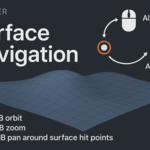
Alt Surface Navigation
Advanced 3D Viewport Navigation for Blender
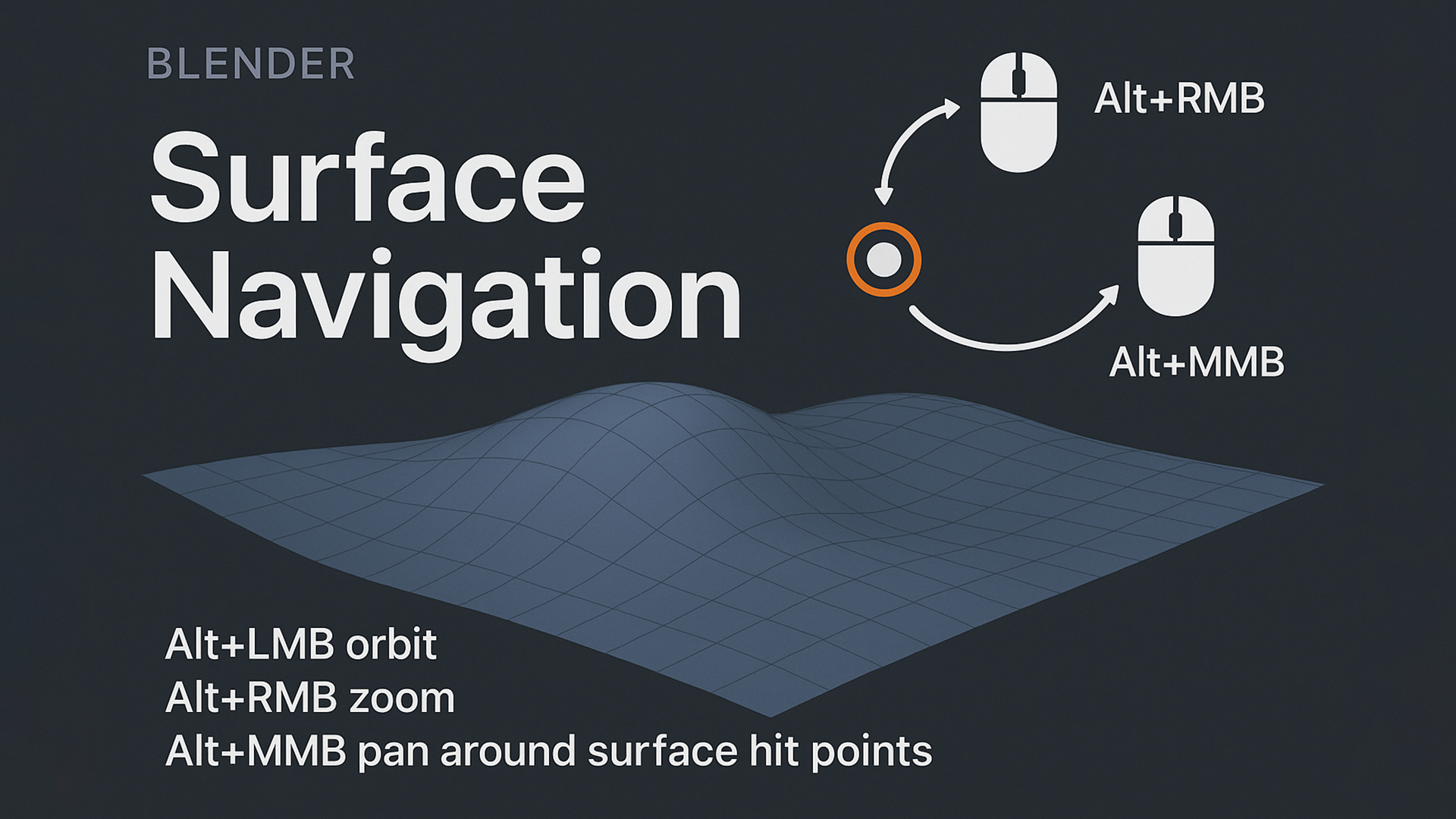
Transform your Blender 3D navigation experience with Alt Surface Navigation, a powerful addon that provides intuitive surface-based viewport controls.
This complete navigation solution allows you to orbit, zoom, and pan around any surface point in your 3D scene with precision and ease.
✨ Key Features
-
Surface-Based Navigation – Navigate around actual surface hit points rather than arbitrary viewport centers
-
Intuitive Controls – Simple Alt + Mouse combinations for all navigation operations
-
Smart Hit Detection – Configurable detection modes for all objects, selected objects, or visible objects
-
Precision Zoom – Adjustable sensitivity and distance limits for perfect control
-
Cursor Integration – Optional 3D cursor positioning during operations
-
Threshold Control – Prevents jittery navigation with hit point update thresholds
🎮 Navigation Controls
-
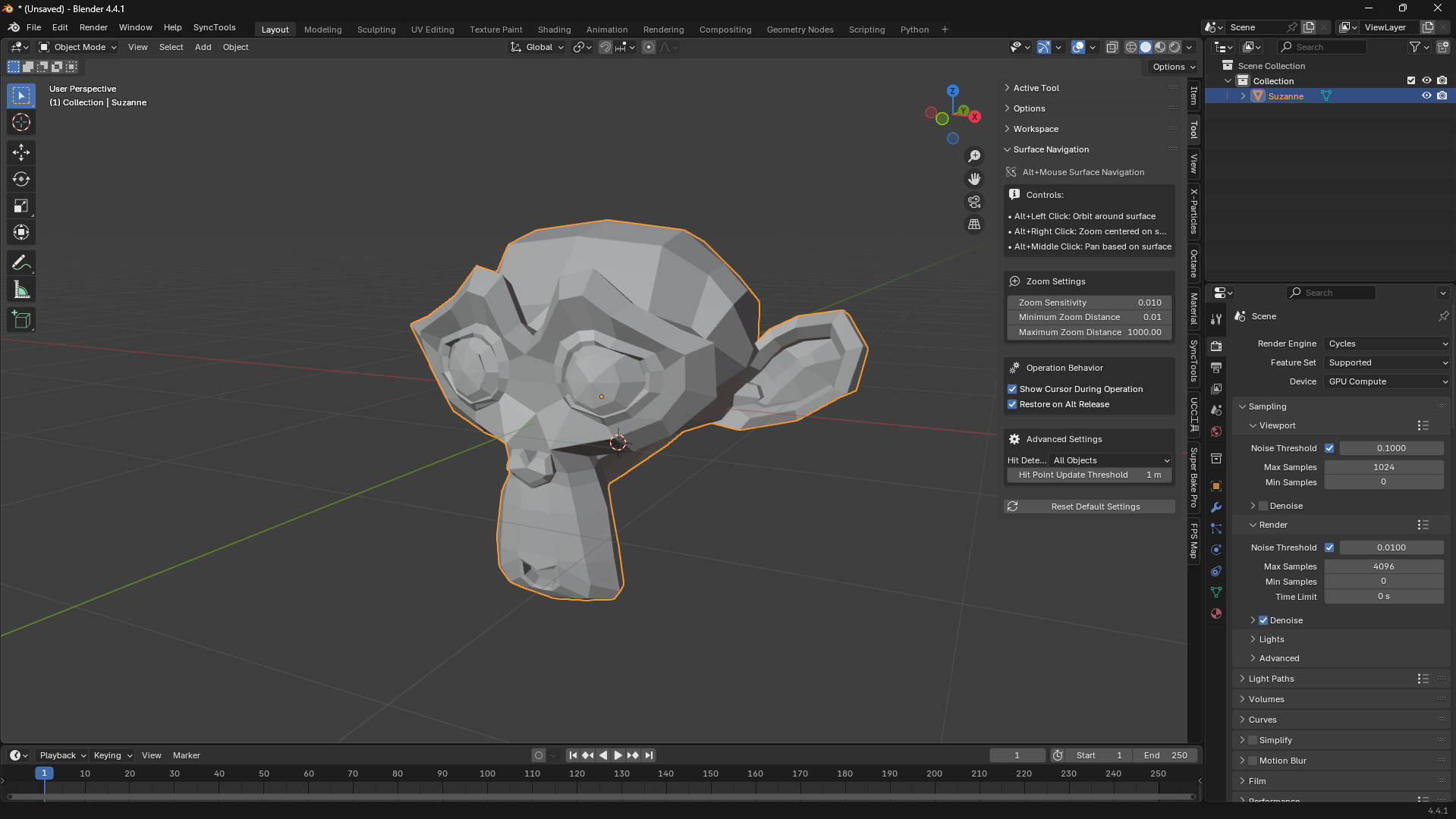
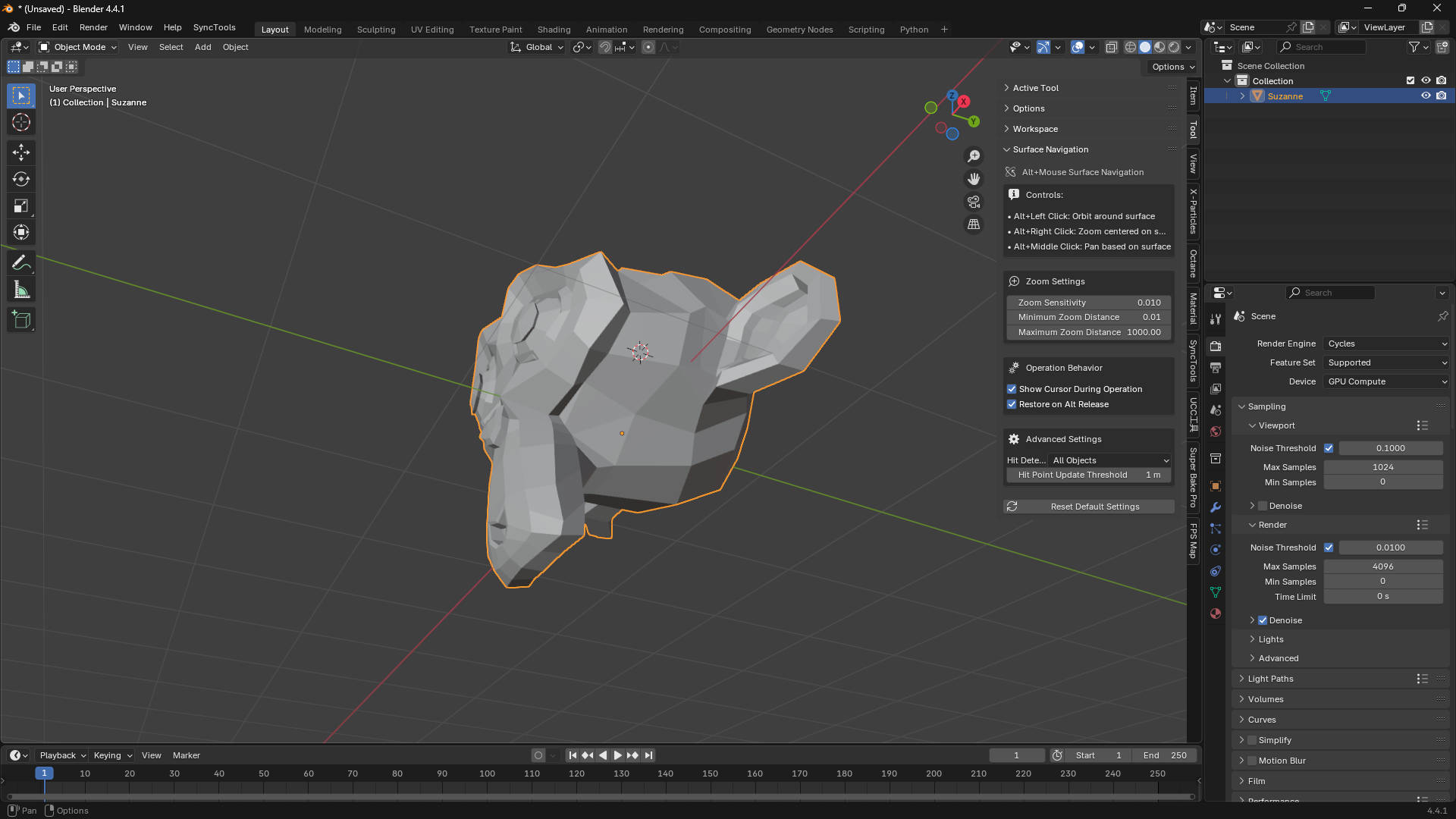
Alt + Left Click → Orbit around surface hit points
-
Alt + Right Click → Zoom centered on surface locations
-
Alt + Middle Click → Pan based on surface reference points
⚙️ Customizable Settings
-
Zoom sensitivity adjustment (0.001 – 0.1 range)
-
Minimum and maximum zoom distance limits
-
Hit point detection modes and update thresholds
-
Cursor display options during operations
-
Restore behavior on Alt key release
📌 Perfect For
-
Detailed modeling and sculpting work
-
Architectural visualization
-
Character modeling and animation
-
Any workflow requiring precise 3D navigation
🔧 Integration & Compatibility
-
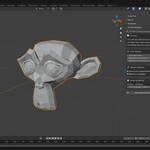
Seamlessly integrates into Blender’s 3D viewport
-
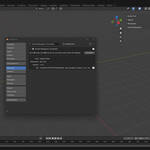
Dedicated settings panel in the Tool category
-
All settings accessible with a reset-to-defaults option
-
Compatible with Blender 3.0+
-
Designed for professional workflows
🚀 Installation
-
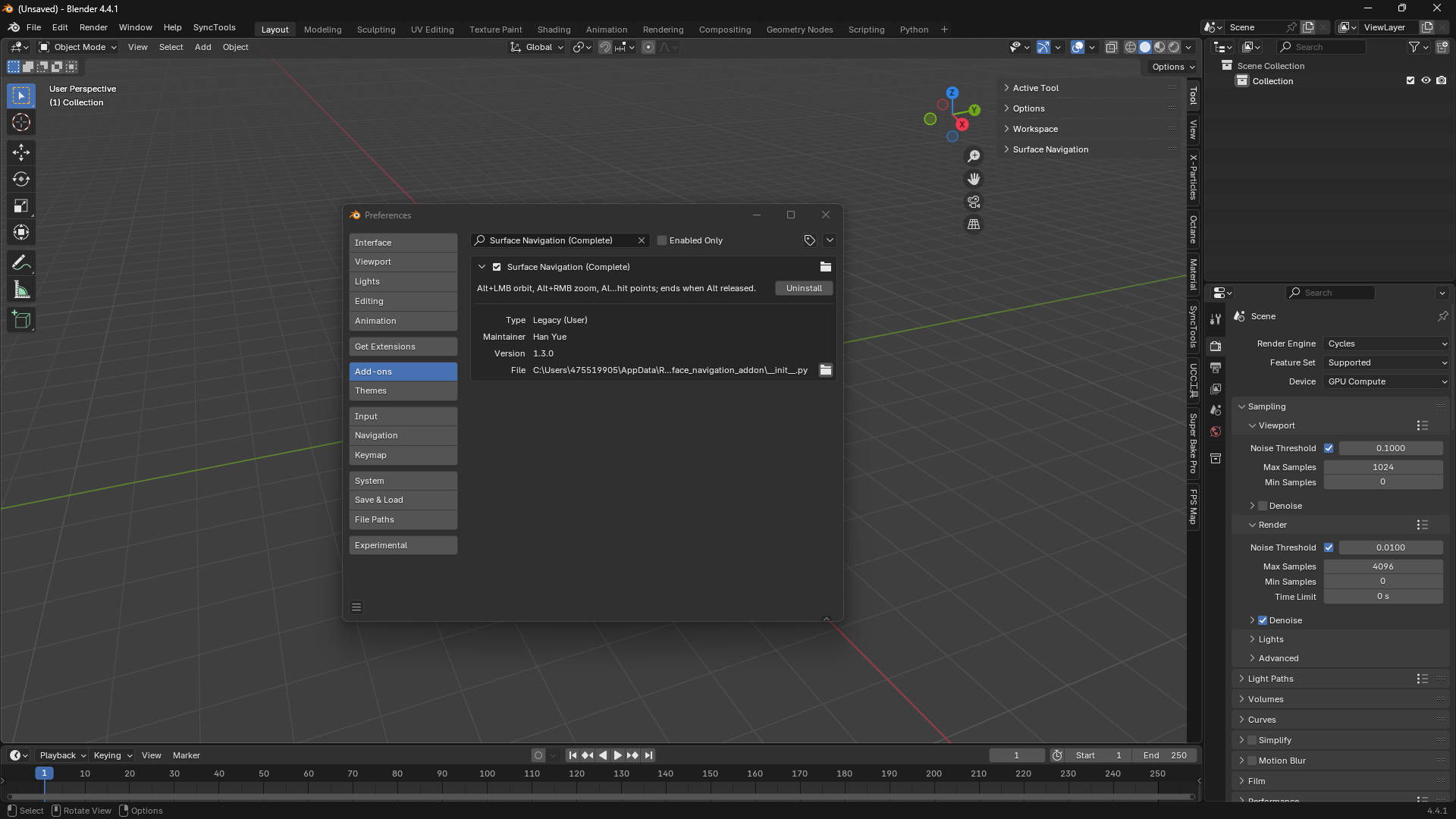
Install the addon file in Blender
-
Navigation controls are immediately available – no complex setup required
-
Start navigating with surface precision right away