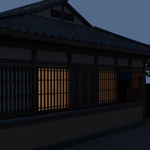
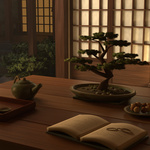
Amber Lantern House - Japanese Courtyard Scene
 Amirchyk
Getting started
- Extract the product archive to a local folder before opening the scene.
- Open Amber_Lantern_House.blend in Blender 4.5. Textures are packed in the native project.
- Choose a saved scene camera or create your own shot. Inspect any background cards, window views and stage boundaries when changing the framing.
- Use the saved renderer and color-management settings as a starting point. Adjust the native light rig, material emission and any native atmosphere to suit your shot.
- Use the GLB file when transferring geometry and standard PBR materials. Rebuild lighting in the destination application; native Blender lights, volumes and compositor effects are not carried as an equivalent setup.
Frequently asked questions
Is this a still image or an editable 3D scene?
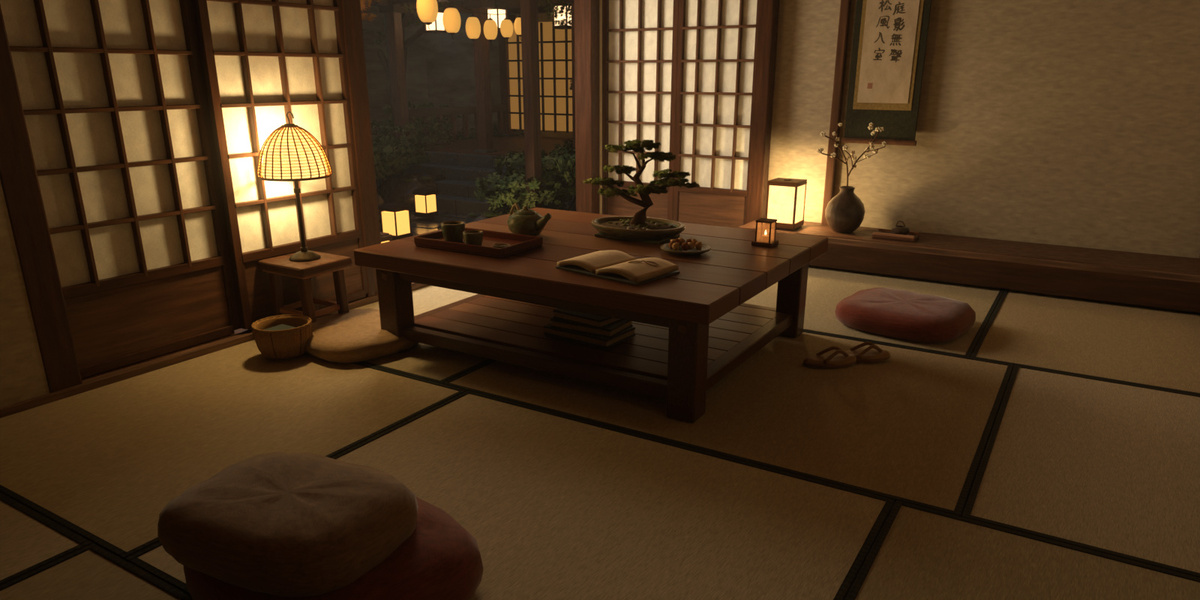
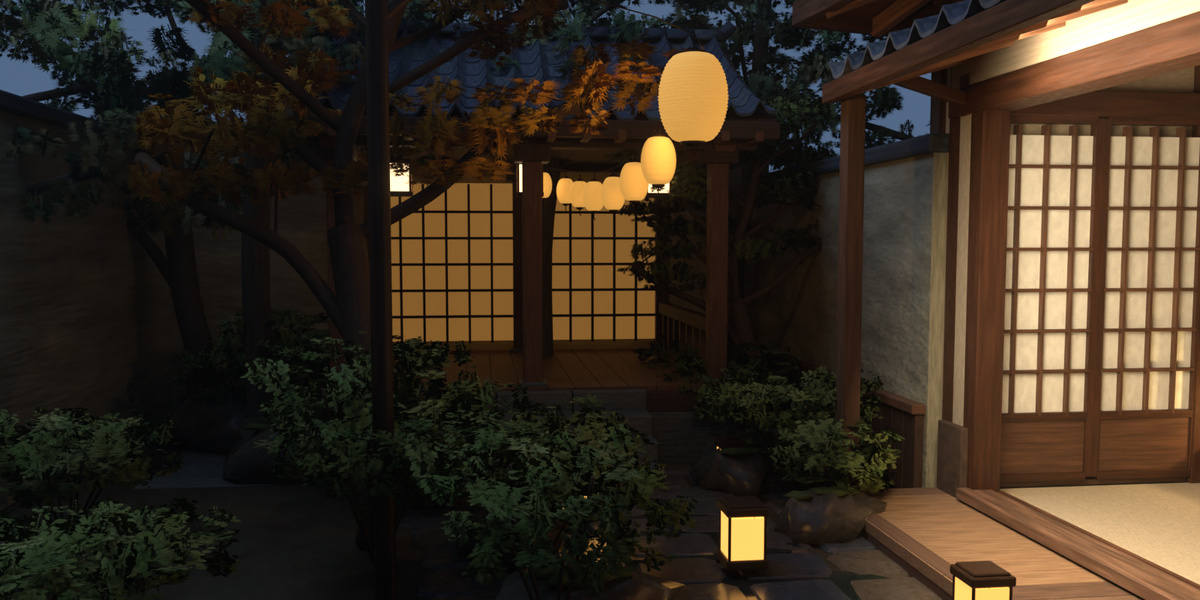
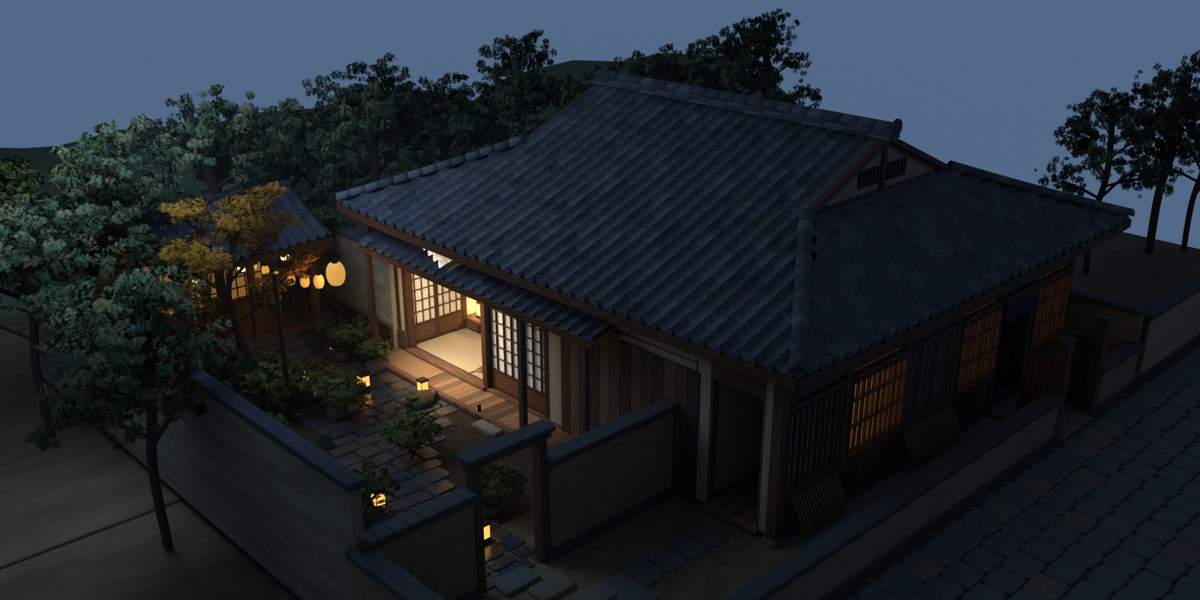
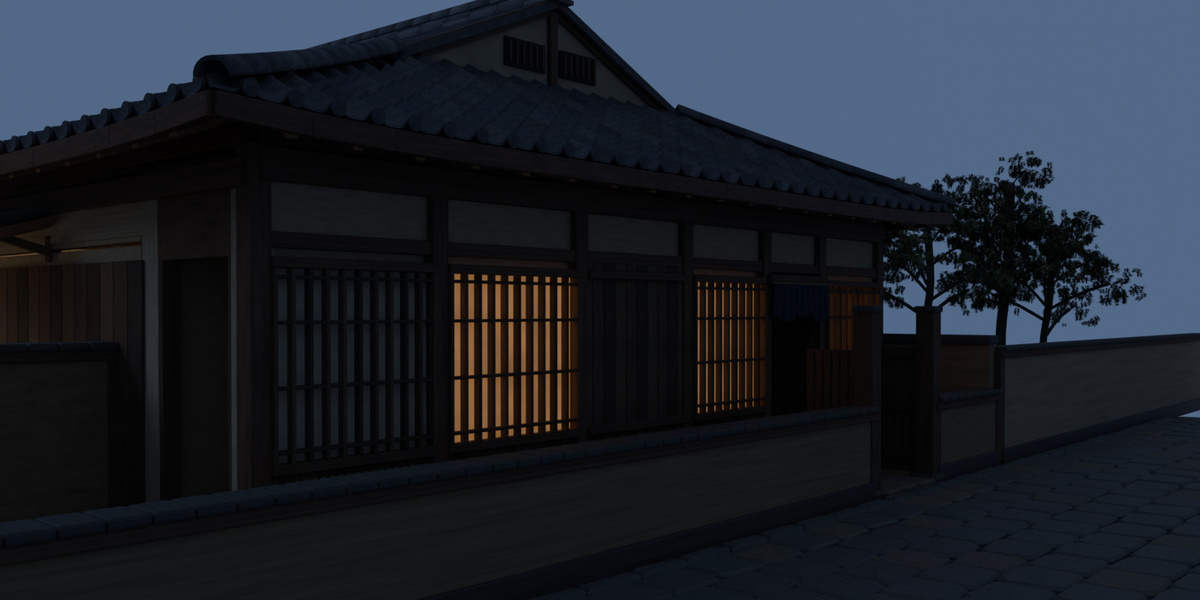
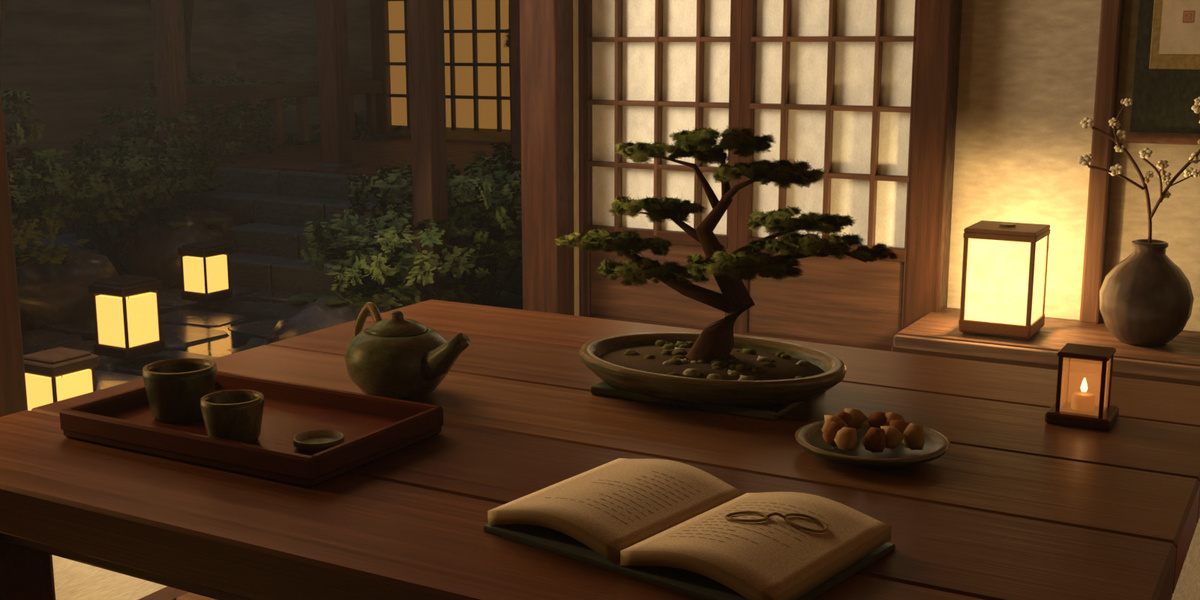
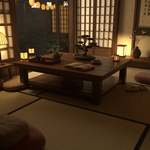
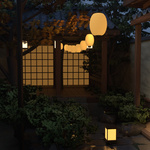
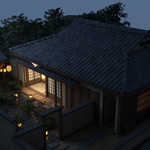
It is an editable native Blender environment with scene objects, materials, saved cameras and lighting. The preview is a rendered example of the supplied scene.
Are characters or character rigs included?
No. This product supplies the environment for your own character staging and animation.
Which Blender version should I use?
The scene was prepared in Blender 4.5. Use the native project to retain its saved lighting, renderer and color-management settings.
Will the GLB look identical in another application?
GLB contains geometry and standard PBR material data. Native Blender lighting, atmosphere and compositor settings are separate; destination software needs its own lighting setup.
Can I freely change the camera?
Saved compositions are useful starting points. You can edit cameras and objects, but inspect background cards, closures and hidden areas for the camera range required by your shot.
Have questions about this product?
Login to message
| Published | 4 days ago |
| Blender Version | 4.5 |
| Render Engine Used | Cycles |
| Misc Data | Textured |
| License | Royalty Free |

Discover more products like this
tatami environment traditional animation courtyard blender House lantern japanese japanese style