 3D Tudor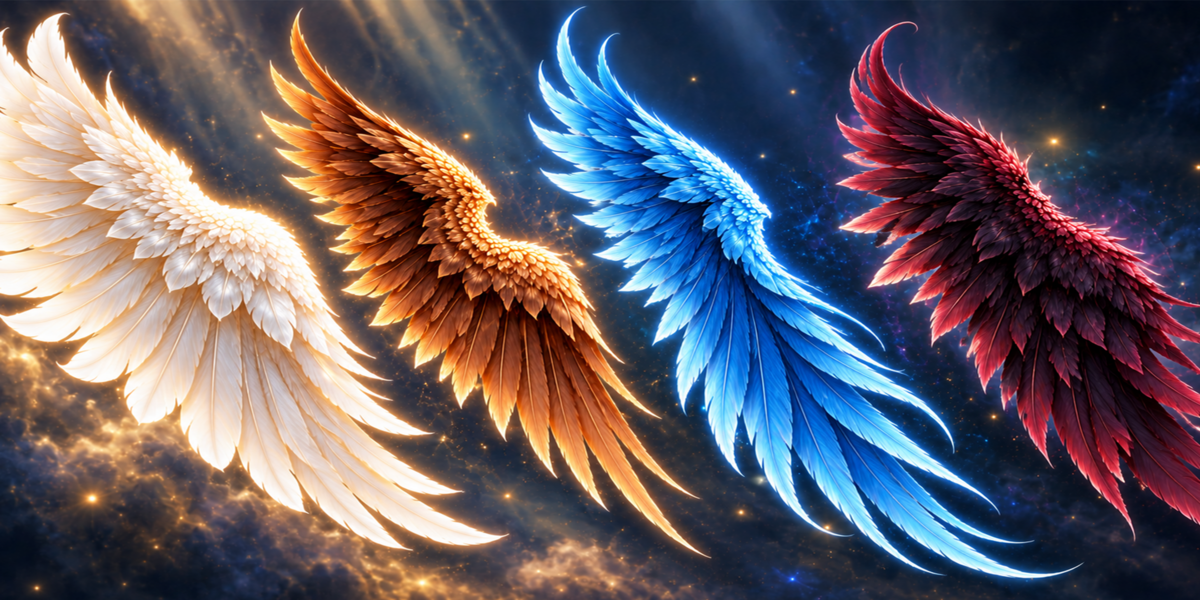

3D TUDOR · CREATURE DESIGN TOOLS
Angel Wings Generator
Build the wing silhouette around your character.
12 feather styles · 153 inputs · Procedural wing motion
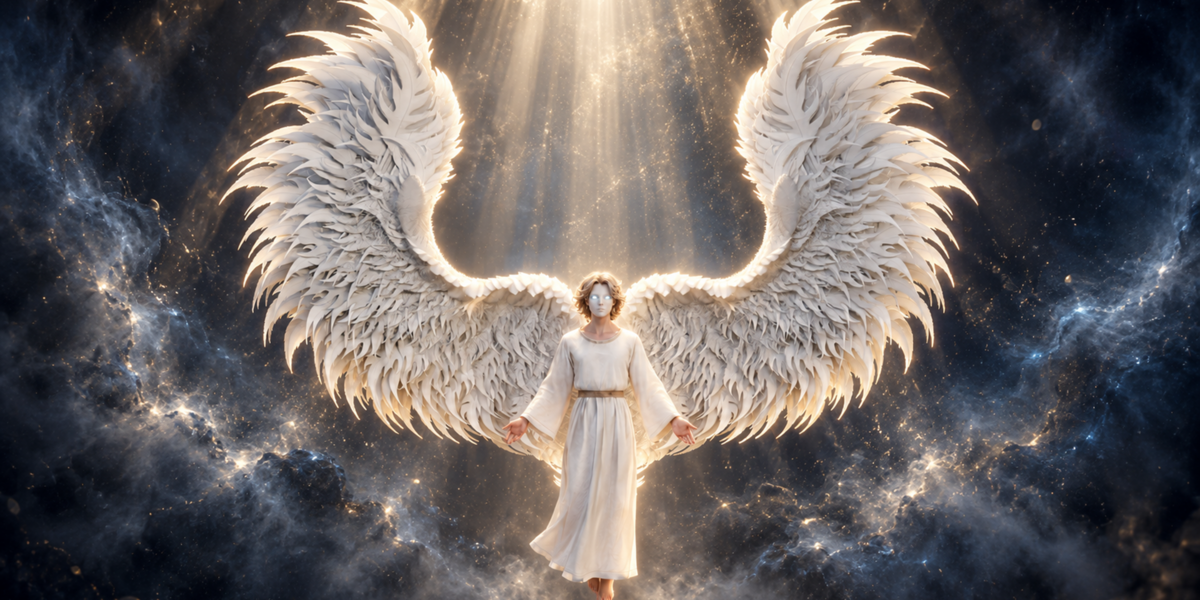
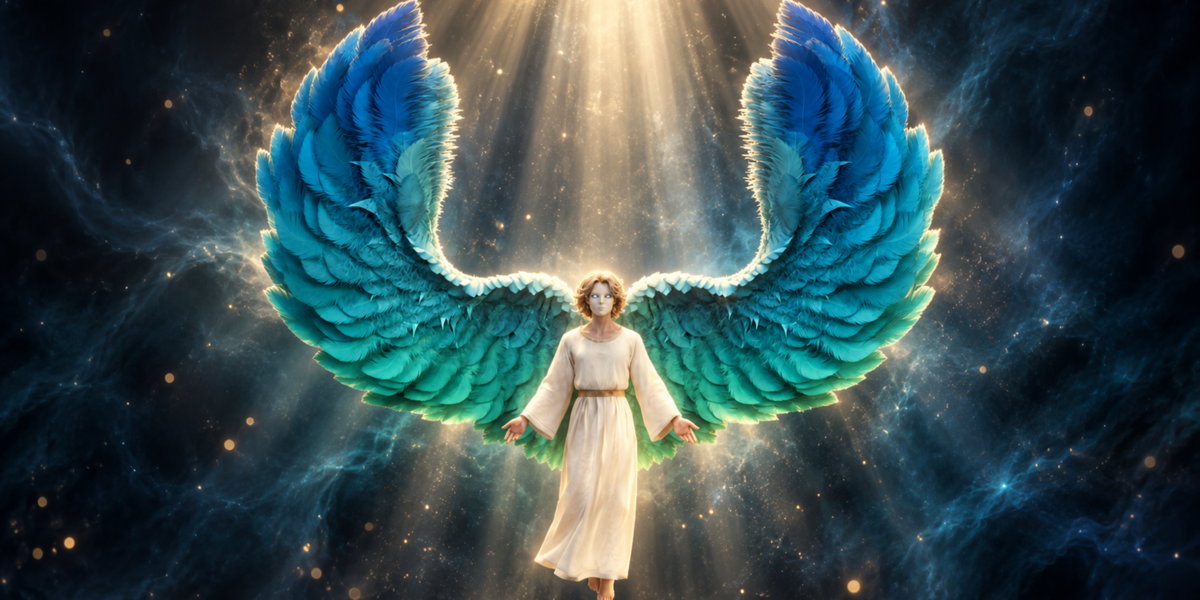
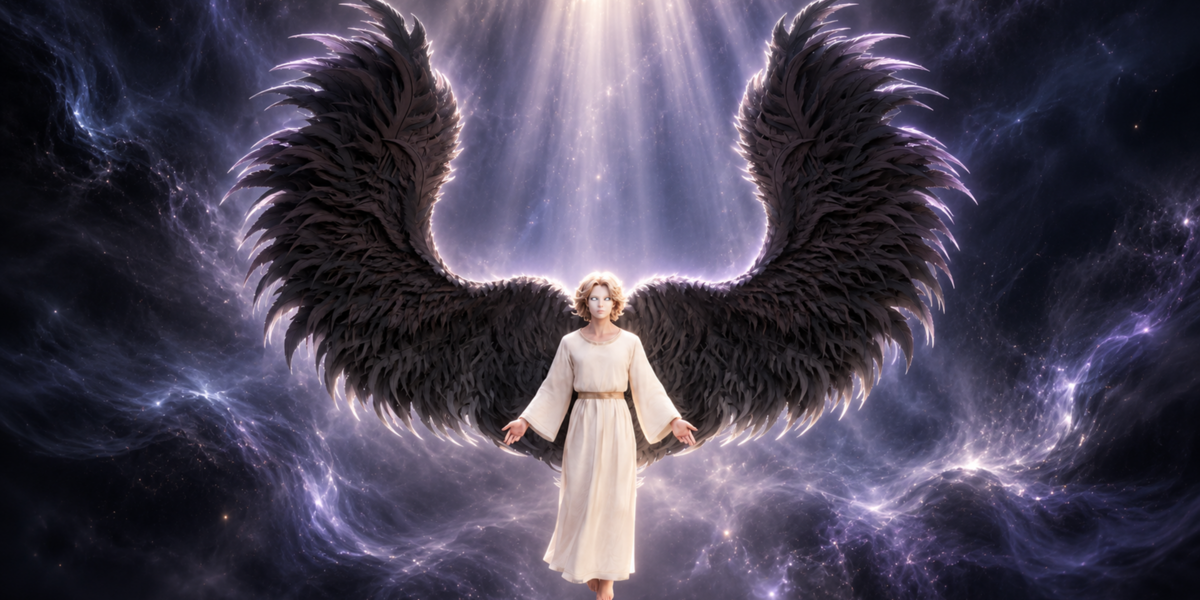
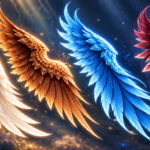
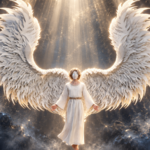
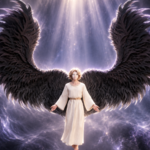
Angel Wings Generator gives you an editable Blender Geometry Nodes setup for layered feathered wings. Set the span and sweep, shape the feather layers, then pose each side to suit the character. A broad white silhouette, a tightly folded dark wing and a vivid fantasy palette can all begin with the same procedural system.
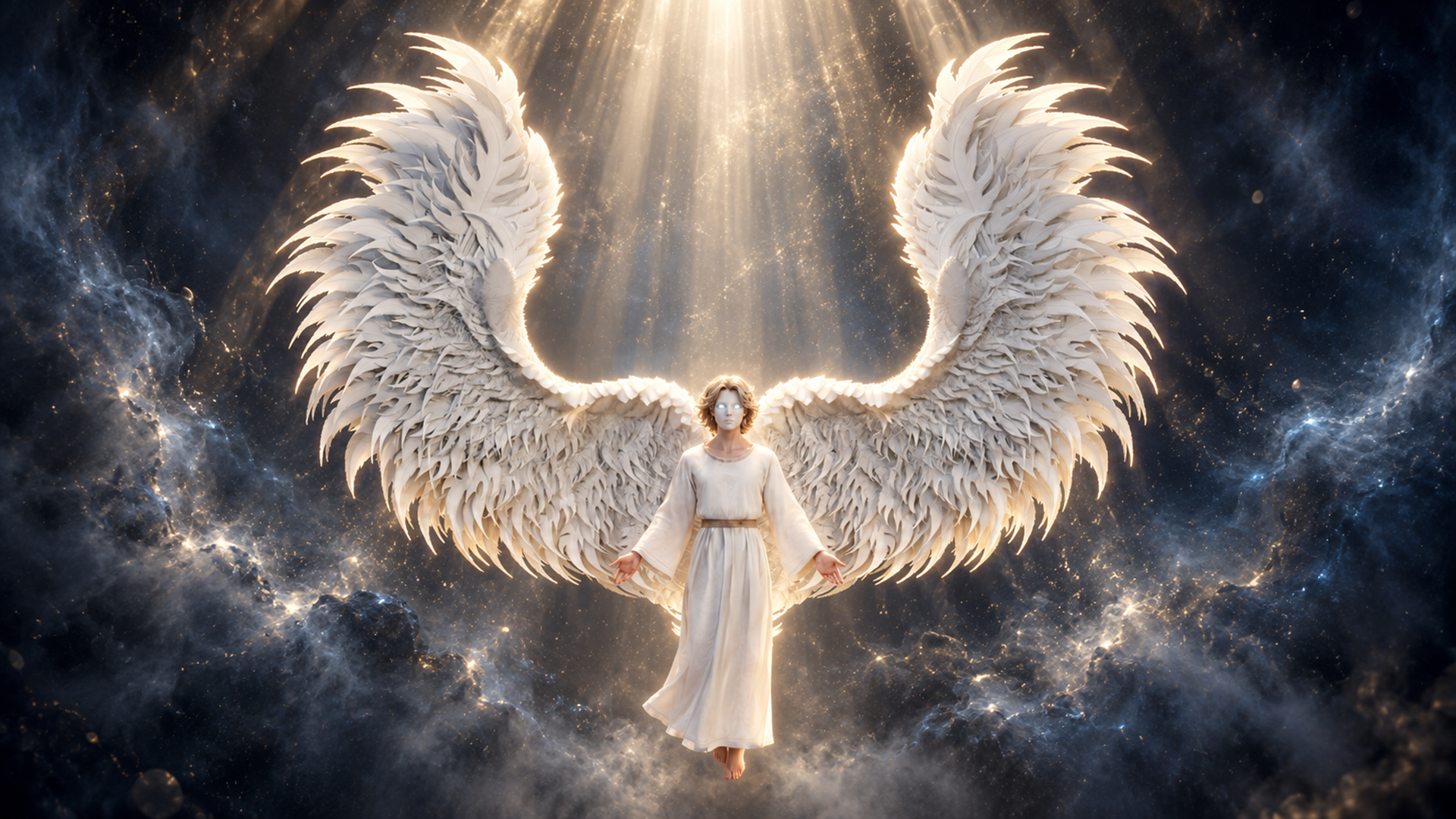
Shape the span, sweep and layered feathers to develop a wing silhouette around your character.
Work from the outline into the feathers
Start with span, height, depth and cupping to establish the large form. Shoulder shape and root placement help the wings sit around your fitting reference. Independent left and right controls let you change the gesture without forcing a mirrored pose.
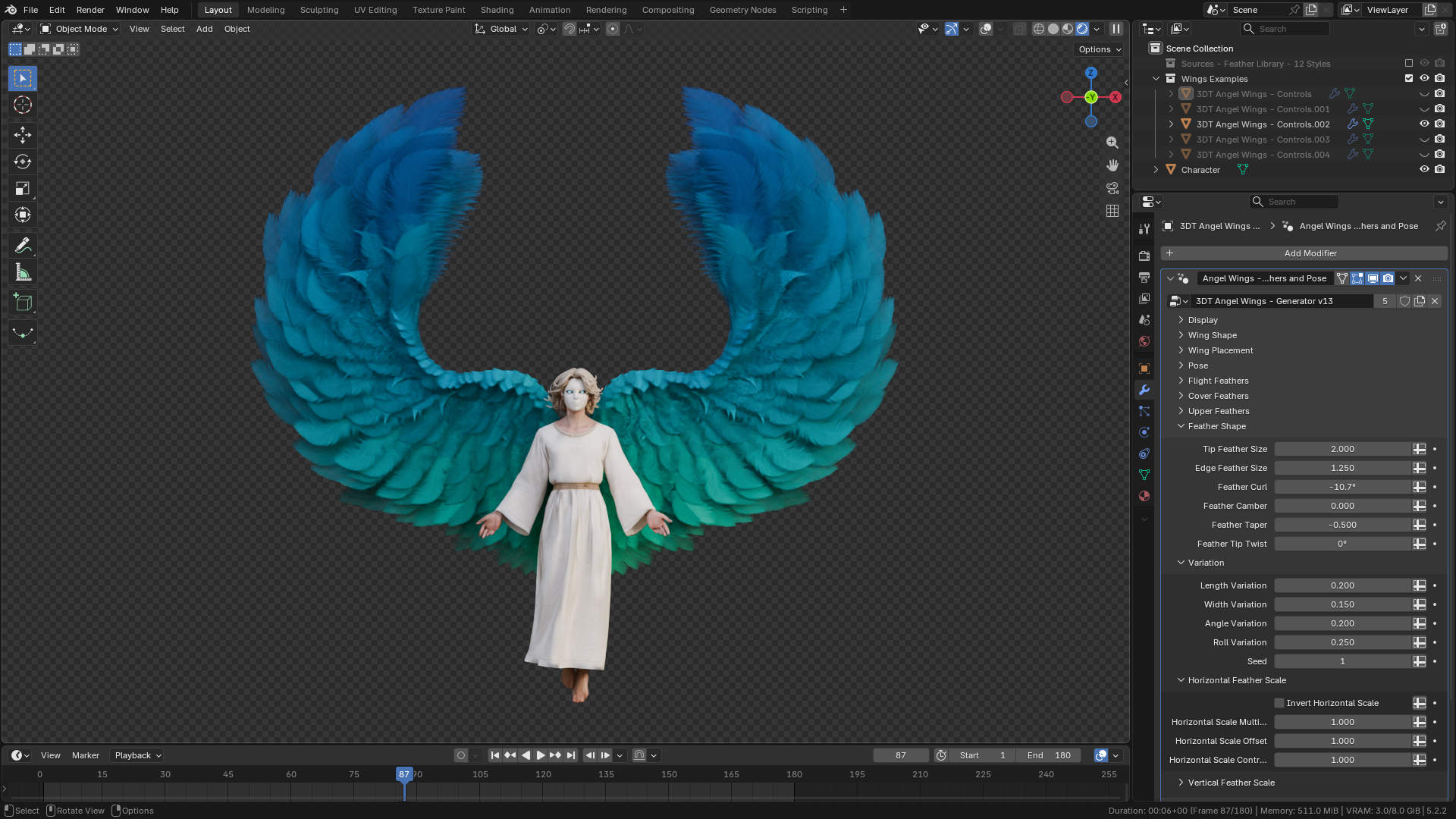
Flight, cover and upper feather layers provide separate controls for the overlapping surface. Adjust length, width, density, fan and roll, then refine curl, camber, taper and tip twist. Seeded variation changes repetition across the feathers, while attachment, fluff and top-wrap controls develop the root and upper edge.
Twelve feather styles, editable colour
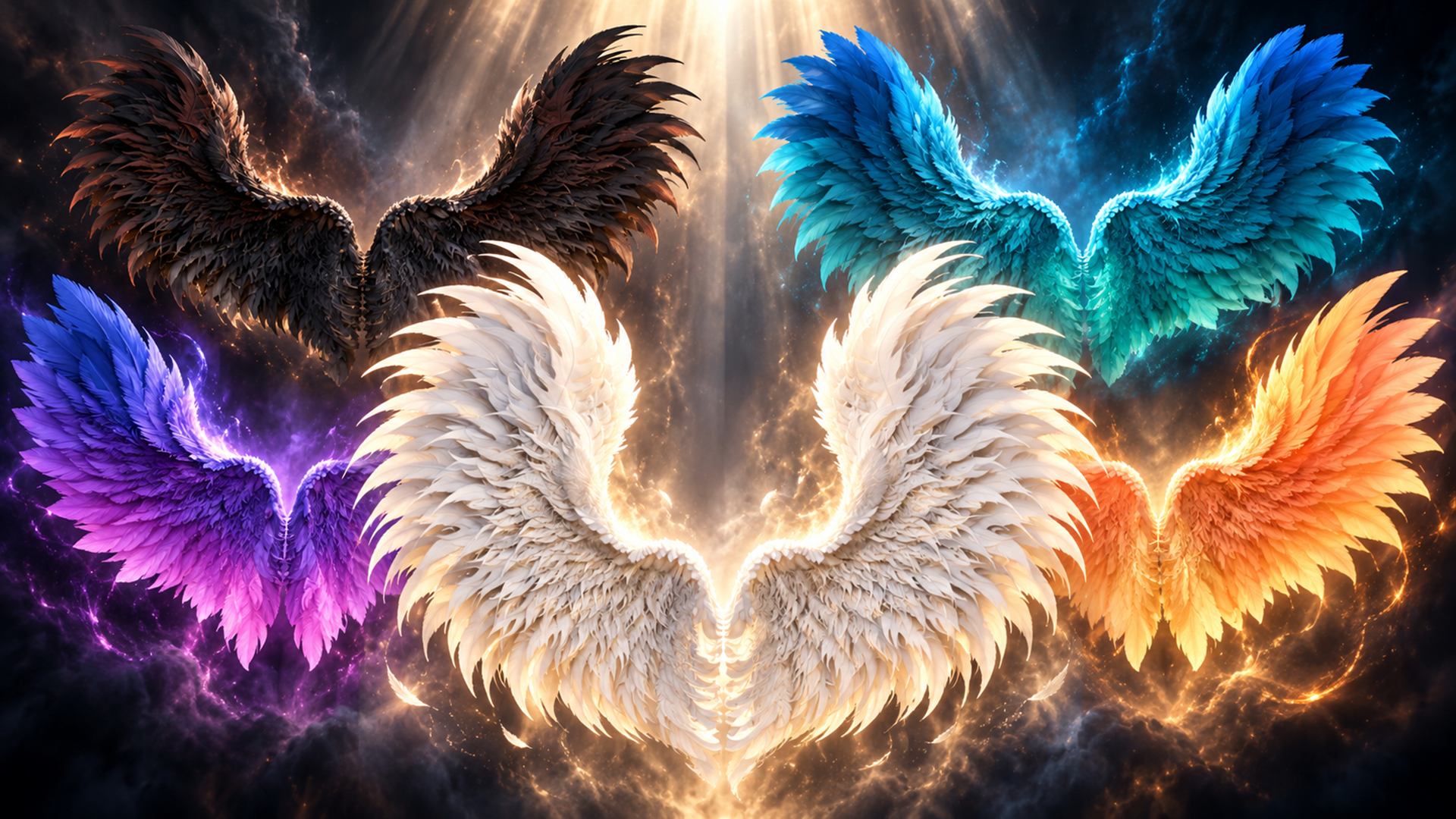
The twelve feather texture styles are starting forms inside the generator. They are not twelve fixed finished wing models. Use them with the layer controls to develop your own arrangement, then adjust feather colour, variation colour, root tint and vertical tint. Roughness, subsurface and alpha controls tune the feather-card surface. Emission follows the feather colour with strength and contrast adjustments.
Explore feather styles and colour controls as starting points for your own wing design.
Pose a still image or develop procedural motion
Raise, sweep, elbow bend, wrist bend, twist and fold establish a pose. For animation, use flap speed and strength, independent timing, wave delay, elbow and wrist follow, recovery fold and feather follow-through. This is creative procedural wing motion, not aerodynamic simulation or a complete character rig.
Draft, Standard and Full quality settings change the feather-card geometry. Choose a setting for your scene and assess its performance with your own lighting and animation.
What is included
- Native Blender project with the wing generator and five wing control objects.
- Twelve feather textures, plus the supplied scene textures and environment image in a separate texture archive.
- Optional exporter v0.13.0 and its installation notes.
- Start Here opening instructions.
The native file was inspected in Blender 5.2.2 LTS and contains packed image resources. The main generator exposes 153 inputs for shape, placement, pose, feathers, animation and shading.
Begin with a wing control, establish the outline and pose, then refine feathers, colour and motion.
Start with one wing control
Extract the Blender archive, open the native file and select a wing control object. Set the overall outline before refining feather layers. Establish the pose, then develop colour and motion. The optional exporter has separate installation instructions.
Before you buy
Presentation characters and atmospheric backgrounds illustrate the visual direction. A separately licensed character asset and promotional background scenes are not included in this wing-generator offer.
Happy modelling everyone!
Neil – 3D Tudor
Keep creating with 3D Tudor
Share your work and join the community on 3D Tudor Discord.