Animated Gift Box
 Outer Reach Productions
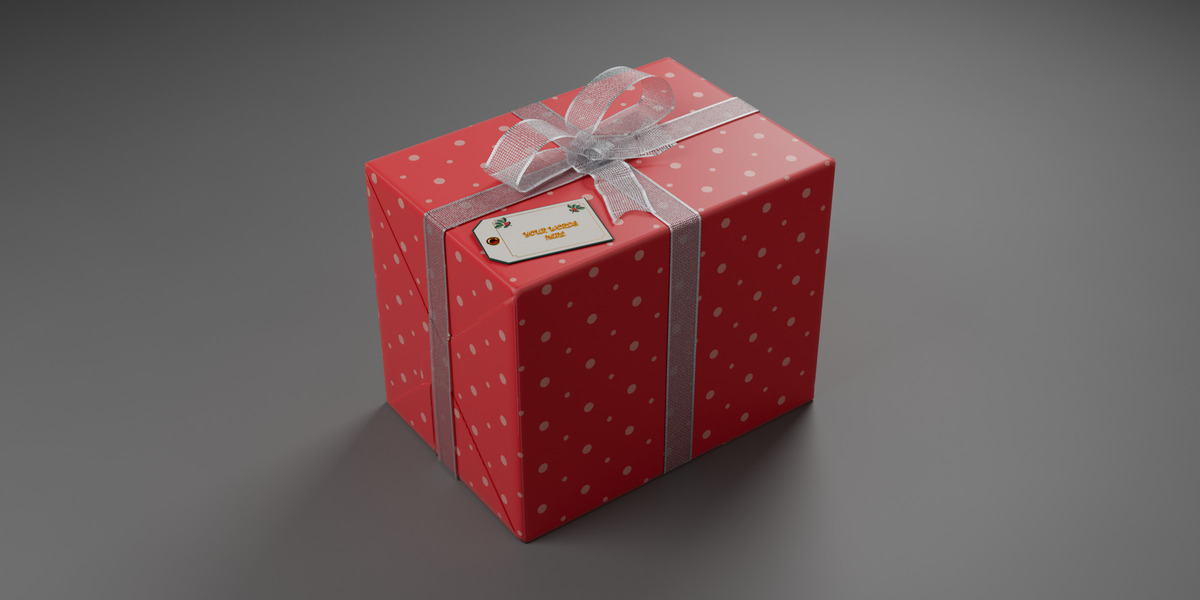
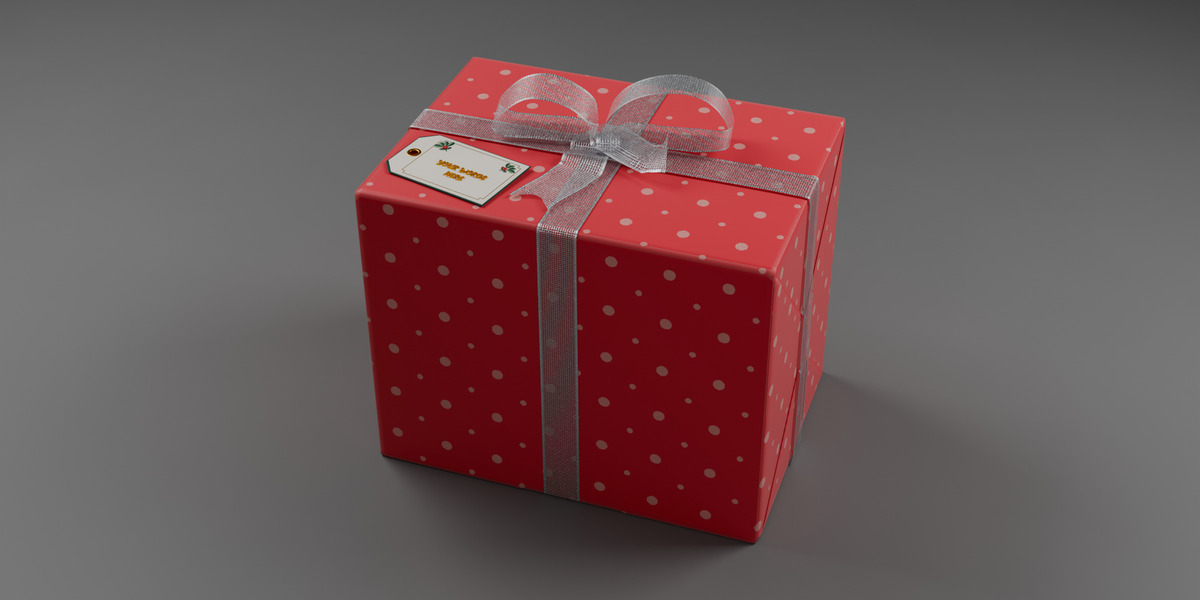
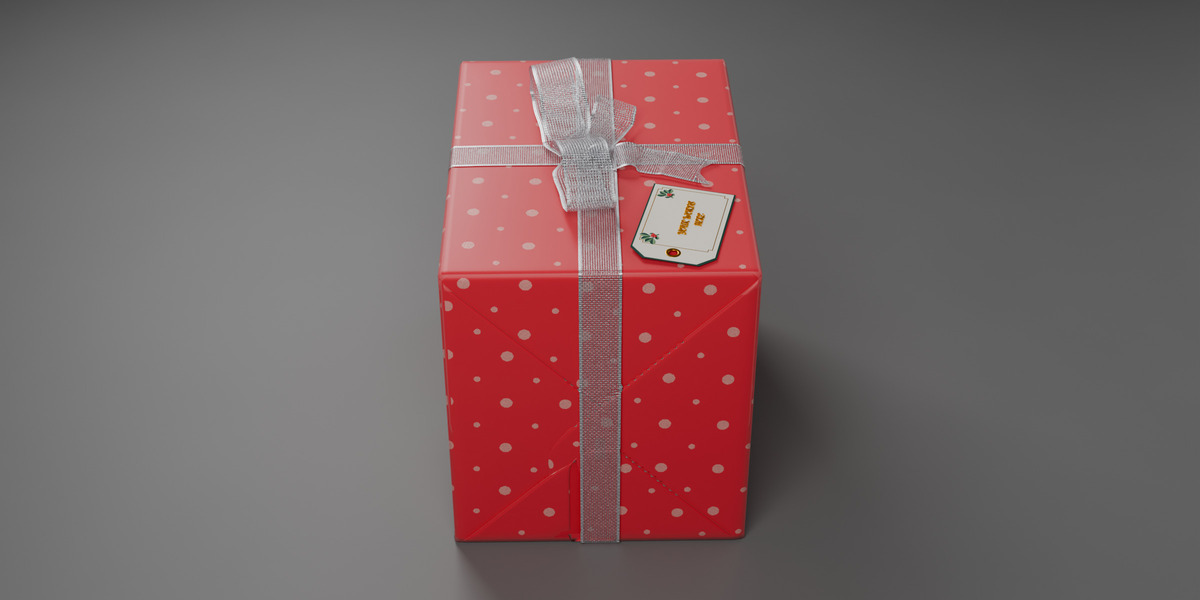
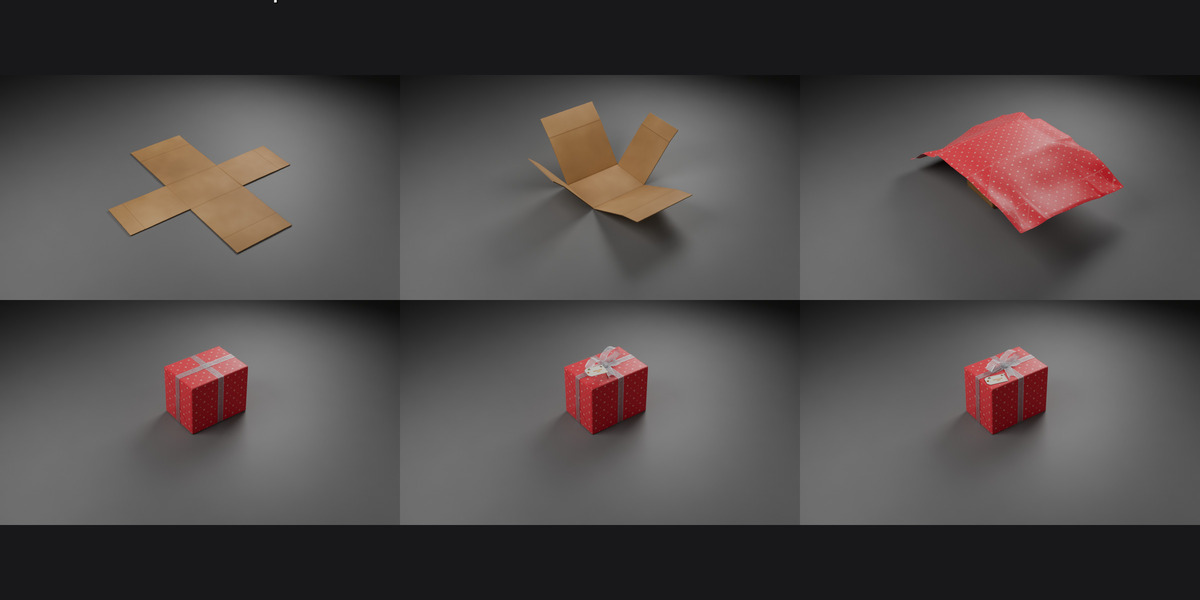
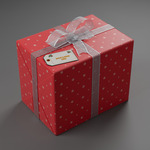
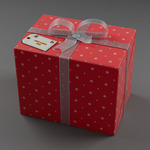
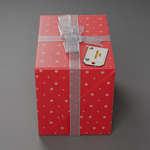
Opening the file
- Unzip Animated_Gift_Box.zip and keep the folder together. The cache folder must stay next to the .blend, or the paper and bow won't play back.
- Open Animated_Gift_Box.blend in Blender 5.2 and press Space to play. The animation is frames 1–144 at 24 fps (6 seconds).
What's in the scene
- One parent object, GIFT_Root, controls the whole gift (move, scale or rotate it).
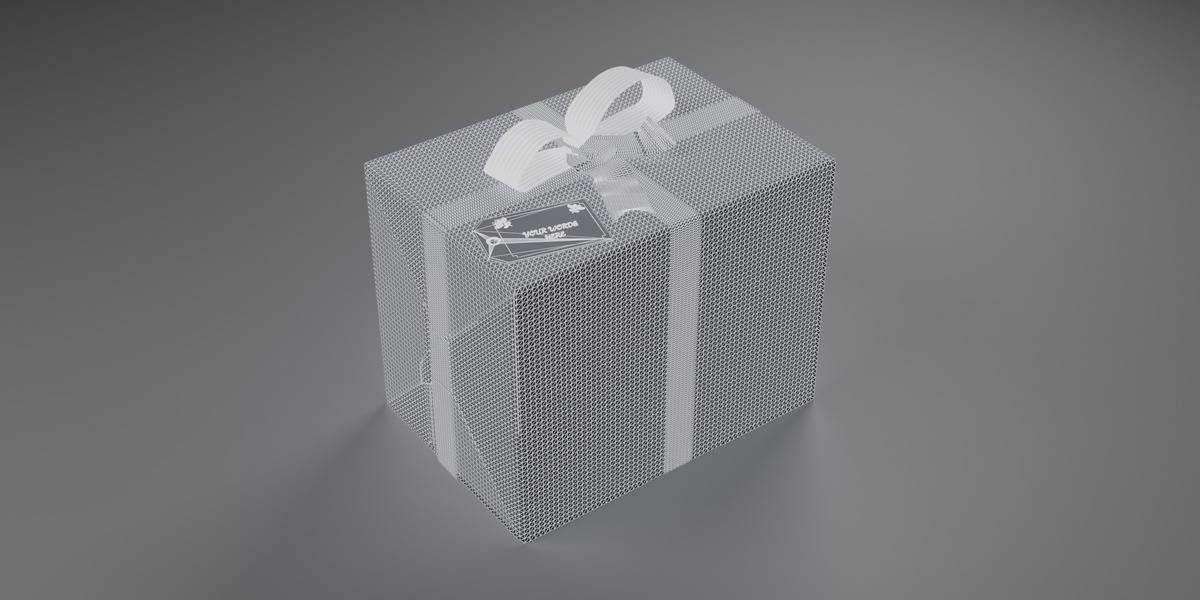
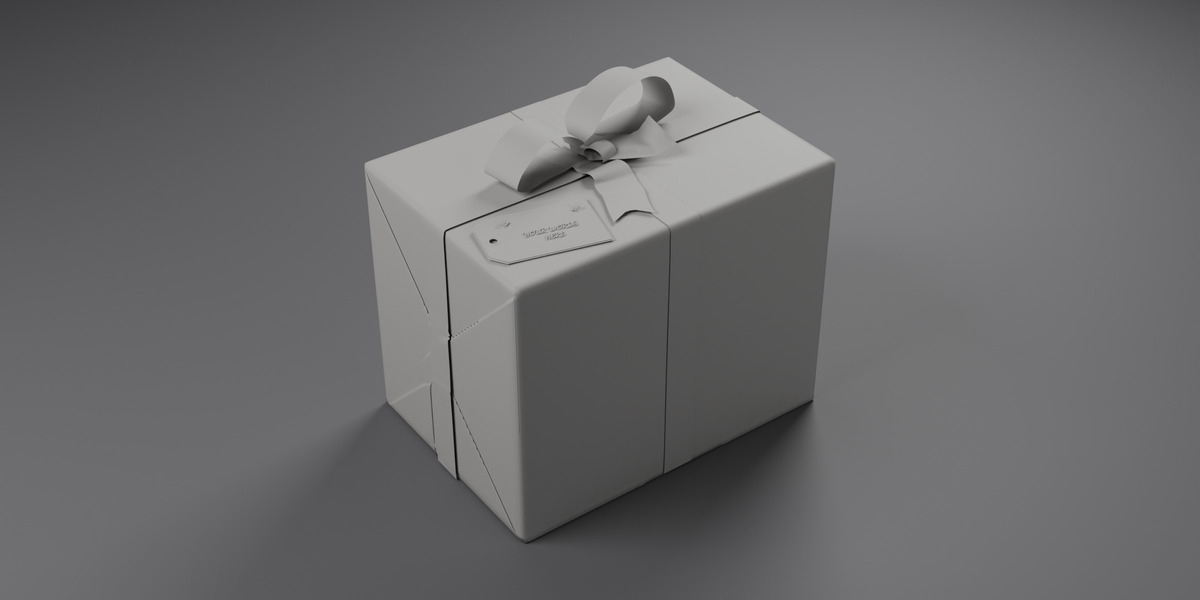
- Collections: Box, Paper, Bow, Tag.
- The paper and bow are mesh-cache animations that read from the cache folder, so there is nothing to bake.
Changing the tag text
- Select the tag lettering and press Tab for Edit Mode.
- Delete "YOUR WORDS HERE" and type your own words.
- Press Tab to leave Edit Mode. The falling animation keeps playing.
Changing the paper
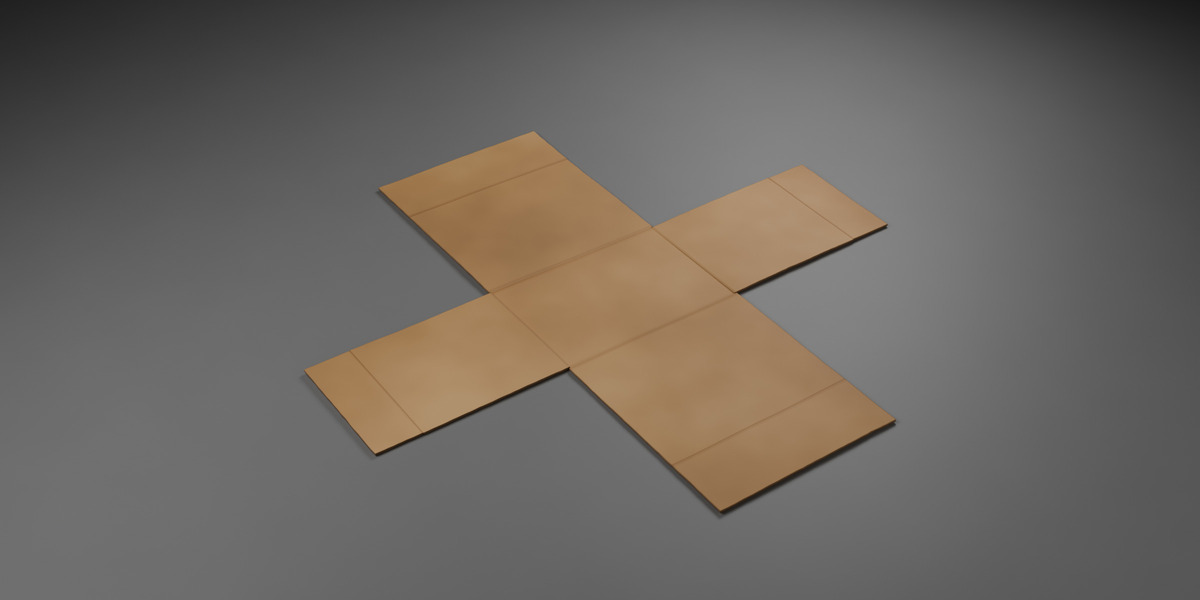
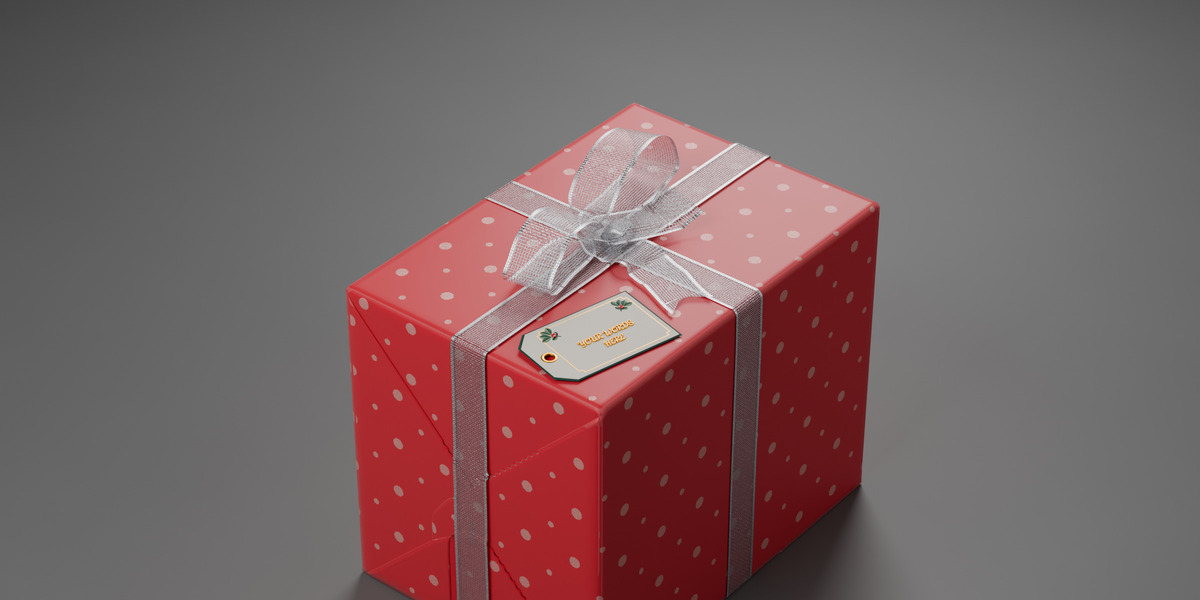
Open the Shader Editor for the paper material (PP_Paper_Front) and swap the image in the Image Texture node. The textures folder includes flat swap-in textures to start from.
Rendering
The previews were rendered in Cycles. Render settings, camera, lights and the table or room are not included, so add your own.
Font
The tag uses Dancing Script (SIL Open Font License), embedded in the file. The licence text is Font_License_OFL.txt.
Have questions about this product?
Login to message
| Published | about 1 hour ago |
| Blender Version | 4.0 - 5.2 |
| Render Engine Used | Cycles |
| License | Royalty Free |