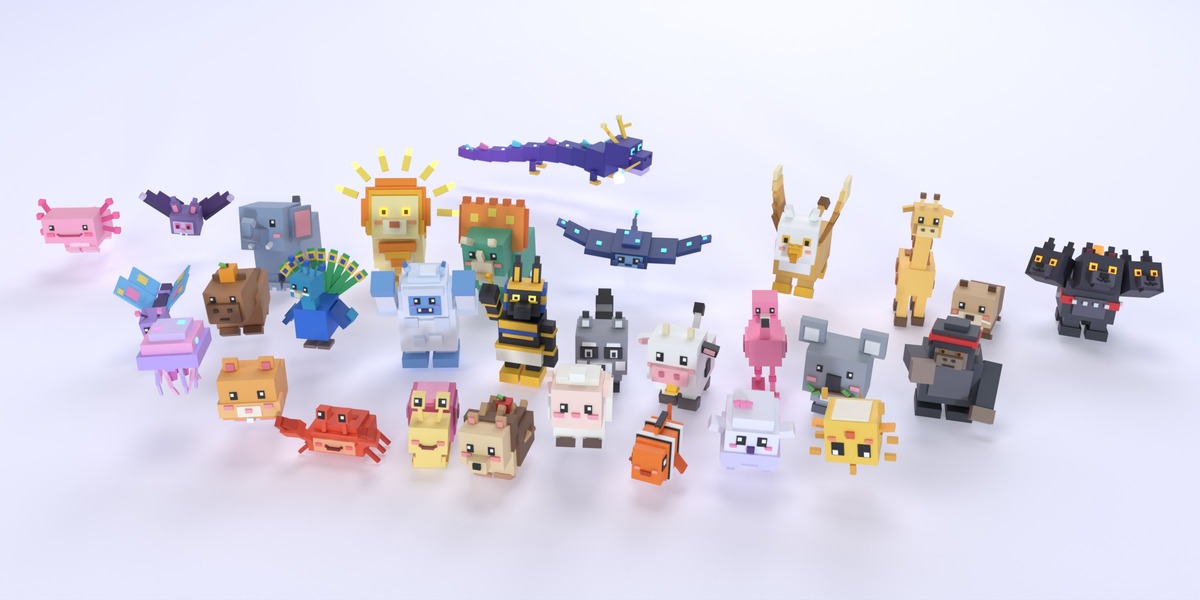
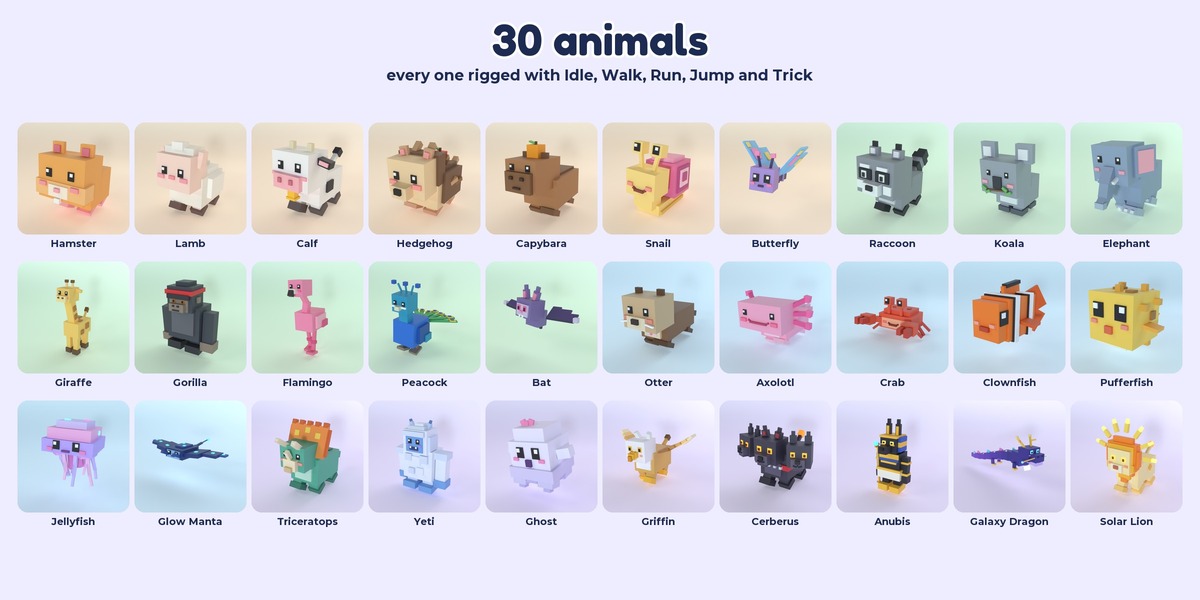
Animated Cube Pets Pack 2 - 30 Low Poly Animals
 Sneznyj 3D
Getting started
Unzip the archive and keep the folder structure:
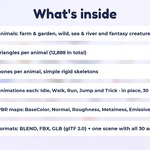
- CubePetsPack2/Models/Blend: one .blend per animal and CubePetsVol2_AllAnimals.blend (all 30 in one scene)
- CubePetsPack2/Models/FBX and CubePetsPack2/Models/GLB: the same animals for game engines
- CubePetsPack2/Textures: the shared PBR set: BaseColor, Normal, Roughness, Metalness, Emissive (64×64 PNG)
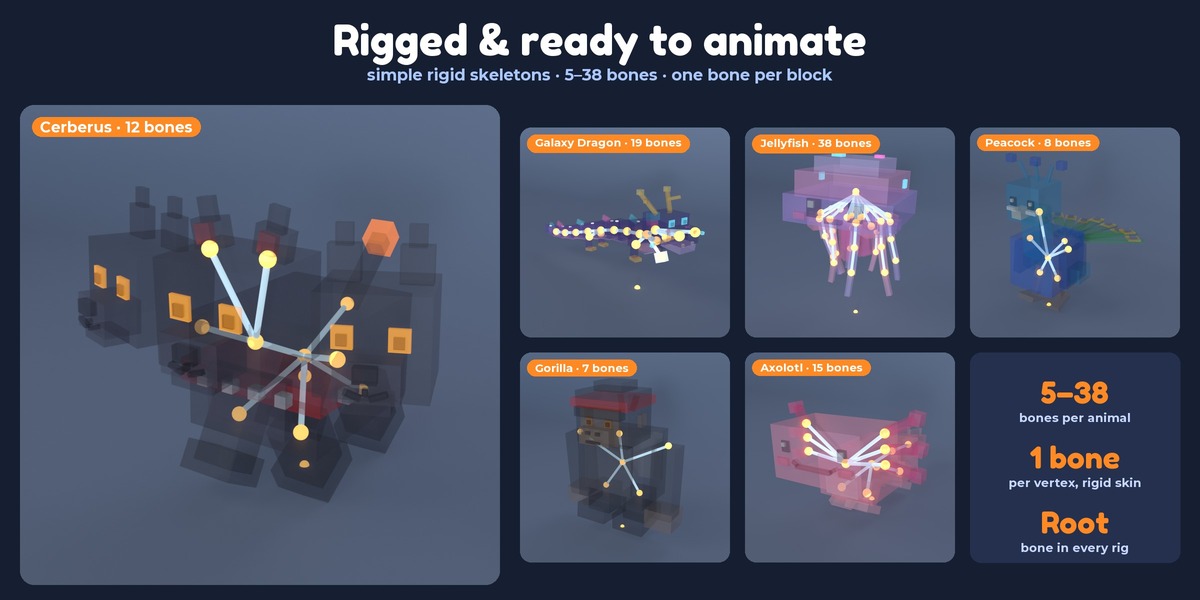
- CubePetsPack2/README.txt: per-animal triangles, bones and clip lengths
File and texture names start with CubePetsVol2_, so nothing gets overwritten when you use several Cube Pets packs in one project.
Blender
- Open any file from Models/Blend. Textures are packed into every .blend, nothing to relink.
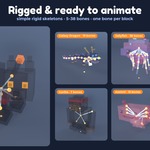
- Each animal is an armature (e.g. Hamster) with a skinned mesh (Hamster_Mesh). Its clips are NLA tracks on the armature: Idle is on, Walk, Run, Jump and Trick are muted.
- To preview another clip: open the NLA Editor, mute Idle and un-mute the clip you want. You can also pick an action directly in the Action Editor (Hamster_Idle, Hamster_Walk, Hamster_Run, Hamster_Jump, Hamster_Trick).
- To use an animal in your own scene: File > Append > pick the file (e.g. Hamster.blend) > Object > select Hamster and Hamster_Mesh. The NLA tracks and actions come along.
- Scale and orientation: real-world meters, Z up, the animals face -Y.
Unity
- FBX: Rig = Generic; on the Animation tab set Loop Time on Idle, Walk and Run. GLB: import with glTFast.
- Textures: Filter Mode = Point, Compression = None, Generate Mip Maps off, so the colors stay crisp. The Normal map: Texture Type = Normal map.
Unreal Engine
- Import the FBX as a Skeletal Mesh; every take becomes an Animation Sequence.
- Textures: Filter = Nearest, Mip Gen Settings = NoMipmaps; turn sRGB off for Roughness and Metalness.
Godot 4
- Import the GLB; the clips appear in the AnimationPlayer. Set Loop on Idle, Walk and Run.
- Textures: Filter = Nearest.
Animations
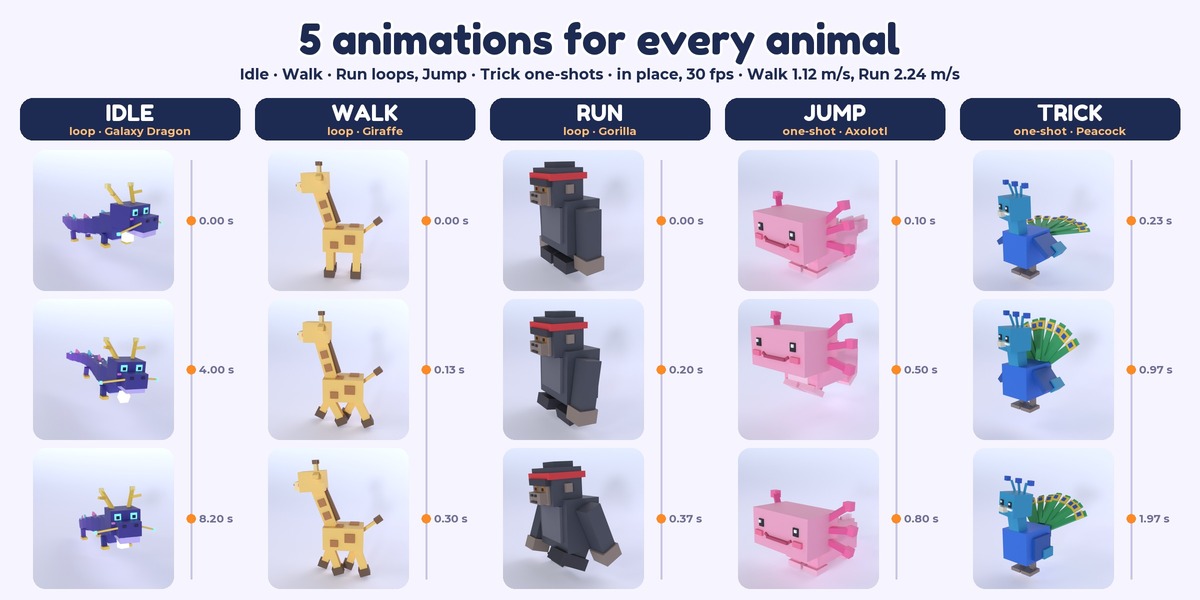
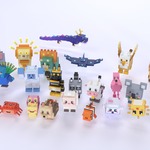
- Idle, Walk, Run: loops; Jump, Trick: one-shots. 30 fps.
- All clips are in place (no root motion). Move the character at 1.12 m/s for Walk and 2.24 m/s for Run so the feet don't slide.
Textures and material
- Metalness workflow. Every face maps to a single pixel of the 64×64 BaseColor palette.
- The FBX files don't embed textures: they link to ../../Textures/, so keep the folders together.
Have questions about this product?
Login to message
| Published | about 13 hours ago |
| Blender Version | 5.2 |
| Render Engine Used | Cycles, Eevee |
| Misc Data | Uvs-Unwrapped, Rigged, Animated, Textured |
| License | Royalty Free |
