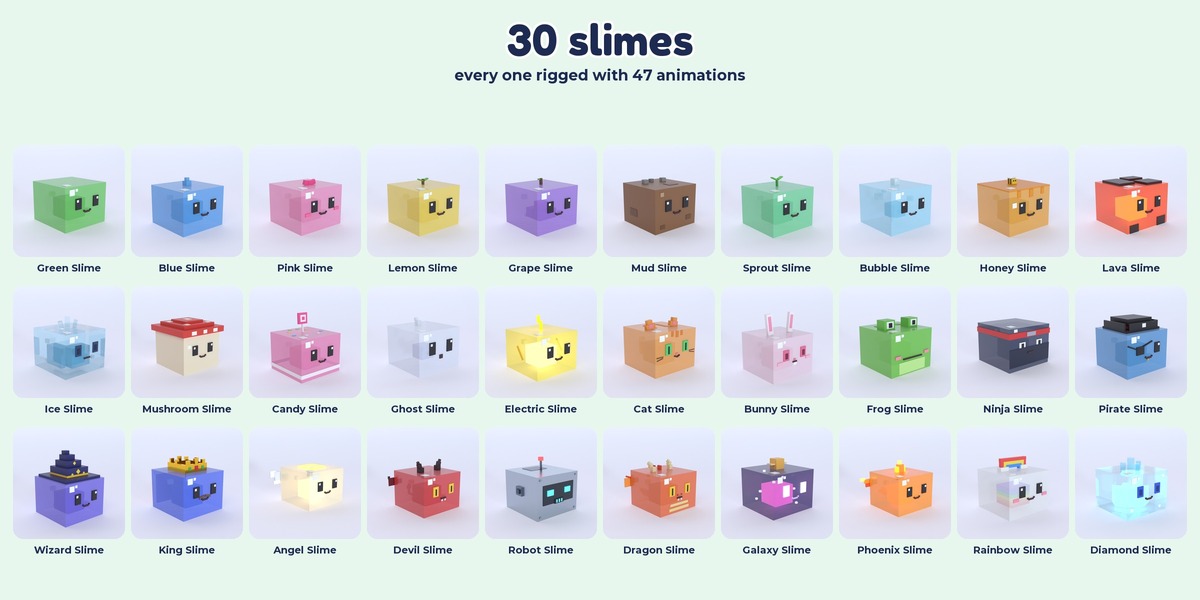
Animated Cube Slimes - 30 Low Poly Slimes
 Sneznyj 3D
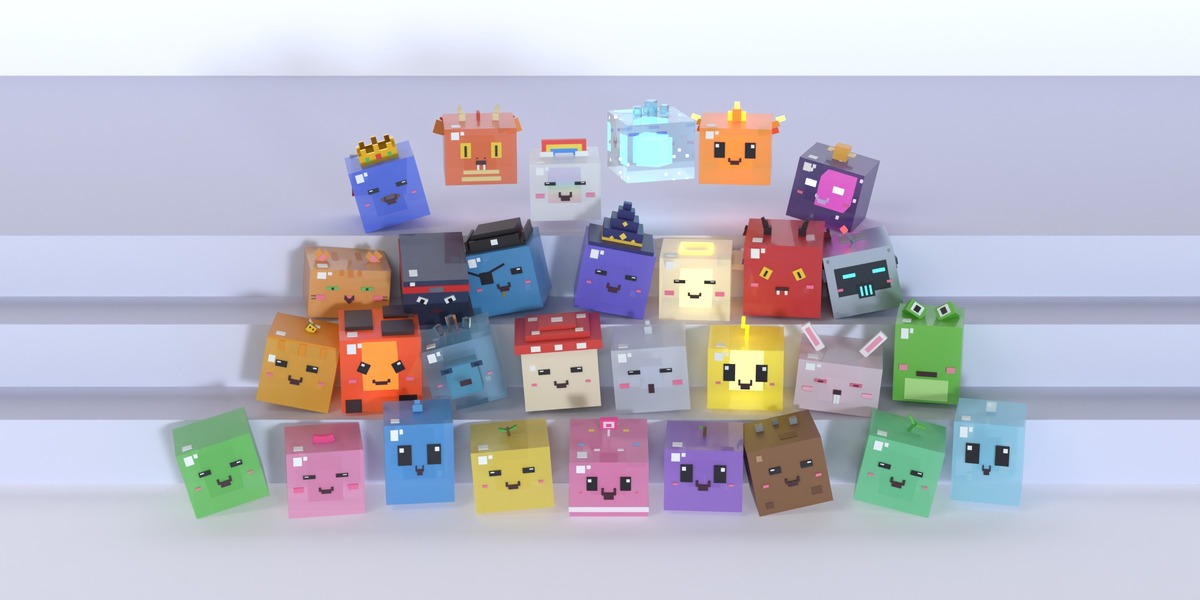
Getting started
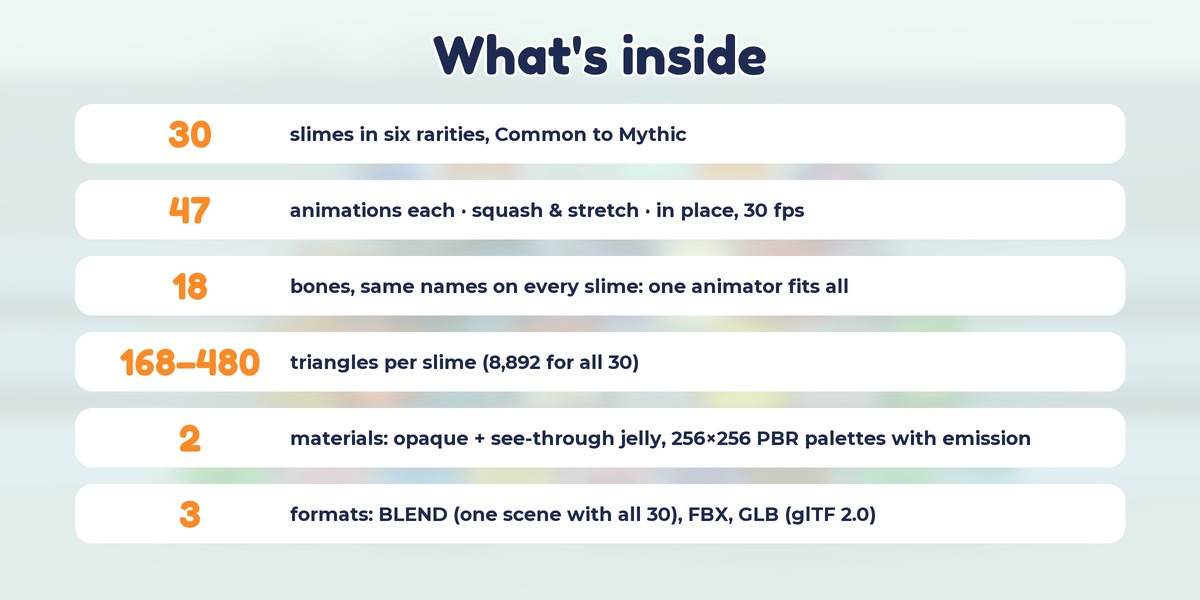
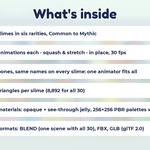
Unzip the archive and keep the folder structure: CubeSlimes has Models/Blend, Models/FBX, Models/GLB, Textures and a README with per-model specs.
Blender
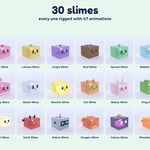
- Open Models/Blend/CubeSlimes_AllSlimes.blend and press Space. Textures are packed, nothing to relink.
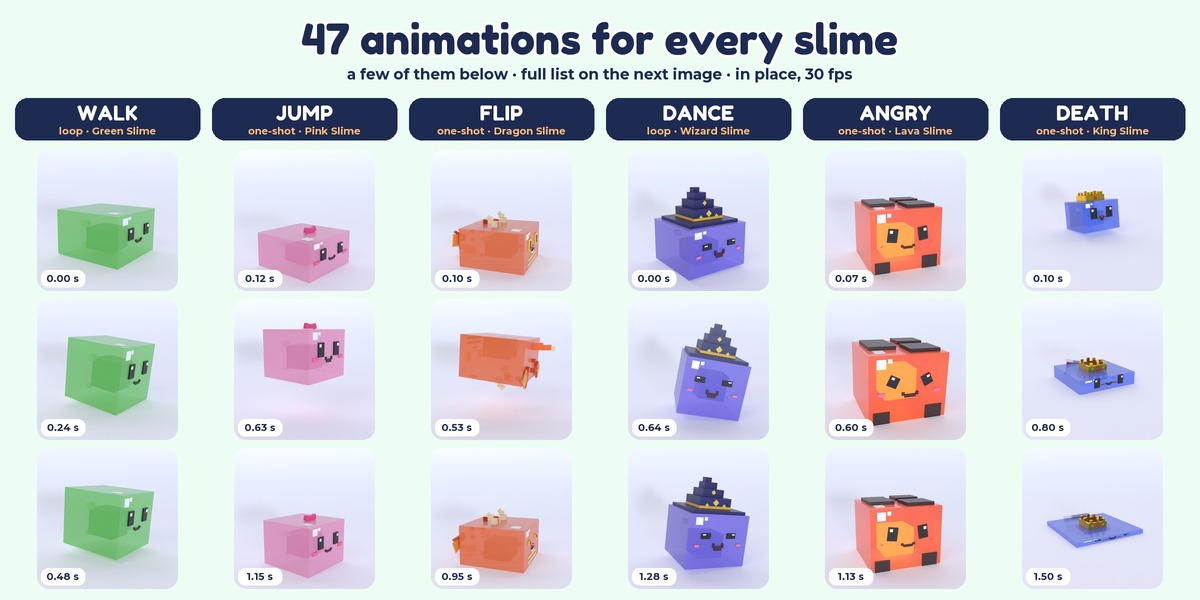
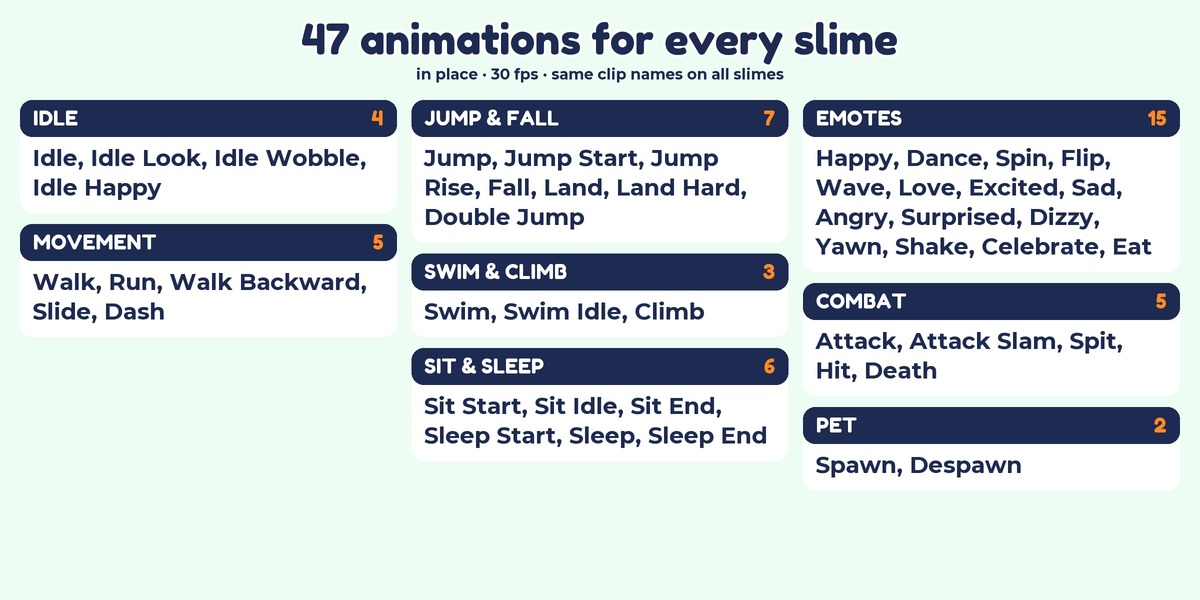
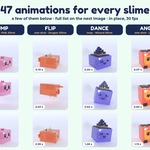
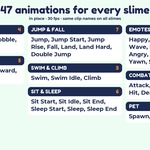
- All 30 slimes share the 47 actions: pick a clip in the Action Editor.
Unity
- FBX: Rig = Generic; on the Animation tab set Loop Time on the looping clips. GLB: import with glTFast.
- Textures: Filter Mode = Point, Compression = None, Generate Mip Maps off, so the colors stay crisp.
Unreal Engine
- Import the FBX as a Skeletal Mesh; every take becomes an Animation Sequence.
- Textures: Filter = Nearest, Mip Gen Settings = NoMipmaps.
Godot 4
- Import the GLB; the clips appear in the AnimationPlayer. Set Loop on the looping clips.
- Textures: Filter = Nearest.
Animations
- All clips are in place, 30 fps, no root motion: move the character in your own code at the speeds listed in the README so the feet don't slide.
Have questions about this product?
Login to message
| Published | 44 minutes ago |
| Blender Version | 5.2 |
| Render Engine Used | Cycles, Eevee |
| Misc Data | Uvs-Unwrapped, Rigged, Animated, Textured |
| License | Royalty Free |
