 Mamba CG








UPDATE: What’s New
- Clouds closer to the horizon. New cloud layers start at a lower altitude, reducing the gap between the clouds and the horizon in ground-level shots. Use Cloud Height (Z) in Clouds Settings to adjust the layer for your scene.
- Save your own skies. Open My Presets to save a cloud setup and reuse it in another scene. Presets remember the cloud type, height, thickness, wind settings, shader controls, and Quick Sky World brightness. Click a preset name to apply it or use the trash icon to delete it.
- Improved EEVEE defaults. The volume range now extends to 300 km, with 256 samples and 4 px tiles for more detail in distant clouds. Use Auto Fix Volume Render to apply these settings to an existing scene.
This update improves Blender 5 compatibility and makes it easier to light, preview, and render all 12 cloud presets.
- Quick Sky World creates a procedural daylight sky when you import clouds into a scene with no World or Blender’s default World. Use Create Sky World to add it to an existing scene, and adjust lighting and camera background brightness separately.
- Preview Clouds aims the 3D view at the cloud layer and switches to Rendered mode, so you can preview presets before setting up a camera.
- Clearer clouds in EEVEE. Updated volume settings make thin presets like Light Windy, Basic Clouds, and Aircraft Trails easier to see. Auto Fix Volume Render now supports EEVEE and Cycles.
- Fixed Light Windy 2 controls. Three advanced controls now affect the correct preset.
- Improved compatibility with HDRI Sky Pro. Both add-ons can run together, with their import and preset commands registered separately.
All 12 presets were tested in EEVEE and Cycles in Blender 5.2.1.
UPDATE: Added reference_sky_images.zip containing beautiful real sky photos.
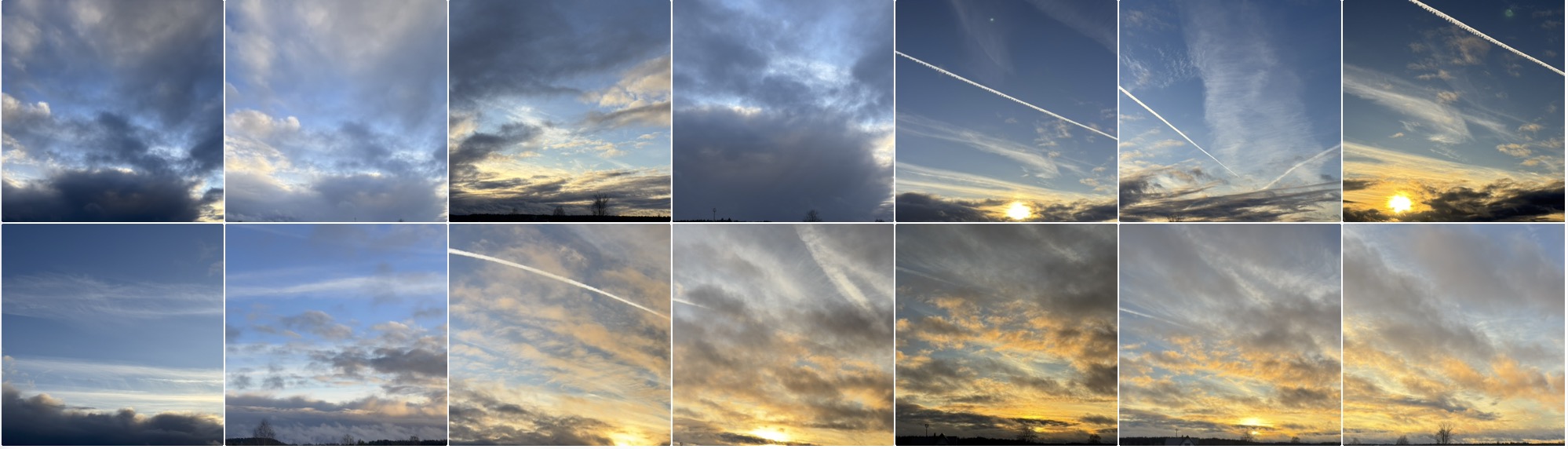
We’re excited to announce a new update for Quick Sky Basic and Quick Sky Pro!
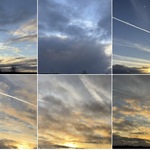
This release adds the reference_sky_images.zip folder, featuring a beautiful collection of high-quality real-world sky and cloud photos. These reference images are perfect for artists and designers who want to achieve more realistic results in Blender.
Whether you’re using Quick Sky to create atmospheric renders or fine-tune cloud lighting, these curated sky photos will help you match real-life colors, depth, and mood.
Download the update today and bring more realism to your skies!
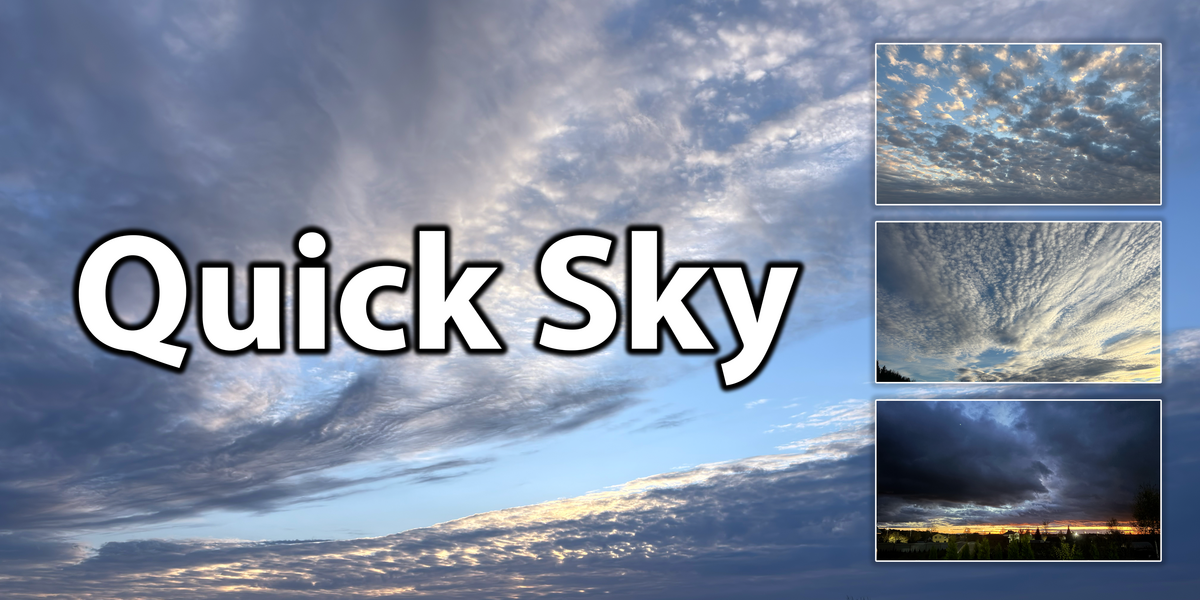
Quick Sky Pro transforms Blender rendering with 12 breathtaking cloud presets that animate in minutes, giving creators instant, photorealistic skies with just a few clicks. Customize wind speed, angle, and cloud layers to craft stunning atmospheric scenes effortlessly.
Having trouble seeing clouds? Your scene needs proper HDRI lighting first!
We include Quick HDRI – a FREE plugin that automatically:
✅ Creates a World environment with HDRI lighting
✅ Sets up basic illumination for immediate results
✅ Ensures Quick Sky Pro clouds render correctly
📥 How to install:
-
Inside your Quick Sky download folder, find
quick_hdri.zip -
Install it like any other Blender add-on
-
Use it before applying Quick Sky Pro for perfect results
💡 Tip: Quick HDRI works great as a standalone tool too!
Why This Matters for Quick Sky Pro
Without an HDRI World:
❌ Clouds may appear dark/gray
❌ Lighting looks flat/unrealistic
❌ Sky animations lose depth
With Quick HDRI + Quick Sky Pro:
✔ Instant photorealistic skies (0 setup hassle)
✔ Proper ambient lighting for clouds
✔ Seamless workflow from blank scene to animated masterpiece
Cloud Preset Types in Quick Sky Pro:

Wind and Cloud Movement Demonstration

Quick Sky Pro offers two powerful versions tailored to different user needs:
- Basic version provides essential cloud generation tools with 6 preset animated sky configurations
- Pro version unlocks a professional-grade experience with 12 meticulously crafted cloud layers, advanced wind and turbulence controls, and more granular genode customization. The Pro version is designed for serious 3D artists and animators who demand the highest quality atmospheric renders with maximum creative flexibility and speed.
|
Basic Version: |
Pro Version: |
Basic Version Presets
Aircraft Trails

Atmospheric

Basic Sky

Layered Sky

Light Clouds

Rain Clouds

PRO Version Presets
Cloudy Before Rain
|
Light Windy
|
Light Windy 2
|
New Cloudy
|
Overcast
|
Soft Warm Clouds
|


Full List of All My Blender Add-ons.