 Weytant
Installation
1. Do not unzip the file.
2. In Blender: Edit › Preferences › Get Extensions › ▼ (top right) › Install from Disk, and pick the .zip.
3. In the 3D Viewport press N and open the "Hair Tools" tab.
Quick start
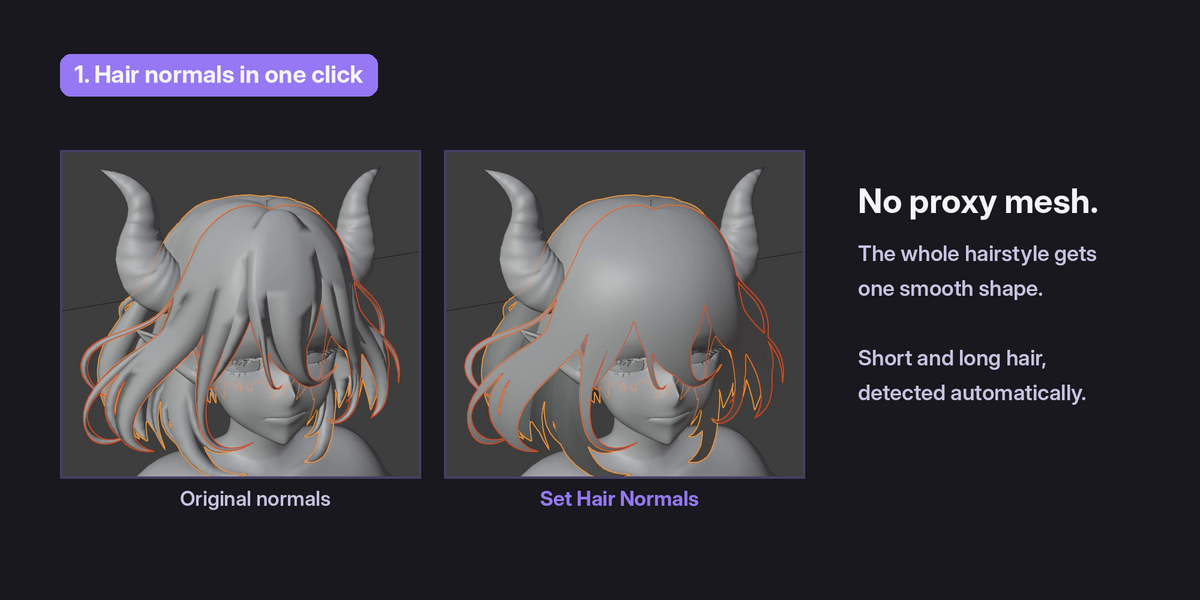
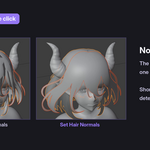
1. Hair Normals: select all hair objects and press Set Hair Normals.
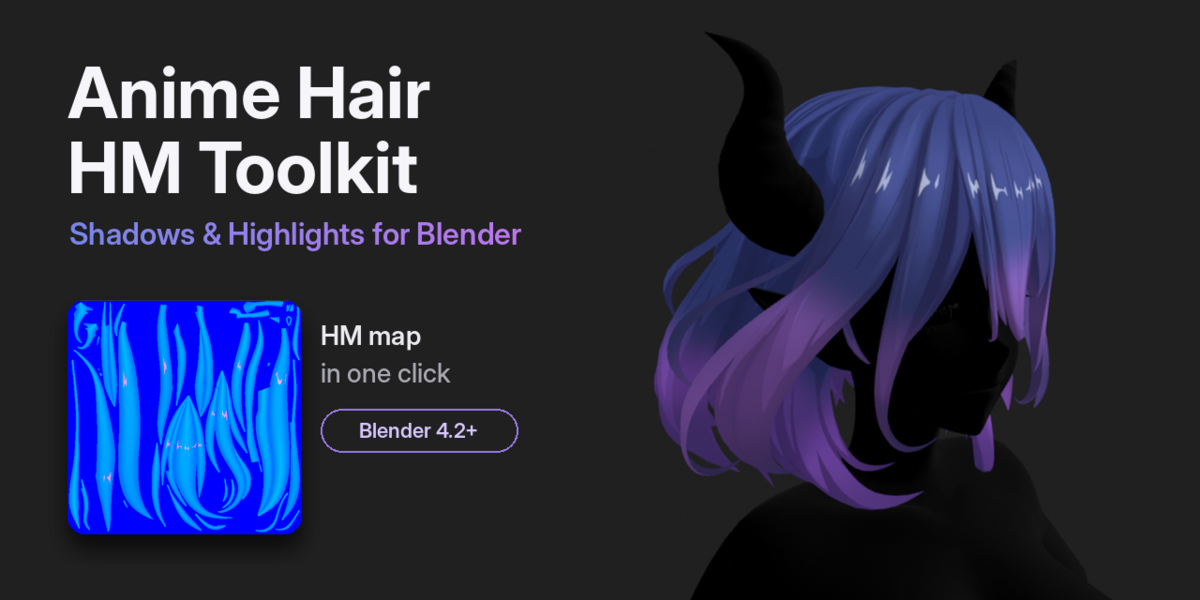
2. Shader: press Apply Shader (HM shader for EEVEE).
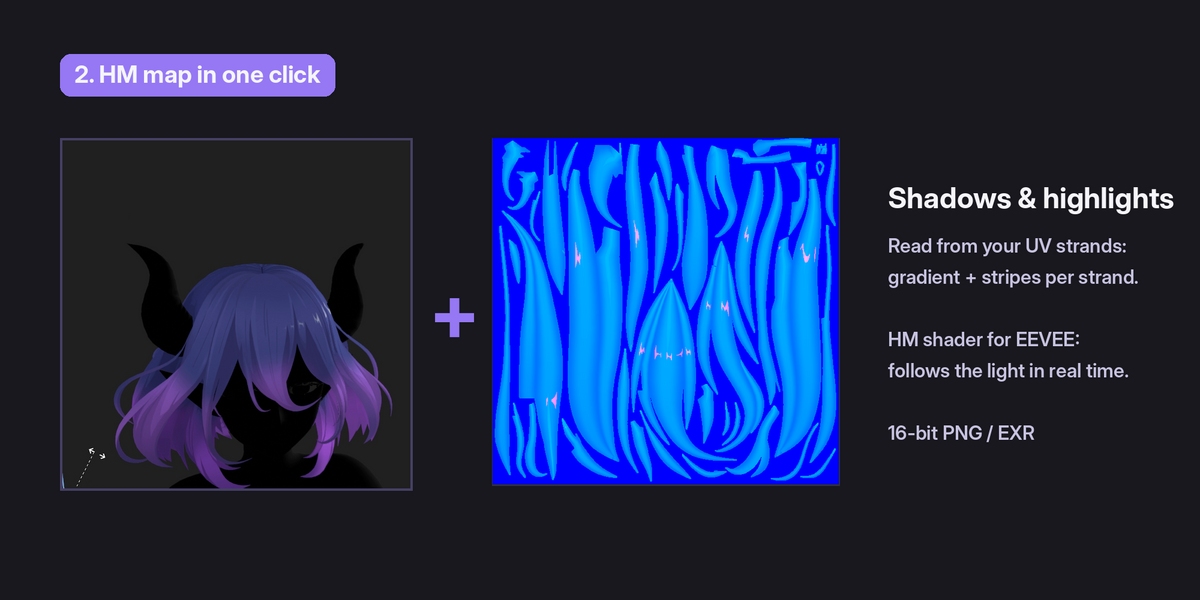
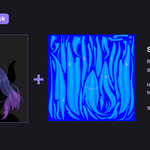
3. Generate: set "Roots in UV" to where the strand roots are in your UV, then press Generate All.
4. Preview: check Map / Strands / Highlights / Islands on the model.
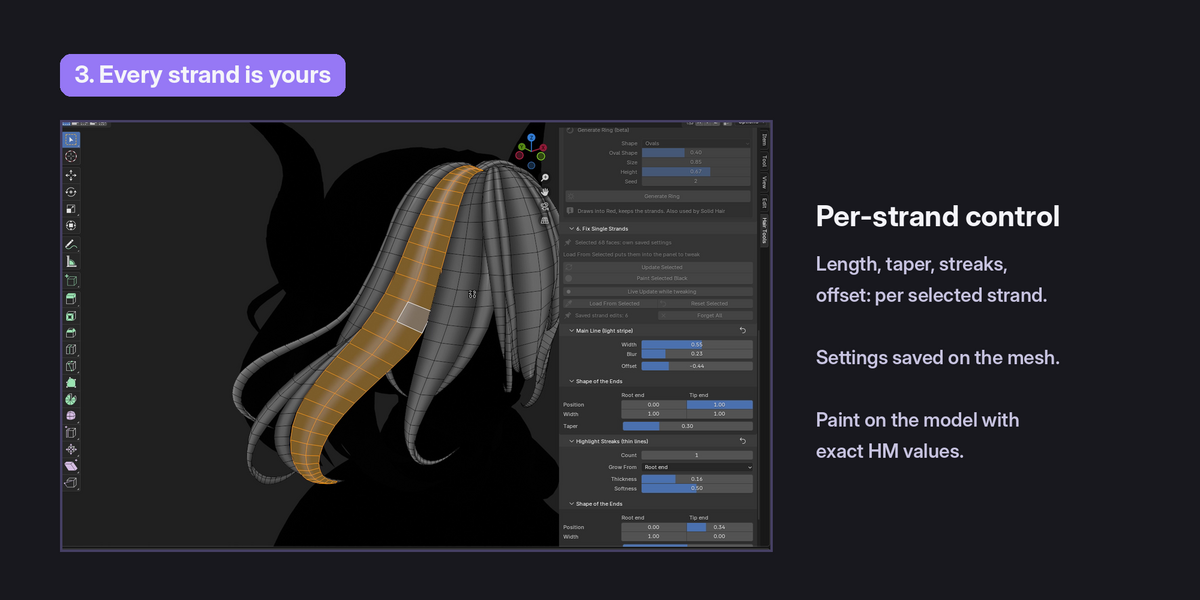
5. Fix single strands: select a strand in Edit Mode, change the sliders, press Update Selected.
6. Save the map as a 16-bit PNG or EXR.
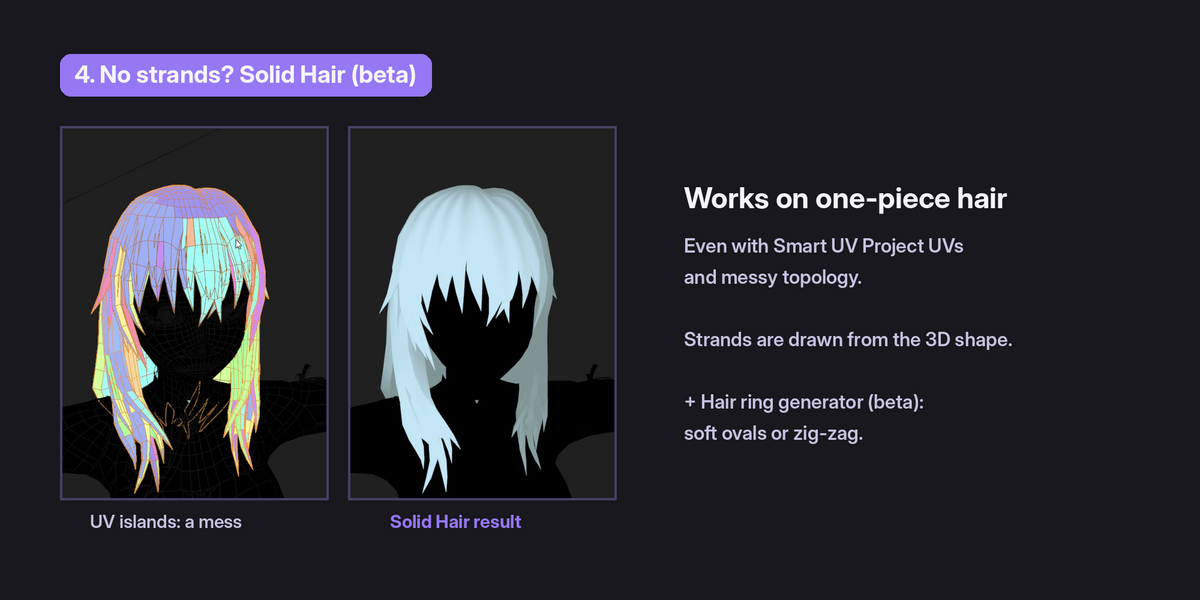
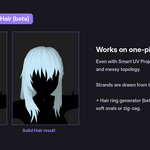
No separate strands in your hair?
Open "Solid Hair (beta)" in 4. Generate and press Generate Solid Hair.
Any UV without overlaps works (Smart UV Project is fine).
Hair ring
5. Hair Ring Image › Generate Ring (beta): ovals or zig-zag, with shape, size and height.
Unity / lilToon
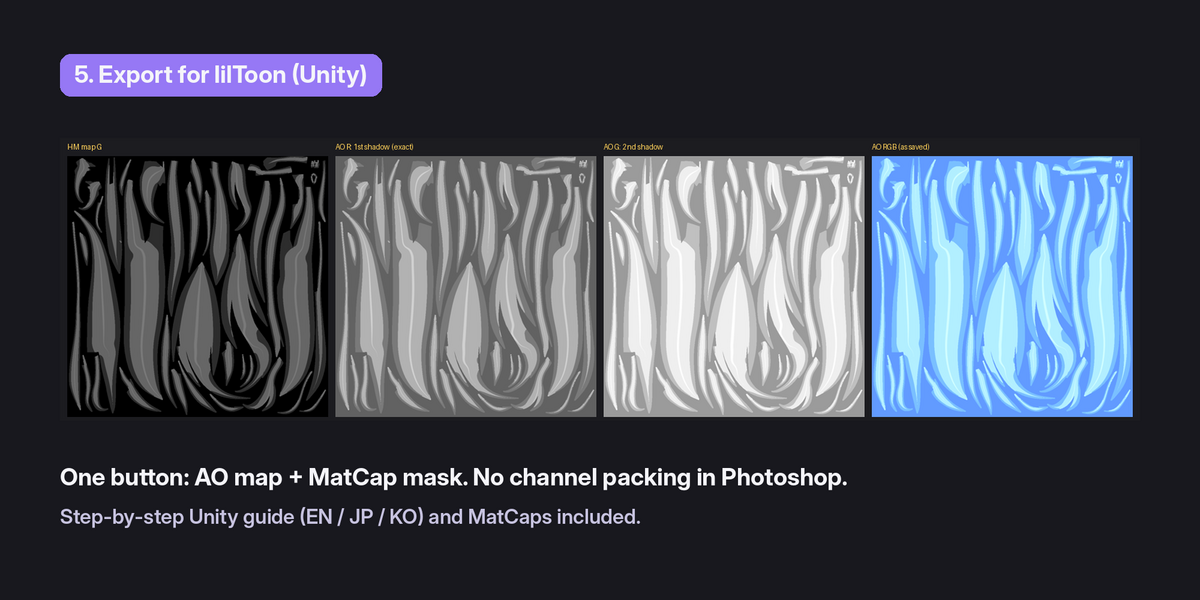
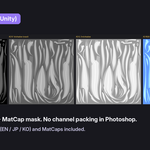
Export for lilToon (Unity) saves an AO map and a MatCap mask. See the Unity guide PDF.
Full step-by-step guides (EN / JP / KO) are included in the download.
Have questions about this product?
Login to message
| Blender Extension Compatible | Yes |
| Published | about 9 hours ago |
| Blender Version | 4.2 - 4.5 |
| Extension Type | Add-on |
| Render Engine Used | Eevee |
| License | GPL |