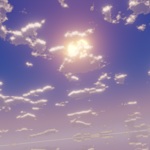
Anime Skybox
 BKKame


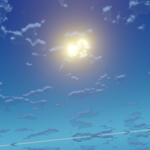
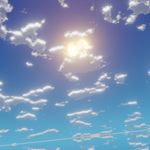
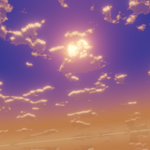
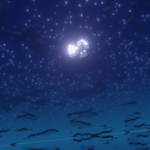
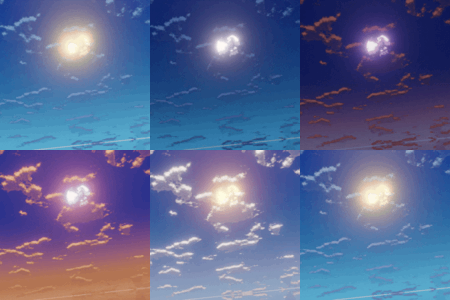
Getting Started
- Simply append the "Anime Sky" world into your project
- Select the new skybox world as the active one
- Render and Enjoy
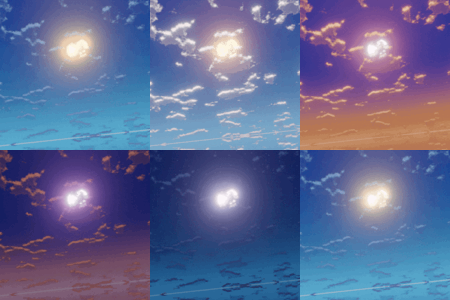
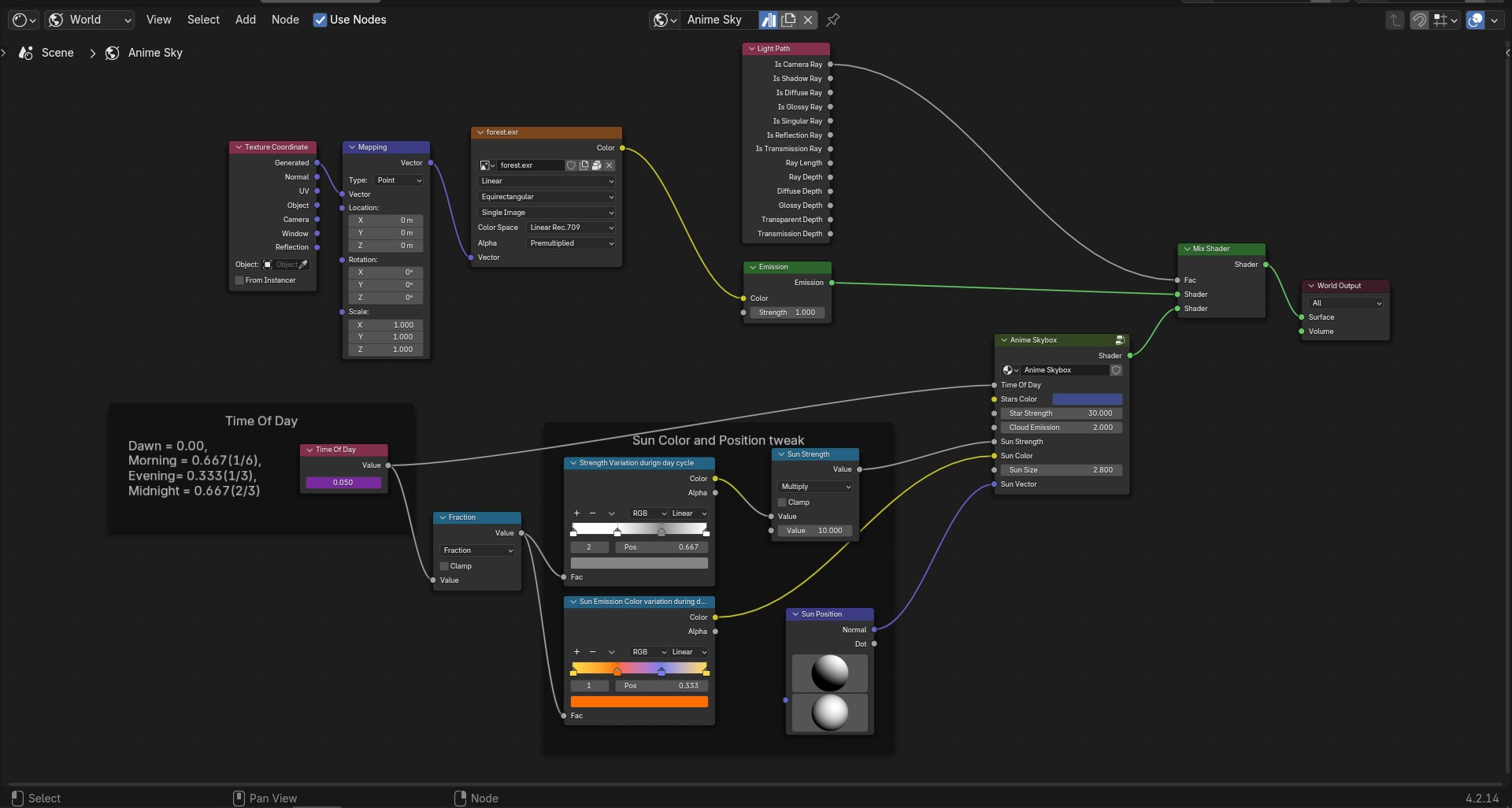
The Skybox is a world object that is present in world tab of properties. By default the time of day is controlled by a driver set to change over frame 0 to 200. Time of day can be changed this by removing the driver and setting your own day time value. The day cycle ranges from 0 to 1 and then it loops over between 1.0 to 2.0 and so on.
Sun color, strength and direction too can be modified from outside the main shader node.
By default the skybox will not affect the scene lighting and just remains as a backdrop. It can be changed by plugging the output of the Anime shader node directly to the material output.
Tips & Attention
- Avoid modifying the "Anime Skybox 4.002" node inside the main shader group as it manipulates the world coordinate distribution.
$3
Have questions about this product?
Login to message
| Sales | 20+ |
| Published | 11 months ago |
| Blender Version | 4.0 |
| Render Engine Used | Cycles, Eevee |
| License | Royalty Free |