 MiME Design Studio




Good Deed Discount Code:
Send us an email about a good deed you did for someone in the past 7 days and we'll send you a coupon code for 20% off!
(valid on AniMiME Pro, Monday through Thursdays only)
(valid on AniMiME Pro, Monday through Thursdays only)
Version 2.6 for 2026!
AniMiME PRO is back with a brand new update!
Super Fast, Super Easy!
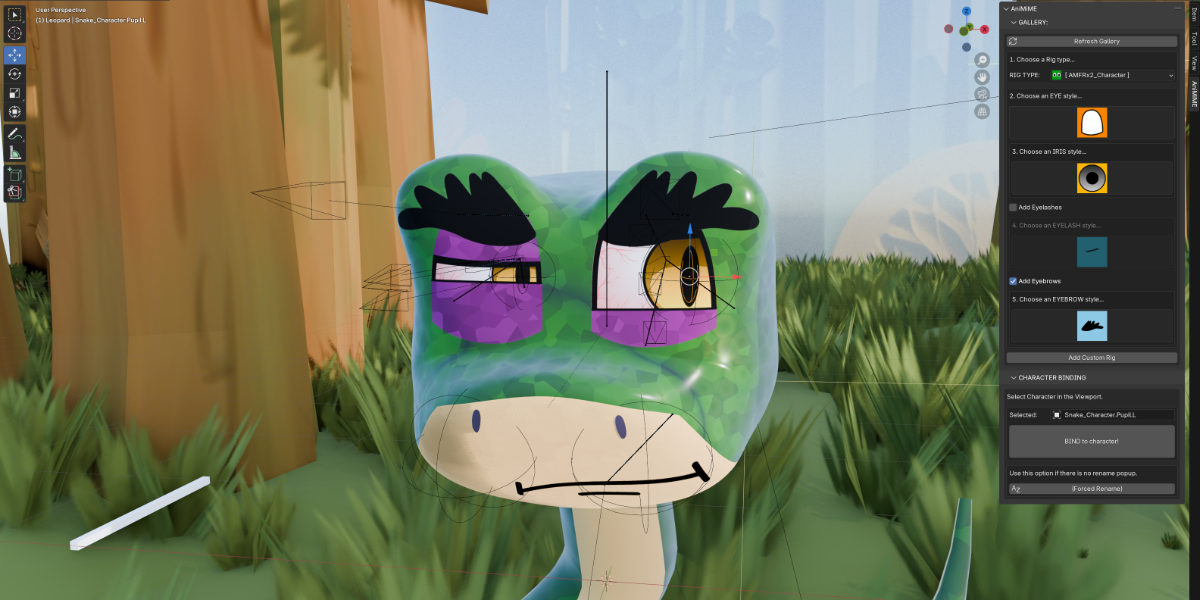
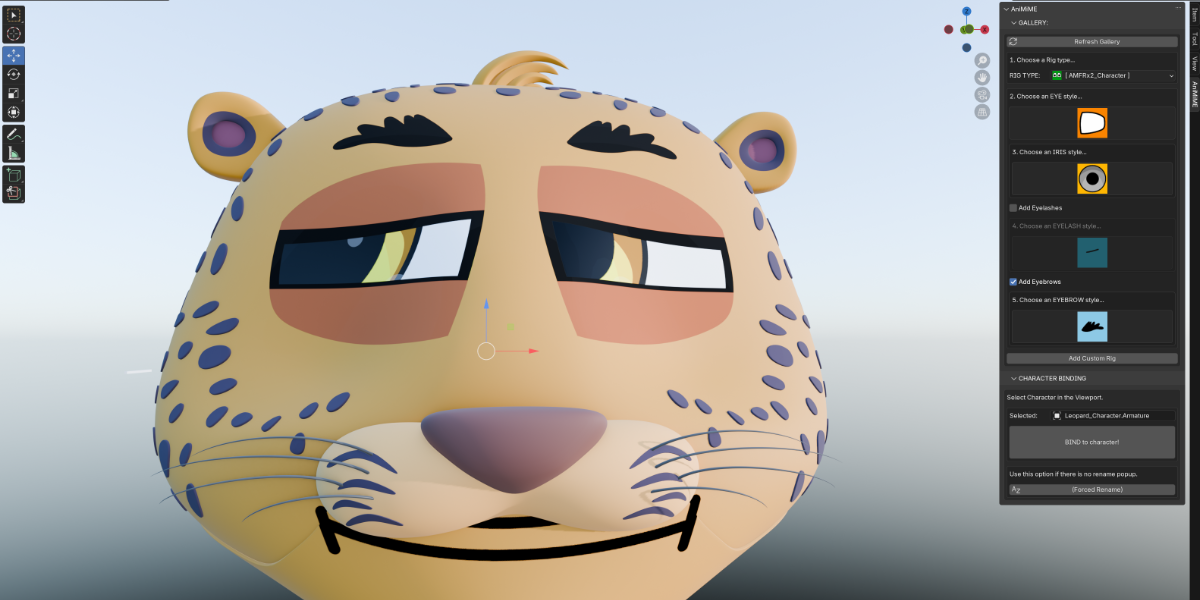
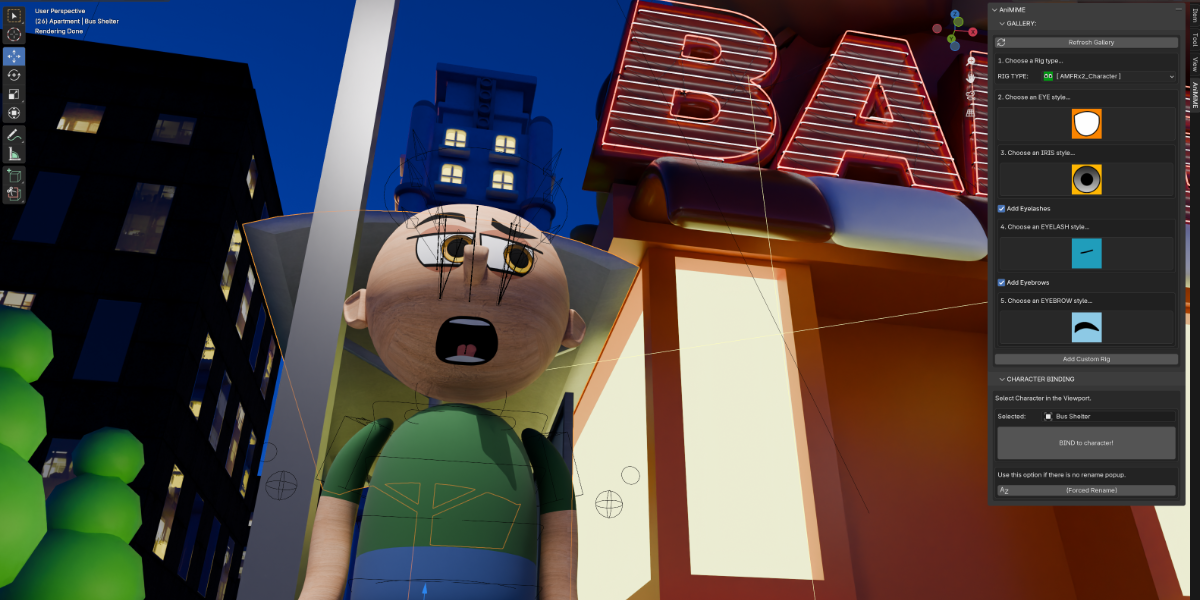
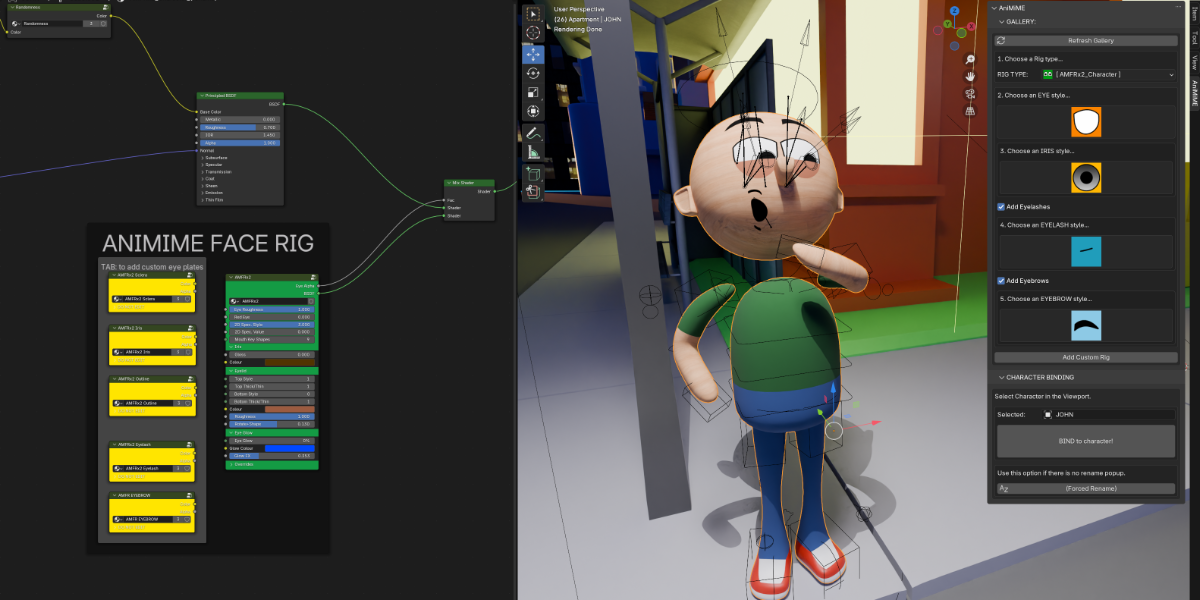
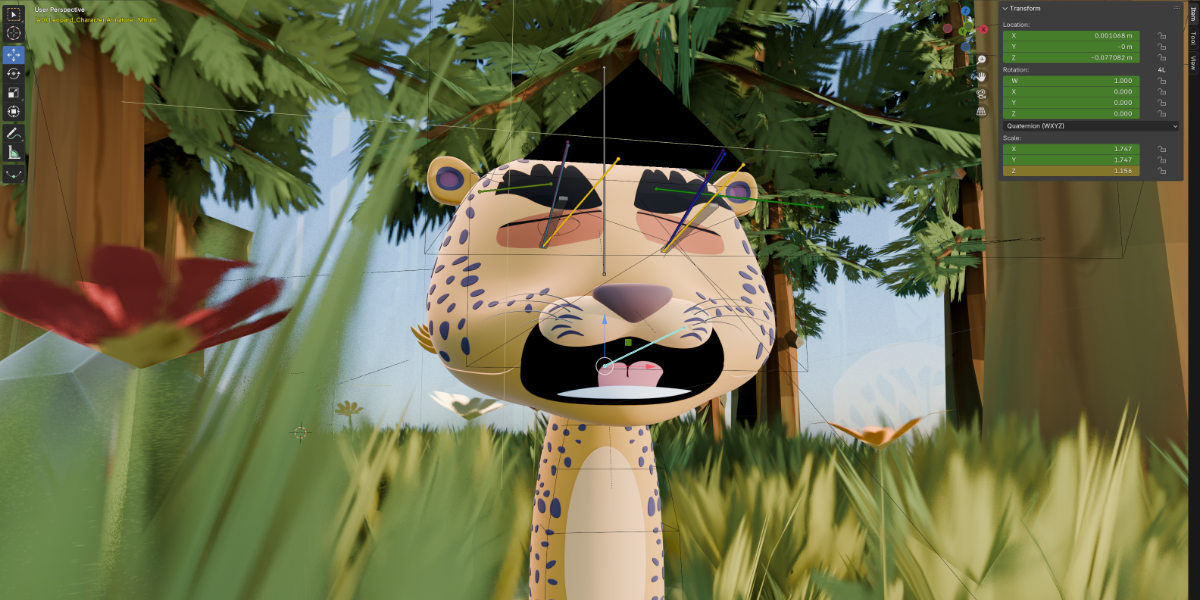
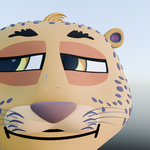
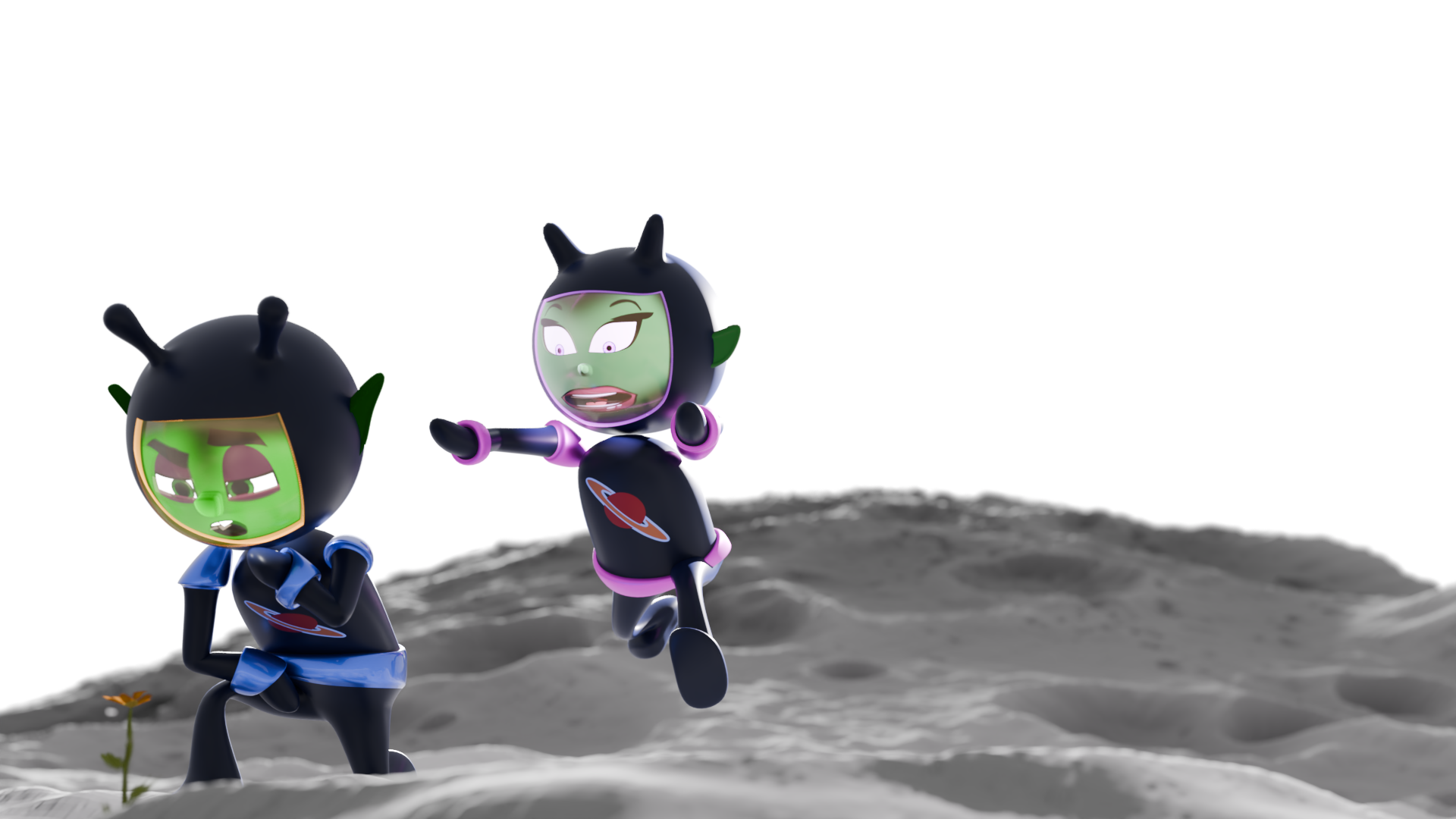
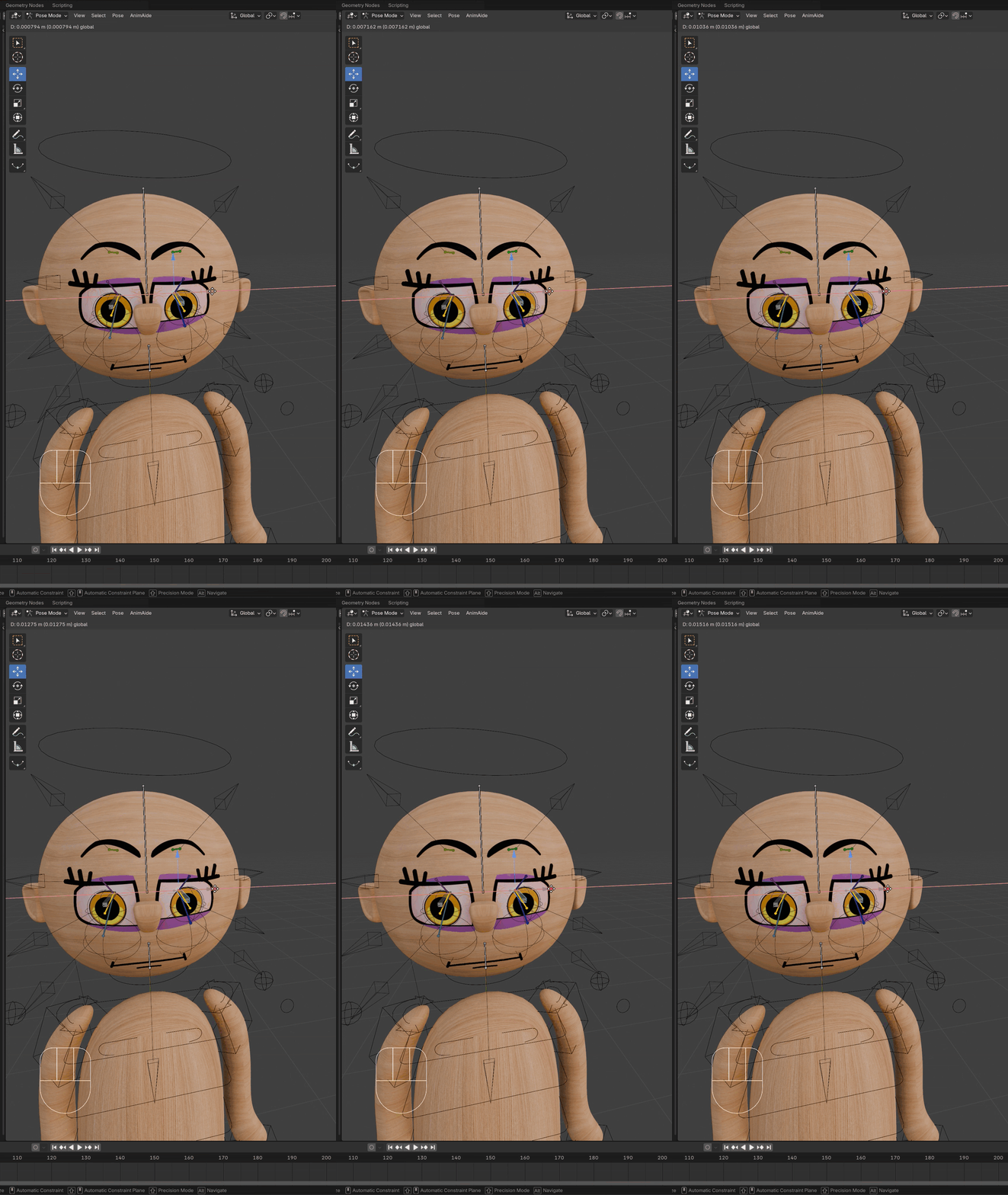
AniMiME is a 2D cartoon face rigging add-on that allows you to choose from an assortment of eye and mouth designs, and automatically pair the results to your character's face with as little as 2 buttons. Animating is as simple as animating bones on an armature. And best of all, the results are native to your character's material.
NO SHRINKWRAP MODIFIER!
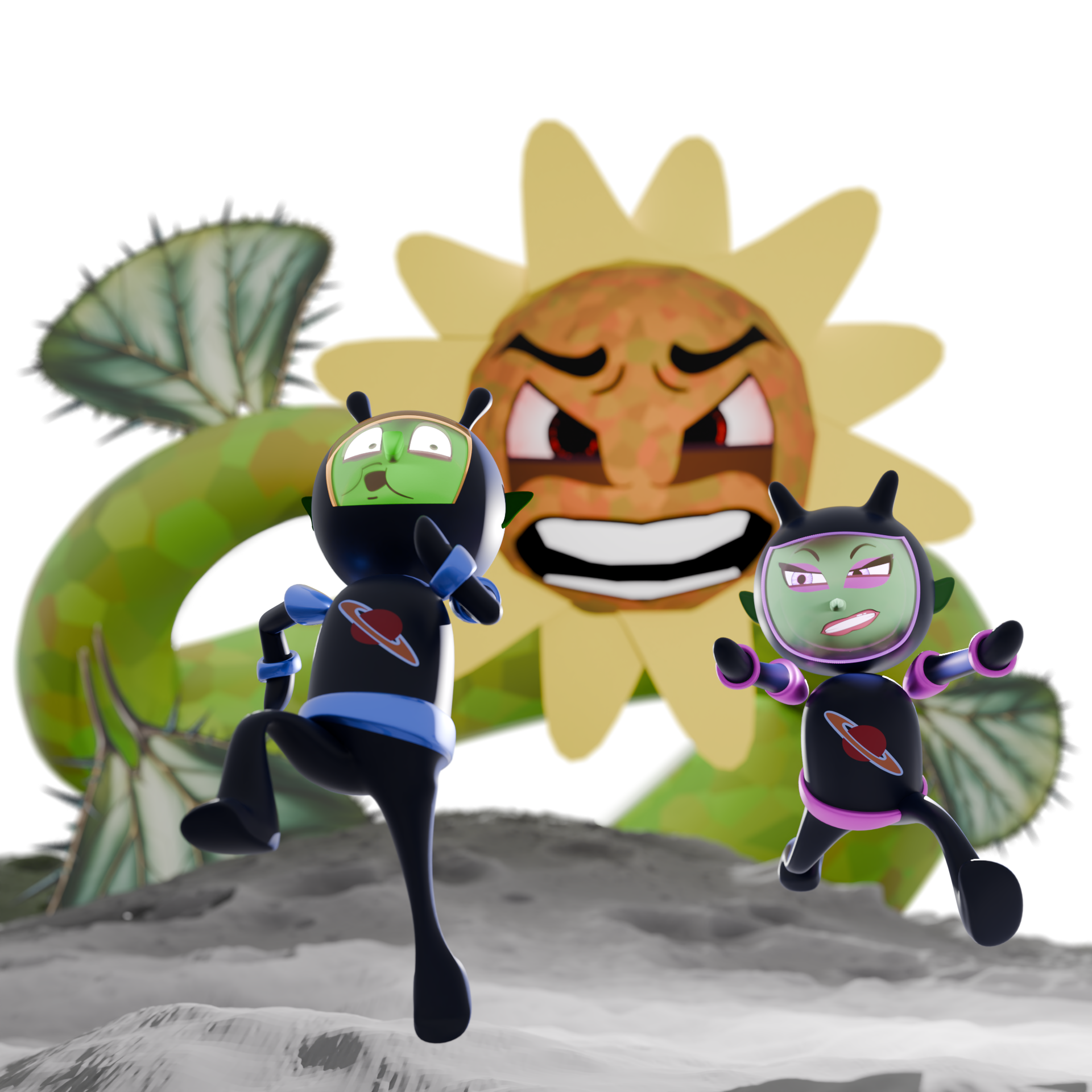
Legacy Modifier Setups Still Available
from MiME Design Studio . . .
|
|
The AniMiME Add-on is the new evolution of the Easysnap Tools.
Now adding a 2d face to your 3D character can be done
directly from the N-Panel in as little as 3 clicks!
Comparison Chart:
| Product | AniMiME Addon | EasySnap modifier setup |
| Interface/adding method | Add-on, N-Panel | Appended modifier setup |
| connection method | Native Material shaders | shrink-wrap modifier |
| what's included | Eye + mouth rigs | Eye or mouth rig (sold separately) |
| Current Features | Pro 2.6.2 | Basic, Lite |
| Animation Interface |
AniMiME N-Panel |
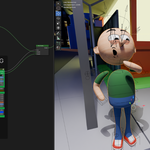
Material Group Node Shader, Geometry Nodes Panel
|
Features:
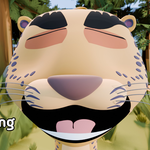
> Now with Mouth Animation from the AniMiME Panel

> Additional Shader node features
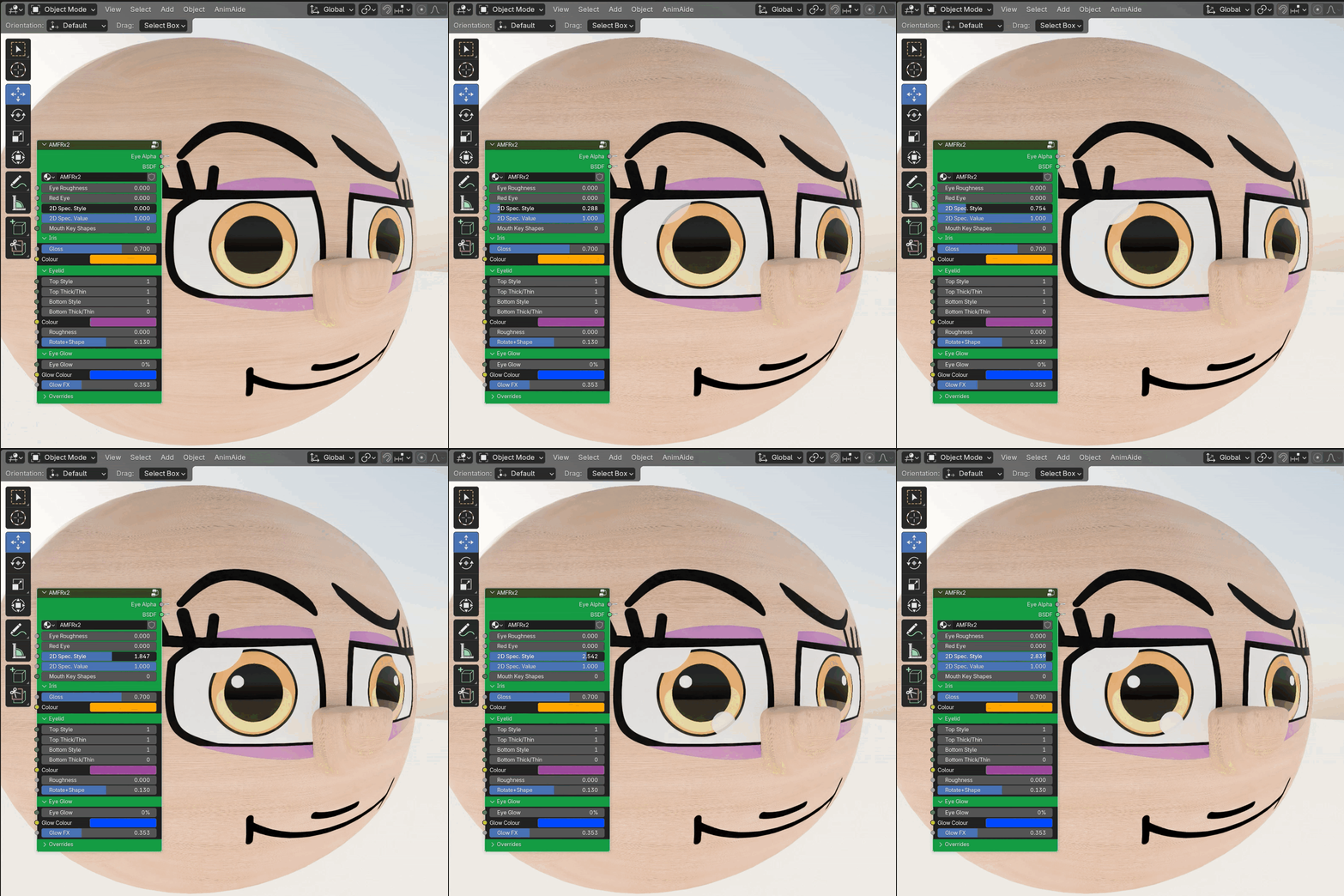
> Independent eye manipulation
Always Remember ...
> ALWAYS RENAME! We have done our best to make sure there are enough reminders and alerts, but there is always a chance you might miss them. Failing to rename your added rigs may result in the braking of any rig with the original designation "AMFRx(#)_Character...". AniMiME aside, it's always a good practice to rename things you've added into your scene.
> The BIND button will replace any existing active material slot of the character you are trying to bind the AniMiME rig to. So it is best to start with your AniMiME rig before you start adding materials to your character's face. (Watch the AniMiME 1.0 overview video if you want to add the rig to an existing character.)
Version Releases
Version 2.6.2 (January 14, 2026)
> *NEW in PRO* Rig selection removed for easier use and most optimized tools
> *NEW in PRO* PDF Documentation available on download page
> *NEW in PRO* Version displayed at the top of N-panel
> *NEW in PRO* include/exclude:
- eyelids
- eyelashes
- eyebrows
- mouth
- cheeks
> *NEW in PRO* animate eye features from the N-panel
> *NEW in PRO* animate cheek toggles from the N-panel
> *NEW in PRO* MORE gallery assets!
> *NEW in PRO* A-symmetrical iris colours
Version 1.x (May 20, 2025):
> *NEW* AMFRx3 Rig
> *NEW* Mouth Animation from manual image sequence input!
> *NEW* Choose to add or omit lips!
> *NEW* Lip colour customization!
> *NEW* Outline colour customization!
> *NEW* Cheeks added! ...with stroke options for Cycles.
> *NEW* Remove eyelids option.
> *NEW* Specularity and Red eye options in the N-panel!
> Bug Fix: Iris colours now include darkening
Version 1.0 (February 25, 2025):
> Major update: Mouth Animation from the N-panel with automatic Keyframing!
> Minor update: Cleaner user interface panel
> Bug Fix: Face edge limitation removed
> Bug Fix: Iris colours now include darkening