 LimenFish


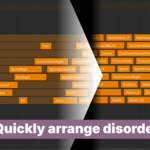
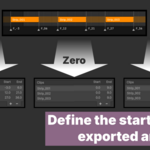
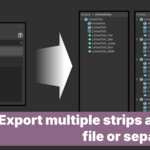

What does AnimLib do?
AnimLib turns Blender’s NLA Editor into a dedicated game animation clip management system, designed for creators who use the NLA Editor as an animation library rather than a blending tool.-
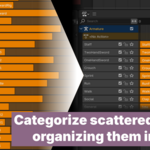
Organize by track:
- Group related strips into the same track for easier preview of consecutive animations
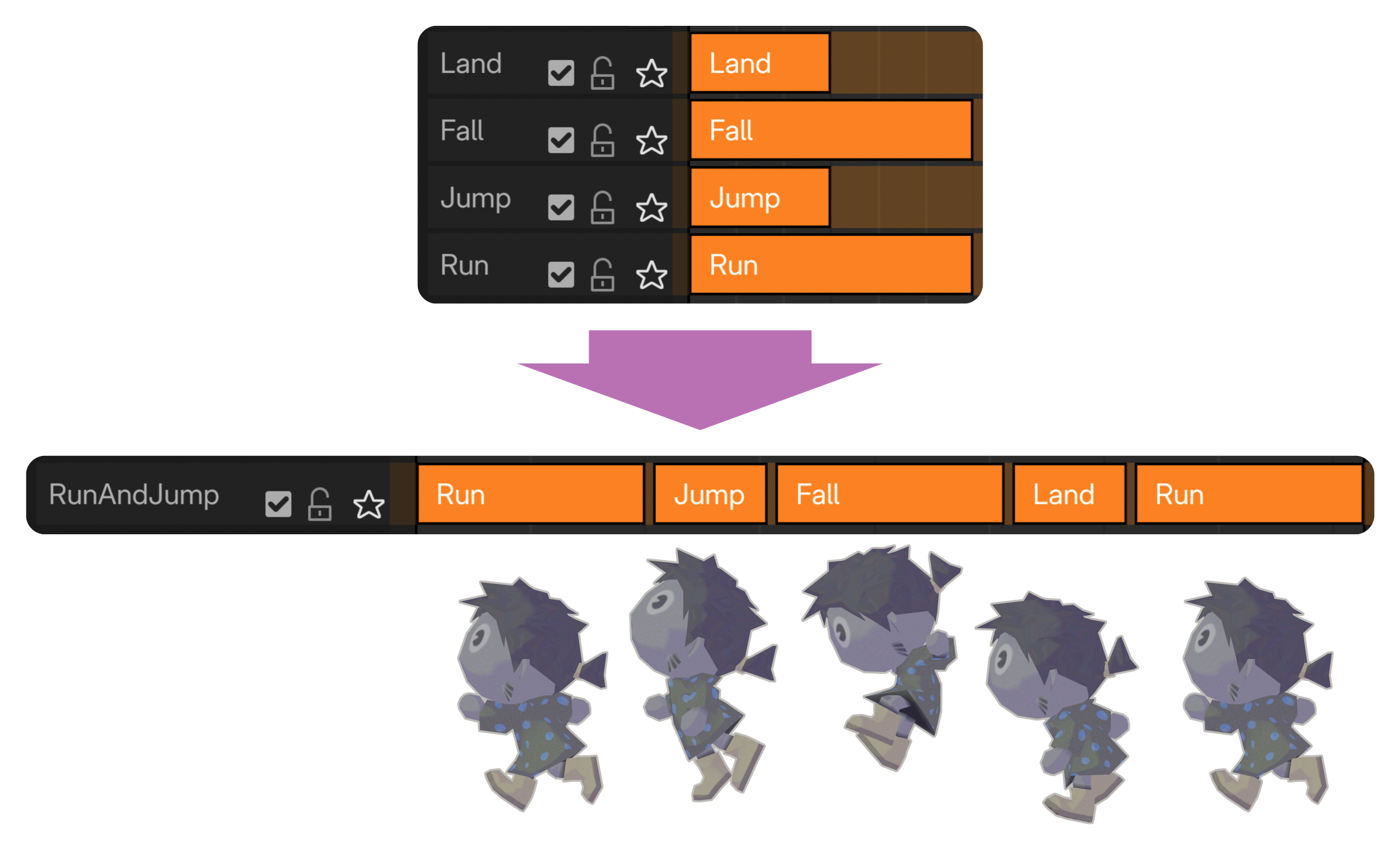
- Provide quick selection and move tools, allowing flexible reordering at any time
- Group related strips into the same track for easier preview of consecutive animations
-
Batch export strips:
- Avoid large files that make version control tools like Git less efficient
- Large animation files increase validation scope and risk, even for small changes
- Export to FBX or glTF 2.0 for Unreal, Godot, and Unity

-
Validation tools:
- Detect empty strips and identify duplicate action usage
- Provide additional tools to help keep large NLA setups clean and organized
Who might need this?
AnimLib is a good fit for workflows that:
- Use Blender’s NLA Editor to store and manage animation clips
- Require an efficient way to organize large numbers of NLA tracks and strips
- Need more flexible control over which strips to export
Features
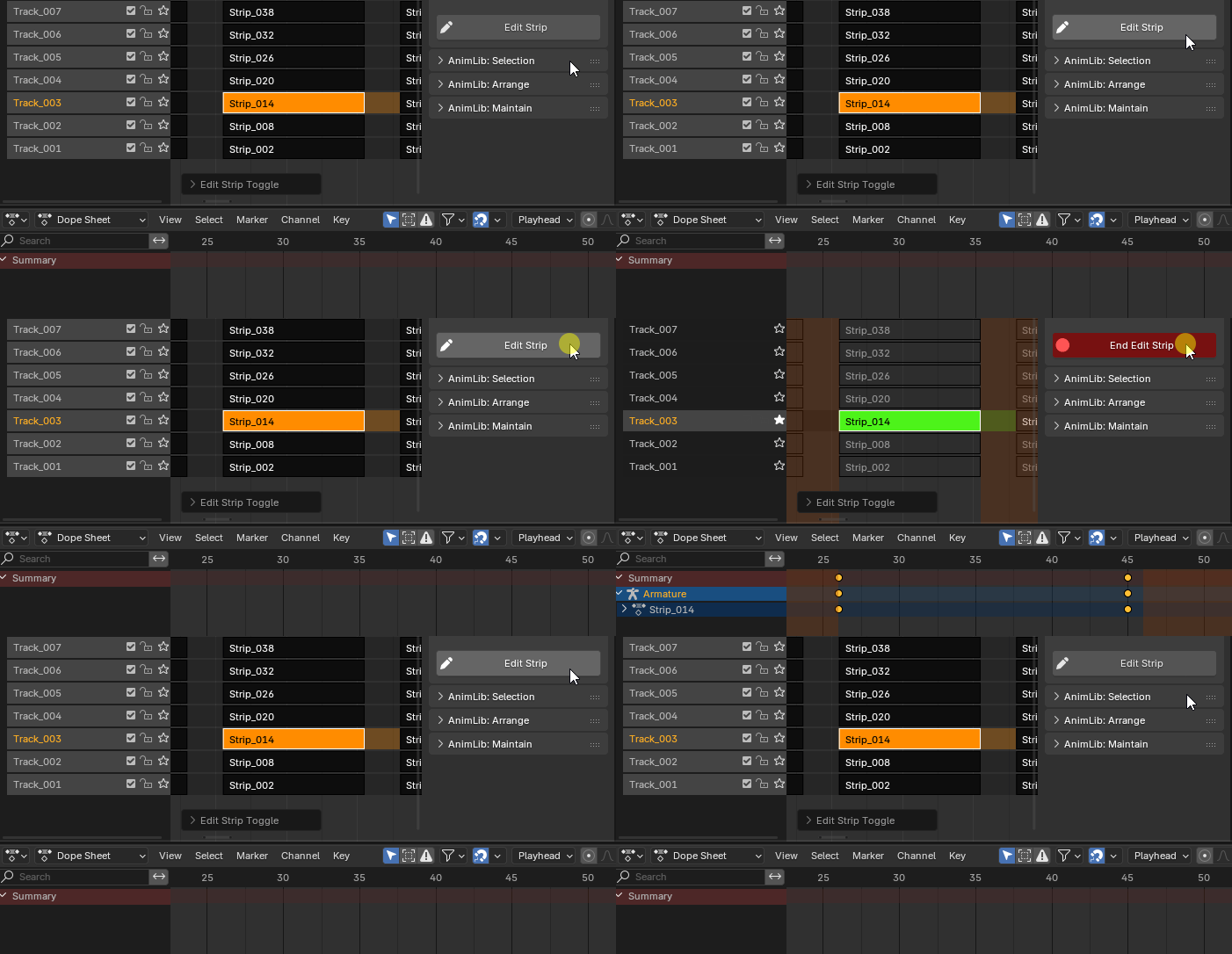
Edit Strip
Enter strip editing mode with a single click.(automatically sets Preview Range, Start Tweaking Strip Actions (Full Stack), and enables Track Solo)
Track Management Tools
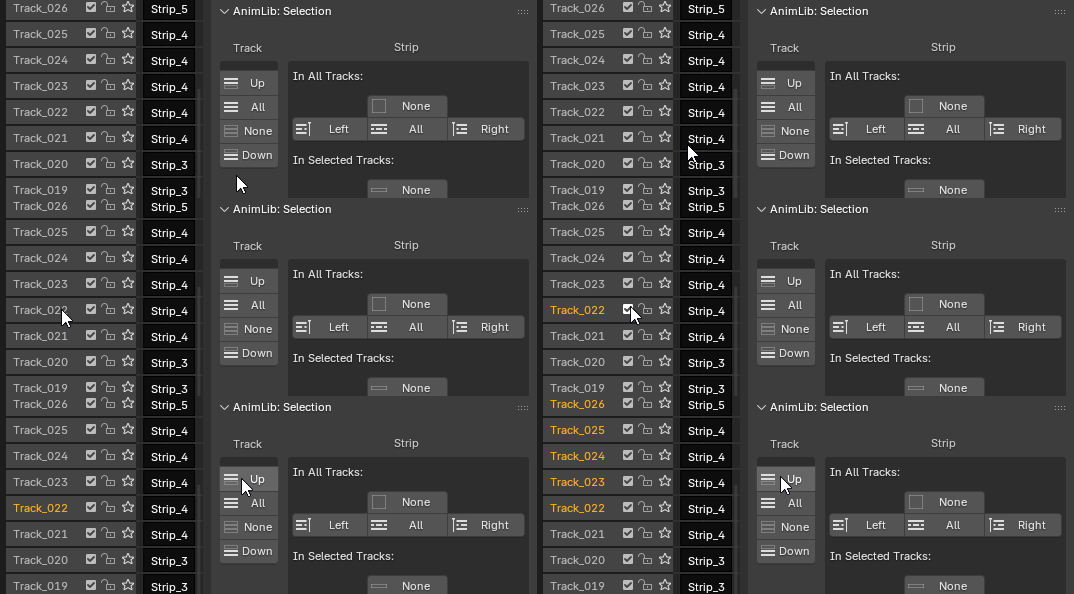
Selection
- Select all tracks above or below the active track.
- Select or deselect all tracks with one click.
Arrangement
- Move selected tracks to the top, bottom, or up and down by one level.
- Remove all empty tracks.
Strip Management Tools
Selection
- Select all strips to the left or right of the current frame across all Tracks.
- Select strips to the left or right of the current frame, and select or deselect all strips within selected tracks.
- Invert strip selection within selected tracks.
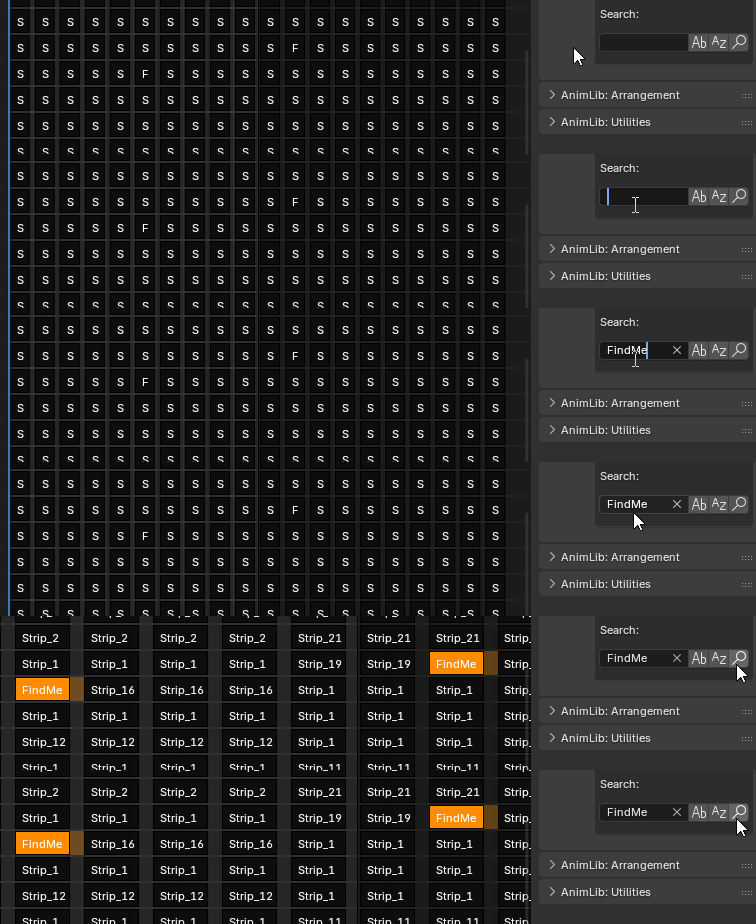
- Quickly locate strips by name (supports partial match, case sensitivity, and whole-word matching)

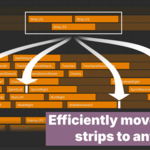
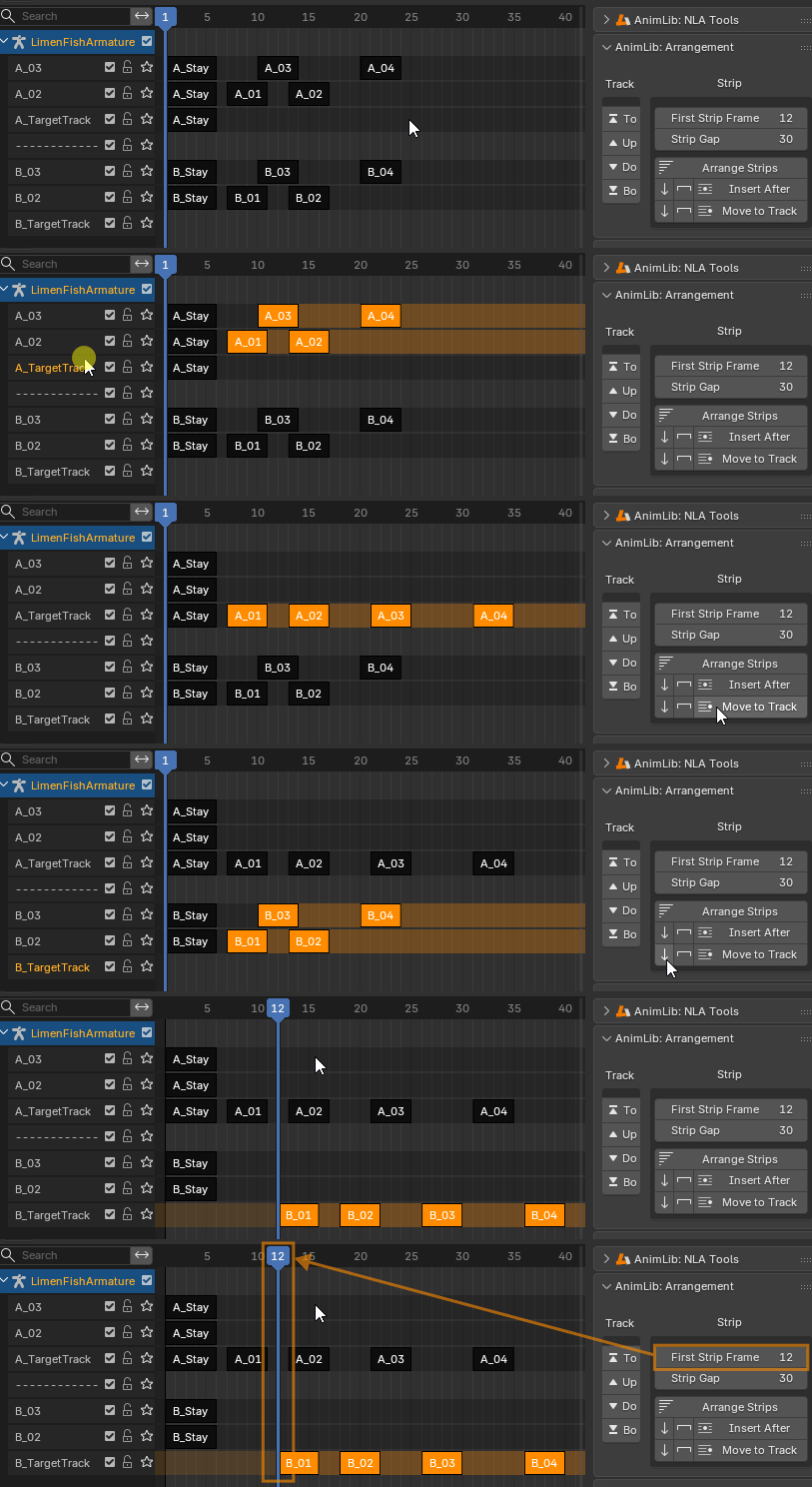
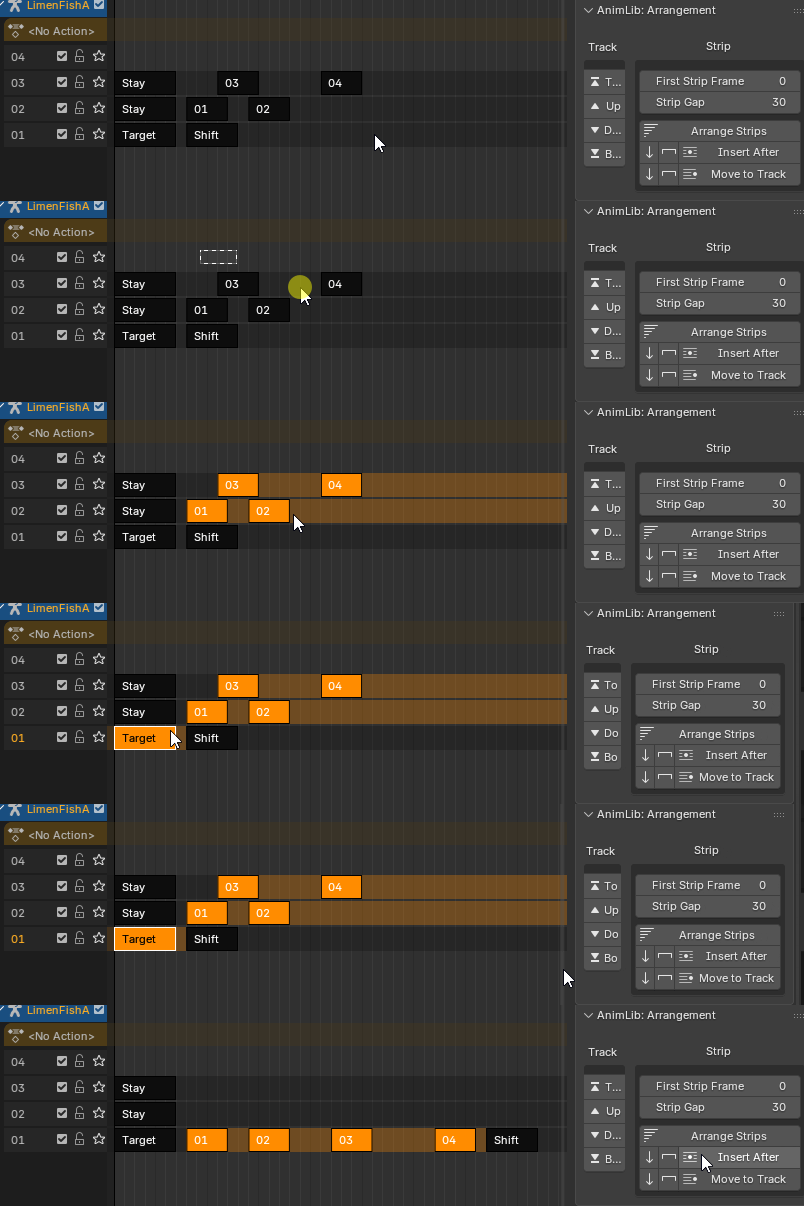
Arrangement
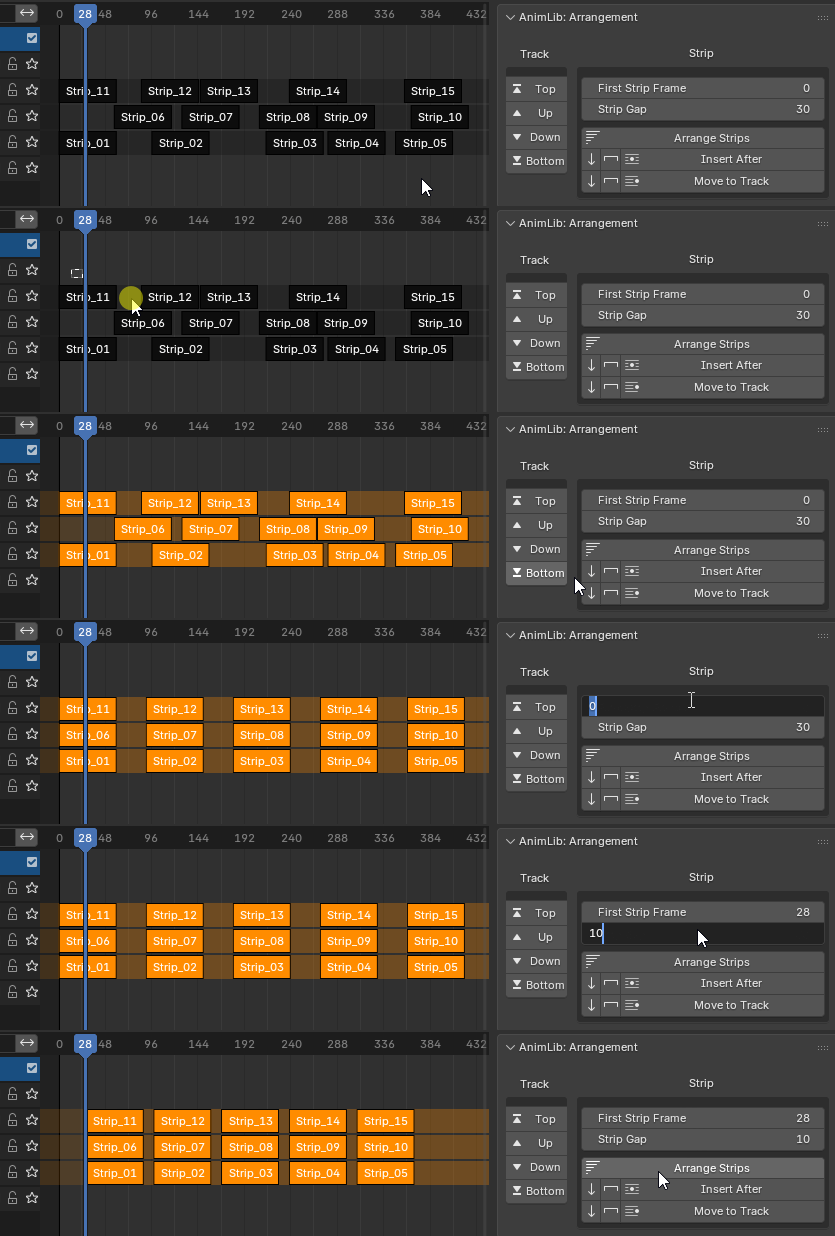
- Arrange selected strips with fixed spacing.
- Insert strips after a target strip.
- Batch move strips to a specified track.
- Optional reverse sorting order.
- Choose between fixed spacing or preserving original distances.
Utilities
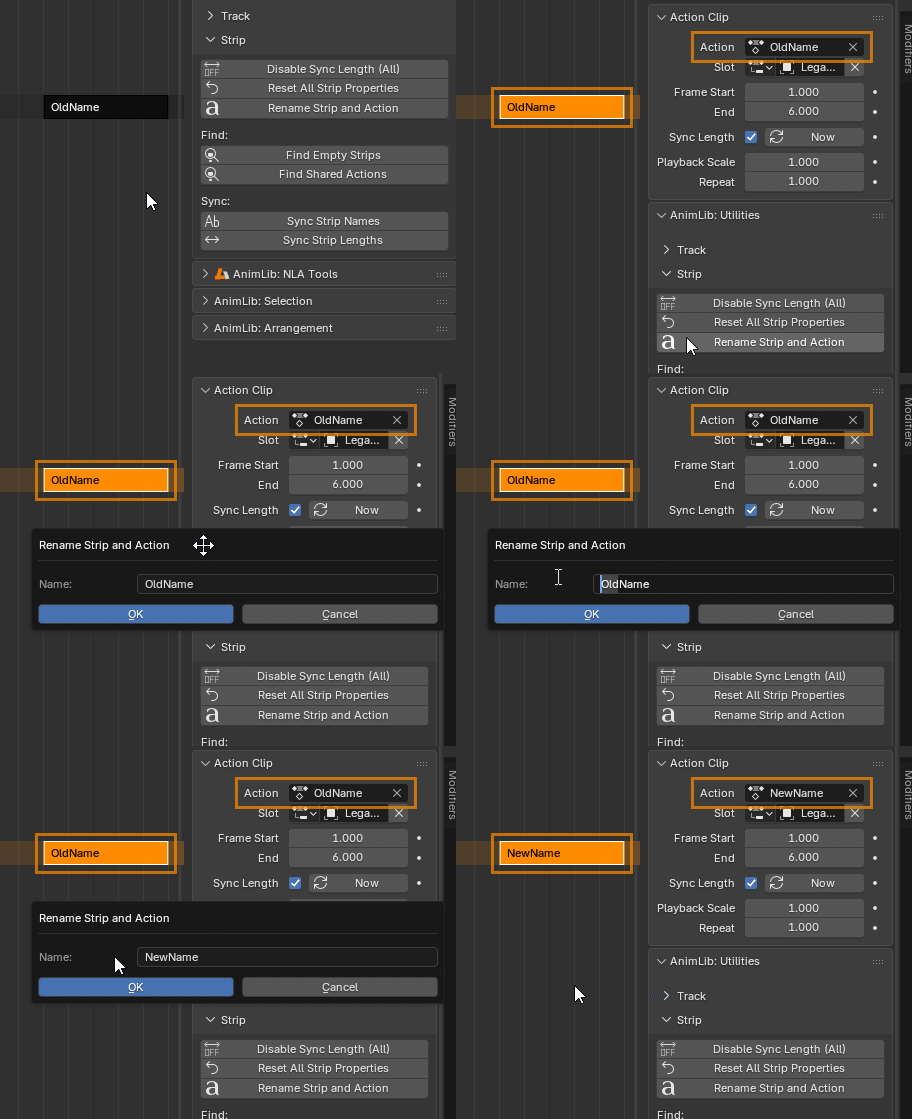
- Rename strips and their corresponding actions simultaneously.
- Sync strip names to match the names of their linked actions.
- Sync strip lengths to match the actual length of their linked actions.
- Disable Sync Length for all Strips.
- Reset all strip properties to default values.
- Find Empty Strips — detect and list strips with empty actions.
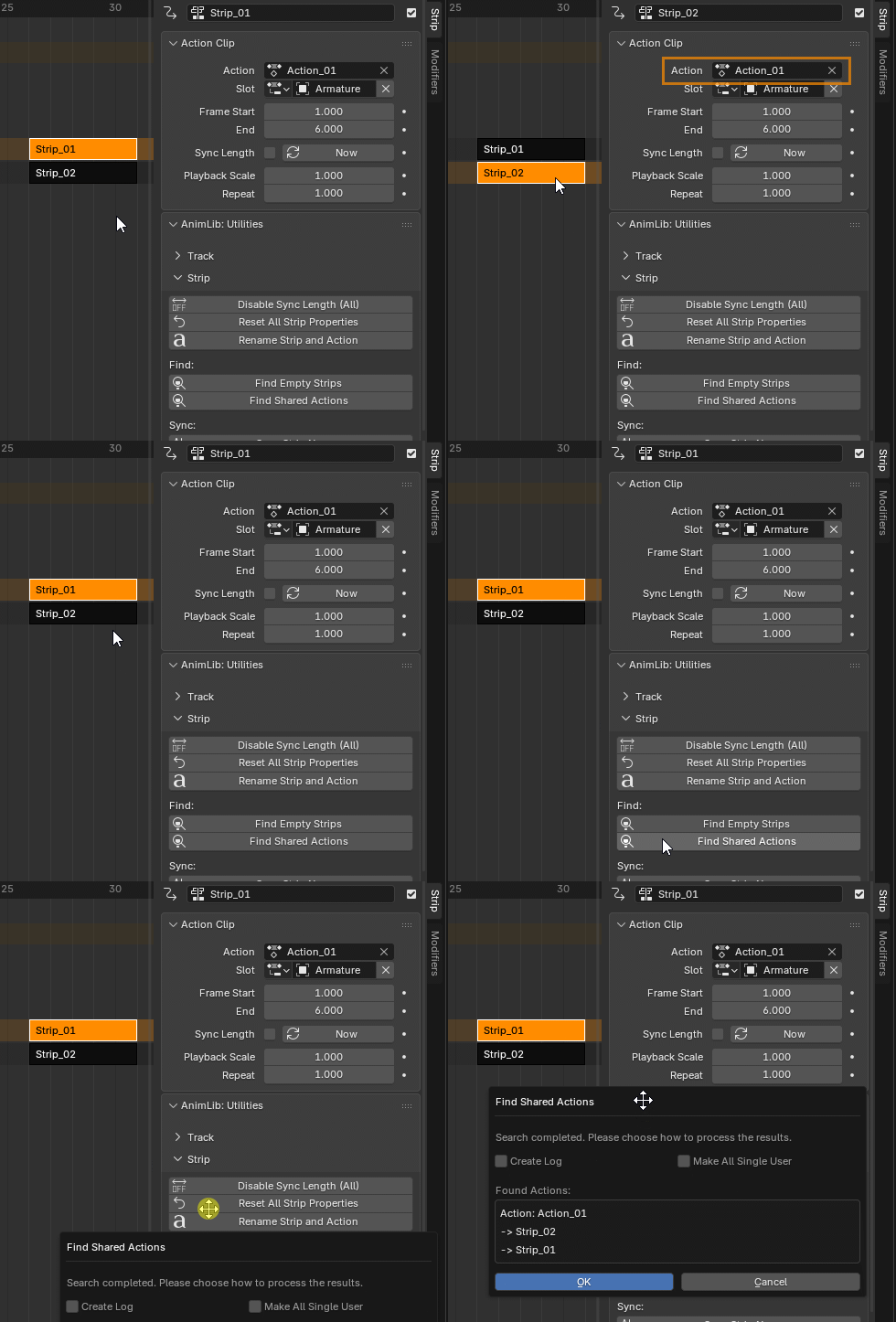
- Find Shared Actions — detect and list actions shared by multiple strips.
- Automatically generate inspection reports in the Text Editor.
- Optionally remove empty strips or duplicate shared actions into independent copies.
Batch Animation Export
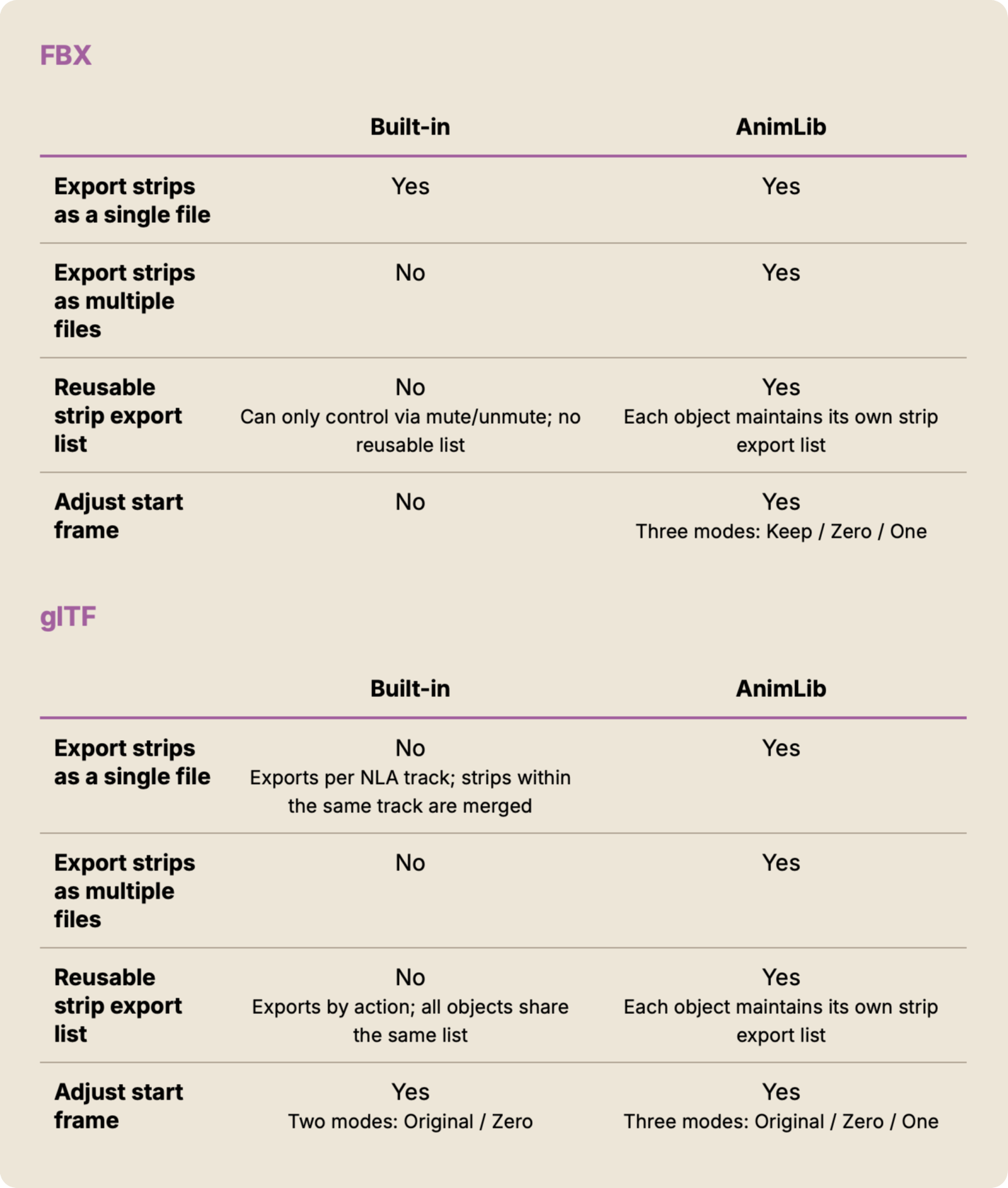
- Supports FBX and glTF 2.0 (.glb) formats.
- Export each strip as an individual file, or merge multiple strips into a single file.
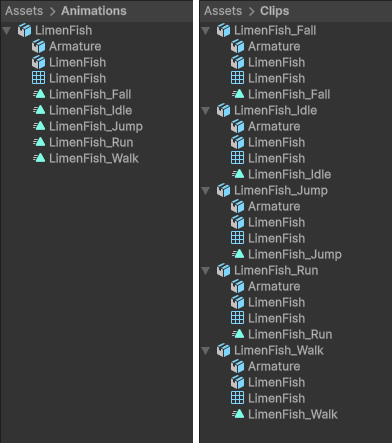
- Select specific strips and export multiple animations in one operation.
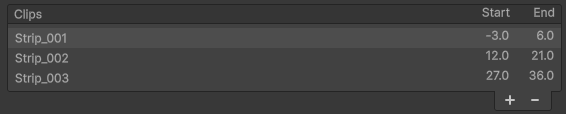
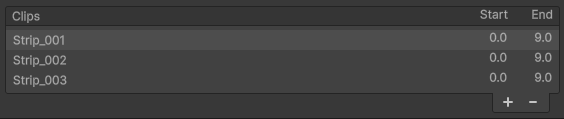
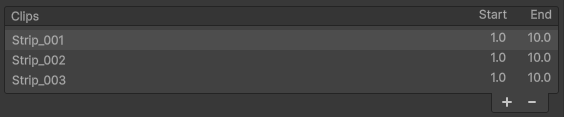
- Flexible start frame options:

-
Keep – preserve original frame positions
-
Zero – start at frame 0
-
One – start at frame 1
-
Keep – preserve original frame positions
- Exported animation names follow the strip names.
NLA Strip Export Comparison
Limitations
Blender’s NLA Editor is originally designed for animation blending and layering.AnimLib intentionally repurposes the NLA Editor as an animation library, which makes it incompatible with blending-based workflows.
As a result, the following NLA features are not supported:
- Extrapolation
- Blending
- Blend In / Out
- Auto Blend In / Out
- Reversed
- Cyclic Strip Time
- Animated Influence
- Animated Strip Time
- Influence
- Strip Time
If animation blending is needed, it is recommended to complete and bake those animations in a separate Blender file, then append or link them into your animation library. You can use Reset All Strip Properties in the NLA Tools panel to restore all strips to their default settings.