Ant Simulation - Emerging Foraging Paths, Dual Pheromone, Autonomous Swarm
 codesignprojects
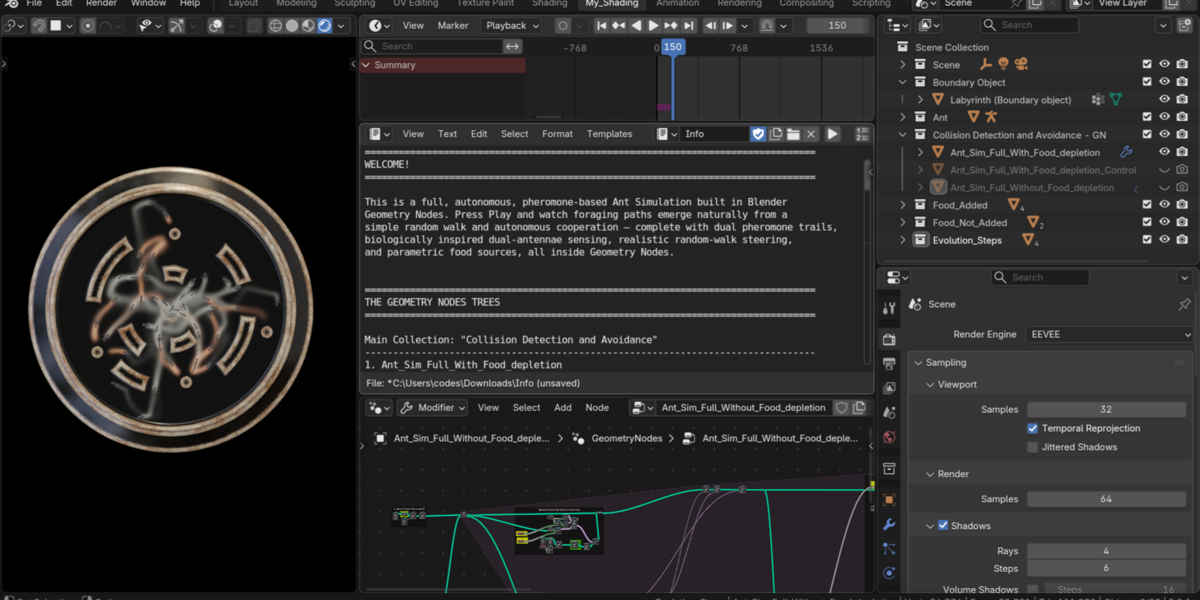
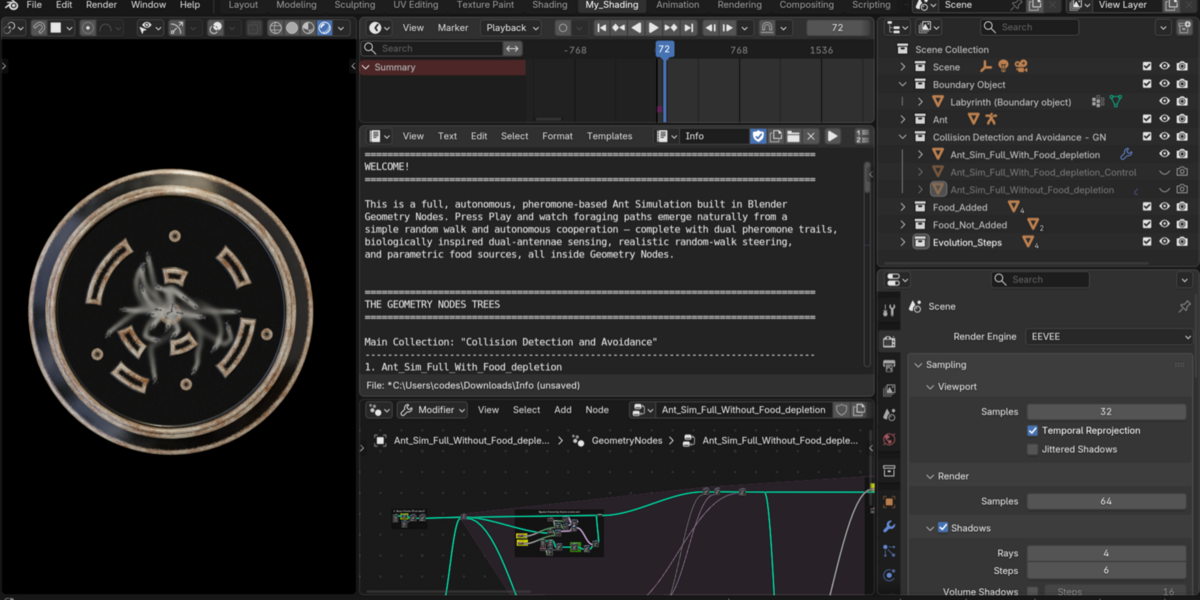
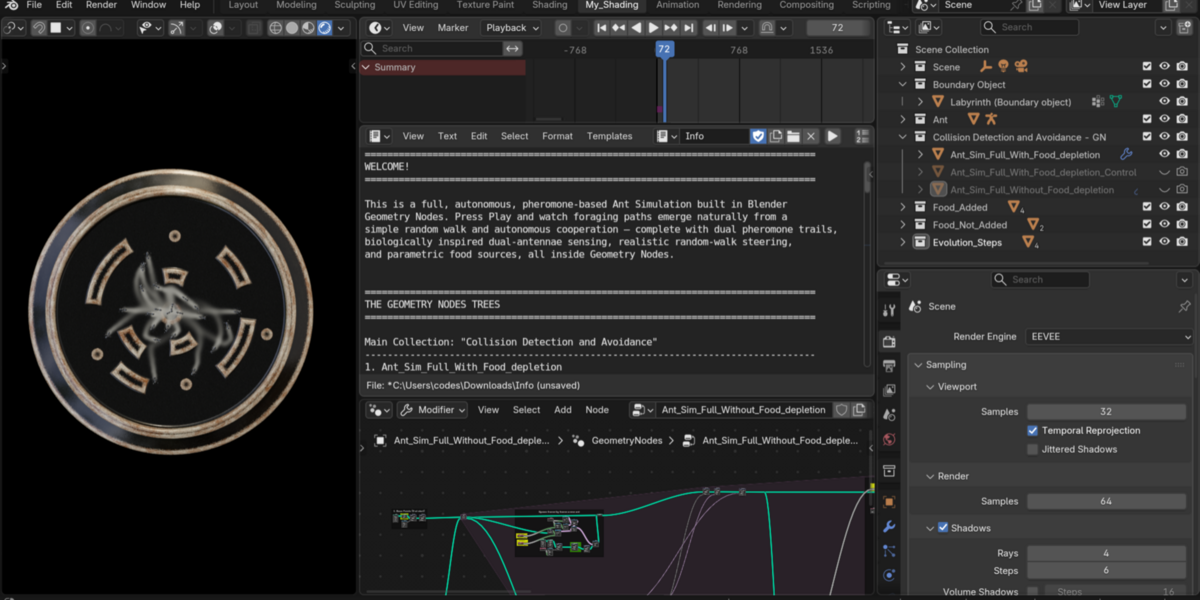
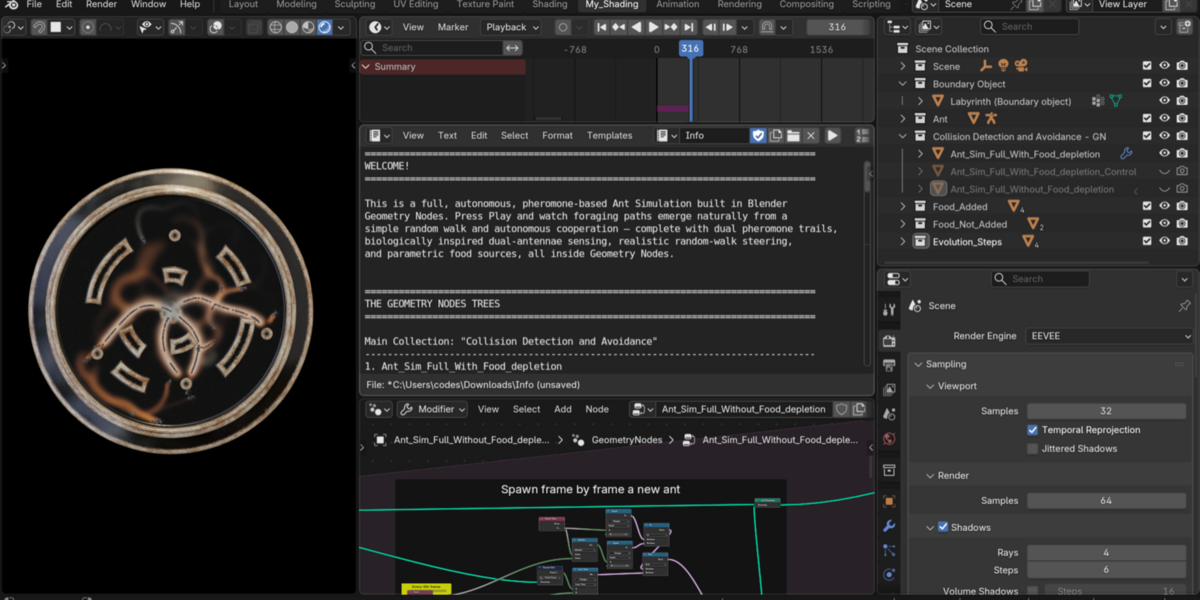
Can I use my own custom 3D model, custom obstacle maze, or custom food locations?
Yes—that's what it's built for!
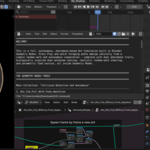
Custom Obstacles: Select your own wall or labyrinth mesh in the THE COLLISION OBJECT (Object Info) node (just make sure the walls intersect the Z = 0 movement plane).
Custom Ant / Agent Model: Pick your own mesh or collection in THE ANT OBJECT (Object Info) node and adjust Ant Scale in the Modifier tab (or in the yellow frame).
Custom Food Sources: Simply move, duplicate, or add your food meshes into the Food_Added collection—the simulation picks them up automatically! (Or move them out into Food_Not_Added to temporarily disable them.)
Which object should I use if I just want to tweak settings quickly without digging through the node tree?
Use Ant_Sim_Full_With_Food_depletion_Control inside the Collision Detection and Avoidance collection. It has all 24 simulation parameters exposed directly in the Modifier Properties tab under clean, collapsible categories. Once you want to learn how the math works inside, inspect Ant_Sim_Full_With_Food_depletion (where every control lives in a labeled Yellow frame right inside its relevant section) or Ant_Sim_Full_Without_Food_depletion for an even cleaner look at the core tree.
Why do nothing happen / why do no ants appear when I first open the blend file?
The colony runs inside a Geometry Nodes Simulation Zone, which starts with 0 ants on Frame 1 and evaluates dynamically frame-by-frame. Set your timeline to Frame 1 and press Spacebar to play the animation forward and watch the swarm spawn and explore! (Note: Always return to Frame 1 before re-running after changing settings so the Simulation Zone cache resets cleanly.)
Why aren't my ants forming clean trails, or why do trails vanish too quickly before reaching food?
Pheromone balance depends on arena size vs. evaporation rate:
If trails fade before ants finish a round trip, slightly increase Evaporation Factor (e.g., from 0.985 closer to 0.992–0.996) or lower Potency Decay Rate (default 0.004).
If ants wander off strong trails too easily, lower Dampener Min Wander Factor (default 0.1) or adjust Dampener Scent Min Threshold (default 0.2).
If ants are missing thin trails, slightly increase Pheromone Brush Radius (default 1.0) or bump up Pheromone Grid Resolution (default 200).
What happens when food runs out in the scene, and how can I disable food depletion?
Each food object starts with Initial Food HP (default 100.0) and loses Food Depletion Per Bite (default 1.0) every time an ant collects food from it. Once a food source hits 0 HP, it disappears and ants naturally disperse or redirect to remaining food in Food_Added. If you want infinite, non-depleting food sources, simply switch to the Ant_Sim_Full_Without_Food_depletion object/tree!
How can I boost viewport playback performance?
The two biggest performance levers are Pheromone Grid Resolution (default 200, which generates a 40,000-vertex grid—dropping to 120–150 speeds playback up dramatically for drafts) and Population Cap (default 200). Once you've dialed in your look on Ant_Sim_Full_With_Food_depletion_Control, you can also bake the Simulation Zone directly in the Physics / Modifier Bake panel for smooth real-time scrubbing.
Have questions about this product?
Login to message
| Published | about 2 hours ago |
| Blender Version | 4.1 - 5.3 |
| Render Engine Used | Cycles, Eevee |
| License | Creative Commons |
Discover more products like this
emergent simulation swarm crowd simulation foraging geometry nodes collision avoidance ant simulation Pathfinding Pheromone boids autonomous